Add Person to Photo
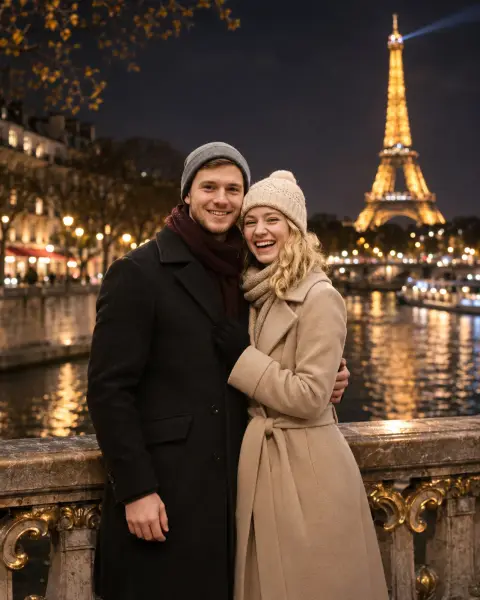
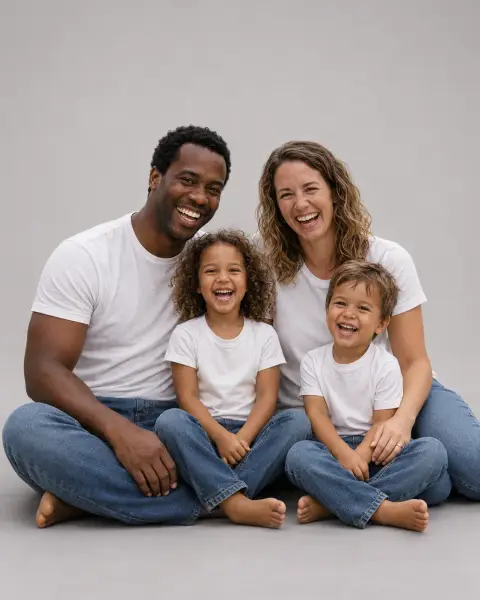
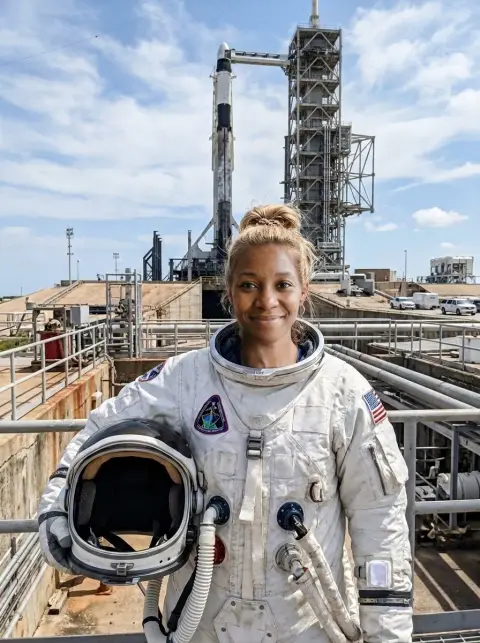
Put anyone into your picture.
Your photo
Person
or paste with ⌘V · JPG · PNG · WebP · up to 8 MB
More like this.
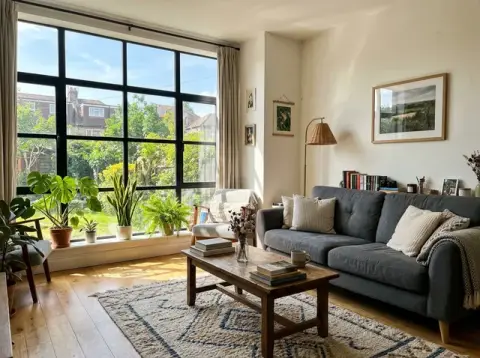
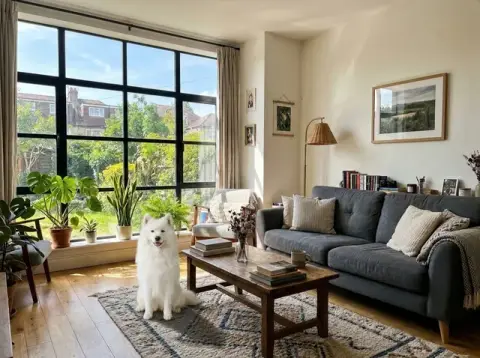
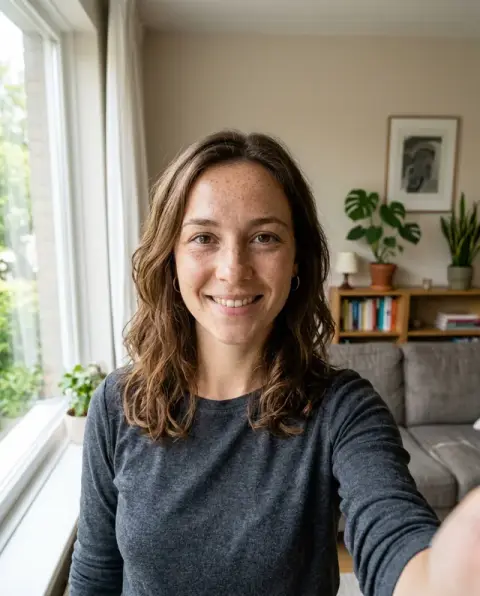
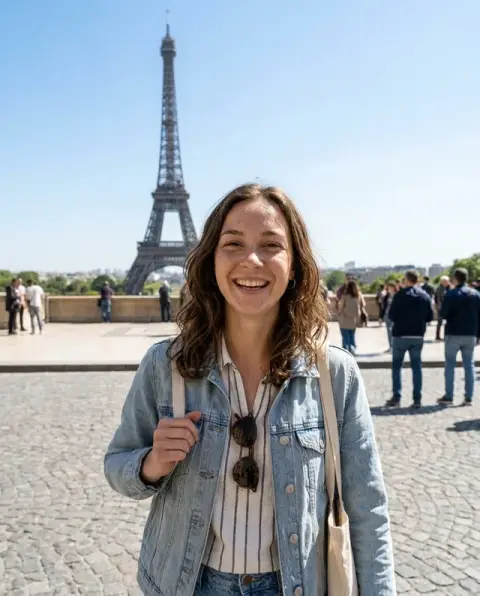
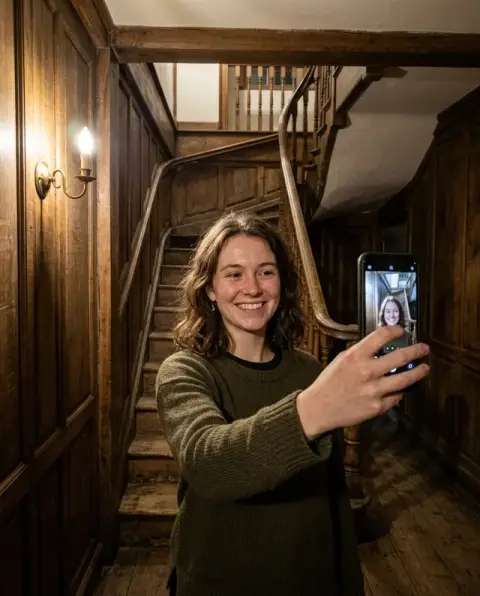
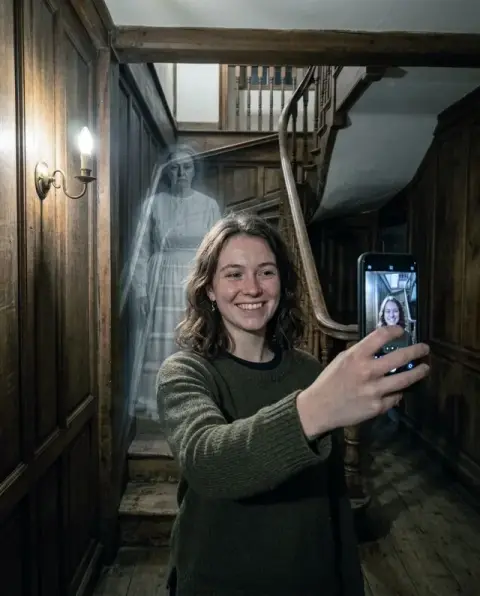
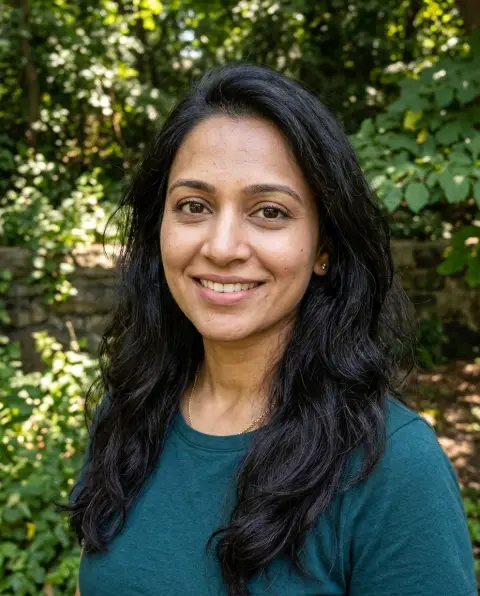
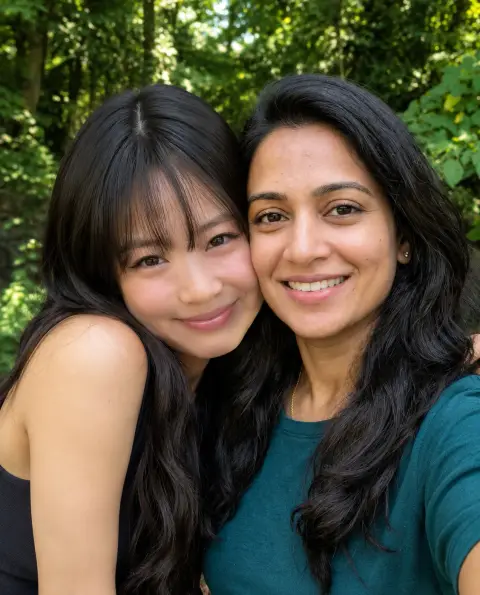
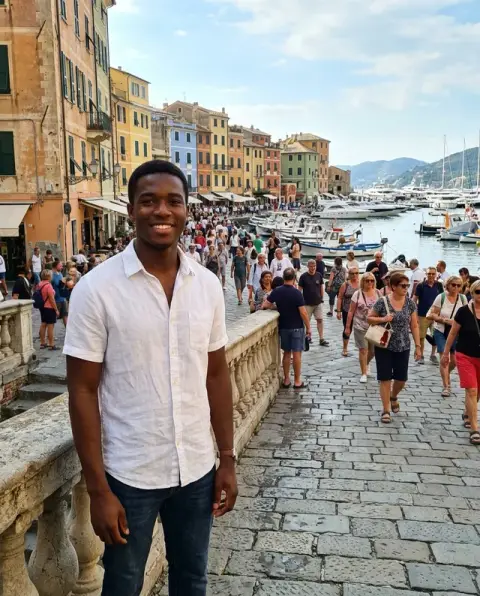
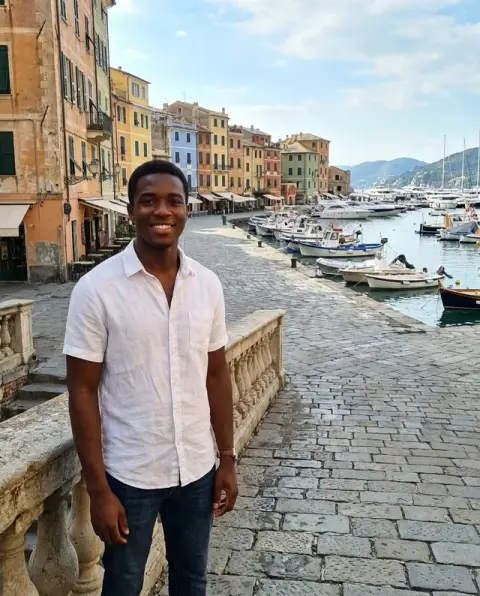


Add Person to Photo examples.
Real results from this page's default settings in one click, not retouched.How examples are made
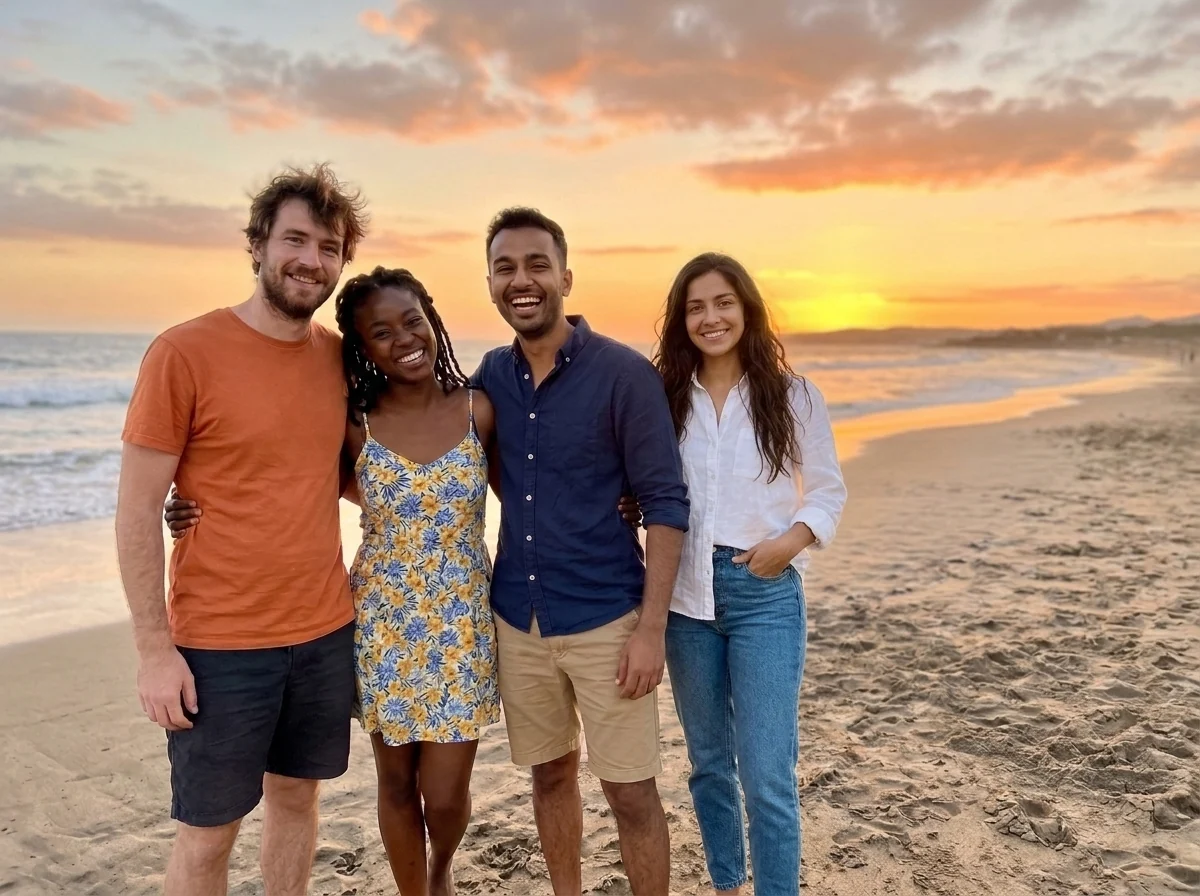
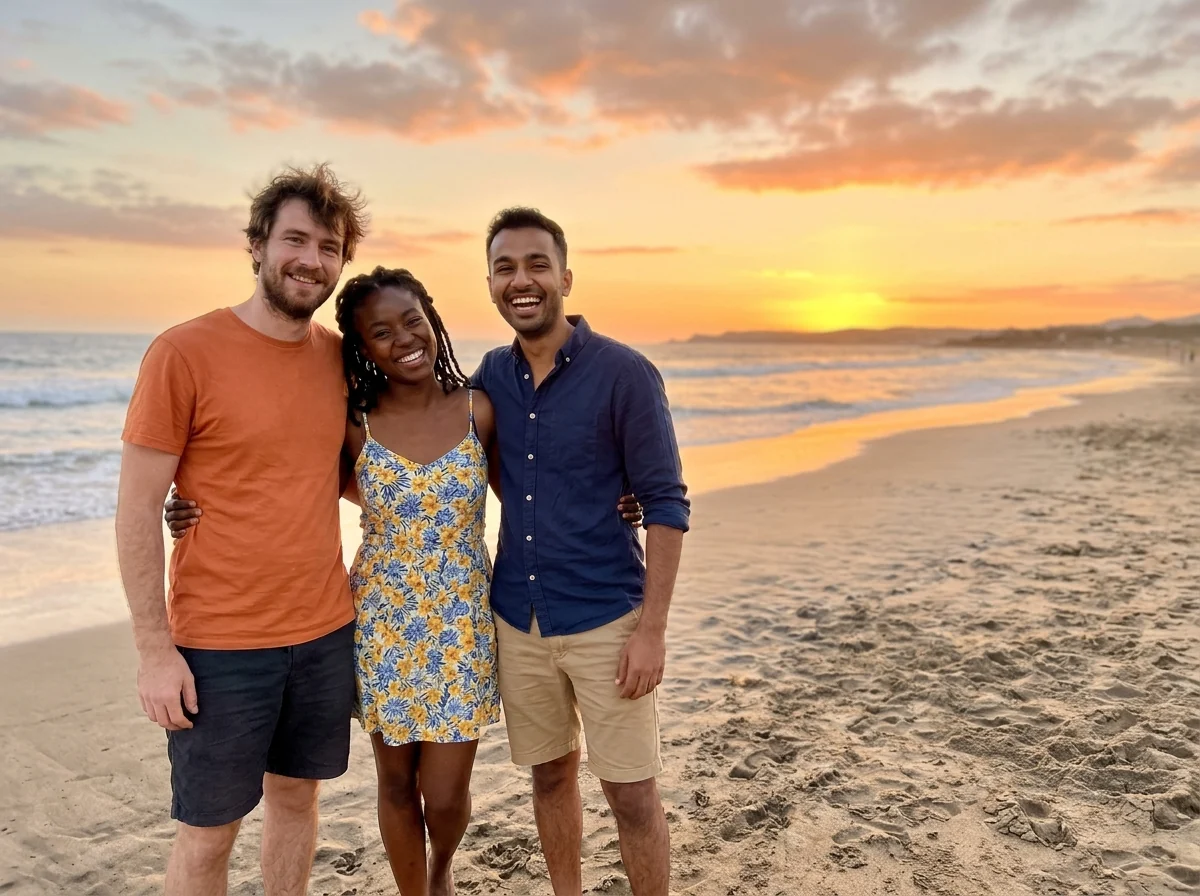
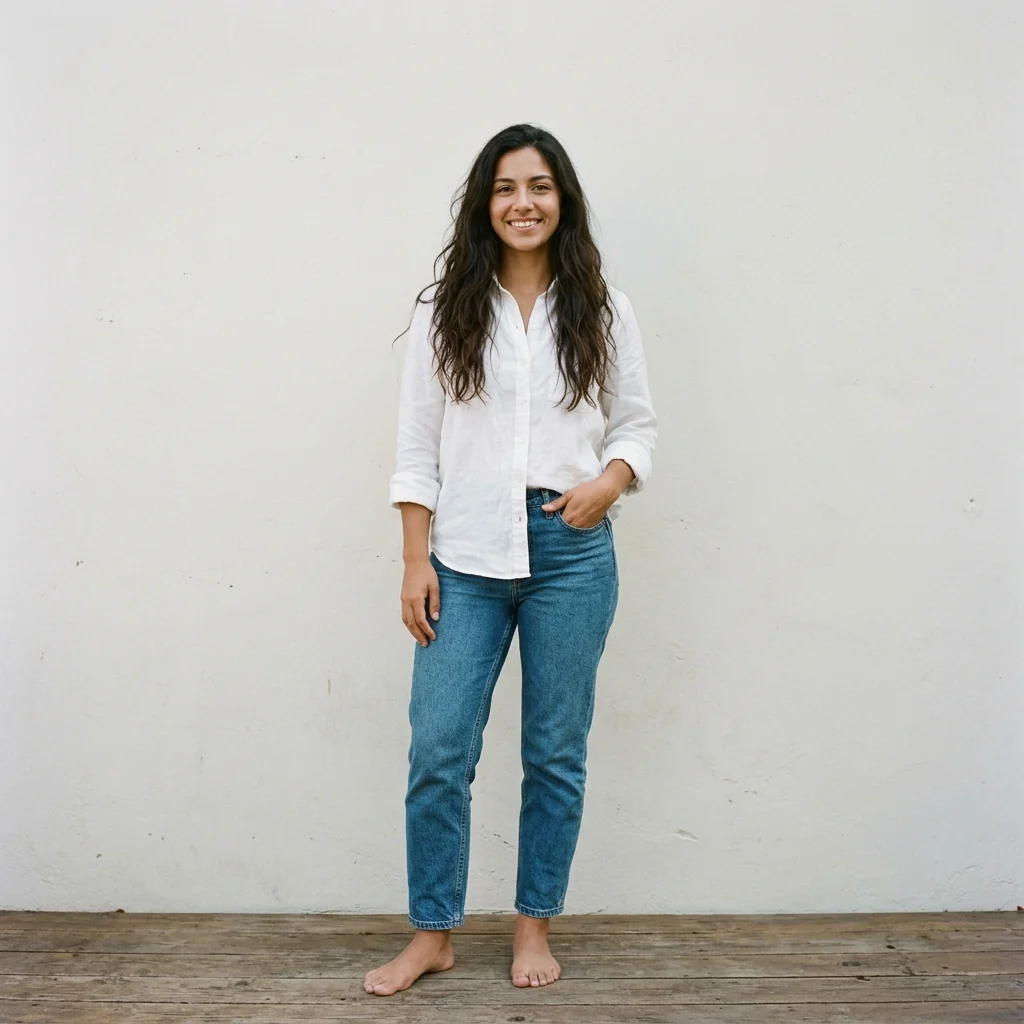
The woman standing with the three friends at sunset
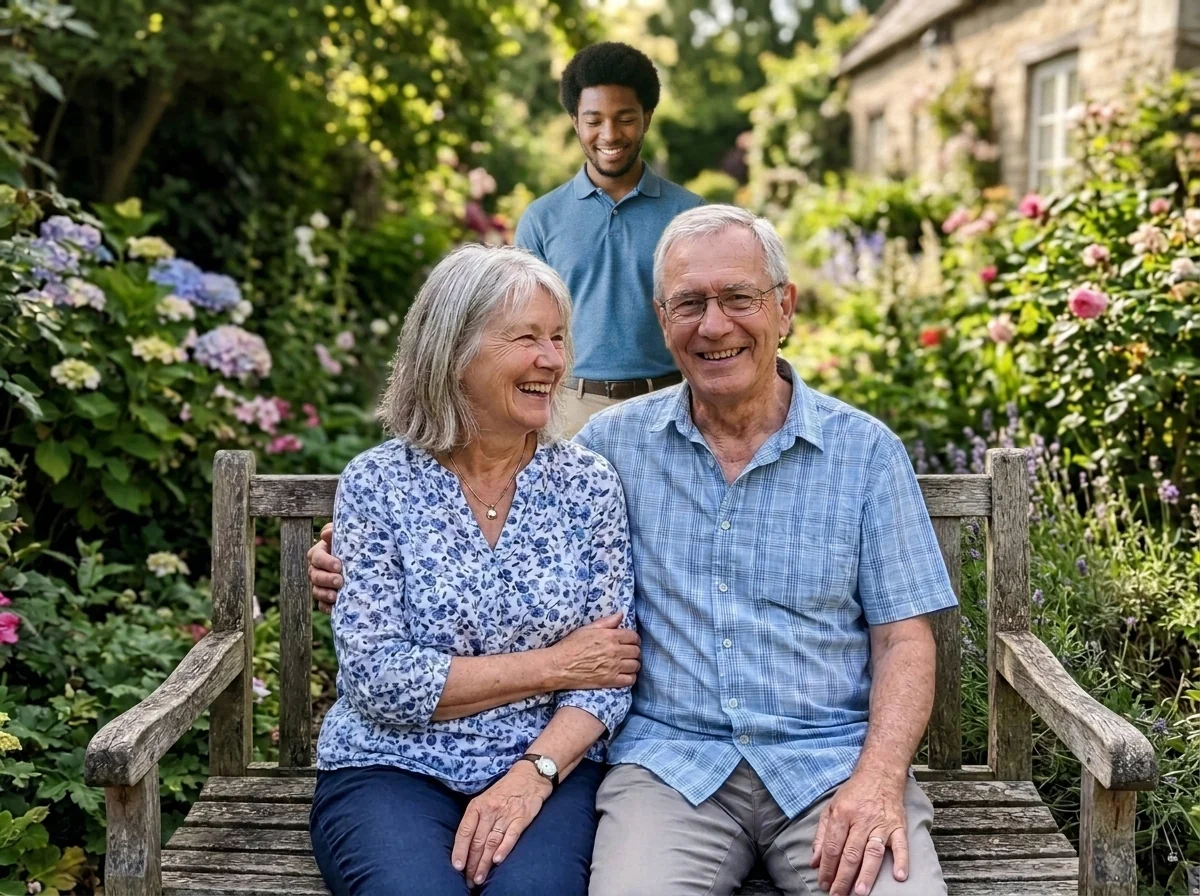
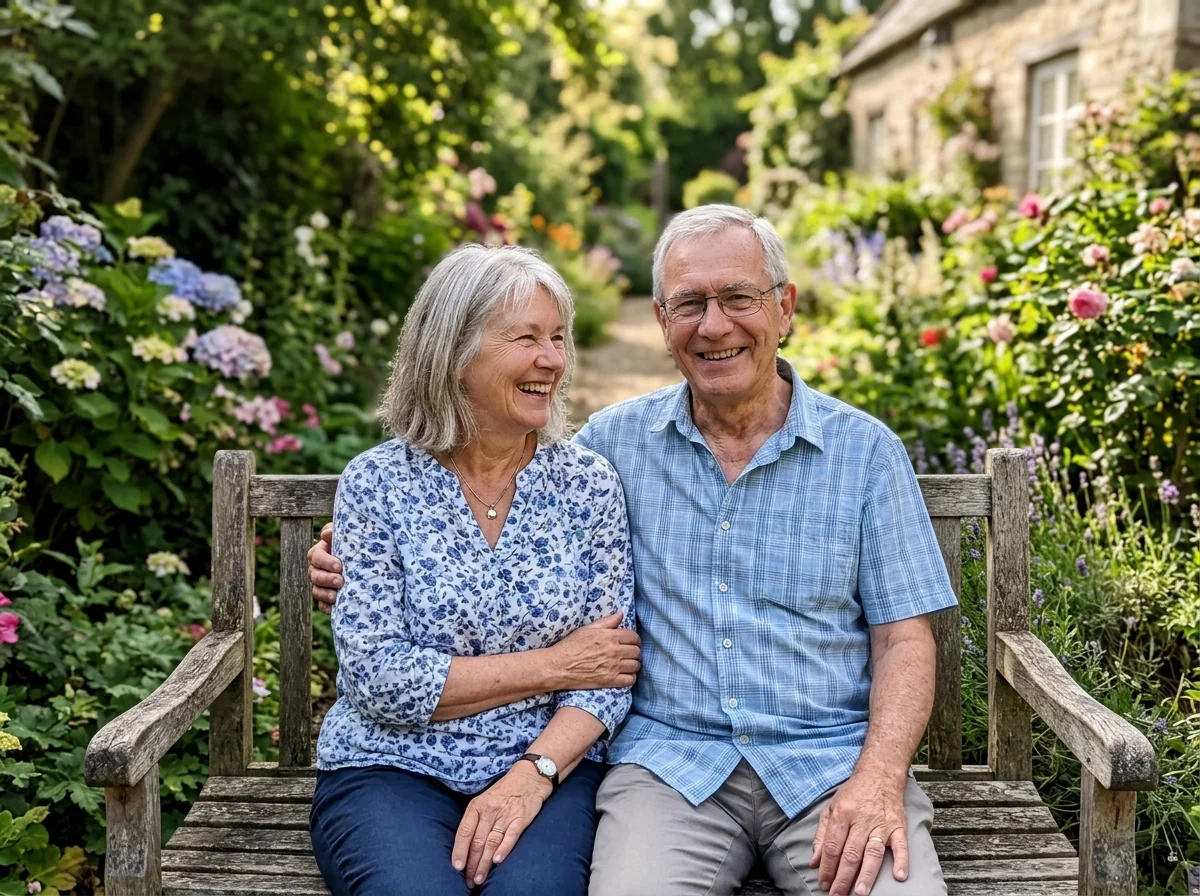
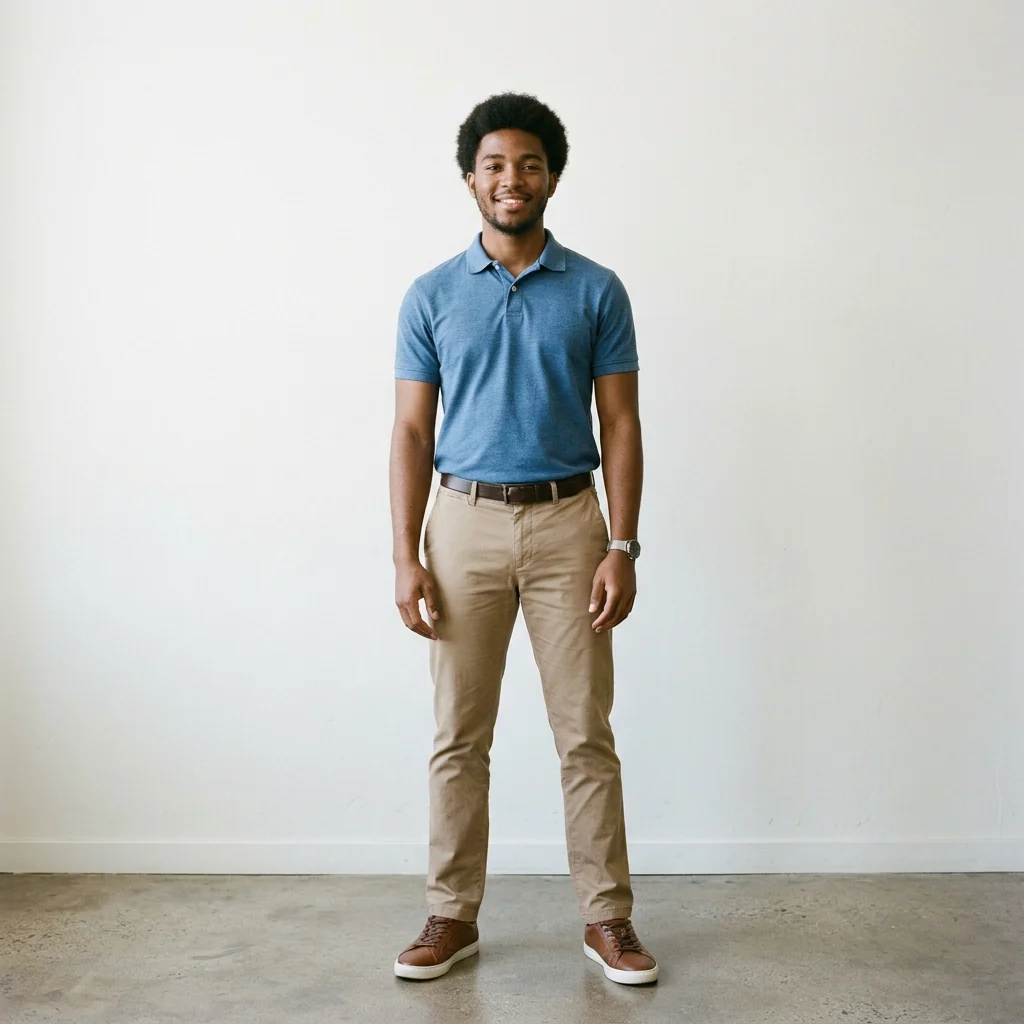
“standing behind the bench”
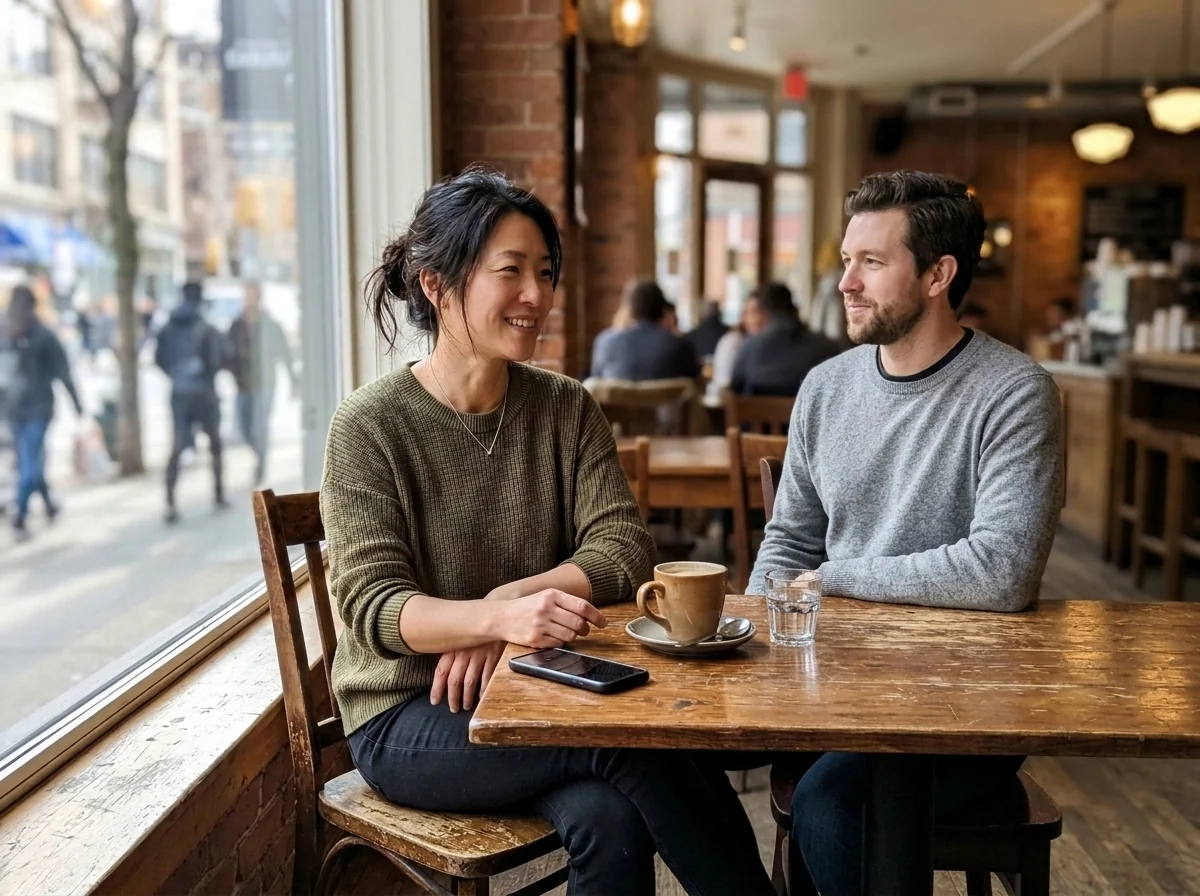
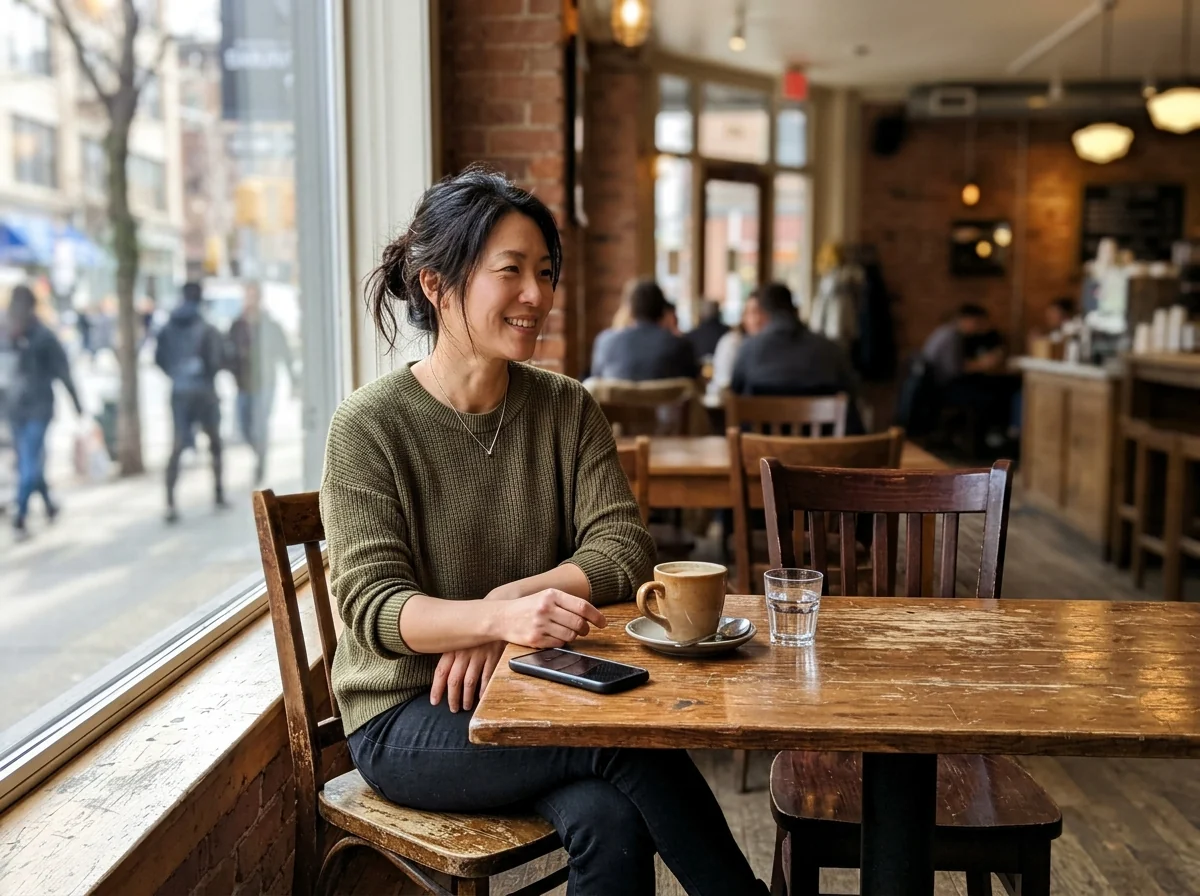
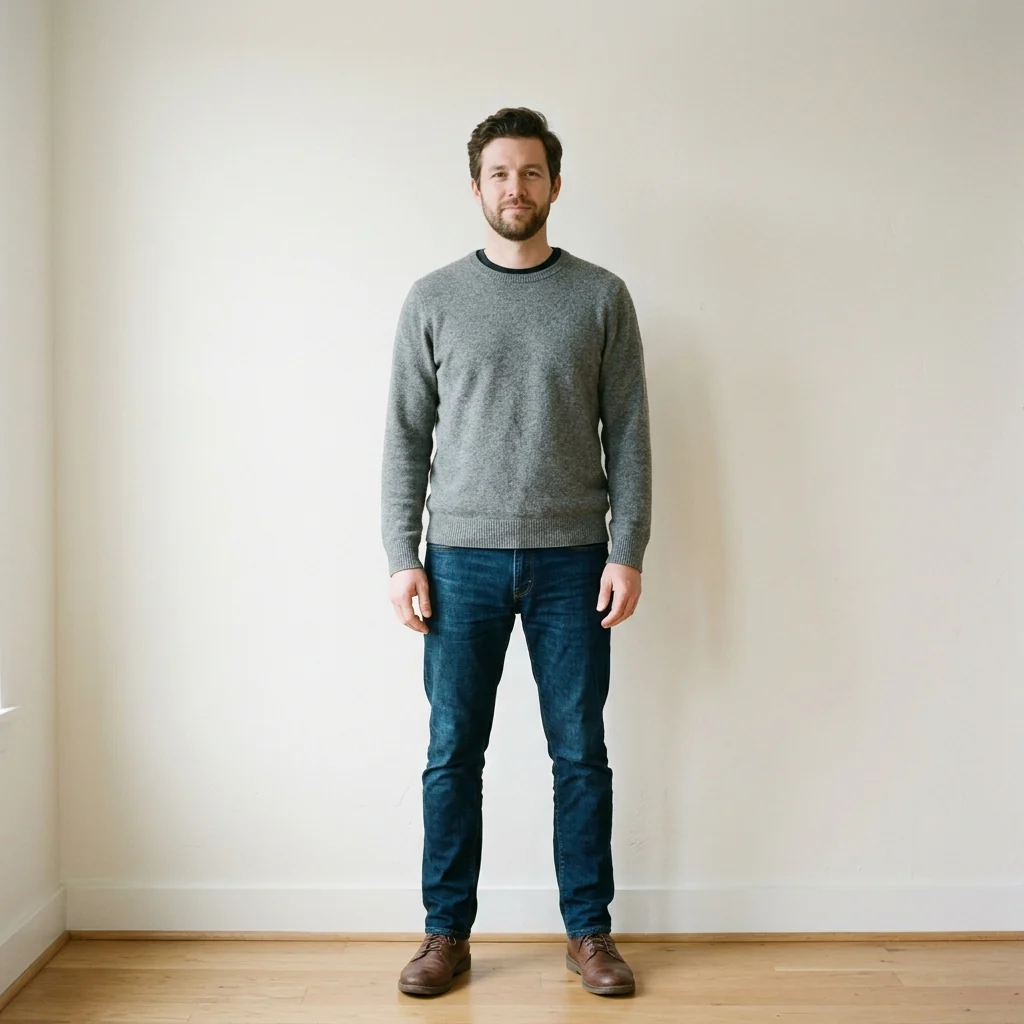
“sitting in the empty chair”
Add Person to Photo features.
Matched light and scale
The new person fits the photo's light and size.
Everyone else stays
Existing people and background don't change.
Choose the spot
Say where they stand or sit.
Add Person to Photo, step by step.
01
Add your photo
The picture you want to add someone to.
02
Add the person
A clear photo of them, ideally full length.
03
Download
One photo with everyone in it.
Add Person to Photo use cases.
- Someone missed the photo
- Add the friend who was holding the camera.
- Family pictures
- Bring everyone together in one shot.
Add Person to Photo: best photos and fixes.
Two photos with the same light
The person blends in best when both shots were taken in similar conditions: daylight with daylight, indoor lamps with indoor lamps. A sunny outdoor portrait dropped into a dim restaurant scene will be relit, but skin tones and shadows can still look slightly off. If you have several photos of the person, pick the one whose light comes from the same side as in the main photo.
A full or half-body shot of the person
A cropped face gives the model too little to work with: it has to invent shoulders, clothes and posture, and those parts may not look like the real person. Upload a photo that shows the person from at least the waist up, ideally standing or sitting the way they would in the group. Plain backgrounds behind them make it easier to separate the person cleanly.
When the person lands in the wrong place
Without instructions the person is placed where there is open space, usually at one end of a group. To control it, write the spot in plain words: "standing between the two women on the left" or "sitting on the bench next to the dog". Mention height too if it matters, for example "slightly shorter than the man in the blue shirt", so the scale reads right.
If the result looks pasted on
A cut-out look usually comes from a mismatch in sharpness or angle. Use the sharpest copy of each photo you have, not a screenshot from a chat app, and avoid pairing a straight-on selfie with a group shot taken from above. Busy group photos with people overlapping are hardest; a scene with a clear gap where someone could stand gives the cleanest result.
Children, pets and seated groups
Adding a child into a family shot works best when you mention their age or height, for example "a six-year-old standing in front of her parents", so the model does not size them like an adult. Pets can be added too: name where they sit or stand. For seated groups at a table, ask for the person to be seated as well, or they may be placed standing behind the chairs.
Old photos and different eras
Adding a relative who has passed away into a recent family picture is a common wish. Use the clearest photo you have of them, even if it is old, and say how they should appear: "in color, matching the rest of the photo" or "in the same clothes as in their photo". Black-and-white or sepia portraits can be colorized first with the colorize tool, so the person's skin and clothes blend with a modern color photo.
Add Person to Photo FAQ.
Can I say where the person goes?
Yes. Write it in the instructions, for example "on the left" or "sitting in the empty chair".
Can I add more than one person?
One person per run. Run it again on the result to add another.
Can I add someone without their consent?
Only add people who agree to it. See our Terms for what you can upload.
Is the Add person to photo free?
Yes, you can try it free. New accounts get 25 free credits, and one generation here uses 9 credits. You sign in with your email; no card needed. Results have no watermark. After that, credit packs never expire, and your first one is half price.