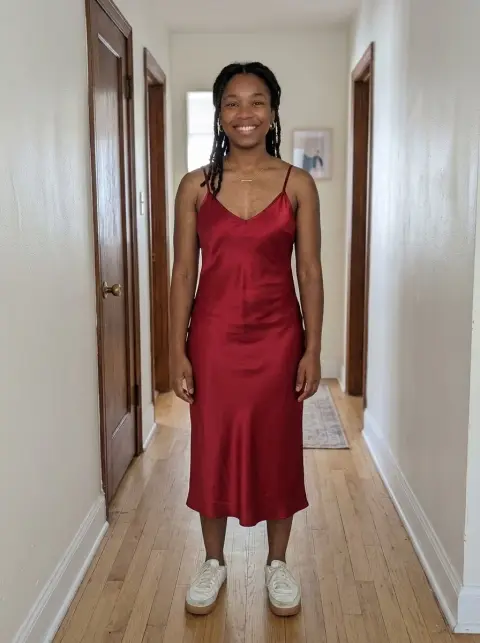
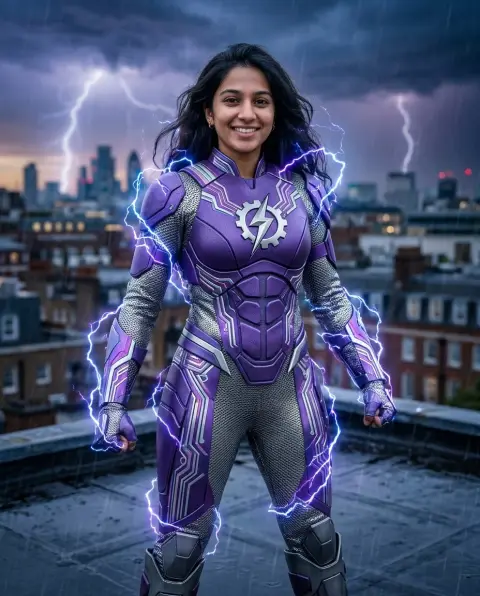
AI Face Swap
Put a face into any photo, matched to the light and angle.
Photo
Face
or paste with ⌘V · JPG · PNG · WebP · up to 8 MB
More like this.

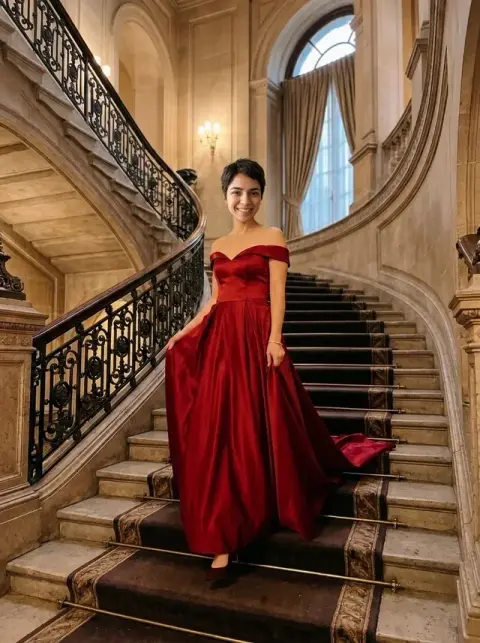
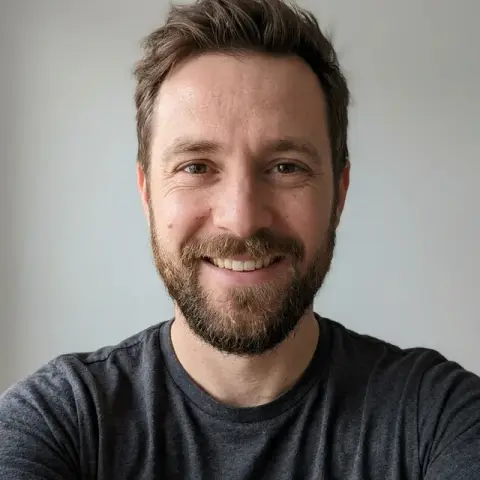

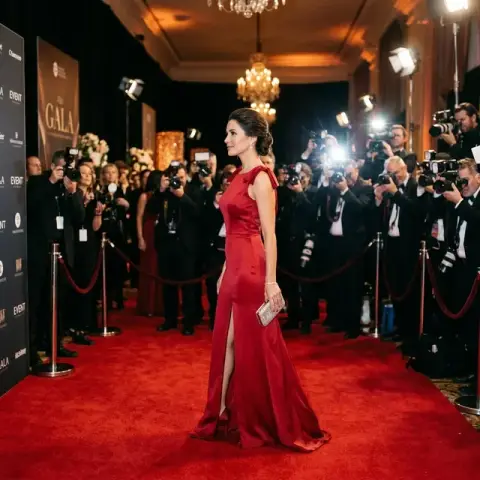
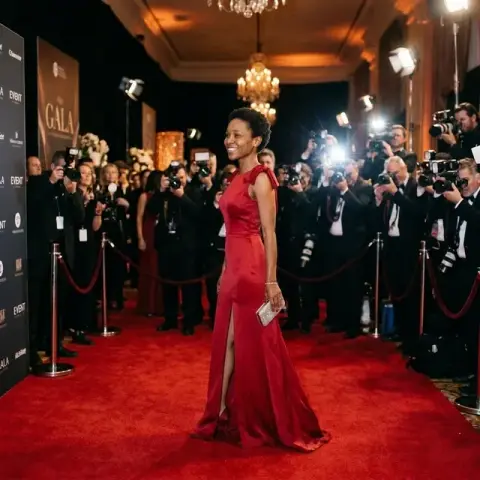
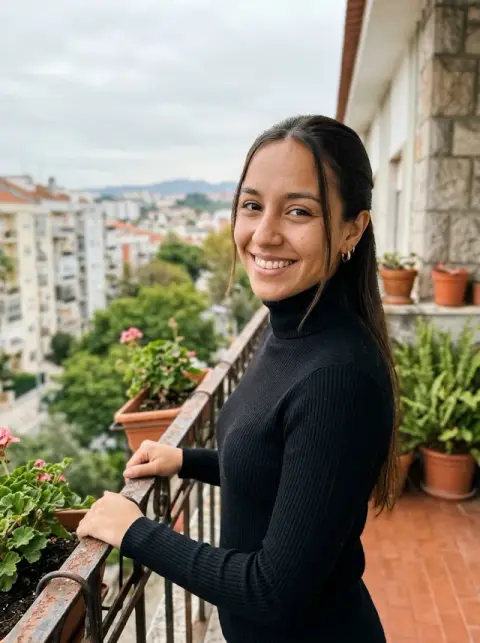


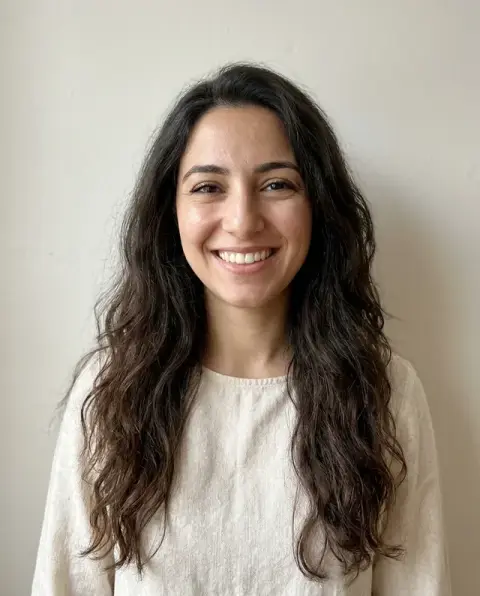

AI Face Swap examples.
Real results from this page's default settings in one click, not retouched.How examples are made
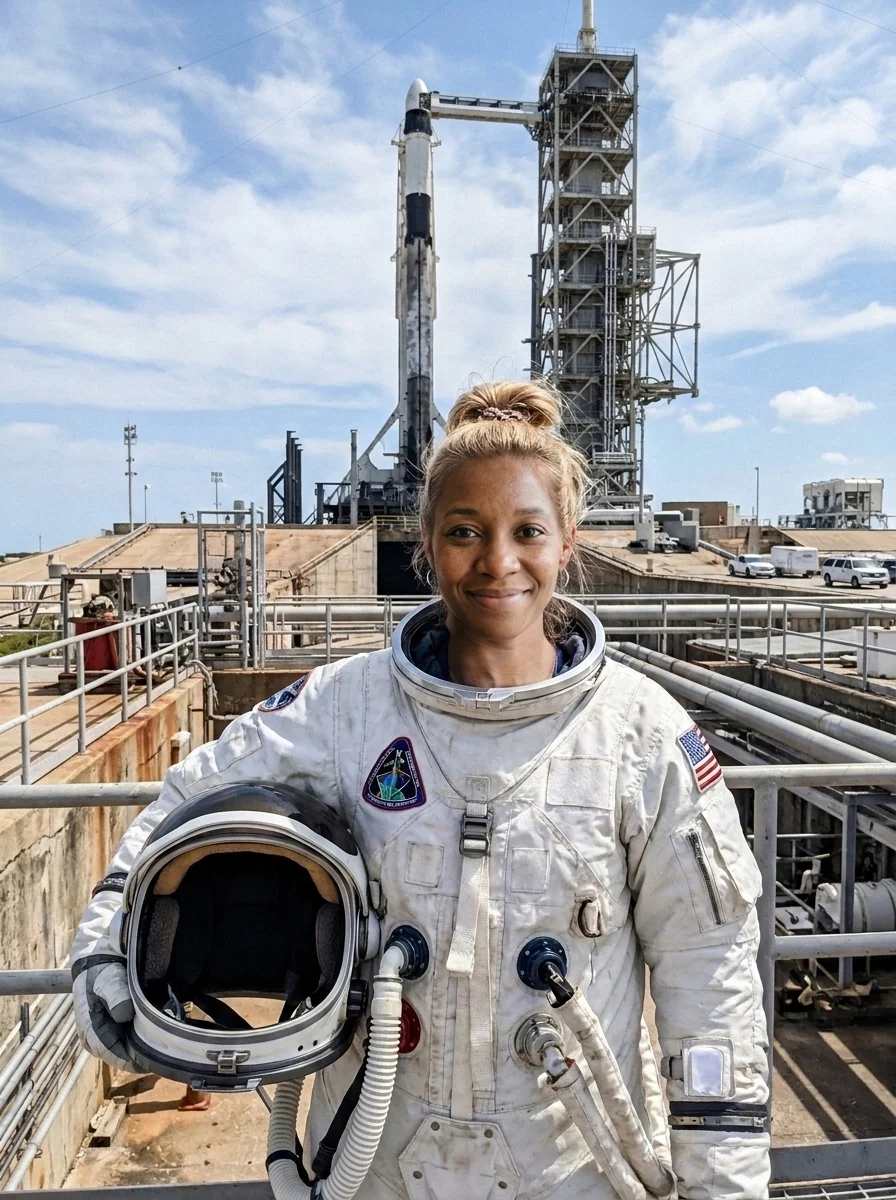
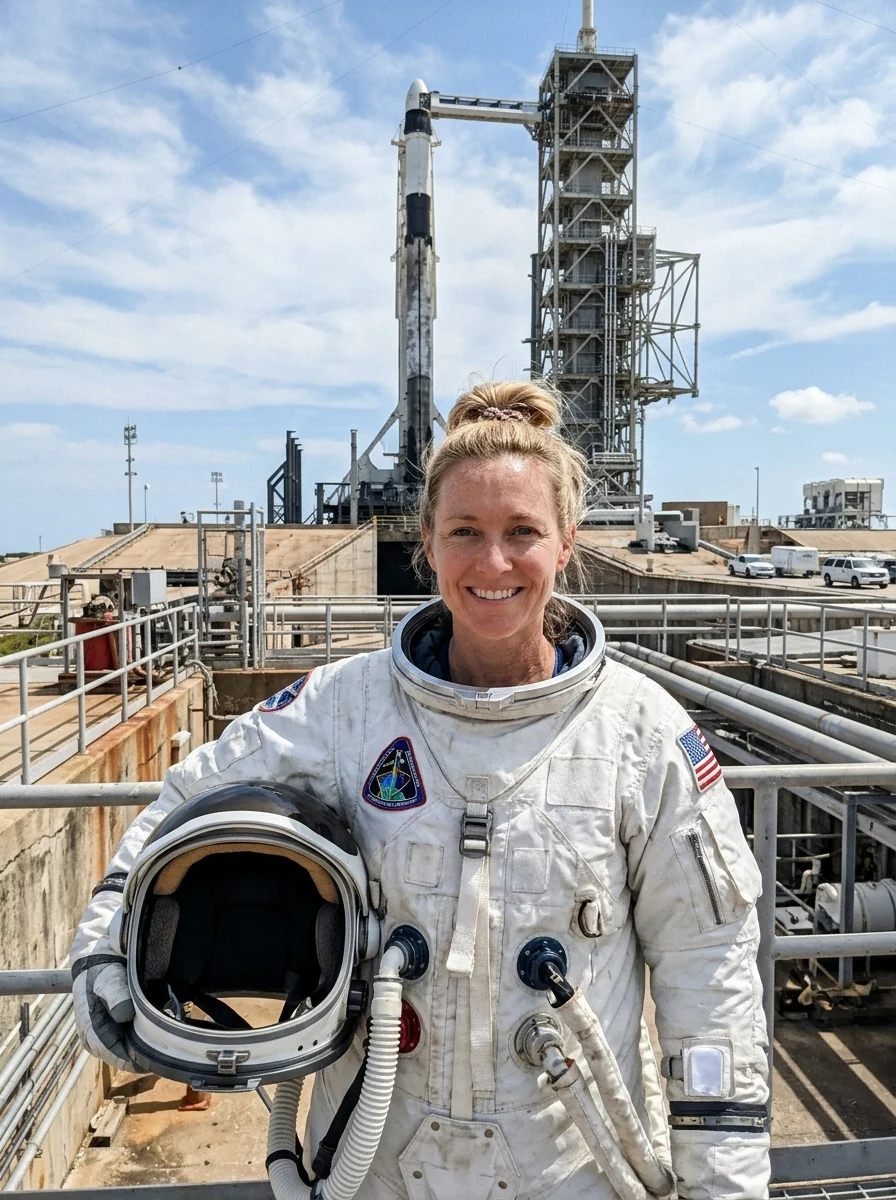
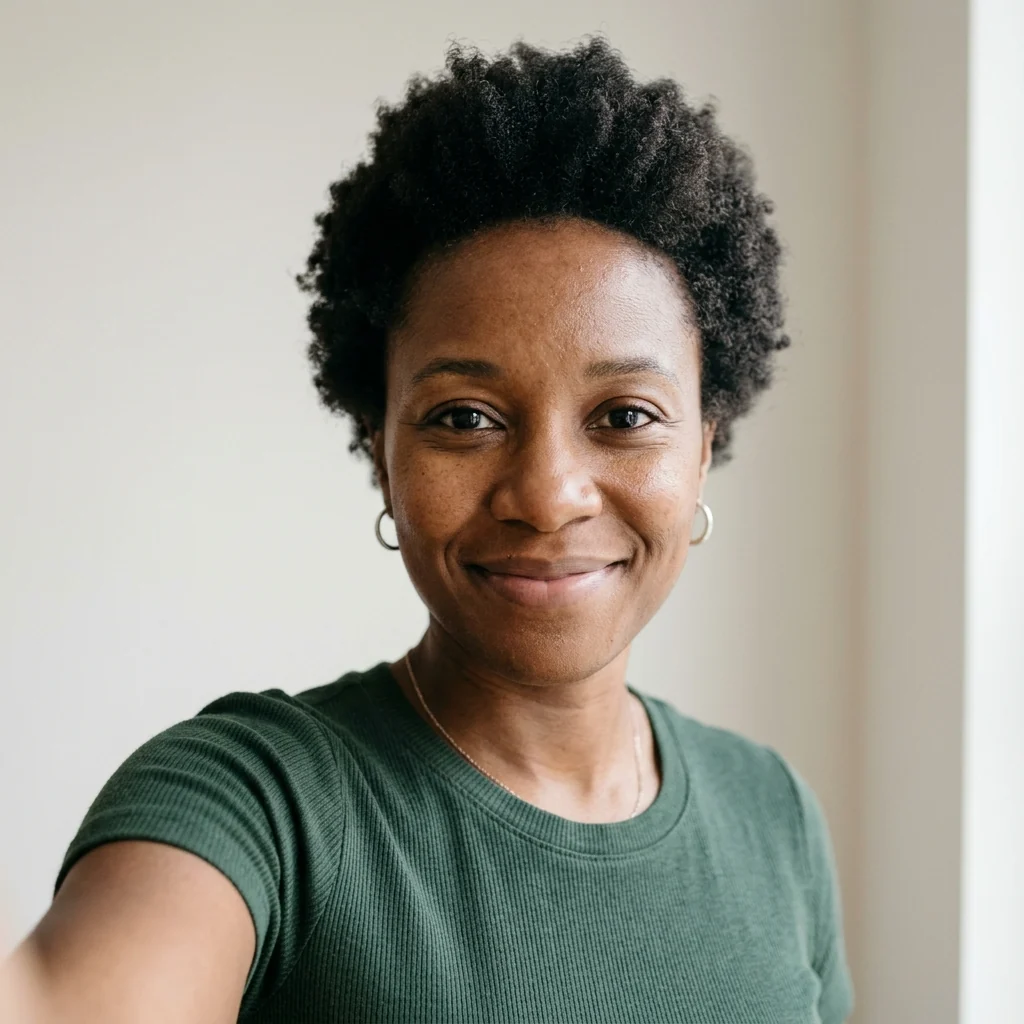
The woman's face on the astronaut
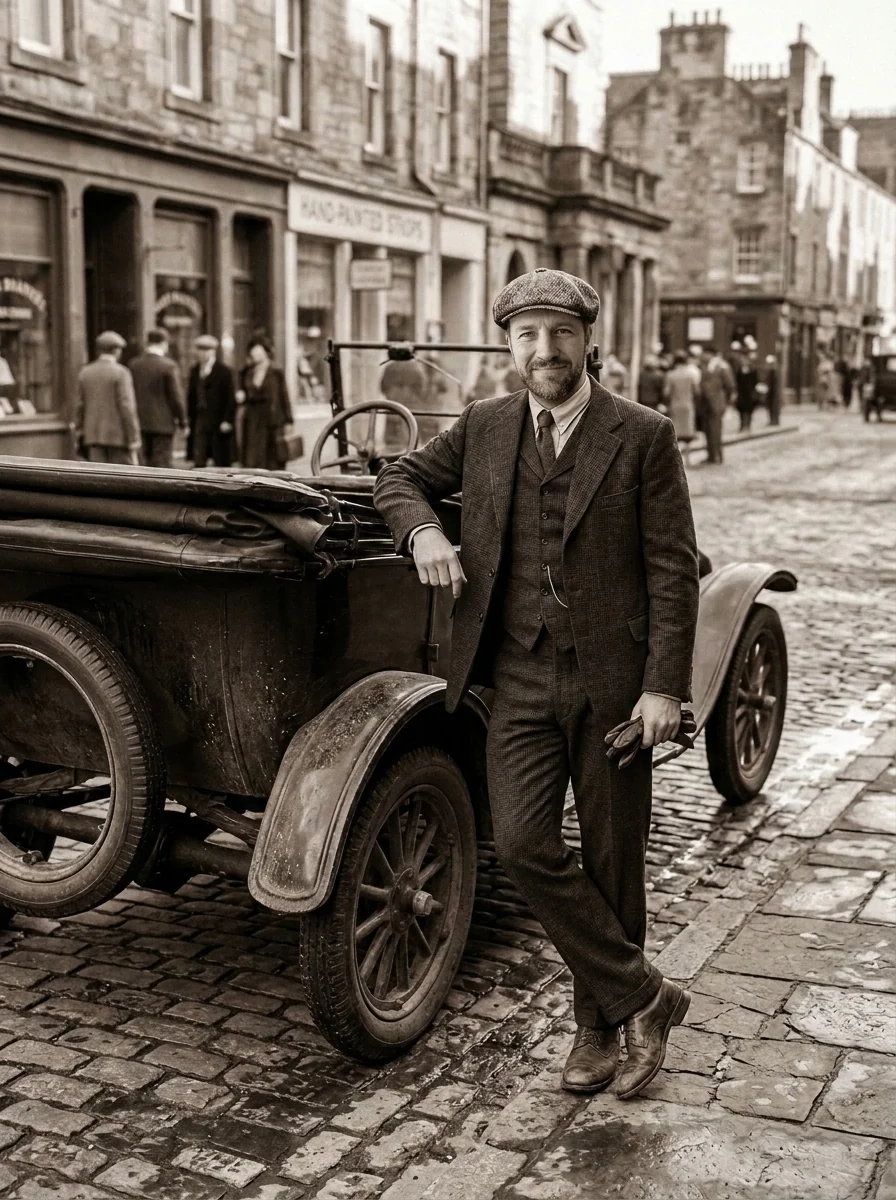
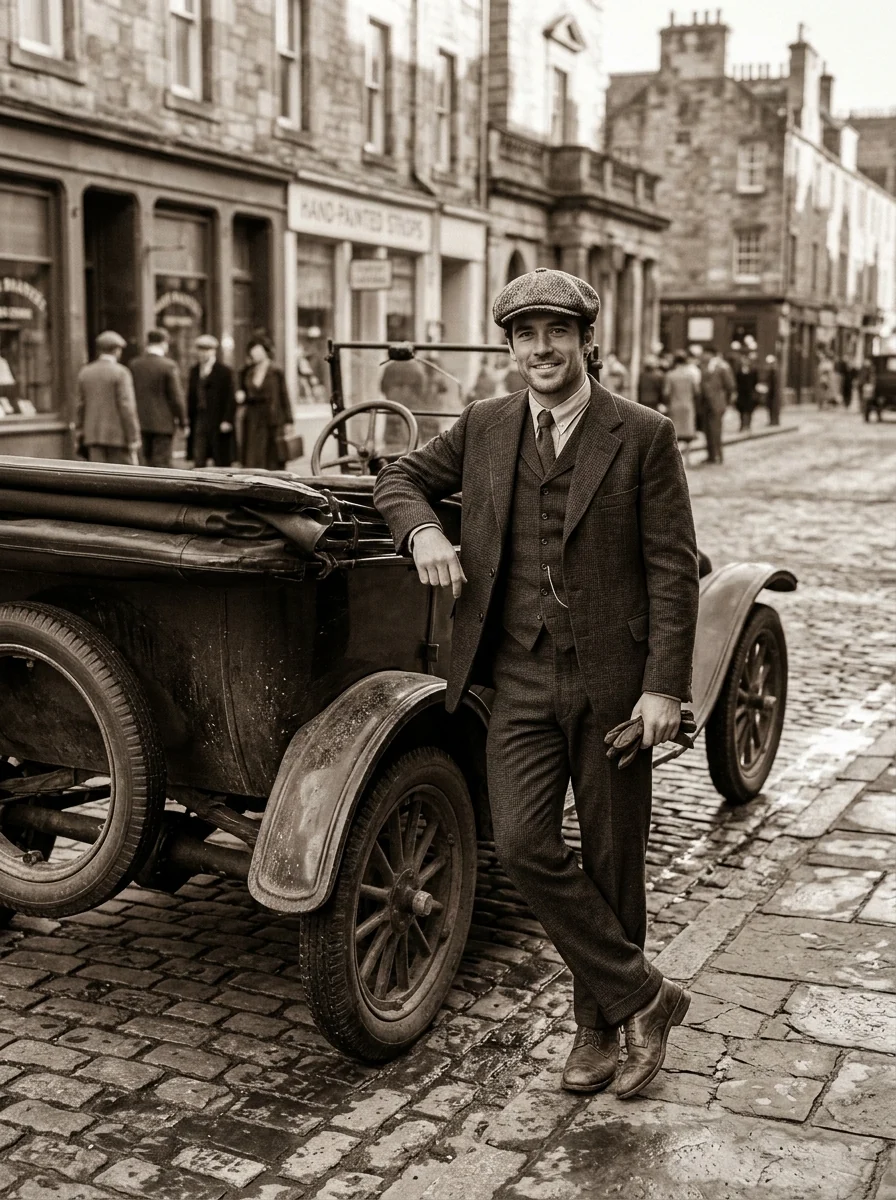
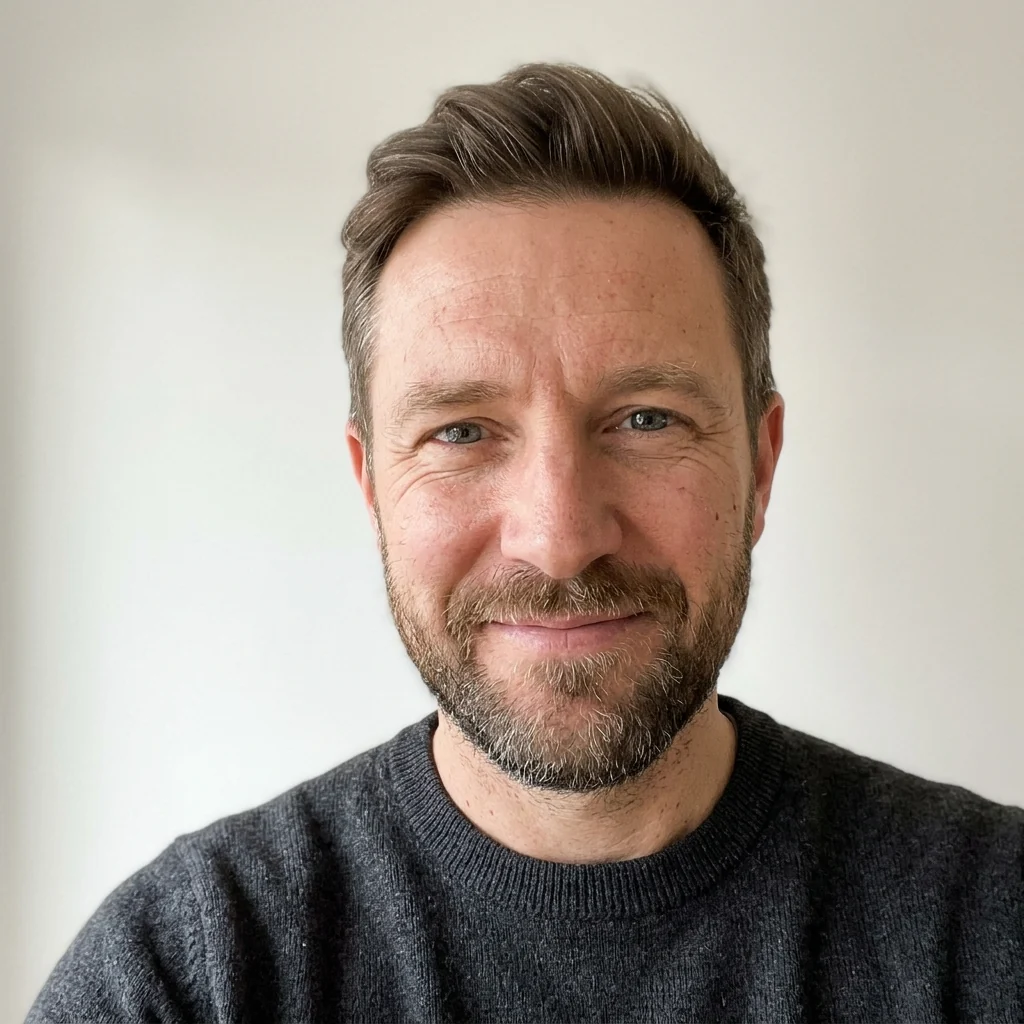
The bearded man's face in the 1920s photo
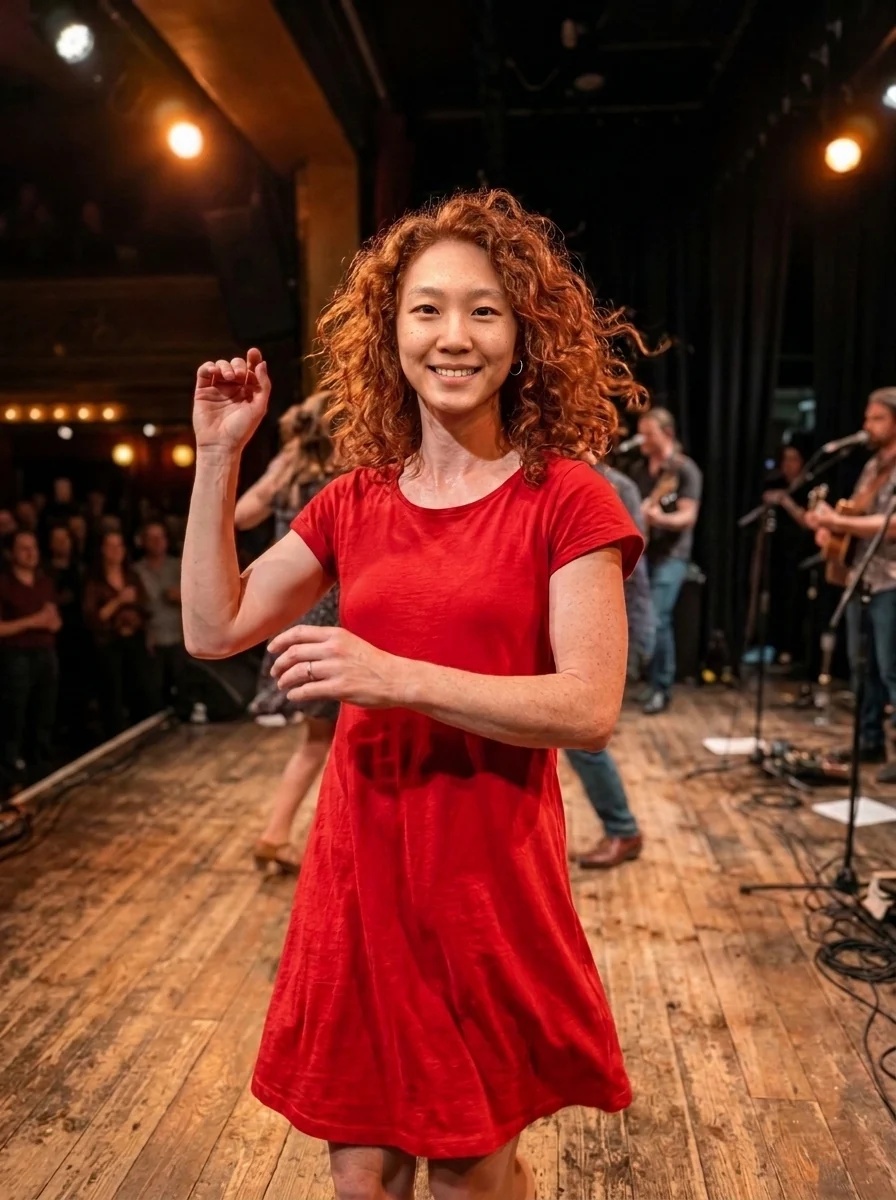
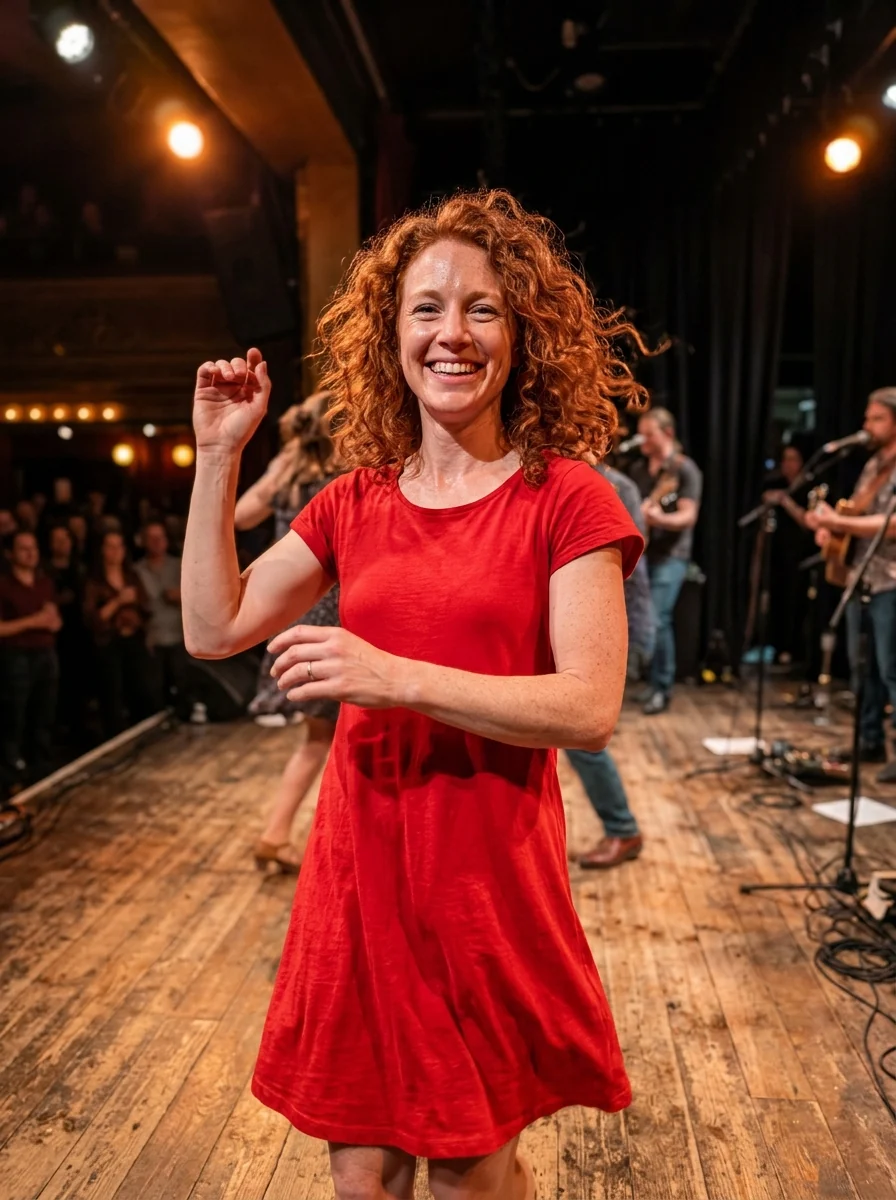

The young woman's face on the dancer, matched to the stage light
AI Face Swap features.
Matched to the photo
Light, angle and expression fit the scene.
Everything else stays
Hair, body, clothes and background are kept.
No seams
Skin tone blends into the neck naturally.
AI Face Swap, step by step.
01
Add the photo
The picture you want to put a face into.
02
Add the face
A clear, front-facing photo of the face.
03
Swap
Download the result.
AI Face Swap use cases.
- Fun edits
- Put yourself on a movie set, in space or in history.
- Group photo fixes
- Swap in a better shot of someone's face from another photo.
AI Face Swap: best photos and fixes.
Choosing the face photo
The face photo should show the face clearly: looking at the camera, eyes open, even light, nothing covering the mouth or eyes. Sunglasses, hands near the face and strong shadows hide features the model needs. A front-facing passport-style shot is ideal. Several faces in this photo make it unclear whose face to use, so crop to one person.
Choosing the target photo
The target photo keeps its body, hair, clothes and background; only the face changes. It works best when the head there is at a similar angle to the face photo and large enough to show detail. Swapping a front-facing face onto a head in profile is the hardest case and may look stretched. Movie stills and posters with dramatic light are fine if the angles match.
Group photos
When the target has several people, say who should get the new face: "replace the face of the man in the middle". Otherwise the model picks the most prominent face. Faces far from the camera in a large group are small, so detail drops; cropping closer before swapping, then placing the result back, gives sharper features. Glasses and hats in the target photo may also need mentioning.
If the face does not look like the person
Likeness depends most on the face photo. A sharp, well-lit photo works far better than a blurry crop from a group shot. Glasses, beards and makeup in the face photo may or may not carry over; say "keep the glasses" if they matter. Only swap faces of people who have agreed to it, and do not use the result to deceive anyone.
Skin tone, age and hair
The swapped face is matched to the target photo's lighting, and the neck is adjusted, but a very large difference in skin tone or age between the two people can still show at the jaw and neck. Hair stays from the target photo. If the face looks pasted on, try a target where the person's hair does not cover the forehead or cheeks.
Movie scenes and posters
Putting a face into a film still or a poster works well when the light in both photos is similar. Dramatic posters with strong colored light can make the new face look out of place; mention it in the instructions, such as "match the blue and orange lighting of the poster". Use it for personal fun, not to make fake promotional material or to pass someone off as an actor.
AI Face Swap FAQ.
Can I swap faces of other people?
Only use photos of yourself or of people who have agreed. Don't use face swap to impersonate, mislead or harass anyone.
Which photo gets the new face?
The first photo. The face comes from the second photo, and everything else comes from the first.
Does it work with group photos?
It works best with one face in each photo. In a group photo, describe which person to change in the instructions box.
Does it swap the hair too?
No. Face swap keeps the first photo's hair and head shape. To bring the whole head, hairstyle included, use head swap.
Is the Face swap free?
Yes, you can try it free. New accounts get 25 free credits, and one generation here uses 9 credits. You sign in with your email; no card needed. Results have no watermark. After that, credit packs never expire, and your first one is half price.