AI Bald Filter
See yourself with a bald or shaved head.
Drop a photo
or paste with ⌘V · JPG · PNG · WebP · up to 8 MB
No photo handy? Try one of ours.
More like this.
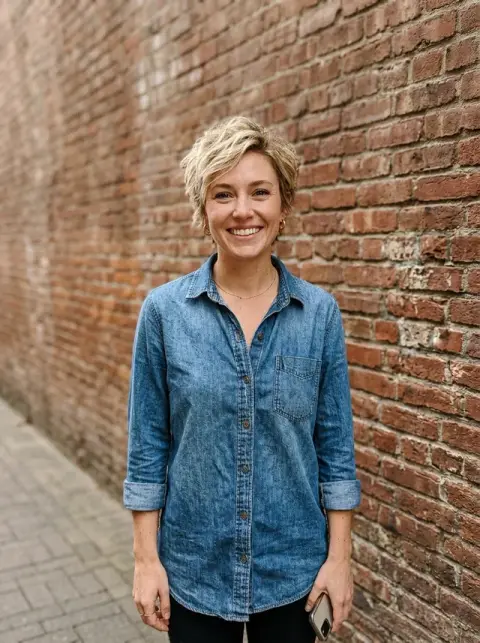
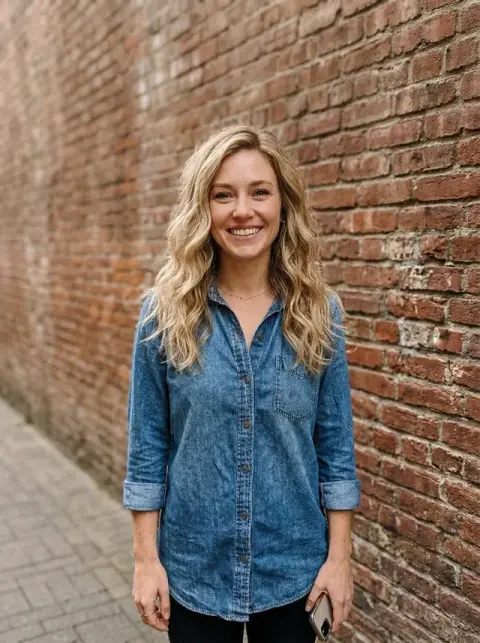


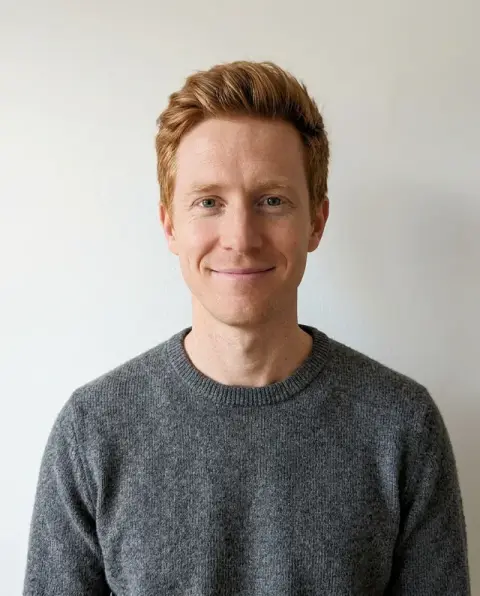
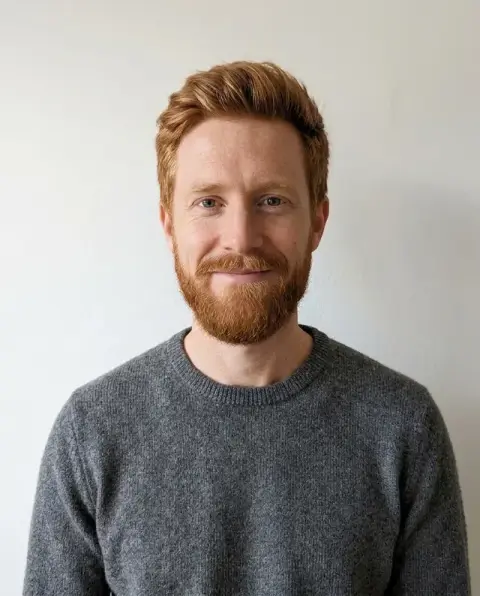



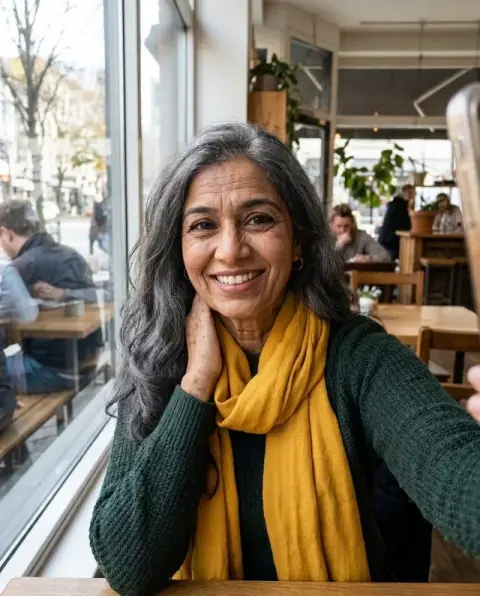


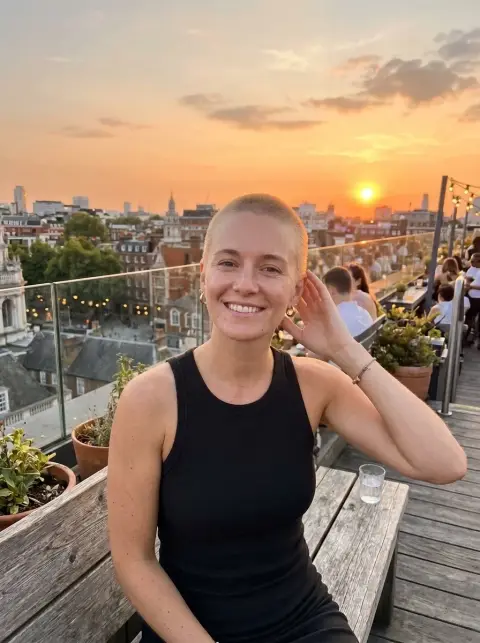
The AI bald filter on long curls, a black bob and thinning grey hair.
Real results from this page's default settings in one click, not retouched.How examples are made
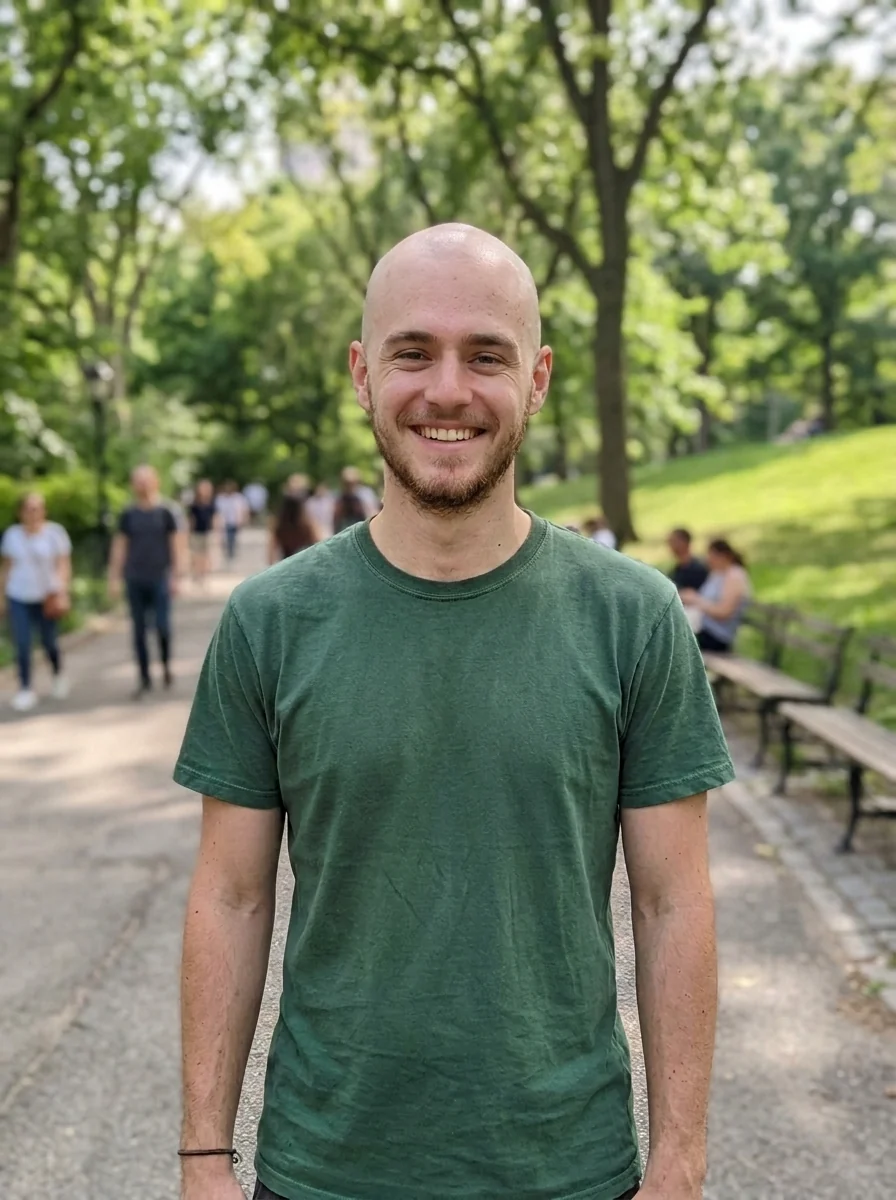
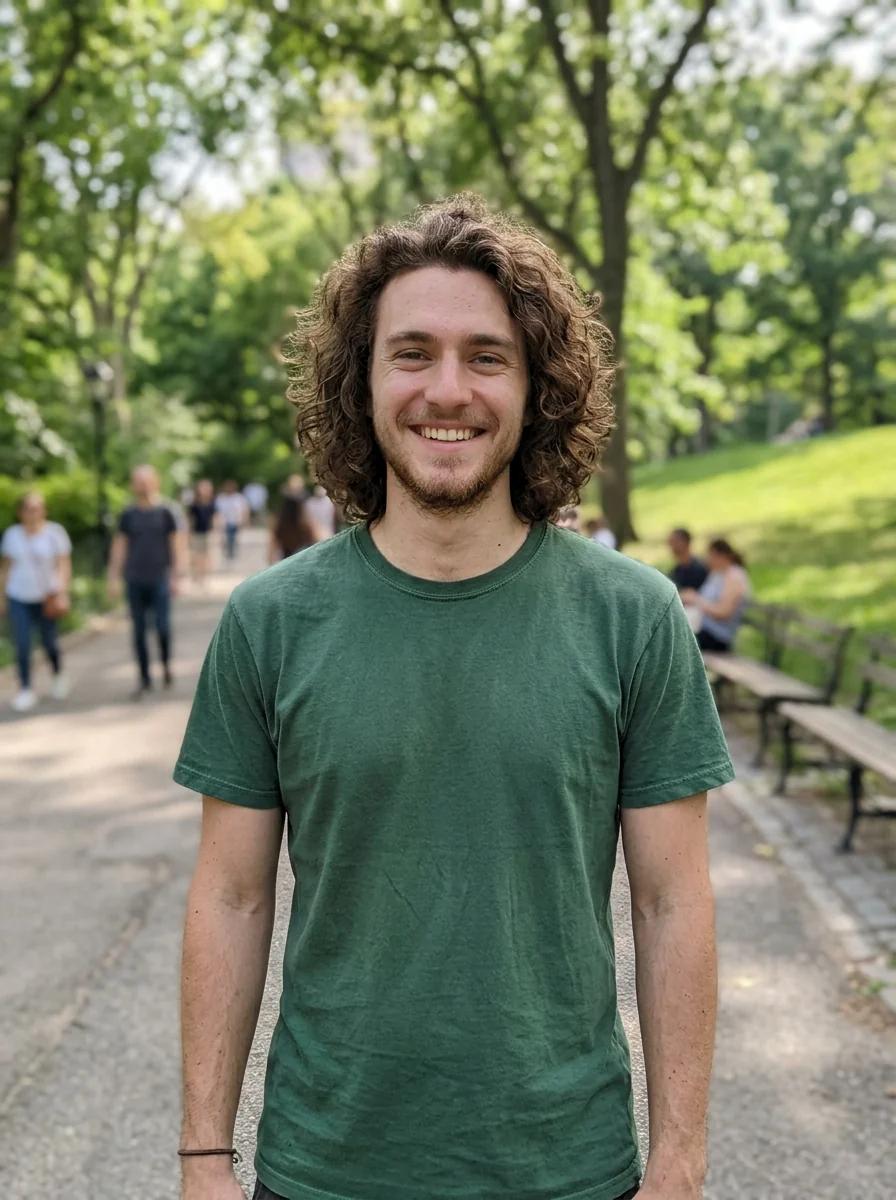
The same man with a smooth bald head
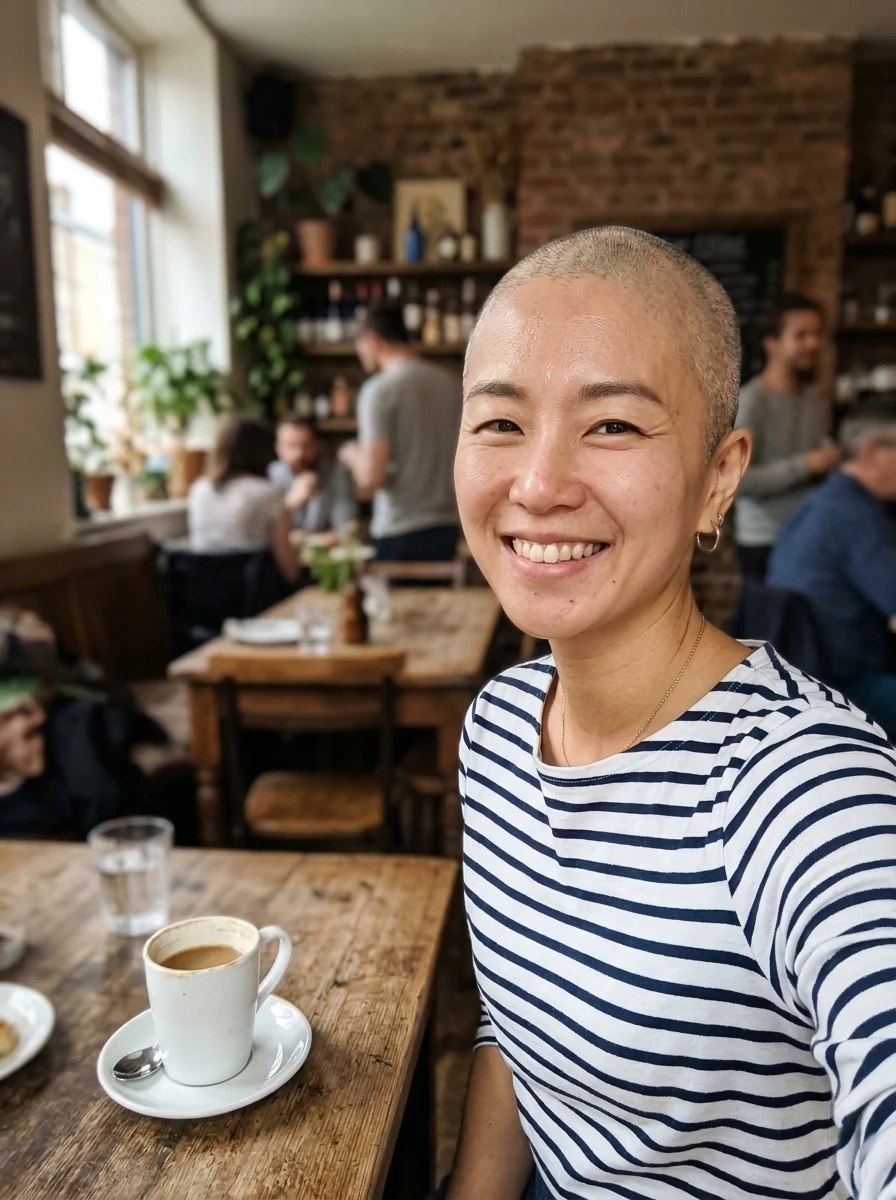
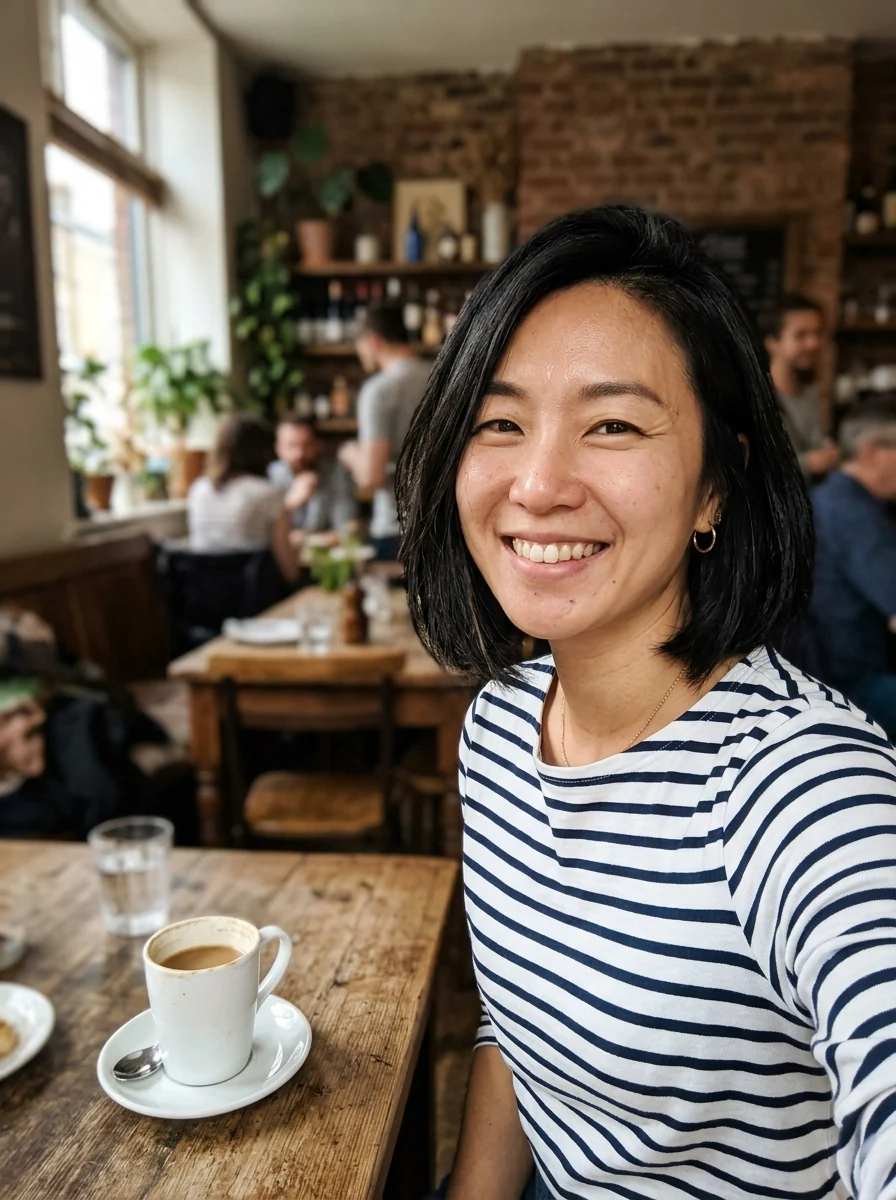
“shaved head with light stubble”
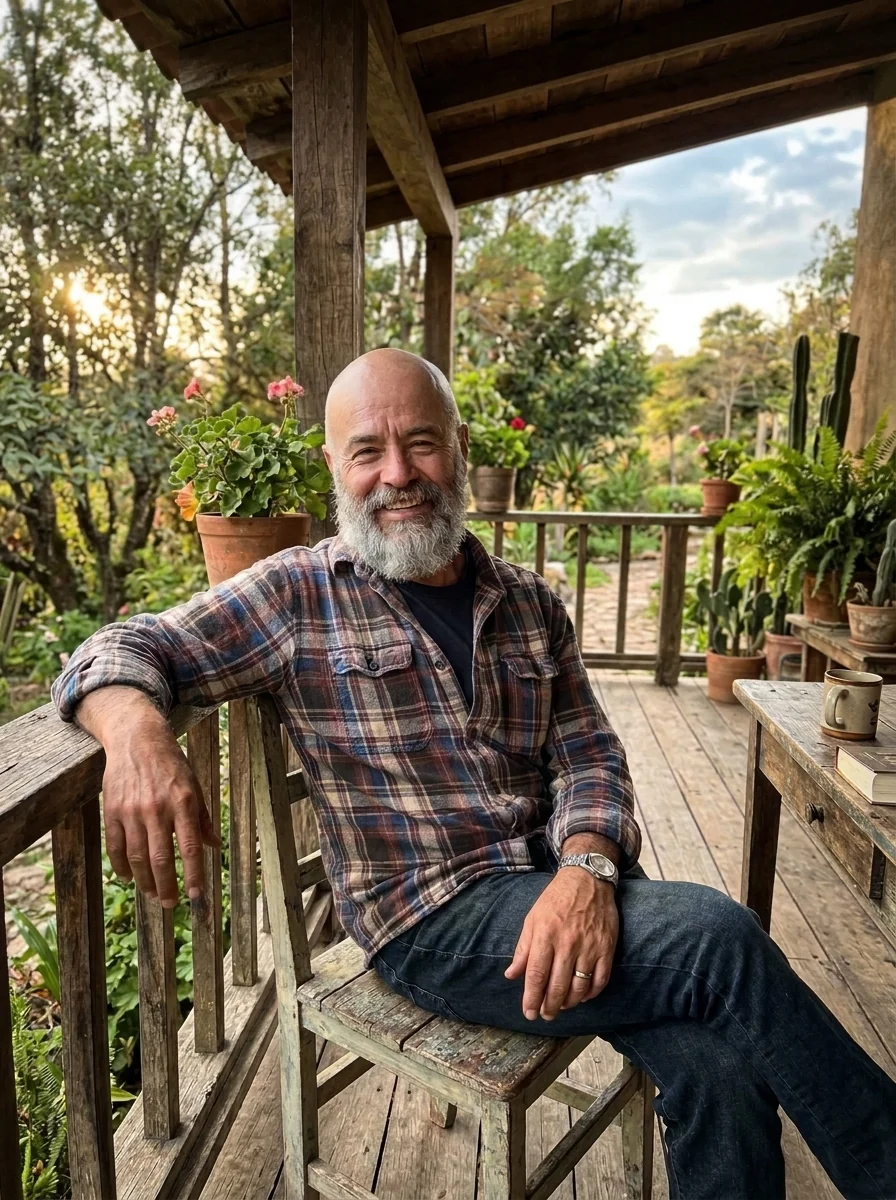

The same man bald, with his beard kept
What the bald filter removes, and what it leaves on your face.
Only the hair goes
Face, eyebrows, beard and expression stay as they are.
Natural scalp
Real skin texture and a believable head shape.
Shaved or smooth
Fully bald by default, or ask for stubble.
AI Bald Filter, step by step.
01
Upload a photo
One where your hairline is visible.
02
Generate
Add "light stubble" for a freshly shaved look.
03
Download
Save it or send it to a friend.
Why people try a bald filter before the clippers come out.
- Before you shave it off
- You are thinking of taking it all off and want to see your head shape first. Upload a front photo with your hairline visible, try a smooth and a stubble version, and show both to someone whose opinion you trust.
- Deciding whether to keep fighting it
- If your hair is thinning, the real question is often whether to keep treating it or go short. Put your current photo next to a bald version and decide which one looks more like you.
- Getting ready for treatment hair loss
- Some people facing hair loss from medical treatment want to see themselves bald before it happens. A private preview on your own photo can make the first look in the mirror less of a shock.
- The group chat
- With a friend's go-ahead, bald their photo and drop it in the group chat, or do the whole family one by one for a laugh at dinner.
AI Bald Filter: best photos and fixes.
Photos for a believable bald head
A face-on photo with your forehead and the top of your head in frame gives the most believable head shape, because the model can see where your skull curves. Short to medium hair is easy to remove. Hats, hoods and big headphones hide the shape of the head, so the model has to guess, and the result may look too round or too flat.
Long or very thick hair
When hair covers your ears, neck and shoulders, removing it reveals areas the camera never saw. The model draws them in, which usually works, but ears can come out a slightly different shape. A photo with hair tied back or tucked behind the ears gives it more to go on. Bangs over the forehead are fine; the forehead is redrawn to match your skin.
Fully bald or freshly shaved
The default is a smooth bald head. For a more realistic shaved look with a little stubble and shadow, write "freshly shaved head with light stubble" in the instructions. If you want to keep the hair around the sides, as with natural hair loss, write "bald on top, short hair on the sides". Beards are kept unless you ask for them to go.
If the scalp looks too shiny or flat
A scalp that looks plastic or pasted on usually comes from harsh direct light or a heavily smoothed selfie. Use an unfiltered photo in soft daylight, and regenerate once, since each run shades the head a little differently. Writing "matte skin, natural scalp texture" helps when the head comes back too glossy compared with your face. A little stubble also helps.
Beards, eyebrows and glasses
Everything that is not hair on top of the head is meant to stay: beard, eyebrows, earrings and glasses. If the beard is removed or thinned along with the hair, write "keep my full beard". Glasses with thick temples sometimes lose the part that disappeared into the hair; regenerate once or mention "keep the glasses arms visible to the ears".
Seeing it from more than one angle
A head looks different from the front and from the side, and a bald or shaved look shows that more than any haircut. If you are deciding whether to shave, run a front photo and a three-quarter photo of yourself. The side view shows the shape at the back of the head, which the front view hides. Compare both before booking the barber.
Bald filter questions people ask before they shave.
Will it remove my beard too?
No. Beards, mustaches and eyebrows stay. Write "remove the beard too" in the instructions if you want them gone.
Can I see a shaved head instead of fully bald?
Yes. Write "shaved head with light stubble" in the instructions box.
Does it work with long hair or hats?
Long hair works. Hats may stay; for the best result, use a photo without one.
Is the Bald filter free?
Yes, you can try it free. New accounts get 25 free credits, and one generation here uses 9 credits. You sign in with your email; no card needed. Results have no watermark. After that, credit packs never expire, and your first one is half price.
Does it work on women's photos?
Yes. It works the same on any face, and the example above shows a woman with a shaved head.
How is it different from the buzz cut filter?
The bald filter shows bare scalp. The [buzz cut filter](/tools/buzz-cut-filter) keeps a short, even layer of hair, and the [hairstyle changer](/tools/hairstyle-changer) tries other cuts if bald is not for you.
Can I bald everyone in a group photo?
It is made for one person per photo. For a group, crop each person and run them one at a time.
Does it work on old or low-quality photos?
Yes, if the head is clearly visible. Small or blurry photos give a less detailed scalp, so use the sharpest copy you have.
What files can I upload?
A JPG, PNG or WebP, up to 8 MB. On a computer you can scan a QR code to send a photo from your phone; the link works for 10 minutes.
Are my photos kept or used for training?
No. Photos and results are not used to train AI models. Results stay in My files for 48 hours, or 30 days once you've bought a credit pack, and you can delete them sooner.