












Nano Banana
Google's fast image model. Describe an image to create it, or upload a photo and say what to change.
Nano Banana examples.

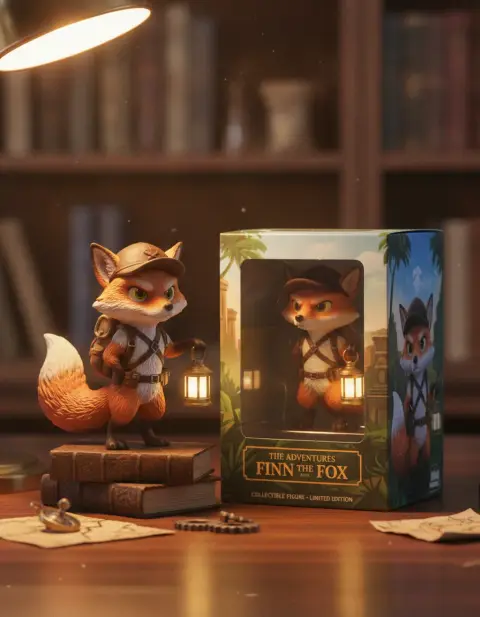
A 3D collectible figurine of a fox explorer on a desk next to its packaging box

Cozy café corner with a latte and a croissant by a rainy window
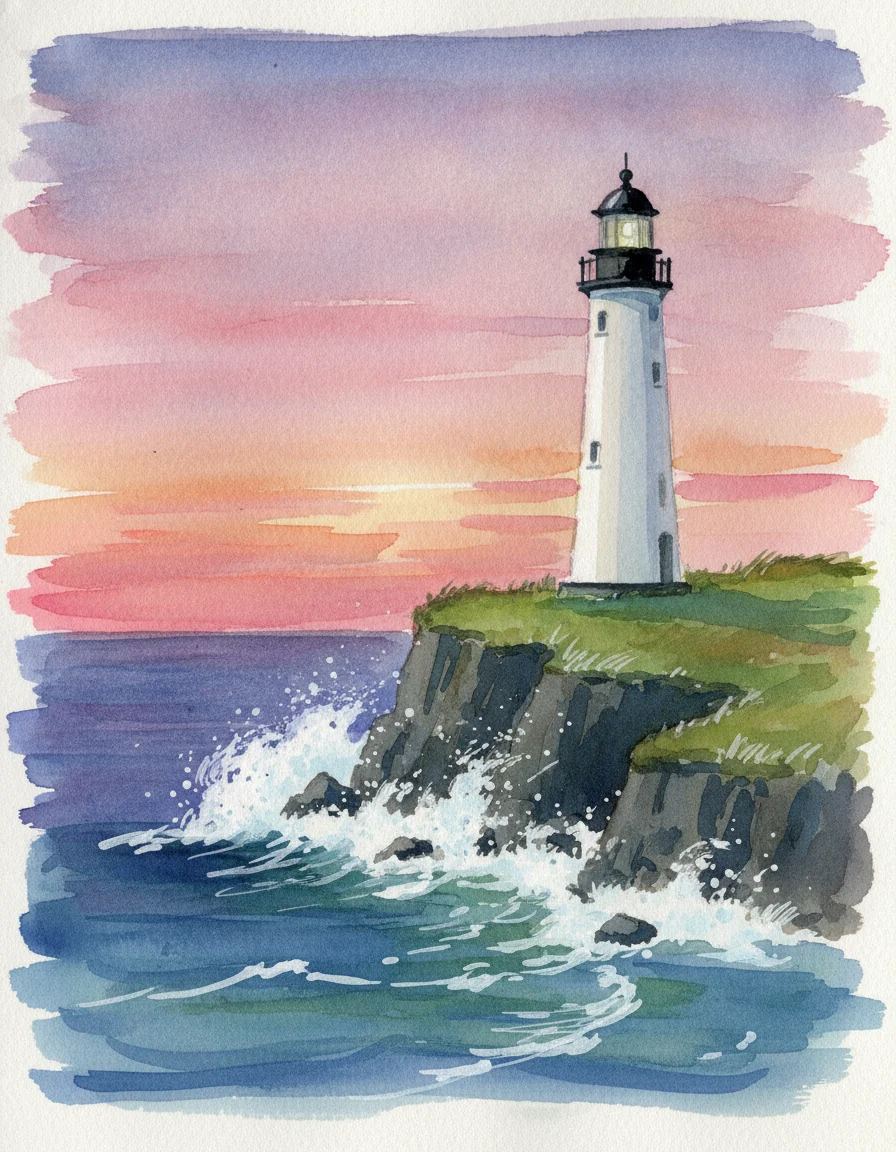
Watercolor illustration of a lighthouse on a cliff at dusk
Nano Banana features.
Edit by describing the change
Upload a photo and write what should be different: 'make the jacket red', 'remove the sign', 'add snow'. The rest of the picture stays as it was.
Keeps people recognizable
Faces, pets and products keep their look across edits, which is what made Nano Banana popular for figurine and portrait trends.
Fast and low cost
The lightest model on the site: quick results at the lowest credit cost, good for trying many ideas.
Text to image too
No photo needed. Describe a scene, a style and a mood, and it draws it from scratch.
Nano Banana vs Nano Banana 2 vs Nano Banana Pro.
| Nano Banana | Nano Banana 2 | Nano Banana Pro | |
|---|---|---|---|
| Best for | Fast everyday edits | Balanced quality and speed | Text in images, complex edits |
| Max resolution | 1K | Up to 4K | Up to 4K |
| Text rendering | Good | Very good | Excellent |
| Cost | Lowest | Low | Higher |
Nano Banana, step by step.
01
Write a prompt or upload a photo
Describe the image you want, or upload a photo and describe the edit.
02
Generate
Nano Banana returns a 1K image in a few seconds.
03
Keep editing
Change the prompt and run it again, or switch to Nano Banana 2 or Pro for more detail.
Nano Banana use cases.
- Quick photo edits
- Swap colors, remove small objects or change the weather without opening an editor.
- Social media trends
- Figurines, cartoon versions and themed portraits from a single selfie.
- Fast idea sketches
- Try many compositions cheaply before polishing one with a larger model.
Nano Banana: best photos and fixes.
Chaining edits without drift
When you feed each result back in for the next change, small differences add up: after four or five rounds, a face can look slightly softer or less like the person. If you notice drift, go back to the original photo and make the remaining changes in fewer steps. Keeping a copy of each step also lets you return to the last good version.
Keeping people recognisable
It keeps people recognisable through edits, which makes it popular for trends such as figurines, outfit changes and style filters. Use a sharp photo with the face clearly visible for the best likeness.
When an edit changes too much
Short instructions sometimes lead the model to redraw more than you asked, such as changing the background when you only wanted a new shirt. Add what must stay: "change the shirt to blue, keep the face, hair and background exactly the same". Naming the parts to keep is more reliable than describing the whole image again.
Small text and fine detail
At 1K output, small text on signs and labels, distant faces in a crowd and fine patterns are the first things to come out wrong. That suits social posts and quick ideas, where images are seen small. For anything that will be read closely, printed, or needs exact lettering, use the same prompt on a larger model.
Trend edits from one selfie
Trends such as figurines, outfit swaps and cartoon versions all start from one photo of a person. A sharp selfie with even light and the whole face visible gives every trend a good start. Use the same source photo for several trends, so the results look like the same person across your posts.
Testing a prompt before scaling up
Because it is quick, it is a good place to test the wording of a prompt. Run it two or three times, adjust until the composition and changes are right, then run the final wording on Nano Banana 2 or Nano Banana Pro for a larger, more detailed image. The wording usually carries over between them with little change.
Nano Banana FAQ.
What is Nano Banana?
Nano Banana is the popular name for Google's Gemini 2.5 Flash Image model. It generates images from text and edits photos from plain-language instructions.
Is Nano Banana free?
Yes, you can try it free. New accounts get 25 free credits, and one generation here uses 9 credits. You sign in with your email; no card needed. Results have no watermark. After that, credit packs never expire, and your first one is half price.
Which Nano Banana should I use?
Nano Banana is the fastest and cheapest. Nano Banana 2 adds higher resolution and better detail for a little more. Nano Banana Pro is best for readable text and complex, multi-step edits.
Can it edit my own photos?
Yes. Upload a photo and describe the change. It works best with one clear change per prompt.
What resolution does it output?
Nano Banana outputs 1K images. Pick Nano Banana 2 or Pro if you need 2K or 4K.
Guides on the blog.
 Nano Banana vs Nano Banana Pro vs Nano Banana 2Three Google image models with confusingly similar names. What each one is, how they differ in text, resolution, speed and cost, and which to pick for your image.
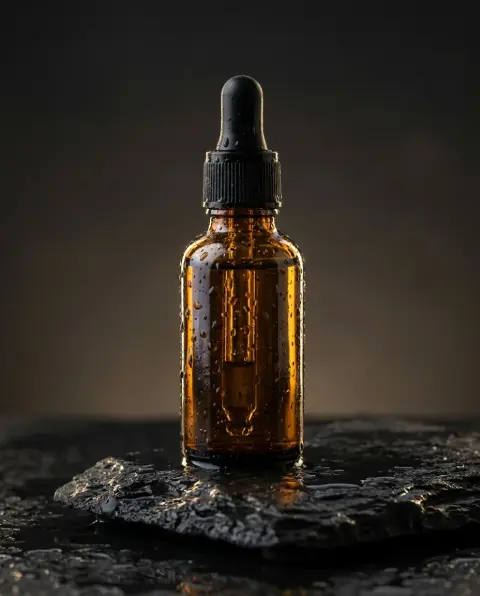 Nano Banana prompts for photo editing: 40 examplesThe prompt pattern that gets clean edits from Nano Banana, and 40 copy-ready examples for backgrounds, light, clothes, objects, style and restoration.
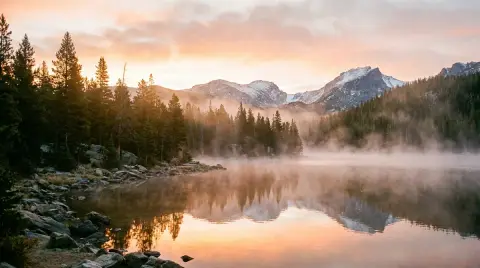 Midjourney alternatives: Nano Banana, GPT Image and SeedreamMidjourney is loved for its look. Other image models are better at text, editing your own photos or photoreal product shots. How they compare, and when to use each.


