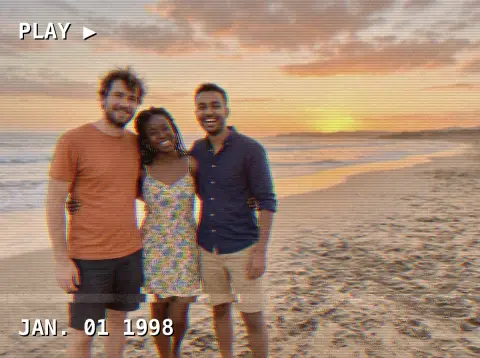
2016 Filter
Matte Instagram edits, the dog lens and flower crowns.
Drop a photo
or paste with ⌘V · JPG · PNG · WebP · up to 8 MB
No photo handy? Try one of ours.
More like this.
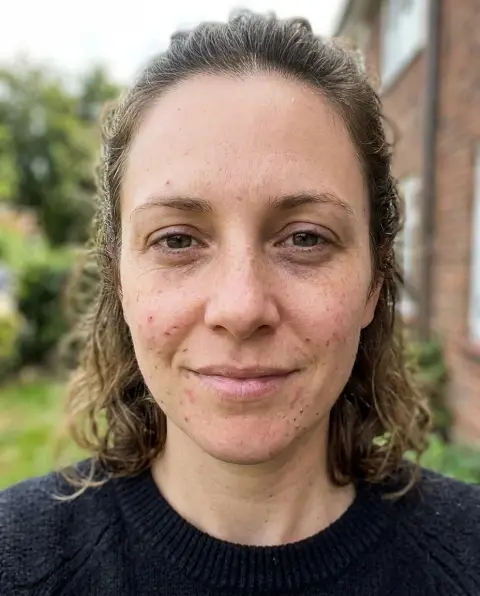
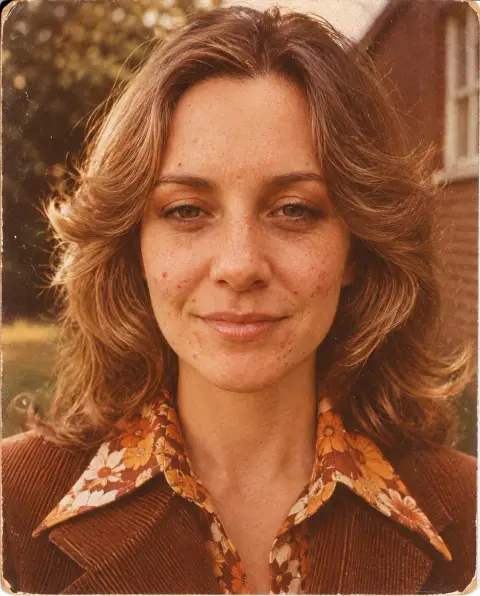
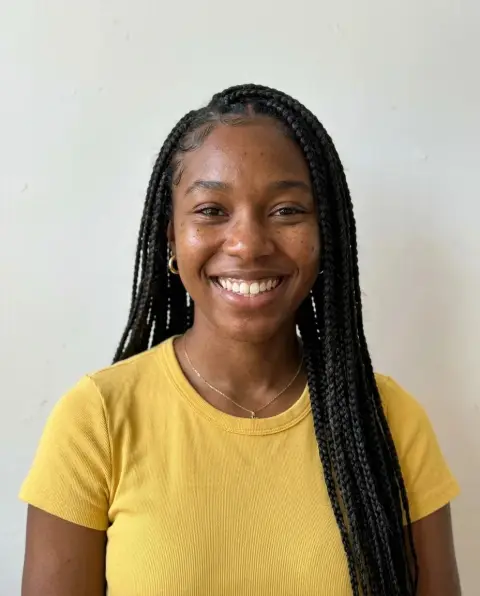
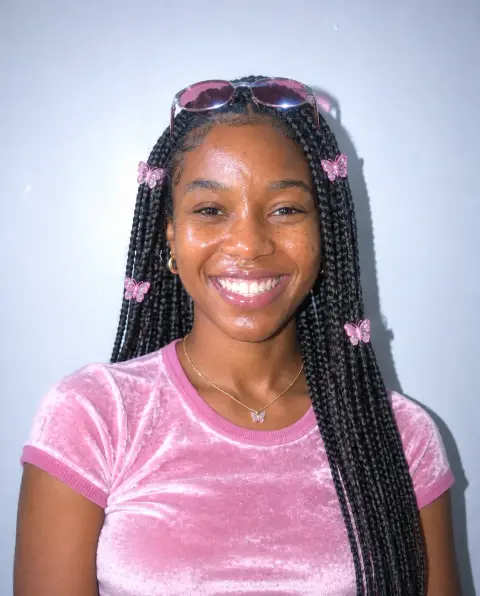



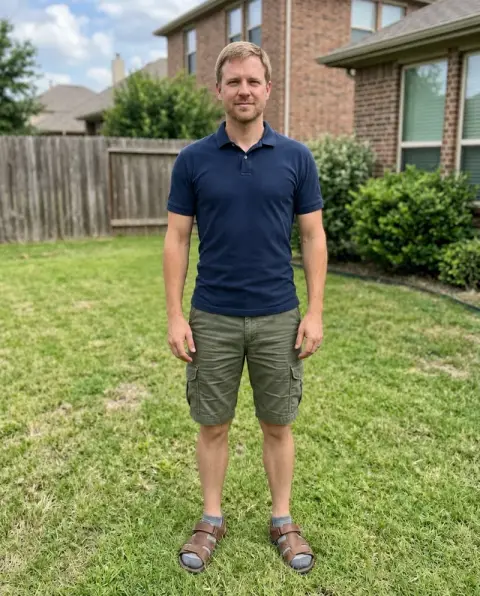
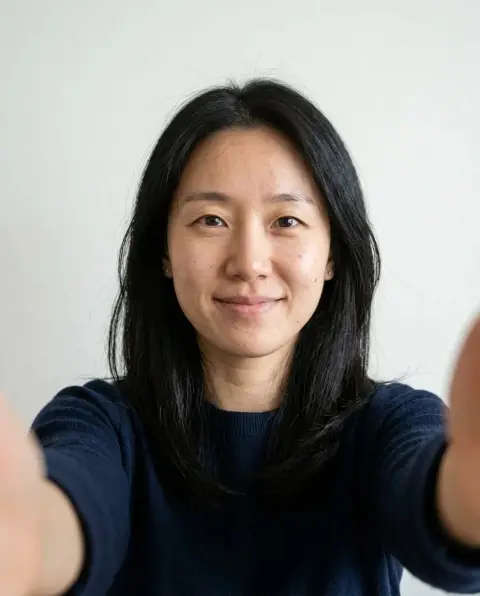
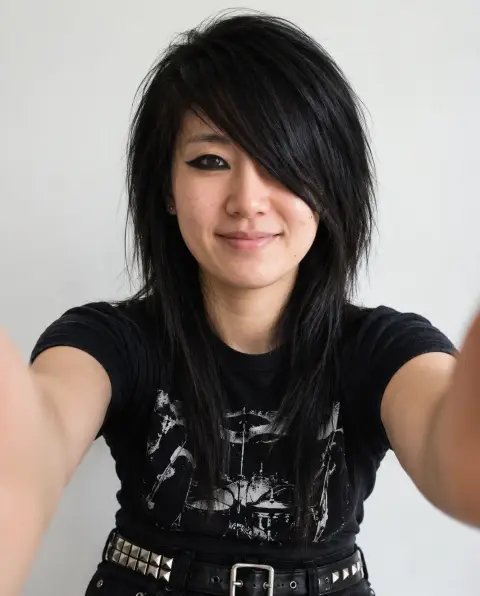

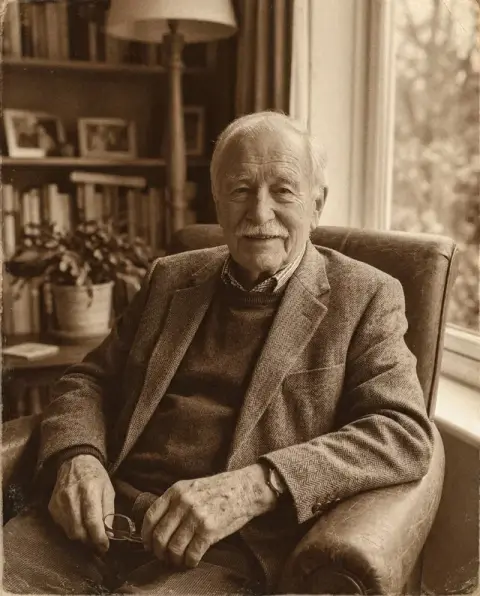
2016 Filter examples.
Real results from this page's default settings in one click, not retouched.How examples are made
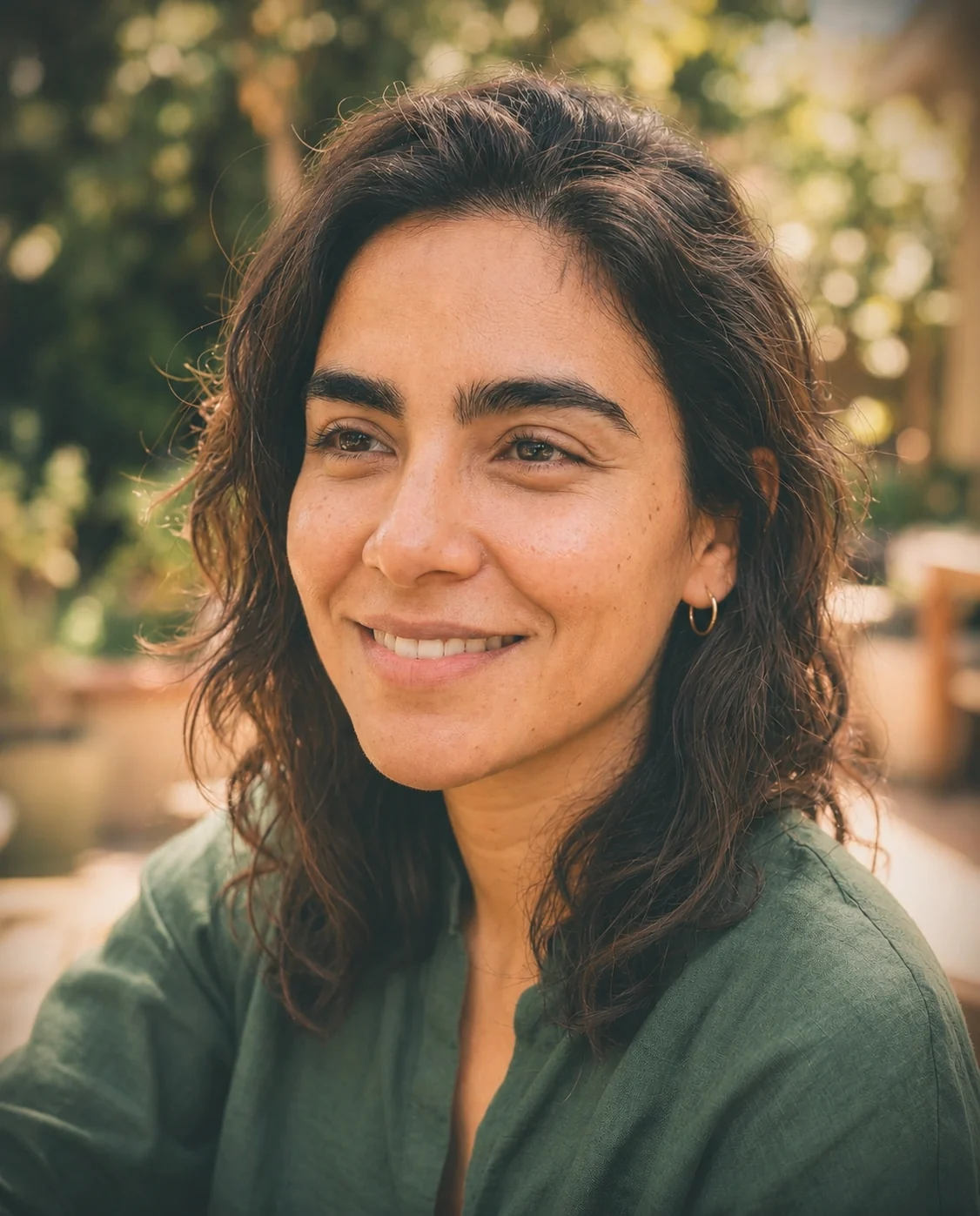
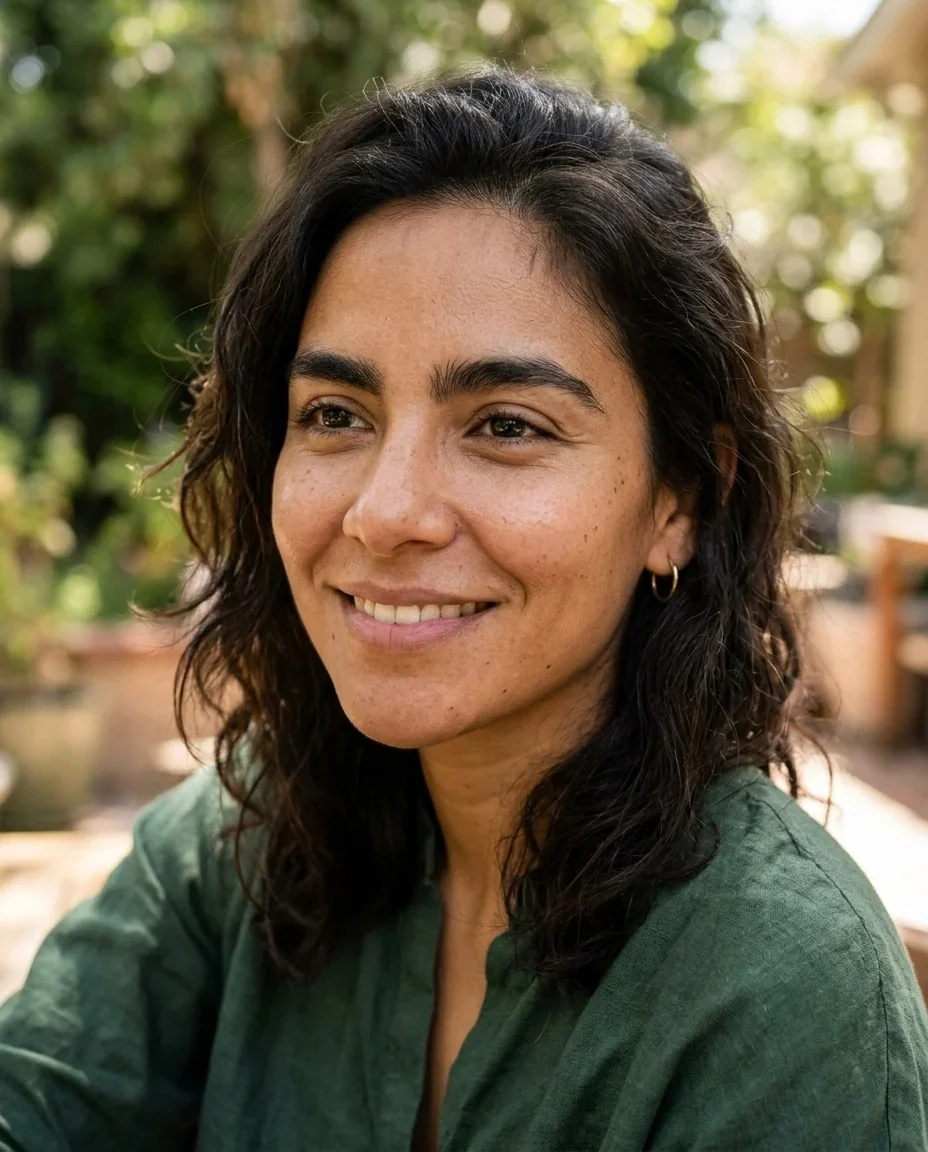
Matte Instagram
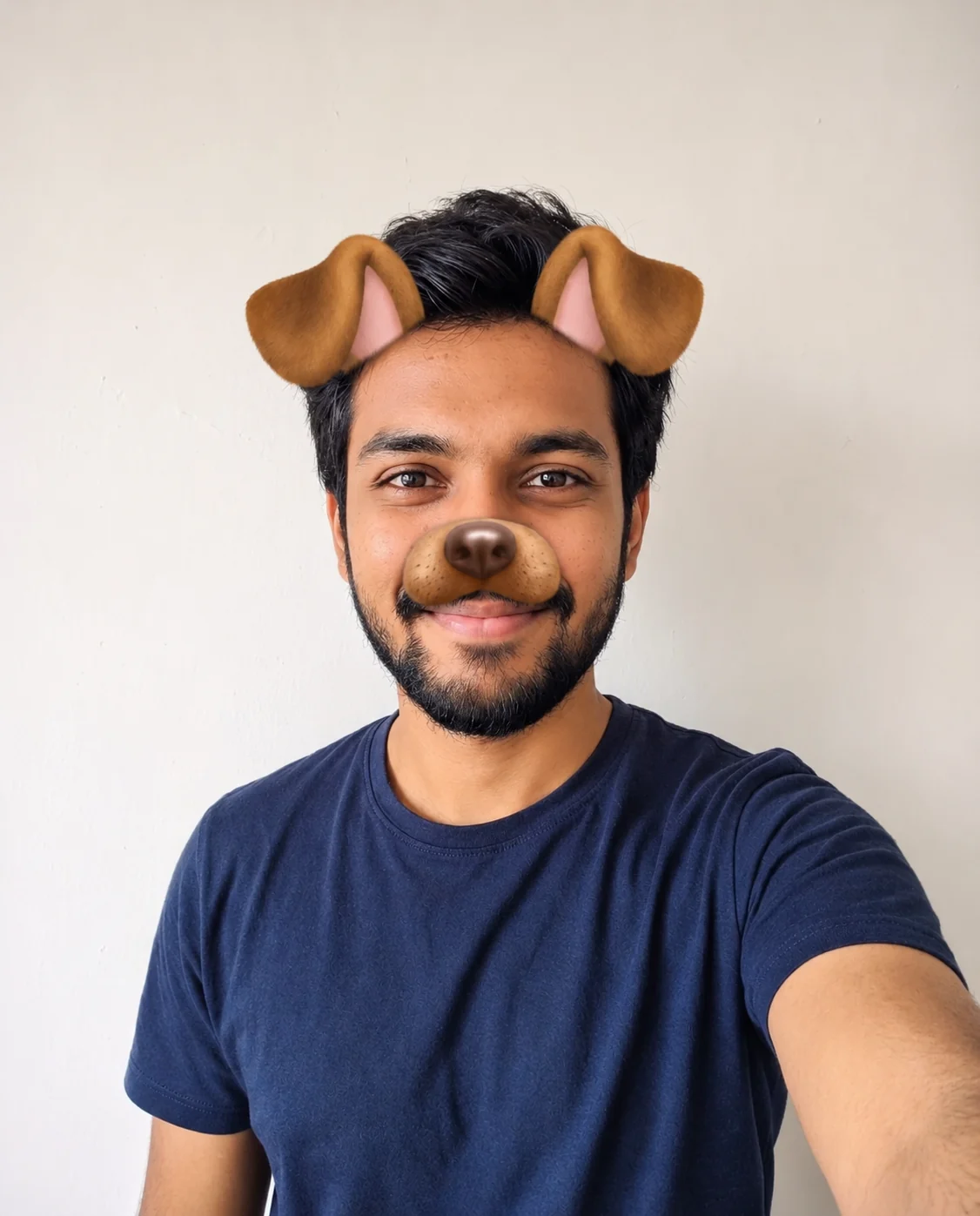

Snapchat dog
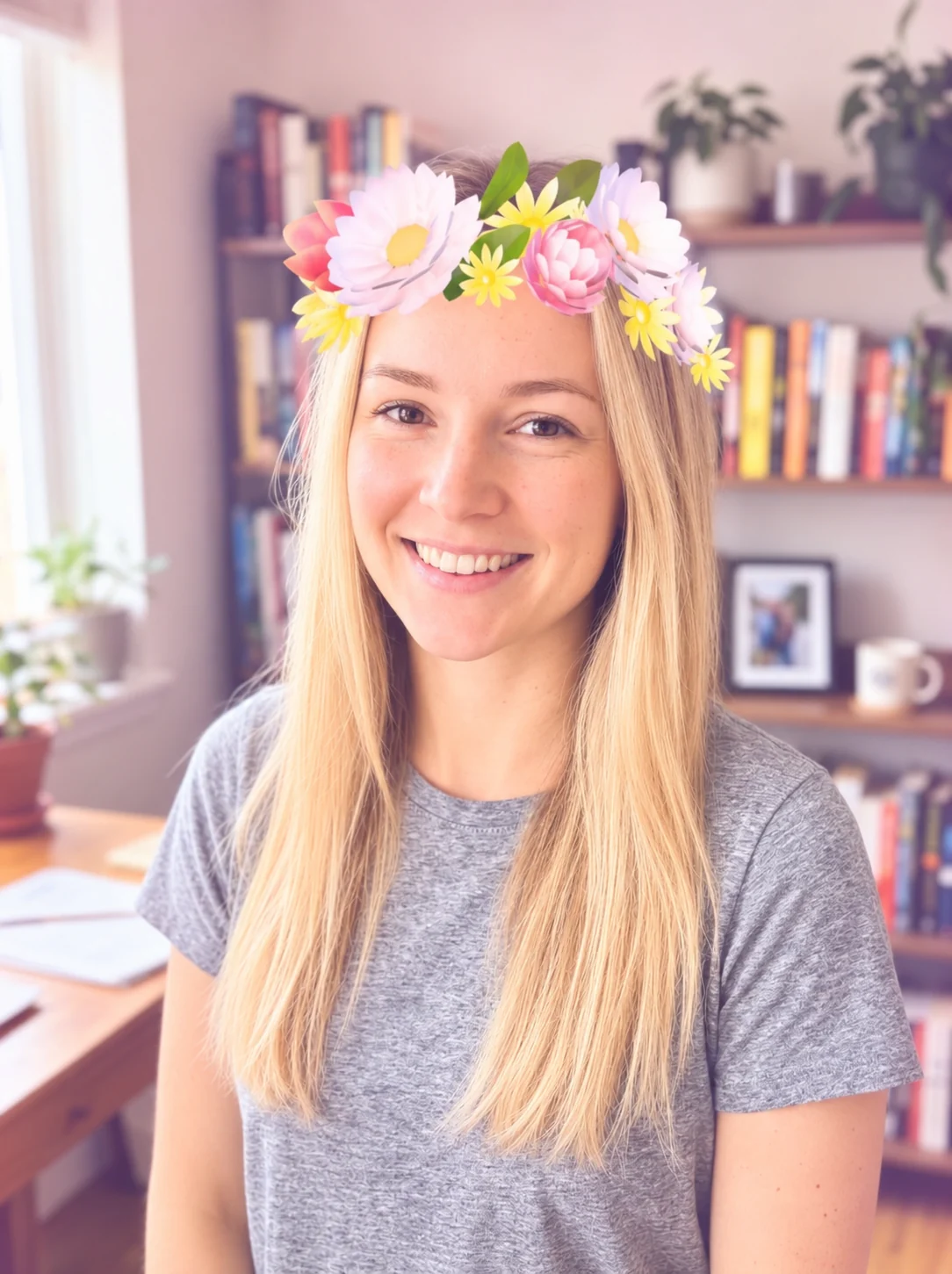
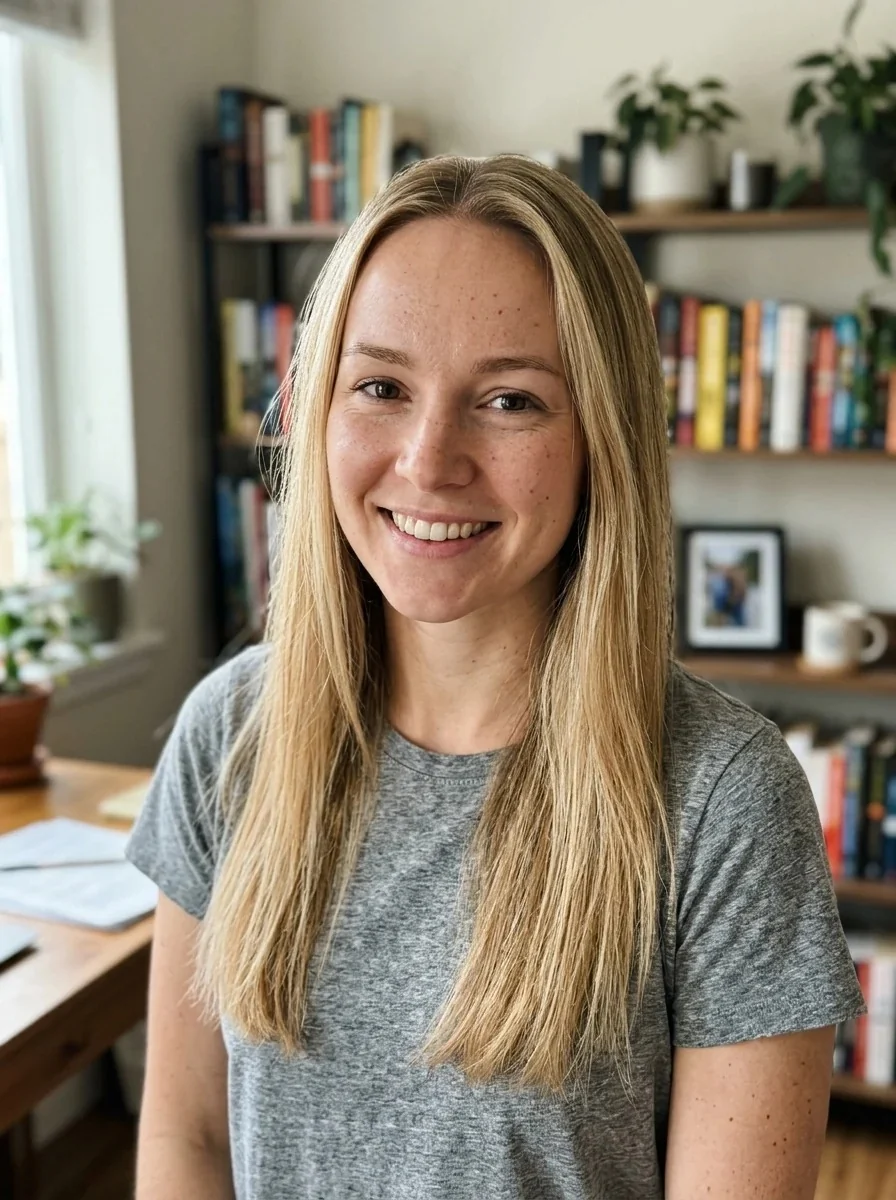
Flower crown
2016 Filter features.
Three 2016 looks
A matte Instagram edit, the Snapchat dog lens or a flower crown lens.
A real photo underneath
Only the editing and lens style change; the photo stays a photo of you.
Same person, same pose
Identity, face shape, expression and pose stay as they were.
Made for the nostalgia trend
Ready for the 2016 is the new 2026 posts, on a photo you already have.
2016 Filter, step by step.
01
Upload a photo
A selfie or portrait works well.
02
Pick the 2016 look
Matte Instagram, Snapchat dog or Flower crown.
03
Generate and download
Post it next to the original.
2016 Filter use cases.
- The 2016 is the new 2026 trend
- Post a current photo with a 2016 look and compare it with your actual photos from back then.
- Throwback profile pictures
- Give your avatar the matte tones of an old VSCO edit for a nostalgic week.
- Group chat jokes
- Put a dog lens or flower crown on a friend's selfie, the way it was done on Snapchat years ago.
- Throwback party invites
- Use the matte or flower crown version of a photo for a 2016-themed party or reunion post.
- Before and after reels
- Cut your current photo and its 2016 version together in a short video for the trend.
- Reunion and class-of-2016 posts
- Use the matte version of a group member's portrait for a reunion announcement or an alumni page.
2016 Filter: best photos and fixes.
Matte Instagram
This look fades the blacks, lifts the highlights, adds a slight teal in the shadows and a soft vignette, like the VSCO-style presets people used in 2016. It works on portraits, food and outdoor shots alike.
Snapchat dog lens
This version adds cartoon brown dog ears on the head, a dog nose, smoothed skin and brightened eyes. It works best with a front-facing selfie with a clear forehead and nose.
Flower crown lens
A bright cartoon flower crown goes on the head, with glowing smoothed skin and a pastel tint. Hair that is down or loosely styled suits it; very tall hairstyles can leave less room for the crown.
Choosing a photo
A well-lit selfie at arm's length is the most 2016 starting point. Very dark photos can look muddy once faded, so pick one with some natural light.
Other retro looks
For a different era of phone photo, try the iPhone 4 filter. For older decades and film grain, the vintage filter and the 70s filter go further back.
A web version, not the apps
The original lenses lived in social apps. This is a web version that recreates the look on any photo you upload; it is not connected to those apps.
Pastel and warm tones
The flower crown look adds a soft pastel tint, while the matte look leans warm with a little teal in the shadows. If your photo is already very cool or blue, the matte edit can look flatter, so try one with warmer light.
Keeping skin natural
The dog and flower lenses smooth skin and brighten the eyes, as the originals did. The matte look leaves skin texture as it is, so choose it if you want the 2016 color without the beauty effect.
2016 Filter FAQ.
Is this the 2016 Snapchat filter?
It recreates the look of the 2016 dog and flower crown lenses on any photo. It is a web version of the trend and is not connected to or endorsed by any social app.
What is the 2016 Instagram filter look?
Faded matte blacks, warm lifted highlights, slight teal shadows and a soft vignette, similar to the VSCO presets popular in 2016.
Will my face change?
No. Identity, face shape, age, skin tone, expression and pose stay the same; only the editing and lens style change.
Can I use it on a photo that is not a selfie?
Yes, the matte look suits any photo. The dog and flower lenses need a visible head, so they work best on portraits and selfies.
Can I get a 2016 look without the lens?
Yes. Choose Matte Instagram for a photo edit with no ears or flowers.
Is there a phone-camera version?
The [iPhone 4 filter](/effects/iphone-4-filter) does the early smartphone look with soft detail and noise.
Can I mix two looks, such as matte and flower crown?
Each run uses one look. Generate the first, then upload the result again and pick the second look if you want both.
Does the 2016 filter cost credits?
One result uses 9 credits with the default model, GPT Image 2. New accounts get 25 free credits once, and you can pick other models from the model menu at their own prices. Results have no watermark, and a failed generation refunds its credits.
What files can I upload?
A JPG, PNG or WebP up to 8 MB. On a computer you can scan a QR code to send a photo from your phone; the link works for 10 minutes.
Are my photos used to train AI?
No. Uploads are not used for training. Results stay in My files for 48 hours, or 30 days once you've bought a credit pack, and you can delete them sooner.