












Silhouette Generator
A clean black silhouette from any photo.
Drop a photo
or paste with ⌘V · JPG · PNG · WebP · up to 8 MB
No photo handy? Try one of ours.
More like this.
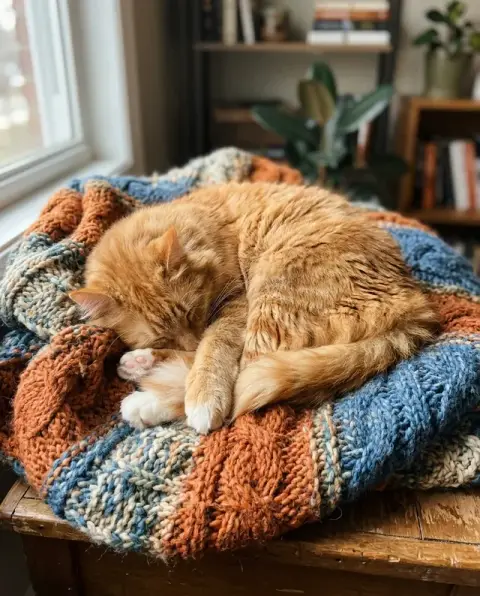
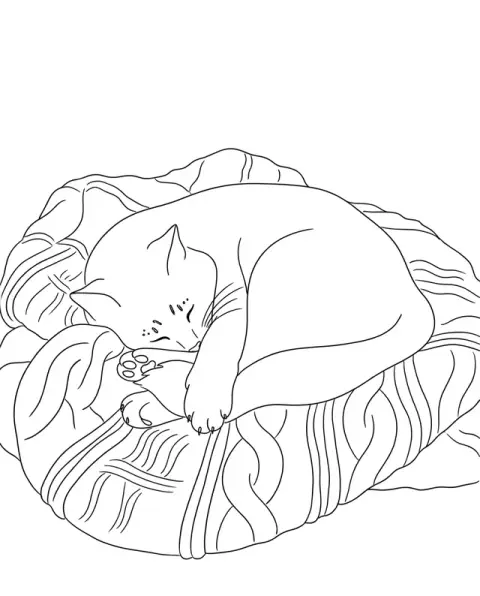

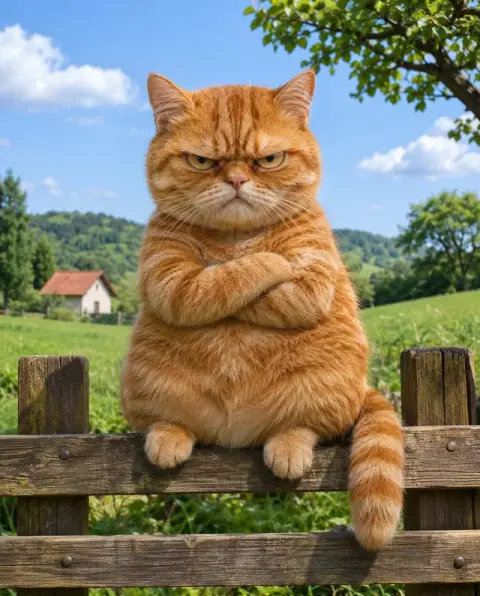
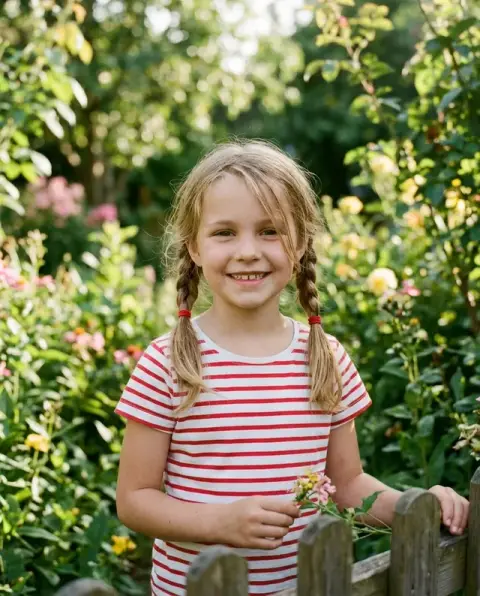
A jump, a couple and a cat through the silhouette generator.
Real results from this page's default settings in one click, not retouched.How examples are made

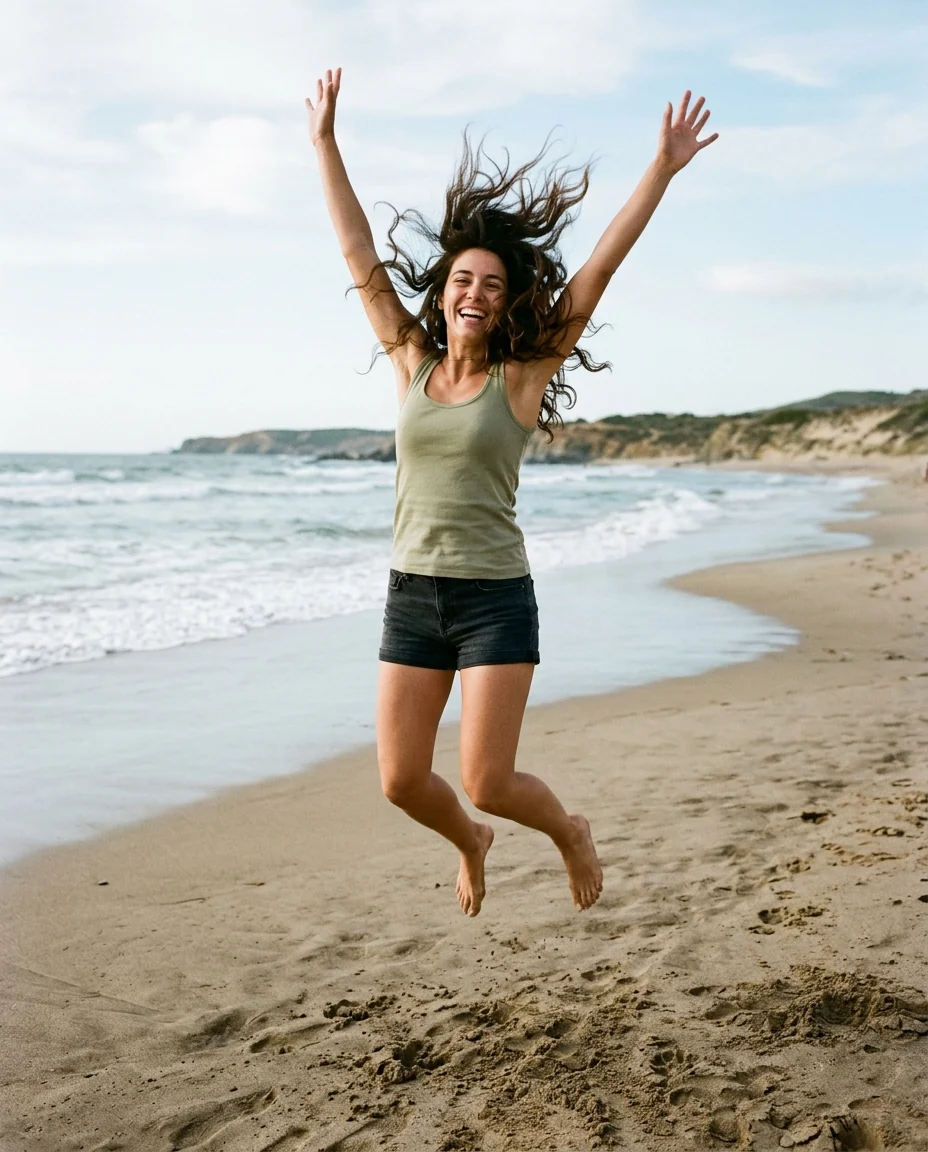
White

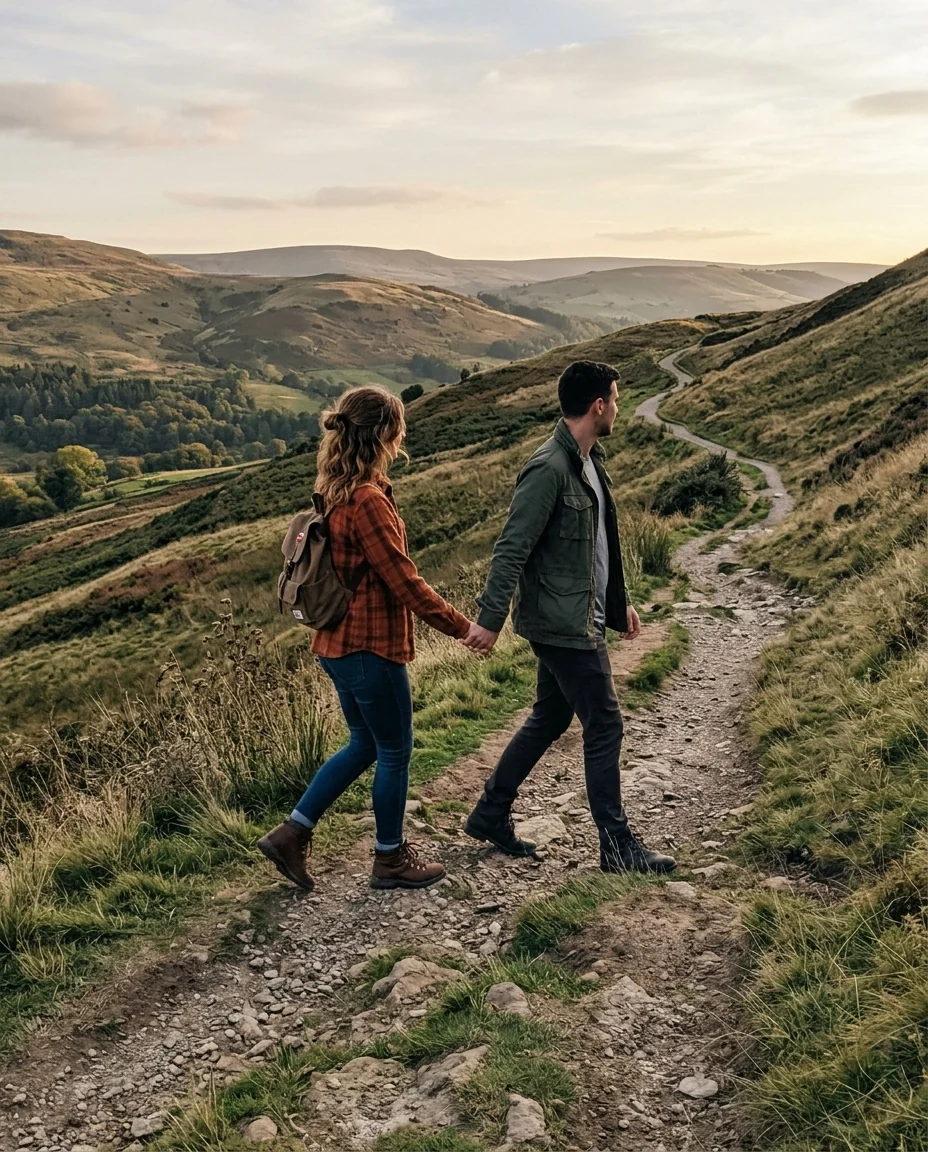
Sunset
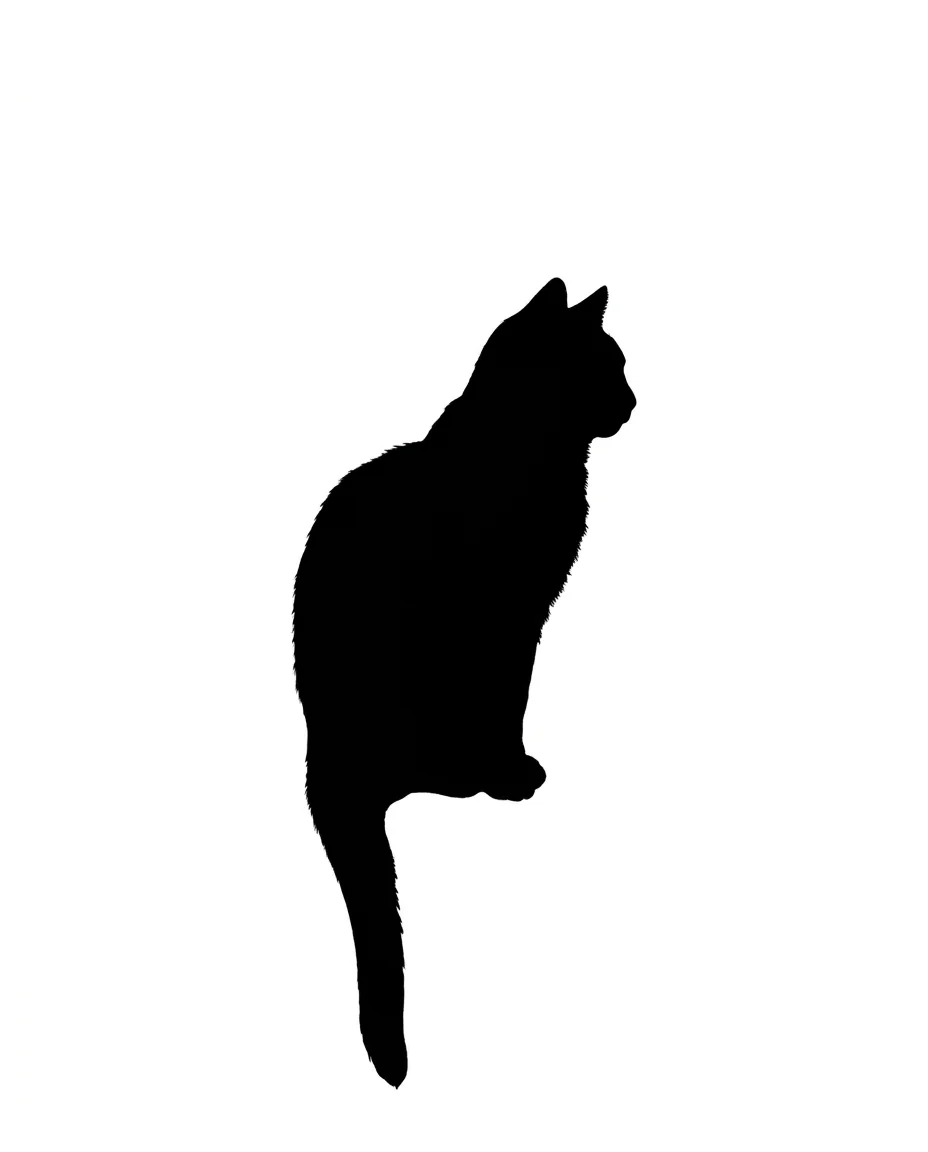
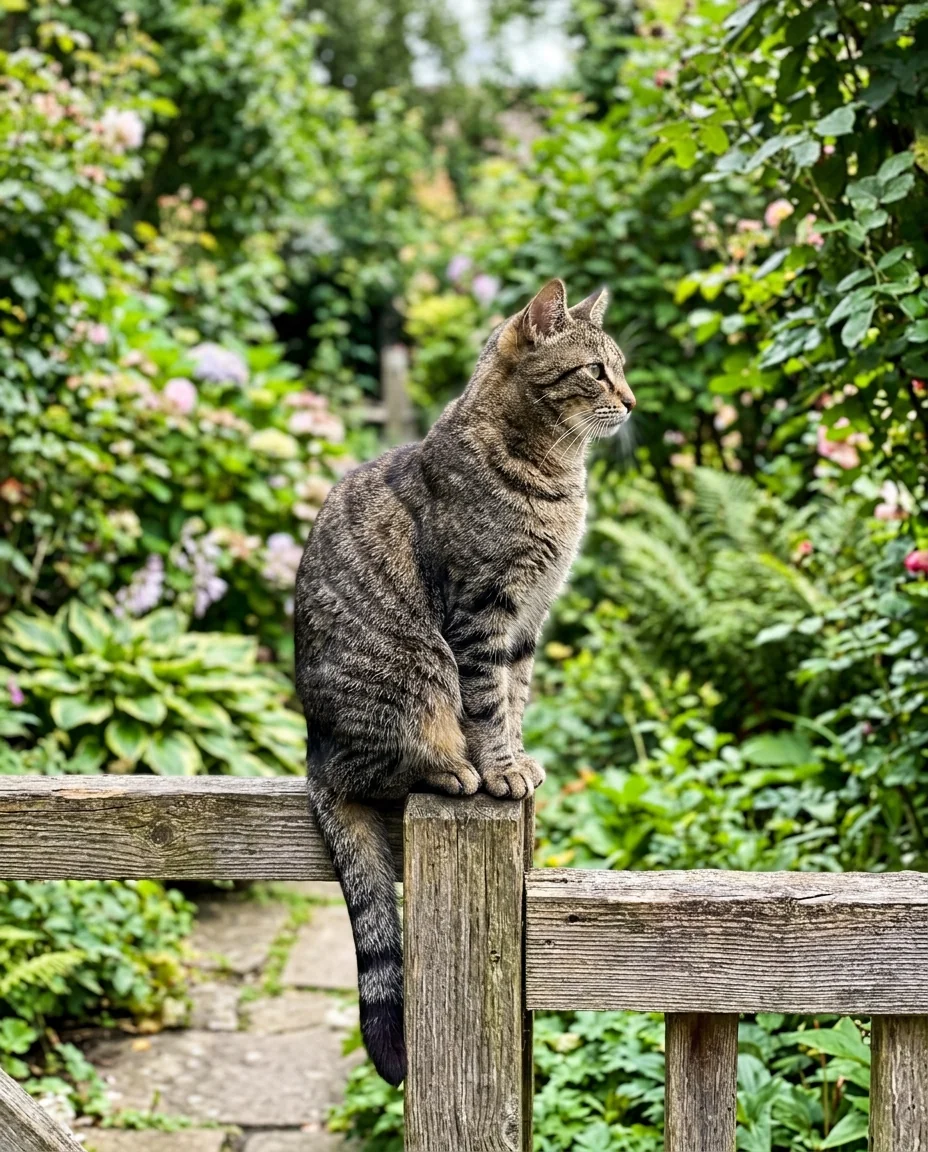
White
Edges, backgrounds and subjects in the silhouette generator.
Crisp edges
Hair, fingers and ears keep their exact outline.
White or sunset
A plain background for prints, or a backlit sky.
Any subject
People, pets, objects and buildings.
Silhouette Generator, step by step.
01
Upload a photo
A subject with a clear outline works best.
02
Pick a background
White or sunset.
03
Download
Print it, cut it or frame it.
From save-the-dates to decals: silhouette generator projects.
- A save-the-date card
- Engaged couples want an image for the card that does not give away their faces yet. Upload a profile photo of the two of you, choose Sunset, and place the result in your card design with the date beside it.
- The dog on a car window decal
- You want your dog's outline on the back window or a mug. Pick a side-on photo, choose White, and trace the download in your cutting machine's software.
- End-of-season team posters
- Coaches and parents make posters from a photo of each player's signature move. Choose Sunset for a poster, or White for a shirt transfer or a trophy plate.
- A profile picture without your face
- If you want a recognizable picture without showing your face, your outline does the job. Upload a side-on photo of yourself and use the result on forums, a blog or a podcast cover.
Silhouette Generator: best photos and fixes.
Poses for a clear silhouette
Side views and clear poses make the most recognisable silhouettes: a profile with the nose and chin visible, arms away from the body, a jump, a dog with its tail up. Front-facing poses with arms by the sides turn into a less recognisable blob. Choose a photo where the outline itself tells the story.
White or sunset
White gives a solid black shape on a white background, clean for cards, wall art and cutting machines. Sunset places the silhouette against a warm orange and pink sky, which suits posters and social posts. For a transparent background, run the white version through the background remover.
Hair and fine details
Loose hair, fingers and small objects held in the hand are kept where they show in the outline. Very fine strands may be simplified into a smoother shape. For cutting, simpler outlines are easier; write "simplified outline, no fine strands" if needed.
Group photos
Group photos work when people are slightly apart, so each outline is visible. Overlapping people merge into one shape. For a family silhouette, a photo where everyone stands in a row with gaps between them reads best. Children of different heights in a row make a charming family silhouette for a wall.
Cutting machines and prints
For vinyl or paper cutting, use the white version and make sure the shape is solid with no gaps. Small islands of white inside the silhouette are hard to cut. Import the image into your cutting software and trace it there.
Wedding and couple silhouettes
Couple silhouettes against a sunset are a classic wedding and anniversary image. A photo of the couple facing each other in profile, almost touching noses, reads best. Hands joined or a kiss also read well. The sunset background suits invitations and save-the-date cards; the white background suits wedding signs and cake toppers cut from card.
Pets
Pet silhouettes work best from the side: the shape of ears, tail and legs is what makes a dog or cat recognisable. A cat sitting upright or a dog mid-run gives a strong outline. For a pet memorial or a gift, a side profile sitting in its favourite spot makes a simple, personal print.
Sports and dance
Action poses make dramatic silhouettes: a jump, a kick, a dance move. Choose a photo at the peak of the movement with arms and legs away from the body. Ballet, skateboarding, martial arts and basketball dunks all make striking silhouettes for posters and team gifts, because the shape alone tells you the sport.
Silhouette generator questions about colors, files and rights.
Can I get a transparent background?
Generate on white, then run the result through the background remover for a transparent PNG.
Will it keep small details like hair?
Yes. The outline follows the photo, including loose hair, fingers and ears.
Can I use a group photo?
Yes. Everyone becomes part of one silhouette, so spread-out poses read best.
Is the Silhouette generator free?
Yes, you can try it free. New accounts get 25 free credits, and one generation here uses 9 credits. You sign in with your email; no card needed. Results have no watermark. After that, credit packs never expire, and your first one is half price.
Can I get an SVG or vector file?
No. The result is an image, not a vector file. Cutting and design apps can trace it into a vector shape.
Can the silhouette be a color other than black?
No. The shape is always solid black, on white or a sunset. Most design and cutting apps can fill it with another color after download.
Does it work on objects and buildings?
Yes. Cars, buildings, plants and objects work as long as the outline stands out from the background in the photo.
How is it different from the stencil generator?
The [stencil generator](/effects/stencil-generator) keeps inner detail as bold black shapes with connected islands, for spray paint and cutting. The silhouette generator gives one flat shape with no inner detail.
What files can I upload?
JPG, PNG or WebP, up to 8 MB. On a computer you can also scan a QR code to send a photo from your phone; the link works for 10 minutes.
Can I sell prints or decals made with it?
Yes, if the photo is yours. You own the images you generate as far as the law allows; get permission before selling silhouettes of other people.
Guides on the blog.
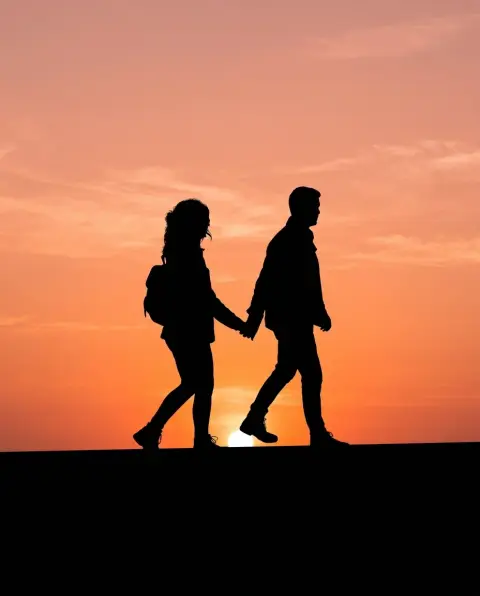 Silhouette portrait ideas: gifts, prints and photosSilhouettes are simple, timeless and easy to make. Ideas for family portraits, pets, couples and keepsakes, how to shoot one, and how to make one from any photo.
 How to make a stencil: design, cut and paintA good stencil starts with the design: bold shapes and bridges that hold the pieces together. How to design, cut and use stencils on walls, fabric and wood.

