












Stencil Generator
A bold, cut-ready stencil from any photo.
Drop a photo
or paste with ⌘V · JPG · PNG · WebP · up to 8 MB
No photo handy? Try one of ours.
More like this.
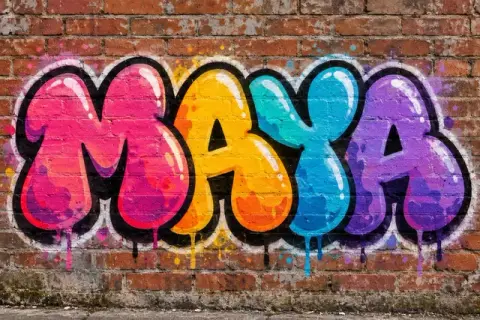

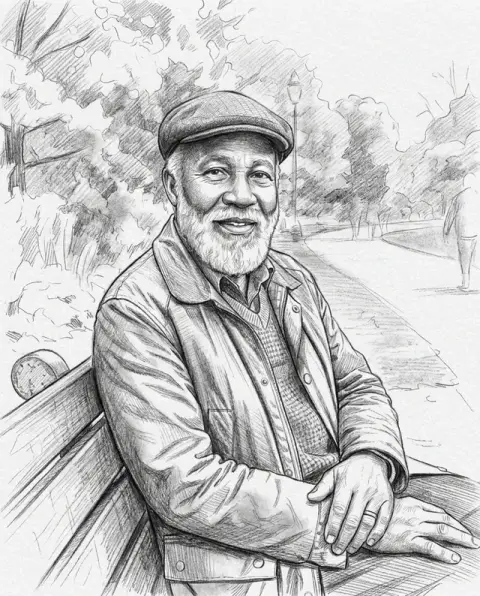

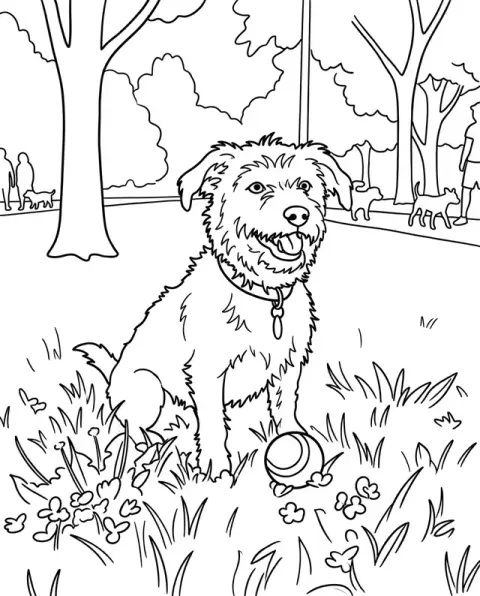
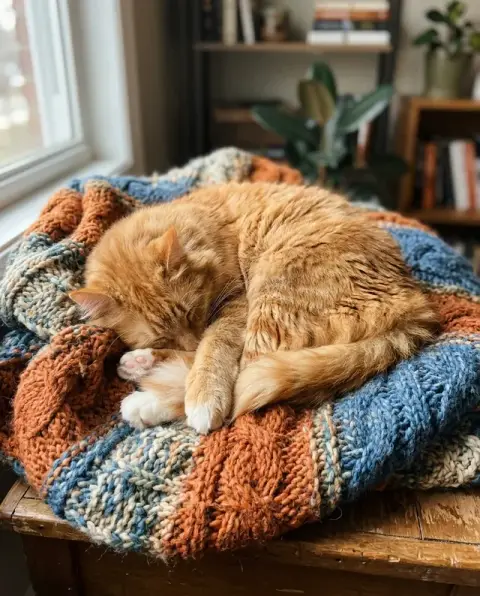
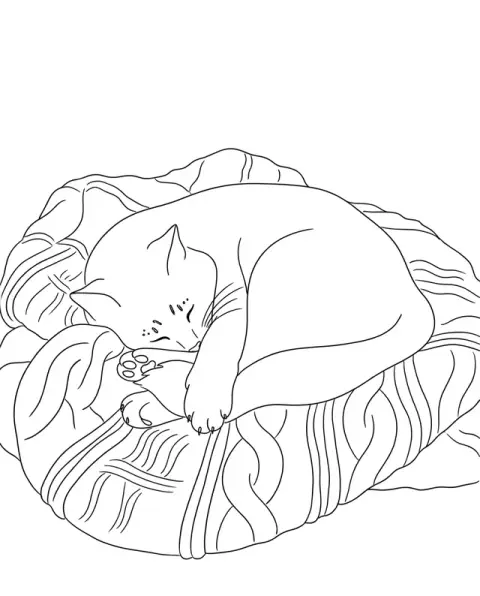
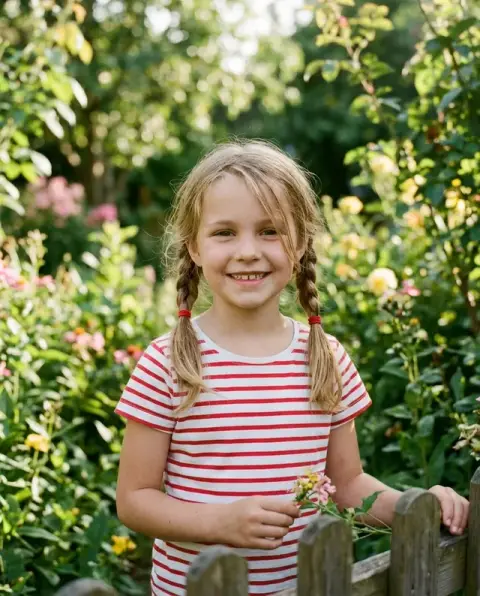
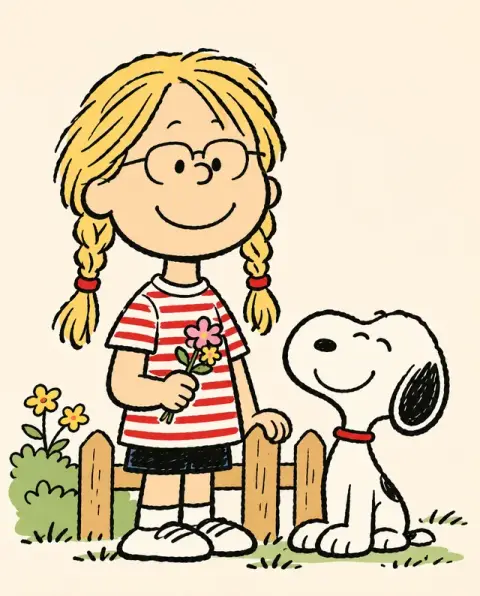
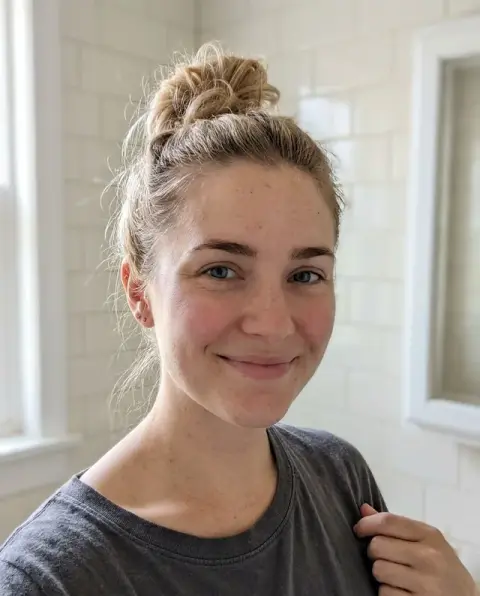
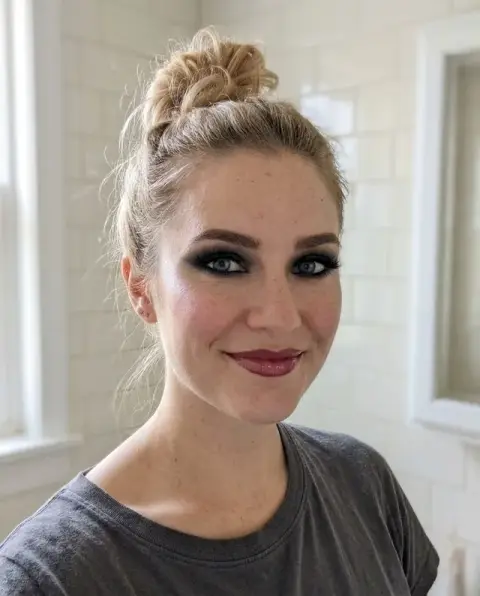
Stencil Generator examples.
Real results from this page's default settings in one click, not retouched.How examples are made


The portrait as a bold black-and-white stencil

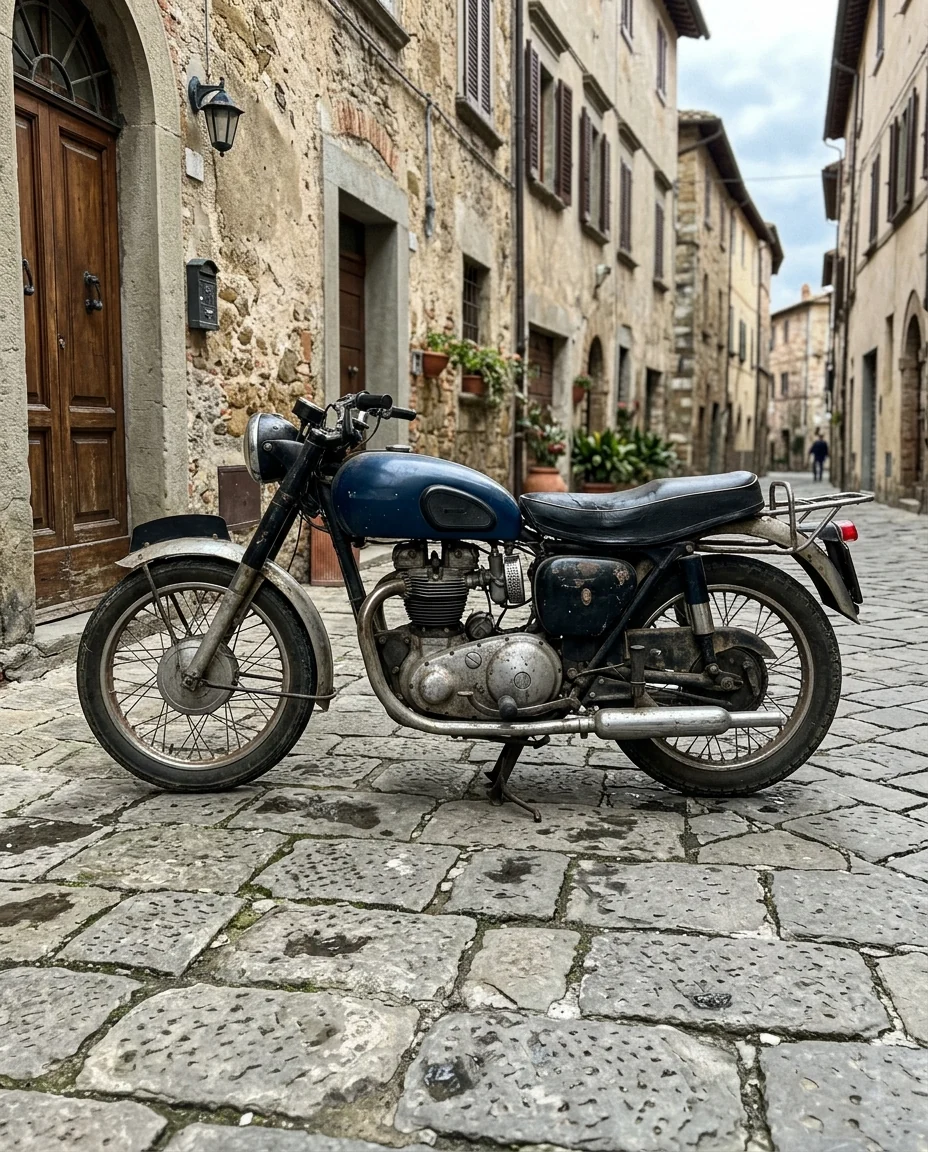
The motorbike as a cut-ready stencil with connected shapes
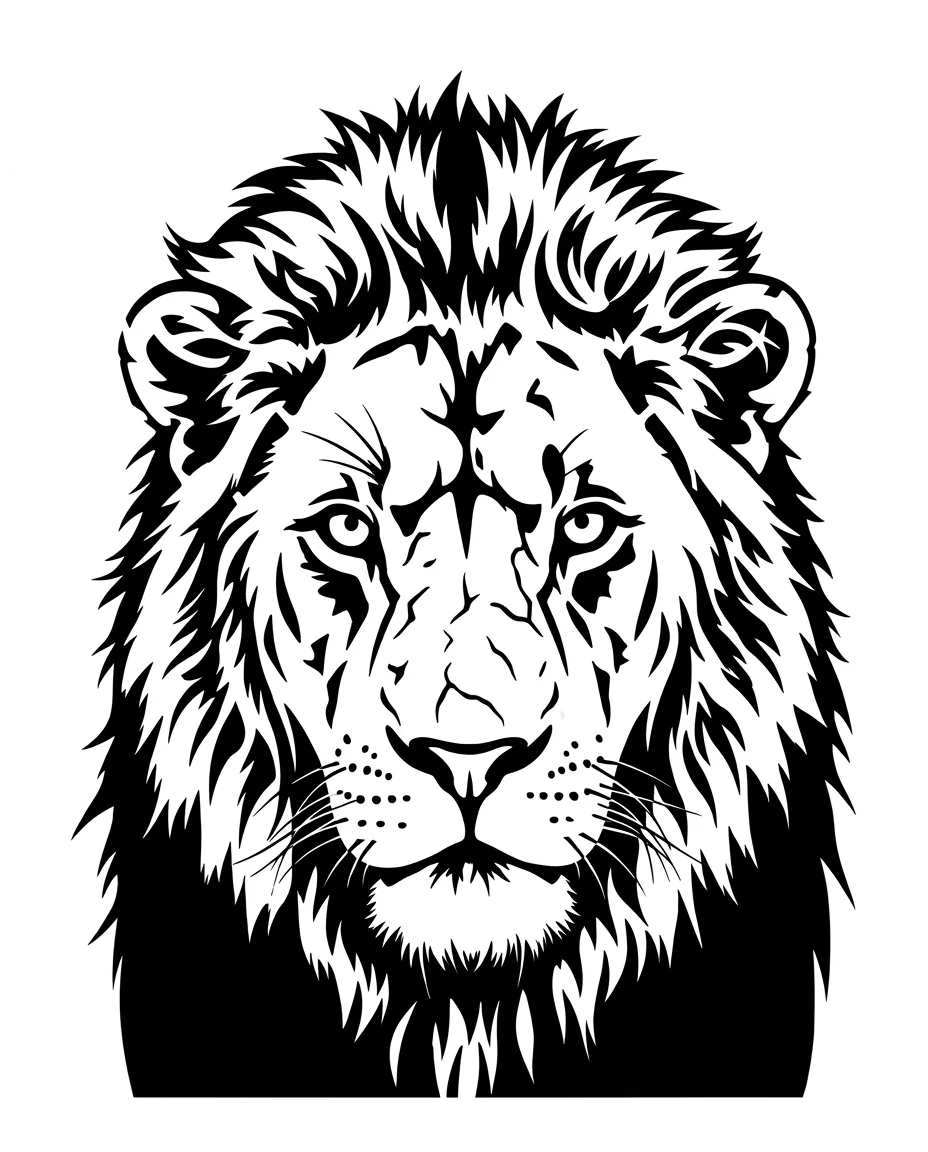
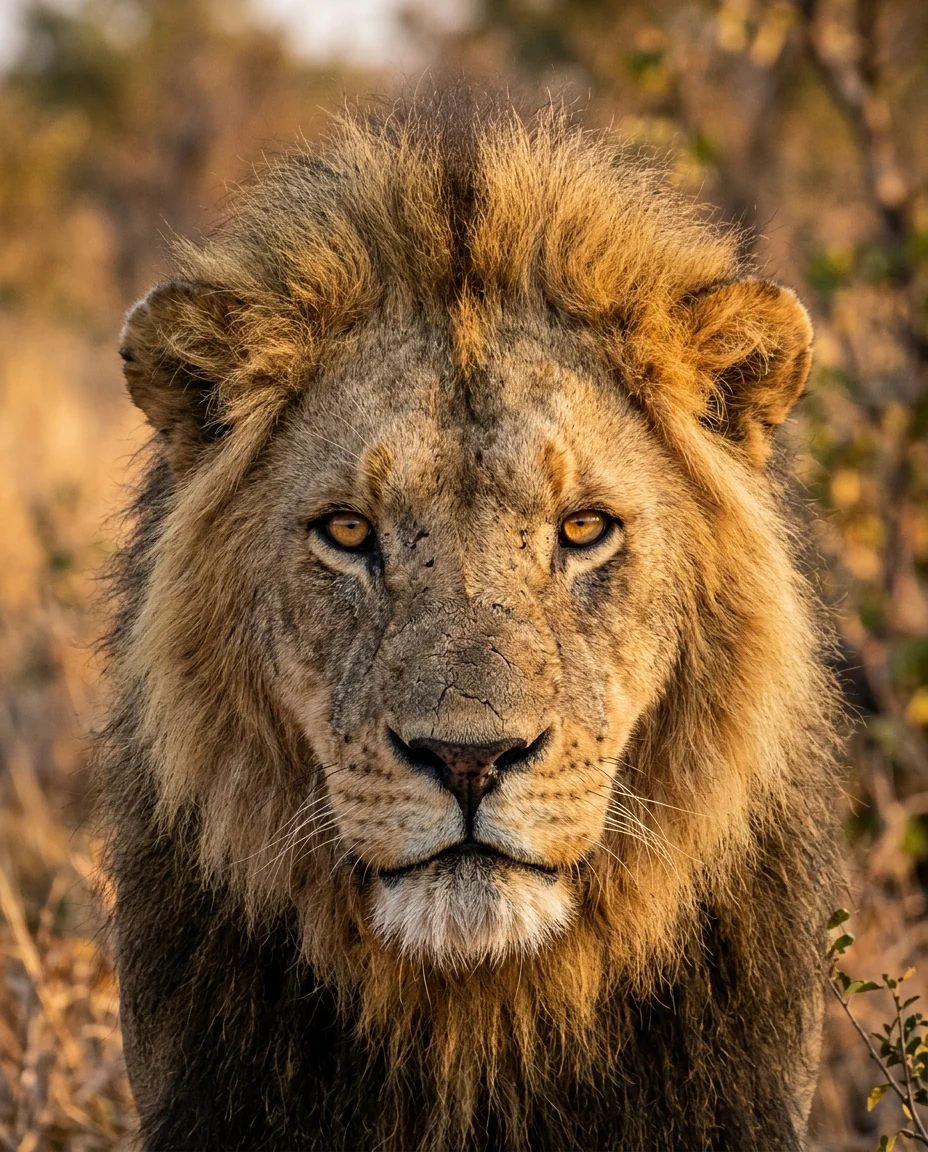
The lion's face as a high-contrast stencil
Stencil Generator features.
Cut-ready
Bridges keep inner pieces connected.
Pure black and white
No gradients, so it sprays and cuts cleanly.
Still recognizable
Faces and shapes keep their character.
Stencil Generator, step by step.
01
Upload a photo
Strong light and shadow work best.
02
Generate
The photo becomes solid black shapes.
03
Print and cut
Download it at full size.
Stencil Generator use cases.
- Spray paint and screen print
- Graffiti, walls, shirts and posters.
- Crafts and cutting machines
- Vinyl, paper, wood and glass etching.
Stencil Generator: best photos and fixes.
Photos for a clean stencil
Side-lit photos with strong shadows make the clearest stencils, because the light and dark areas form shapes that still read as a face or object in pure black and white. Portraits with light from a window, buildings in sun and animals against plain backgrounds all work well. Flat, evenly lit photos lose their shape.
Fewer details for hand cutting
The default keeps enough detail to be recognisable. For small stencils or hand cutting, write "fewer details, larger shapes". For a larger spray-paint stencil, "more detail" keeps more of the face. Check that the black areas are connected, so the stencil does not fall apart when cut.
Cutting machines
For Cricut and similar machines, import the image and trace it in the machine's software. Pure black on white traces cleanly. Tiny islands and thin lines are hard to cut; regenerate with fewer details if your machine leaves them ragged.
Spray paint and screen print
For spray paint, larger, simpler shapes give crisper edges. For screen printing, the stencil can be used as a single-color layer. Print a test at the final size before cutting to check that the details still read.
Stencil or silhouette
A stencil keeps inner details such as eyes and shadows. A silhouette is just the outline, solid black. If you only need a shape for a sign or a sticker, the silhouette generator is simpler. For multi-layer stencils, a designer can split the result into separate layers for each tone.
Portraits with strong light
Stencil portraits work best with light from one side, so half the face is in shadow. That creates the bold black shapes typical of street art. Front light gives a flat face with few shapes. Photos taken at golden hour or beside a window give this split light naturally.
Pictures, not text
The stencil is made from the picture only, without text. If you need words with it, for a sign or a shirt, cut the lettering separately using a stencil font, which already has bridges in letters such as O and A. Placing a separate text stencil under the image gives cleaner letters than trying to cut them from a photo.
Size
Think about the final size first. A stencil for a t-shirt can hold more detail than one for a small badge. Small stencils need bigger shapes and fewer islands; a large wall stencil can show eyes, hair strands and clothing folds. Print a test at the real size before cutting, and check that thin lines are at least a few millimetres wide.
Stencil Generator FAQ.
Can I cut it on a Cricut or similar machine?
Yes. The shapes are solid and connected. Convert the PNG to SVG in your cutting software.
Can I get fewer details?
Yes. Write "fewer details" or "two tones only" in the instructions box.
What's the difference from the silhouette generator?
A silhouette is one solid shape. A stencil keeps inside detail like eyes and shadows, as separate black areas.
Is the Stencil generator free?
Yes, you can try it free. New accounts get 25 free credits, and one generation here uses 9 credits. You sign in with your email; no card needed. Results have no watermark. After that, credit packs never expire, and your first one is half price.
Guides on the blog.
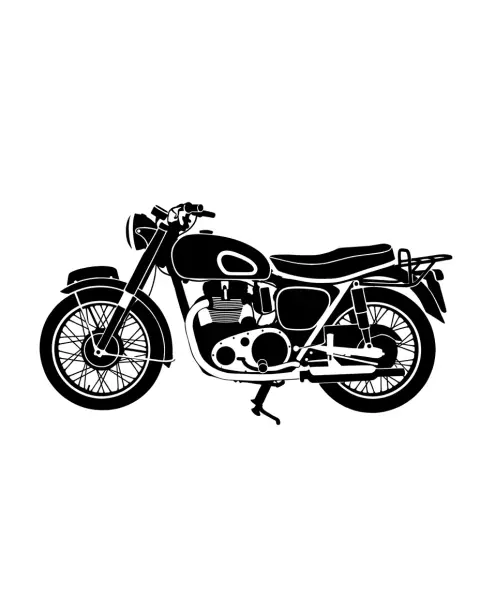 How to make a stencil: design, cut and paintA good stencil starts with the design: bold shapes and bridges that hold the pieces together. How to design, cut and use stencils on walls, fabric and wood.
 How to design your own tattoo before you bookYou don't need to draw to design your own tattoo. How to pin down the idea, style, placement and size, collect references, and brief your artist well.
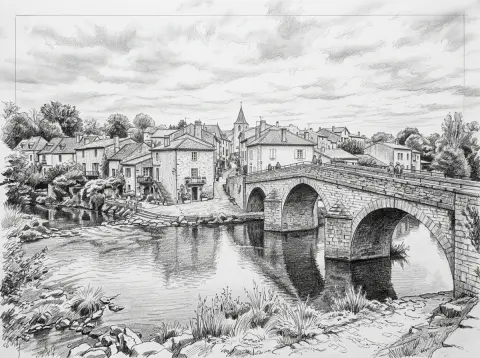 Sketch vs line drawing vs stencil: which style when?All three turn a photo into black and white art, but they're made for different jobs. How they differ, and which one suits coloring pages, prints, tattoos and cutting.

