Coloring Page Generator
Your photos, ready to color in.
Drop a photo
or paste with ⌘V · JPG · PNG · WebP · up to 8 MB
No photo handy? Try one of ours.
Coloring Page Generator examples.
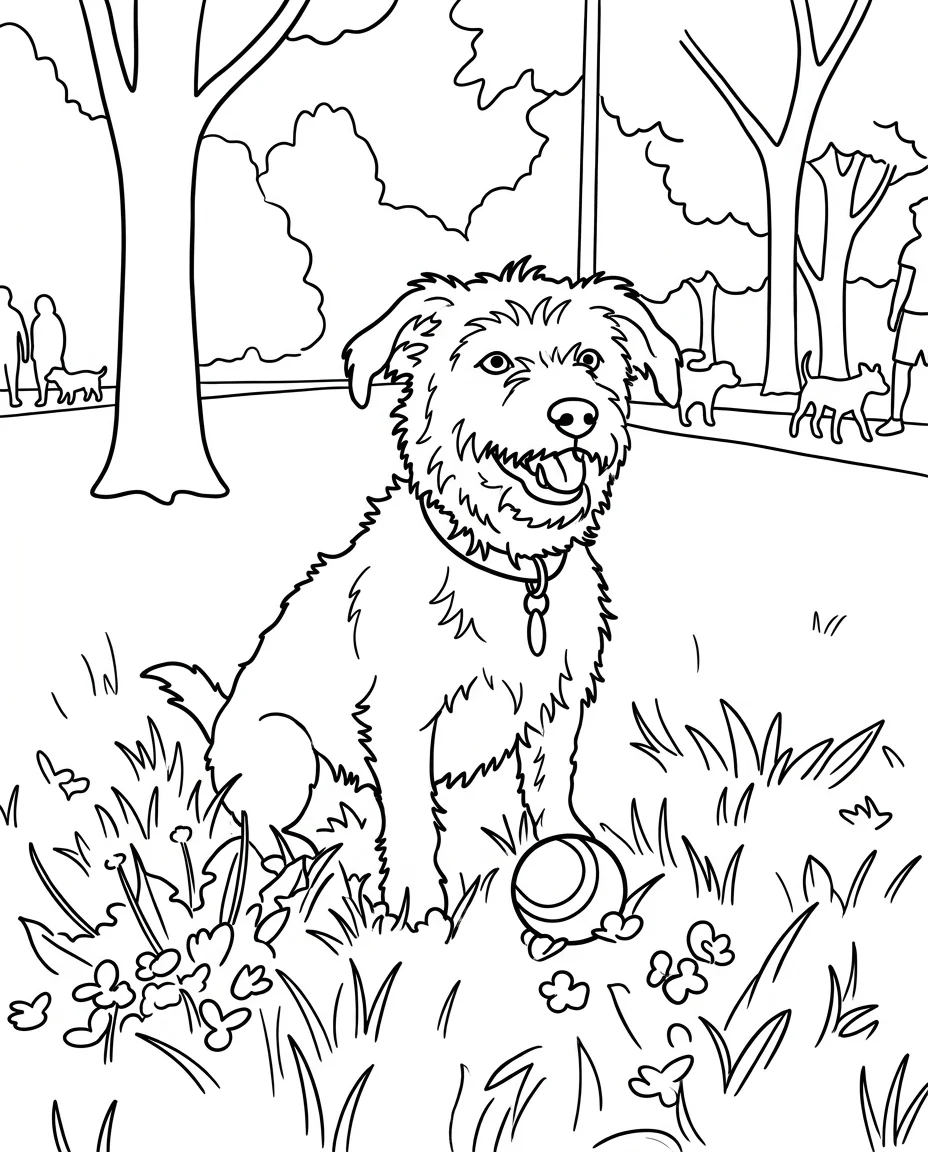

Kids' page
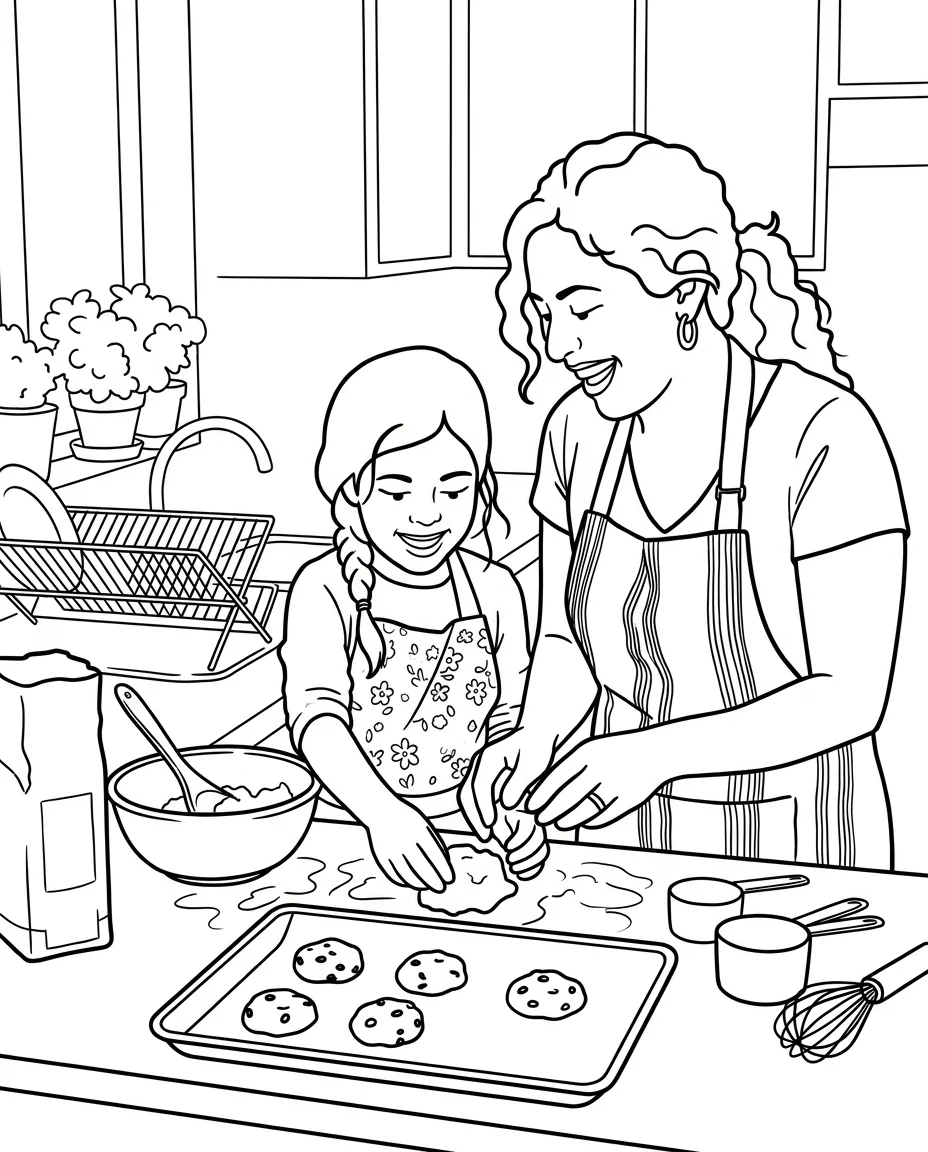

Family photo
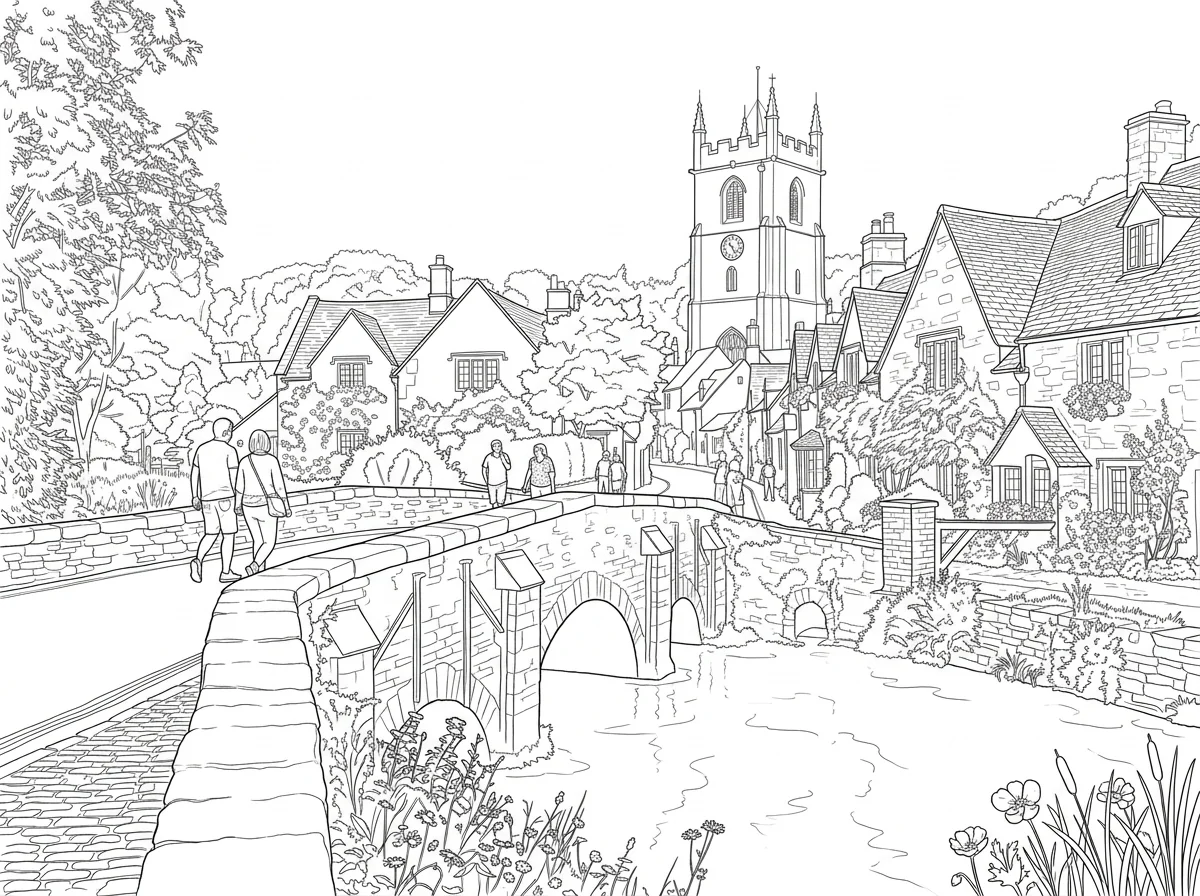

Detailed for adults
Coloring Page Generator features.
Ready to print
Black outlines on white, no shading.
Kids or adults
Simple bold lines or fine detail.
Your own photos
Family, pets, places and toys.
Coloring Page Generator, step by step.
01
Upload a photo
A clear subject works best.
02
Pick a detail level
Simple for kids, Detailed for adults.
03
Print it
Use fit to page, then color.
Coloring Page Generator use cases.
- Kids' activities
- A coloring page of their pet, house or favorite toy.
- Party favors
- Coloring pages of the birthday child for guests.
- Classrooms
- Pages from field trip photos for students to color.
Coloring Page Generator: best photos and fixes.
Photos that make good pages
A clear main subject with a simple background turns into the cleanest coloring page: a pet, a person, a toy, a car or a building. Busy backgrounds are simplified, but very cluttered photos still produce lots of small areas that are hard for young kids to color. Crop to what matters before uploading. Good light helps the outline find edges, but shadows are not drawn.
Simple or detailed
Simple (kids) uses thick outlines and big areas, good for ages around 3 to 8 and for crayons and markers. Detailed (adults) adds patterns in fur, clothes, leaves and backgrounds, good for colored pencils and fine pens. For older kids, try Detailed with a simple photo, which gives some detail without becoming overwhelming.
Recognizable people and pets
Hairstyles, clothes, glasses and pet markings are turned into outlines, so a child can spot themselves or their dog. Faces become simple line drawings with eyes, nose and mouth. A spotted dog keeps its spots as shapes to color in. Group photos work but each person is smaller, so keep groups to two or three people for younger kids.
Printing tips
Pages come out with a white margin so nothing is cut off at the edge of the paper. Print at full page size on plain paper; thicker paper is better for markers. For a set, make several pages from the same day, such as a trip or a party, and staple them into a little coloring book.
No shading or gray
Coloring pages need closed shapes with white inside, so shading, gray areas and hatching are left out. If a result has a gray patch, regenerate or write "pure line art, no gray". Thin lines that don't meet can make areas leak when coloring digitally; for coloring apps, choose Simple for more closed shapes.
Related tools
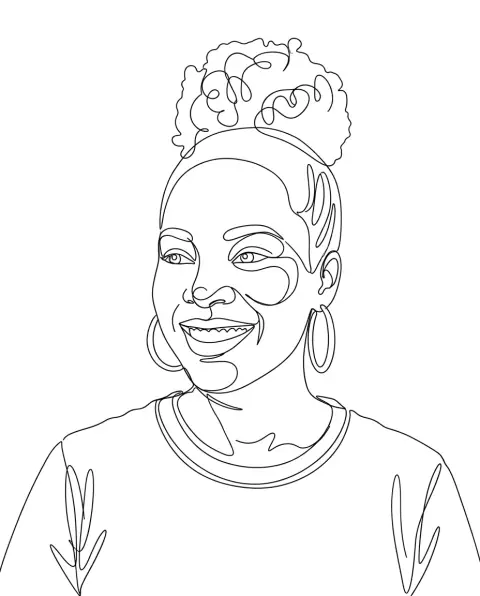
Turn photo into line drawing gives clean line art in more styles, and photo to sketch makes shaded pencil drawings. One line art draws a subject with a single continuous line. The stencil generator makes cut-out stencils, and sketch to photo goes the other way, turning a drawing into a realistic image.
Coloring Page Generator FAQ.
Can I print the pages?
Yes. They are black outlines on white with a margin, in your photo's shape; print with fit to page.
Can I make a page from a description, without a photo?
This tool needs a photo. Take a photo of a toy or drawing to start from.
Is it good for young kids?
Yes. Choose Simple for thick lines and big areas to color.
Is the Coloring page generator free?
Yes, you can try it free. New accounts get 15 free credits, and one generation here uses 13 credits. You sign in with your email; no card needed. Results have no watermark. After that, plans add credits every month and credit packs never expire.