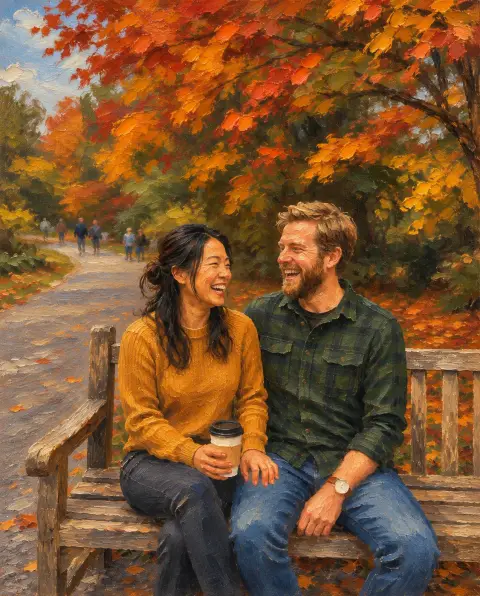
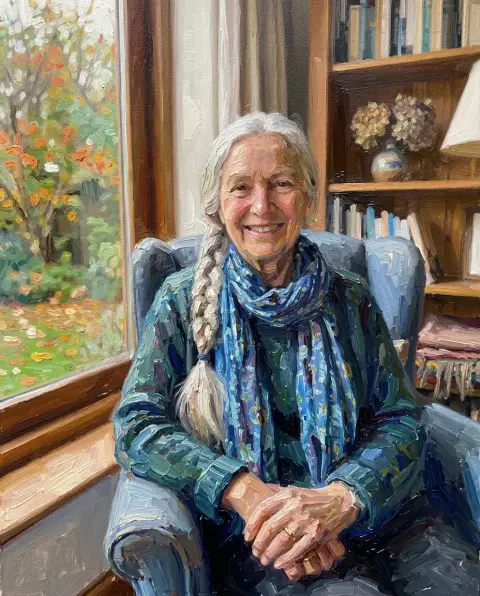
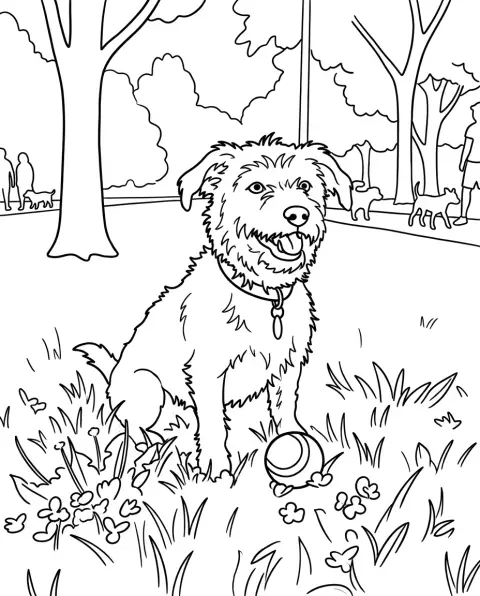
Photo to Watercolor
Soft washes, real paper, your photo.
Drop a photo
or paste with ⌘V · JPG · PNG · WebP · up to 8 MB
No photo handy? Try one of ours.
Photo to Watercolor examples.
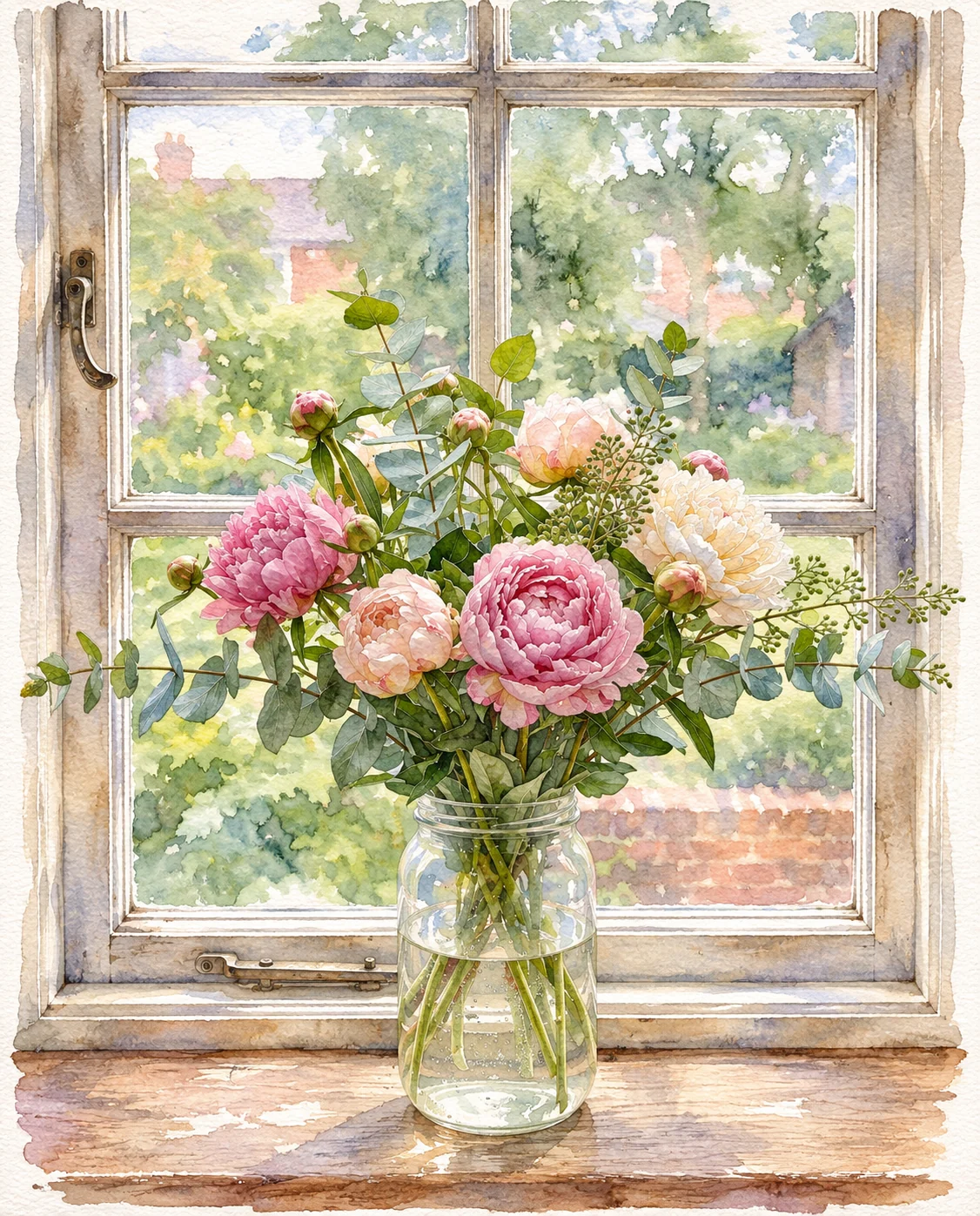
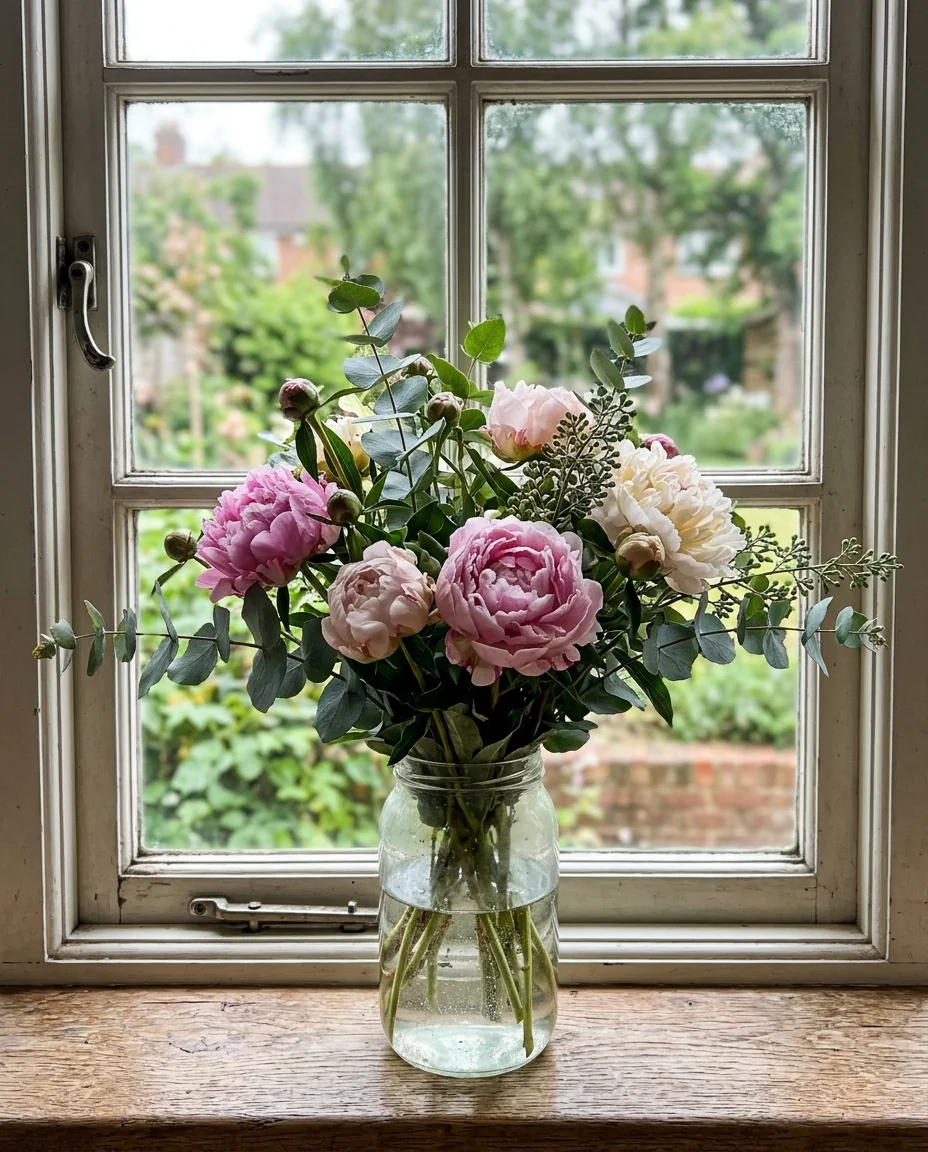
Detailed flowers
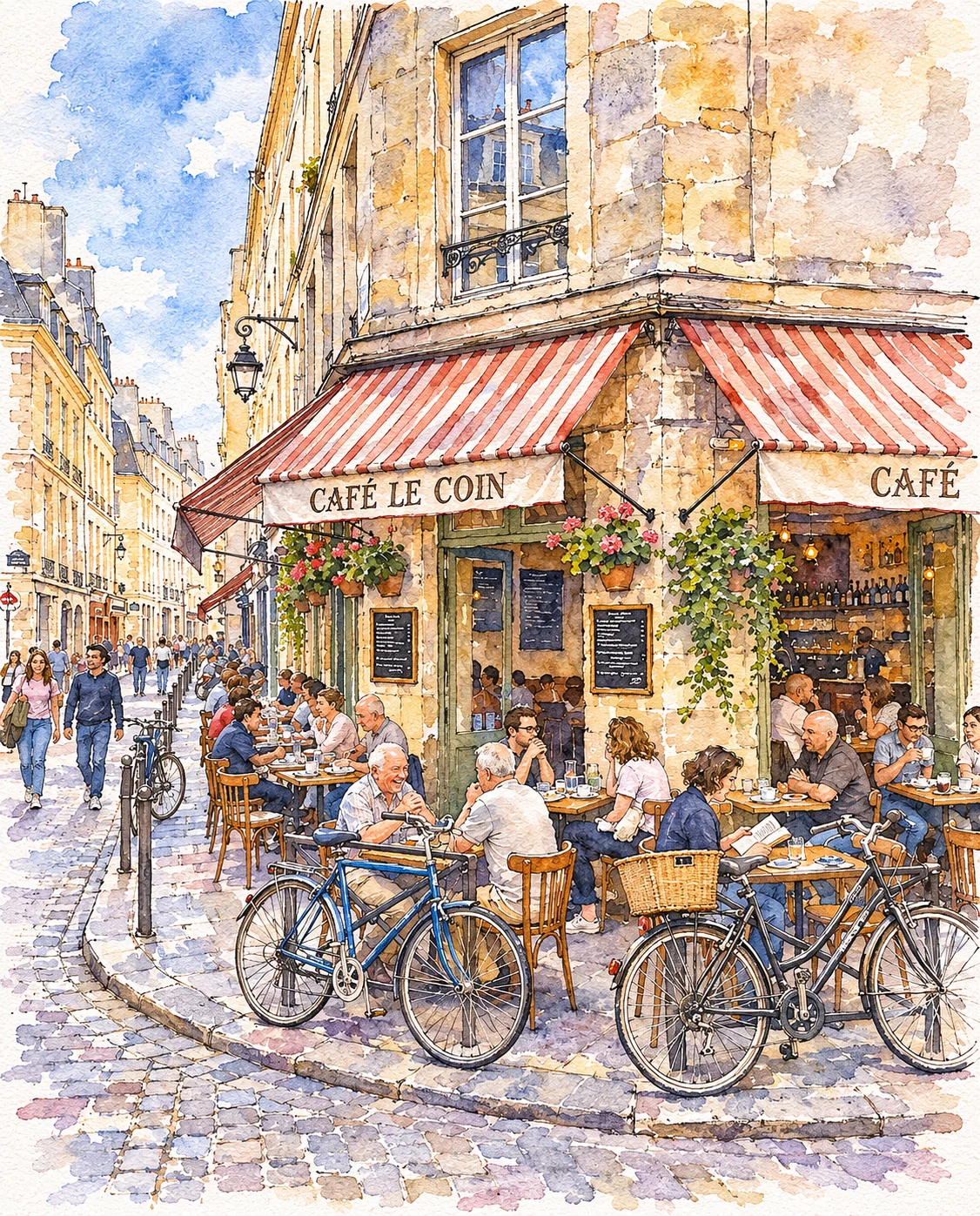
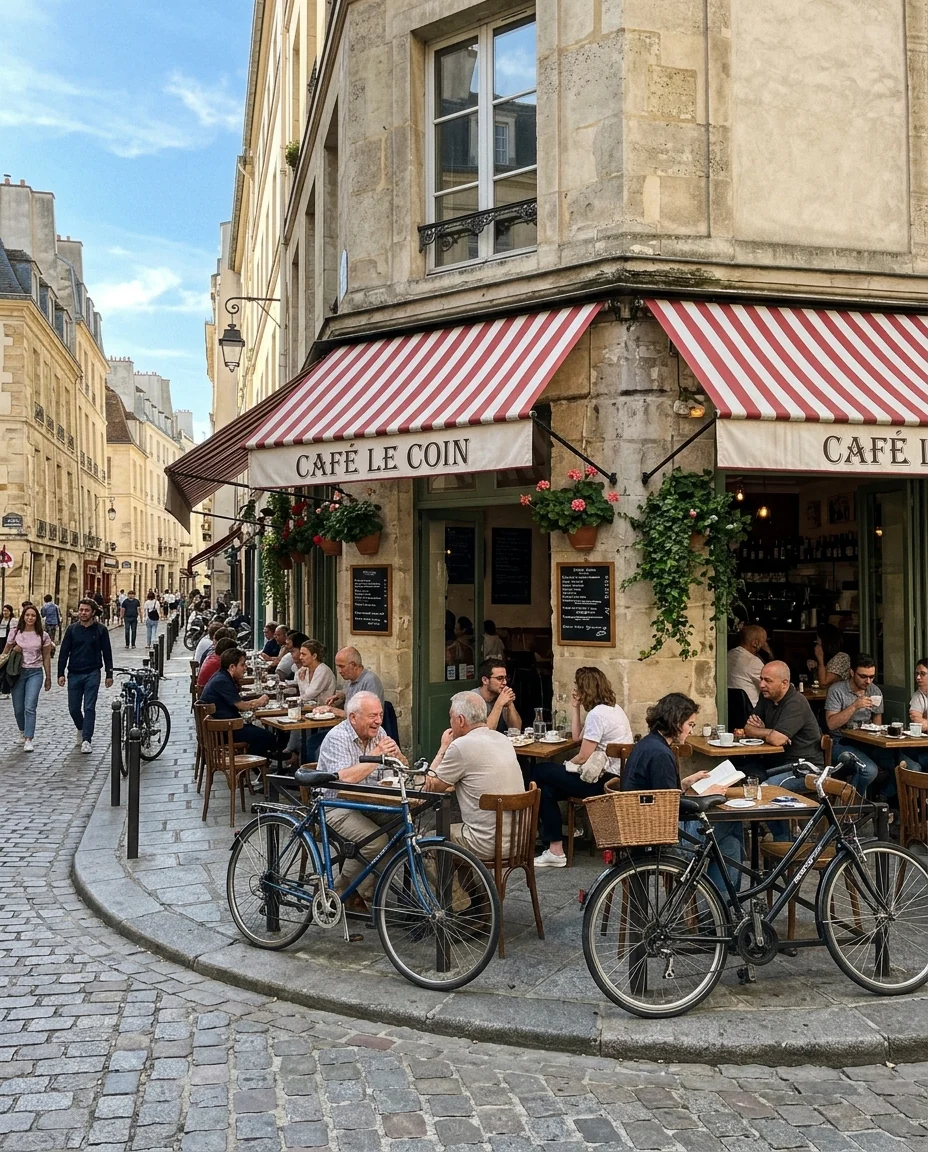
Ink and wash street
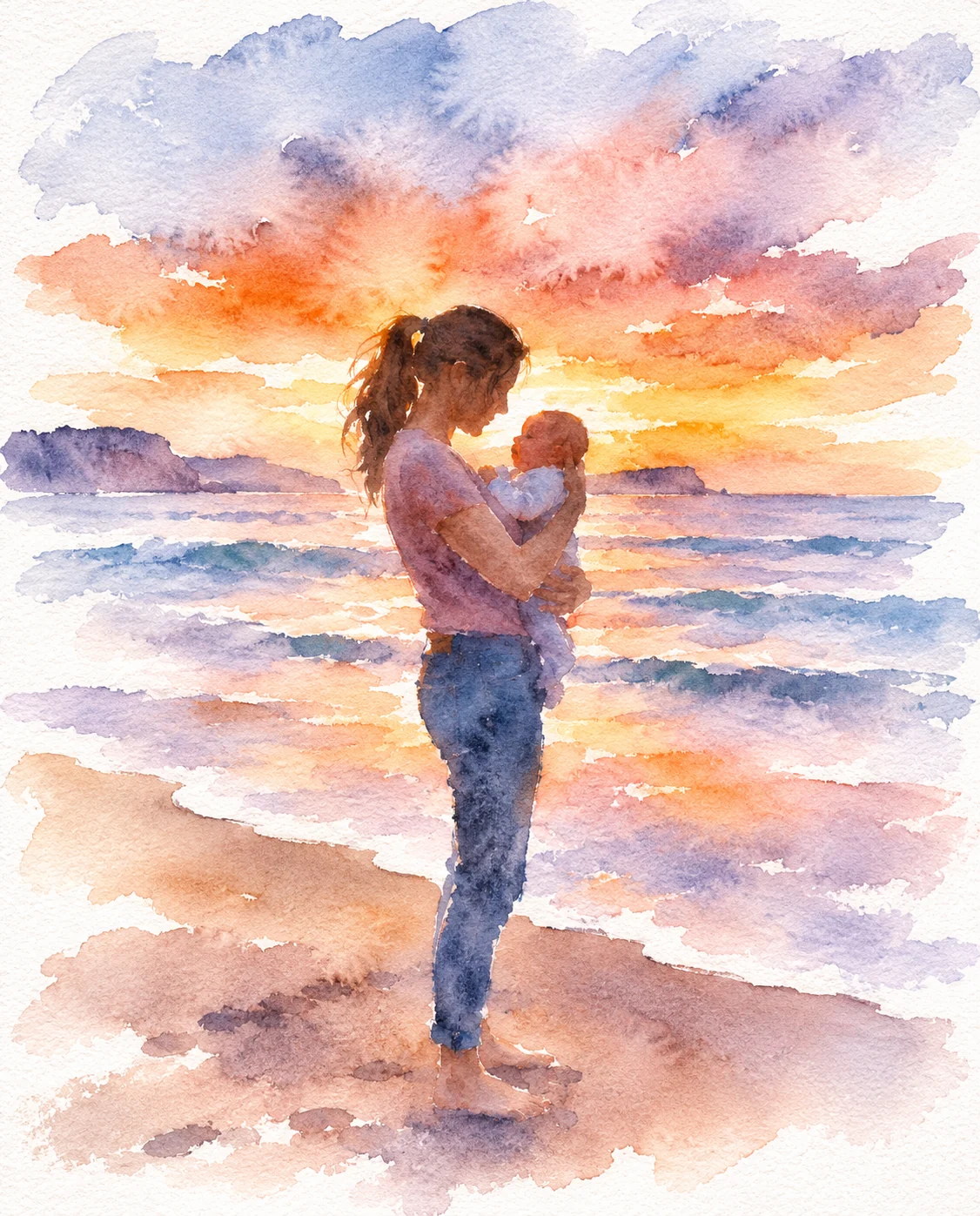
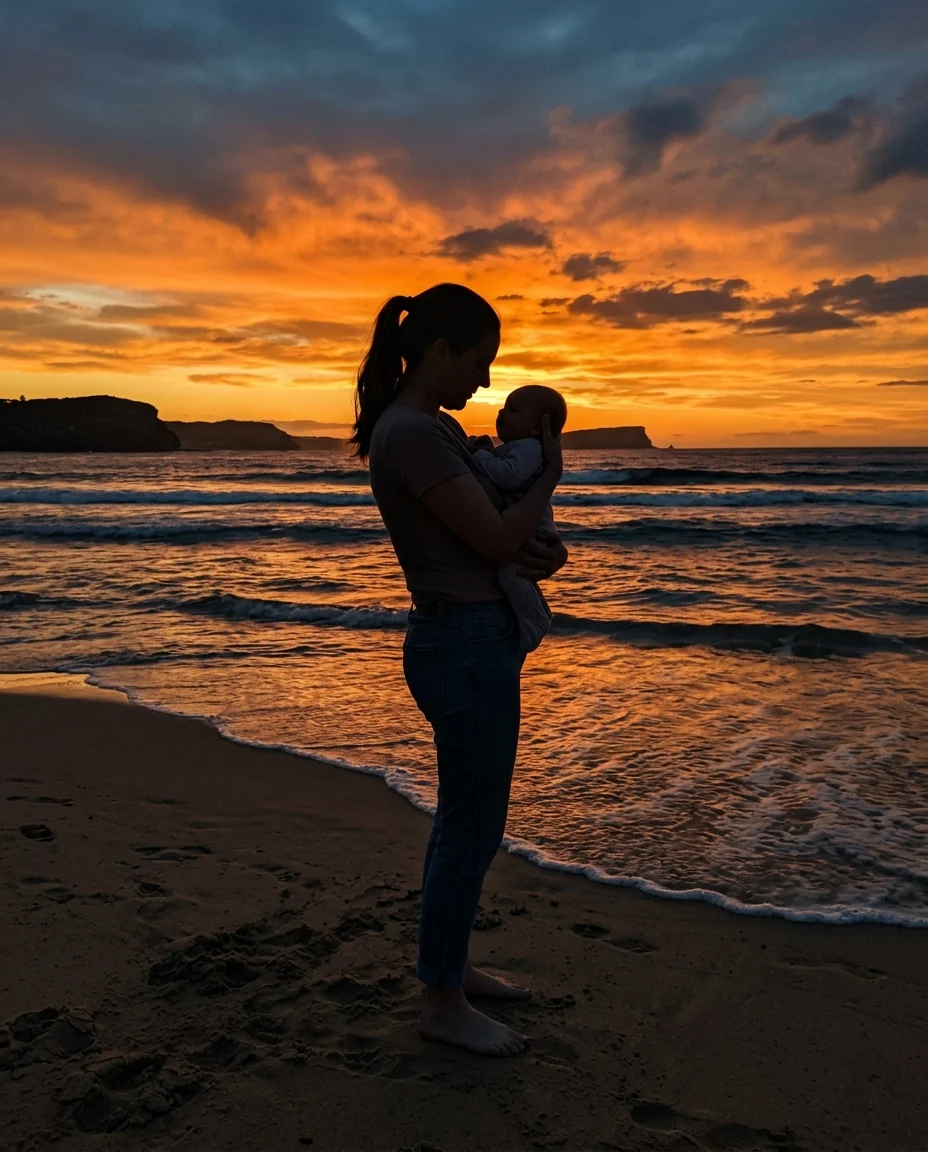
Loose and airy
Photo to Watercolor features.
Real watercolor look
Washes, blooms and white paper.
Three styles
Loose, detailed or ink and wash.
Your scene kept
People and composition stay.
Photo to Watercolor, step by step.
01
Upload a photo
Flowers, places, pets or people.
02
Pick a style
Loose, Detailed or Ink and wash.
03
Download
Print it on textured paper.
Photo to Watercolor use cases.
- Wedding and baby gifts
- A soft painted keepsake of a special photo.
- Travel journals
- Ink-and-wash sketches of your trip.
- Cards and invitations
- Watercolor art for stationery.
Photo to Watercolor: best photos and fixes.
Photos that suit watercolor
Watercolor loves light: flowers, gardens, coastlines, street scenes and soft portraits look best. Photos with clear shapes and gentle light give clean washes. Very dark photos or night scenes lose the white paper glow that makes watercolor special. Busy crowds become loose dabs of color, which can be lovely in the Loose style. A photo with one clear light source, such as window light or sun, gives the washes a direction.
Choosing a style
Loose uses big washes and leaves a lot of white paper, for an airy, relaxed painting. Detailed layers color carefully with crisp edges, like botanical art, and suits flowers, pets and objects. Ink and wash draws fine black lines and adds light color, the look of urban sketching and travel journals. Ink and wash works best on buildings and streets; on a close portrait the line drawing is thin.
Faces in watercolor
Faces are painted with a few soft strokes, so they usually keep the likeness without fine detail. Close portraits keep more of the face than wide shots. For a portrait gift, Detailed keeps features clearest; Loose turns people into graceful shapes, which suits silhouettes and beach scenes.
Printing
Print on matte or textured paper; glossy paper makes watercolor look like a photo again. Choose 4K if you plan to print large. A white mat around the print adds to the hand-painted feel. Crop the photo to the shape of the frame before uploading.
Adjusting the mood
Add instructions to steer color and mood: "pastel colors", "blue and gold only", "more white paper", "warmer tones". You can simplify the background with "paint the background very loosely". Keep instructions short so the watercolor style stays in charge; naming a single color, like "mostly teal", works better than listing four.
Related tools
Photo to painting offers oil, watercolor, impressionist and acrylic styles in one place. Photo to oil painting gives a classic oil look, and photo to sketch makes pencil drawings. The coloring page generator turns a photo into outlines you can paint yourself.
Photo to Watercolor FAQ.
Will it look painted?
That is the aim. The prompt asks for washes, blooms and bare white paper, so it should look painted and not like a filter.
Can I print it?
Yes. Choose 4K for large prints, print on matte or textured paper, and crop the photo to your frame first.
Does it work on portraits?
Yes. Detailed keeps the face clearest, and Loose gives softer, more painterly people.
Is the Photo to watercolor free?
Yes, you can try it free. New accounts get 15 free credits, and one generation here uses 9 credits. You sign in with your email; no card needed. Results have no watermark. After that, plans add credits every month and credit packs never expire.