PDF to JPG
Turn every page of a PDF into a JPG image, right in your browser.
Drop a PDF
Every page becomes an image, stays on your device
 Unblur image →
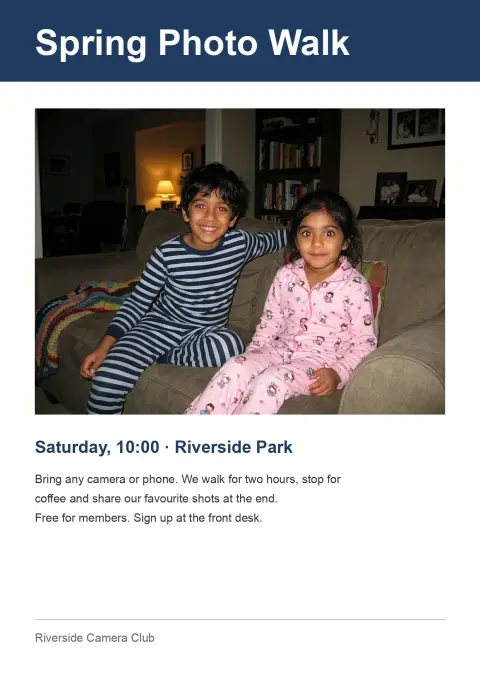
PDF to JPG examples.
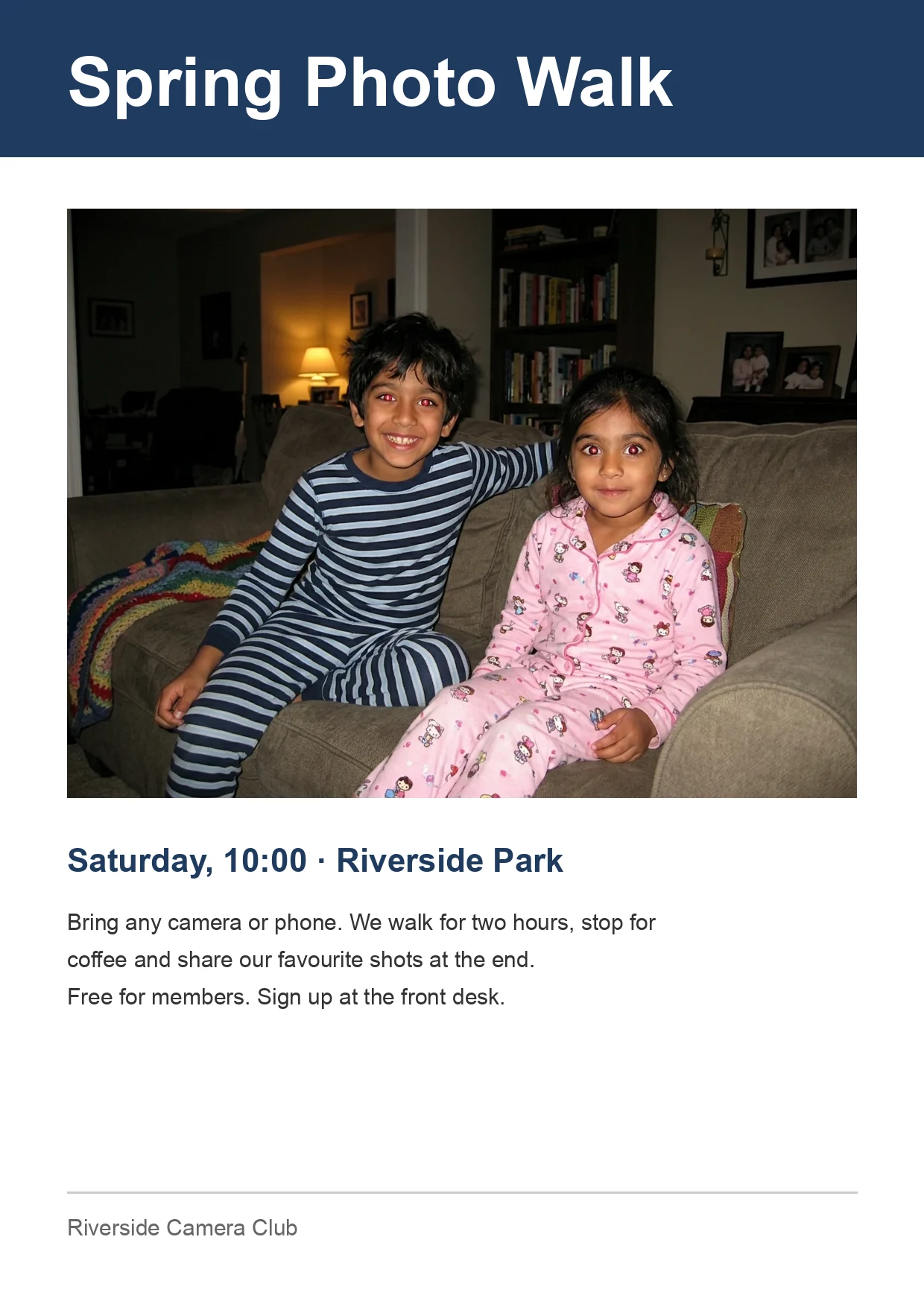
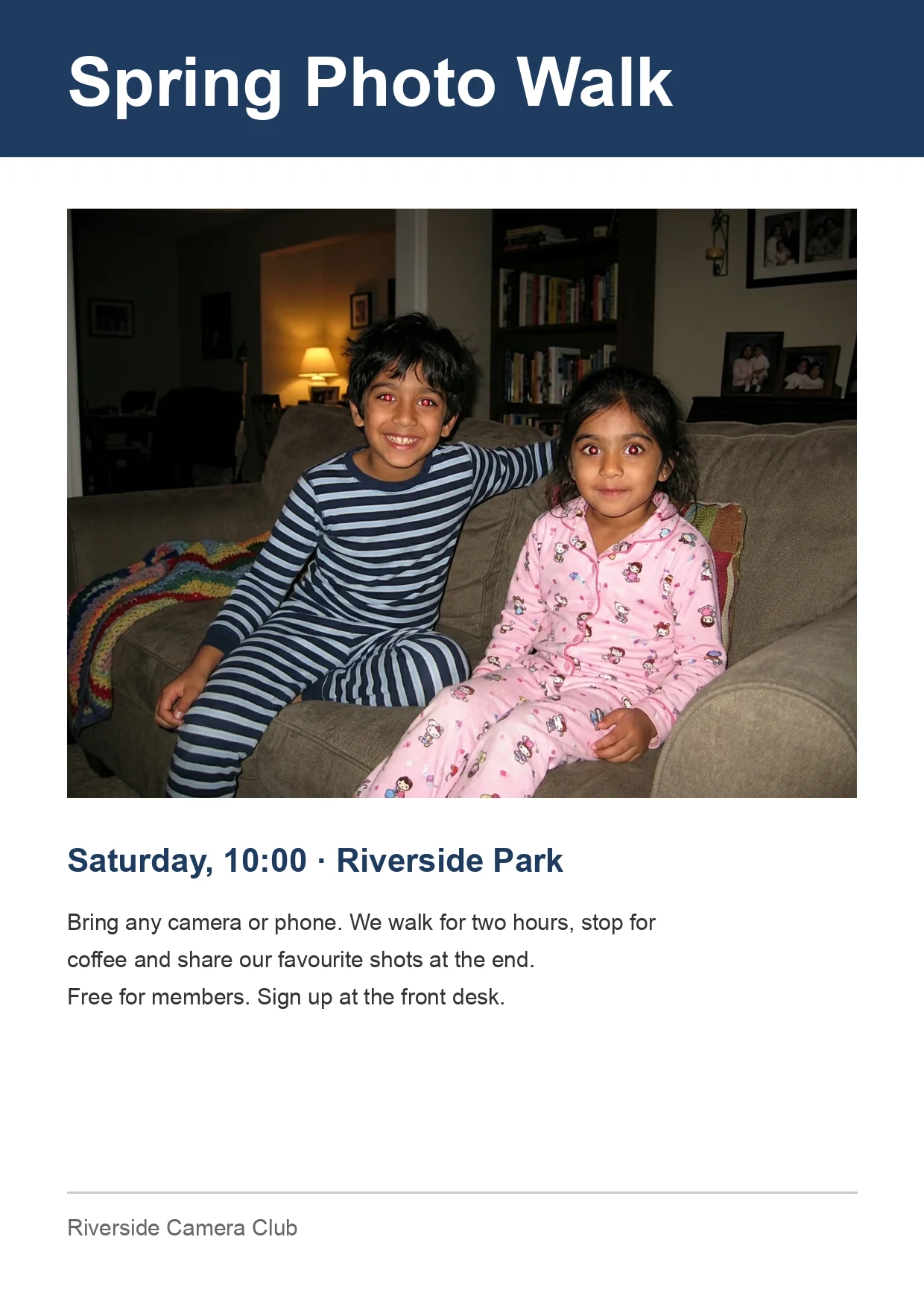
PDF page → JPG, 150 DPI
PDF to JPG features.
Every page as a thumbnail
Open a PDF and see all its pages at once. Tap one to save only that page.
72, 150 or 300 DPI
Choose 150 for screens and uploads, 300 for print. JPG quality runs from 50 to 100.
One ZIP for the lot
Download all pages together. Files are named after your PDF, with page numbers: name-01.jpg, name-02.jpg.
PDF to JPG, step by step.
01
Add your PDF
Drop one PDF, paste it or choose it from your device.
02
Pick DPI and quality
150 DPI is the default and fits most uploads. Use 300 if you plan to print.
03
Download
Download all pages as a ZIP, or tap a single page to save just that one.
PDF to JPG use cases.
- Tickets and boarding passes
- Save a PDF ticket as an image so it opens from your photo gallery or a lock-screen shortcut.
- Scanned forms and IDs
- Many portals ask for a JPG of a scanned page, not a PDF.
- Slides and flyers
- Post a single page of a PDF to social media or paste it into a chat.
PDF to JPG: best photos and fixes.
A PDF page is not a photo
A PDF is a container of pages. A page can hold text, shapes and pictures, all described separately, so it stays sharp at any zoom. A JPG is a fixed grid of colored pixels. Converting draws each page once at a chosen size and saves that picture. After that, the text is just pixels: you cannot select it or search it, and this tool does not read it back.
What DPI means here
DPI is dots per inch: how many pixels the tool draws for each inch of the page. A US Letter page at 72 DPI is about 612 by 792 pixels, at 150 DPI about 1275 by 1650, and at 300 DPI about 2550 by 3300. More pixels mean sharper text and a bigger file. Use 72 for quick previews, 150 for screens and most uploads, 300 for printing.
Why the image file can be big
A PDF with plain text can be tiny, while the JPG of the same page has millions of pixels to store. A 300 DPI page often lands in the megabyte range. If a form has a size limit, lower the DPI first, since it changes the pixel count most, then lower the JPG quality. Quality around 80 to 90 usually looks the same as 100 on a page of text.
JPG or PNG for a page
JPG is smaller and works everywhere, so it suits pages with photos and most uploads. Text and thin lines can show faint blur around the edges, which is why a PNG is better for pages with small type, tables or line drawings. If you are unsure, try JPG at quality 90 and zoom in on the smallest text. If it looks soft, switch to PNG.
Very large pages
Posters, maps and architectural drawings can be several feet wide. At 300 DPI that would mean hundreds of millions of pixels, which a phone cannot handle. Each page is capped at 16 megapixels, so a huge page is scaled down to fit. If you need more detail from one part of a big drawing, check the thumbnail and use a lower DPI on a page that fits comfortably.
Locked and protected files
A PDF that needs a password to open cannot be read by the tool, and it will tell you so. Remove the password in the program you used to protect it, then add the file again. Pages come out on a white background. Anything embedded in the PDF, such as the original photos or the text layer, is not extracted: you get the rendered page only.
PDF to JPG FAQ.
How do I convert a PDF to JPG?
Add the PDF, pick 150 DPI and a JPG quality, then download all pages as a ZIP or tap one page to save it. Each page becomes its own JPG.
Can I convert only one page of a PDF?
Yes. The tool shows every page as a thumbnail, and tapping one downloads just that page. You do not have to save the rest.
What DPI should I use?
Use 150 for screens, email and most upload forms, and 300 for printing. 72 gives small, quick images that are fine for previews but soft for text.
Is it safe to convert a PDF to JPG online?
Here, yes: the PDF is drawn by your browser and never sent to a server. Close the tab and nothing is left behind, which matters for IDs, contracts and medical forms.
Why does my PDF ask for a password?
The file is protected, and the tool cannot open it without removing that protection. Remove the password in the app that created it, then try again.
Can I get the text back from the JPG?
No. The JPG is a picture of the page, so the text is no longer selectable. The tool does not do text recognition.
Is it free?
Yes. Quick tools are free, need no sign-in and use no credits; your images stay in your browser. The AI tools linked below need an account.