Meme Maker
Classic top and bottom meme text on your own photo.
Drop a photo
or paste with ⌘V · JPG · PNG · WebP, stays on your device
No photo handy? Try one of ours.
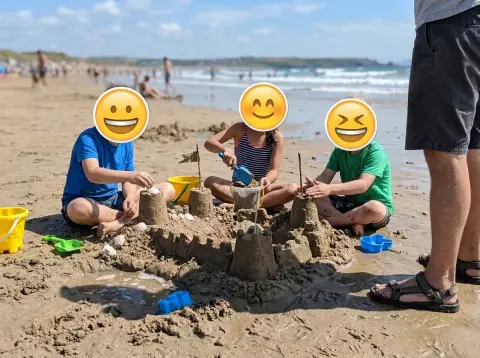 Add emoji to photo →
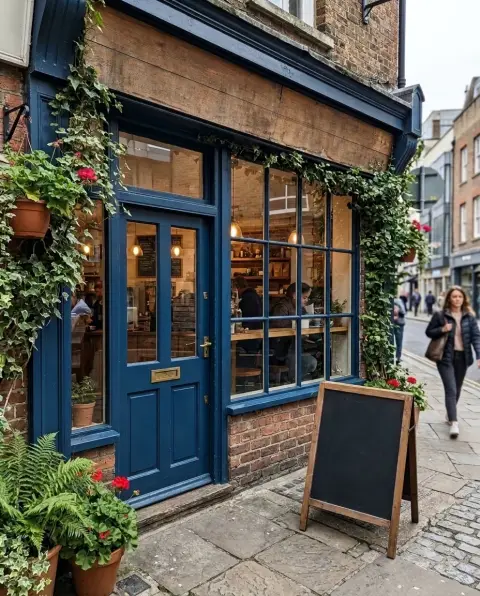 Remove text from image →
Meme Maker examples.
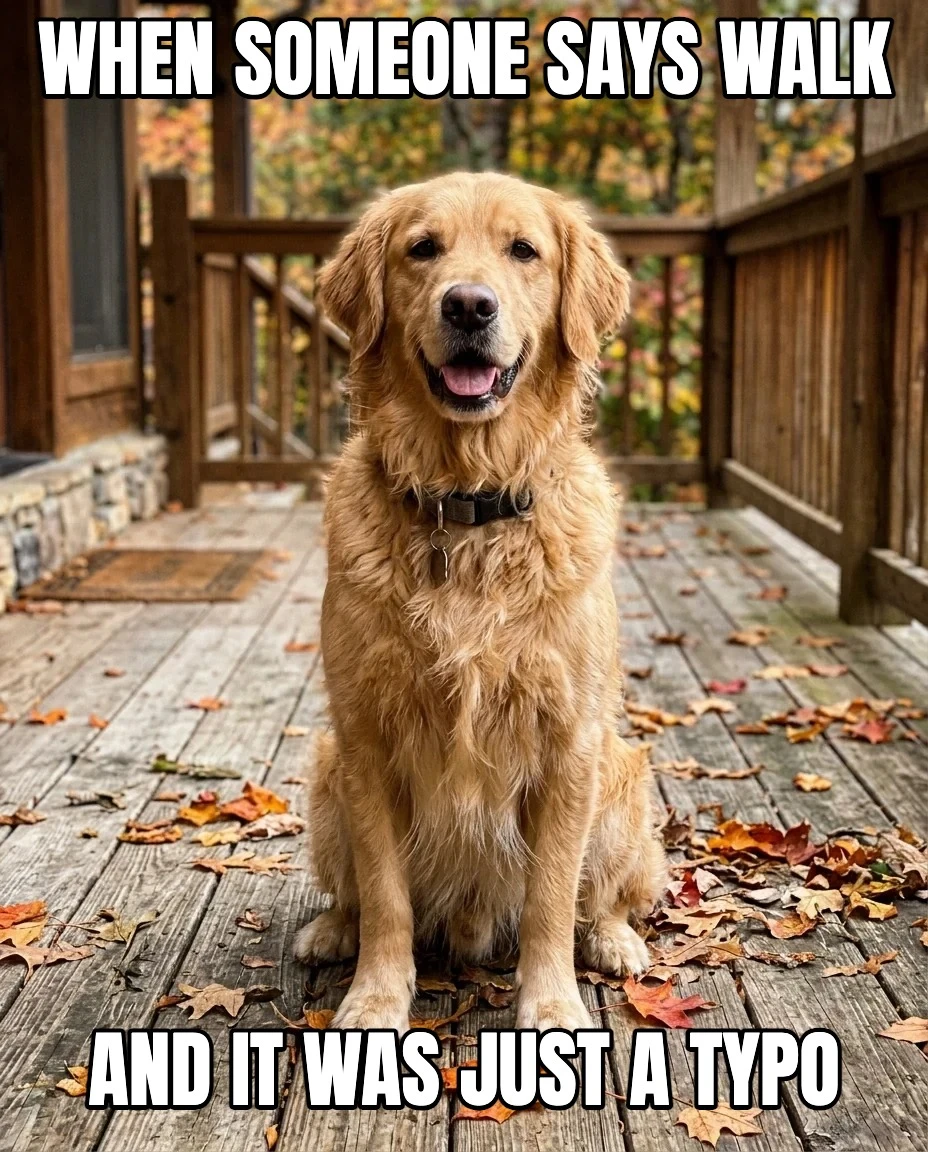
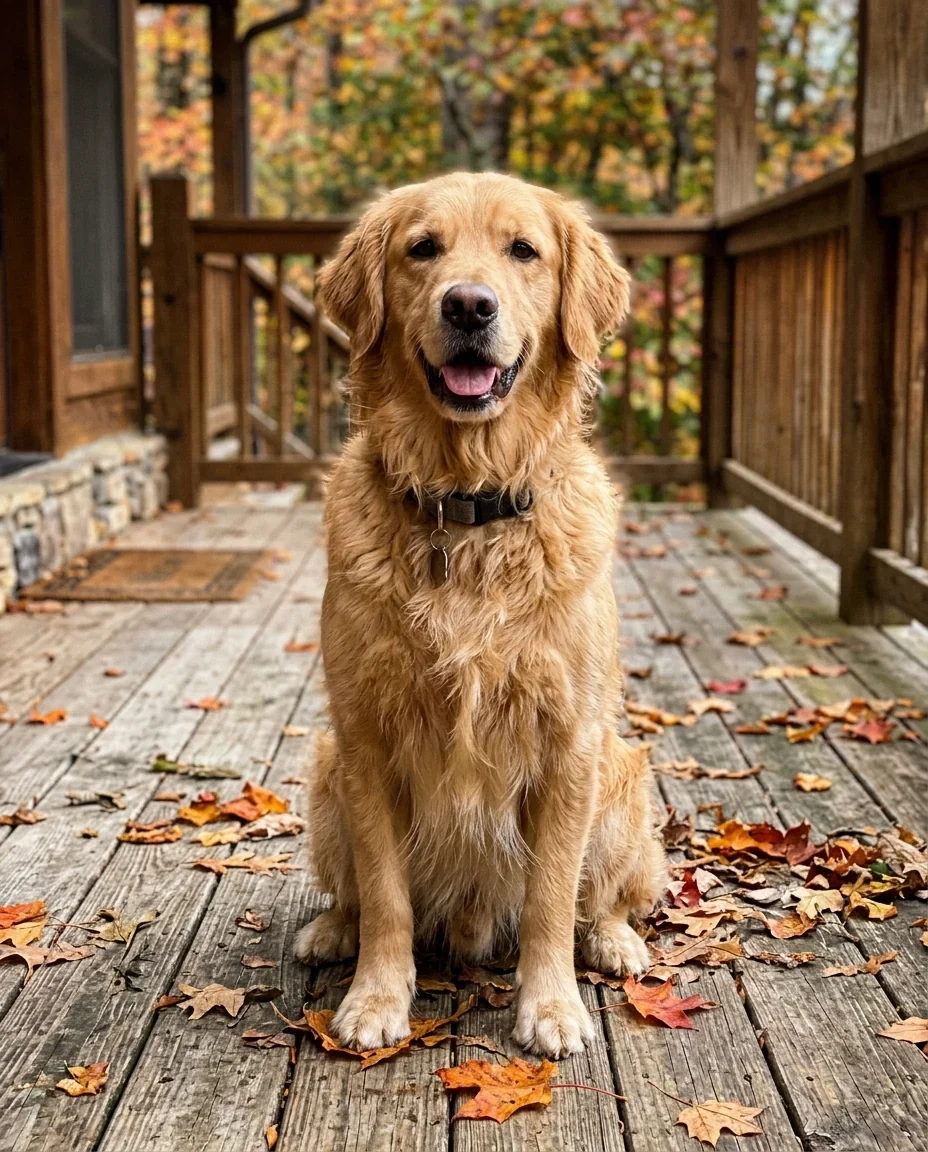
Classic captions
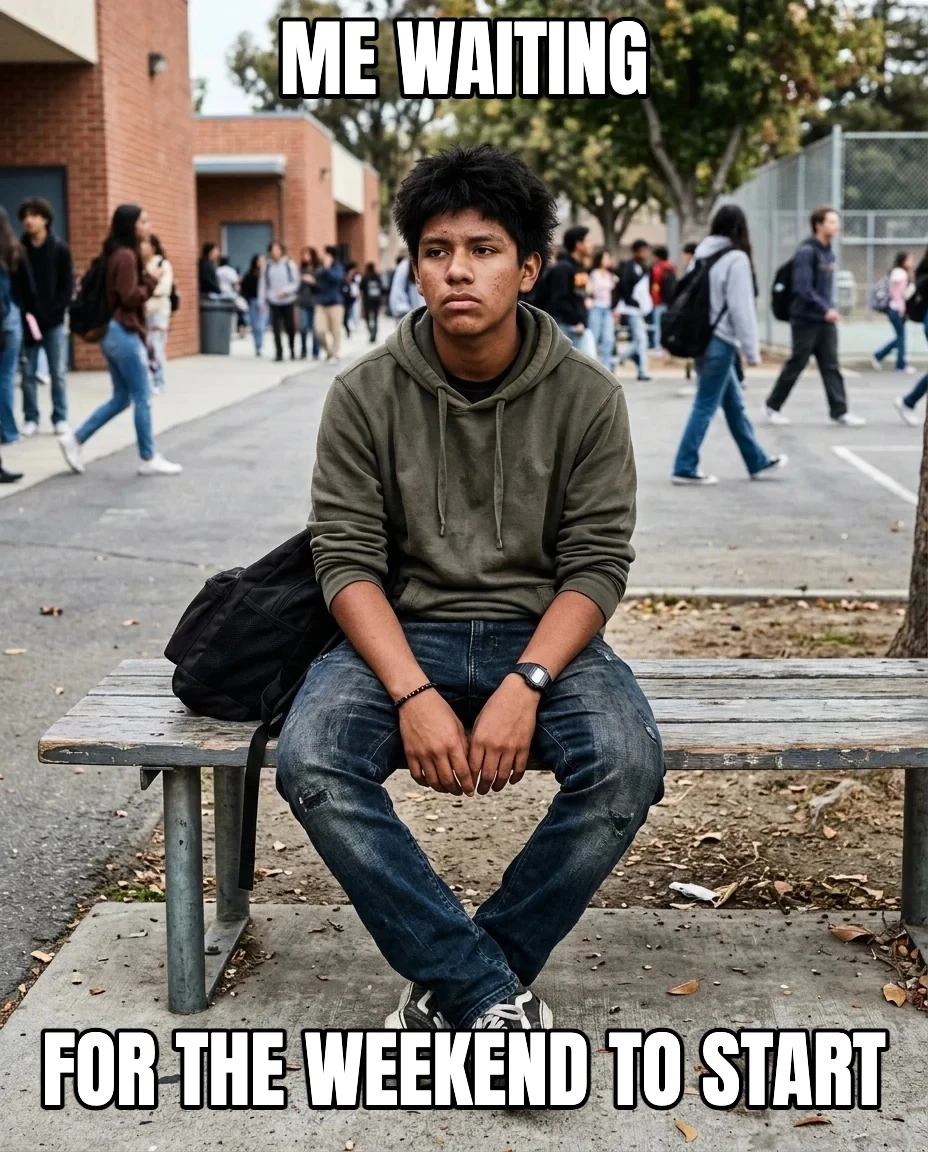
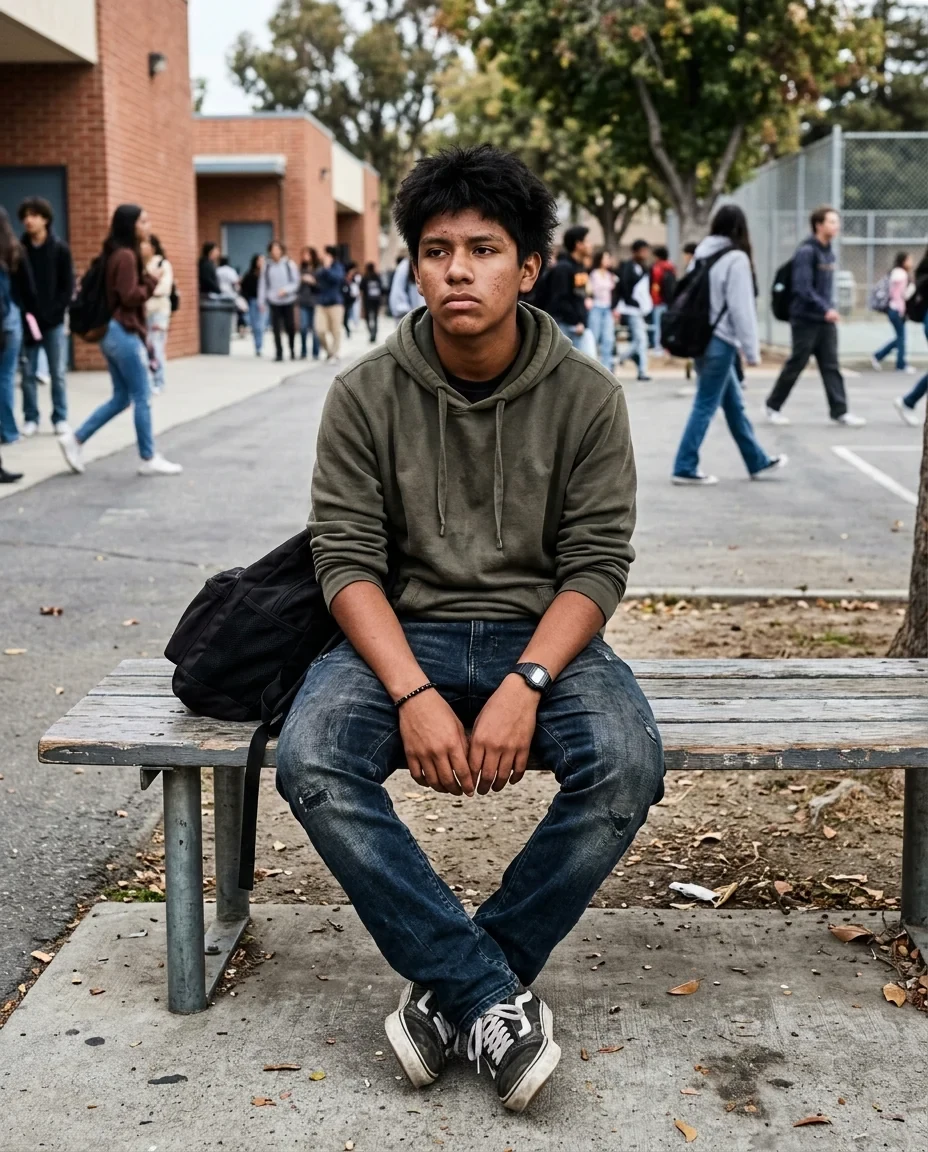
Waiting
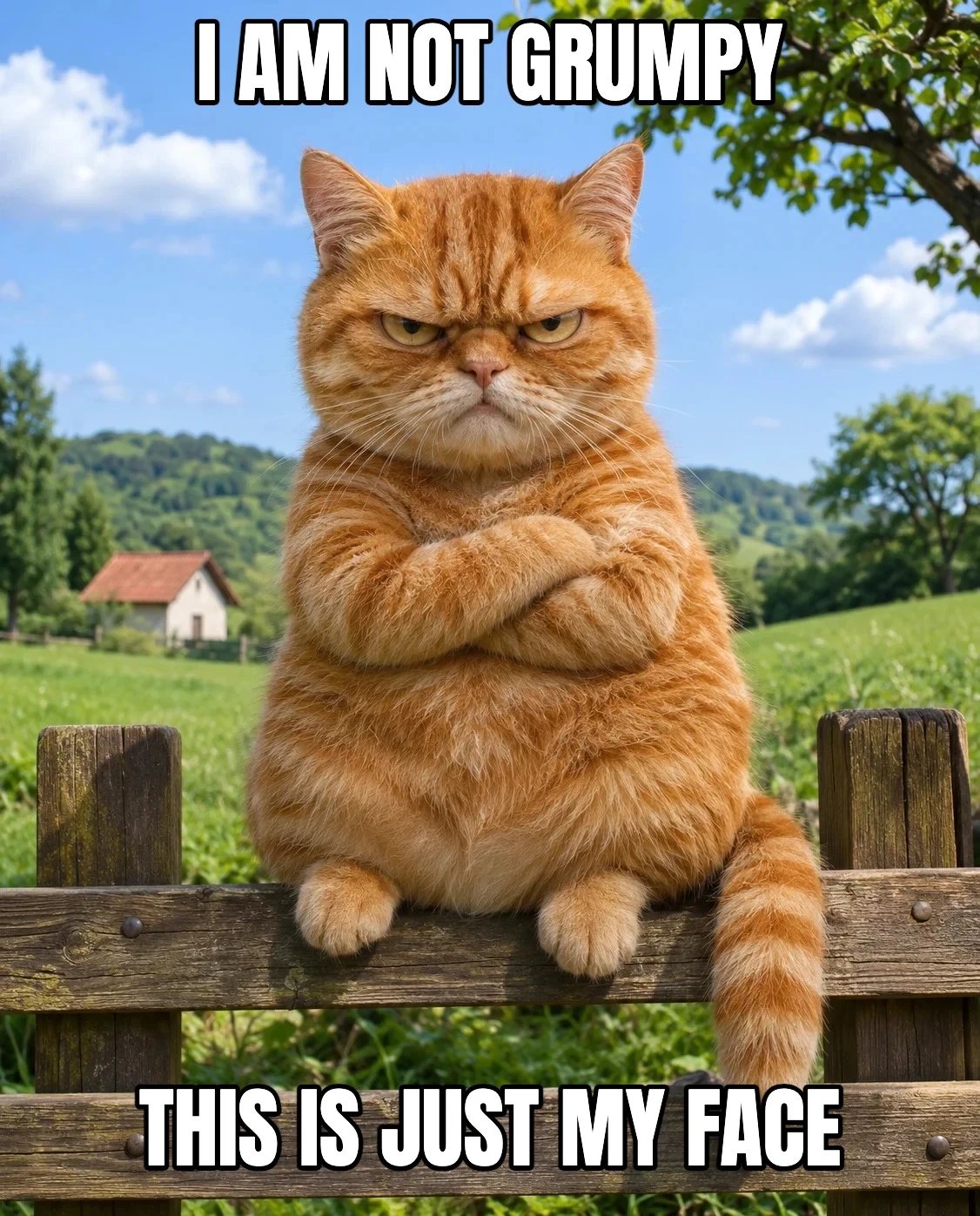
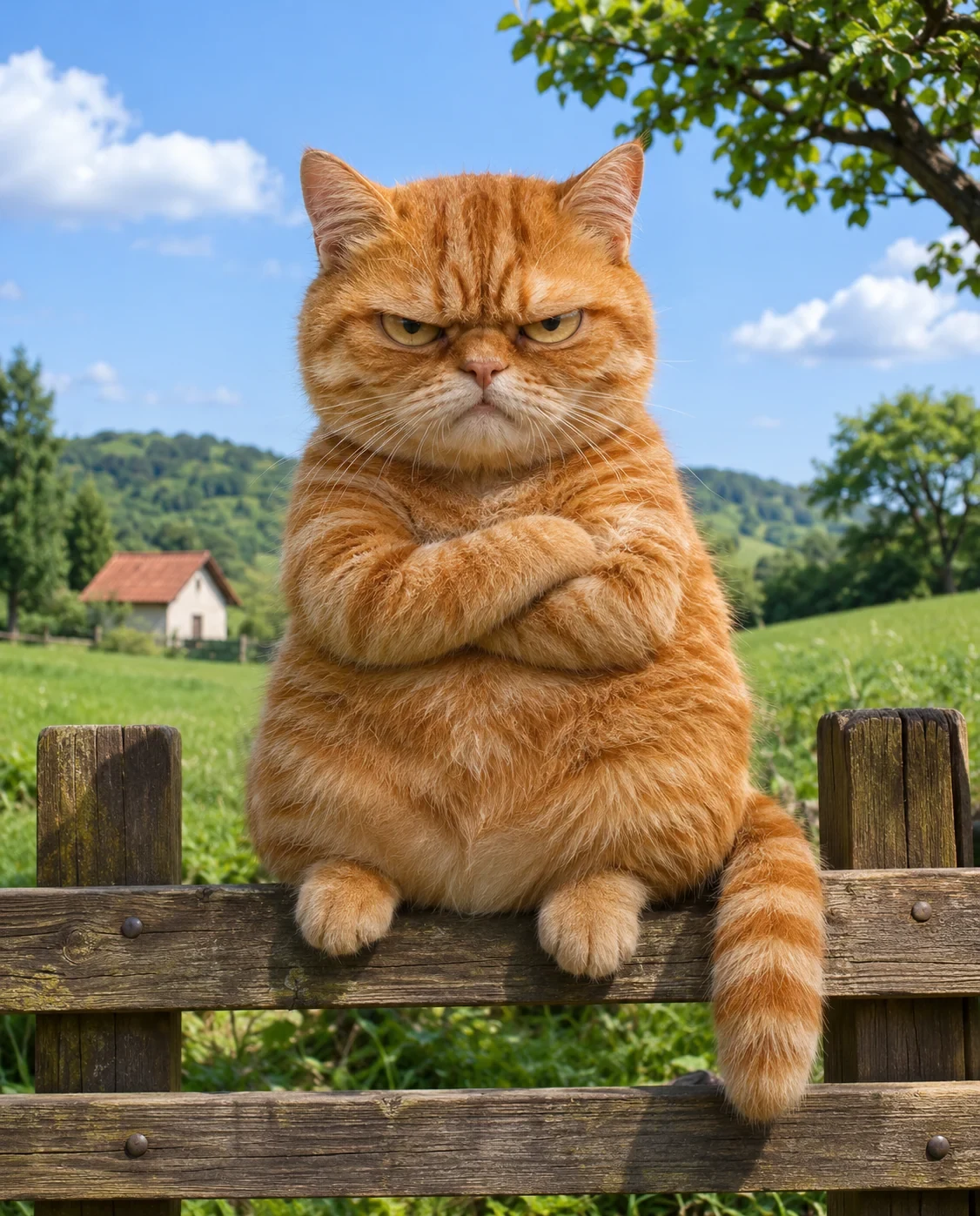
Grumpy cat
Meme Maker features.
Classic meme font
Bold letters with a black outline.
Top and bottom text
Long lines wrap automatically.
Size and color
White, black, yellow or any color.
Meme Maker, step by step.
01
Drop a photo
Your own photo or one you're allowed to use.
02
Write the top and bottom text
The preview updates as you type.
03
Download
JPG or PNG.
Meme Maker use cases.
- Group chats
- A quick reaction meme from your camera roll.
- Social posts
- Memes from your own photos.
- Work and school
- Light-hearted slides and posters.
Meme Maker: best photos and fixes.
Photos that make good memes
Strong expressions, pets doing odd things and everyday moments work best. Leave some calm space at the top and bottom of the photo, like sky, wall or floor, so the captions don't cover faces. Square and portrait photos suit most chat apps.
Writing the caption
Classic memes set up a situation at the top and land the joke at the bottom. Keep each line short; long lines wrap onto more lines, and the text shrinks if the captions would cover most of the photo. All caps is the classic look; turn it off for a softer, modern style.
Size and color
Text size is a share of the photo's width, so it looks the same on any photo. White with a black outline reads on almost anything; black text (with a white outline) suits very bright photos, yellow a louder look.
Whose photos to use
Use your own photos or ones you have the right to use. Famous meme templates and stock photos often belong to photographers; and don't make memes that mock or harass a real, private person.
More text or effects
This maker adds top and bottom captions. To put emojis or stickers on the photo, use add emoji to photo; to remove text from an existing meme to reuse the picture, use remove text from image.
Format
JPG keeps files small for chats; PNG keeps the outline perfectly crisp.
Meme Maker FAQ.
Does it have meme templates?
Not yet. Upload your own photo, or one you're allowed to use, and add the text.
Can I move the text?
The text sits at the top and bottom, like classic memes. Long lines wrap automatically.
Can I use famous meme pictures?
Many famous meme photos are copyrighted. Use your own photos, or ones you have permission to use.
Are my images uploaded?
No. The tool runs in your browser and the images never leave your device. Close the tab and they are gone.
Is it free?
Yes. Quick tools are free, need no sign-in and use no credits; your images stay in your browser. The AI tools linked below need an account.