Blur Background
Portrait-mode blur, added after the photo was taken.
Drop a photo
or paste with ⌘V · JPG · PNG · WebP, stays on your device
No photo handy? Try one of ours.
 Background changer →
Blur Background examples.
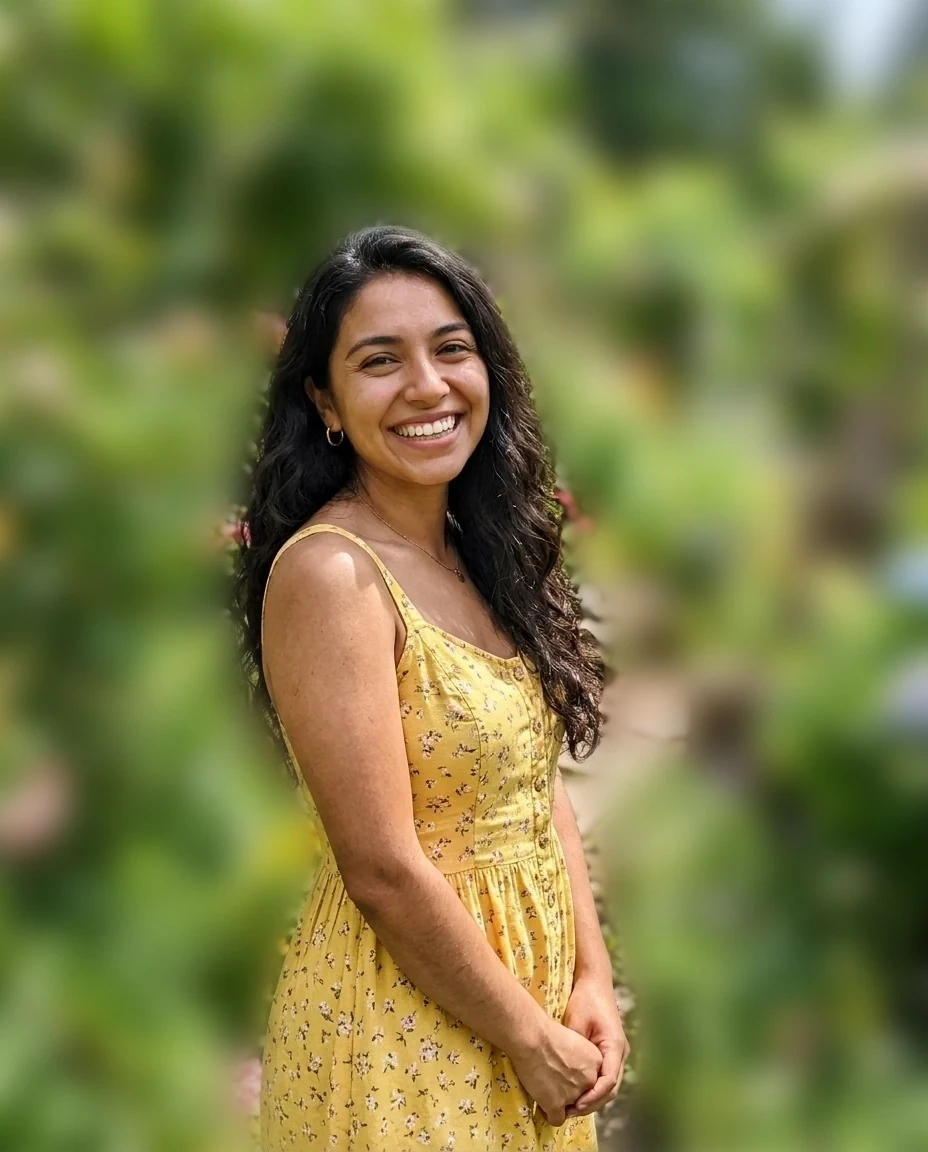
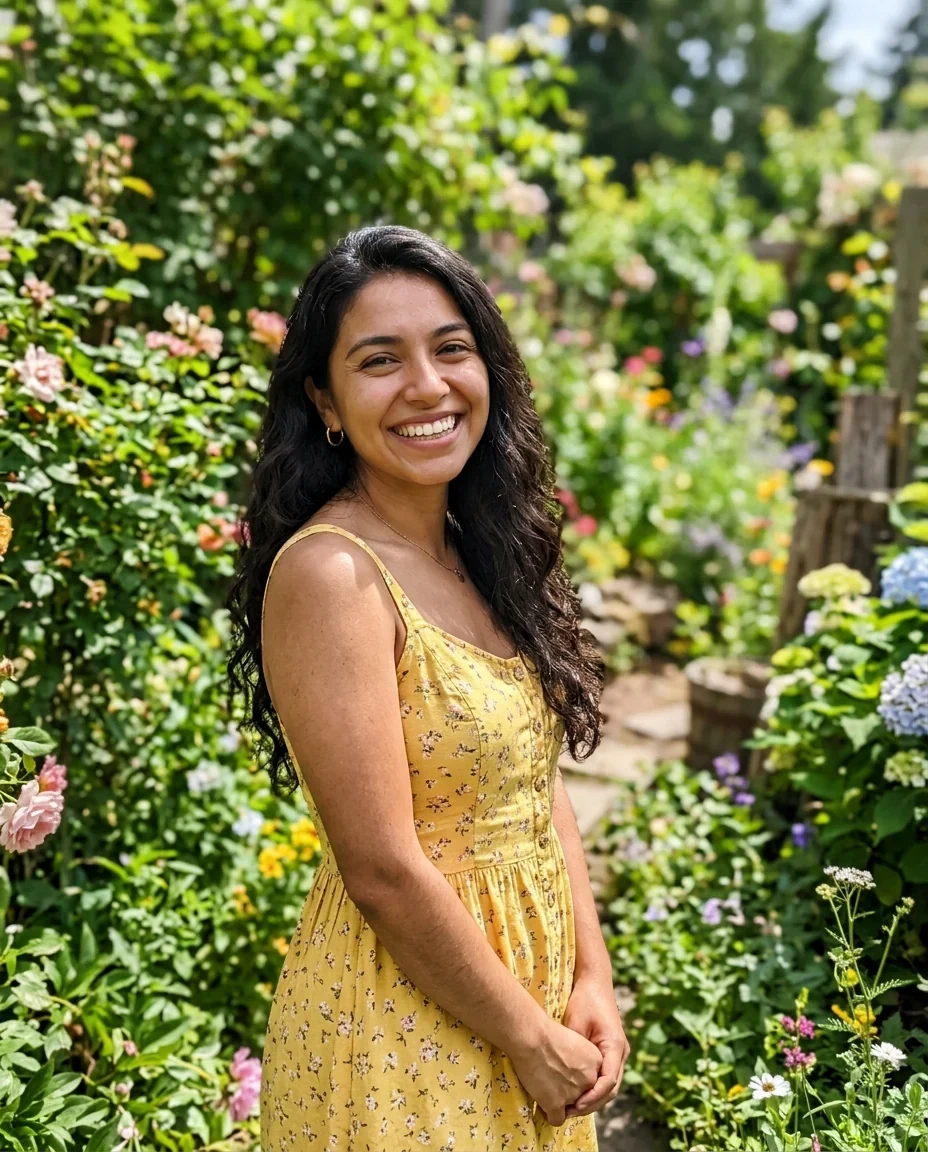
Garden
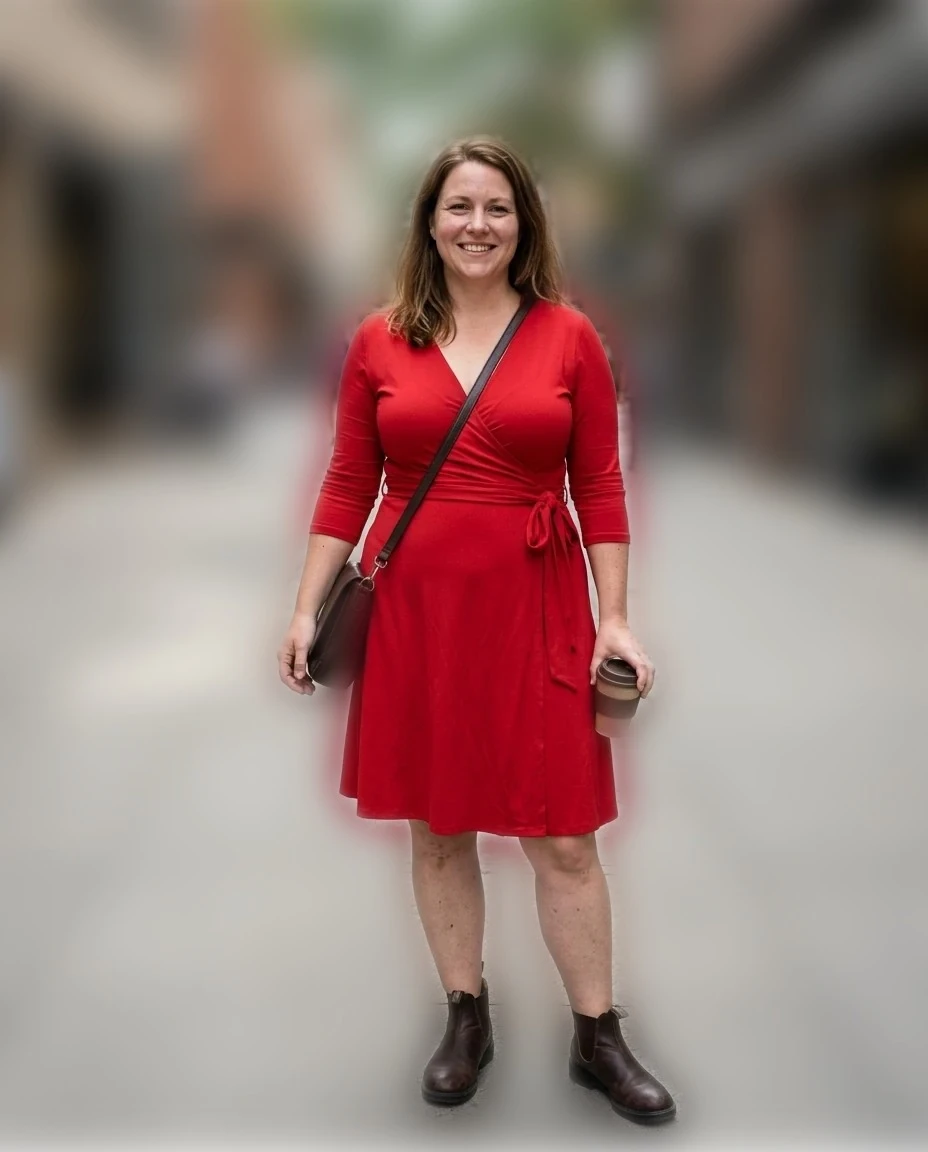
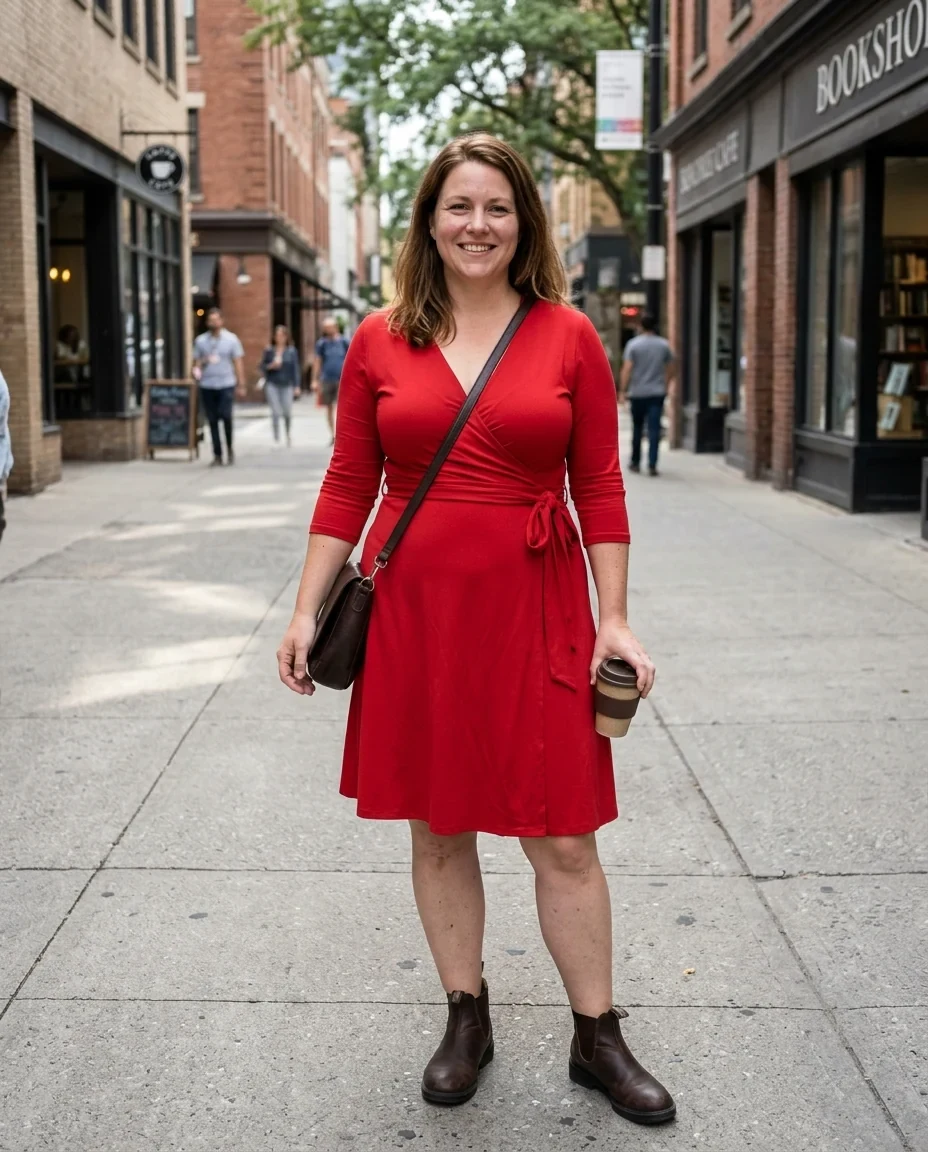
City street


Indoors
Blur Background features.
Finds the person
No brushes or masks to draw.
Adjustable blur
From subtle to strong bokeh.
Soft edges
Tune the edge softness around hair.
Blur Background, step by step.
01
Drop a photo of a person
The person is found automatically.
02
Set blur and edge softness
Watch the preview.
03
Download
JPG or PNG.
Blur Background use cases.
- Profile pictures
- A professional look from any snapshot.
- Product shots with people
- Less distraction behind the model.
- Busy backgrounds
- Hide clutter, crowds and signs.
Blur Background: best photos and fixes.
Photos that work
The model is trained to find people, so portraits, selfies and photos of one or two people work best. Objects, pets and products are usually not separated; for those, the AI background changer or background remover works better.
Hair and edges
Fine hair and the gaps between arms and body are the hardest parts. Raise Edge softness for a natural transition, lower it for crisp outlines. Plain backgrounds behind the person give the cleanest edges.
How much blur
1–2% looks like a phone's portrait mode; 3–5% looks like a wide-aperture lens with a creamy background. Strong blur with a sharp foreground can look cut out when the person stands far from the background in the photo but close in the scene; keep it moderate.
Several people
Everyone the model sees as a person stays sharp. People far in the background may be kept too; if that looks odd, crop closer to your subject first.
The model runs in your browser
The first time, a person-detection model of a few megabytes is downloaded to your browser. Your photo is processed on your device and never uploaded.
A new background instead
To replace the background with a studio color, a beach or an office, use the AI background changer. To cut the person out with a clear background, use the background remover.
Blur Background FAQ.
Does it work on pets or products?
It is made for people. For pets and products use the background remover or background changer.
Why are some hair edges blurry?
Fine hair is hard to separate. Lower Edge softness for crisper outlines, or try a photo with a plainer background.
Is my photo uploaded?
No. The person-detection model is downloaded to your browser once and runs there; your photo never leaves your device. Close the tab and it is gone.
Is it free?
Yes. Quick tools are free, need no sign-in and use no credits; your images stay in your browser. The AI tools linked below need an account.