HEIC to JPG
Turn iPhone HEIC photos into JPG files that open and upload anywhere.
Drop images
or paste with ⌘V · JPG · PNG · WebP · HEIC · AVIF · SVG, up to 50 at once
No photo handy? Try one of ours.
 Unblur image →
 Photo restoration →
HEIC to JPG examples.
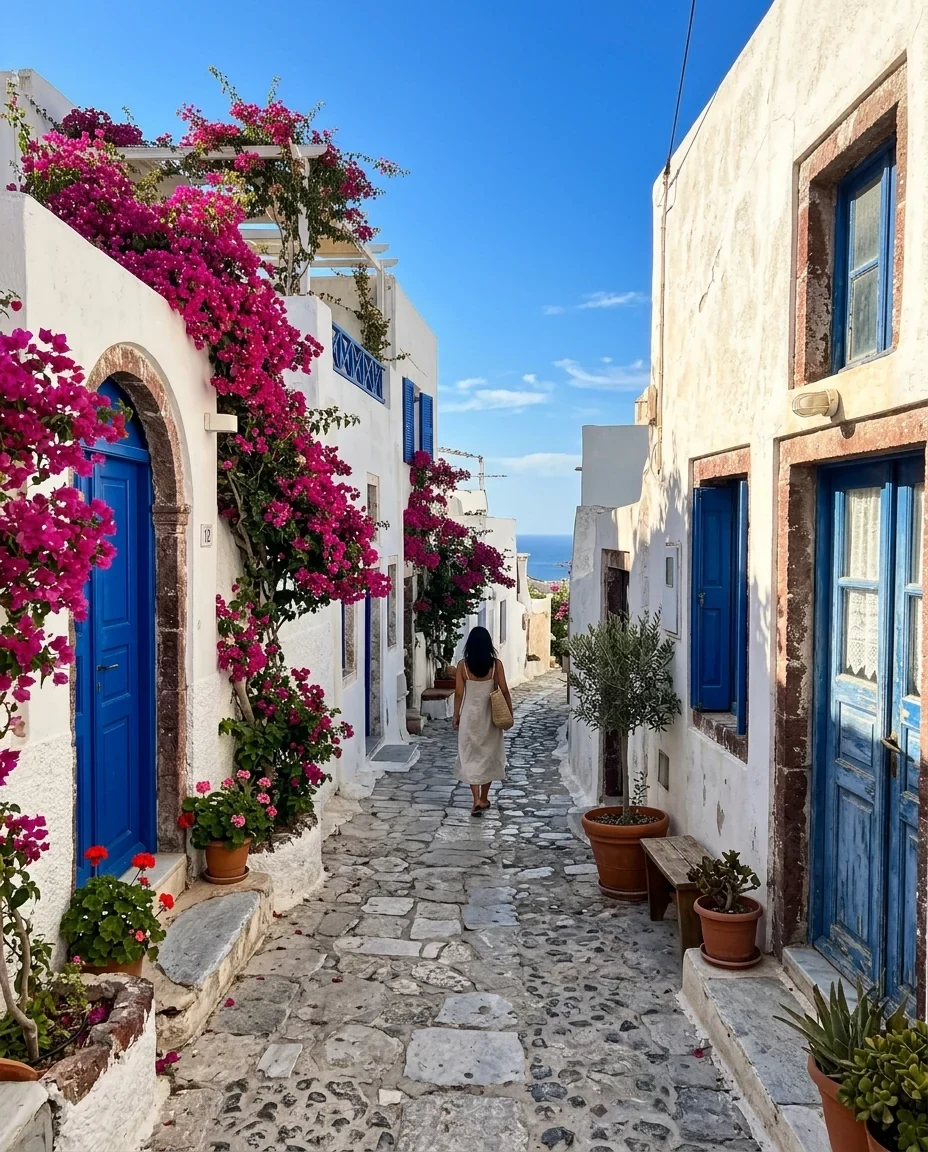
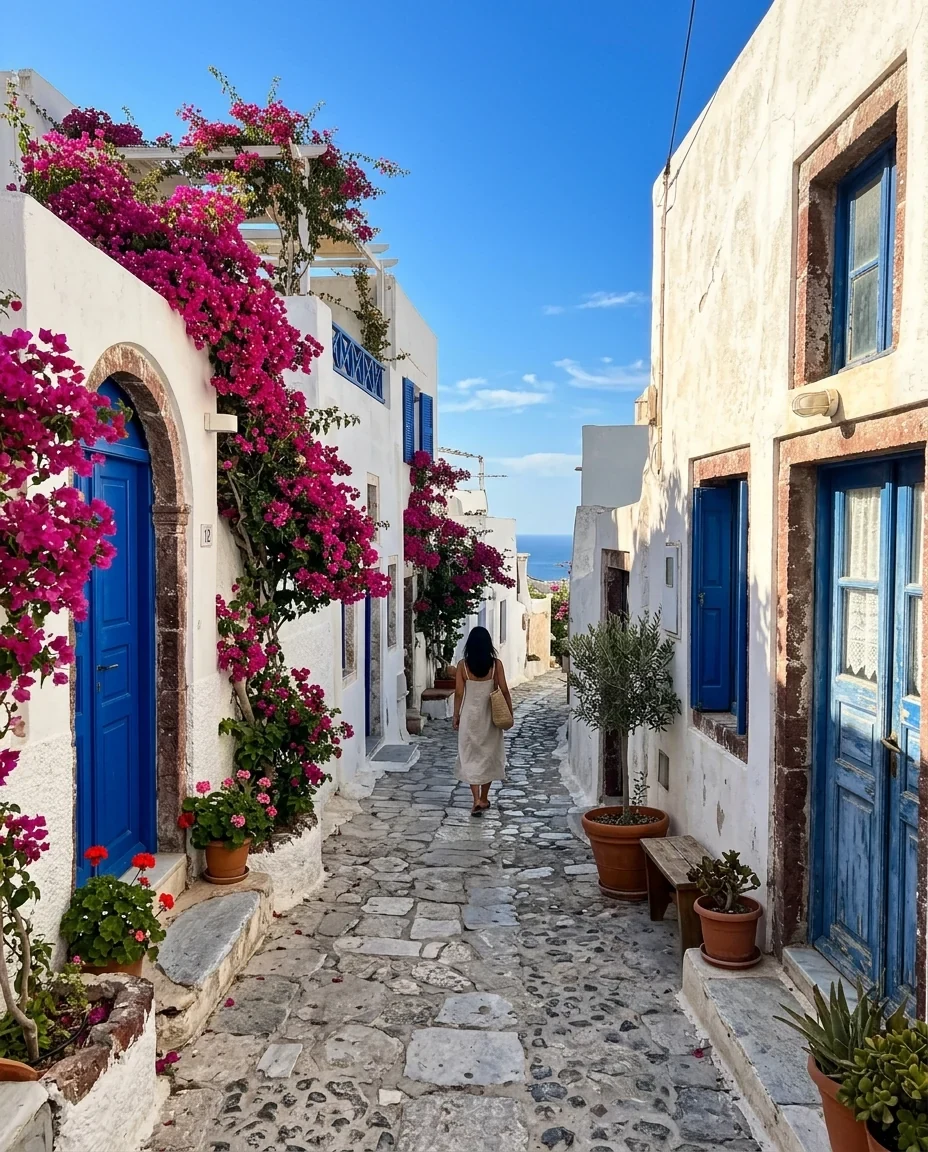
iPhone HEIC photo → JPG
HEIC to JPG features.
Opens HEIC in any browser
If your browser cannot read HEIC, a built-in decoder converts it. A large file takes a few seconds.
Up to 50 photos at once
Add a whole camera roll export and download every JPG in one ZIP.
You set the quality
A slider from 50 to 100, starting at 85, trades file size for detail.
HEIC to JPG, step by step.
01
Add your HEIC photos
Drag them in, paste, or choose files from your iPhone export or computer.
02
Check the format and quality
The page starts on JPG. Leave quality at 85 unless the photo is going to print.
03
Download
Save one JPG, or take all of them as a ZIP. Names stay the same with a .jpg ending.
HEIC to JPG use cases.
- Upload forms that reject iPhone photos
- Job applications, insurance claims and marketplace listings that only accept JPG or PNG.
- Sharing with Windows users
- Send photos to someone whose PC shows a blank thumbnail or asks for a codec.
- Editing on a computer
- Older versions of editing and layout programs cannot open HEIC files.
HEIC to JPG: best photos and fixes.
Why your iPhone saves HEIC
Since iOS 11, iPhones store photos as HEIC by default. The format keeps the same visible quality at roughly half the file size of a JPG, which saves storage. The catch is compatibility. Many websites, older Windows versions, some printers and plenty of upload forms were built around JPG and PNG, so they refuse or ignore a HEIC file. A JPG made from it works in all of them.
Stop it at the source
On the iPhone, open Settings, Camera, Formats and choose Most Compatible. New photos are then saved as JPG, and you will not need to convert them. The trade-off is larger files for future shots. Photos you have already taken stay HEIC, which is where this page helps. Sharing through AirDrop or Mail can also convert photos, depending on your Photos settings.
What you get on Windows and Mac
A Mac opens HEIC in Preview and Photos, and Preview can export as JPG. Windows 10 and 11 can show HEIC only after you install the HEIF and HEVC extensions from the Microsoft Store, and the HEVC one may cost a small fee. If you only need a handful of JPGs and do not want to install anything, converting in the browser is simpler.
Expect bigger files
A JPG made from a HEIC is usually larger than the original, often close to double, because JPG compresses less efficiently. For an email or a form with a size limit, lower the quality to about 75 to 80. The difference is hard to see on a phone screen. For printing or archiving, keep quality at 90 or higher. The original HEIC is untouched, so you can always run it again.
Live Photos, bursts and big shots
A Live Photo comes out as its still frame, because the short video is not kept. Bursts and other HEIC files that hold several images give you the main one. Very high resolution photos, such as 48 megapixel shots, are scaled down to 16 megapixels first, which is still enough for a 4 by 6 inch print at full detail and for any screen.
Privacy and camera data
The photos are decoded and redrawn in your browser, and they are never sent to a server. The new JPG does not carry the date, phone model or GPS location of the original. That is helpful when you post a photo publicly. If you need the date for records, keep the HEIC original or note the date before converting. Conversion adds no watermark, and closing the tab clears the files from memory.
HEIC to JPG FAQ.
How do I convert HEIC to JPG on iPhone?
Change Settings, Camera, Formats to Most Compatible so new photos are JPG. For photos you already have, send them to your computer and convert them on this page.
How do I open HEIC files on Windows?
Install the HEIF Image Extensions and HEVC Video Extensions from the Microsoft Store, or convert the files to JPG here and open those instead.
Does converting HEIC to JPG lose quality?
A little, because JPG is lossy. At quality 85 to 95 the difference is very hard to see. Keep the HEIC original if you want a lossless copy.
Why is my JPG bigger than the HEIC?
HEIC compresses more efficiently than JPG, so the same picture takes more space as JPG. Lower the quality slider to reduce it.
Are my photos uploaded?
No. Conversion happens in your browser and the photos stay on your device.
Is it free?
Yes. Quick tools are free, need no sign-in and use no credits; your images stay in your browser. The AI tools linked below need an account.