Black and White Filter
Five black and white looks, live, in your browser.
Drop a photo
or paste with ⌘V · JPG · PNG · WebP, stays on your device
No photo handy? Try one of ours.
 Colorize photo →
 Vintage filter →
Black and White Filter examples.
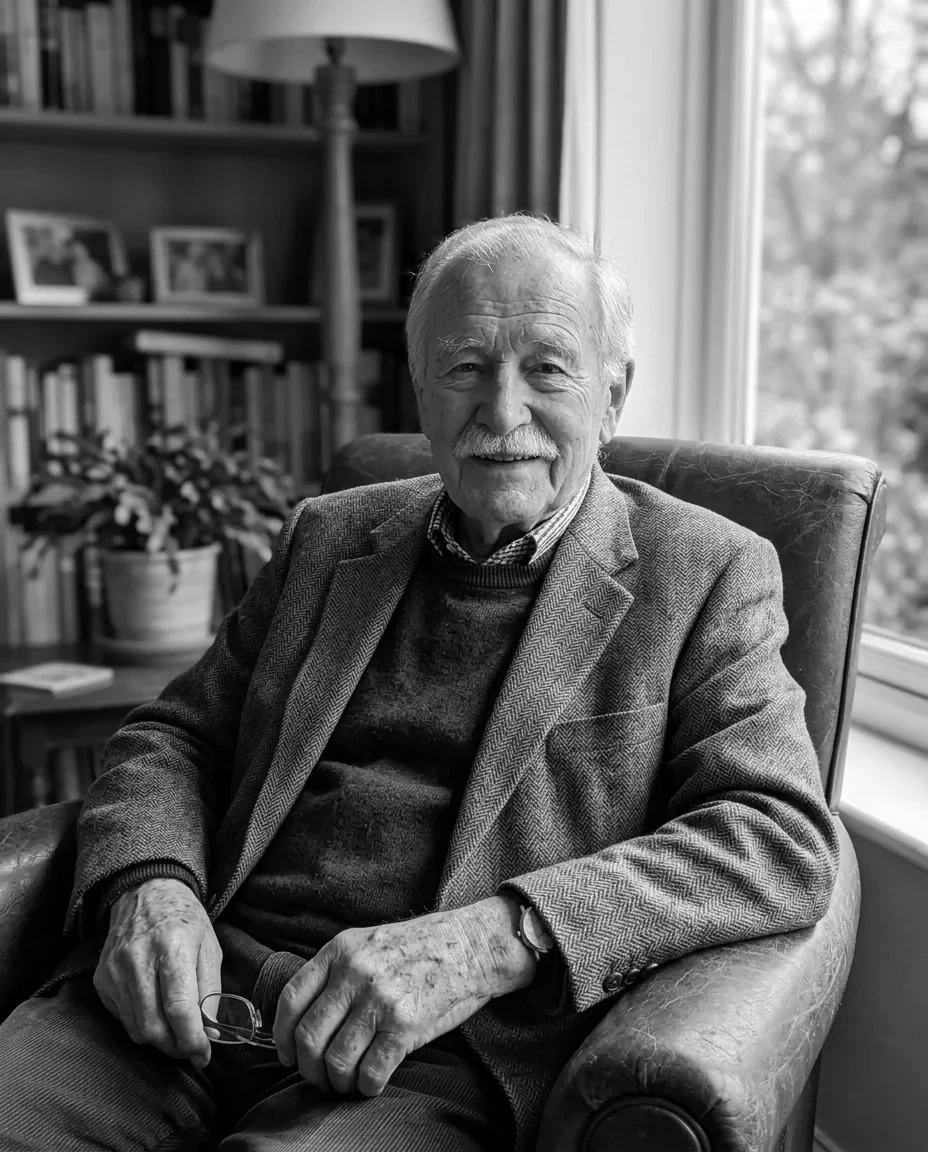

Classic
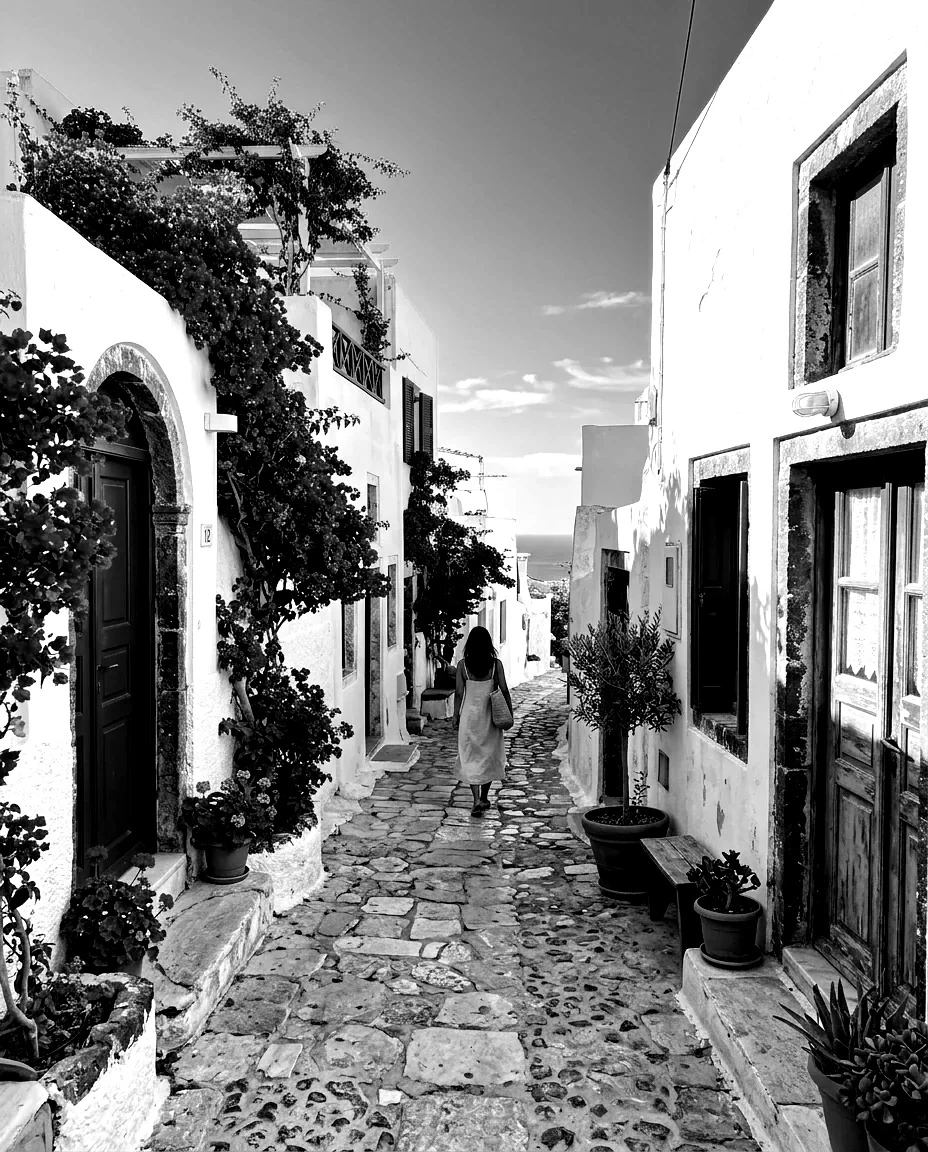
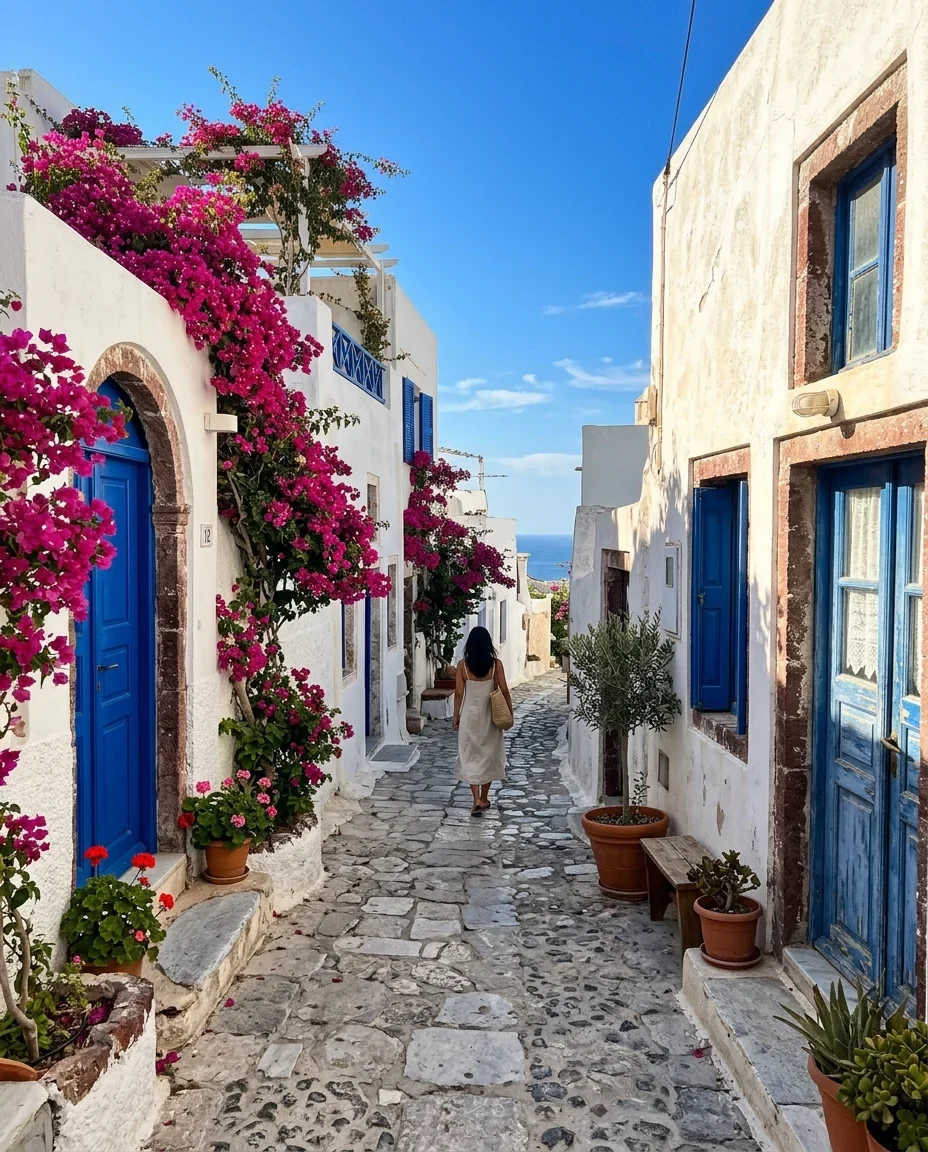
High contrast


Red filter
Black and White Filter features.
Five looks
Classic, high contrast, soft, sepia, red filter.
Live preview
Switch looks and compare instantly.
Full size
The download keeps the photo's size, up to 16 megapixels.
Black and White Filter, step by step.
01
Drop a photo
Or try a sample.
02
Pick a look
Hold to see the original to compare.
03
Download
JPG or PNG.
Black and White Filter use cases.
- Portraits
- Timeless black and white headshots.
- Street and travel
- Graphic, high-contrast city scenes.
- Old-photo look
- Warm sepia for a vintage feel.
Black and White Filter: best photos and fixes.
Choosing a look
Classic converts colors the standard way and suits almost everything. High contrast deepens blacks and brightens whites, great for streets and architecture. Soft lifts the blacks for a gentle, faded look. Sepia adds a warm brown tone. Red filter imitates a red lens filter on film: skin gets lighter and smoother, blue skies get darker.
What makes a good black and white photo
Without color, a photo relies on light, shadow and shape. Side light, strong shadows, textures and clear shapes against plain backgrounds look best. A photo that only worked because of its colors, like a sunset, can look flat; try High contrast for those.
Portraits
Classic and Red filter flatter faces: red evens out skin and blemishes because reds turn light. Soft gives a gentle, editorial look. Keep High contrast for dramatic portraits with strong side light.
Landscapes and skies
The red filter turns blue sky dark and makes clouds stand out, the look of classic landscape photography. For a calm landscape, Soft works well.
Sepia and vintage
Sepia gives an early-photo warm tone. For a full old-photo look with grain, fading and creases, the AI vintage filter goes further.
Turning color back on
This tool removes color. To add color to an old black and white photo instead, use the AI colorize photo tool.
Black and White Filter FAQ.
Can I add color back later?
Not from the downloaded file; keep your original. To color an old black and white photo, use the colorize photo tool.
What does the red filter do?
It treats red light as bright and blue as dark, like a red lens filter on film: lighter skin, darker skies.
Are my images uploaded?
No. The tool runs in your browser and the images never leave your device. Close the tab and they are gone.
Is it free?
Yes. Quick tools are free, need no sign-in and use no credits; your images stay in your browser. The AI tools linked below need an account.