











AI Filters & Effects
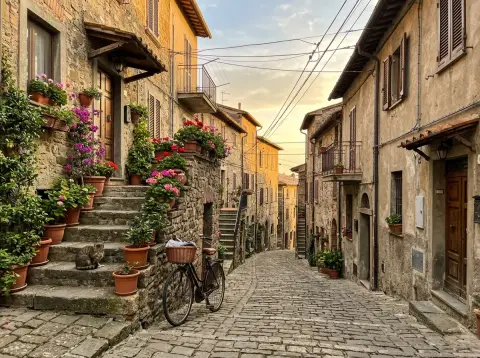
 Ghibli filter
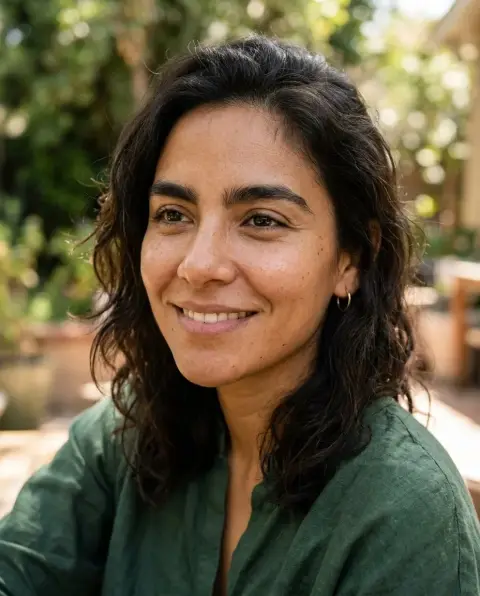
 2016 filter
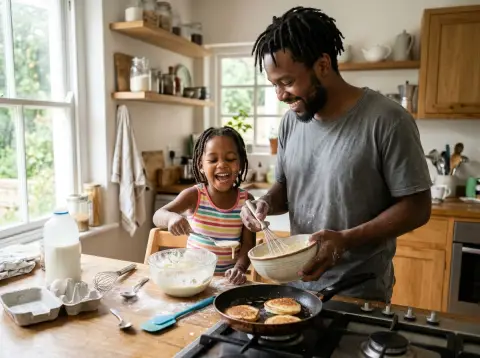
 Cartoon generator
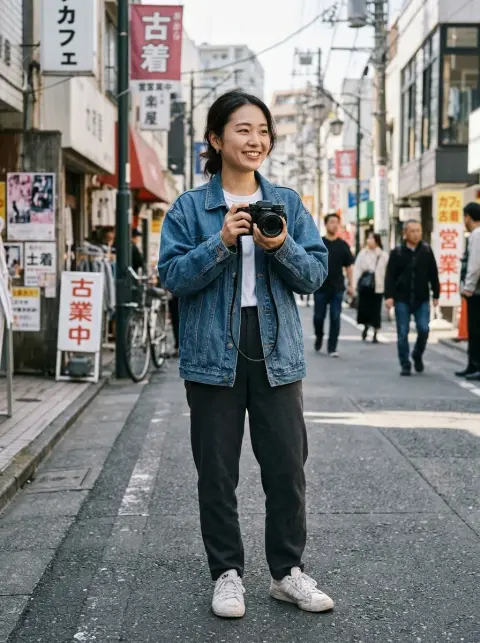
 Action figure generator

 Age filter
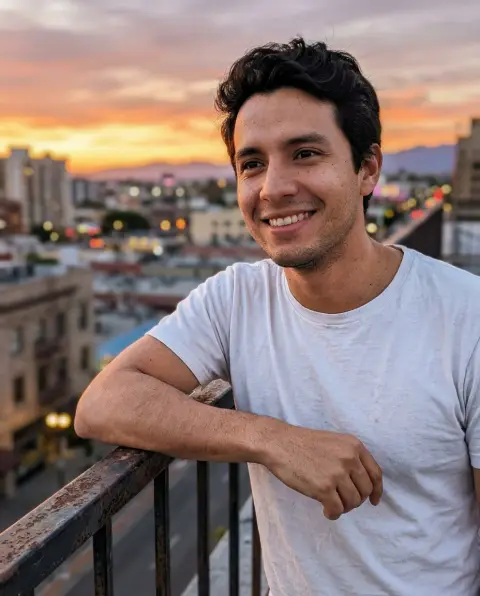
 Photo to anime
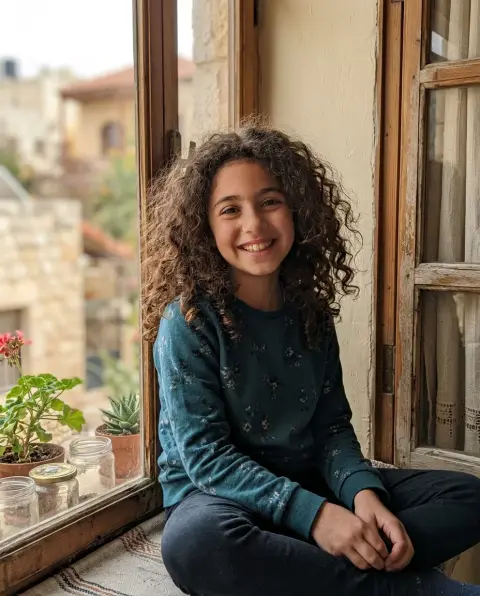
 Photo to sketch
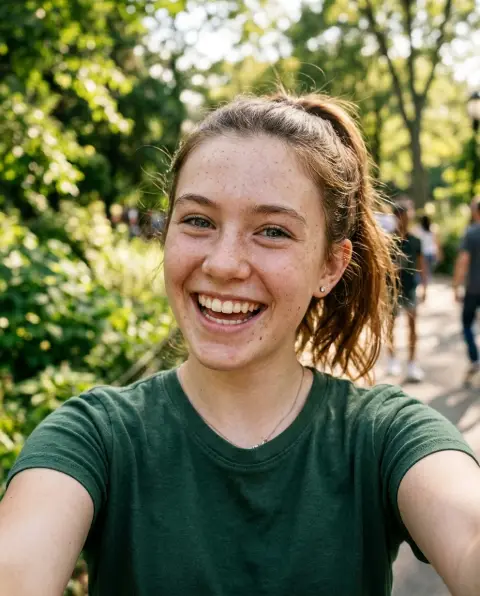
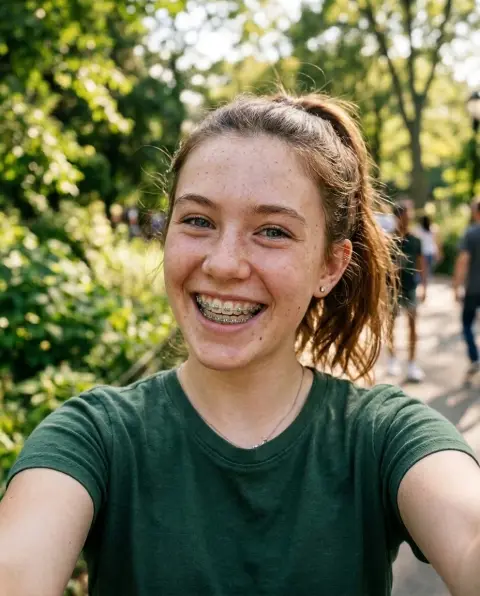 Braces filter
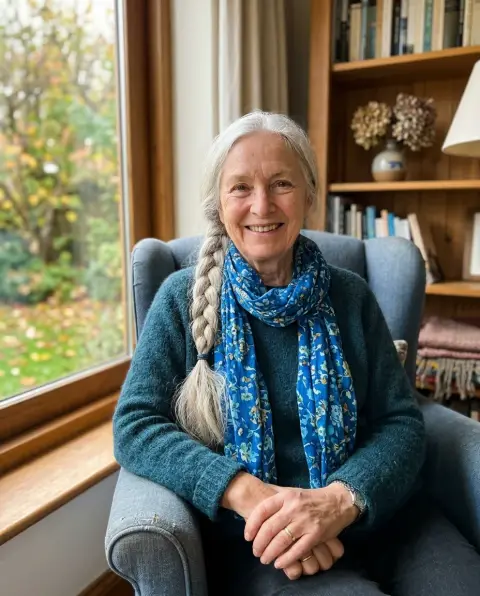
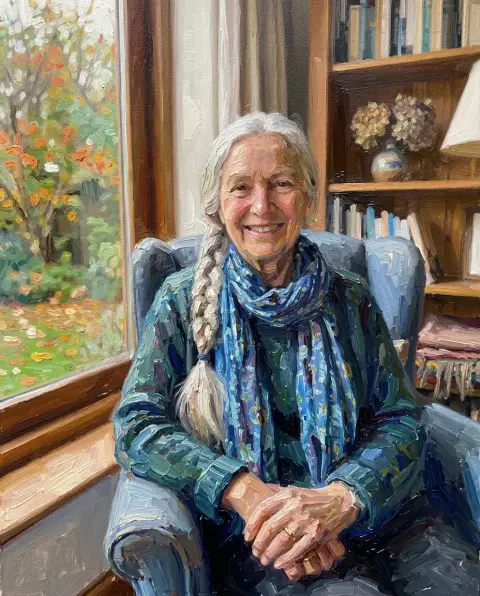 Photo to oil painting
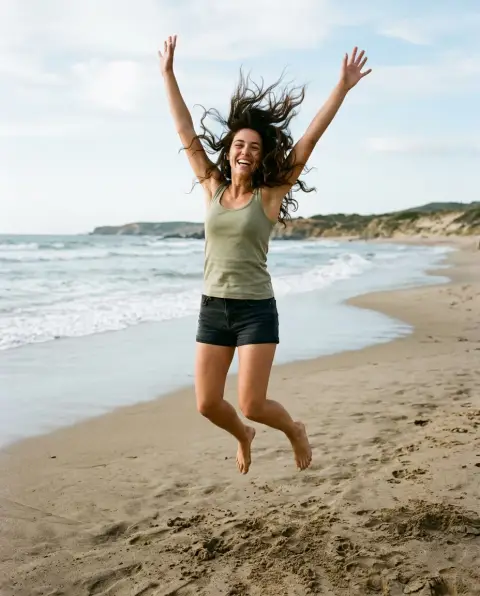
 Silhouette generator

 Add Santa hat
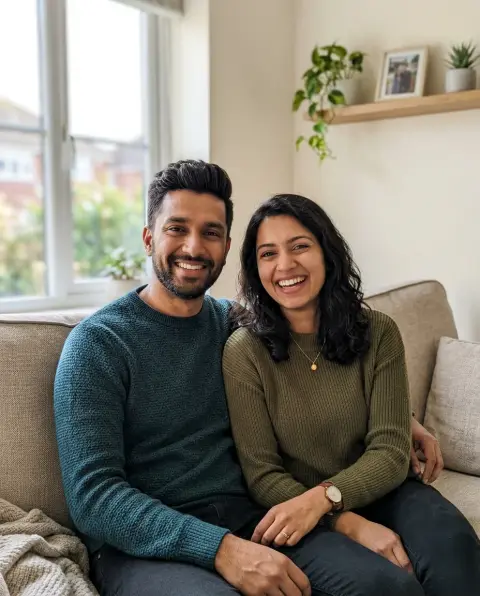
 Christmas photo editor
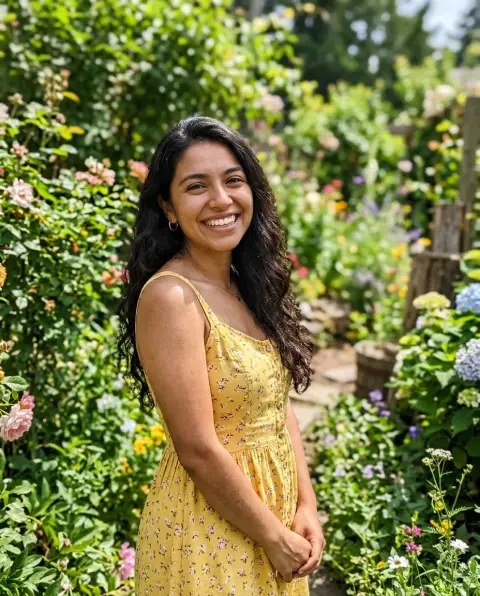
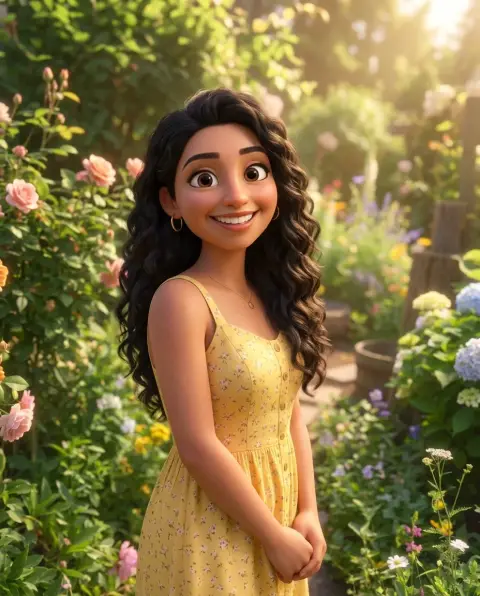 Disney filter
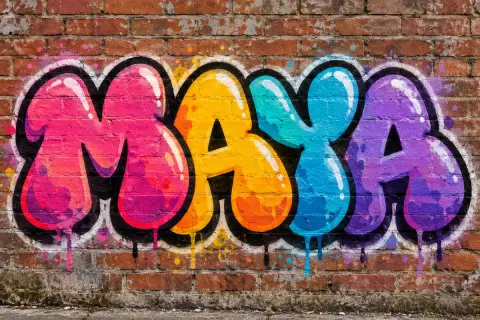 Graffiti generator
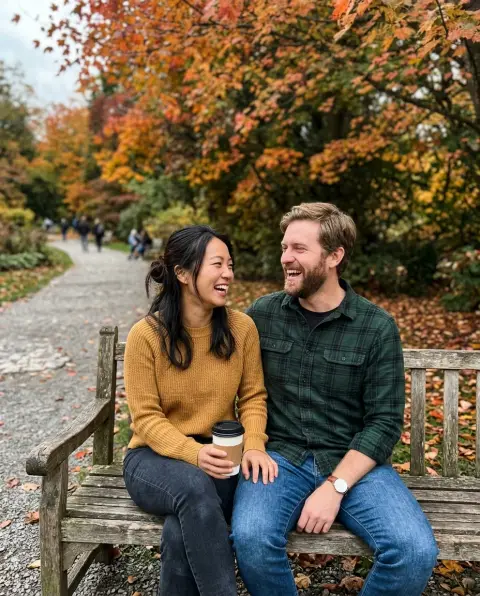
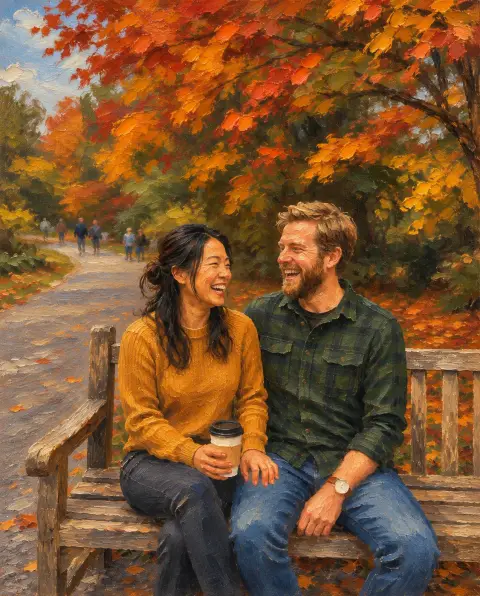 Photo to painting
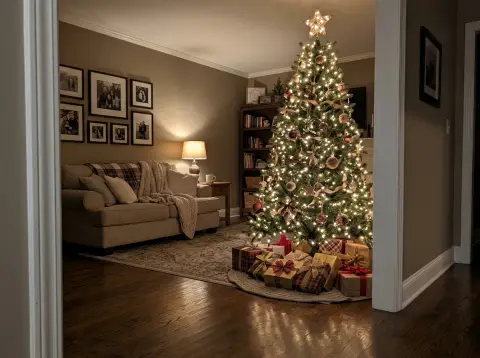
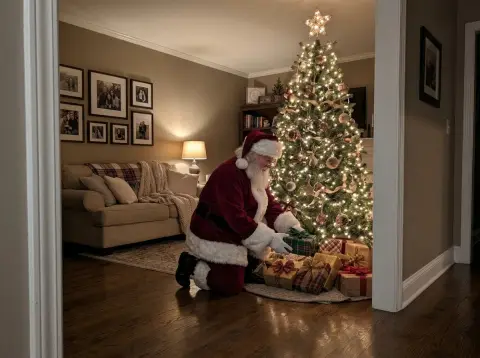 Add Santa to photo
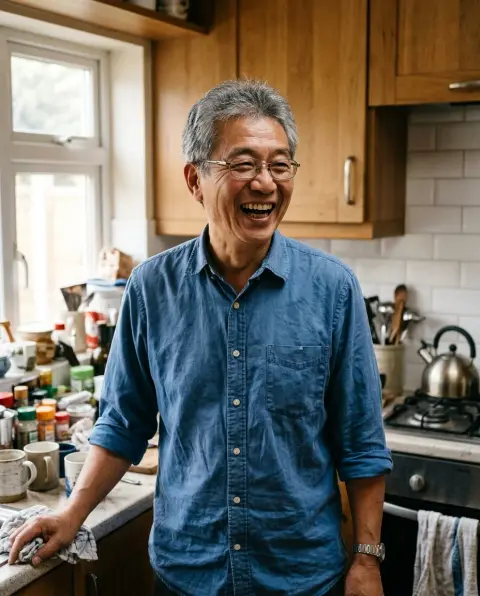
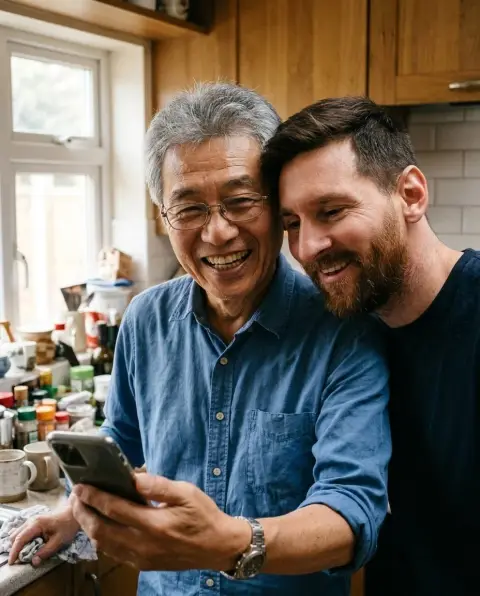 AI photo with Messi
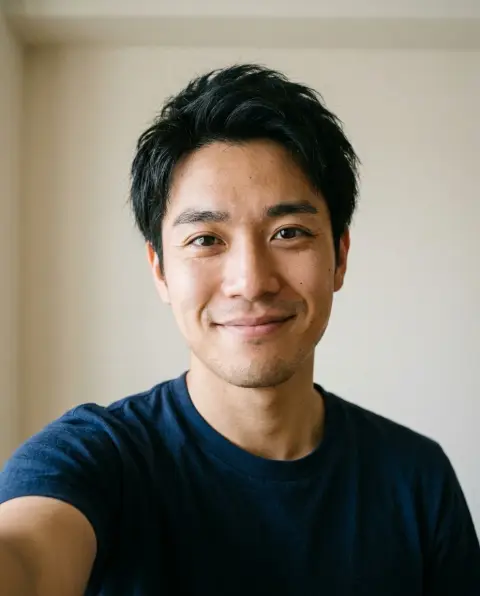
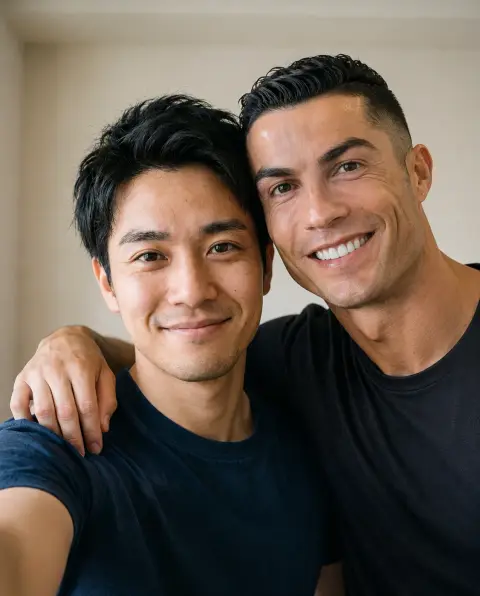 AI photo with Ronaldo
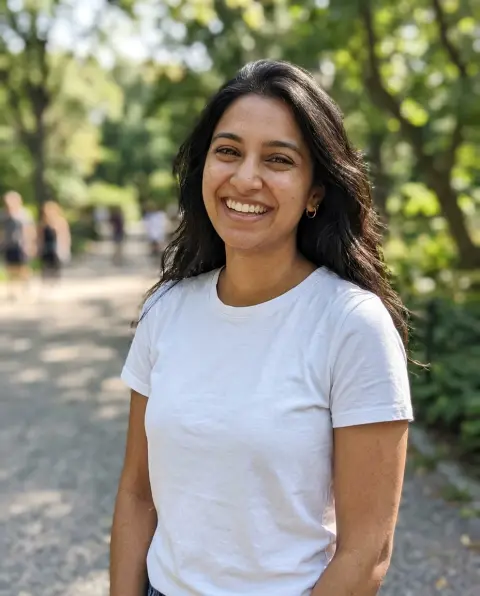
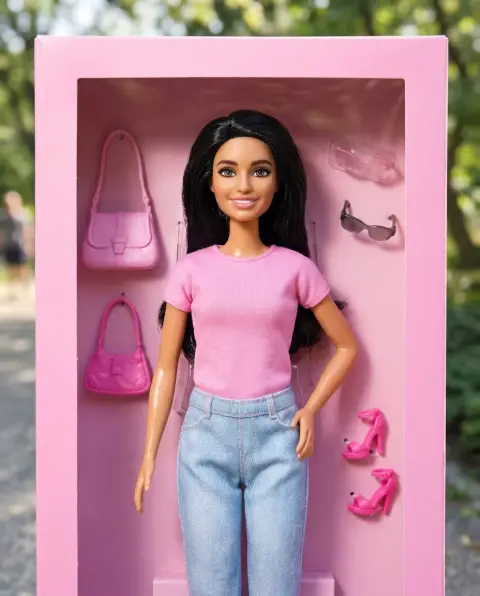 Barbie filter

 Caricature generator

 Christmas filter
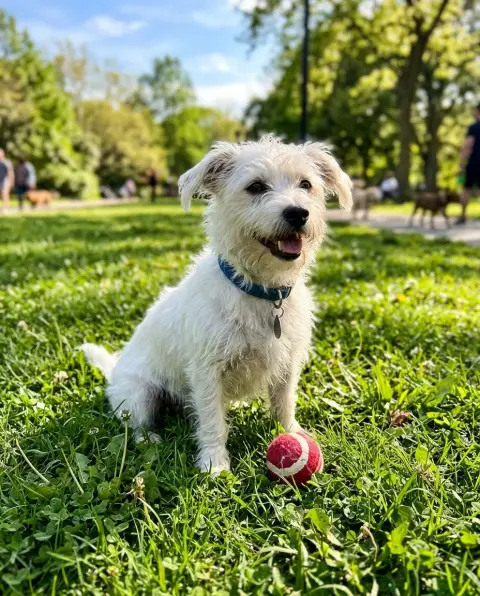
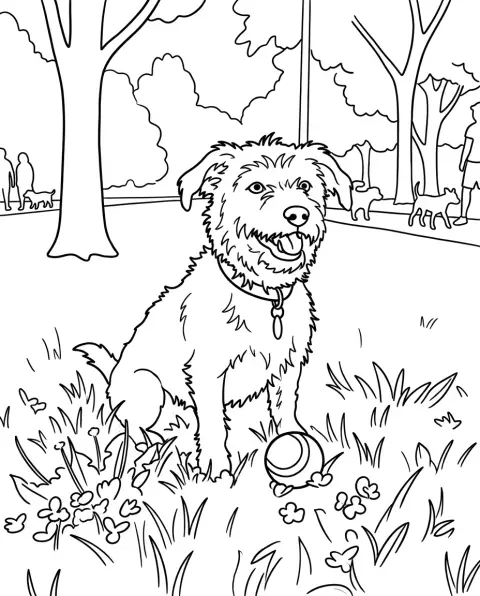 Coloring page generator
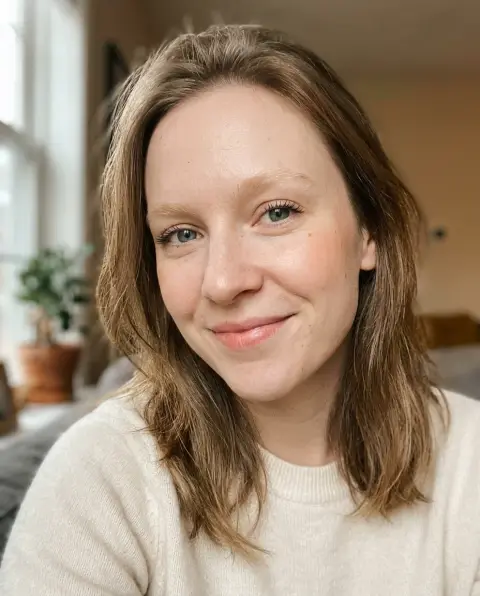
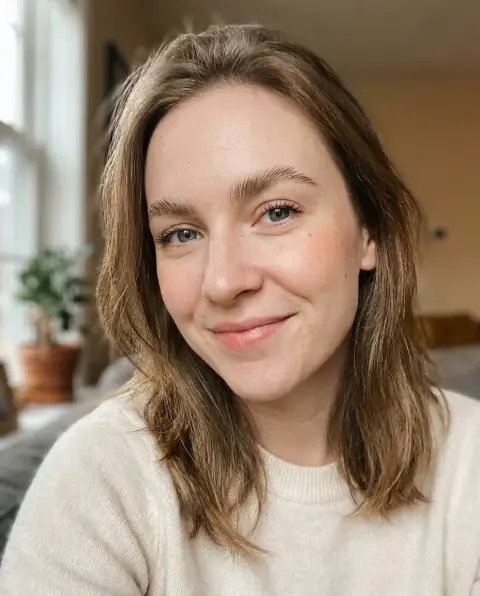 Eyebrow filter
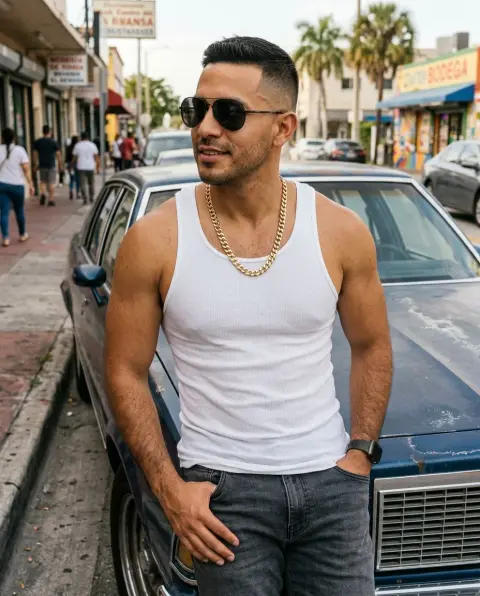
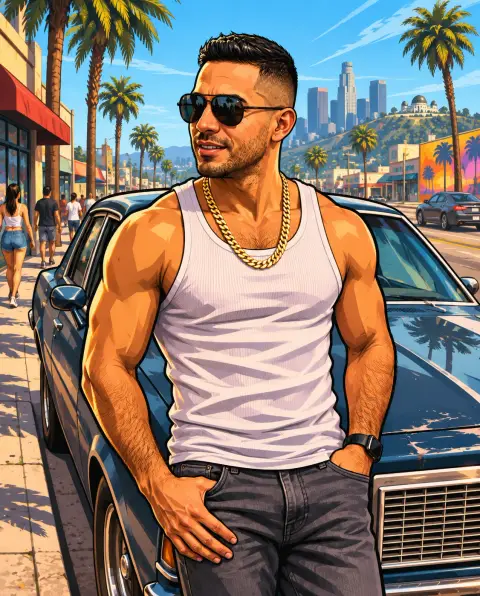 GTA filter
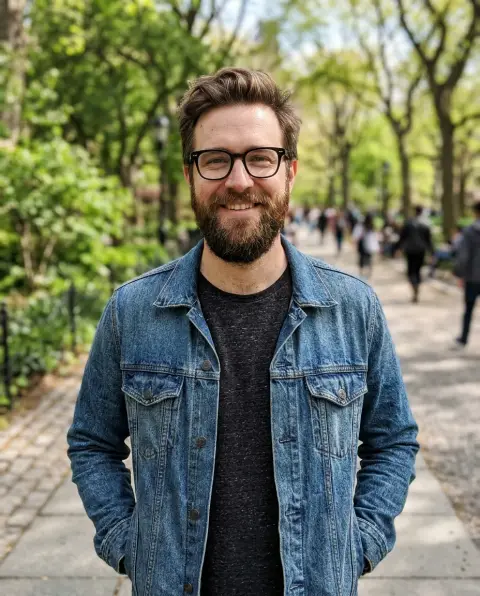
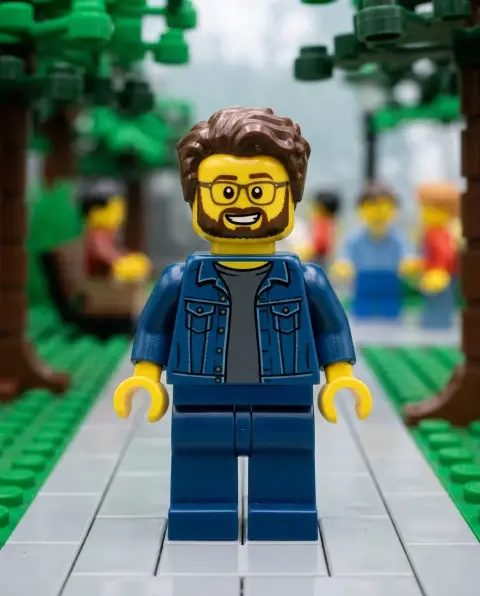 Lego filter

 Sad face filter
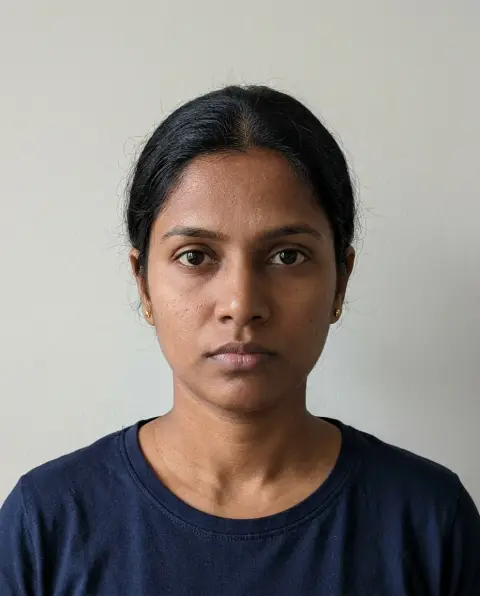
 Smile filter
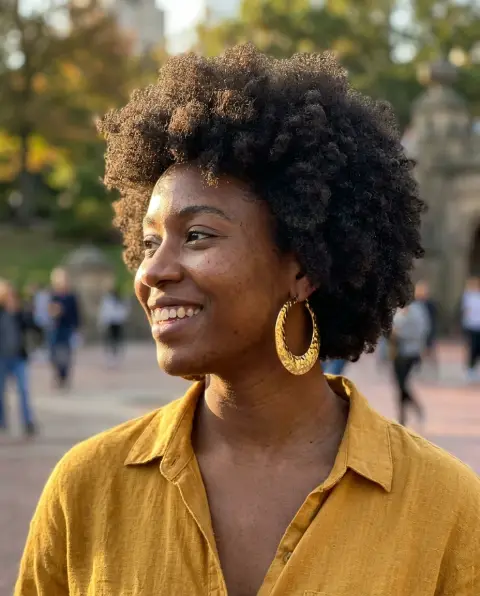
 Stencil generator
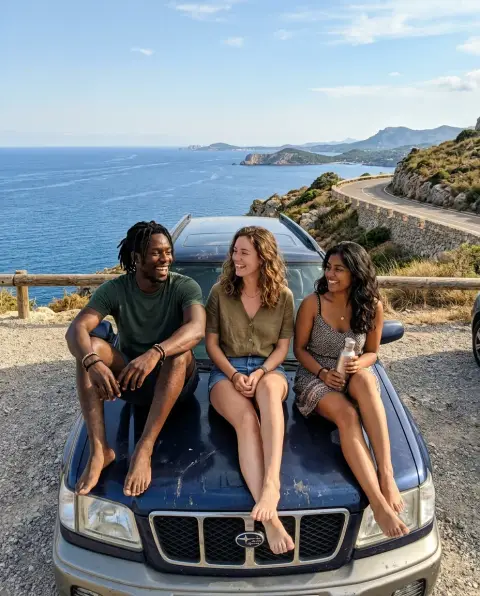
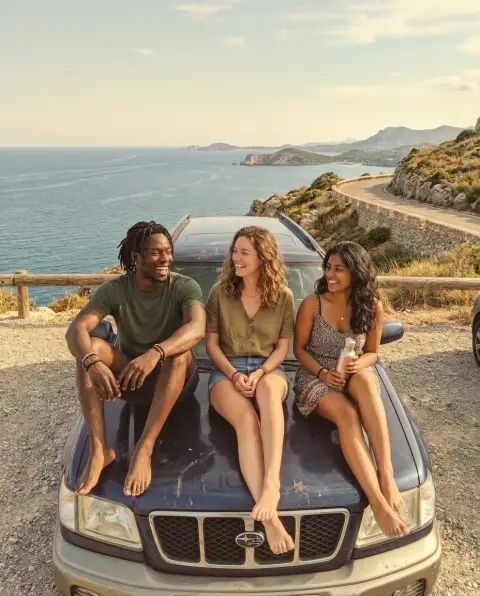 Vintage filter
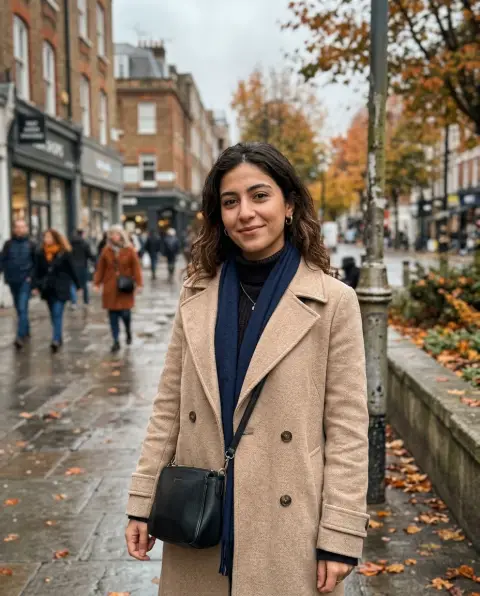
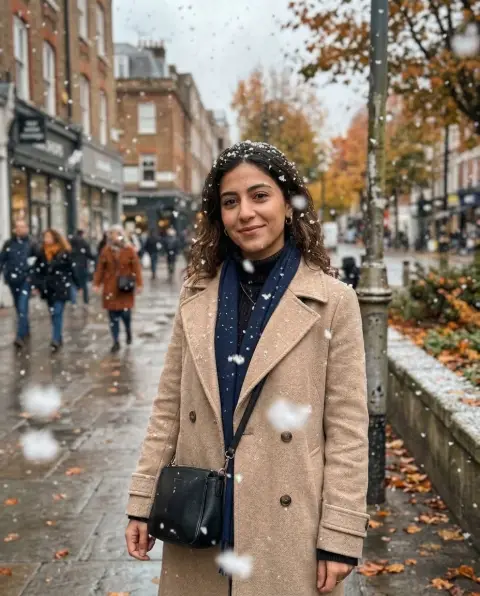 Add snow to photo
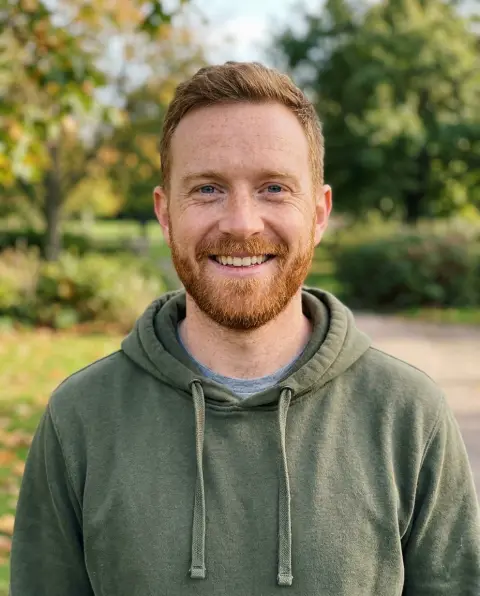
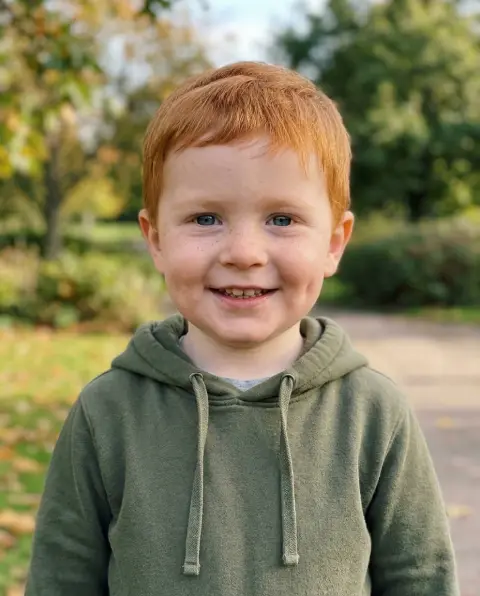 Baby filter
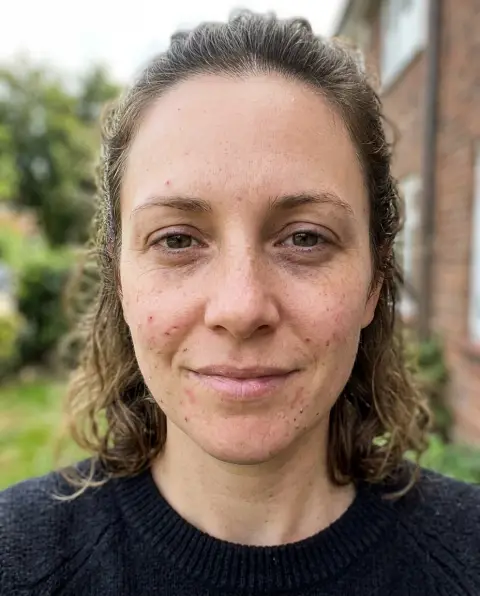
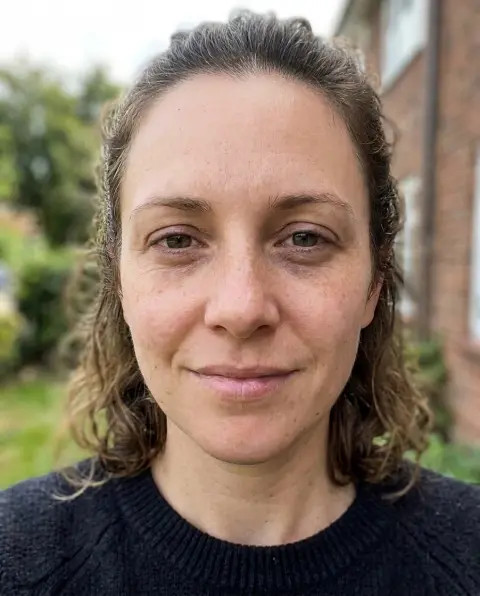 Beauty filter
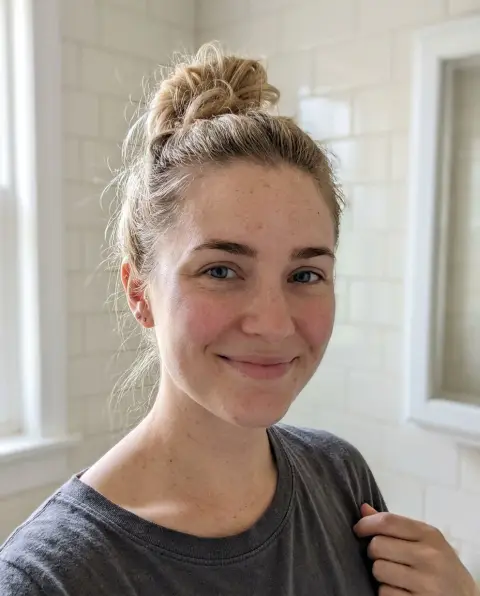
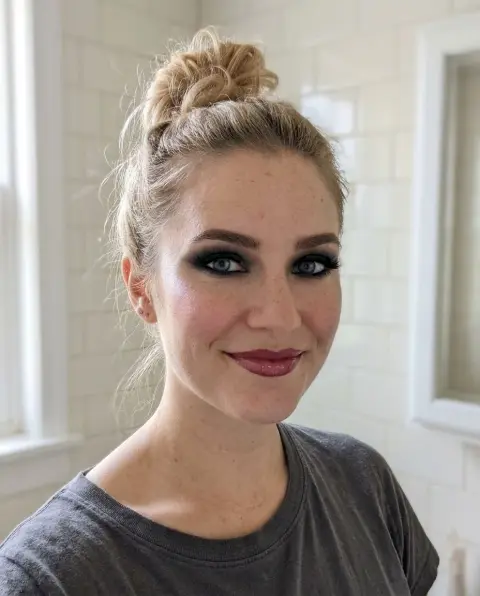 Bold glamour filter
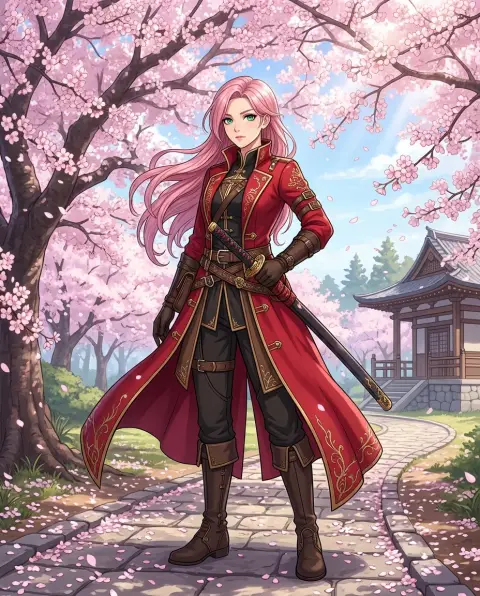
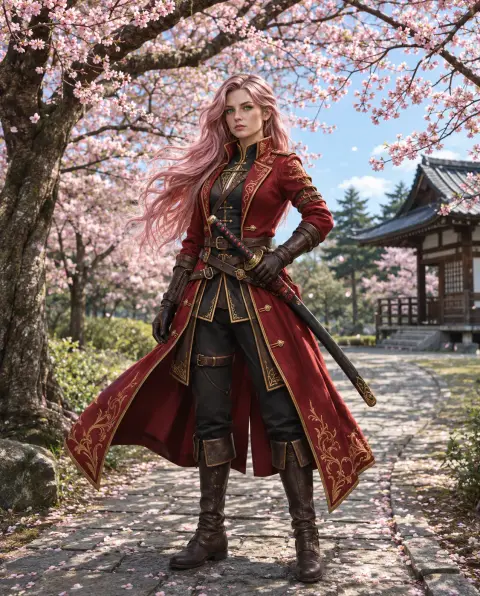 Cartoon to realistic
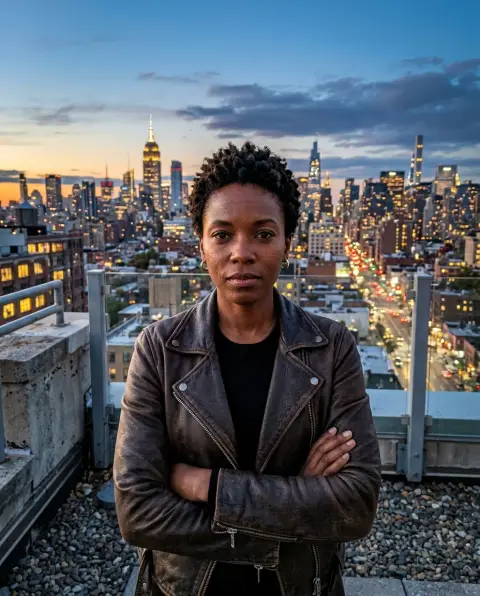
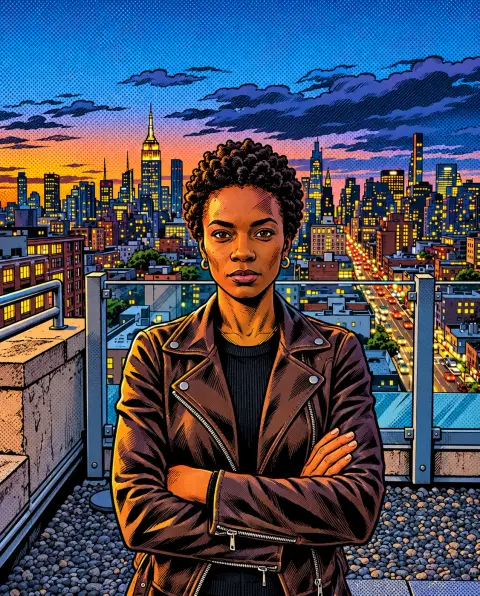 Comic generator
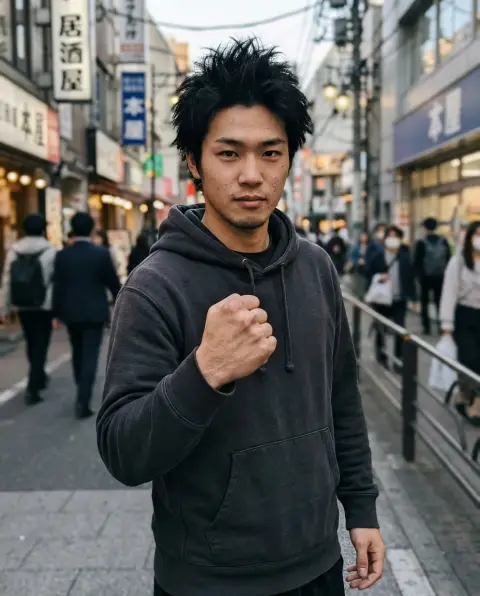
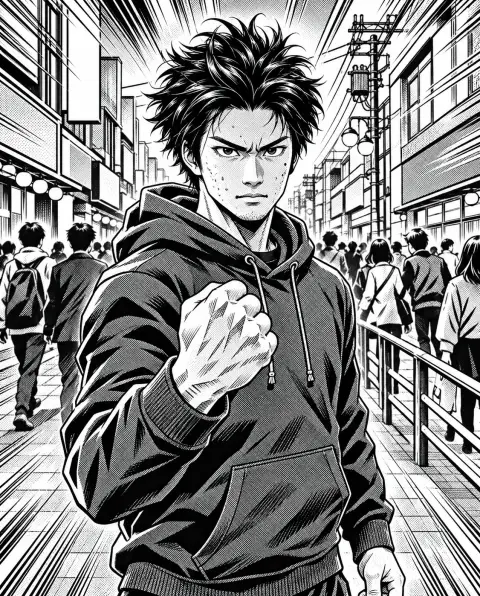 Manga generator
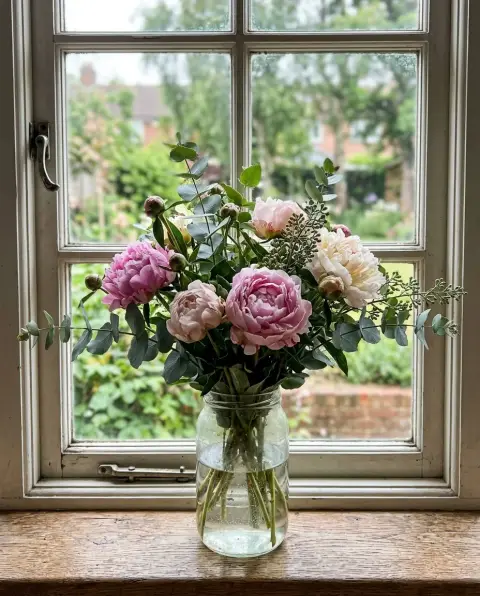
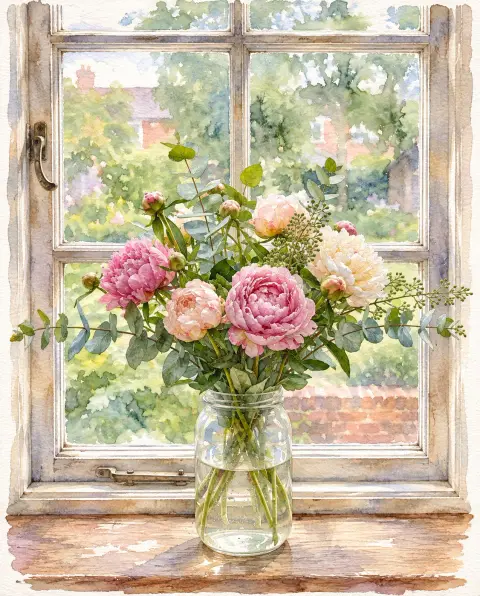 Photo to watercolor
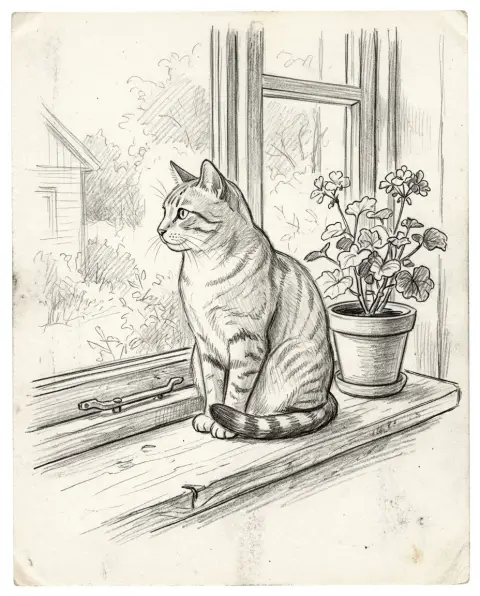
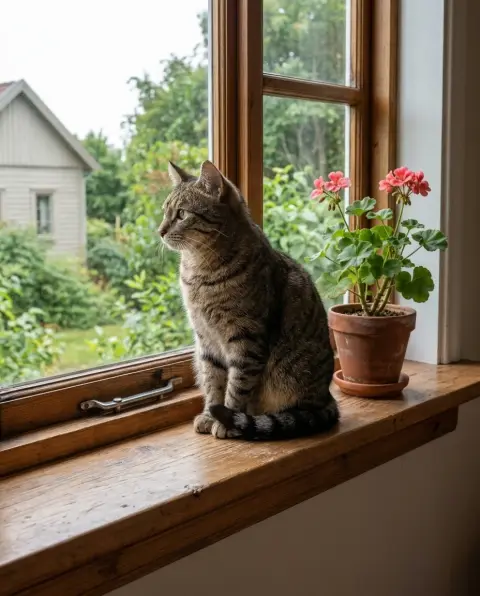 Sketch to photo
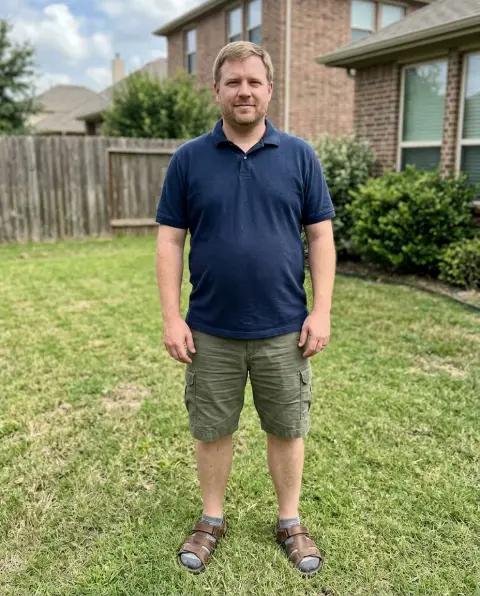
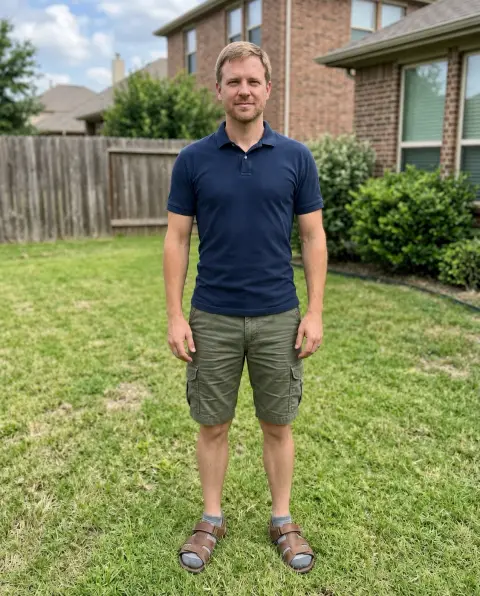 Skinny filter
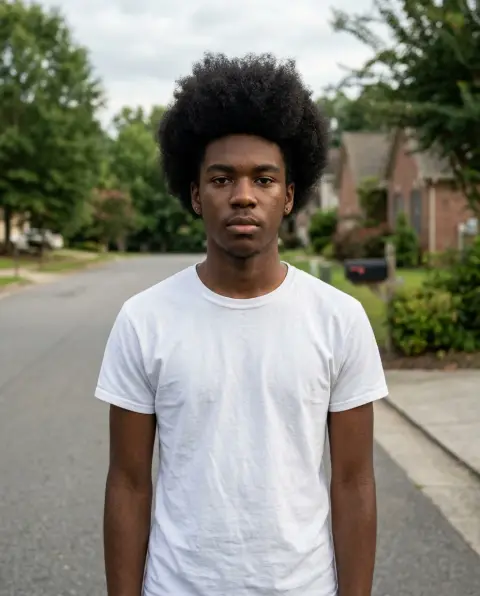
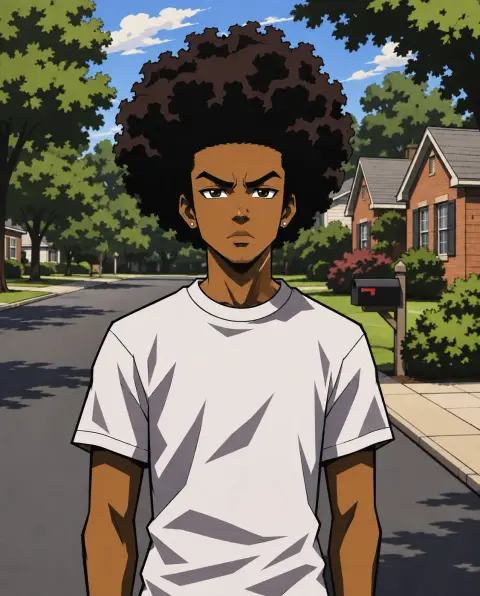 Boondocks filter
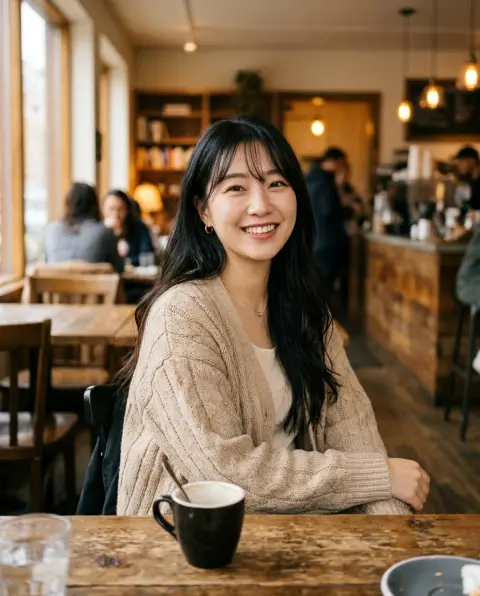
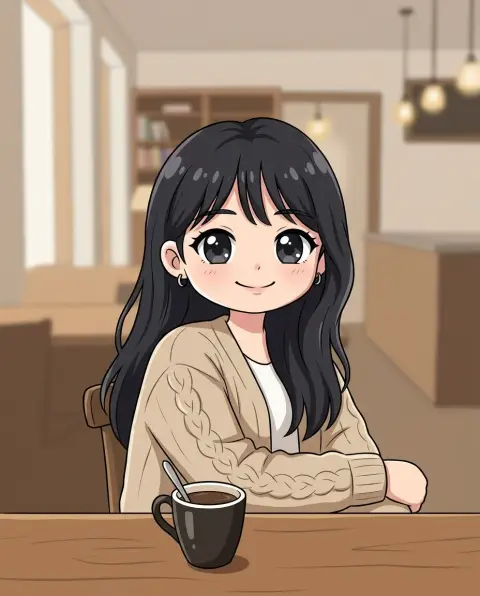 Chibi generator
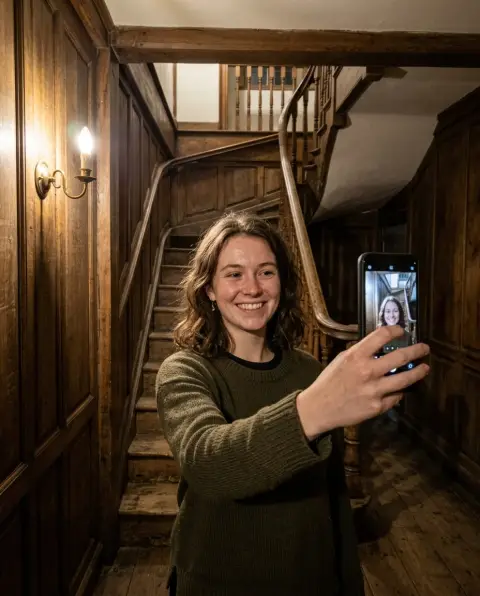
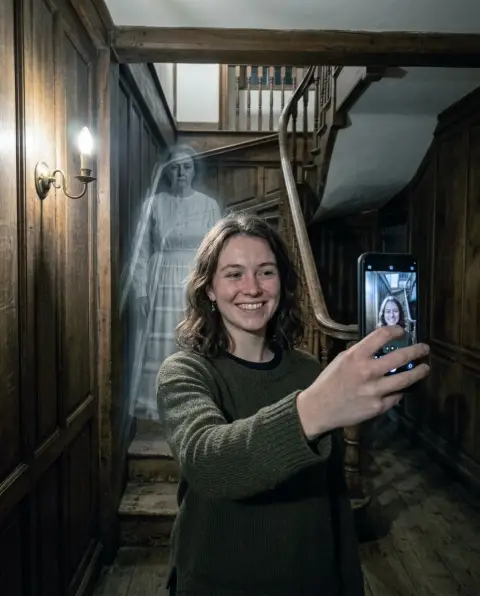 Ghost filter
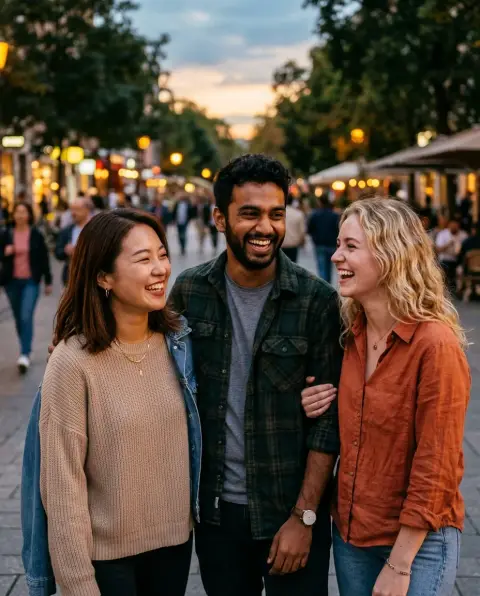
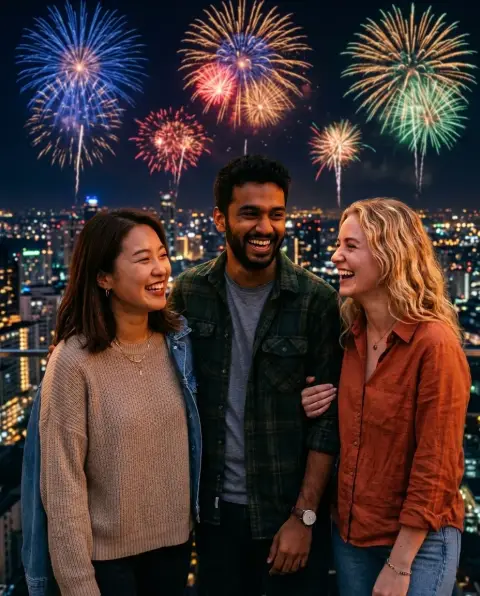 New Year filter
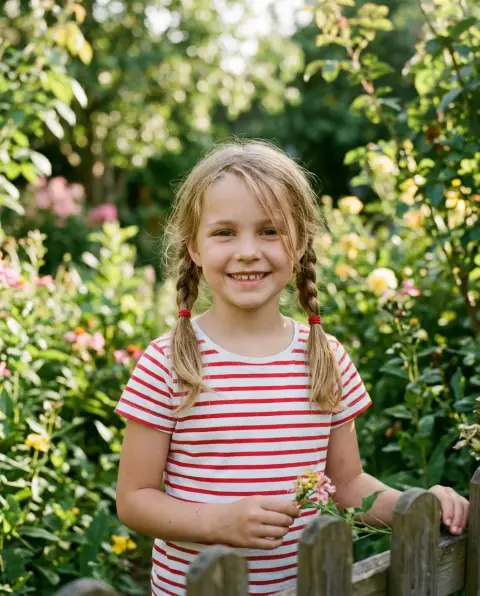
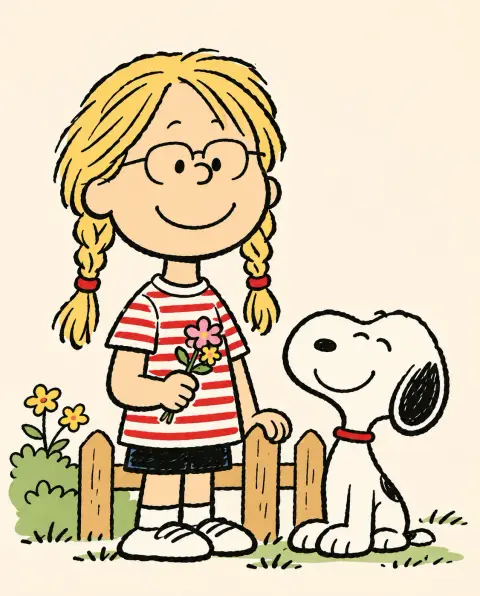 Snoopy filter
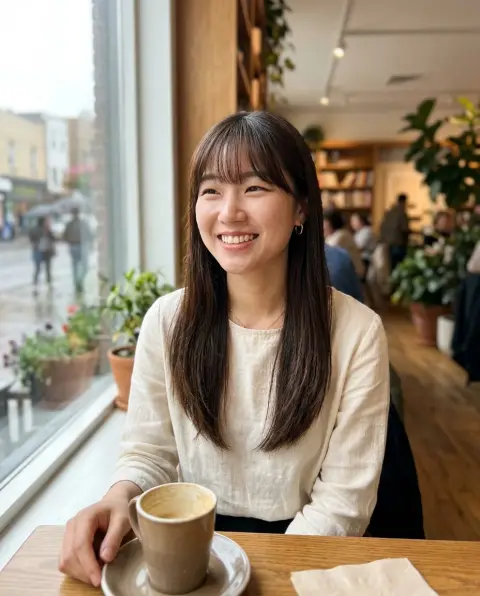
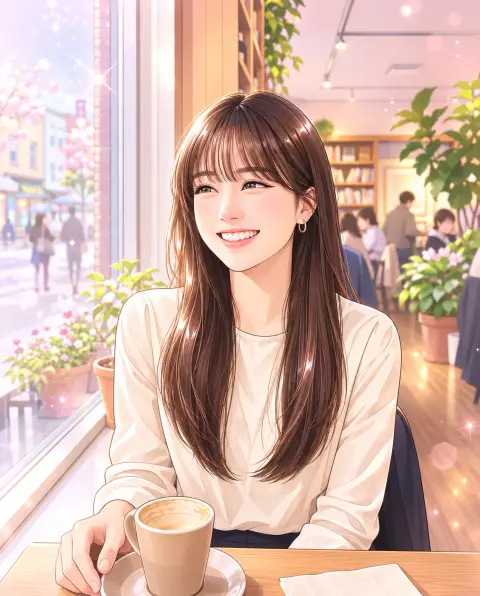 Webtoon filter
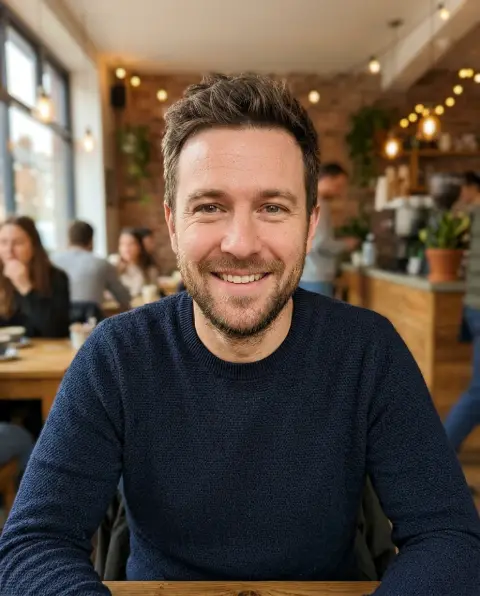
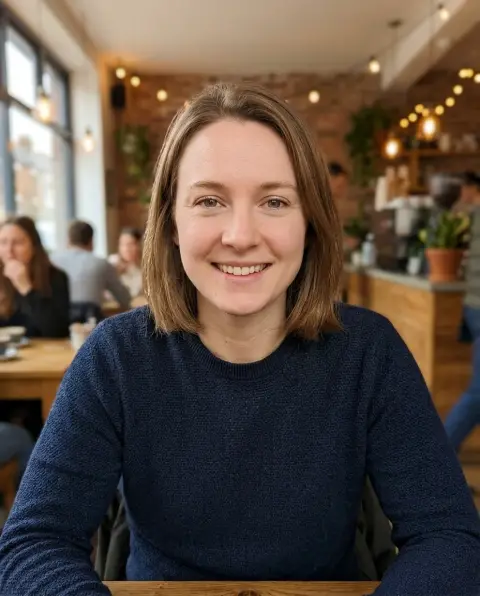 Gender swap
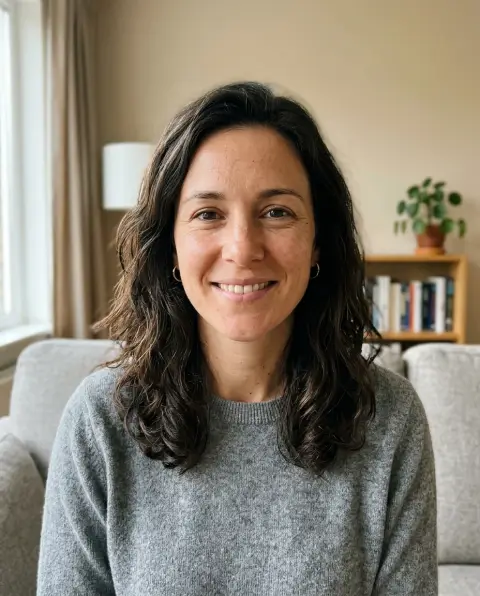
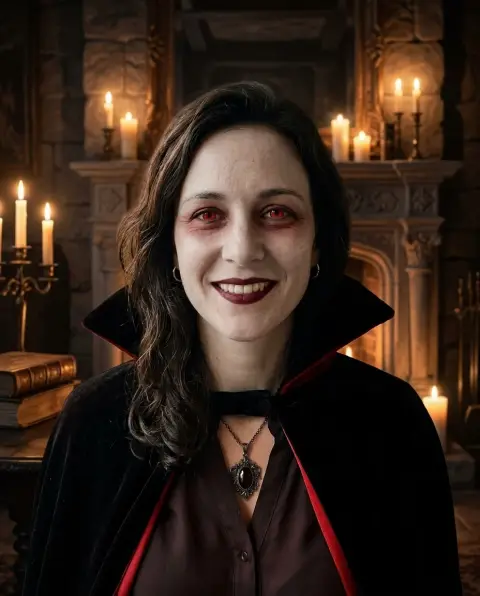 Halloween filter
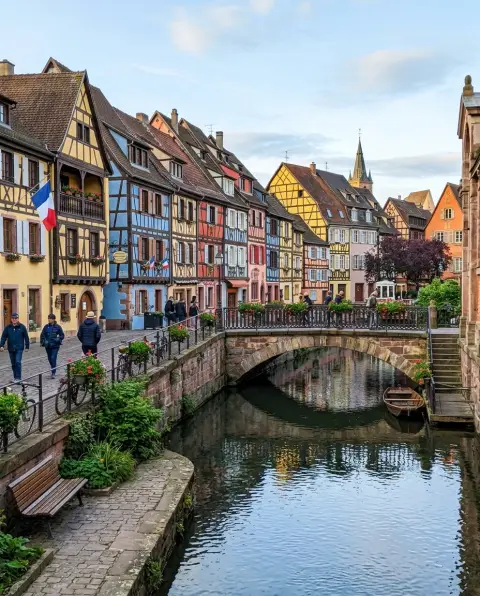
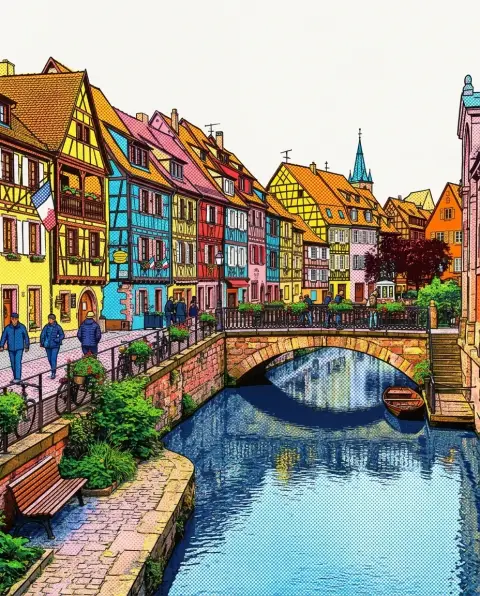 Style transfer
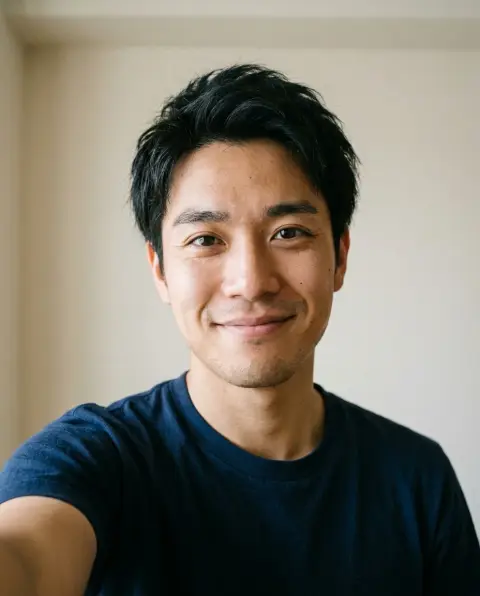
 Glasses filter
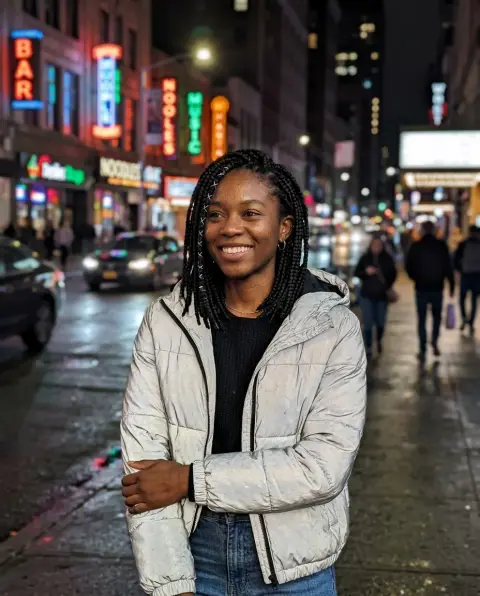
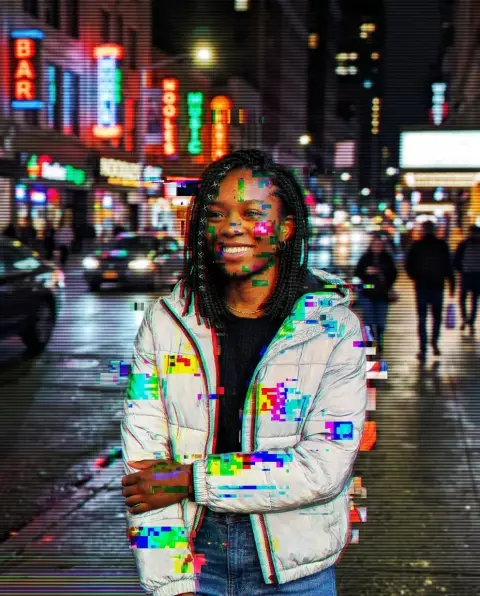 Glitch effect
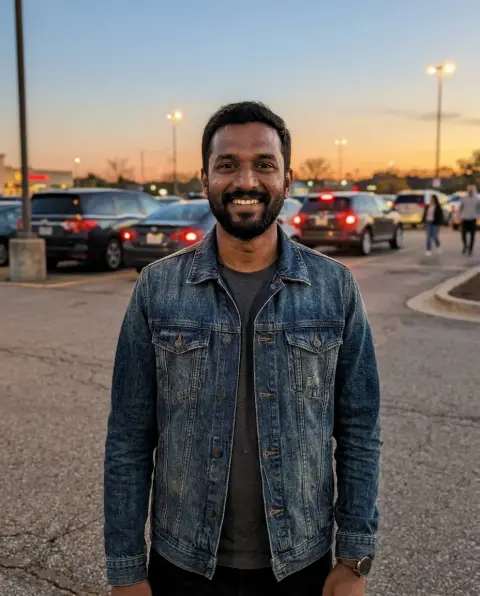
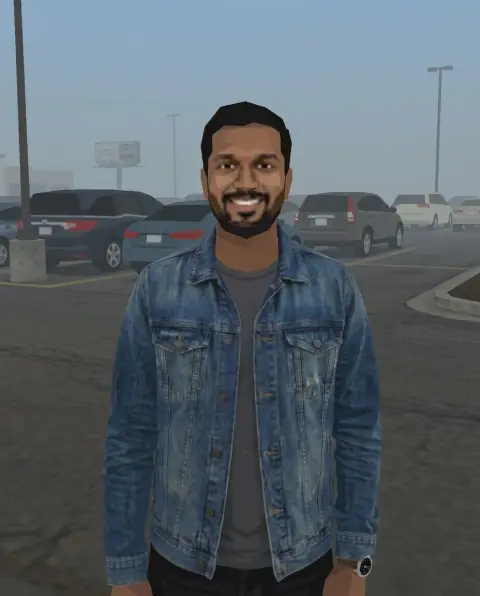 PS2 filter
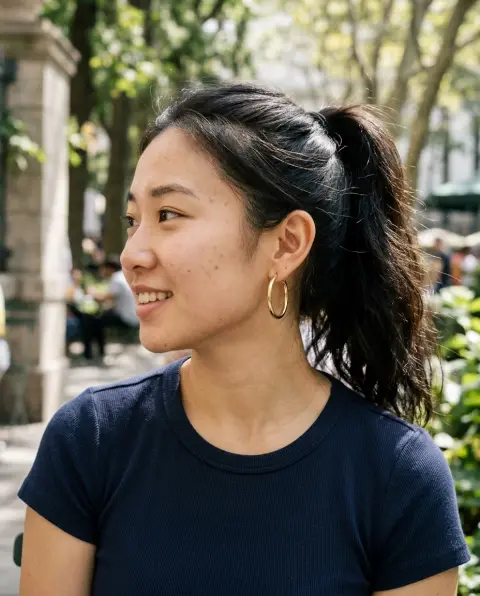
 Photo to line drawing
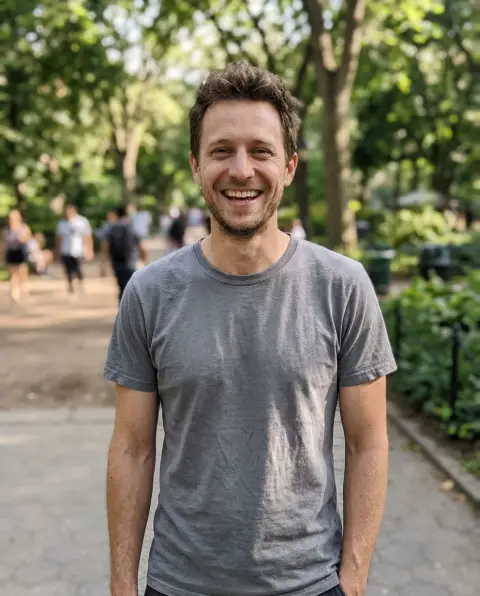
 Fat filter
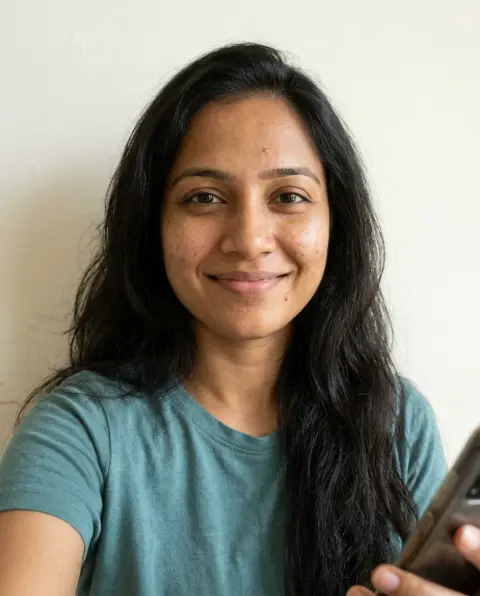
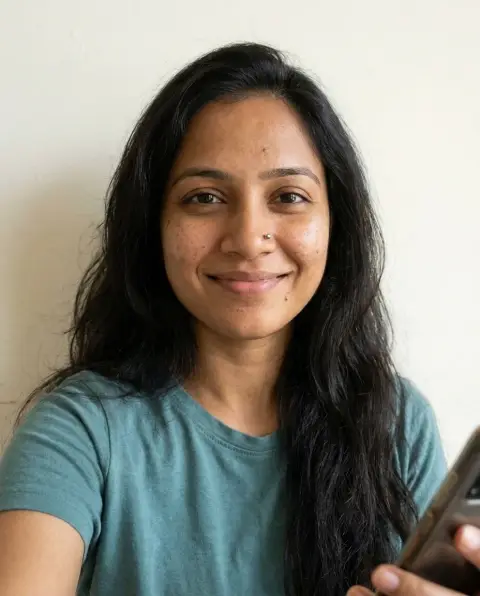 Piercing filter
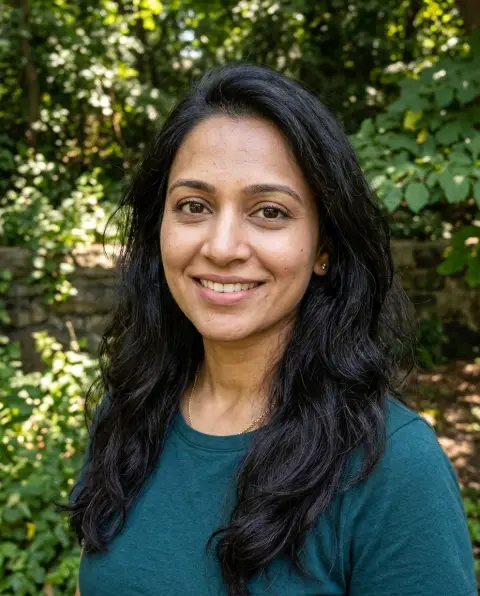
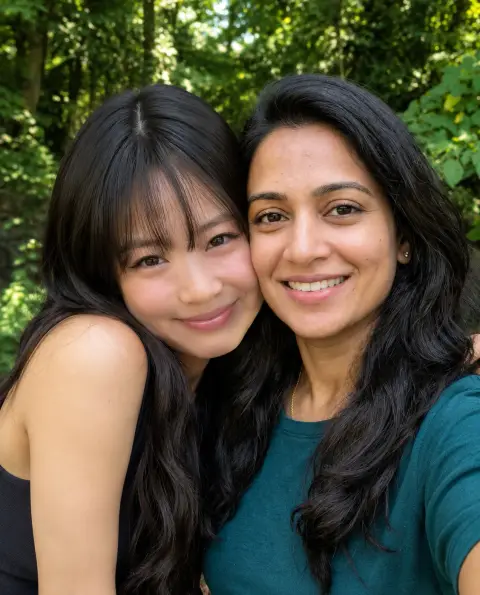 AI photo with Jennie
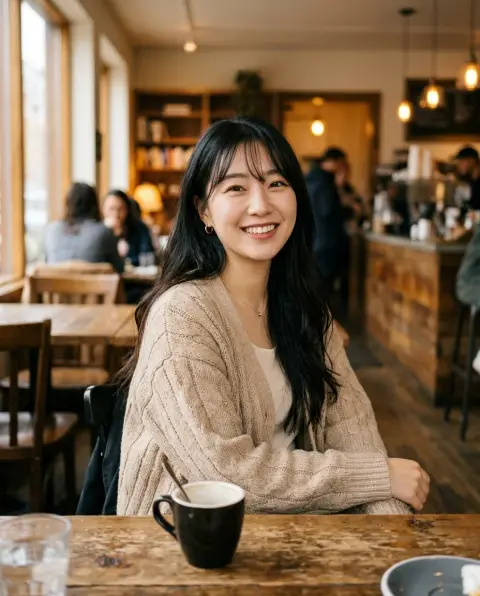
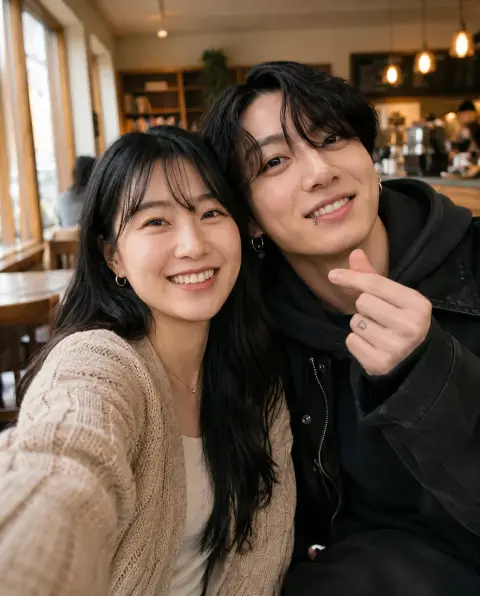 AI photo with Jungkook
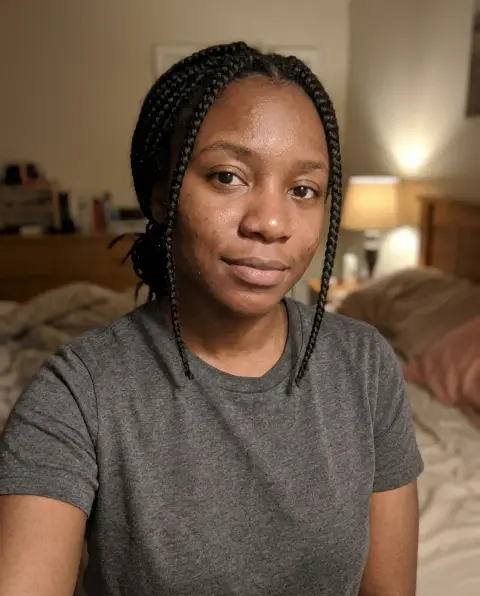
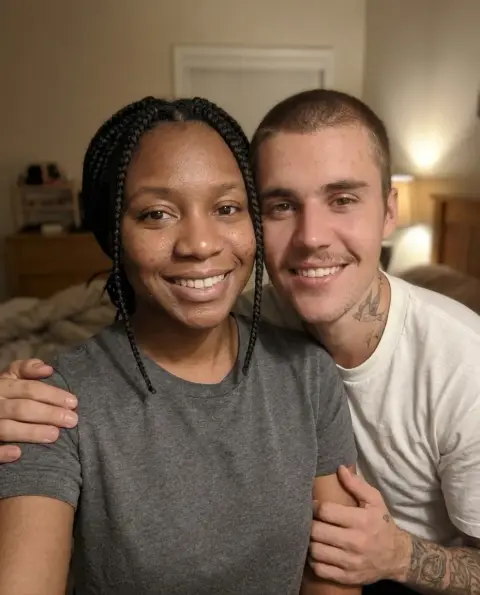 AI photo with Justin Bieber
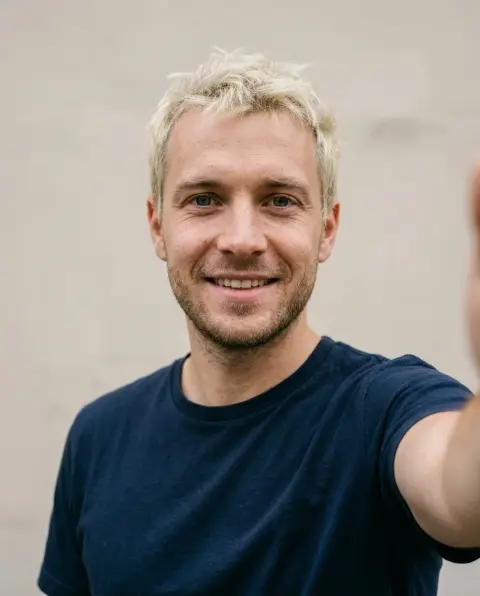
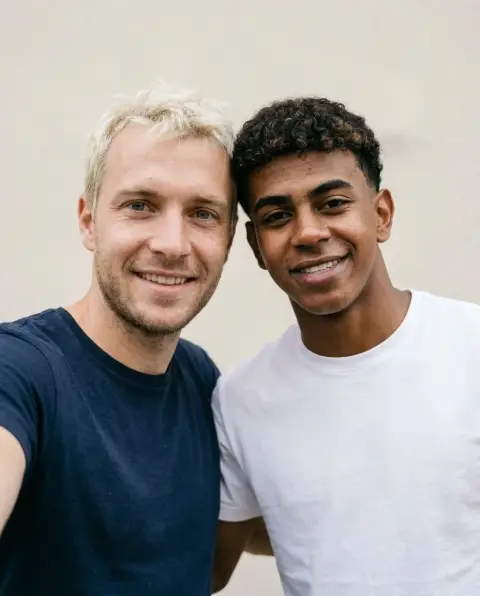 AI photo with Lamine Yamal
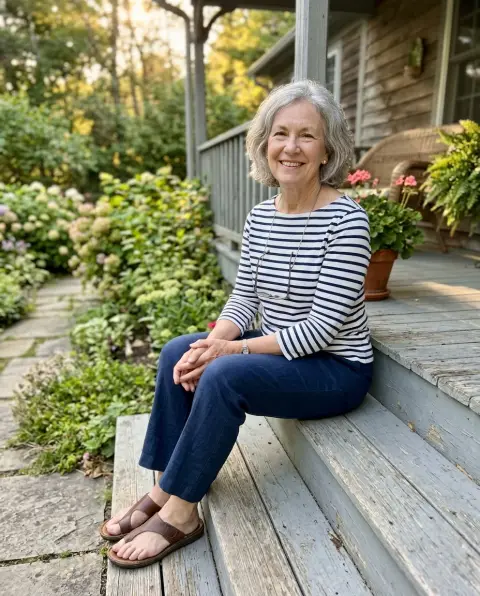
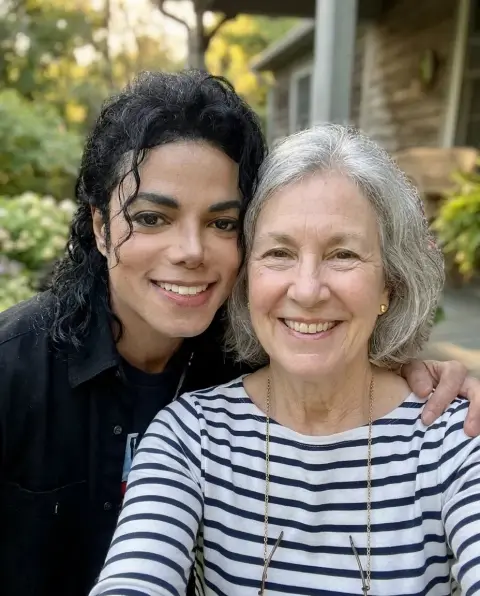 AI photo with Michael Jackson
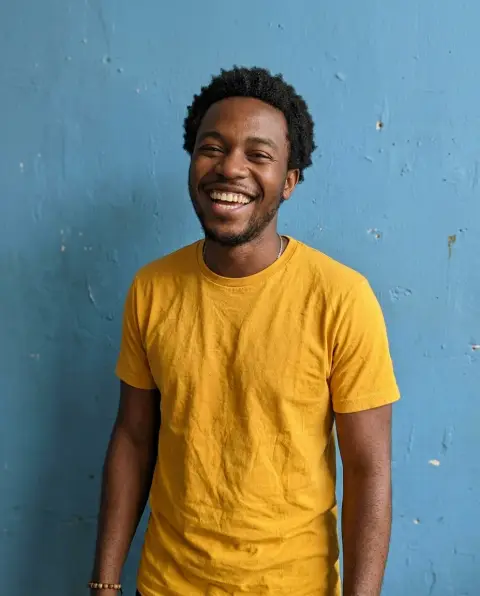
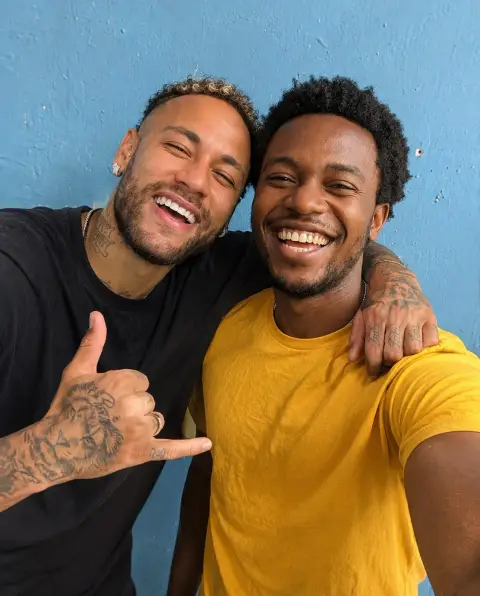 AI photo with Neymar
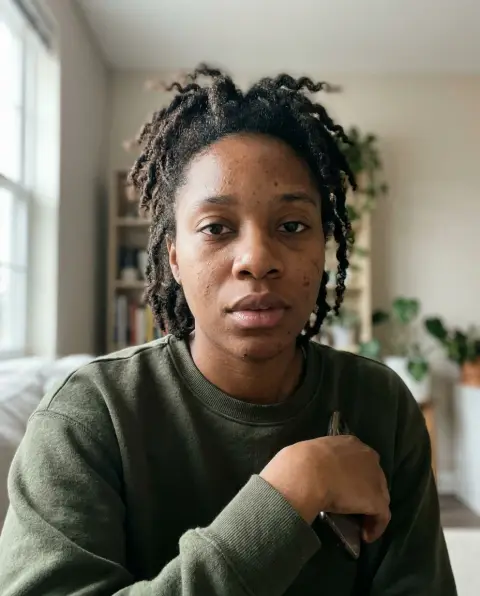
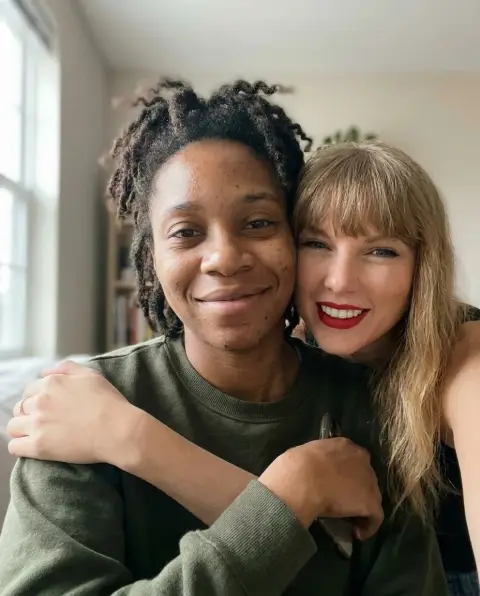 AI photo with Taylor Swift
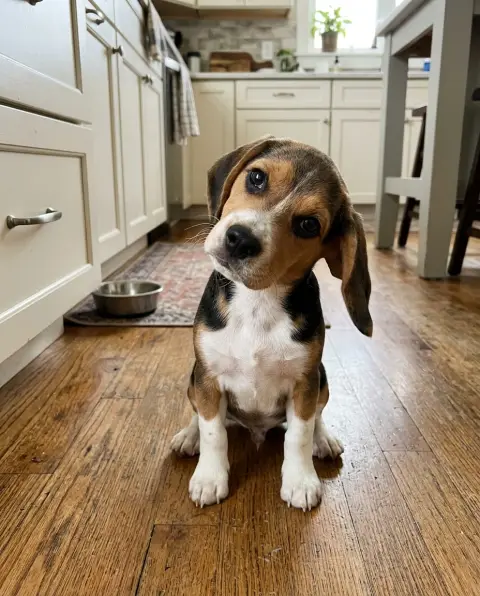
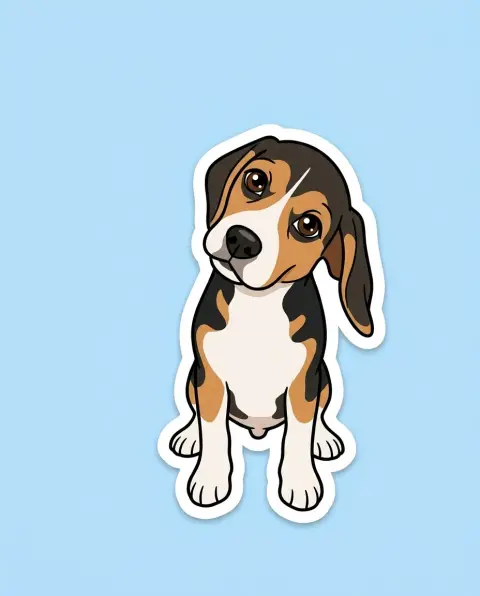 Cartoonize my pet
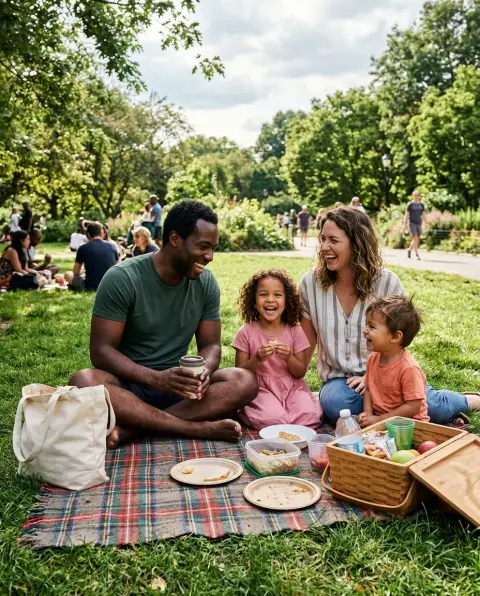
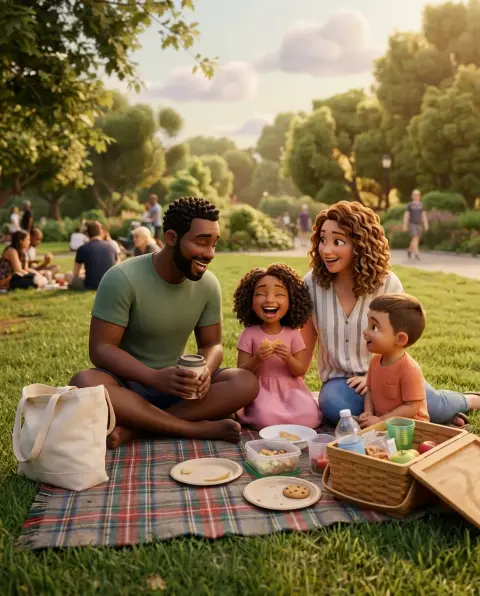 Photo to 3D cartoon
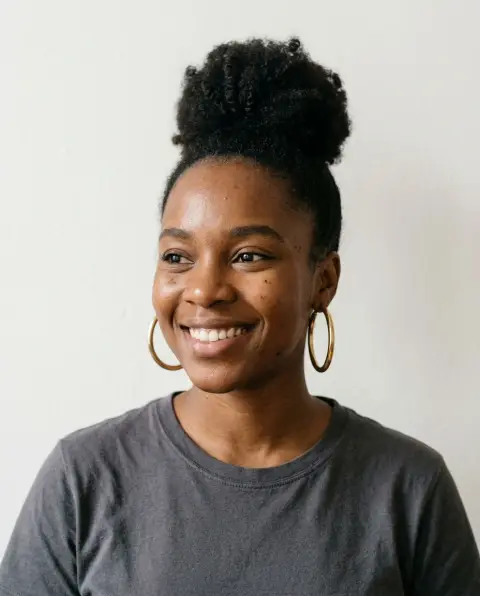
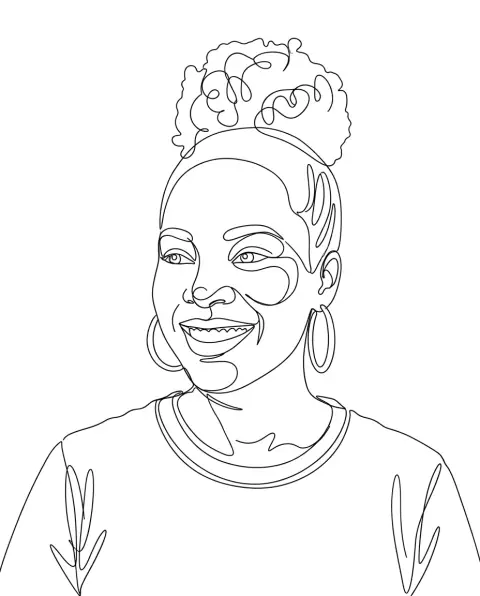 One line art
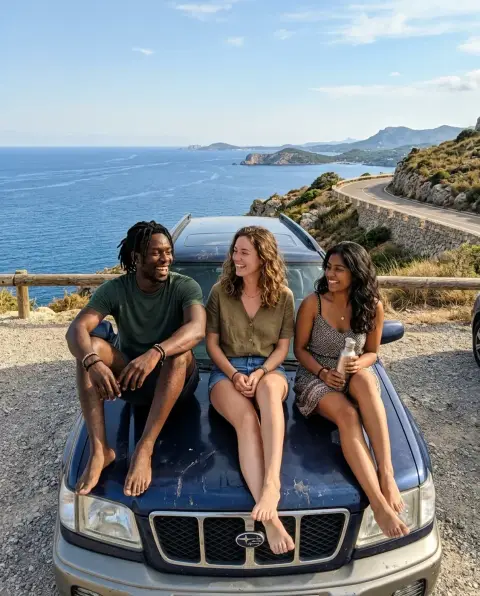
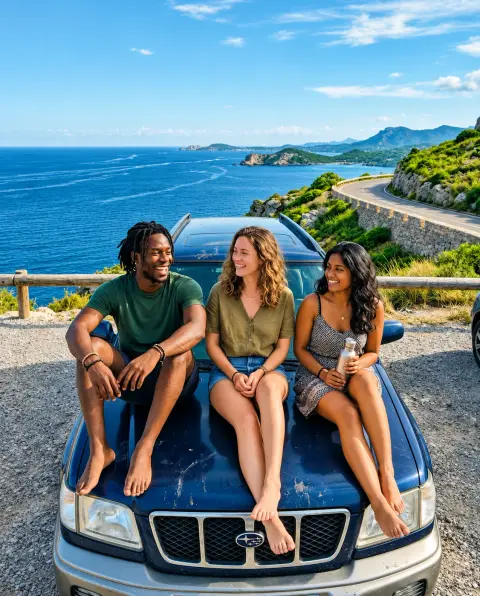 Clarendon filter
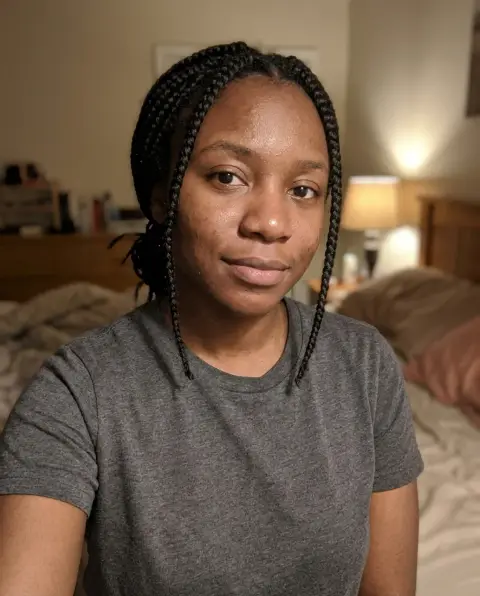
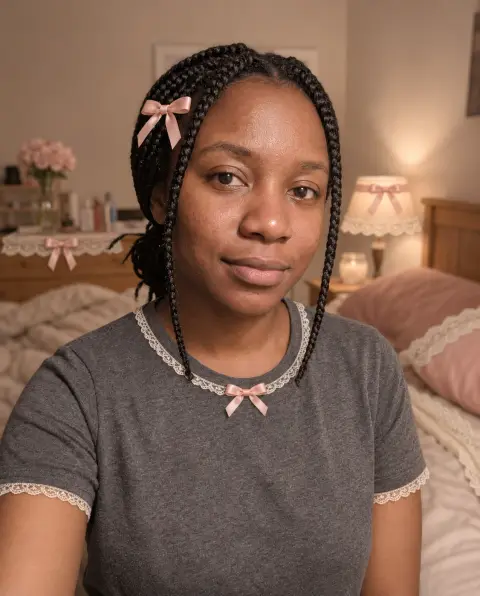 Coquette filter
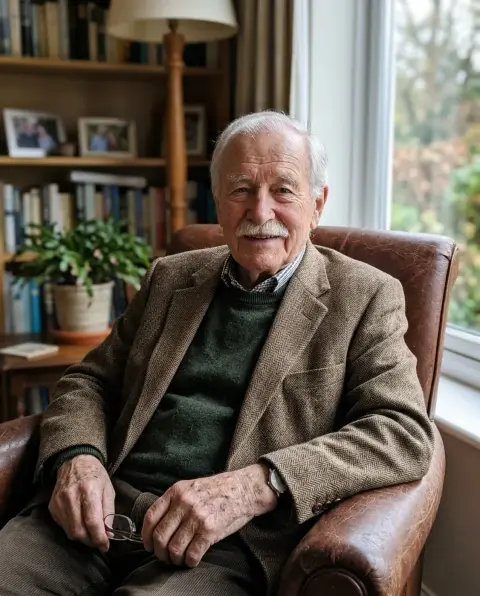
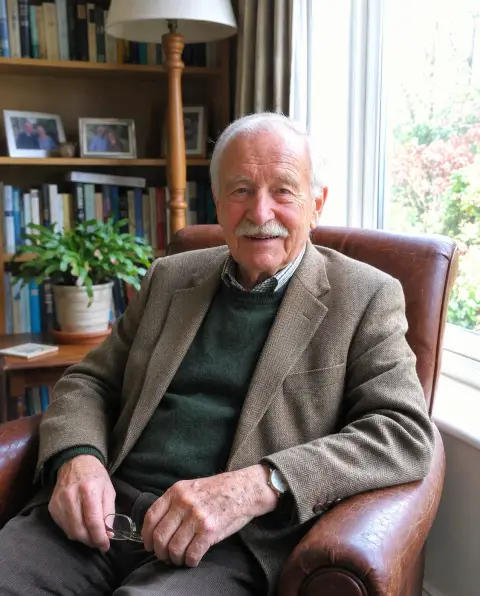 iPhone 4 filter
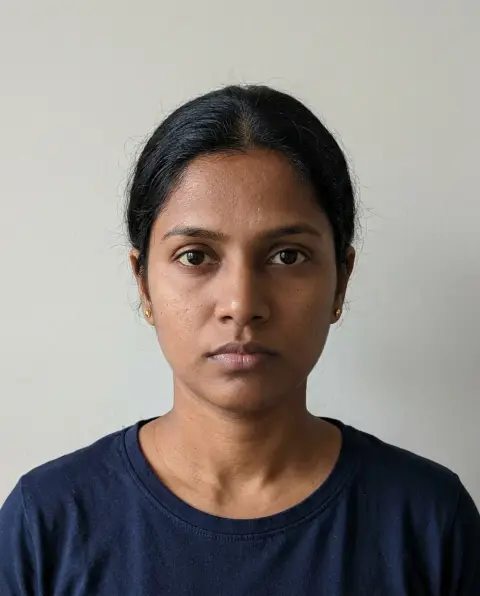
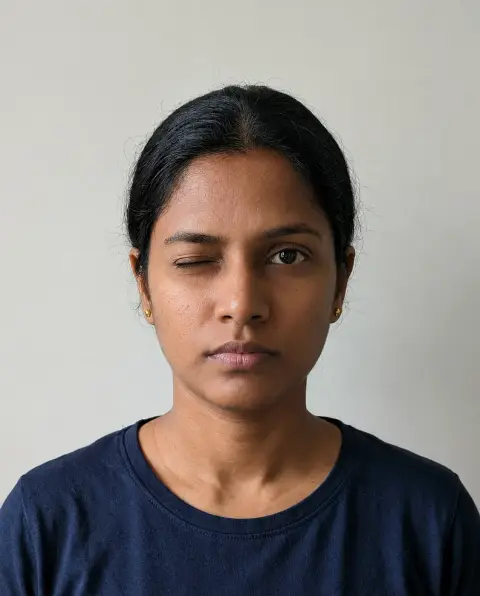 Wink filter
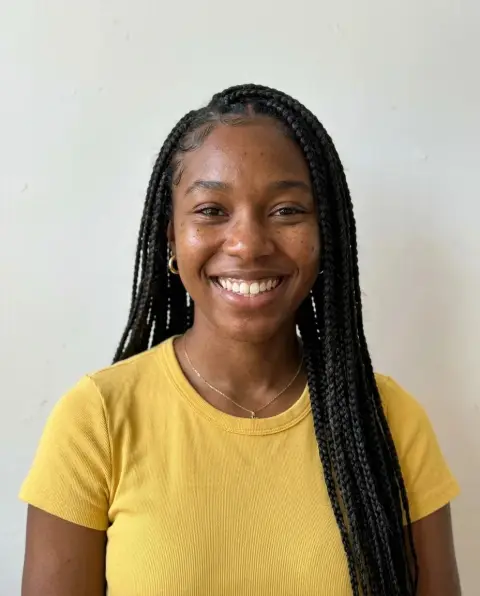
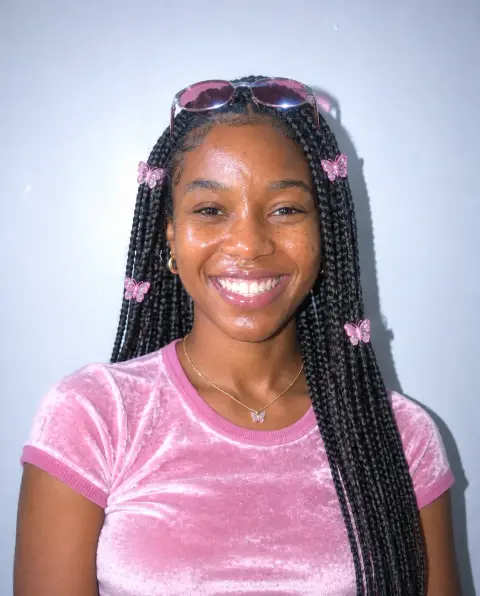 Y2K filter
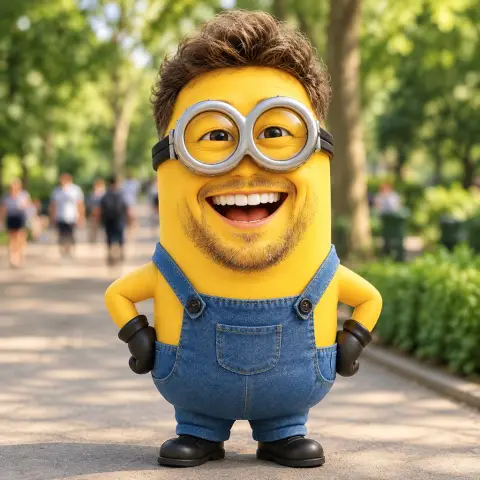 Minion filter
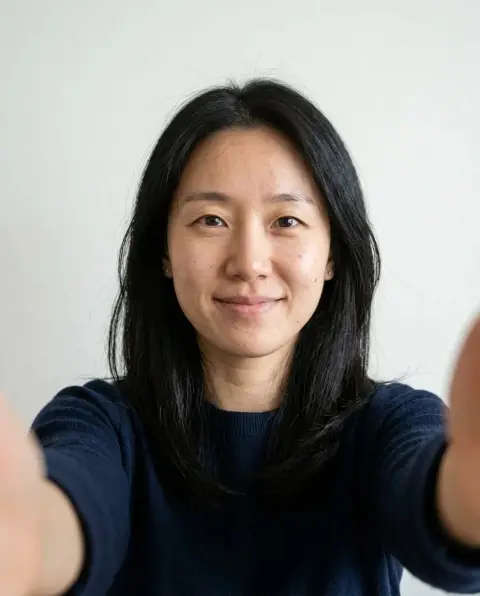
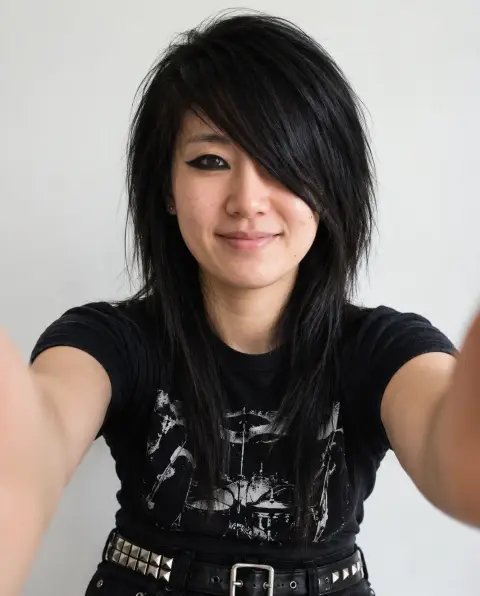 Emo and goth filter
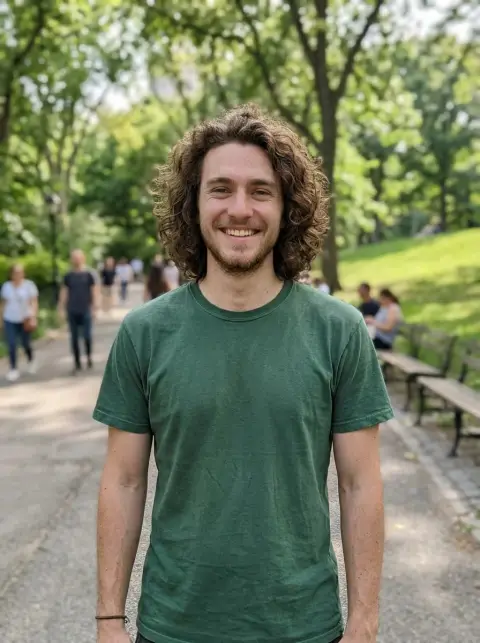
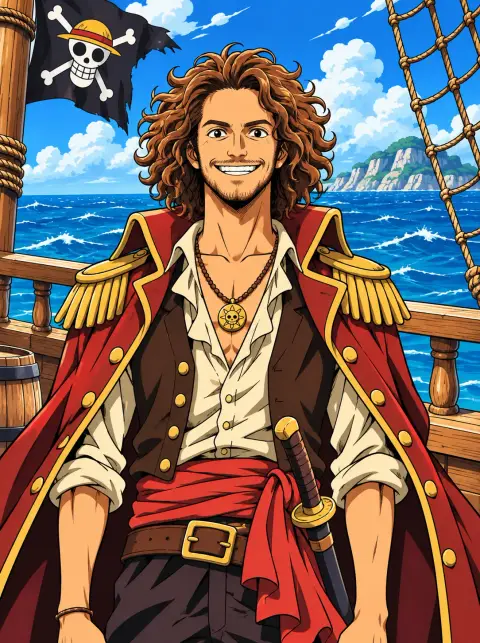 One Piece filter
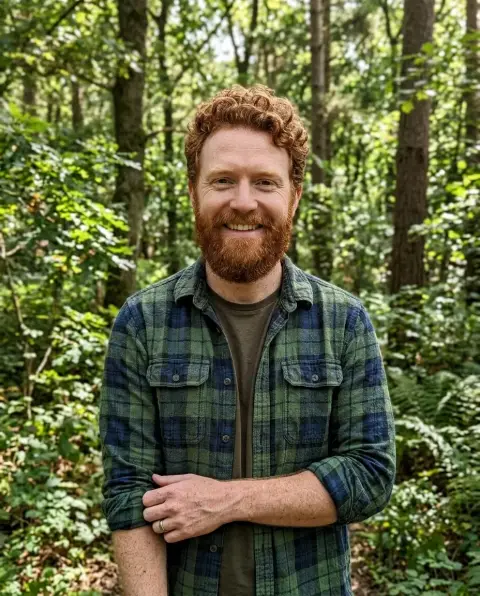
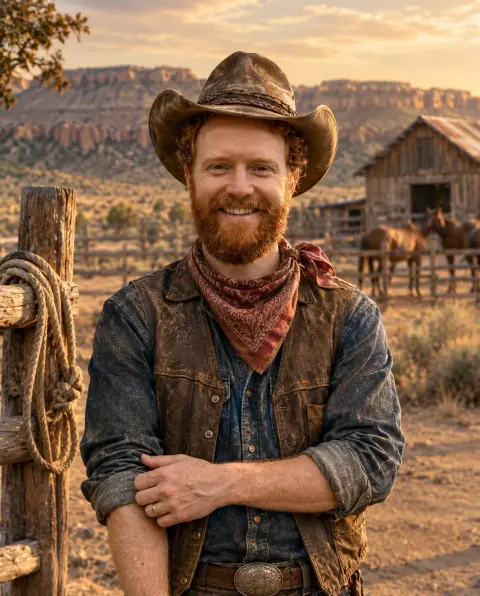 Cowboy filter
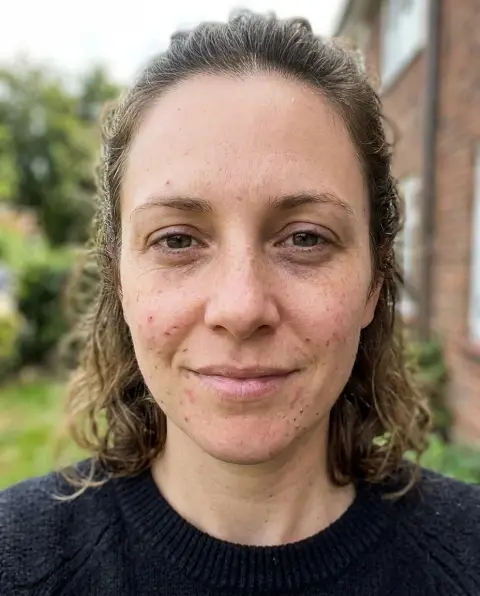
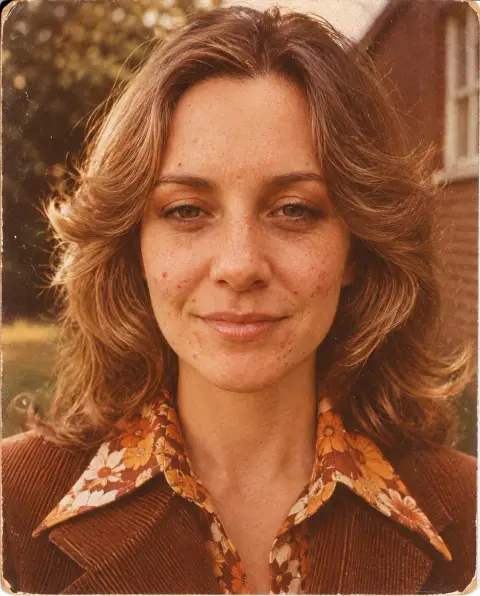 70s filter
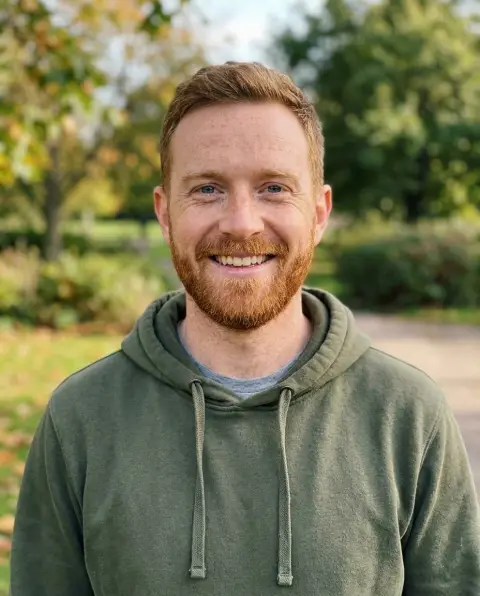
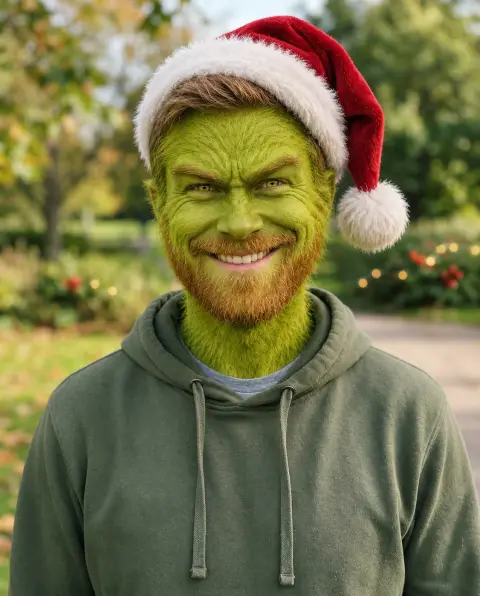 Grinch filter
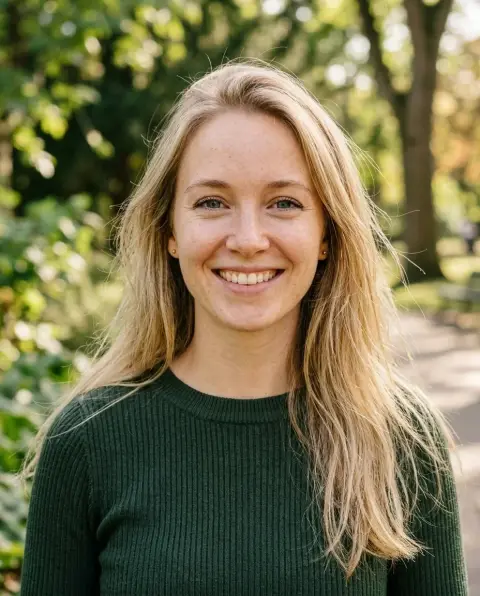
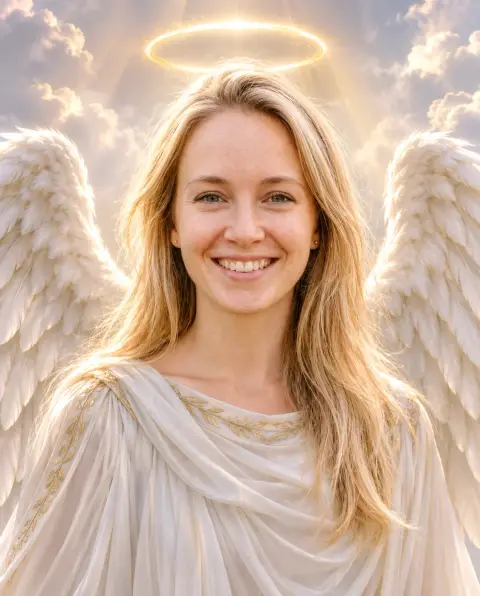 Angel filter
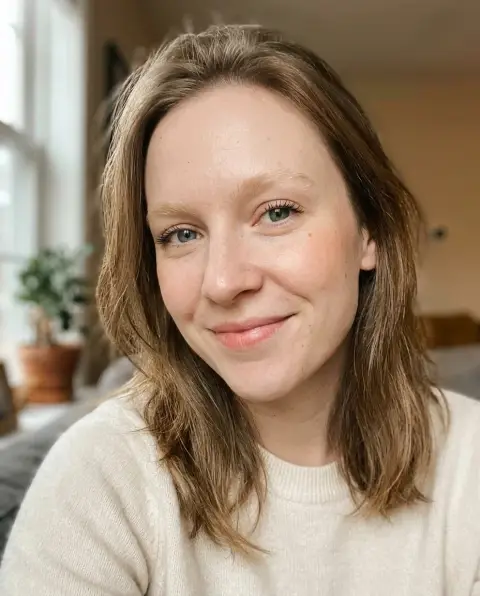
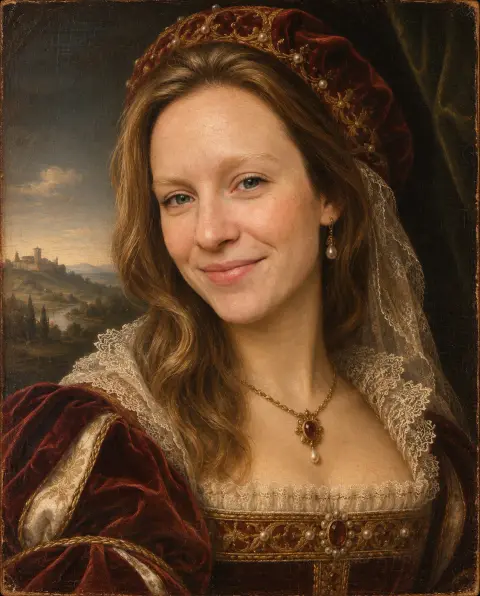 Renaissance filter
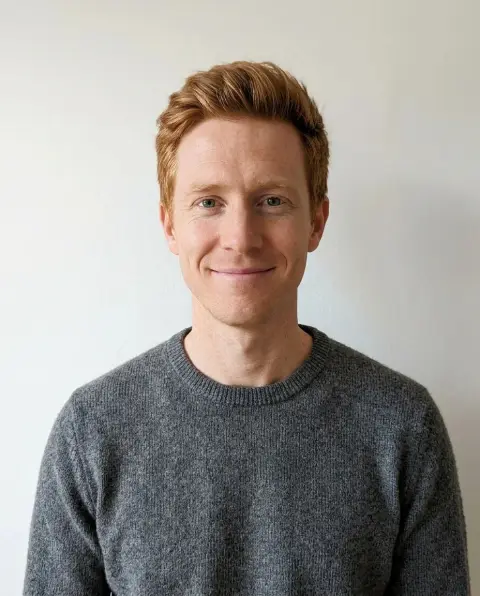
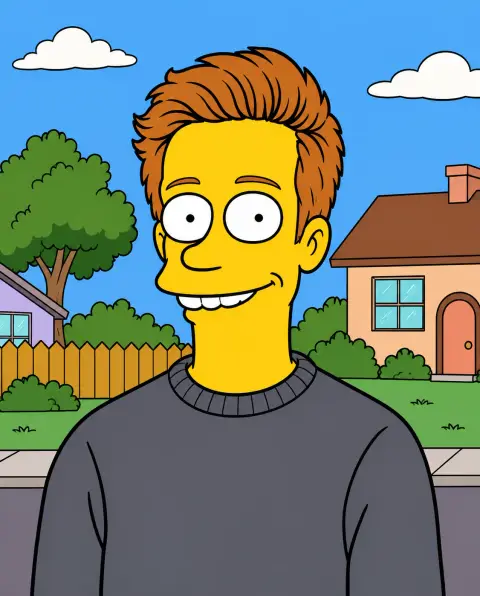 Simpsons filter
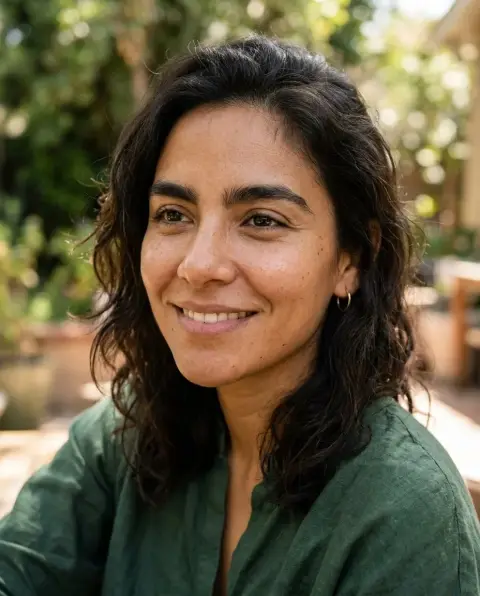
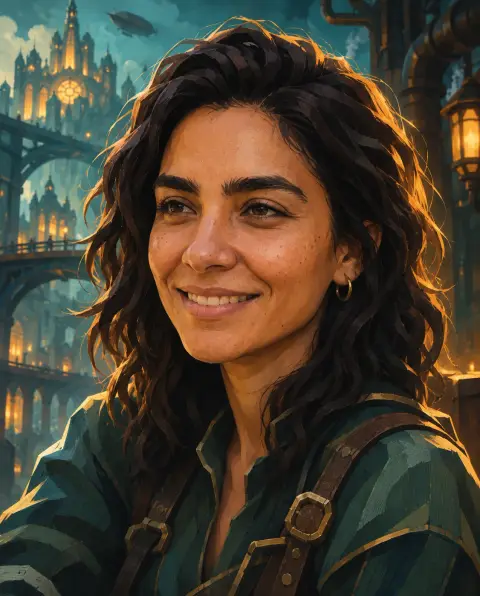 Arcane filter
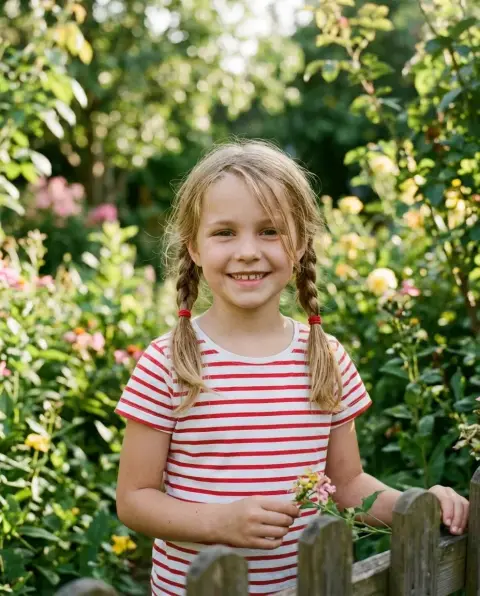
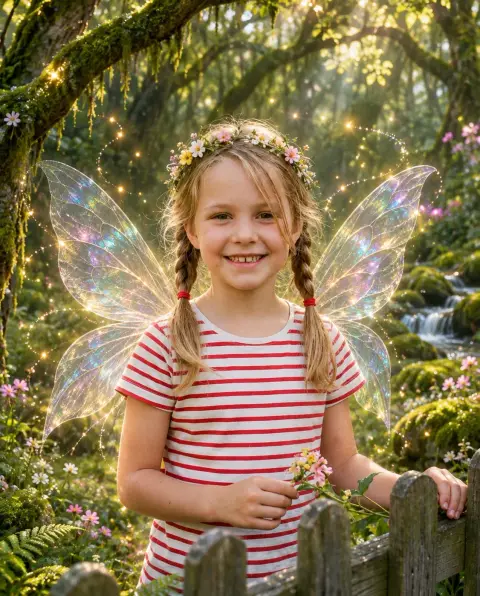 Fairy filter
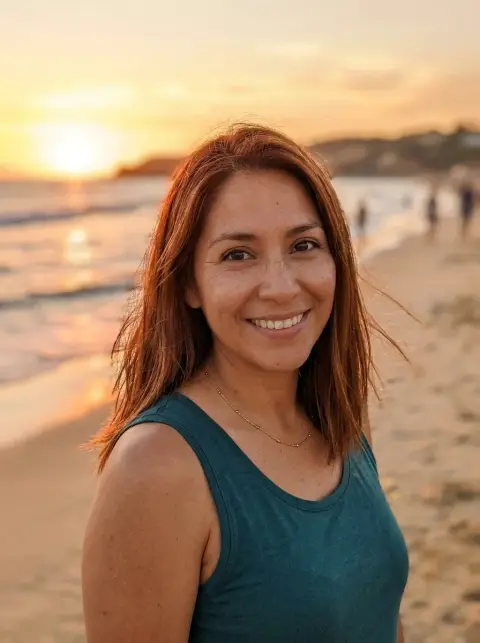
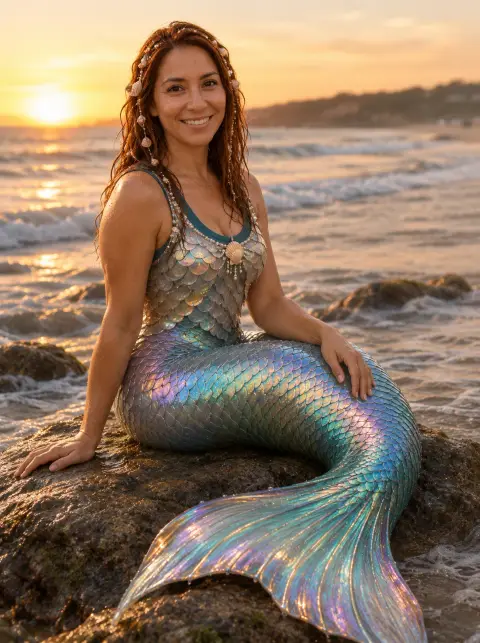 Mermaid filter
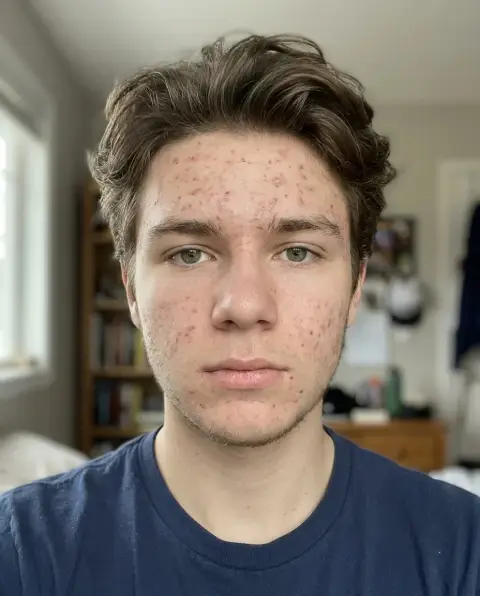
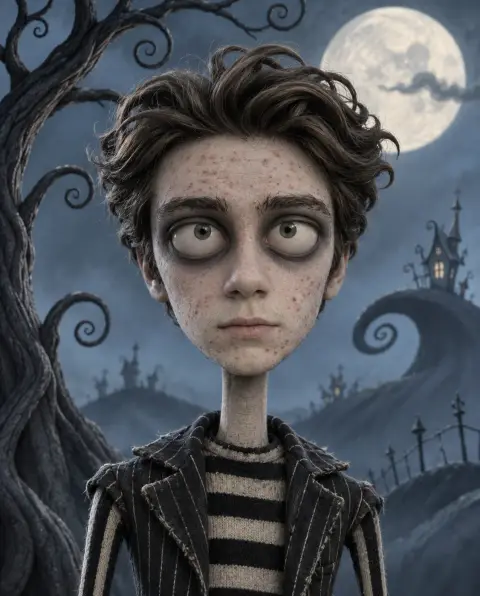 Tim Burton filter

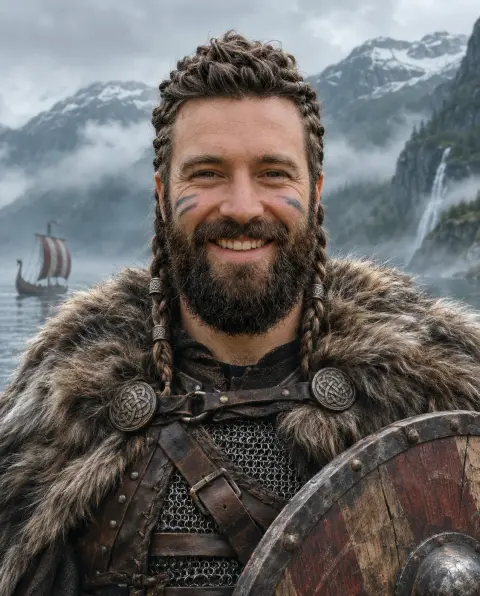 Viking filter
More in AI Image.
About Styles
Style tools redraw a whole photo in a new look while keeping who and what is in it. A portrait stays recognisable as the same person, a street keeps its layout, and only the rendering changes: painted backgrounds and soft light for a Ghibli scene, clean lines and flat color for anime. Each style has its own page because each one needs different instructions to look right.
Styles work best on photos with a clear subject and simple lighting. Faces should be visible and not too small in the frame. Busy group photos and very dark pictures still work, but details such as hands and background text are more likely to be simplified. If a result loses something important, name it in the instructions box, for example "keep the glasses" or "keep the red scarf".
Popular styles change with trends, so new ones are added regularly and the most used ones are listed first. Try any style free: new accounts get 25 free credits. Pro models give finer detail.
Questions
Will the person still look like me?
Styles keep identity, pose and framing. Clear, well-lit faces keep the likeness best.
Can I use a style on a group photo?
Yes, but each face is smaller, so expect simpler details. For the best likeness, use one to three people.
Are these styles official?
No. Style names describe a look. The tools are not affiliated with any studio or brand.
Can I combine two styles?
Run one style, download the result and upload it to a second style tool.