New Year Filter
Fireworks, confetti or a Happy New Year frame on your photo.
Drop a photo
or paste with ⌘V · JPG · PNG · WebP · up to 8 MB
No photo handy? Try one of ours.
More like this.
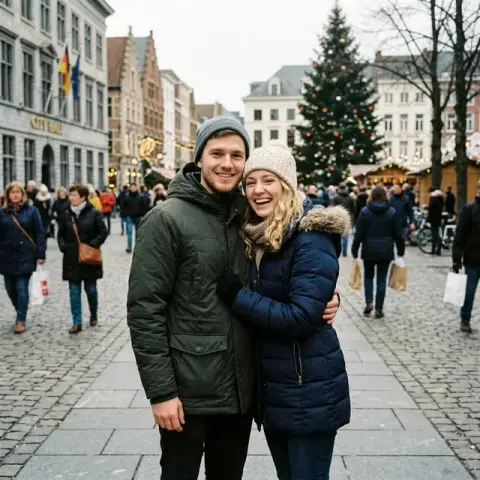
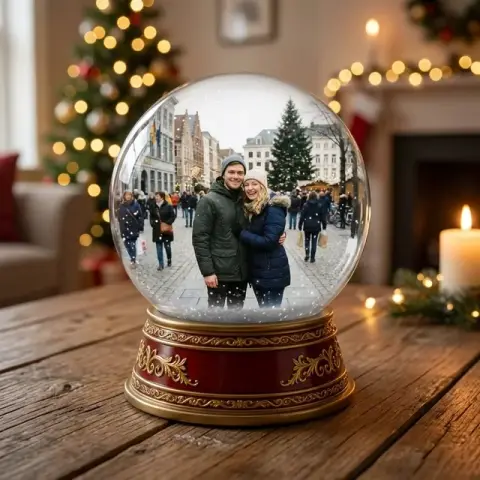






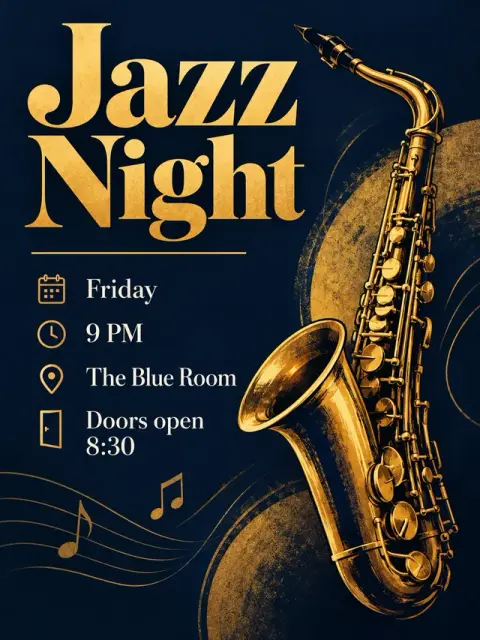


New Year Filter examples.
Real results from this page's default settings in one click, not retouched.How examples are made
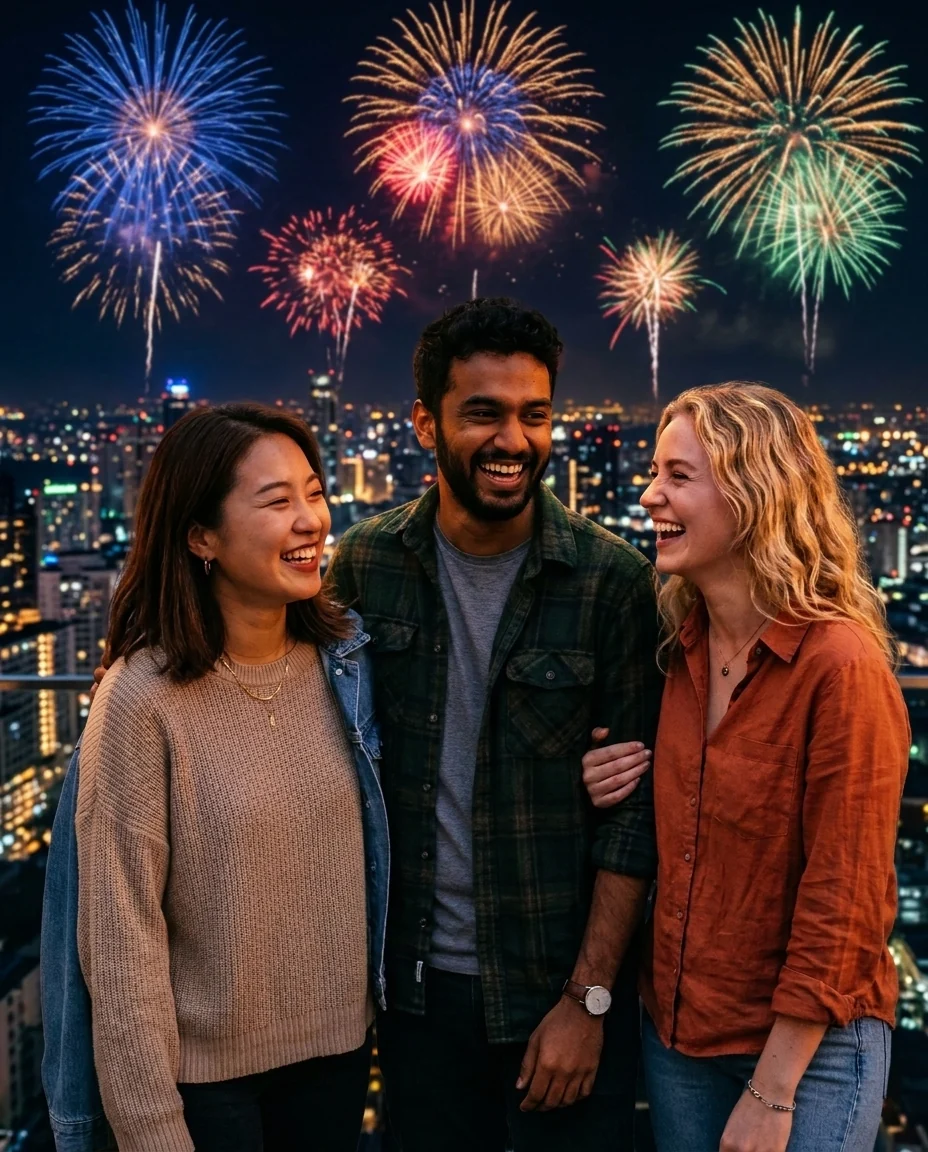
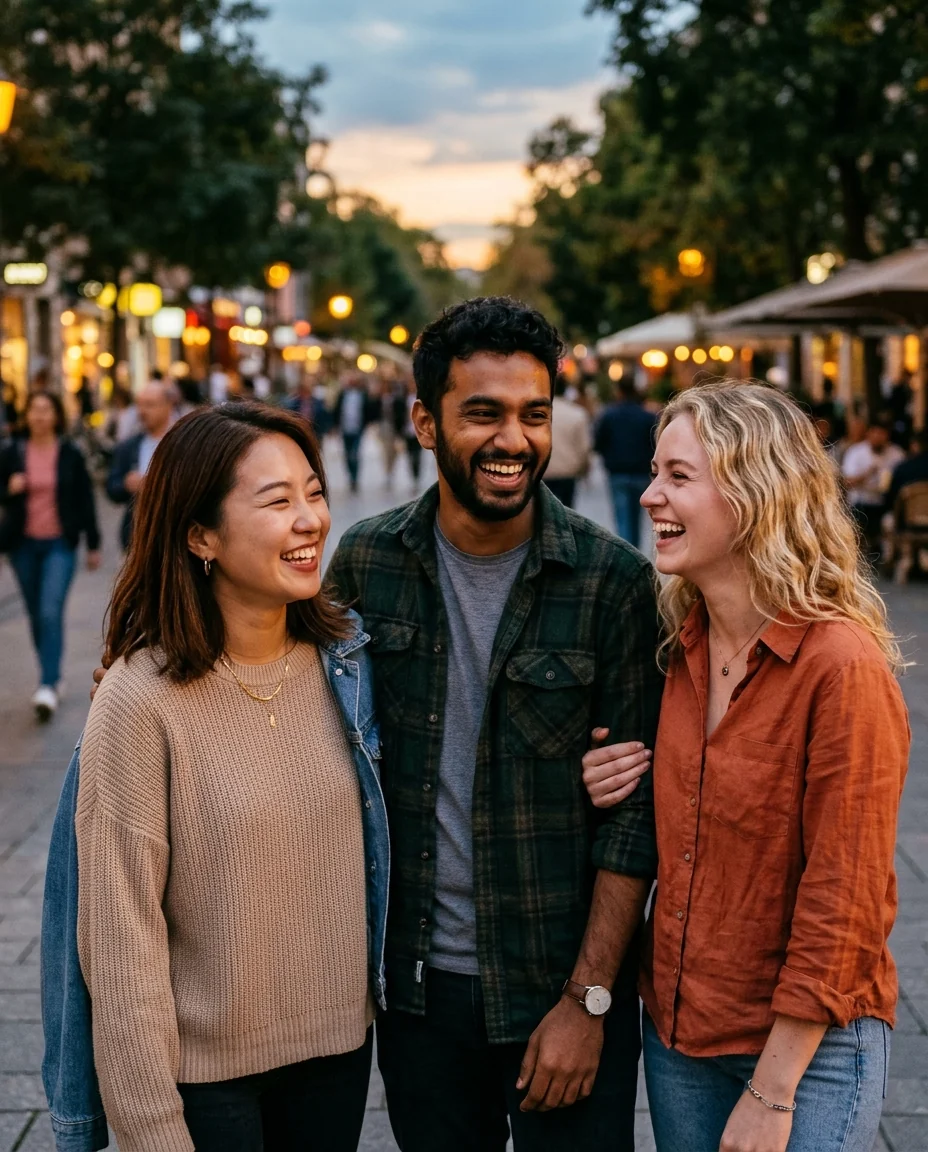
Fireworks


Gold confetti
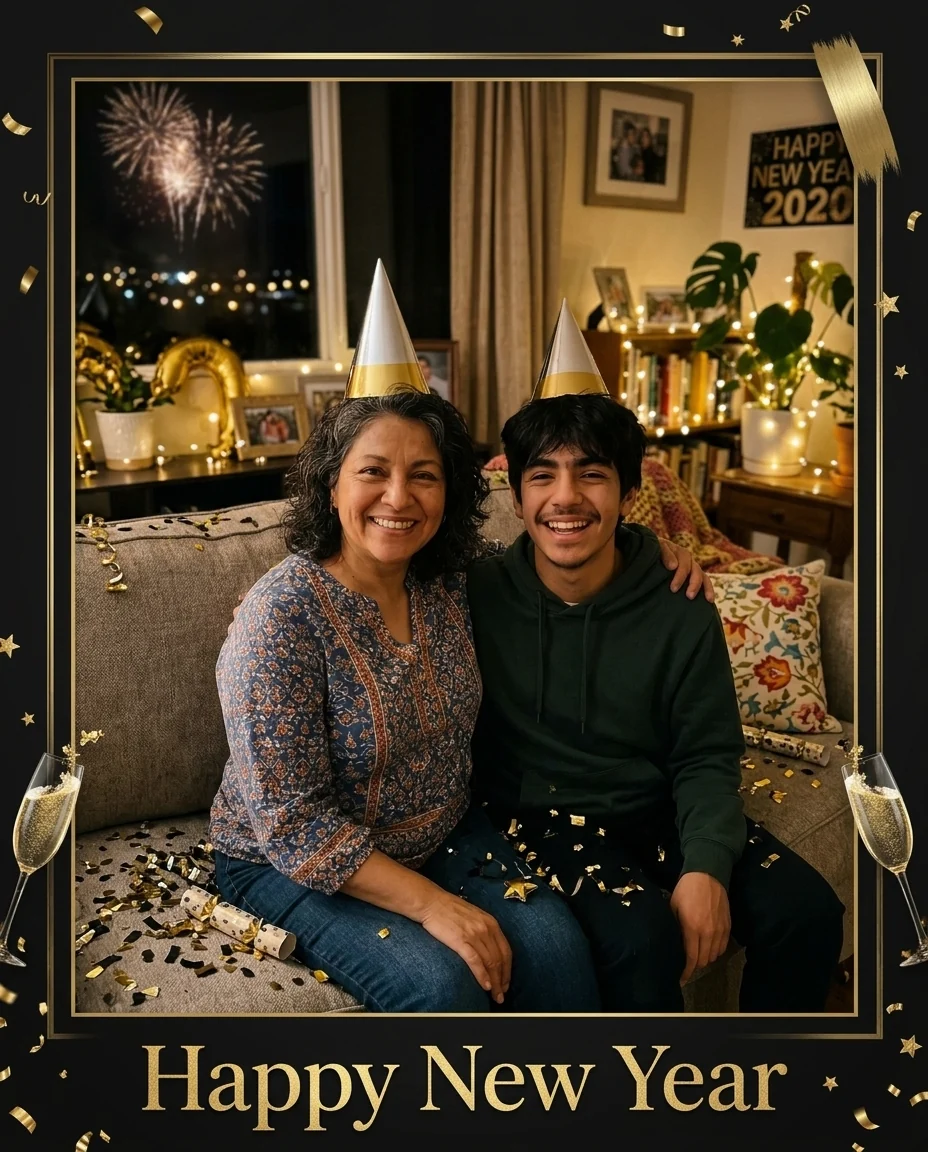

Party frame
New Year Filter features.
Three party looks
Fireworks, gold confetti or a framed greeting.
Faces stay the same
Everyone stays recognizable.
Greeting included
The frame look adds "Happy New Year" for you.
New Year Filter, step by step.
01
Upload a photo
Friends, family or a selfie.
02
Pick a look
Fireworks, confetti or frame.
03
Download
Post it at midnight.
New Year Filter use cases.
- Midnight posts
- A New Year photo before the party starts.
- Greetings
- Send the framed version to family.
New Year Filter: best photos and fixes.
Fireworks, gold confetti or party frame
Fireworks moves you to a rooftop or street at midnight, with fireworks bursting in the sky behind and city lights below. Gold confetti turns the setting into a party, with falling confetti, metallic balloons and sparklers. Party frame keeps your photo as it is and adds a black and gold frame with the words "Happy New Year". Pick the frame when the original setting matters; pick the other two when you want a different night.
Photos that work best
Fireworks and gold confetti rebuild the setting around you, so the original background matters less than the people: faces large, sharp and lit from the front. Waist-up photos of one to four people work best, since everyone has to be relit to match the new light. With the party frame, the photo itself is kept, so a photo you already like from the night is the right choice.
The greeting on the frame
Only the party frame carries words, and they are fixed: "Happy New Year" in large gold lettering. Fireworks and gold confetti add no text at all, which keeps them clean for stories and posts where you add your own caption. If you want the year or a name on the image, add it afterwards in a photo or story editor, where you can pick the font and check the spelling.
Sharing at midnight
Stories and messages pile up in the minutes after midnight, so make the image before the countdown: take a group photo early in the evening, run it, and keep the result ready to post. Vertical photos suit stories and square or 4:5 crops suit feeds. The result keeps your photo's shape, so crop before uploading if you know where it will go.
Faces and group photos
Faces and clothes stay the same; only the effects are added around people. In large group photos, confetti may fall in front of some faces. If that happens, write "no confetti over faces" and regenerate. Fireworks always stay behind the people.
Couples and party groups
A midnight photo of a couple or a small group of friends works best with fireworks or gold confetti, since everyone is relit to match. Faces should be large and facing the camera. For big parties, use the party frame on a group photo instead; it keeps everyone exactly as they are.
Phones at night
Night photos taken indoors at parties are often grainy or blurry. If the photo is soft, run it through unblur first, then apply the New Year look. The effects add light and color, but they do not fix a blurry face. Taking the photo before the room gets dark also helps.
New Year Filter FAQ.
Can it write the year?
No. None of the looks adds a year. The Party frame always says "Happy New Year" in gold lettering.
Can I change the greeting language?
No. Only the Party frame adds text, and its greeting is fixed as "Happy New Year". The Fireworks and Gold confetti looks add no text at all.
Will people look the same?
Yes. Faces, expressions and poses are kept; the setting and light change.
Is the New Year filter free?
Yes, you can try it free. New accounts get 25 free credits, and one generation here uses 9 credits. You sign in with your email; no card needed. Results have no watermark. After that, credit packs never expire, and your first one is half price.