












Grinch Filter
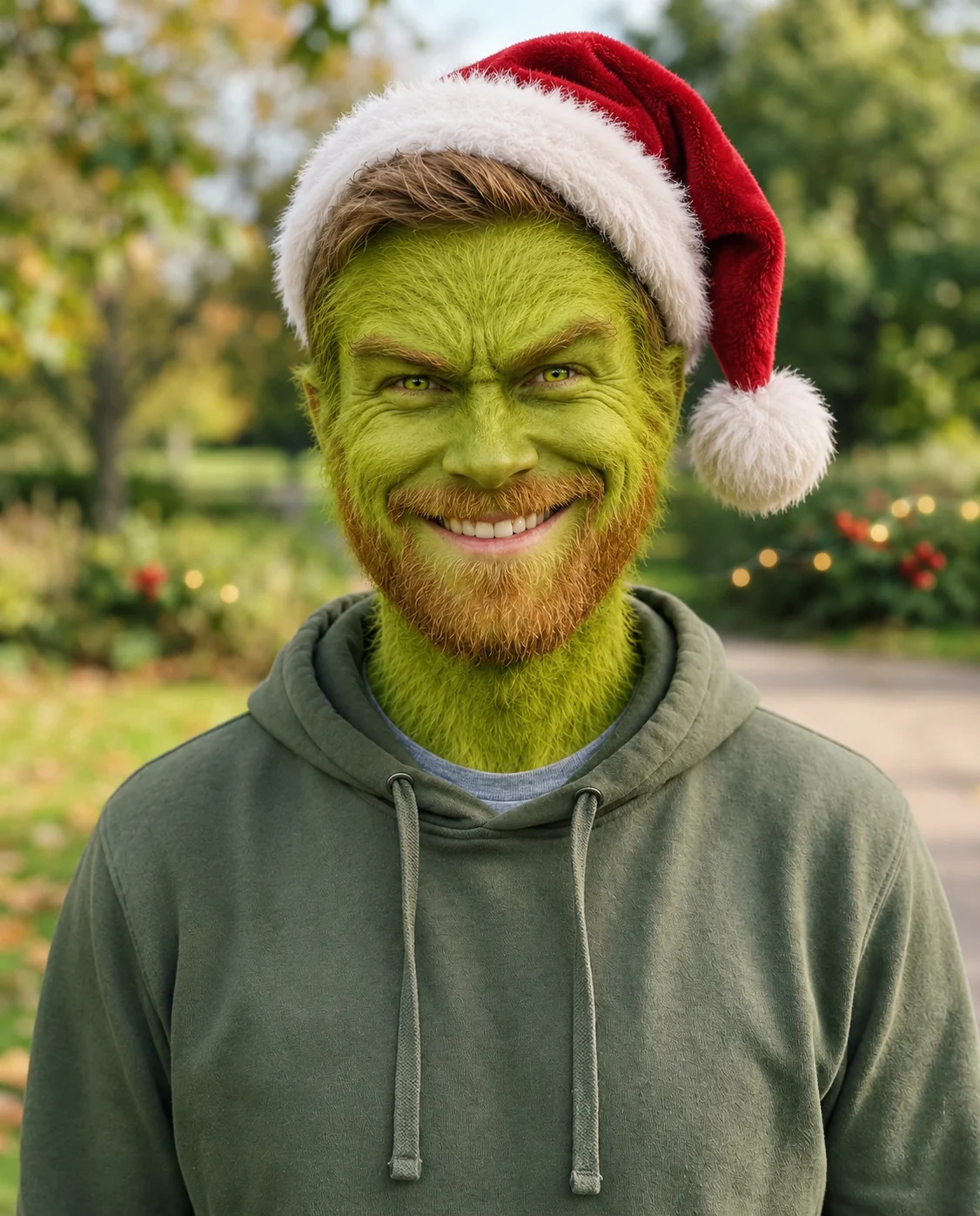
Green fur, a sly grin and a Santa hat, for December.
Drop a photo
or paste with ⌘V · JPG · PNG · WebP · up to 8 MB
No photo handy? Try one of ours.
More like this.


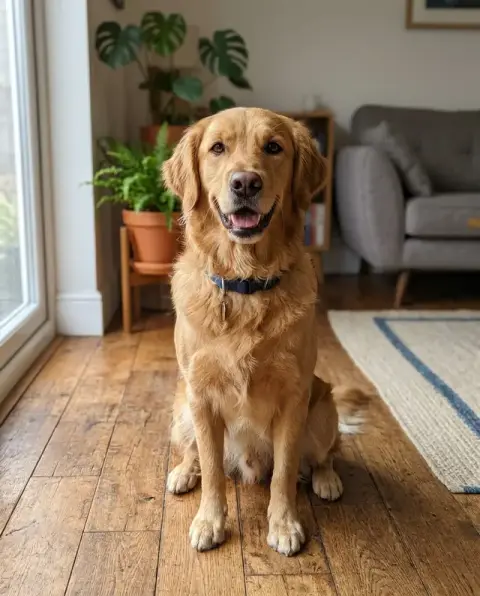

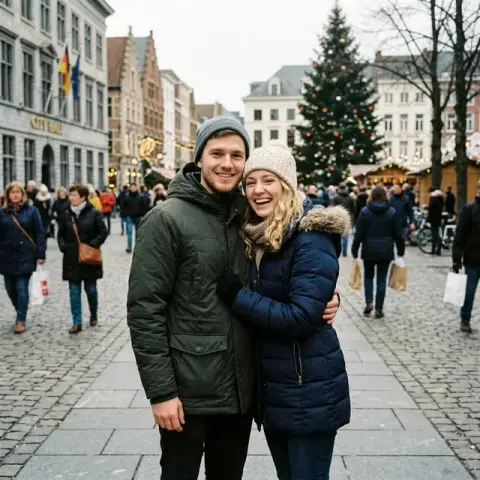


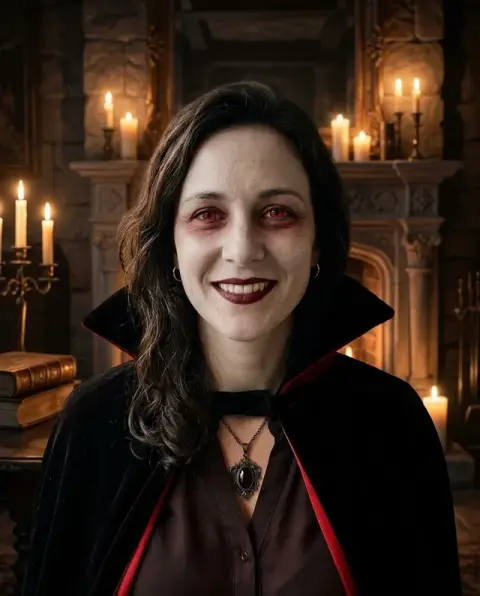
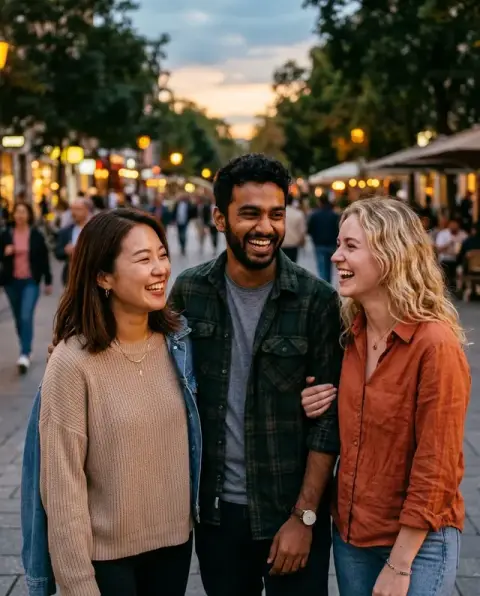
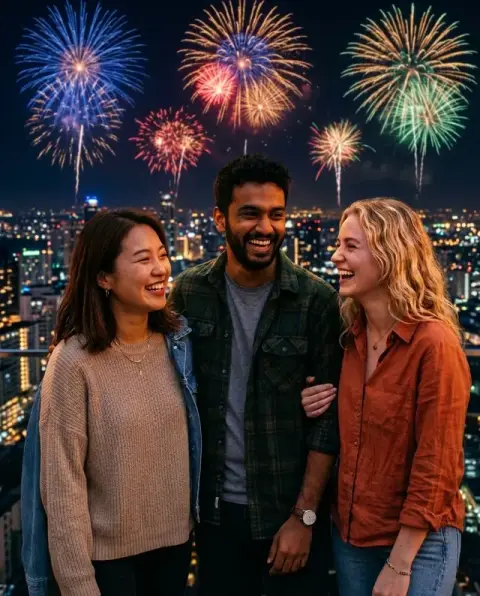
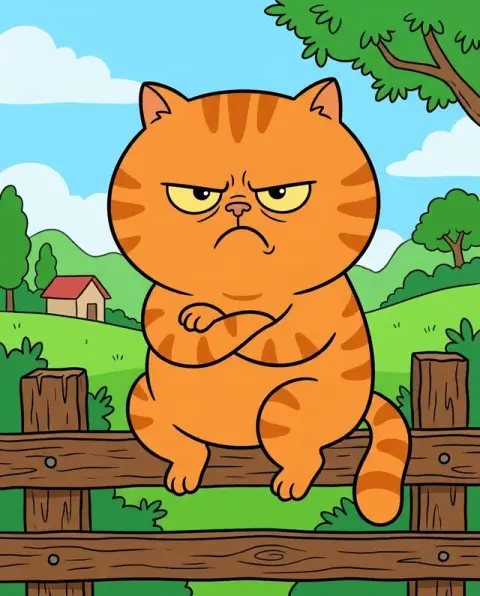
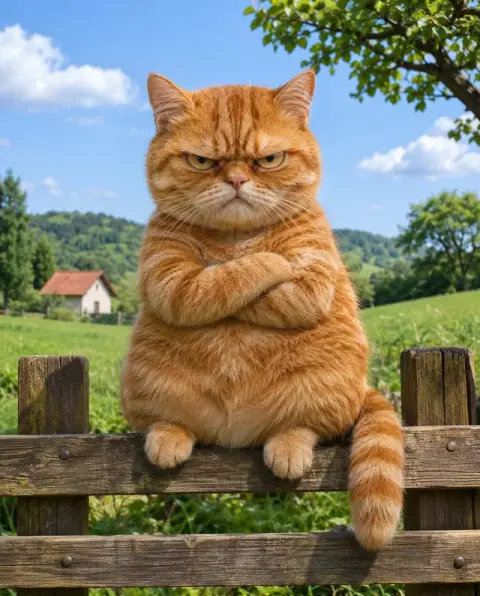
Grinch Filter examples.
Real results from this page's default settings in one click, not retouched.How examples are made

Santa hat
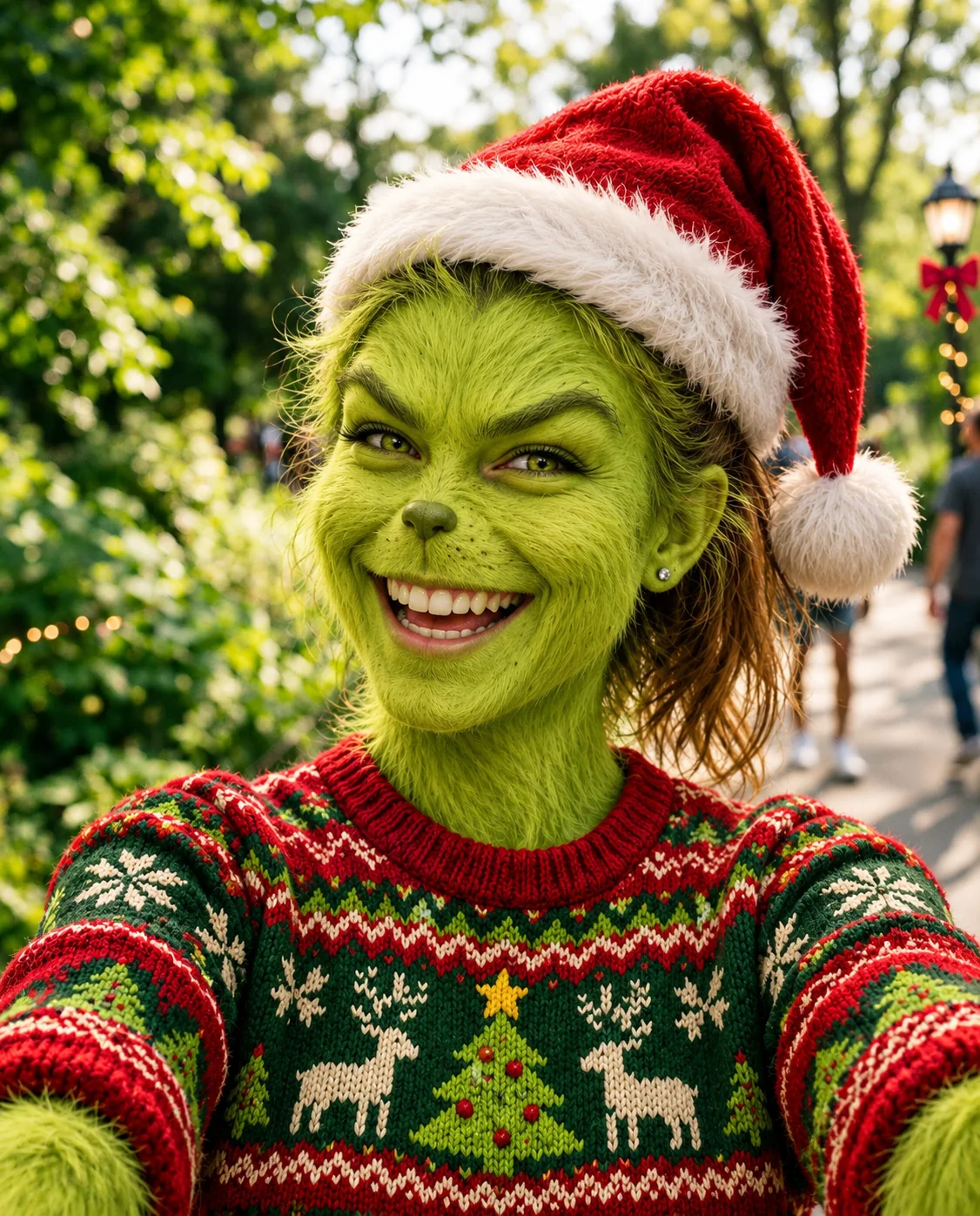
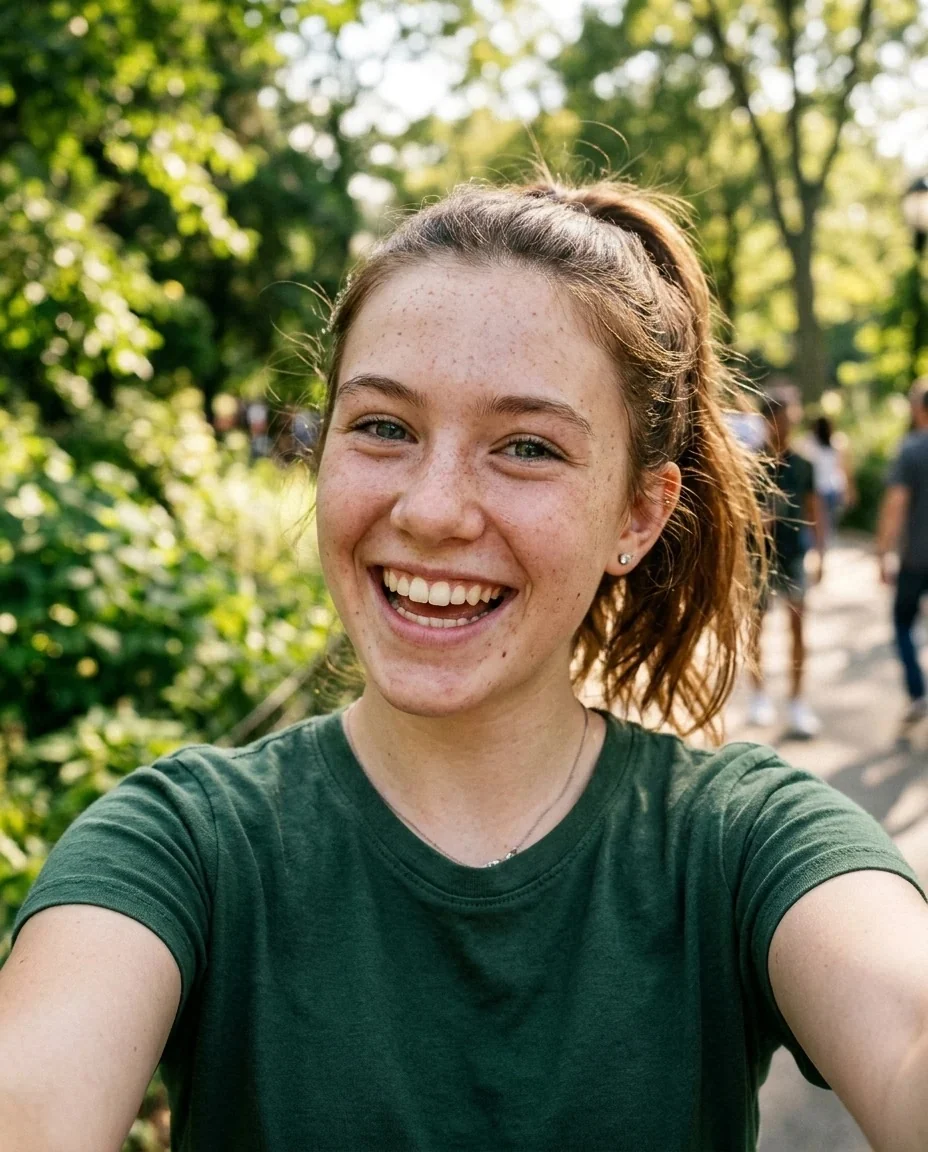
Ugly sweater
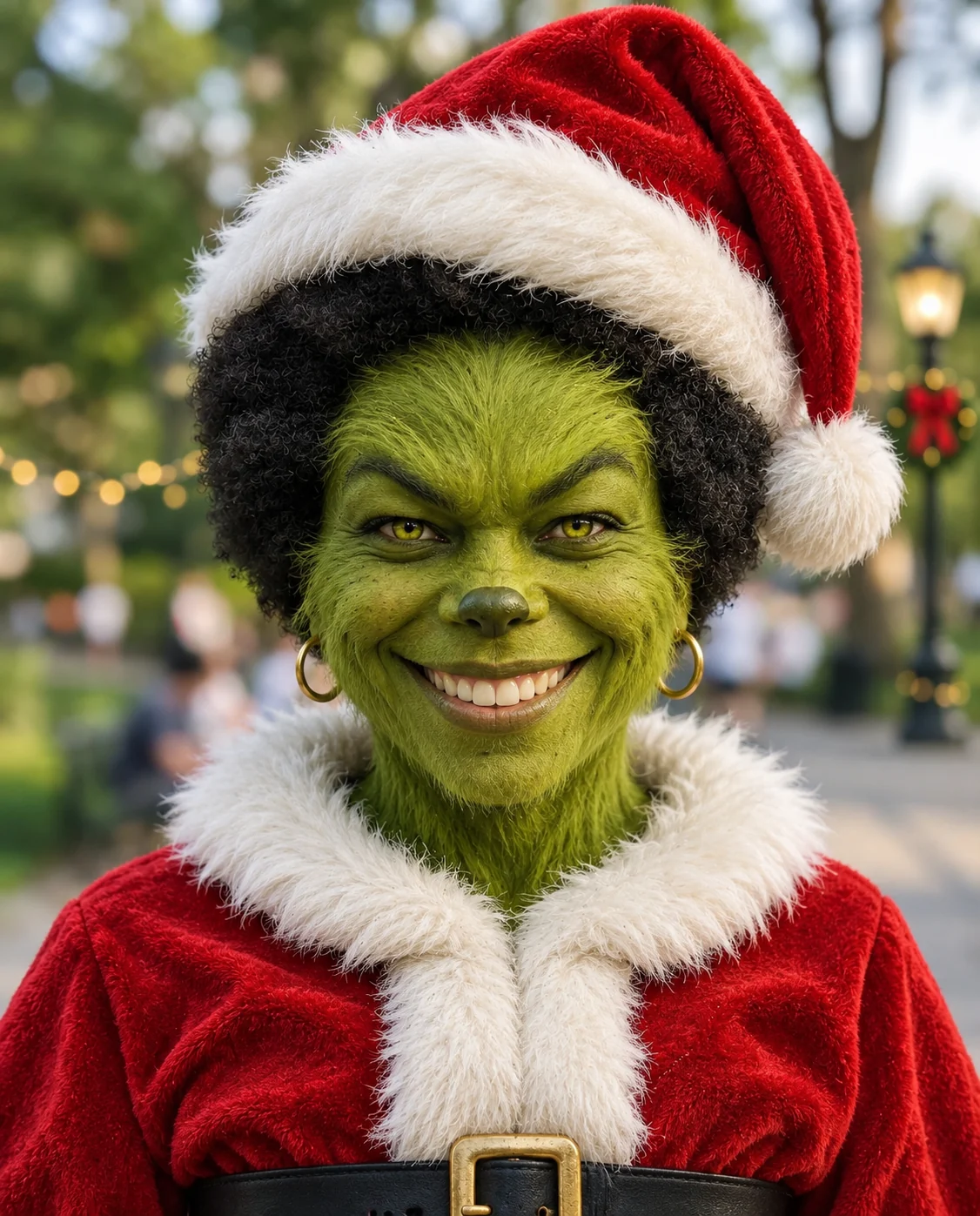

Santa suit
Grinch Filter features.
Green fur on your own face
Fuzzy green fur, yellow-green eyes and a mischievous grin, in the style of the Grinch.
Three outfits plus Custom
Keep your own clothes with a Santa hat, add an ugly sweater, or go full Santa suit. Custom lets you describe your own.
Still recognizable
Face shape, expression and pose stay yours, so friends can tell it is you under the fur.
Your background stays
The original setting is kept with a light festive touch, so it still looks like your photo.
Grinch Filter, step by step.
01
Upload a portrait
A clear photo of one person works best.
02
Choose the outfit
Santa hat, Ugly sweater, Santa suit or Custom.
03
Generate and save
Download it and post it with the holiday trend.
Grinch Filter use cases.
- The December profile picture
- Swap your avatar for a green, furry version for the holidays and switch back in January.
- Holiday card jokes
- Send the Grinch version of yourself with a card for the relative who always calls you a grump.
- Office and school Christmas parties
- Make Grinch portraits of the whole team and share them in the group chat before the party.
- TikTok and Reels holiday posts
- Show the before and after side by side, the way the Grinch trend is posted each December.
- Family group chat avatars
- Give everyone in the chat a Grinch portrait for the month, then vote on the funniest one.
- Gifts and mugs
- Print your favorite result on a mug or a card as a gag gift for someone who loves the story.
Grinch Filter: best photos and fixes.
Which outfit to pick
Santa hat keeps the clothes you are wearing and only adds the red hat, so it is the safest for a quick post. Ugly sweater swaps your top for a red and green knit. Santa suit gives a full red suit with white fur trim, which works best on photos that show your shoulders and chest.
A holiday look, not a year-round filter
This is a seasonal look, with a Santa hat and festive touches built in. It fits December posts, cards and party invites. For a gentler festive effect on any photo, try the Christmas filter; for only the hat, use add Santa hat to photo.
Photos that give the best fur
Front-facing portraits with the whole face visible and even light make the cleanest result. Heavy shadows across one side of the face or a hand covering the mouth can make the fur and grin look uneven.
Groups and pets
The look is built around one person. For group photos, upload each person separately and put the results side by side, so each face gets full detail.
Keeping it fun, not scary
The Grinch is a grump with a grin, so the result is playful rather than frightening. If you want something spookier, the Halloween filter goes in that direction instead.
Using the Custom option
Pick Custom if you want a different outfit, such as pajamas or a winter coat. Describe it in a few words, and the green fur and Santa hat stay.
Why the background stays
The look keeps your original background and only adds a light festive touch. Outdoor and indoor photos both work; a plain wall gives the cleanest, most graphic result, while a busy room keeps more of its own character.
Grinch Filter FAQ.
Is this an official Grinch filter?
No. It is an unofficial, fan-made style inspired by the Grinch and is not affiliated with the rights holder. It is a web version of the TikTok trend that works on any photo.
Will I still look like me?
The prompt keeps your identity, face shape, age, skin tone, expression and pose, so the result should read as you with green fur. Results vary a little each run.
What are the outfit options?
Santa hat keeps your clothes, Ugly sweater adds a red and green knit, Santa suit adds a full red suit with white trim. Custom lets you describe another outfit.
Can I try the AI Grinch on a pet or a group photo?
It works best on one person facing the camera. For a group, make one portrait per person and combine them afterwards in the [image combiner](/tools/image-combiner).
Is there a Santa-only version?
Yes. [Add Santa to photo](/effects/add-santa-to-photo) puts a Santa in your picture, and [add Santa hat to photo](/effects/add-santa-hat-to-photo) adds only the hat.
Does the fur cover my hair?
The prompt puts green fur over the face and visible skin. Your hair is usually kept, with the Santa hat on top.
Does the Grinch filter cost credits?
One result uses 9 credits with the default model, GPT Image 2. New accounts get 25 free credits once, and you can pick other models from the model menu at their own prices. Results have no watermark, and a failed generation refunds its credits.
What files can I upload?
A JPG, PNG or WebP up to 8 MB. On a computer you can scan a QR code to send a photo from your phone; the link works for 10 minutes.
Are my photos used to train AI?
No. Uploads are not used for training. Results stay in My files for 48 hours, or 30 days once you've bought a credit pack, and you can delete them sooner.

