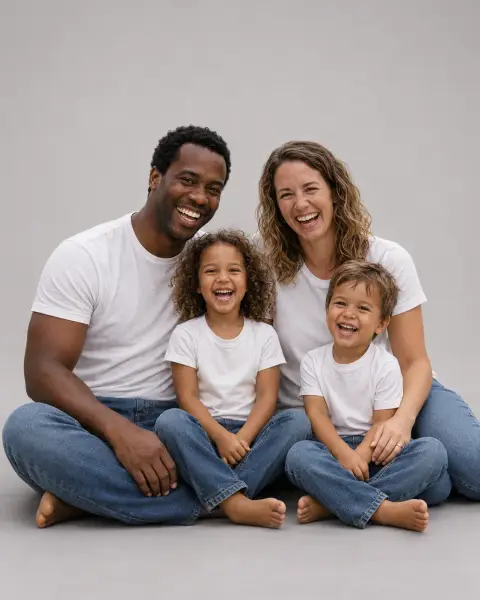
Christmas Filter
A festive glow, a snow globe or a vintage card look.
Drop a photo
or paste with ⌘V · JPG · PNG · WebP · up to 8 MB
No photo handy? Try one of ours.
More like this.
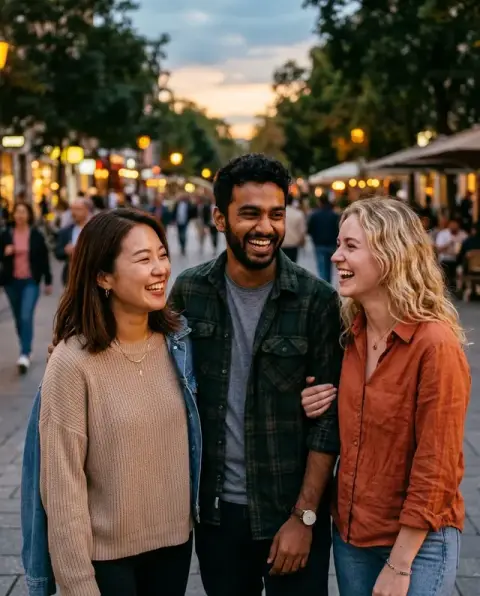
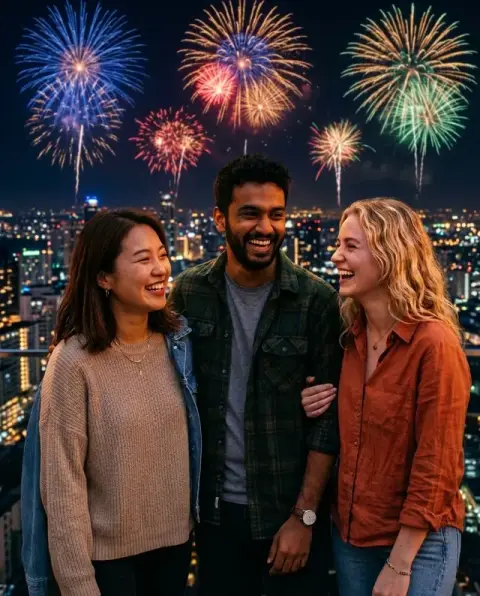
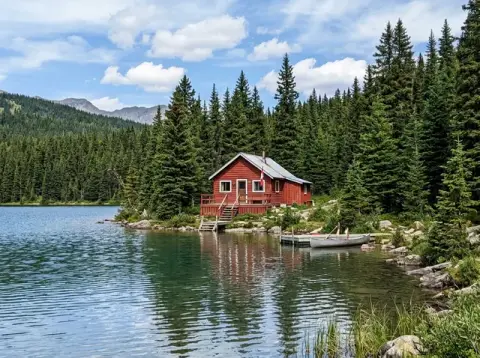
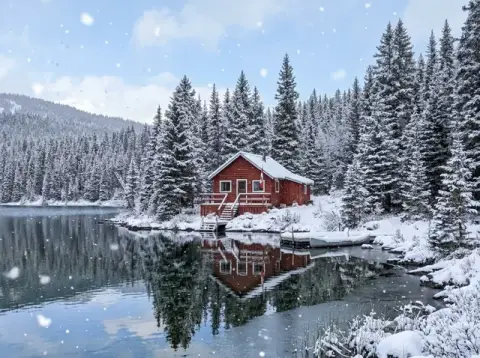





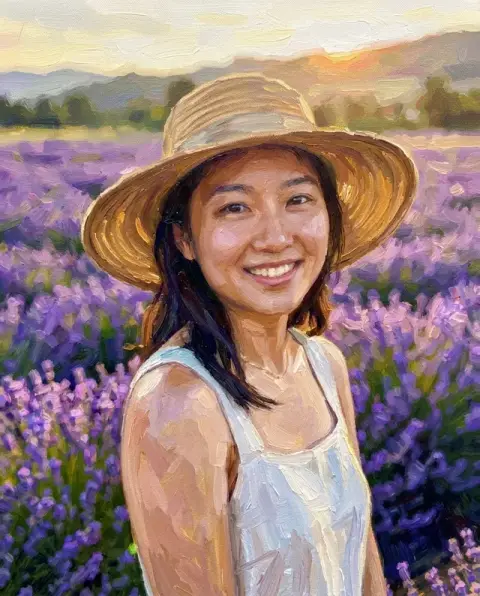


One Christmas filter, three looks: festive glow, snow globe and vintage card.
Real results from this page's default settings in one click, not retouched.How examples are made


Festive glow
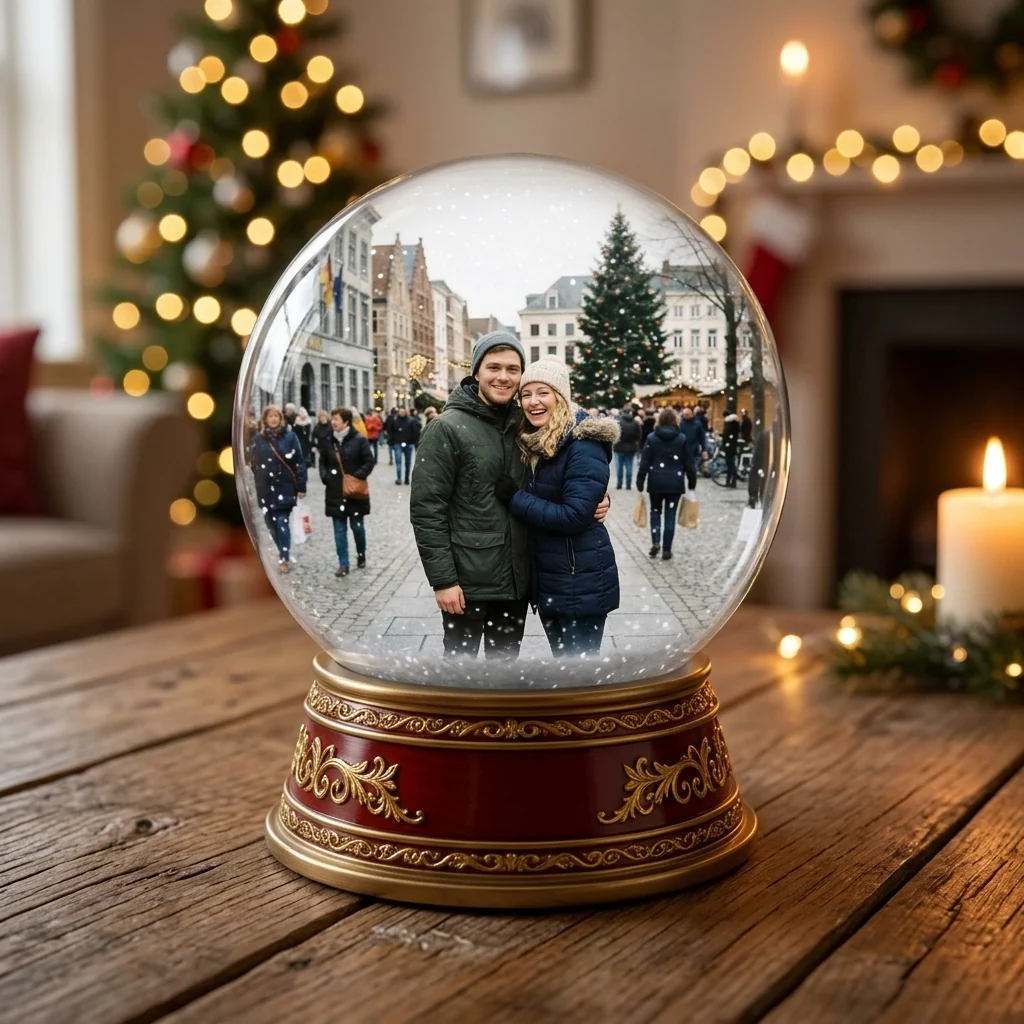
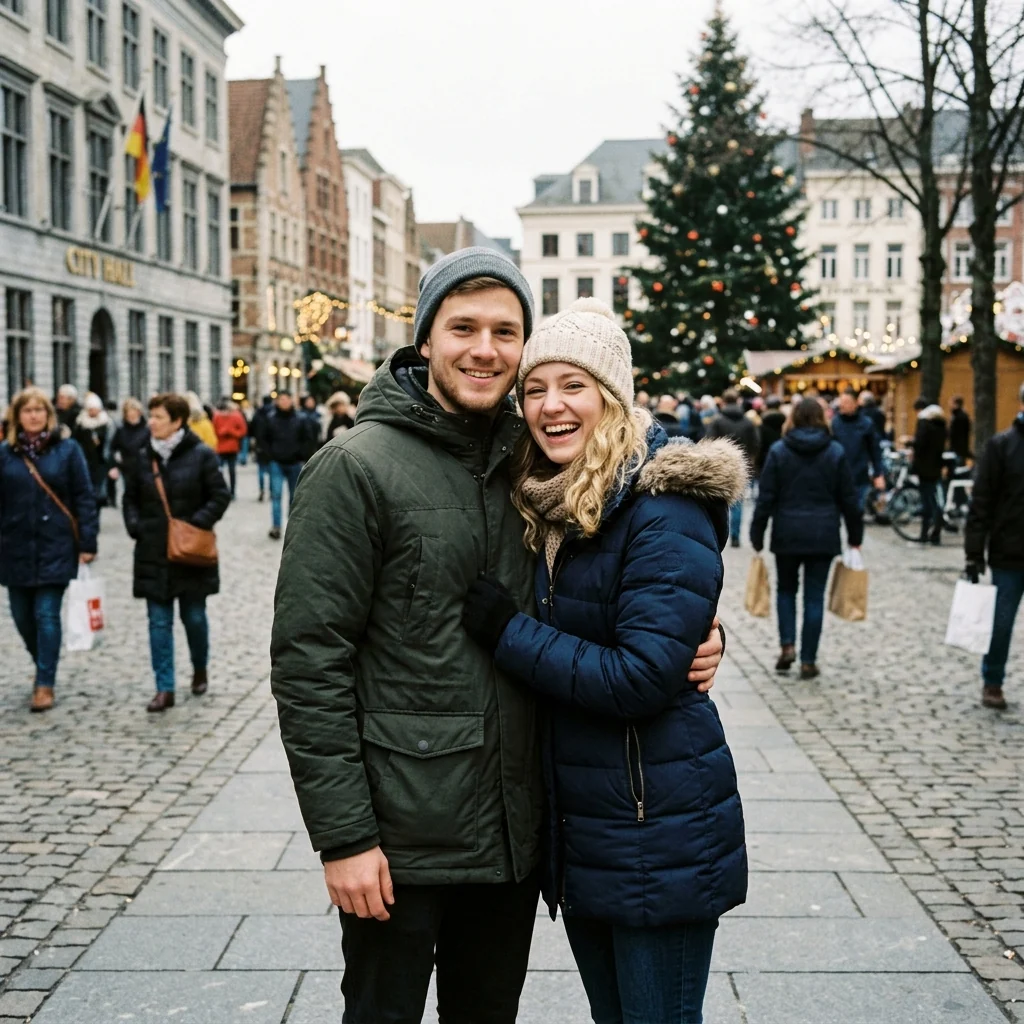
Snow globe
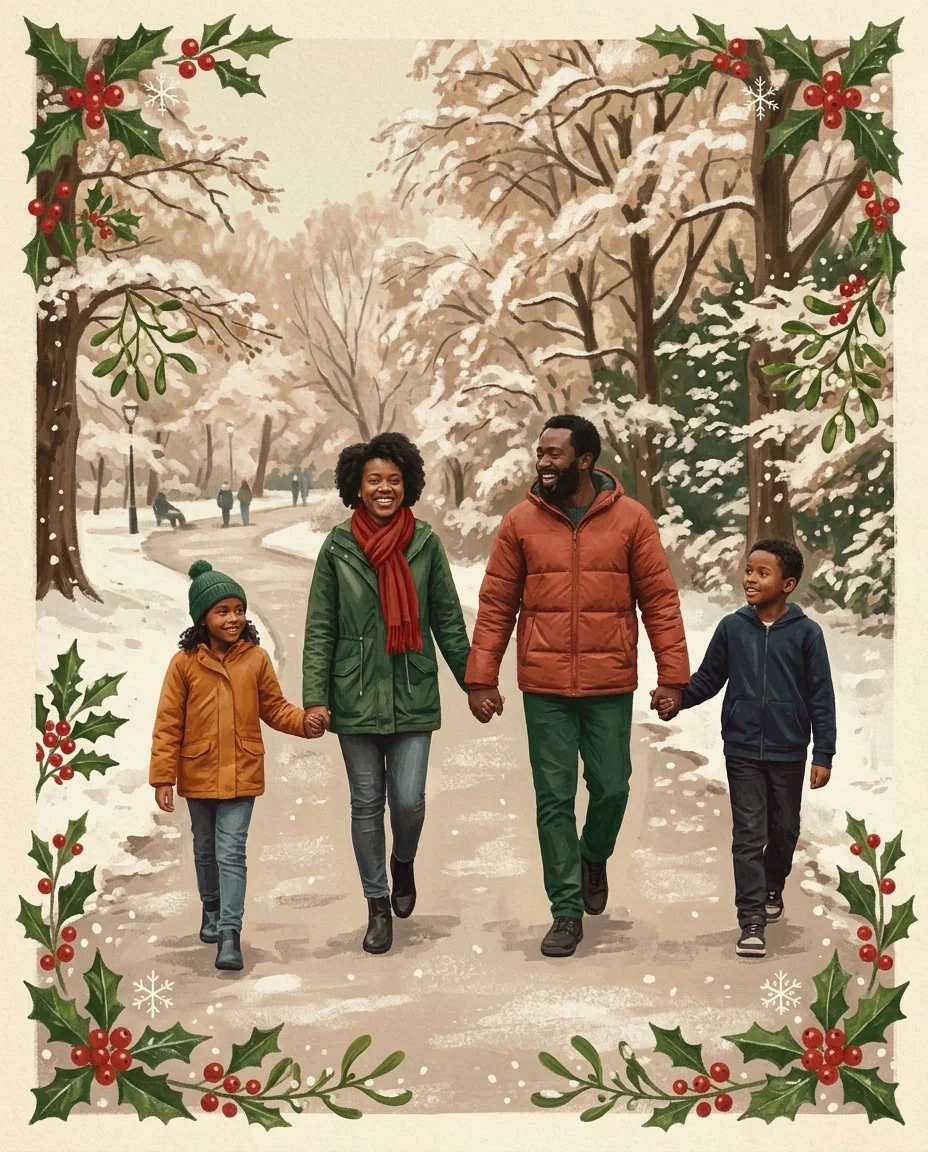
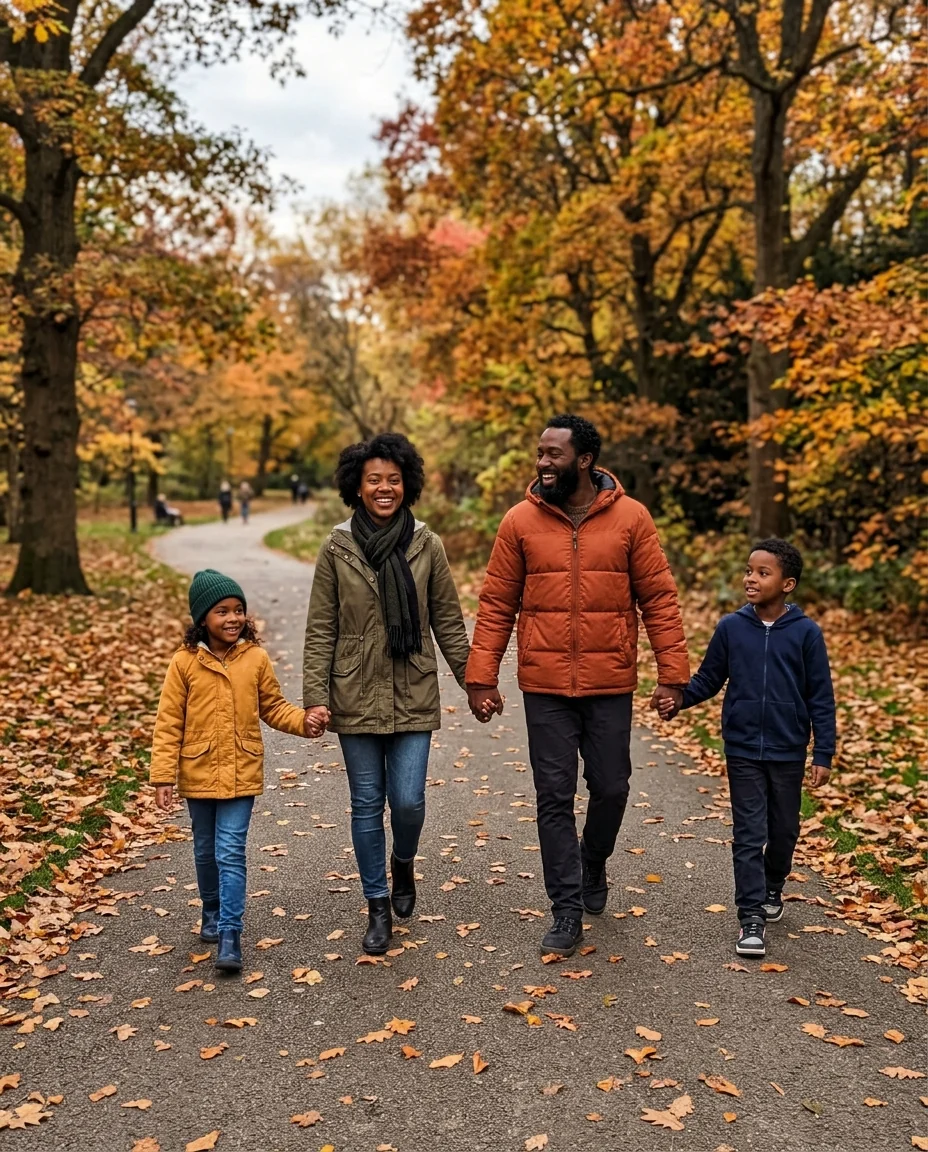
Vintage card
What the Christmas filter changes, and what stays your photo.
Three Christmas looks
Festive glow, snow globe or vintage card.
Still your photo
Faces and poses stay recognizable in every look.
Keeps your framing
The result keeps the shape of your photo, ready to post.
Christmas Filter, step by step.
01
Upload a photo
People, pets or places.
02
Pick a look
Glow, snow globe or vintage card.
03
Download
Post it or print it.
Where a Christmas filter photo ends up in December.
- A festive profile picture
- Put the glow on your usual profile photo for December and switch back in January. Friends still recognise you, with a warmer, golden look.
- A snow globe gift tag
- Print the snow globe version of a couple or pet photo as a small gift tag or ornament card to hang on the tree.
- A card from an ordinary photo
- A family walk in the park, even from summer, becomes a vintage Christmas card illustration. Send it to relatives who like something more personal than a shop card.
- December posts for a small business
- A café or shop can give its shopfront or product photos a festive glow for December posts without a new photo shoot.
Christmas Filter: best photos and fixes.
Glow, globe or vintage
Glow adds a warm festive light, soft bokeh and a gentle sparkle while keeping the photo mostly as it is. Globe places the scene inside a snow globe, with falling snow and a glass dome. Vintage gives the look of an old Christmas card, with faded warm colors and a printed texture. Try all three on one photo to choose.
Photos that suit the snow globe
A snow globe shrinks the scene, so photos with one or two people, a pet or a house read best at that size. Big group photos get crowded and faces become small. A clear subject in the middle of the photo, with some space around it, fits the dome neatly.
Faces and framing
Faces stay recognisable, and the framing of your photo is kept, so it still works as a story or a post in the same size. The vintage look softens detail a little, which suits close-ups less than wider shots. For close-up portraits, glow is the safest choice.
Adding a greeting afterwards
The filter adds no text, so the image stays clean for any use. For a card or a post with a greeting, add the words afterwards in a photo or card app, where you can choose the font and check the spelling. The vintage card look leaves the most natural space for lettering at the top or bottom; the snow globe has a plain backdrop around the glass that also works for a short line.
Filter or full Christmas scene
This filter keeps your setting and adds a festive look over it. To move people into a new Christmas setting, such as a cozy fireplace or a snowy street, use the Christmas photo editor instead. For just a hat, add a Santa hat to the photo.
Pets and kids in the snow globe
Small, simple subjects look charming inside the globe: a pet, a child in a winter coat, a couple holding hands. Crop close around them before uploading so they stay large enough to recognise inside the glass. Busy backgrounds become clutter at that size; a plain wall or garden works best.
Vintage look for older photos
The vintage card look suits old family photos, since the gouache texture hides wear and grain. Restore damaged prints first so scratches do not become part of the painting. Faces are simplified in this style, so close-up portraits keep likeness best.
Christmas filter questions before you post or print.
How is this different from the Christmas photo editor?
The editor keeps your photo realistic and changes the setting. The filter changes the whole look: a glow, a snow globe or a painted card.
Will faces stay recognizable?
Yes. Every look keeps the same faces and poses.
Can I add text?
Use the [Christmas card generator](/generators/christmas-card-generator) for a greeting. This filter adds no text to the image.
Is the Christmas filter free?
Yes, you can try it free. New accounts get 25 free credits, and one generation here uses 9 credits. You sign in with your email; no card needed. Results have no watermark. After that, credit packs never expire, and your first one is half price.
Does the snow globe base have writing on it?
No. The base is plain red and gold, with no words or numbers.
Can I add only snow?
Yes. [Add snow to photo](/effects/add-snow-to-photo) adds falling snow or a full winter scene, without the Christmas look.
Is there a New Year version?
Yes. The [New Year filter](/effects/new-year-filter) does the same for New Year's Eve photos.
Can I steer the look?
Yes. Each run gives a new variation, and instructions such as "more snow" or "candlelight" change it.
What files can I upload?
A JPG, PNG or WebP, up to 8 MB. On a computer you can scan a QR code to send a photo from your phone; the link works for 10 minutes.
Are my photos used to train AI?
No. Photos and results are not used to train AI models. Results stay in My files for 48 hours, or 30 days once you've bought a credit pack, and you can delete them sooner.