












Add Snow to Photo
Falling snow or a full winter scene on any photo.
Drop a photo
or paste with ⌘V · JPG · PNG · WebP · up to 8 MB
No photo handy? Try one of ours.
More like this.
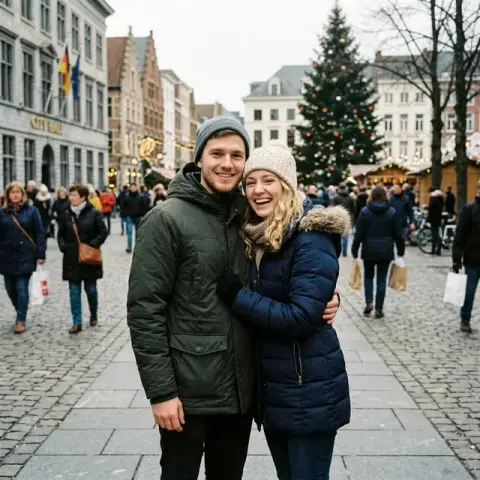
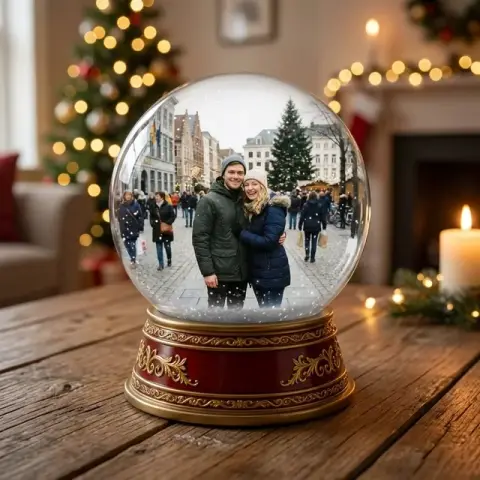





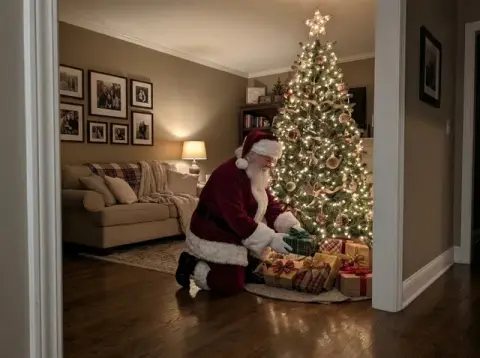




Add Snow to Photo examples.
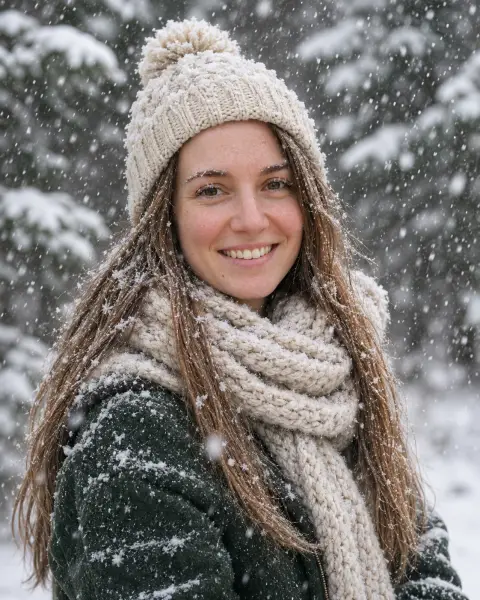
Real results from this page's default settings in one click, not retouched.How examples are made

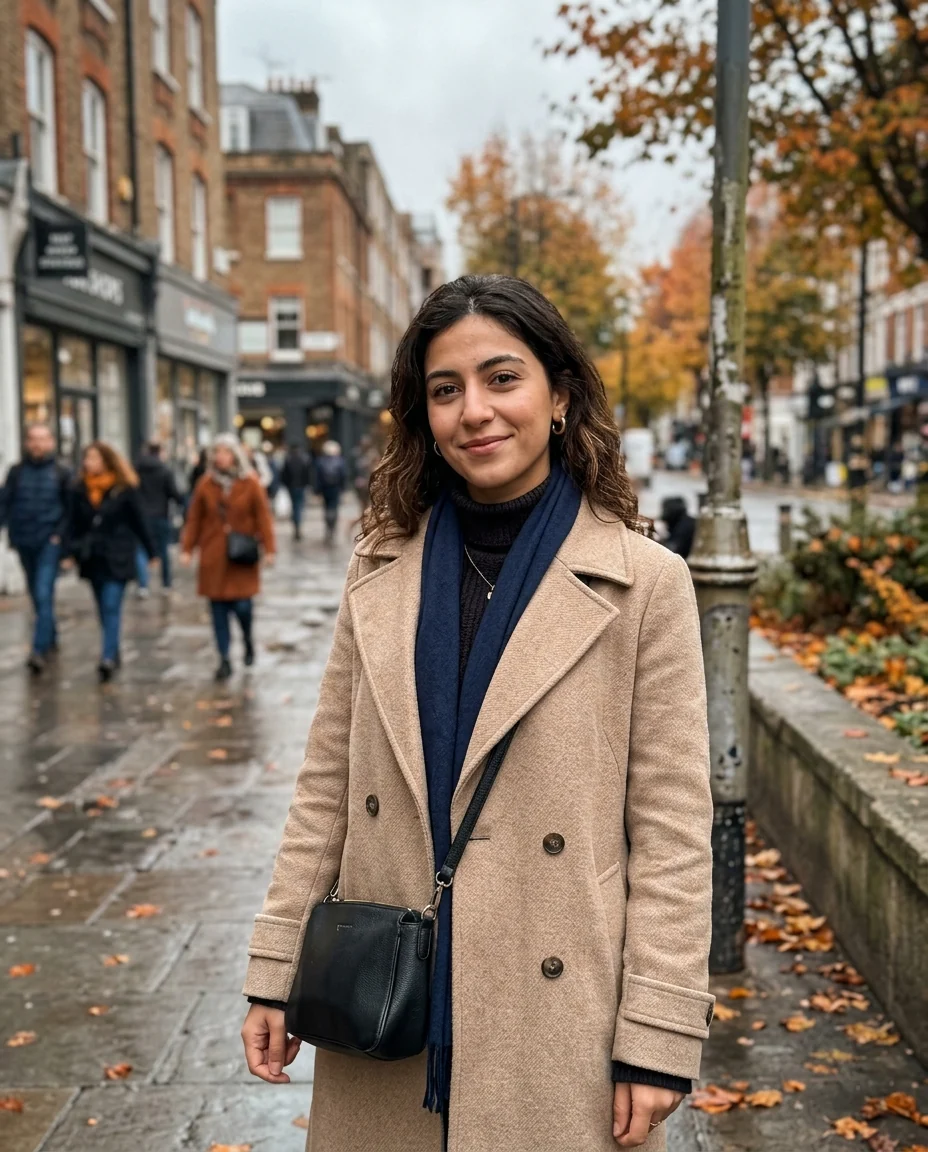
Falling snow
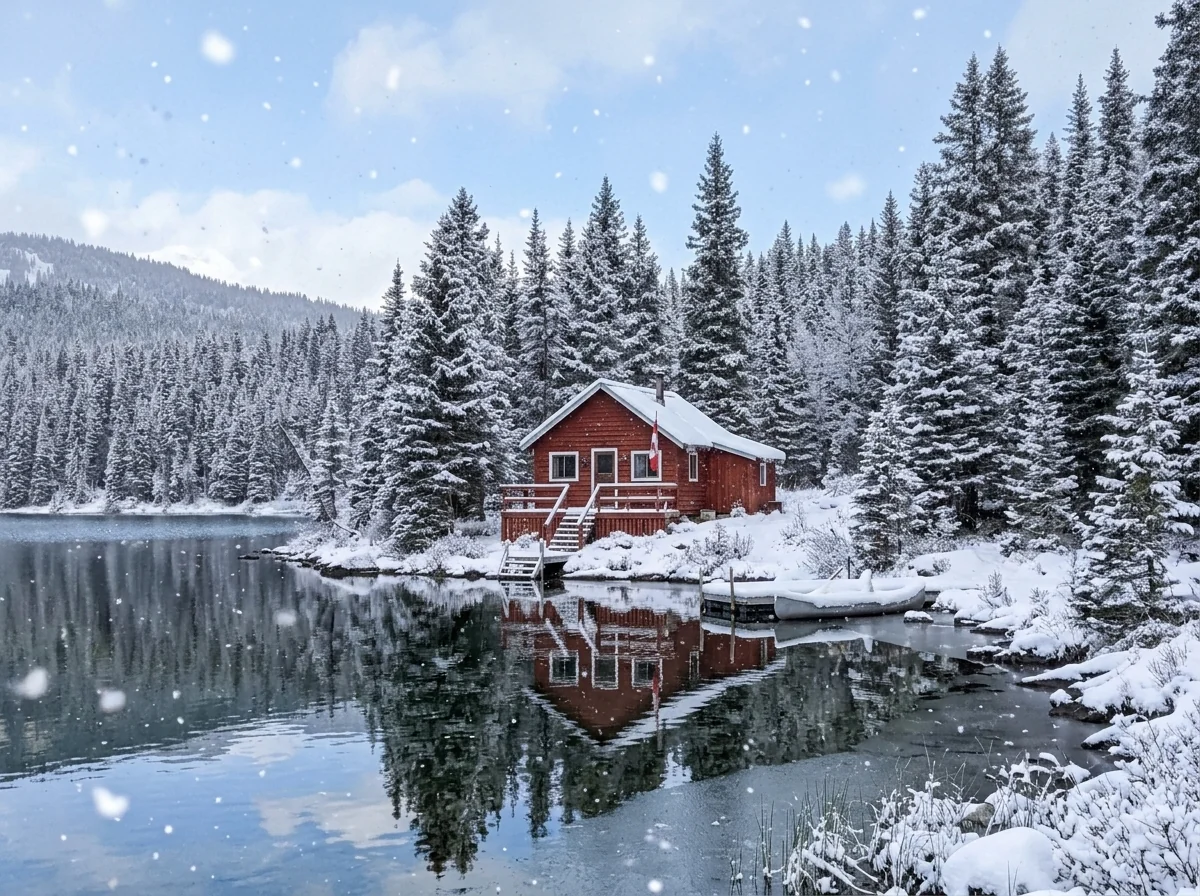
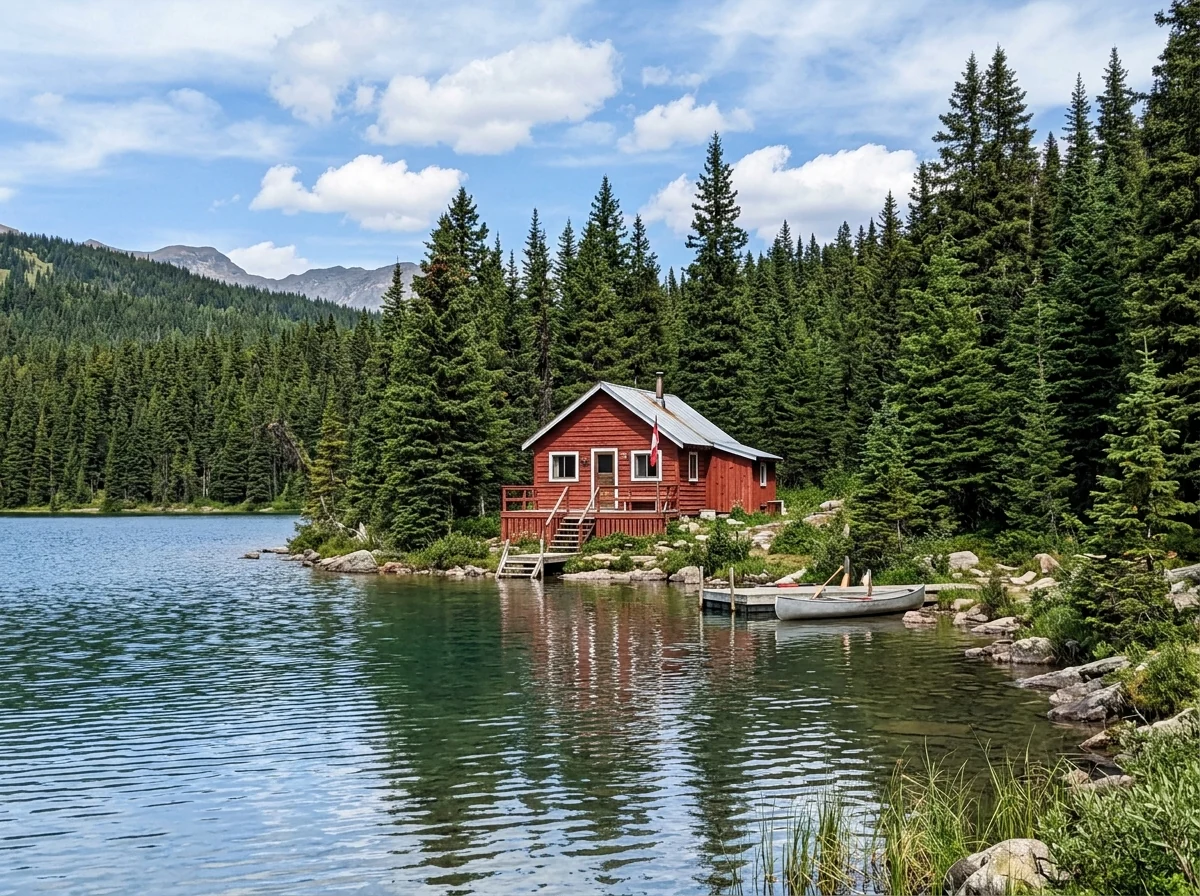
Winter scene
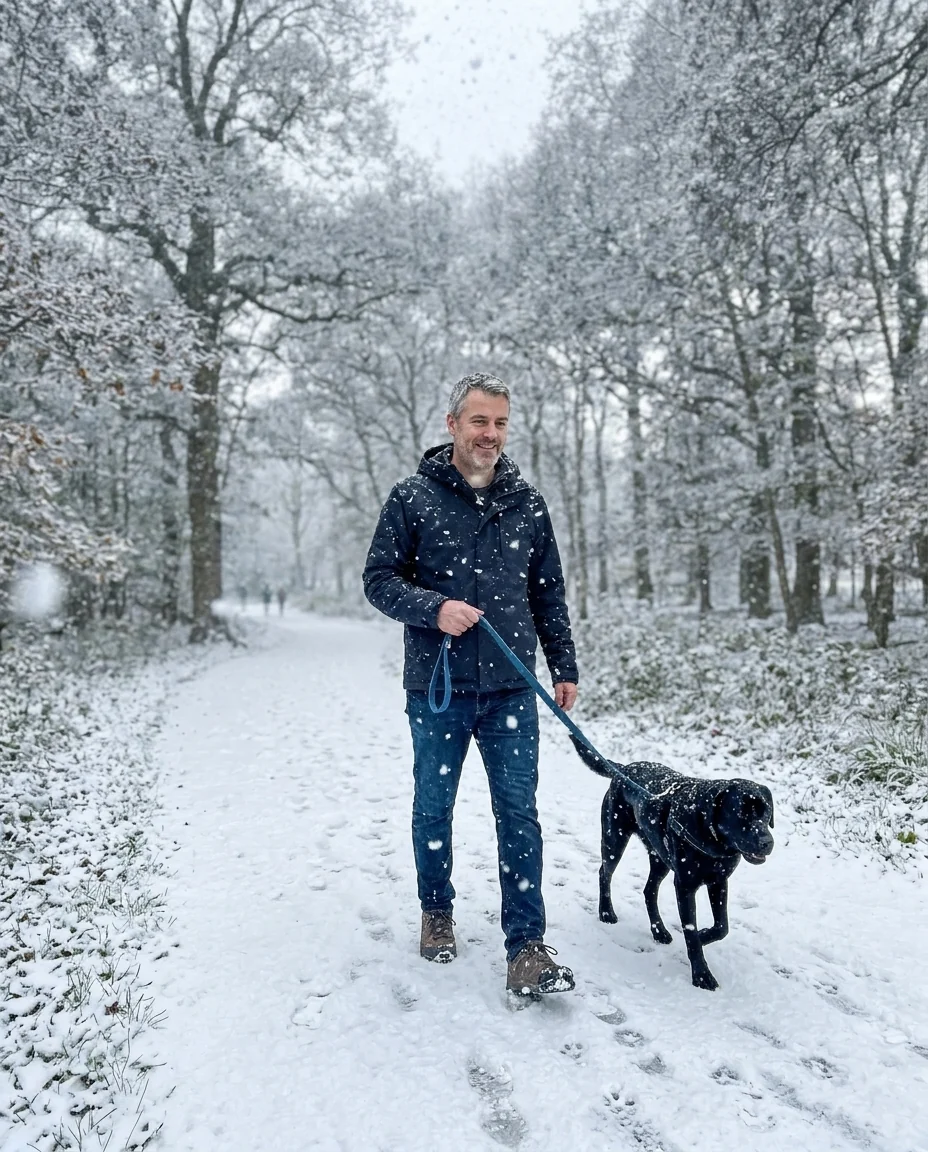
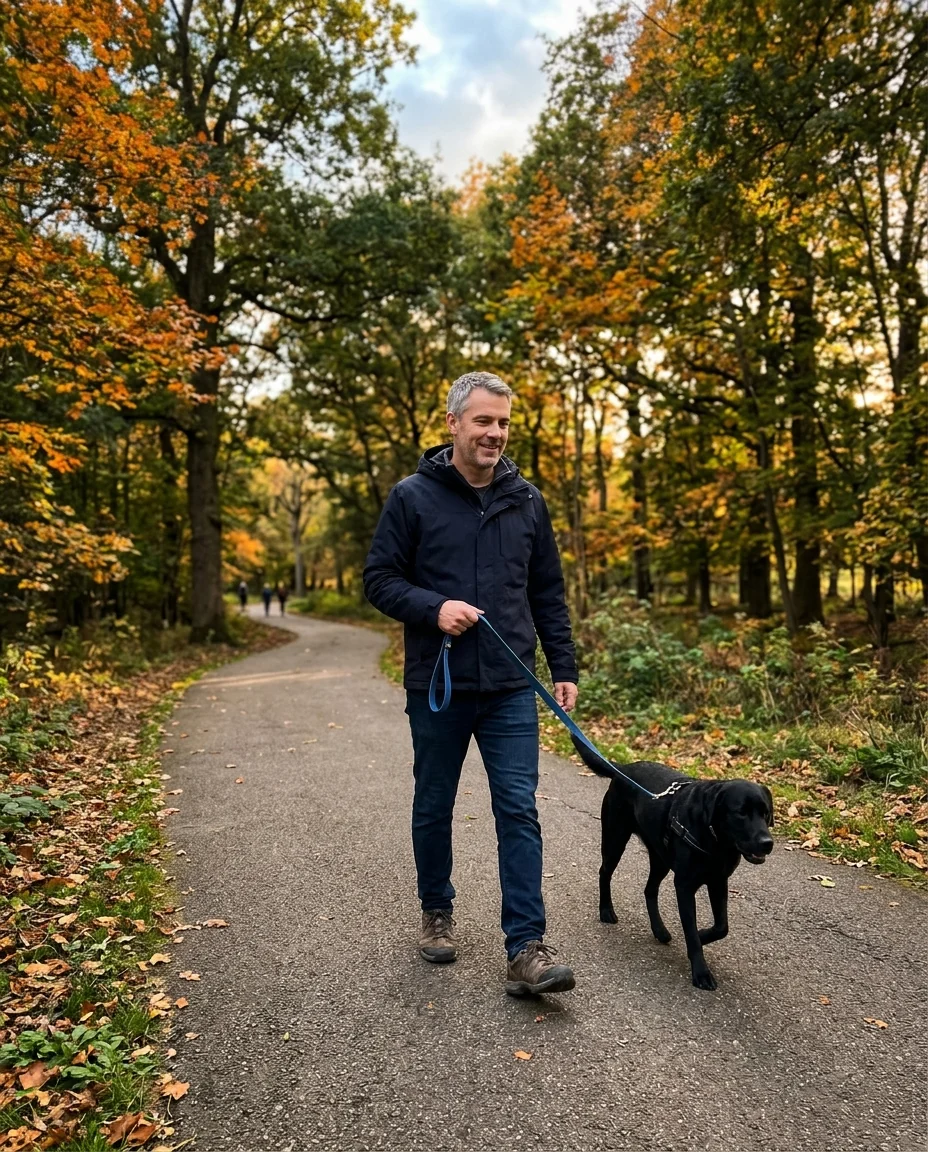
Heavy snowfall
Add Snow to Photo features.
Three amounts
A few flakes, a snowstorm or a full winter scene.
Real depth
Close flakes are bigger and softer, like a real camera sees them.
People unchanged
Faces and poses stay the same.
Add Snow to Photo, step by step.
01
Upload a photo
Outdoor photos work best; windows and doorways too.
02
Pick an amount
Falling snow, heavy snowfall or winter scene.
03
Download
Use it for cards, posts or listings.
Add Snow to Photo use cases.
- Holiday cards
- A snowy version of a photo you already love.
- Real estate
- Show a home in every season.
- Social posts
- A winter mood on an autumn photo.
Add Snow to Photo: best photos and fixes.
Photos that turn wintry
Overcast days, evenings and soft light look most natural with snow, because real snowy weather is rarely bright and sunny. Streets, gardens, houses and forests are the classic cases. A bright summer photo can still be turned into winter, but green leaves and harsh shadows may stay, which looks less believable. When you apply the snow filter to an outdoor portrait, wearing coats or scarves makes the wintry atmosphere look even more convincing.
Falling, heavy or winter
Falling adds snowflakes in the air and a light dusting, keeping the scene recognisable. Heavy gives a thick snowfall with flakes in the foreground, good for moody photos. Winter turns the whole scene into a snowy landscape, with snow on roofs, trees and the ground. For property photos, falling or winter look most realistic.
People in the photo
Faces and clothing stay the same; snow falls around and in front of people with some flakes on hair and coats. People in summer clothes in a winter scene can look odd, so pick a photo where they are dressed for cool weather, or write "add scarves and coats" if you want that changed too.
Indoor and window photos
Snow can be added outside the window of an indoor photo: write "snow falling outside the window, the room unchanged". Snow inside a room is possible for a playful effect, but needs saying explicitly. For a snow globe look, write "inside a snow globe" in the instructions; the Christmas filter also has a ready snow globe look.
If the snow looks fake
Flakes that are all the same size or look pasted on usually come from a very sharp, high-contrast original. Ask for "soft, out-of-focus flakes in the foreground, smaller flakes in the distance" to add depth. For a quiet winter scene with no flakes in the air, write "snow on the ground only". Bright colors under a white sky also look staged, so a little color fading helps.
Real estate and storefronts
For property listings and shop windows, snow adds seasonal warmth, but the building must stay accurate. Use falling or winter, and add "keep the house, windows and lights exactly as they are". Lit windows at dusk look especially inviting with snow. Do not use edited images to hide features buyers would expect to see; keep an unedited photo in the listing too.
Pets and children in snow
Dogs and children playing in fresh snow is a favourite holiday picture. Use a photo taken outside on a cold, grey day, so clothing and light match, and ask for "snow on the ground, a few flakes on the dog's fur". Footprints and paw prints behind the subject make the scene look lived-in.
Add Snow to Photo FAQ.
Can I add snow to an indoor photo?
Yes. It falls outside the windows; write "snow falling inside" if you want a magical look.
Will it change people's faces?
No. Faces, expressions and poses stay the same; only the snow and light change.
Can I make a snow globe look?
Use the Christmas filter and pick Snow globe.
Is the Add snow to photo free?
Yes, you can try it free. New accounts get 25 free credits, and one generation here uses 9 credits. You sign in with your email; no card needed. Results have no watermark. After that, credit packs never expire, and your first one is half price.
Try these prompts
Guides on the blog.
 25 family Christmas photo ideas, indoors and outMatching pajamas, tree-side portraits, snowy walks and pets in Santa hats. Twenty-five ideas for this year's family Christmas photo, plus lighting and posing tips.
 Nano Banana prompts for photo editing: 40 examplesThe prompt pattern that gets clean edits from Nano Banana, and 40 copy-ready examples for backgrounds, light, clothes, objects, style and restoration.

