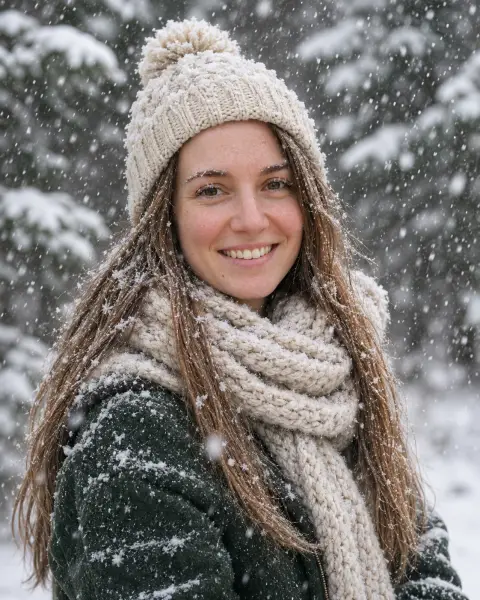
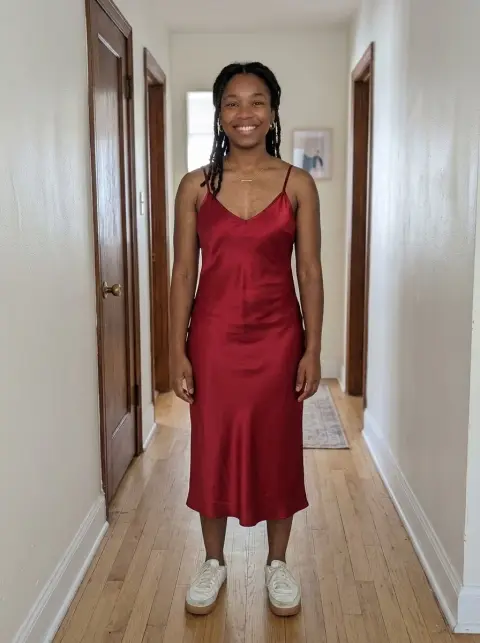
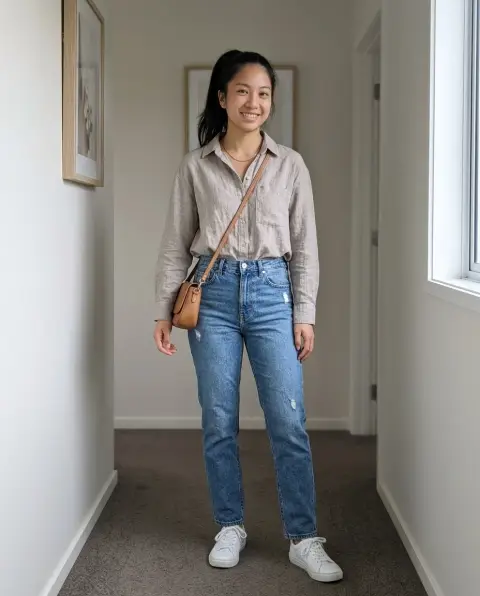
AI Winter Outfit
Coats, puffers and ski wear on your own photo.
Drop a photo
or paste with ⌘V · JPG · PNG · WebP · up to 8 MB
No photo handy? Try one of ours.
More like this.


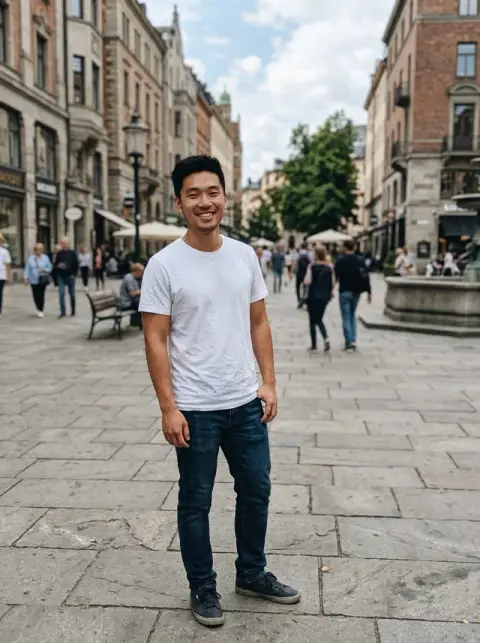
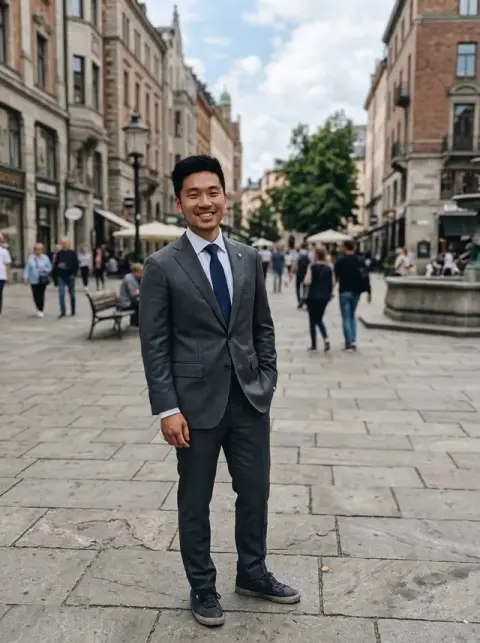

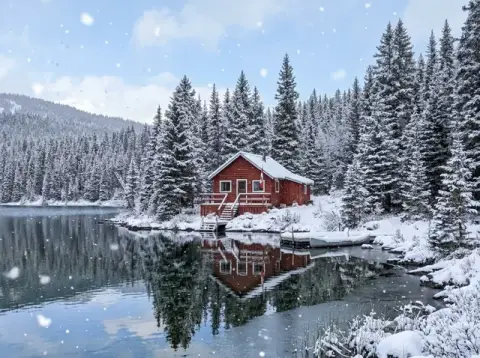


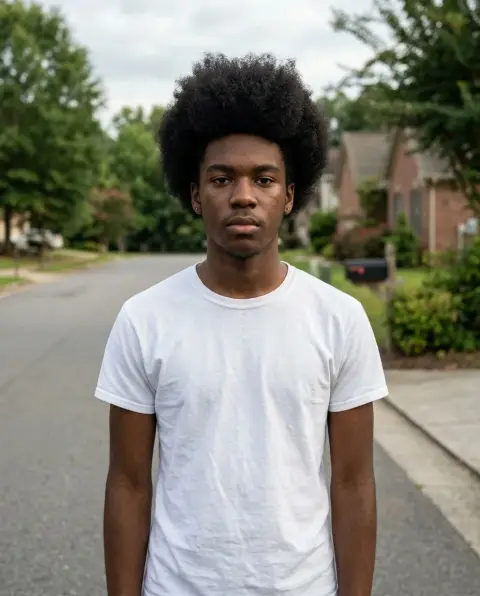
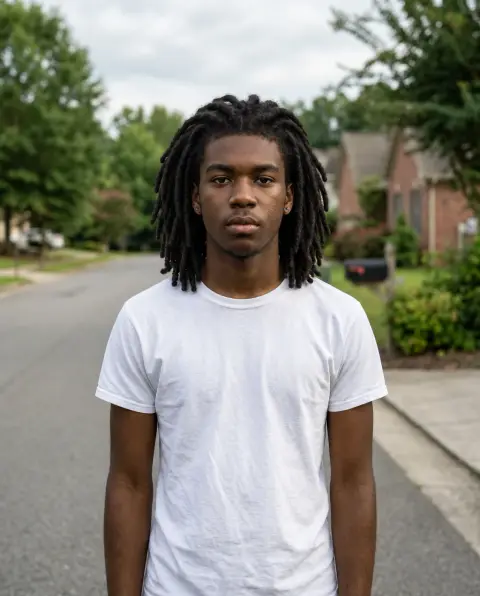


AI Winter Outfit examples.
Real results from this page's default settings in one click, not retouched.How examples are made
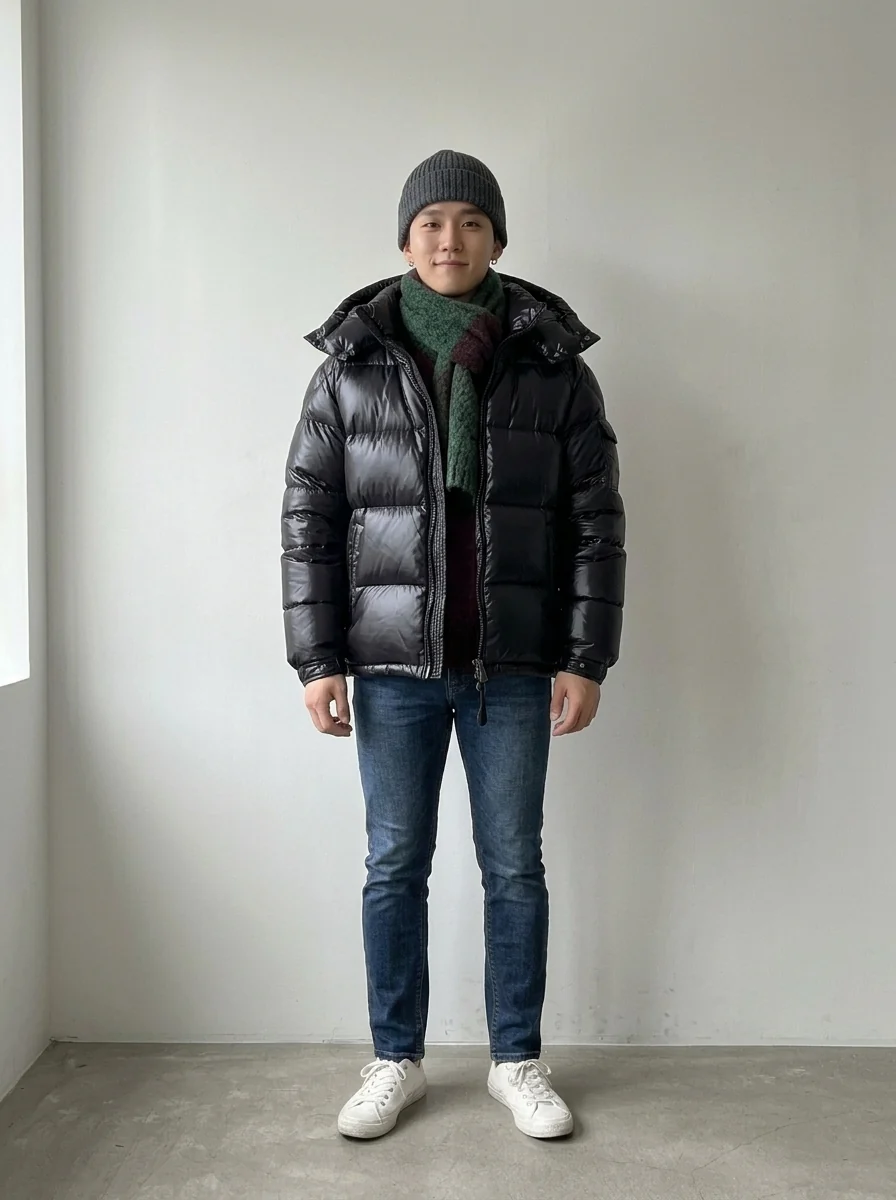
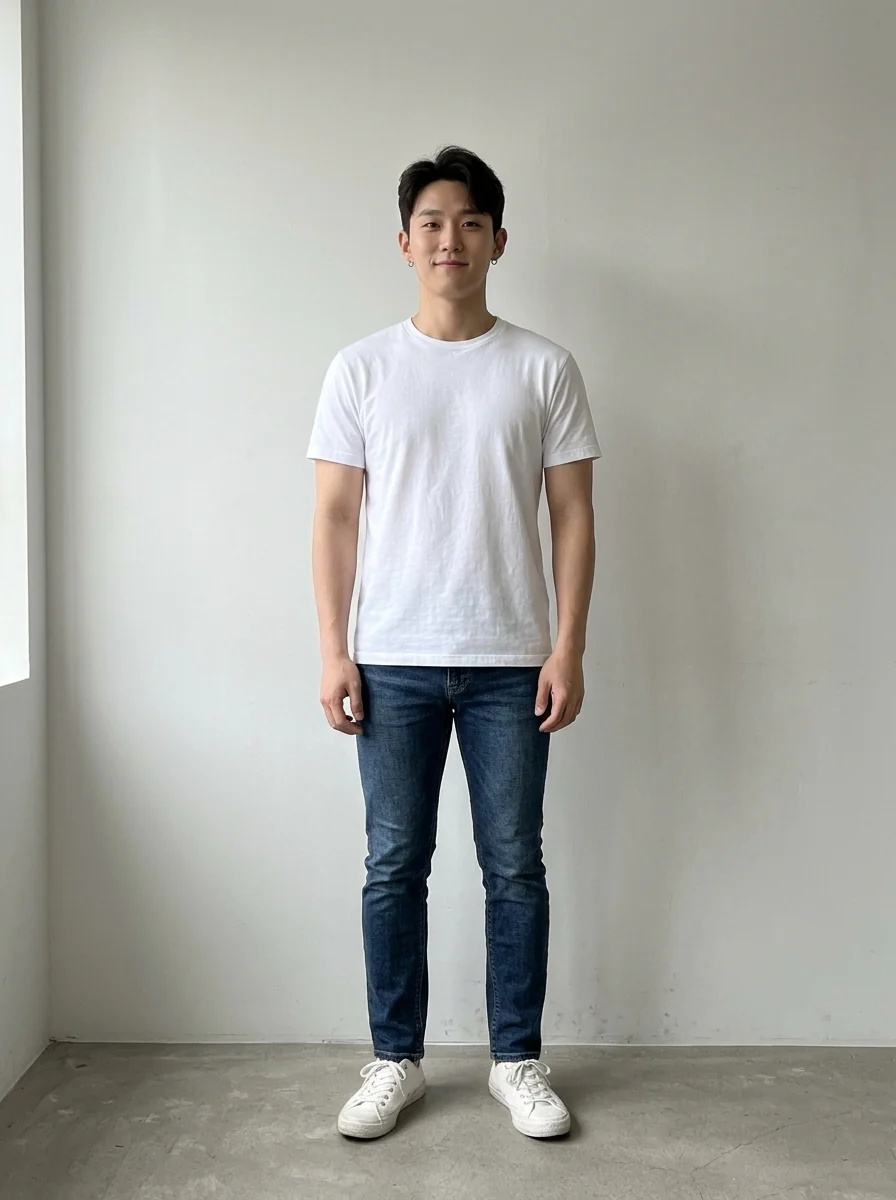
Puffer jacket
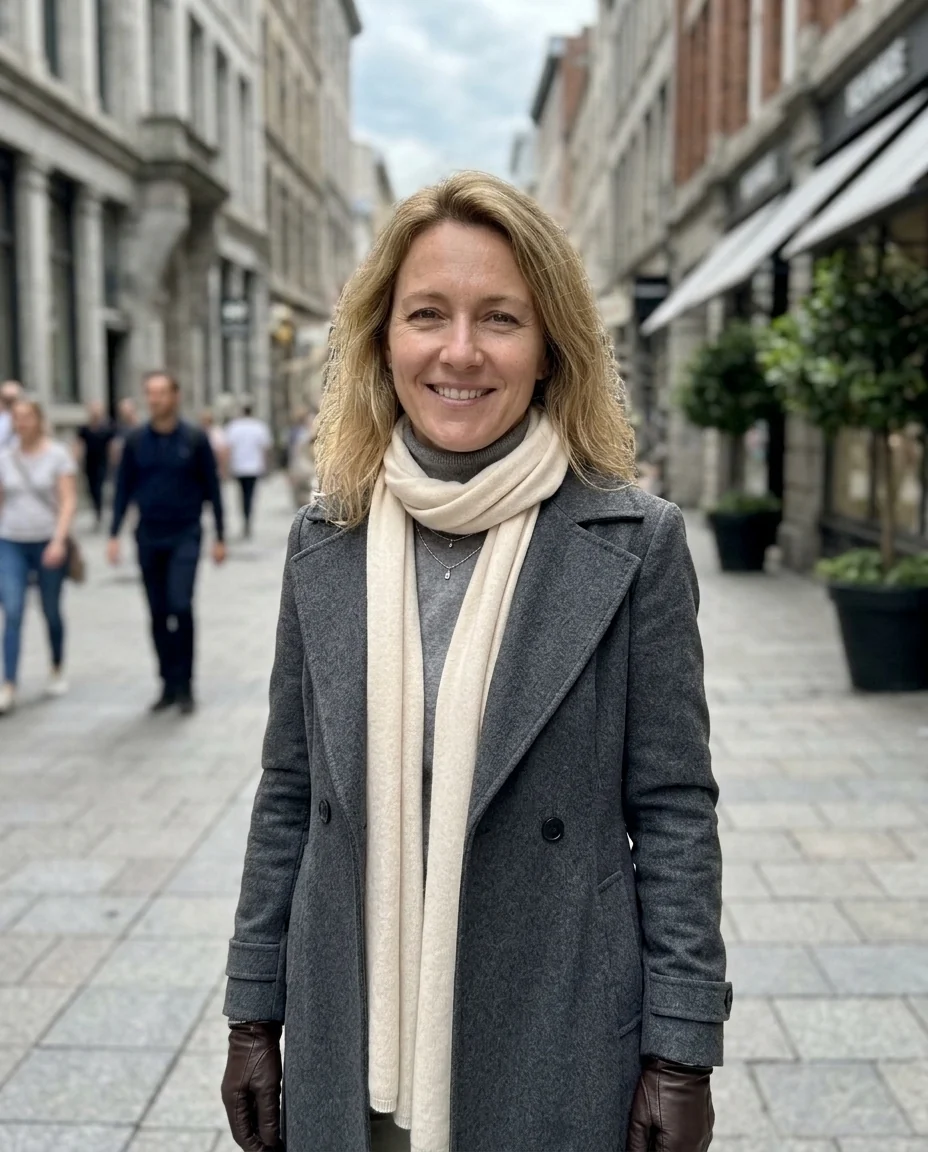

Wool coat
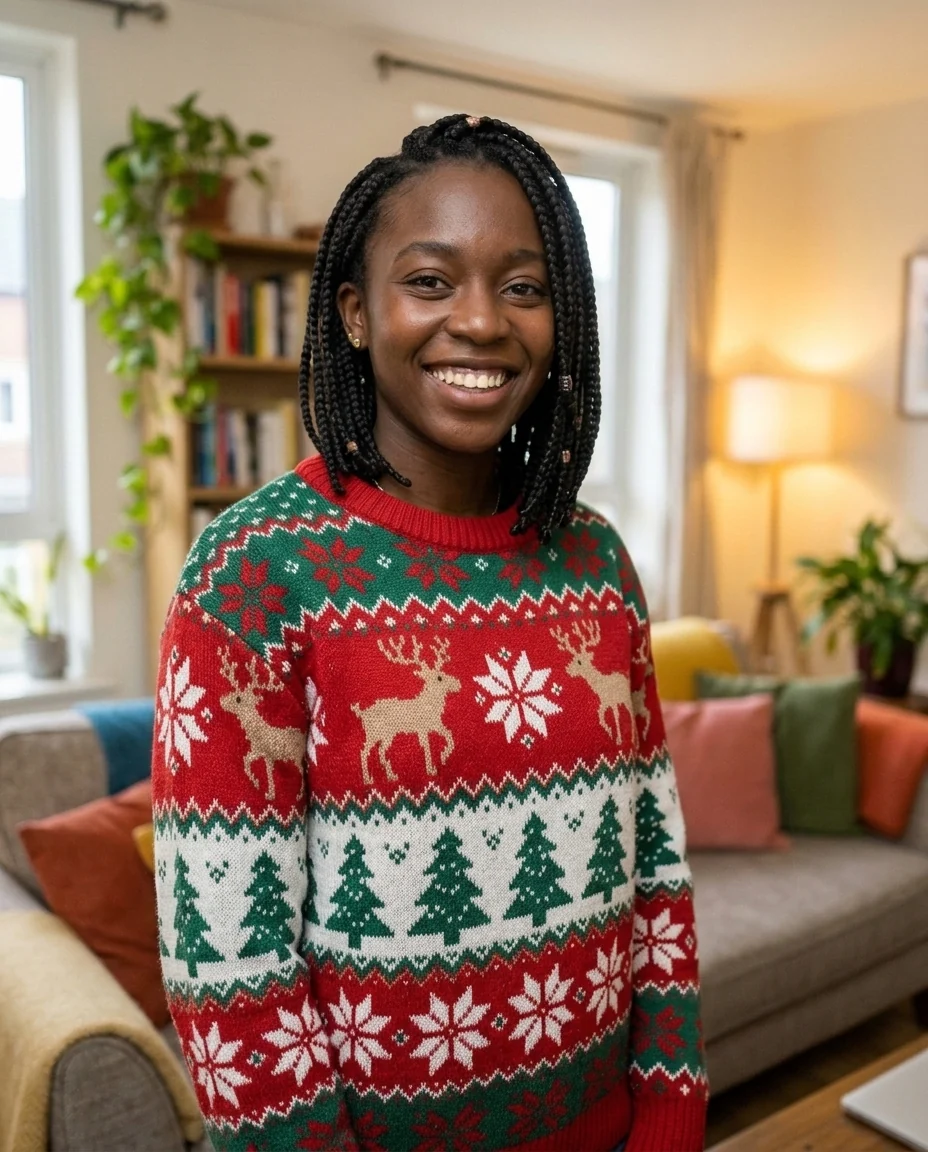
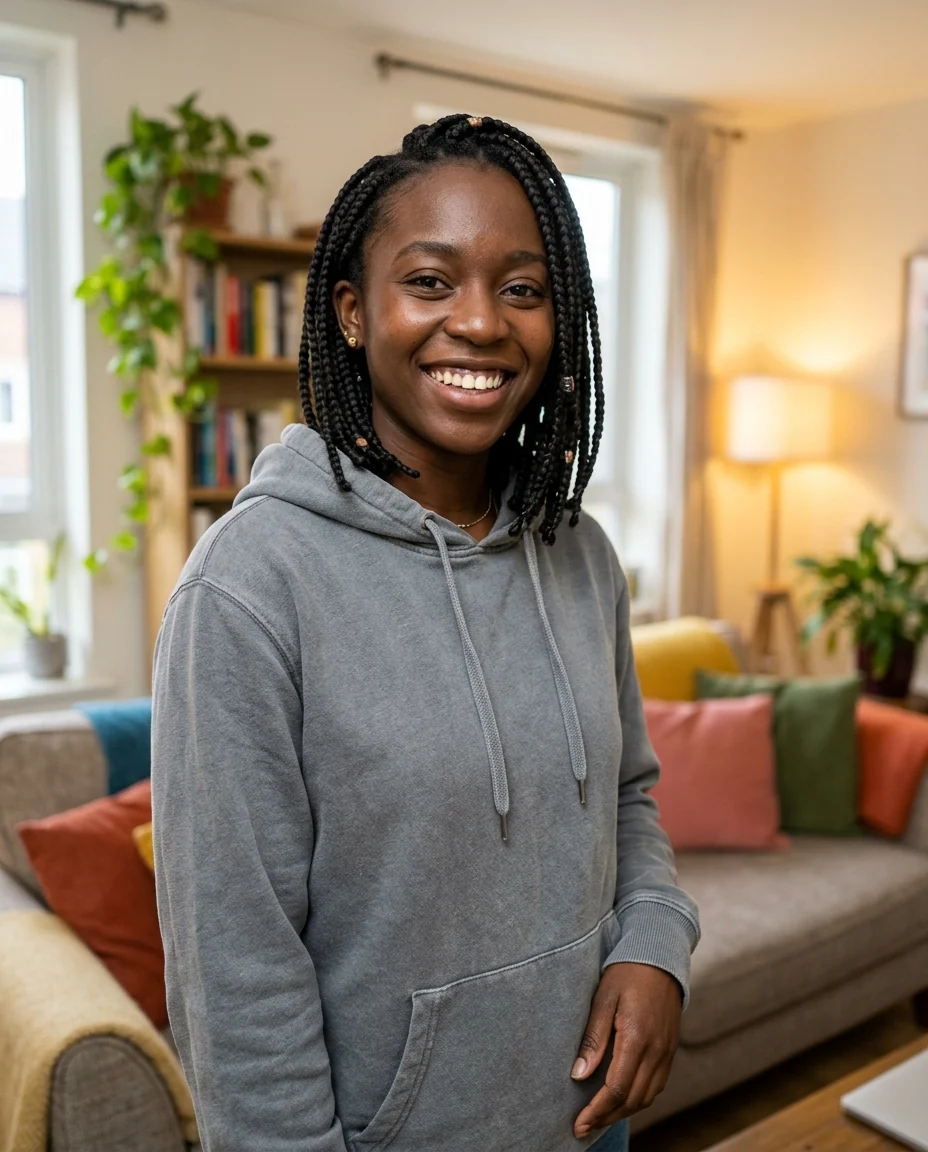
Christmas sweater
AI Winter Outfit features.
Four winter looks
Puffer, wool coat, ski wear or Christmas sweater.
You stay you
Face, body and pose are kept.
Real fabric
Folds, quilting and knit texture look like the real thing.
AI Winter Outfit, step by step.
01
Upload a photo
Waist-up or full-length works best.
02
Pick an outfit
Or choose Custom and describe it.
03
Download
Compare looks before you buy.
AI Winter Outfit use cases.
- Shopping
- See a coat on you before you order it.
- Trip planning
- Picture your ski or city-break outfit.
- Holiday photos
- A cozy sweater for a December post.
AI Winter Outfit: best photos and fixes.
Photos that work best
A photo that shows you from the knees or waist up, standing fairly straight, lets the coat or ski jacket hang naturally. Puffer jackets and long coats need room below the hips, so a full-length photo gives the most realistic result for those. Tight head-and-shoulders selfies still work for sweaters, but a long coat will be cropped and may look like a scarf and collar only.
Picking puffer, coat, ski or sweater
Each preset gives a different silhouette: puffer for volume and warmth, coat for a tailored city look, ski for a full technical jacket, sweater for a knit indoor look. For anything else, choose Custom and describe it, for example "camel wool coat with a grey scarf" or "cropped white puffer". Naming a color and a length is the quickest way to get close to a piece you are thinking of buying.
Holding things, bags and crossed arms
Shopping bags, coffee cups and phones are kept where they are, and the new sleeve has to wrap around your hand. That usually works, but crossed arms or hands deep in pockets can produce bunched or merged sleeves. If that happens, try a photo with your arms relaxed at your sides, or regenerate once, since each run drapes the fabric differently.
If it does not look like winter
The tool changes only the clothes, so a summer beach behind you stays a summer beach. For holiday or trip photos that should look wintry, run the result through the background changer and ask for snow, or start from a photo taken outdoors on a grey day. Bare legs in shorts are also kept unless you write "add dark jeans and boots" in the instructions.
Matching a jacket you saw in a shop
To preview a specific piece, describe it closely in Custom: color, length, collar and details, such as "olive green parka, mid-thigh length, fur-trimmed hood, toggle buttons". If you have a product photo of the exact jacket, the clothes changer can use that image directly instead of a description, which gets the pattern and cut closer to the real thing.
Hats, scarves and gloves
The presets focus on the main layer, but accessories finish a winter look. Add them in the instructions: "with a grey beanie and a red scarf", "matching mittens", "ear muffs". A hat changes how your hair and face are framed, so try one version with and one without. If a hat hides too much of your face, ask for it to sit further back on the head.
AI Winter Outfit FAQ.
Will it change my body or face?
No. Your face, body shape, pose and background are kept; only the clothing changes.
Can I try on a specific jacket I found online?
Yes. Use the clothes changer and upload a photo of that jacket next to your photo.
Can I change the background to snow too?
Write "snowy street behind" in the instructions, or run the result through Add snow to photo.
Is the Winter outfit free?
Yes, you can try it free. New accounts get 25 free credits, and one generation here uses 9 credits. You sign in with your email; no card needed. Results have no watermark. After that, credit packs never expire, and your first one is half price.