Dreads Filter
Try locs on your own photo before you commit to the hairstyle.
Drop a photo
or paste with ⌘V · JPG · PNG · WebP · up to 8 MB
No photo handy? Try one of ours.
More like this.
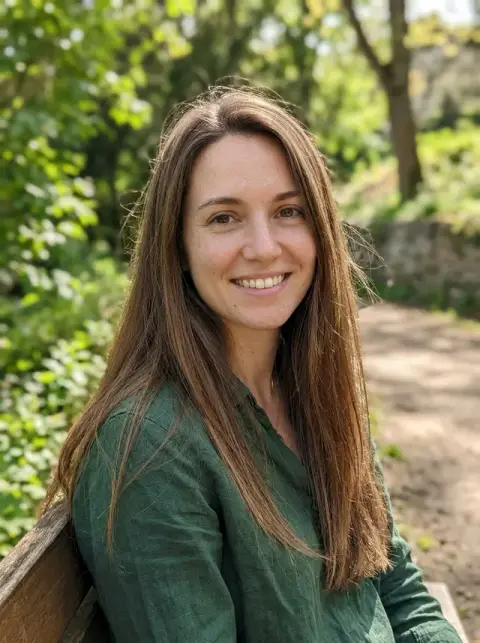
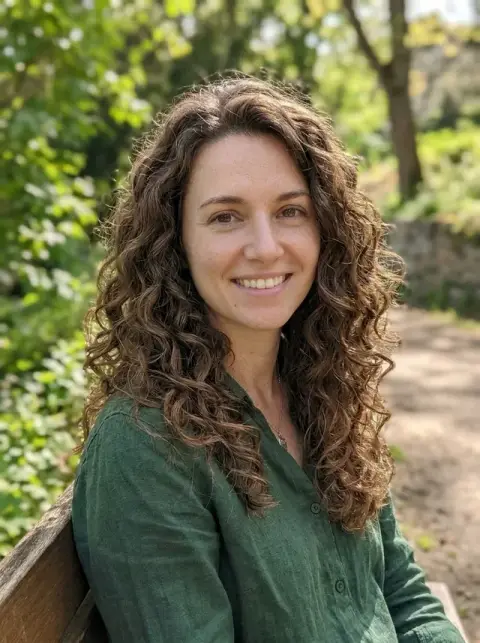
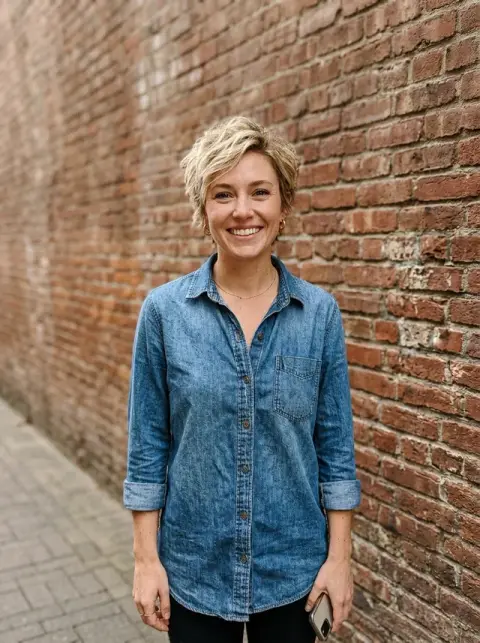
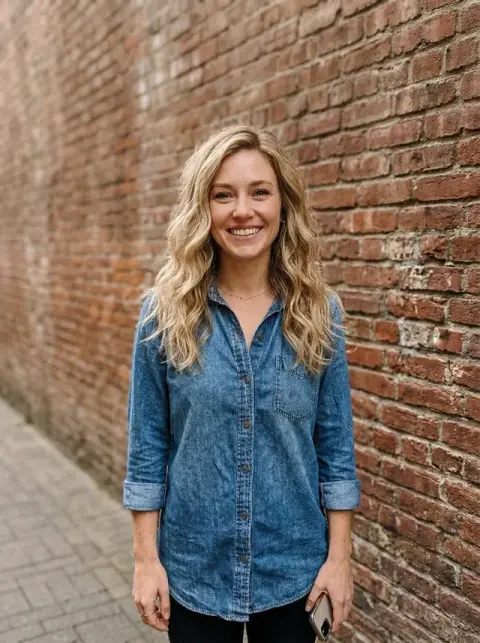
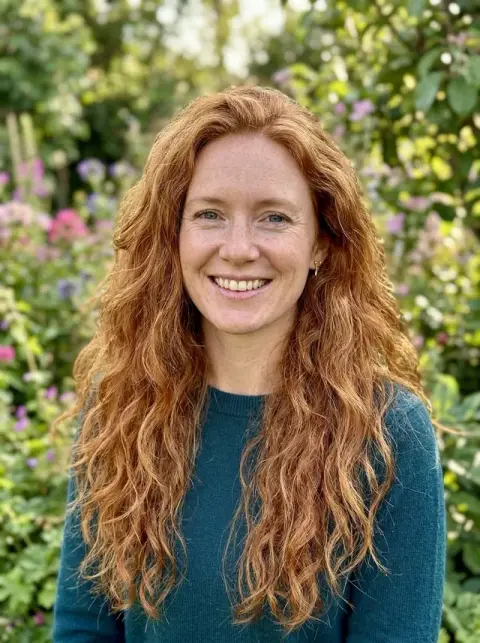
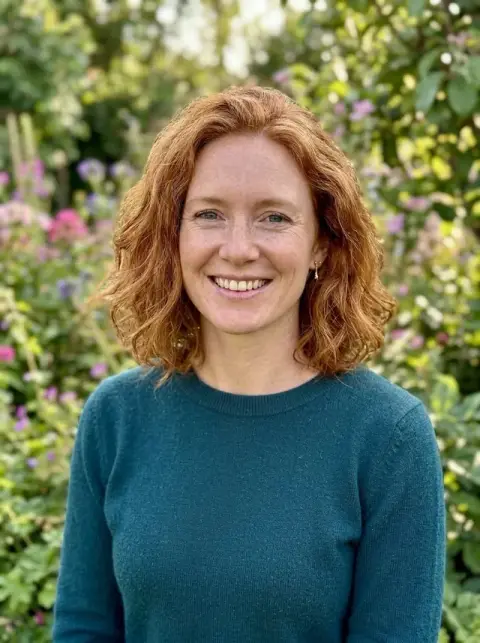
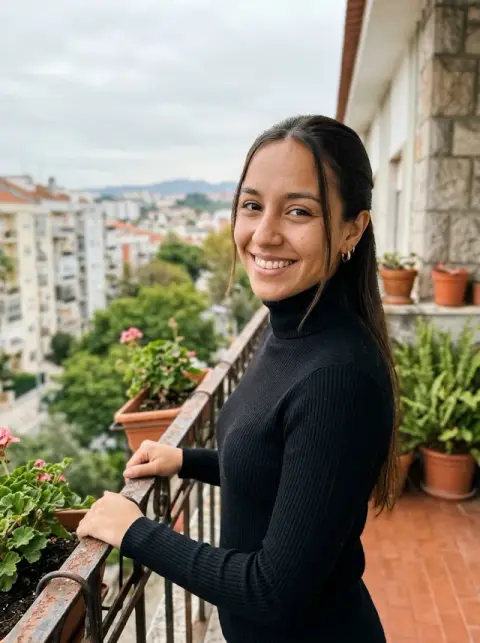
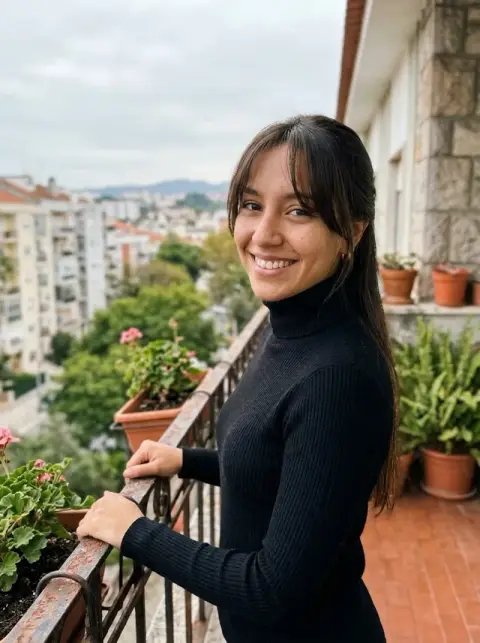




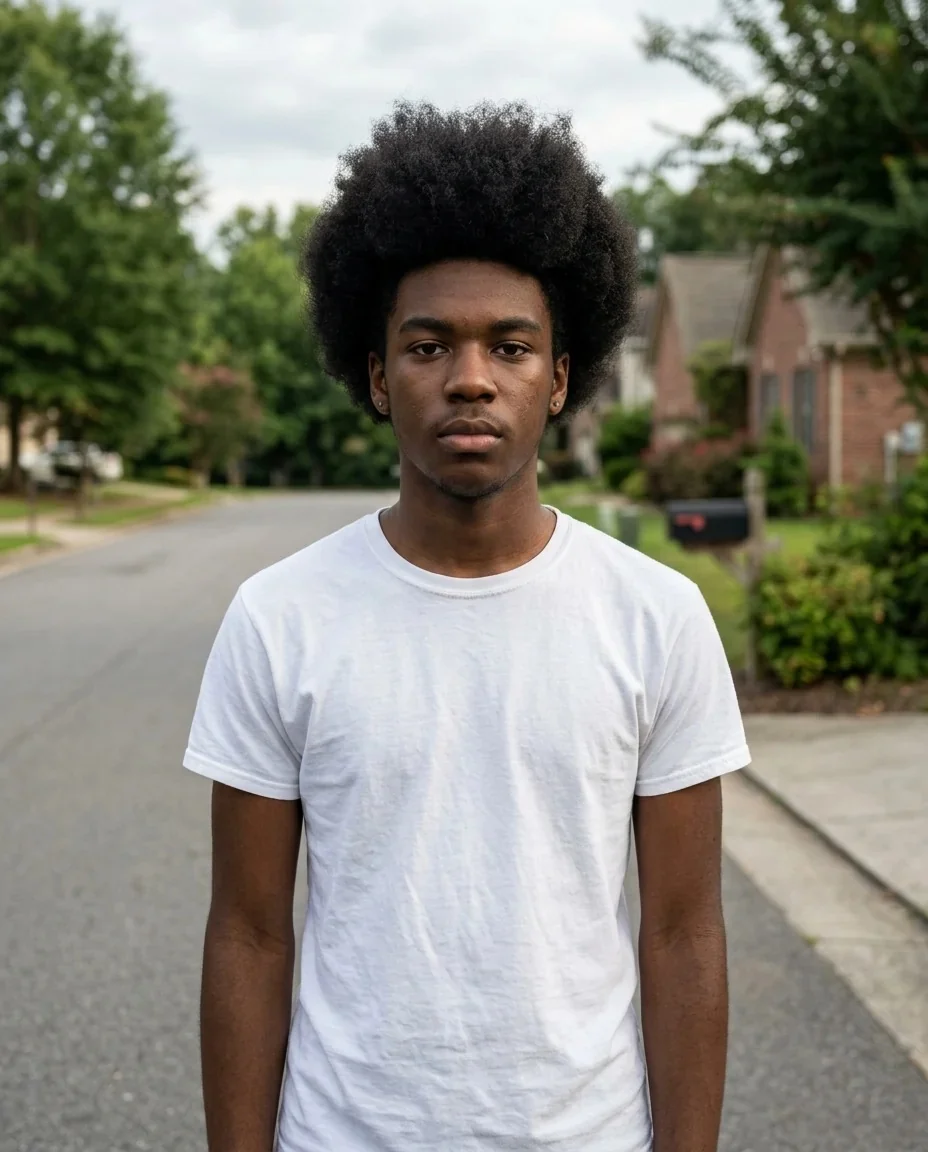
Dreads Filter examples.
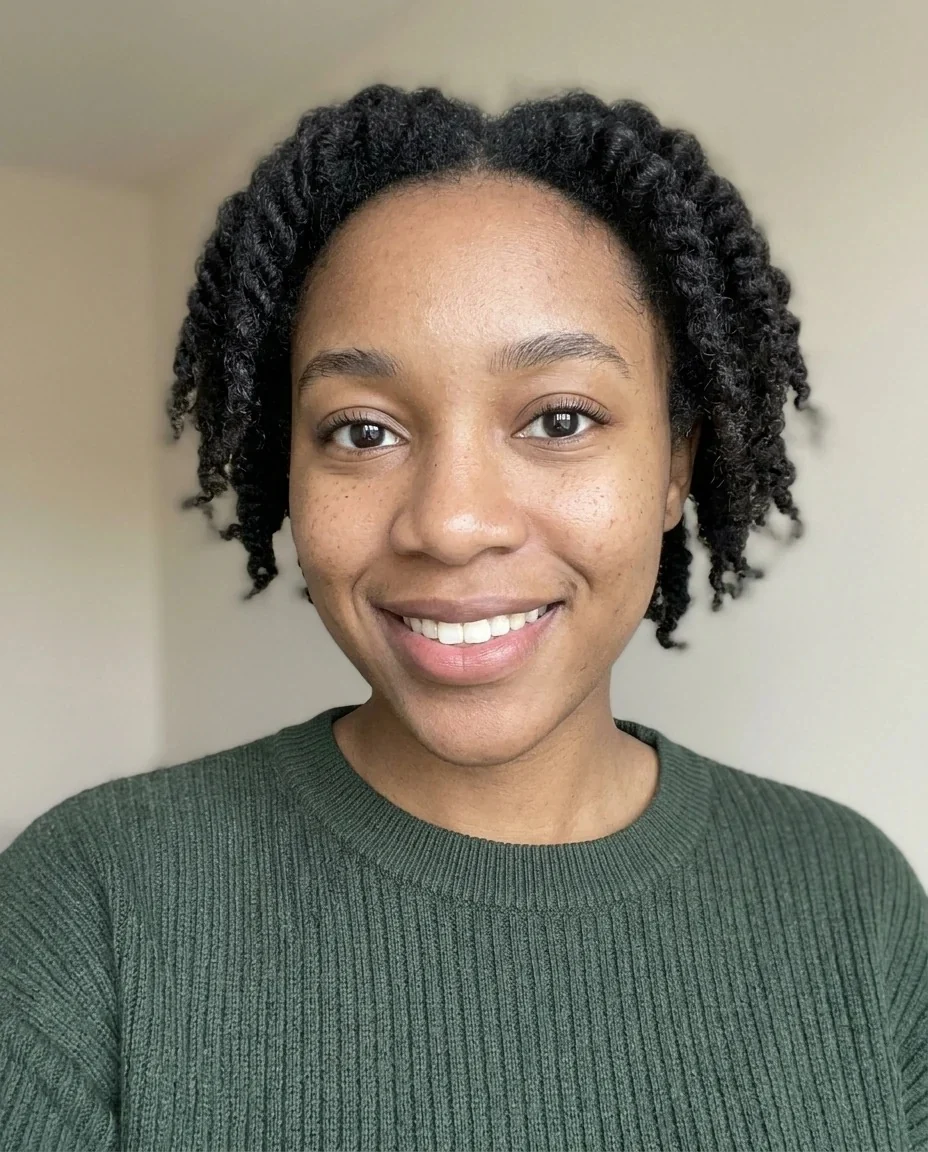
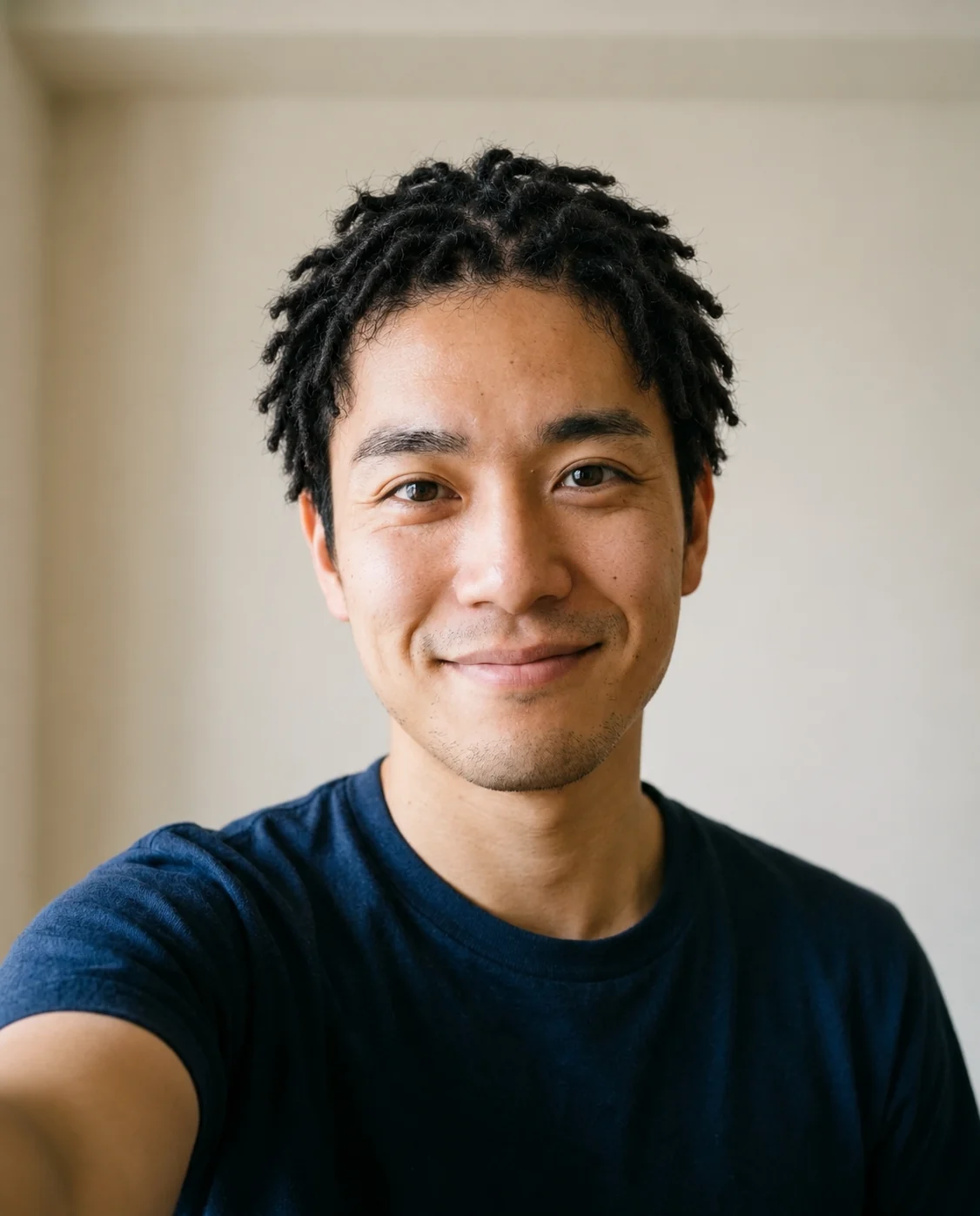
Real results from this page's default settings in one click, not retouched.How examples are made
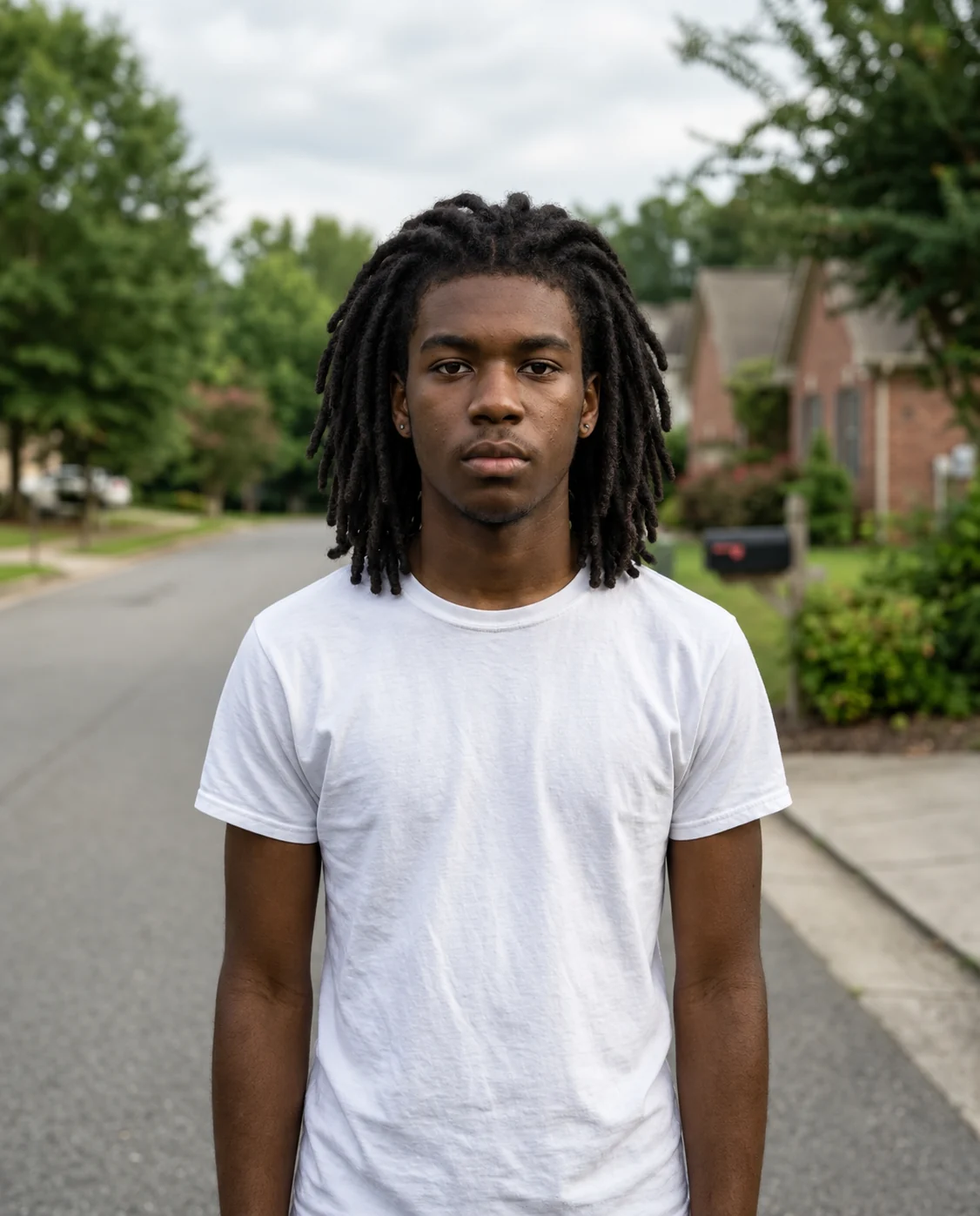
Shoulder
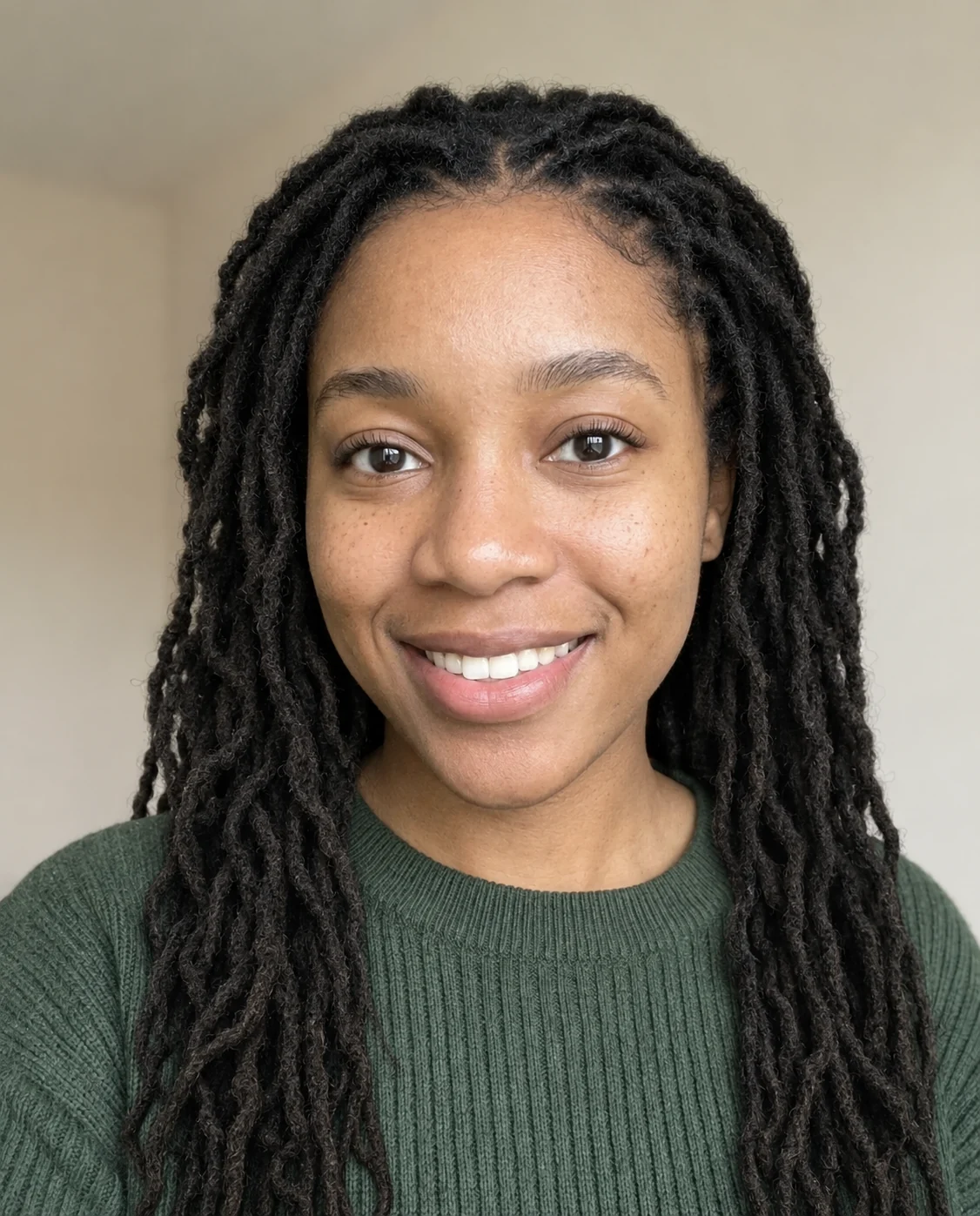
Long
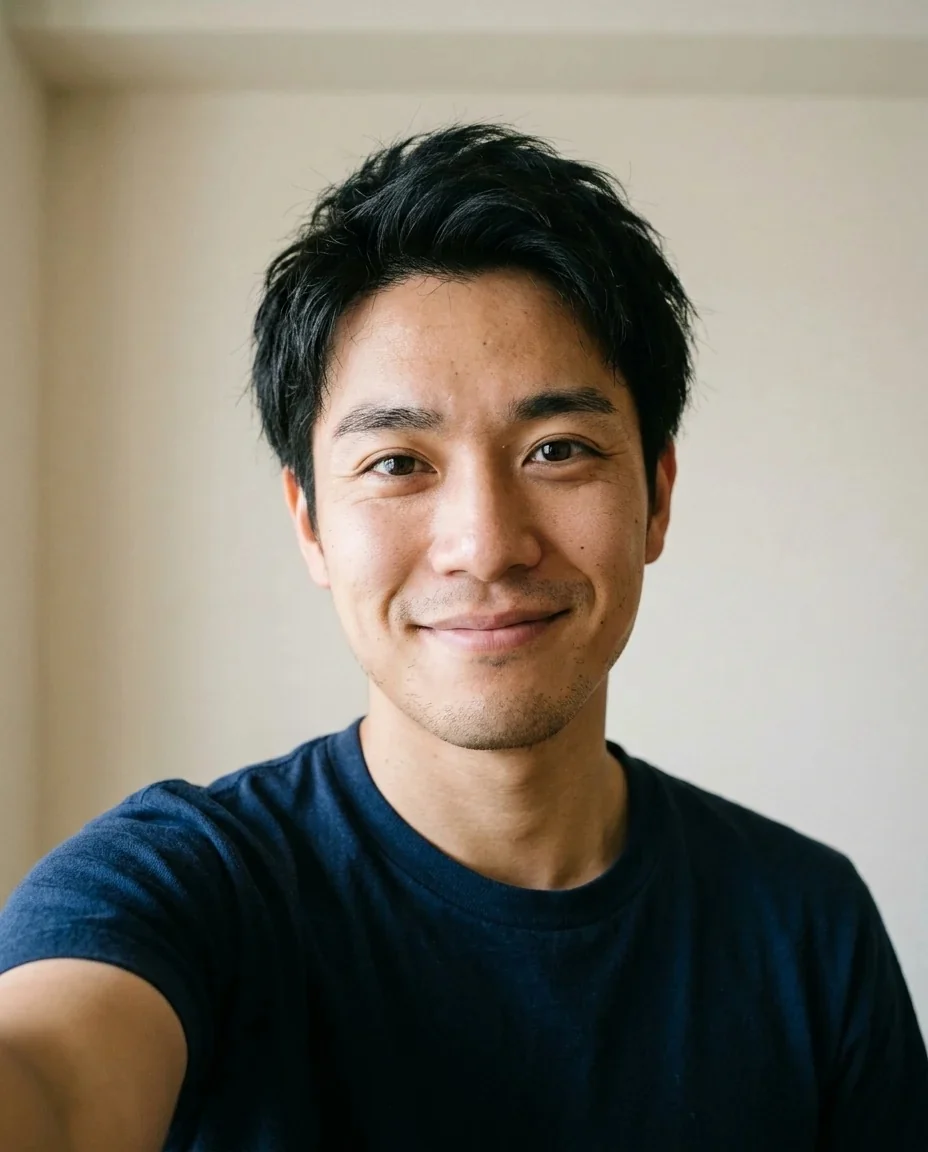
Short
Dreads Filter features.
Locs from your own hair
Dreadlocks are grown from your own hair, in your natural hair color, with visible lock texture and natural roots.
Three lengths plus Custom
Shoulder-length, short twisted starter locs or long locs past the shoulders, or describe your own.
Same face, same photo
Face, clothing, background and lighting stay as they were, so the only difference is the hair.
Good for deciding
Compare short and long on the same selfie before you book an appointment.
Dreads Filter, step by step.
01
Upload a photo
A clear shot of your head and hair, with the hairline visible, gives the best roots.
02
Pick a length
Shoulder, Short or Long, or use the instructions box for something specific.
03
Generate and download
Compare with the slider, try another length, and save the one you like.
Dreads Filter use cases.
- Before the salon
- Starting locs is a long commitment. Seeing short starter locs and long locs on your own face helps you decide what to ask for.
- A costume or party look
- Going to a festival, a themed party or a photo shoot? A quick preview shows how the style sits with your face and clothes.
- Content for social
- The dreads filter is a TikTok trend. Post a before-and-after of your own photo with the slider result.
- Writers and character designers
- Need a picture of a character with locs? Start from a photo of a person and describe the length you need.
Dreads Filter: best photos and fixes.
Photos that work best
A front-facing or slightly angled head-and-shoulders photo, in good light, gives the clearest hairline and face. Hair that is already long gives the locs more to build on. When hair is hidden under a hat, the model has to invent the whole scalp, and the roots are less convincing.
Choosing a length
Shoulder is the safe default and fits most photos. Short gives twisted starter locs that sit close to the head. Long reaches past the shoulders and covers part of your clothes, so choose a photo where the shoulders are visible and the framing leaves room below the chin.
Hair color and texture
The prompt asks for the same natural hair color. If your hair is dyed, the locs may follow the visible color or return to your natural shade; if you want a specific shade, write it in the instructions. Colored tips are possible with a custom note, but check the roots.
Keeping it realistic
Real locs have different thickness and slight frizz, and the model tries to reproduce that. Look at the hairline and the parting at full size. If something looks too uniform, run again or ask for "slightly uneven, natural locs".
Hairline, parting and size
Locs are built from sections, so a visible parting and a clear hairline make the result more believable. If the original photo has hair covering the forehead or a heavy shadow along the hairline, the roots may look blurry. Tying hair back or taking the photo in soft daylight helps. Thick locs read better in a smaller frame, while thin locs need a larger, sharper photo to look right.
Other hair tools
Not sure locs are for you? Try other styles with the curly hair filter, the long hair filter or the full hairstyle changer.
Dreads Filter FAQ.
Are these real dreadlocks or fake ones?
The filter draws realistic locs grown from your own hair. It is a visual preview and does not show how a salon would install them or how your hair would grow out.
Will it keep my hair color?
The prompt asks for your natural hair color. For a different color, say so in the instructions, or change it afterwards with the [hair color changer](/tools/hair-color-changer).
Can I choose how long the locs are?
Yes: Shoulder, Short for twisted starter locs, or Long for locs past the shoulders. Use Custom for anything else.
Will I still look like me?
The prompt keeps identity, face shape, age, skin tone, expression and pose, and changes only the hair.
Does it work with short hair or a shaved head?
Short hair usually works best with the Short option. With a shaved head, the filter has little to build on, so the result is more invented.
Can I try colored tips or beads?
Add it as a short note in the instructions, such as "a few golden tips". Keep it to one detail so the locs stay natural, and check the roots at full size.
What does the dreads filter cost?
You sign in to generate. A result costs 9 credits with GPT Image 2, the default model, and new accounts get 25 free credits once. You can pick other models from the model menu at their own prices. If a generation fails, the credits are refunded.
Is my photo kept or used for training?
Uploads are not used for training. Results stay in My files for 48 hours, or 30 days once you've bought a credit pack, so download what you want to keep. There is no watermark on the result.
Which photo formats can I upload?
JPG, PNG and WebP up to 8 MB. You can also send a photo from your phone by scanning the QR code on the page; the link is valid for 10 minutes.