











Cartoon Generator from Photo
Bold outlines, flat bright colors and friendly features.
Drop a photo
or paste with ⌘V · JPG · PNG · WebP · up to 8 MB
No photo handy? Try one of ours.
More like this.
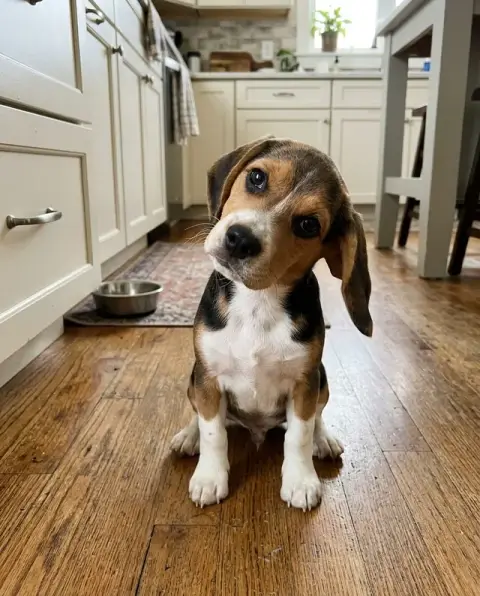
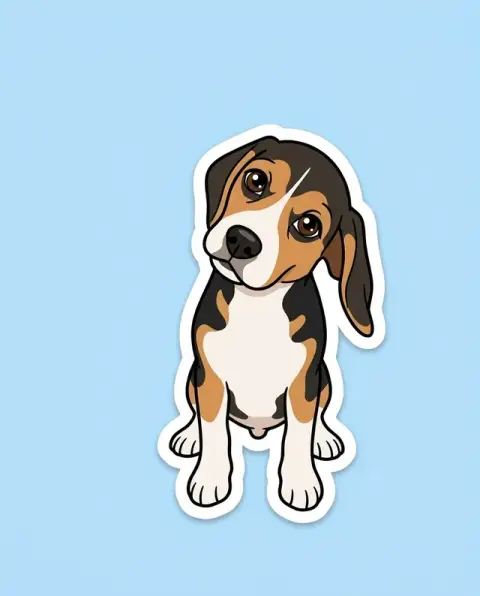
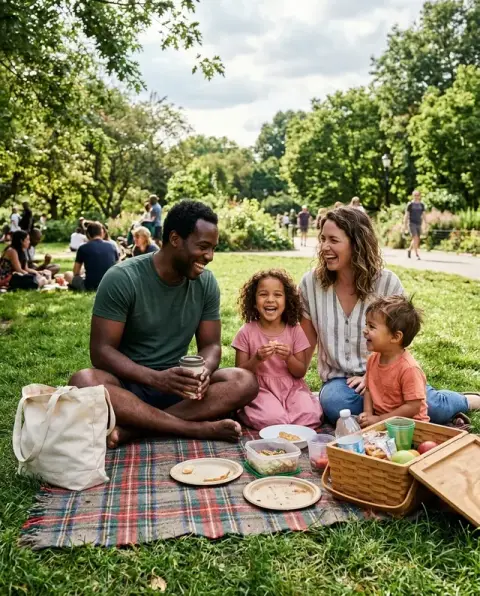
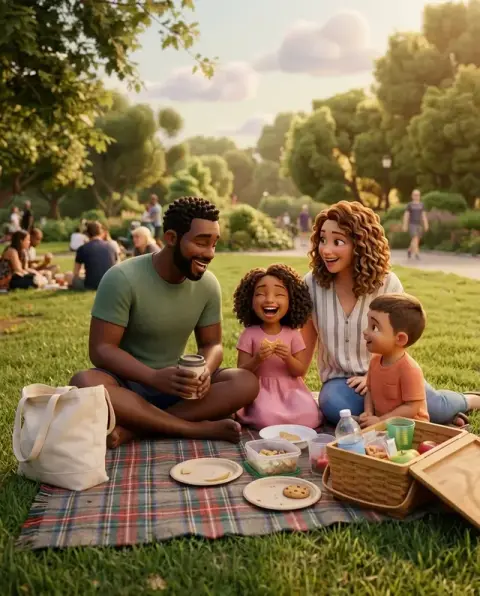
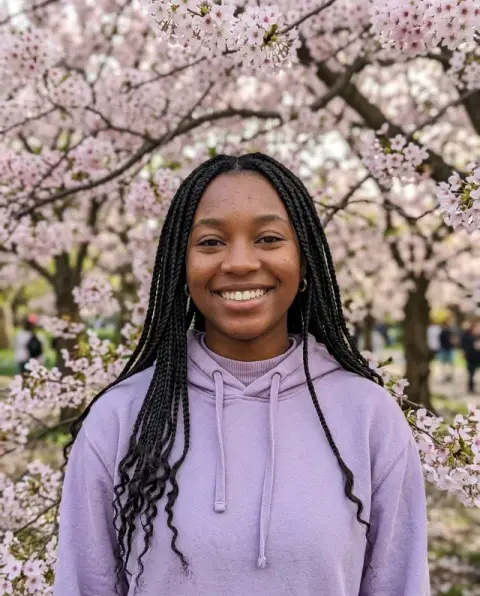
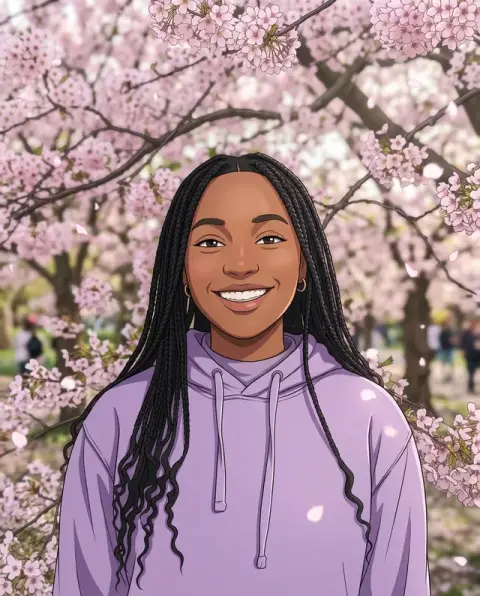
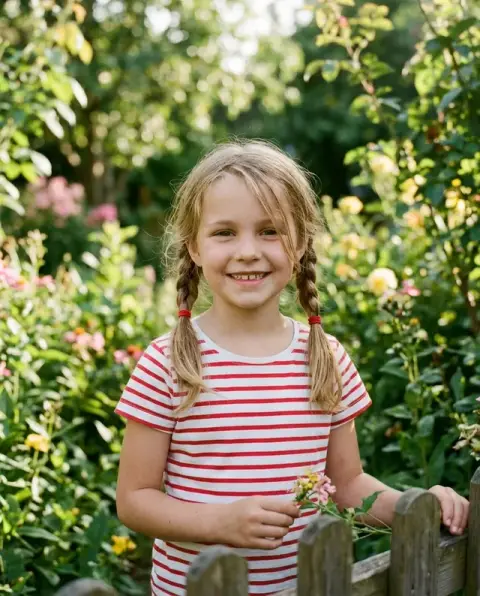
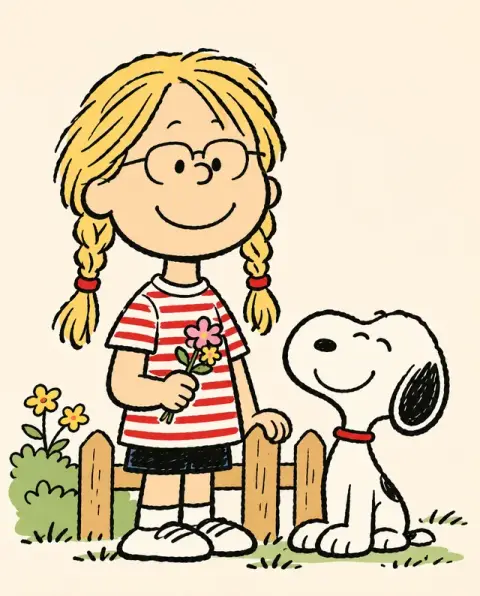
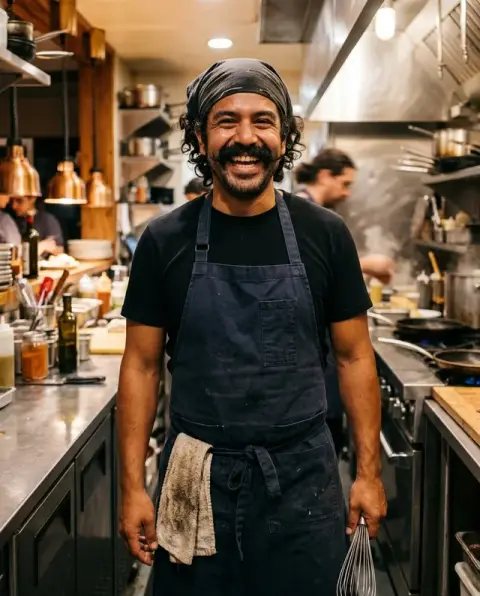
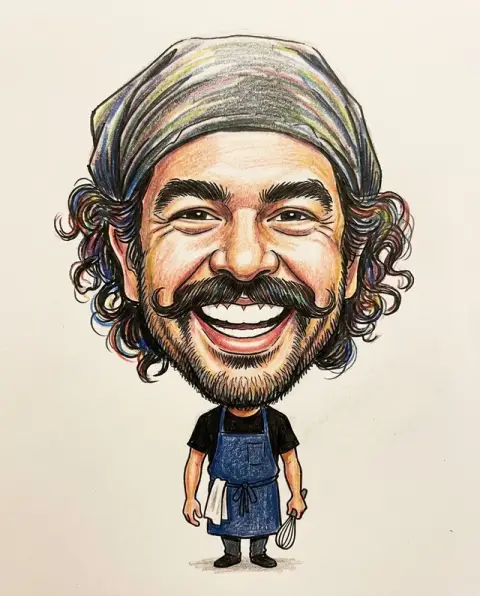
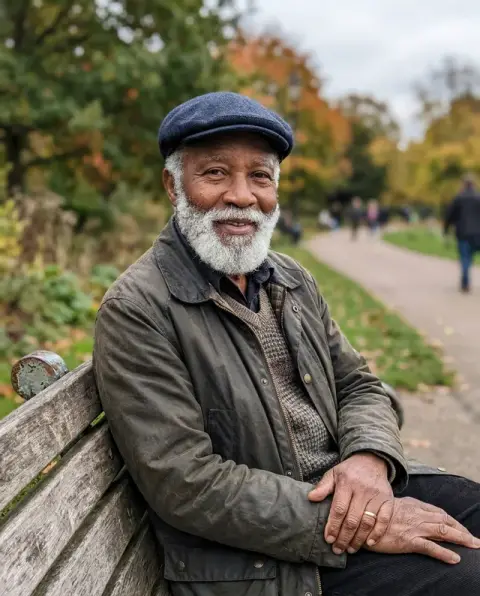
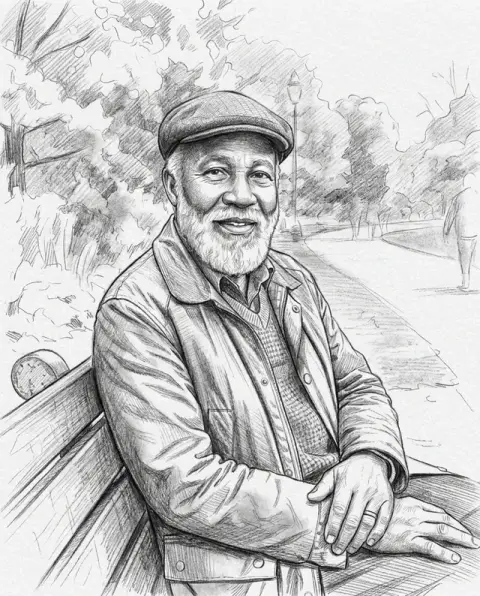
Real photos through the cartoon generator, before and after.
Real results from this page's default settings in one click, not retouched.How examples are made

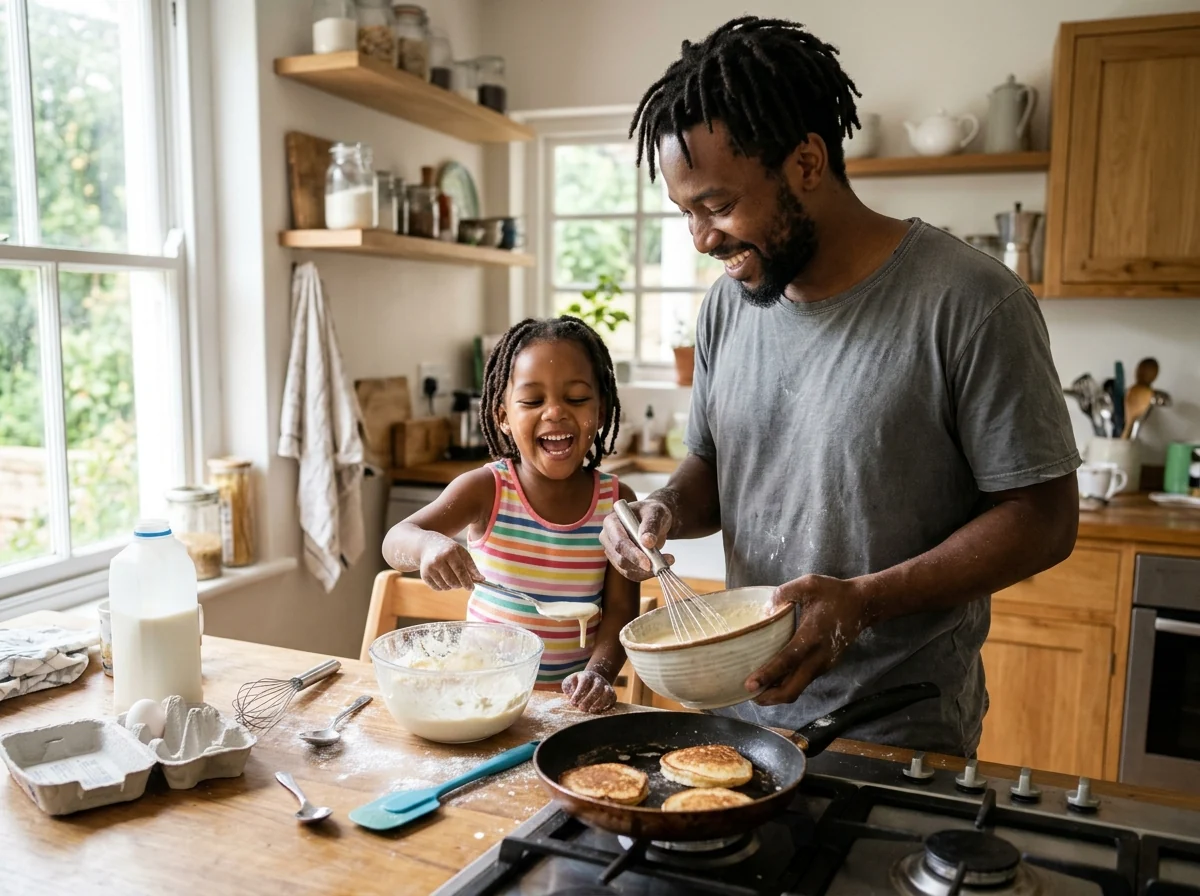
Pancake breakfast cartoon
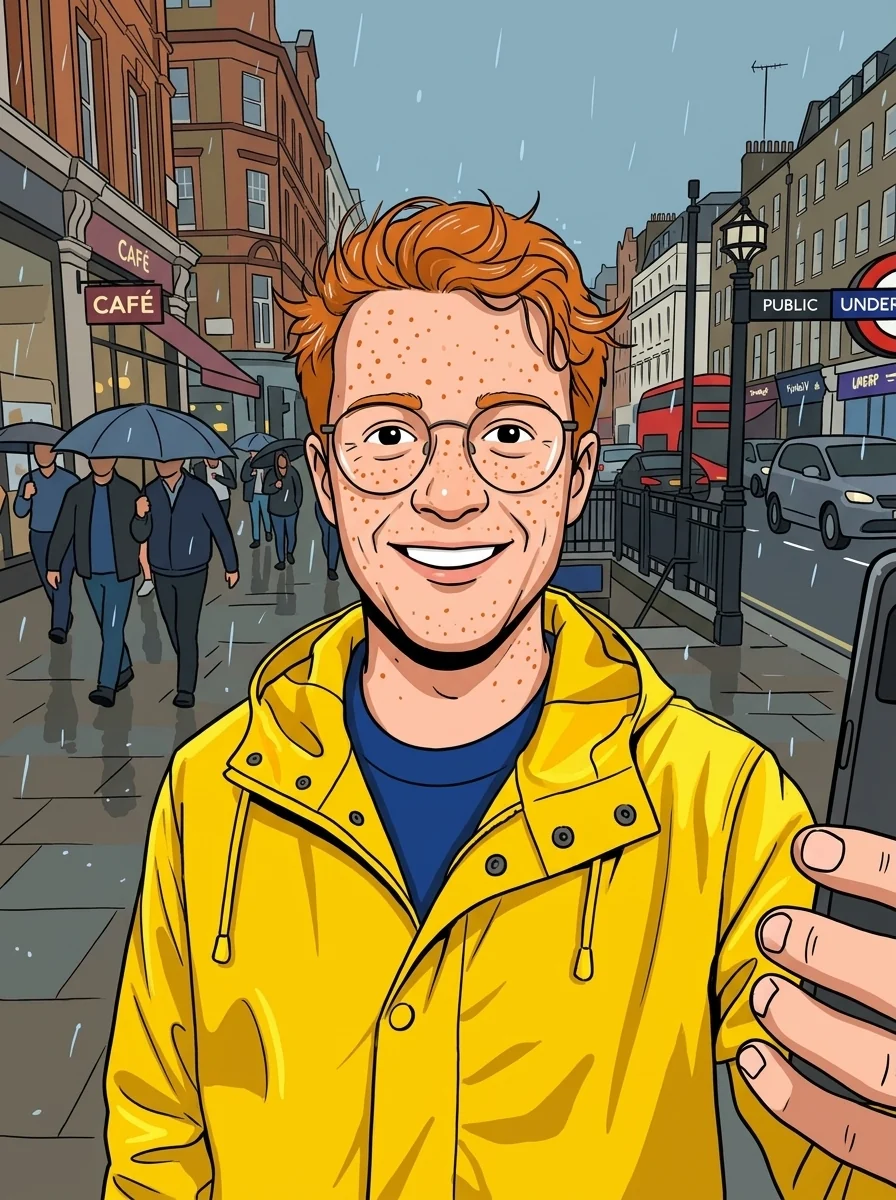
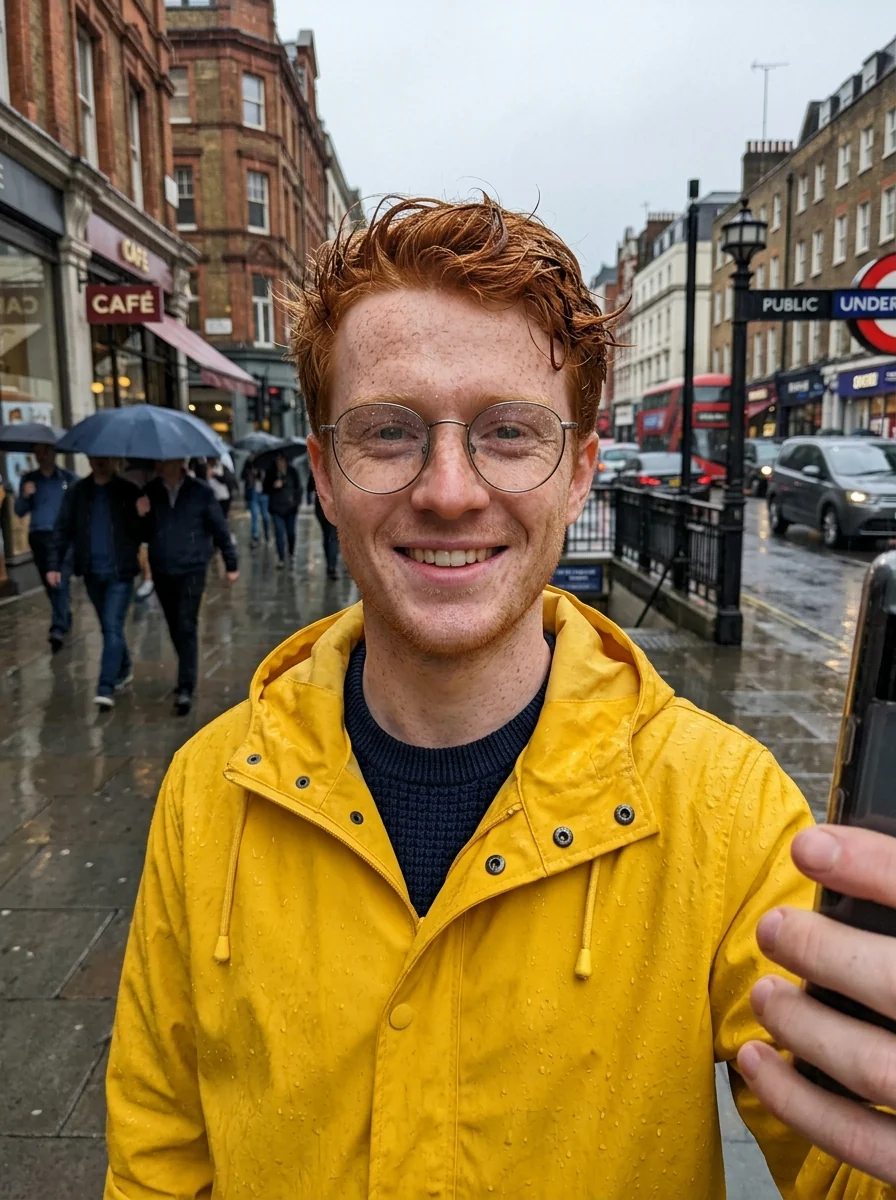
Selfie cartoon
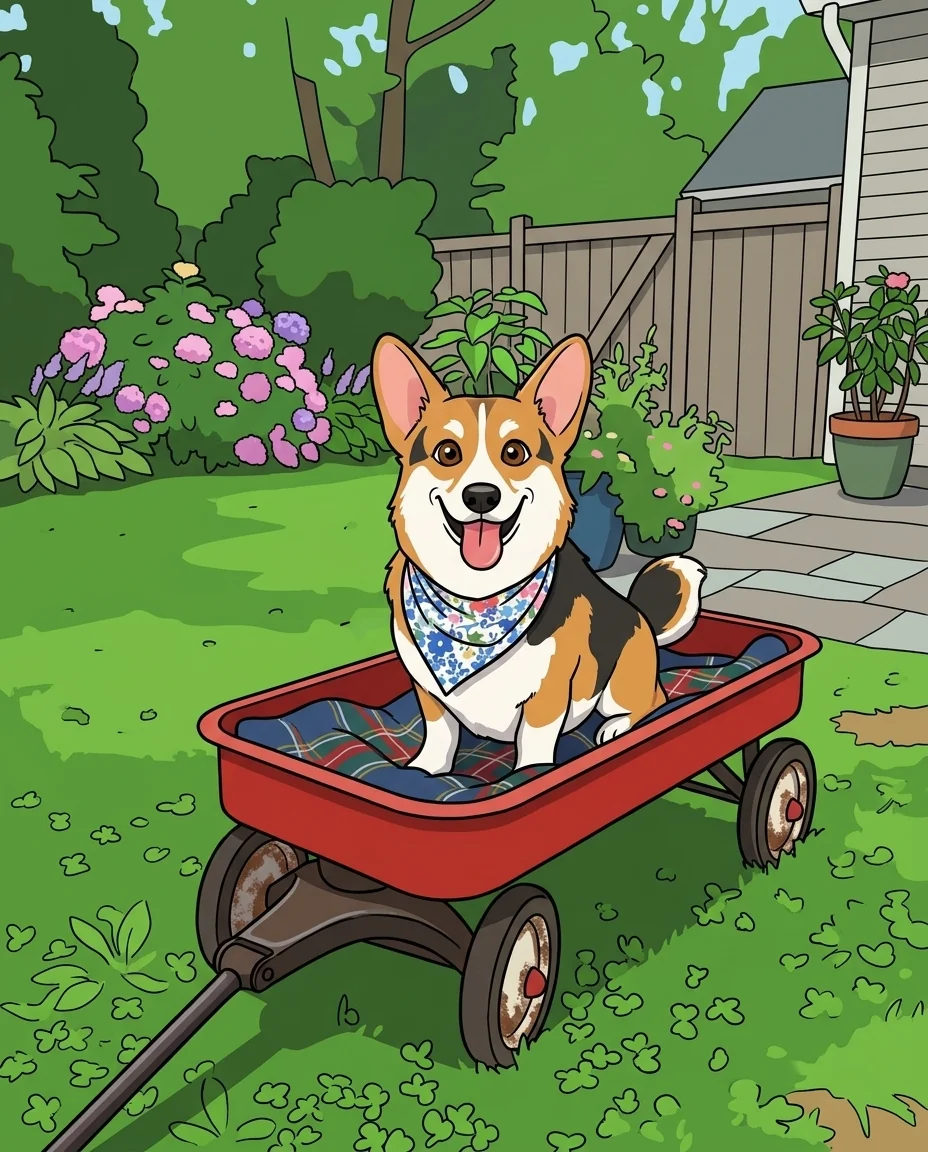
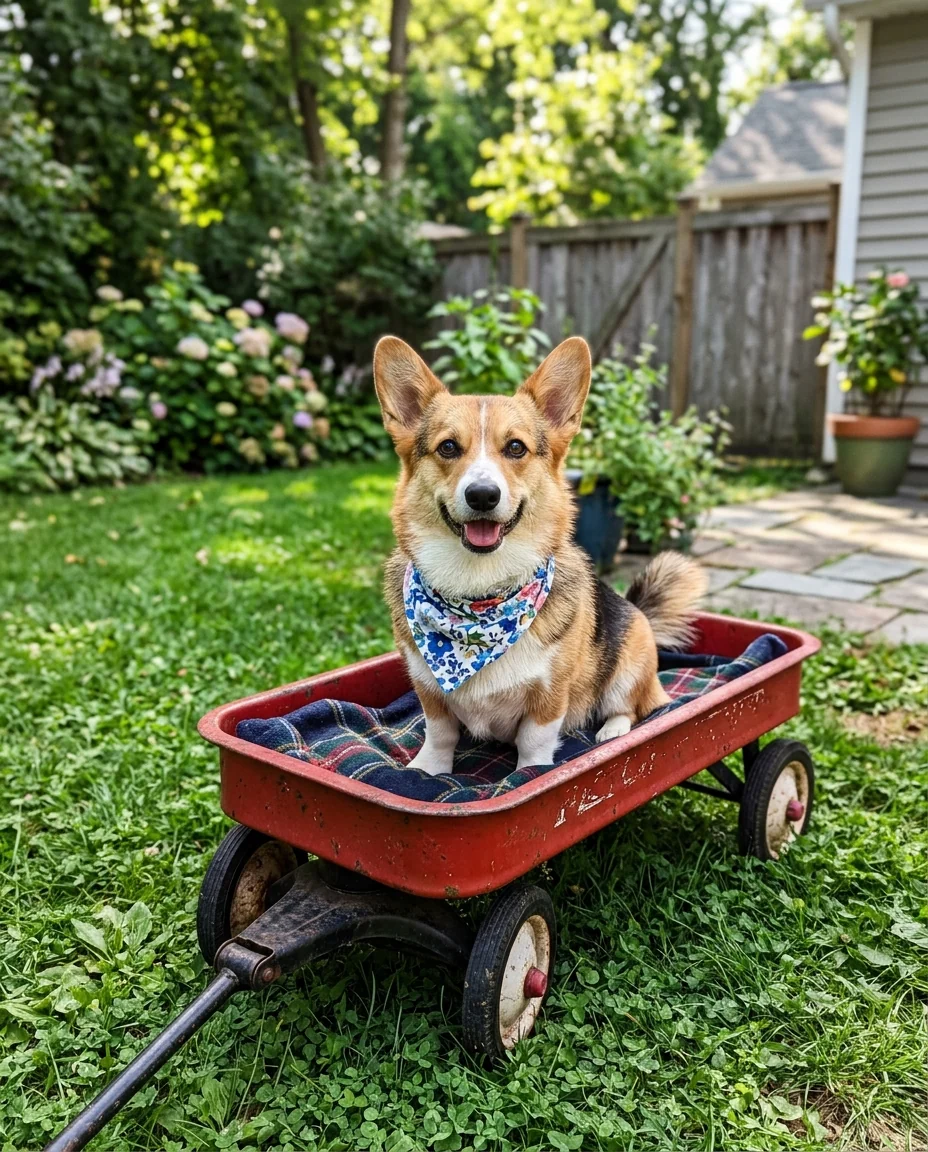
Corgi cartoon
What the cartoon generator keeps from your photo.
Still you
Recognizable features, hairstyle and clothing carry over.
Groups and pets
Family photos and animals work as well as selfies.
Your style
Add a note like "comic book" to steer the look.
Cartoon Generator from Photo, step by step.
01
Upload a photo
Selfies, groups and pets all work.
02
Add a style note
Optional: "comic book", "pastel colors".
03
Download
Save the cartoon.
Where a picture from the cartoon generator ends up.
- A profile picture that isn't a selfie
- You want an avatar for Discord, Slack or a gaming profile that still looks like you, without posting a plain photo of your face. Upload a head-and-shoulders selfie and use the cartoon on every account so friends recognize it.
- This year's family card
- Turn the family photo you already have into a cartoon for a holiday or New Year card. Upload one photo with everyone in it, then add the greeting in your card app before printing.
- A gift for a pet owner
- A cartoon of someone's dog or cat is a quick personal gift for a mug, a card or a small framed print. Pick a photo where the pet's face is clear and its markings show.
- A team or class page with one look
- When staff or class photos vary in quality, matching cartoon portraits make a team page or newsletter look planned. Run each person's photo with the same style note so the set looks consistent.
Cartoon Generator from Photo: best photos and fixes.
Photos that cartoon cleanly
Clear photos with good light and simple backgrounds give clean outlines and bright, flat color areas. Faces should be large enough to read features. Very dark or very busy photos produce cluttered cartoons with too many small shapes. Cropping close to the people or pet first gives a bolder, cleaner result.
Groups, families and pets
Family and group photos work, and each person keeps their hair, clothes and expression in cartoon form. Faces at the back of large groups become simplified. Pets come out well too, keeping their markings and colors. For a pet portrait, a photo at the pet's eye level with a clear face works best.
Changing the style
The default is a bold-outline cartoon with flat bright colors. You can steer it in the instructions: "thin outlines, pastel colors", "Saturday morning cartoon style", "simple webcomic style" or "children's book illustration". Keep to one style per run; mixing several gives a muddled look.
Profile pictures and invites
For a profile picture, a head-and-shoulders photo with a plain background gives a clean round crop. For party invitations, add a theme in the instructions, such as "with balloons and confetti", and leave space for text you will add later in a design app. Cartoon text from the model may have spelling errors.
If the likeness is lost
Cartoons simplify faces, so small features can change. Hair color, hairstyle, glasses and distinctive clothing are what keep someone recognisable; mention them if they change: "keep her red curly hair and green glasses". Regenerate once before switching photos. Freckles, dimples and a gap in the teeth are small features that make a cartoon feel personal; mention them if they vanish.
Stickers and merch
Cartoons make good stickers, mugs and t-shirts. Ask for a plain background, then remove it with the background remover to get a transparent PNG. Bold outlines and flat colors print well at small sizes. For a sticker sheet, generate each person or pet separately with the same style words.
Birthday invites and kids' rooms
A cartoon of a child in a favourite outfit or with a favourite toy makes a personal birthday invite or a print for a bedroom wall. The pose and setting of the photo are kept, so choose a photo that already shows the moment you want, such as blowing out candles or holding a new bike. Leave space around the child if you will add text later.
If colors look wrong
Flat cartoon colors simplify skin and hair, which can shift tones. If skin or hair color changes noticeably, name it: "warm brown skin, black curly hair". Lighting in the original photo affects colors too; daylight gives the most accurate base.
Cartoon generator questions about faces, groups and pets.
Can I cartoon a group or family photo?
Yes. Everyone in the photo is turned into a cartoon, and each person stays recognizable.
Can I change the cartoon style?
The default is a bright cartoon with bold outlines. Describe another look in the instructions box, such as 3D animated, comic book or flat vector.
Does it work on pets?
Yes. Dogs, cats and other pets turn into cartoon characters with their markings kept.
Is the Cartoon generator free?
Yes, you can try it free. New accounts get 25 free credits, and one generation here uses 9 credits. You sign in with your email; no card needed. Results have no watermark. After that, credit packs never expire, and your first one is half price.
Will my face change?
It is simplified into cartoon shapes, but hairstyle, hair color, glasses and clothing carry over so you stay recognizable. Running it again gives a new variation if the first one misses.
Can I use an old or low-resolution photo?
Yes, though a small or blurry face gives a simpler cartoon with fewer personal details. For a damaged print, repair it with [photo restoration](/tools/photo-restoration) first, then cartoon the result.
What files can I upload?
JPG, PNG or WebP, up to 8 MB. On a computer you can also scan a QR code to send the photo from your phone; the link works for 10 minutes.
How is this different from the 3D cartoon and caricature tools?
This one draws a flat 2D cartoon with bold outlines. [Photo to 3D cartoon](/effects/photo-to-3d-cartoon) looks like a still from an animated movie, and the [caricature generator](/effects/caricature-generator) exaggerates features for comic effect.
Who owns the cartoon?
You own the images you generate as far as the law allows, and you keep the rights to the photo you upload. Only cartoon other people's photos if they are happy for you to.
Are my photos used to train AI?
No. Photos, prompts and results are not used to train AI models. Results stay in My files for 48 hours, or 30 days once you've bought a credit pack, and you can delete them sooner.
Try these prompts
Guides on the blog.
 Caricature gift ideas for birthdays, weddings and farewellsA friendly caricature is a personal, funny gift that people keep. Ideas for retirements, birthdays, weddings, teams and families, and how to make one from a photo.
 6 ways to turn a photo into artHand-painted anime, pencil sketch, oil portrait, cartoon and caricature: six styles, which photos suit each, and real results.
 Lensa AI alternatives for avatars and stylized portraitsLensa's Magic Avatars started a wave of AI self-portraits. Alternatives for 3D, anime, painted and headshot-style avatars, and how to get good results from one selfie.

