Add Santa Hat to Photo
A Santa hat that fits the head, on people and pets.
Drop a photo
or paste with ⌘V · JPG · PNG · WebP · up to 8 MB
No photo handy? Try one of ours.
More like this.


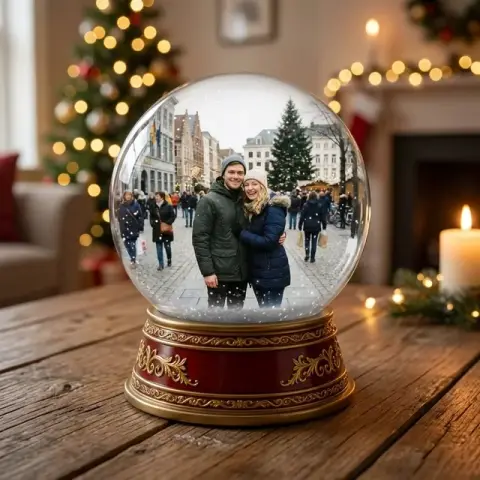

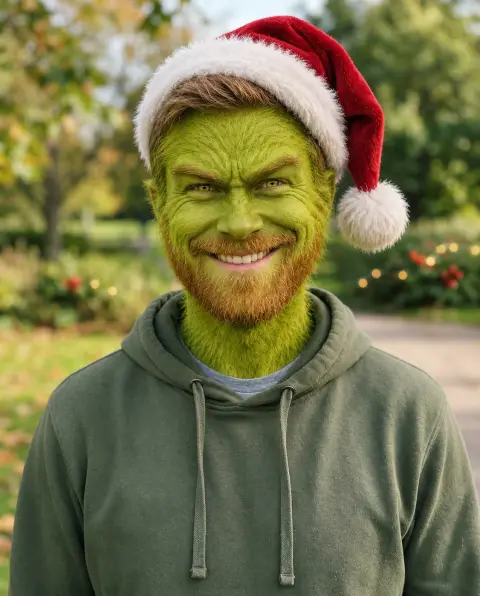
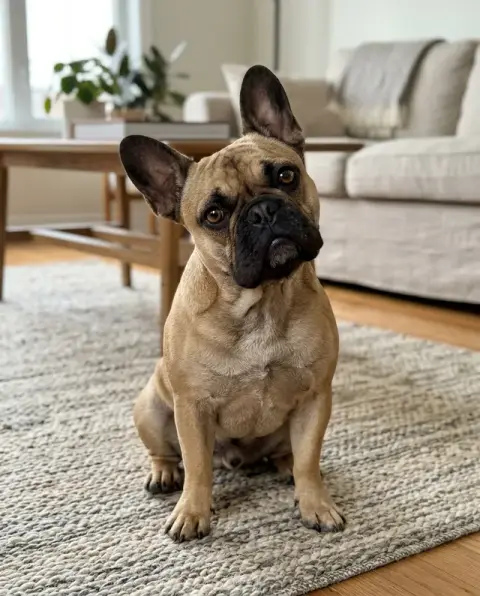
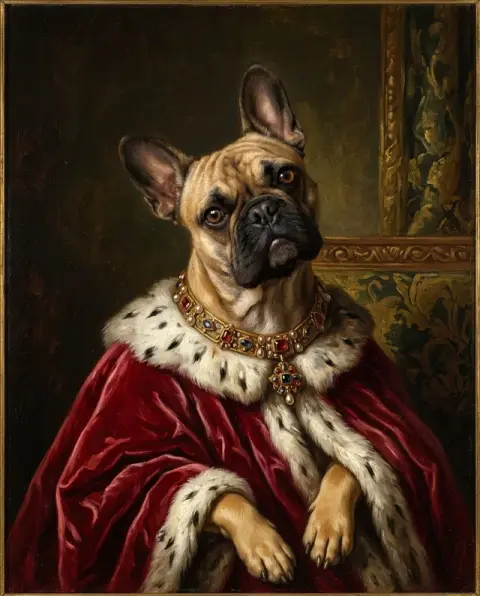

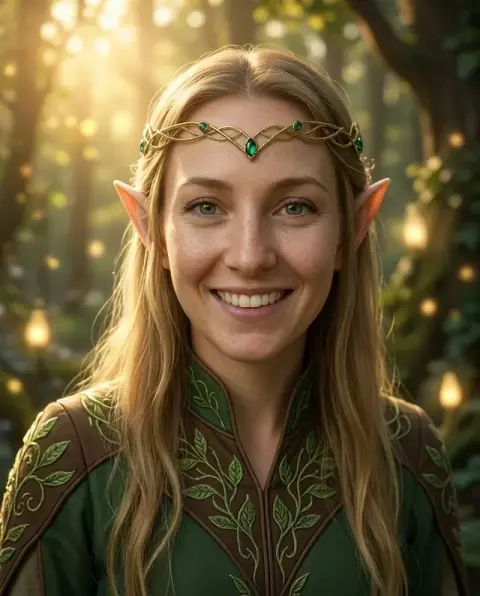
A man, a dog and two sisters after Add Santa Hat to Photo.
Real results from this page's default settings in one click, not retouched.How examples are made


Santa hat
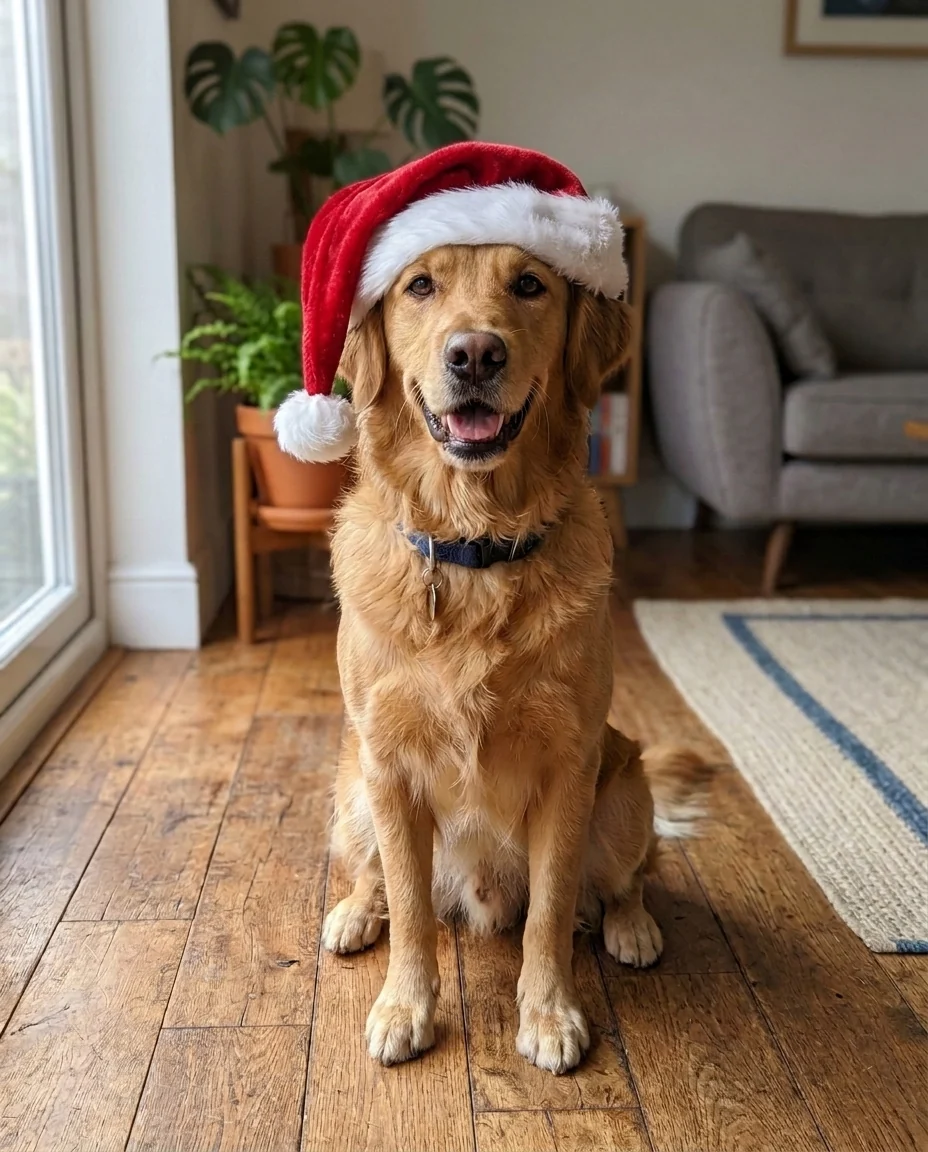
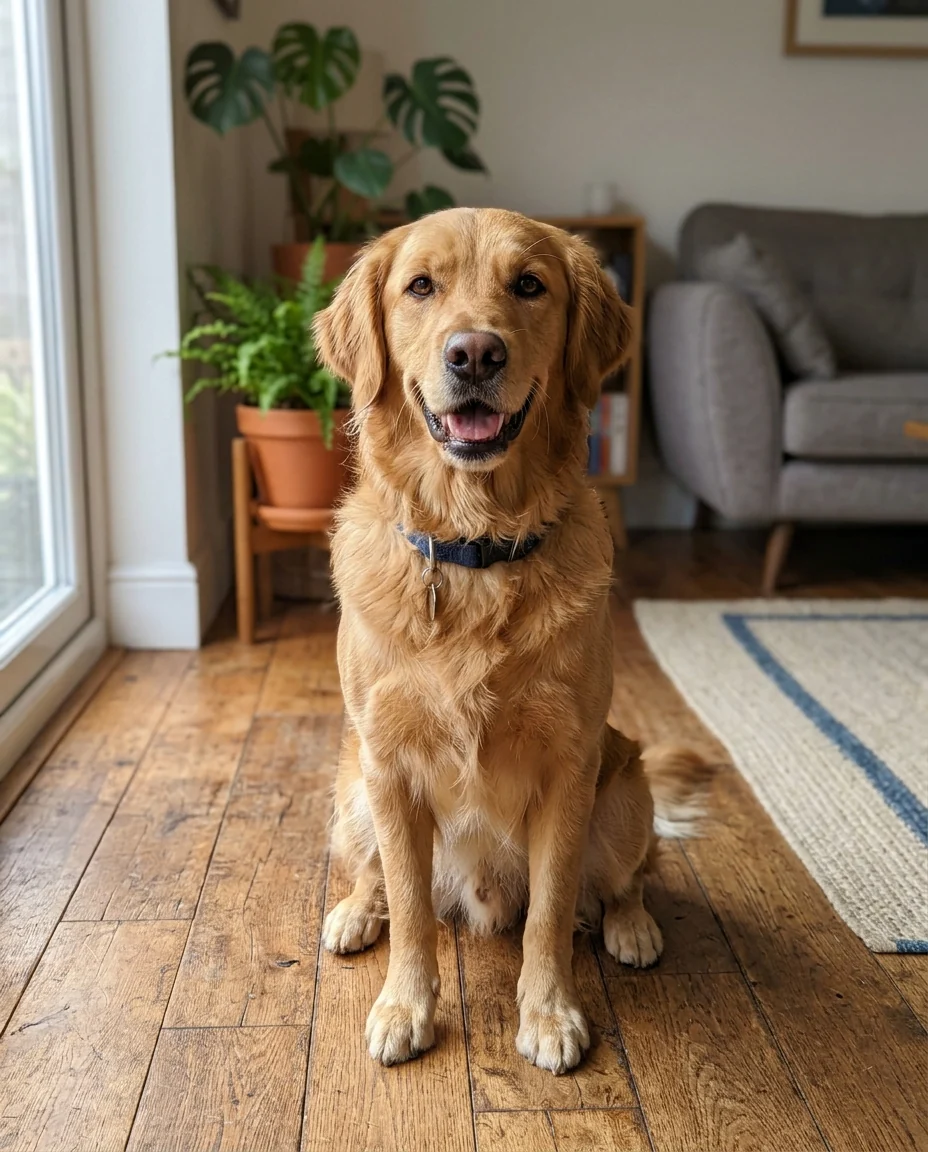
On a dog
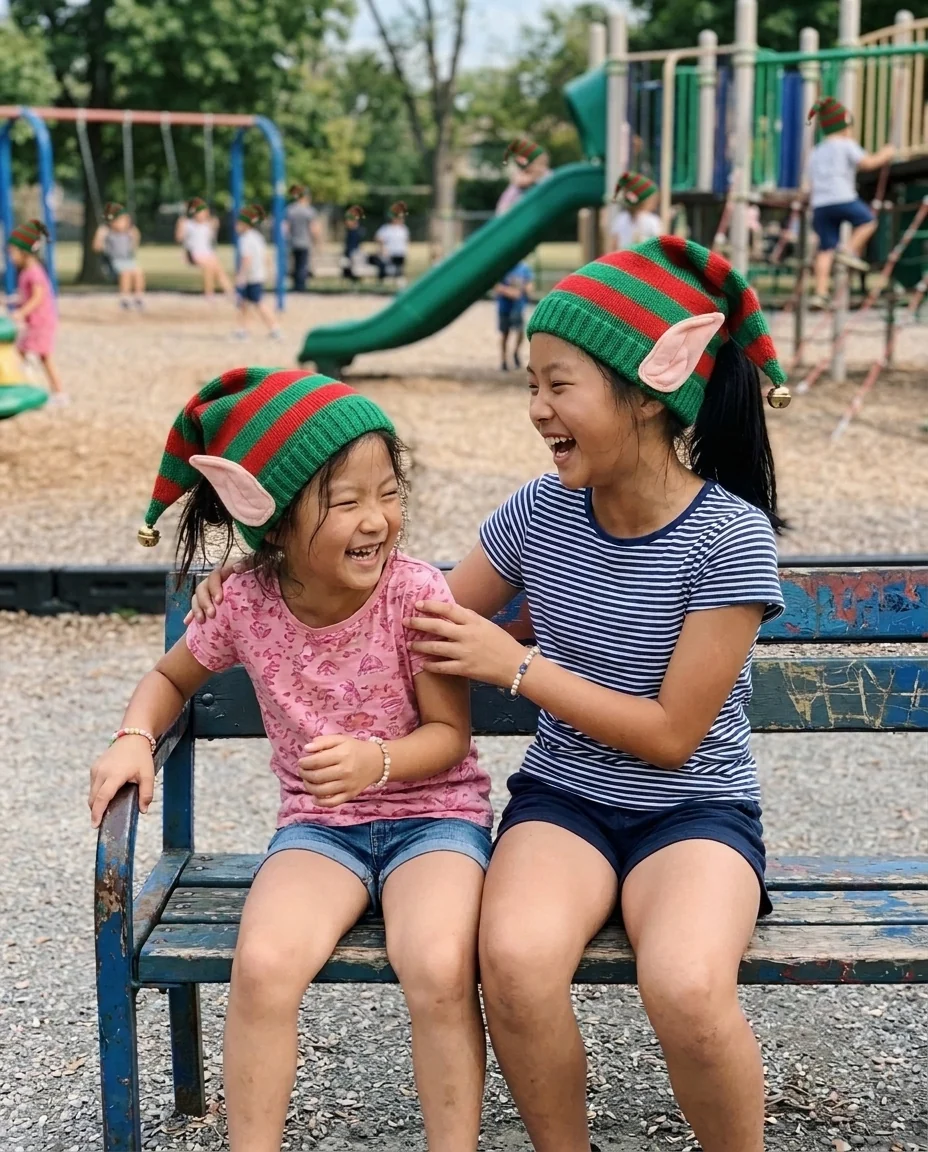
Elf hats
How Add Santa Hat to Photo fits a hat to each head.
Fits the head
Size, tilt and perspective follow each head.
People and pets
Dogs, cats and groups each get their own hat.
Three hats
Santa hat, elf hat or reindeer antlers.
Add Santa Hat to Photo, step by step.
01
Upload a photo
Heads should be visible, not cut off at the top.
02
Pick a hat
Santa, elf or reindeer.
03
Download
Use it as a profile picture or card.
What people make with Add Santa Hat to Photo in December.
- A December profile picture
- Swap your Slack, WhatsApp or Instagram picture for the holidays without taking a new photo. Run your current avatar so friends still recognise you, then switch back in January.
- The dog who won't wear a hat
- A real Santa hat stays on a puppy for about two seconds. Upload a photo you already have of your dog or cat looking at the camera and post the festive version instead.
- A last-minute Christmas card
- You have no holiday photo, only a nice one from the summer. Add hats to everyone, then turn it into a card with the [Christmas card generator](/generators/christmas-card-generator).
- An office holiday post
- A team photo from the last offsite becomes a holiday post for the company page. Pick Santa hats for everyone, or elf hats for a lighter tone.
Add Santa Hat to Photo: best photos and fixes.
Leave room above the head
The hat needs space to sit on the head and flop over. A crop that cuts off the top of the head leaves nowhere to put it, so the hat gets squeezed or cut off at the edge. Selfies taken at arm's length usually have enough room; tightly cropped profile pictures may need a wider version of the same photo.
Santa, elf or reindeer
Santa gives the classic red hat with a white fur trim and pom-pom. Elf gives a pointed green hat, often with a bell or stripes. Reindeer gives a headband with antlers, which works well on pets and children. Run the same photo with two or three hats to pick the one that suits a card or a profile picture best.
People and pets
The hat is shaped to the head, so it sits differently on a person, a dog with floppy ears or a cat. Pets look best when they are looking at the camera and their head is clearly visible. On dogs with large ears, the hat sits between them; if it covers an ear you want visible, write "ears outside the hat".
Group photos
Everyone with a visible head gets a hat by default. To choose, say who: "Santa hat on the child only" or "reindeer antlers on the dog, Santa hats on the people". Small faces at the back of a large group get smaller hats that can look simplified, so crop closer if those people matter most.
If the hat looks stuck on
A hat that floats above the hair or has the wrong lighting usually comes from a busy background or very bright flash. Use a photo with softer, even light, and regenerate once. Writing "the hat sits snugly on the head, hair tucked under the trim" helps it look worn. Glasses, earrings and the rest of the photo stay as they are.
Hats on babies and toddlers
Babies' heads are rounder and smaller, so a full-size Santa hat can swamp the face. Ask for "a small baby-sized Santa hat" so it sits above the eyebrows rather than over the eyes. A sleeping baby works well too: the hat is placed as if it were resting on the head. Photos with a plain blanket or background keep the focus on the face and hat.
Team and company profile pictures
For a festive team page, use everyone's existing profile photo and run each one with the same hat, so the set looks consistent. If some photos are tightly cropped, the hat may be cut off at the top; using the original, wider photo for those people avoids that. Swap the pictures back after the holidays from the same originals.
Add Santa hat to photo: questions about pets, files and cards.
Does it work on group photos?
Yes. Every person and pet in the photo gets a hat. Write "only on the dog" to limit it.
Can I choose a different color?
Yes. Write it in the instructions, for example "a blue Santa hat".
Will the rest of the photo change?
No. Only the hat is added; faces, clothing and background stay the same.
Is the Add Santa hat free?
Yes, you can try it free. New accounts get 25 free credits, and one generation here uses 9 credits. You sign in with your email; no card needed. Results have no watermark. After that, credit packs never expire, and your first one is half price.
Does it work on old or low-quality photos?
Yes. The hat is matched to the photo's light and grain, so it suits older snaps. Very small or blurry heads get a simpler hat.
Can I add Santa himself instead of a hat?
Yes, with [add Santa to photo](/effects/add-santa-to-photo), which puts Santa into the scene next to you.
Can I add snow or a Christmas background too?
Use [add snow to photo](/effects/add-snow-to-photo) for falling snow, or the [Christmas photo editor](/effects/christmas-photo-editor) for decorations and a festive scene.
Can I print it on a card?
Yes. Downloads have no watermark, and you own the result as far as the law allows. Upload the largest version of the photo you have for printing.
What files can I upload?
JPG, PNG or WebP, up to 8 MB. On a computer you can scan a QR code to send a photo from your phone; the link works for 10 minutes.
Are my photos kept?
Results stay in My files for 48 hours, or 30 days once you've bought a credit pack, and you can delete them sooner. Photos are not used to train AI models, and a failed run is refunded automatically.