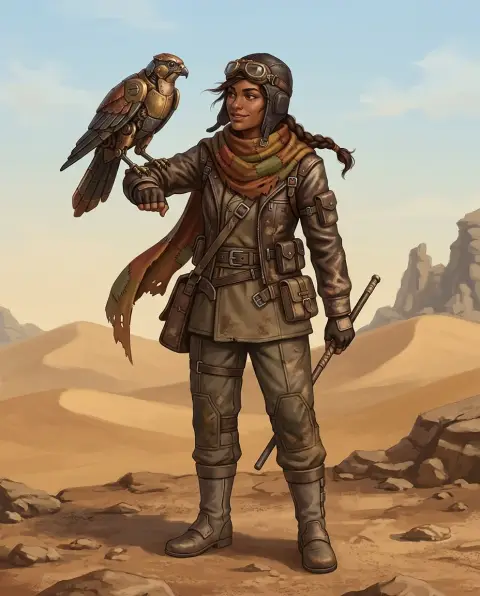
Elf Generator
Fantasy elf or Christmas elf: you choose.
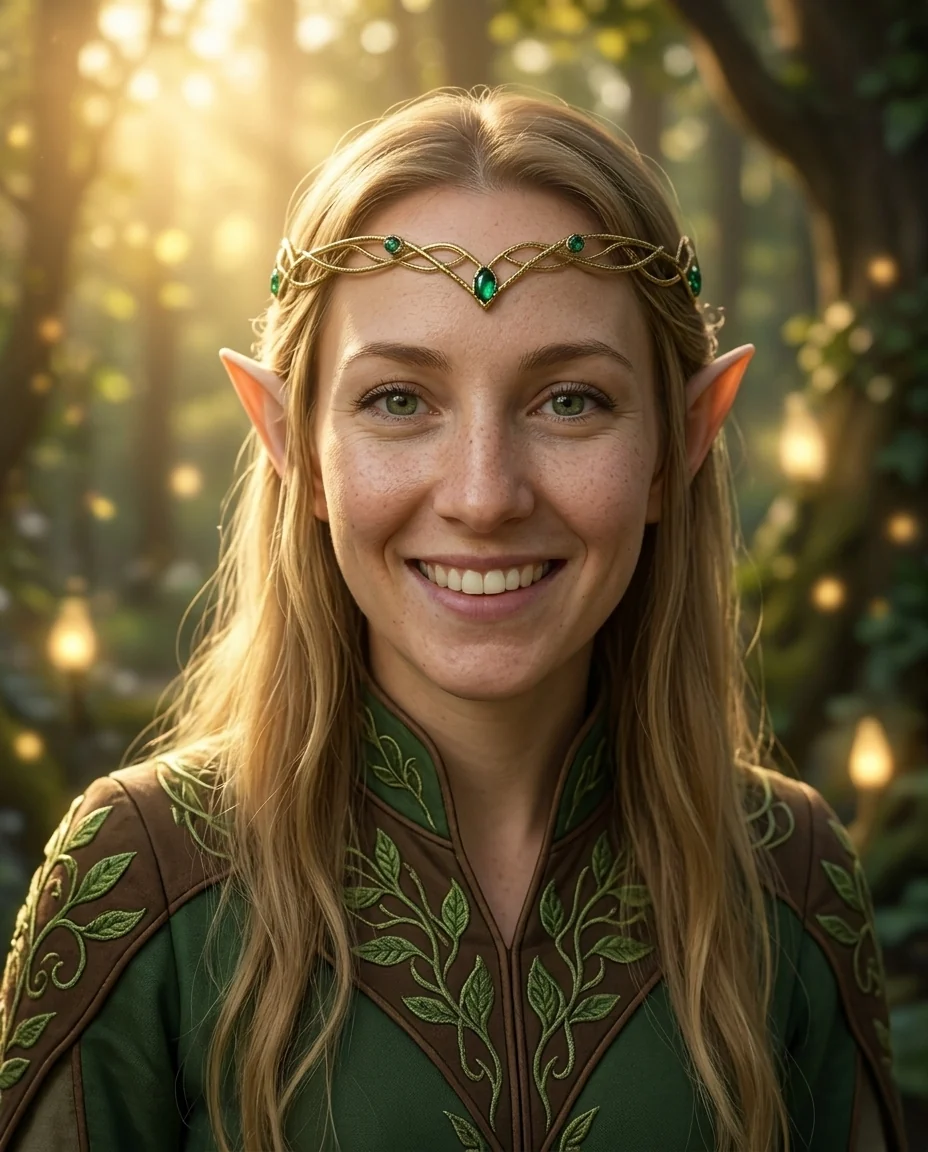 Example output
Elf Generator examples.
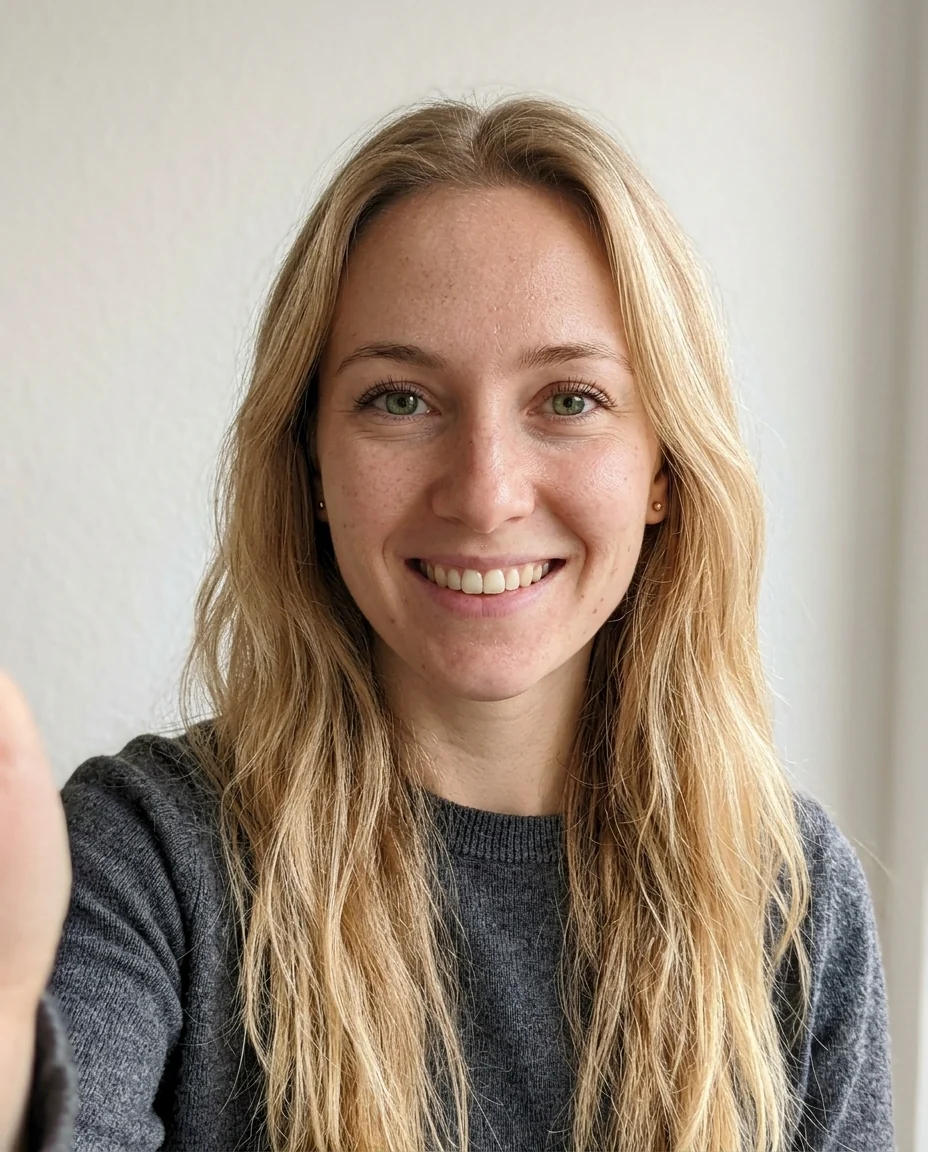
Fantasy elf from a selfie
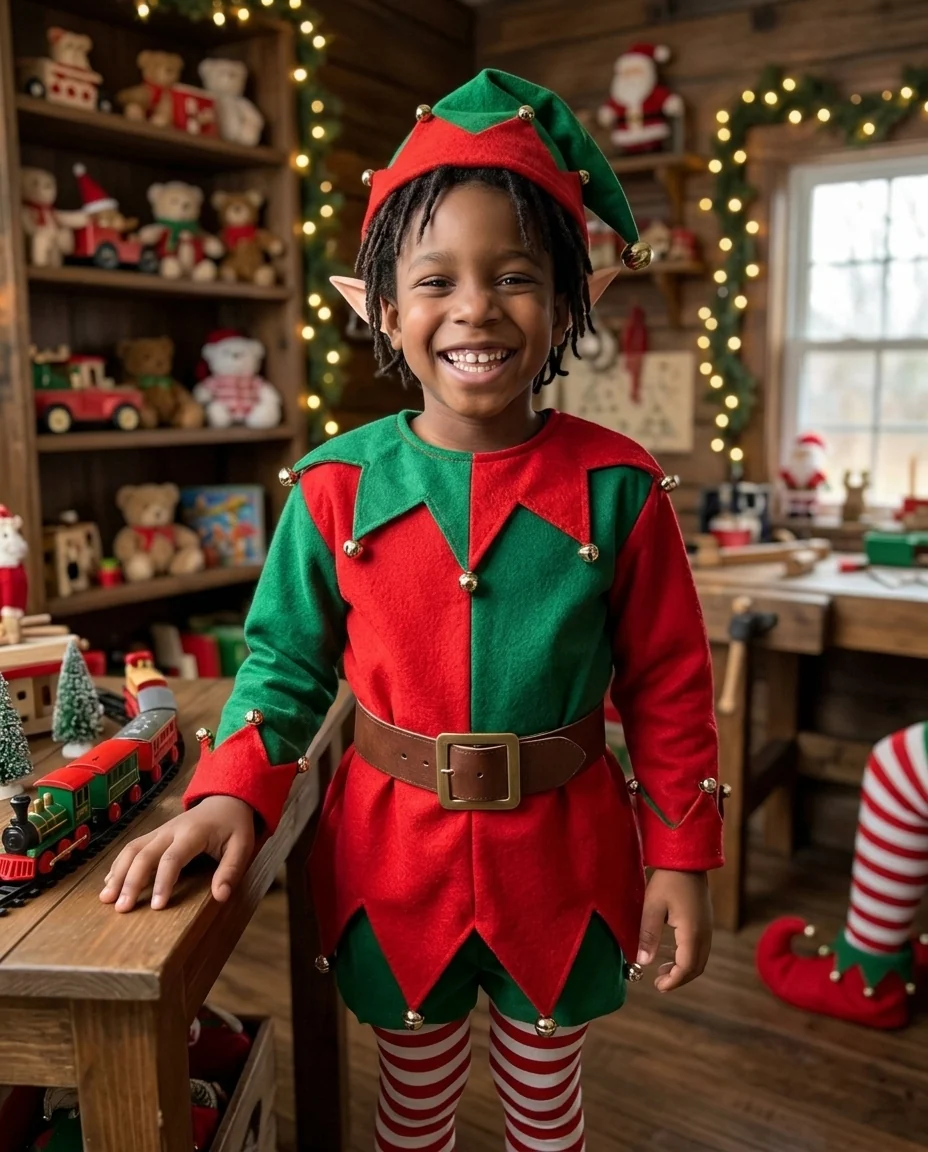
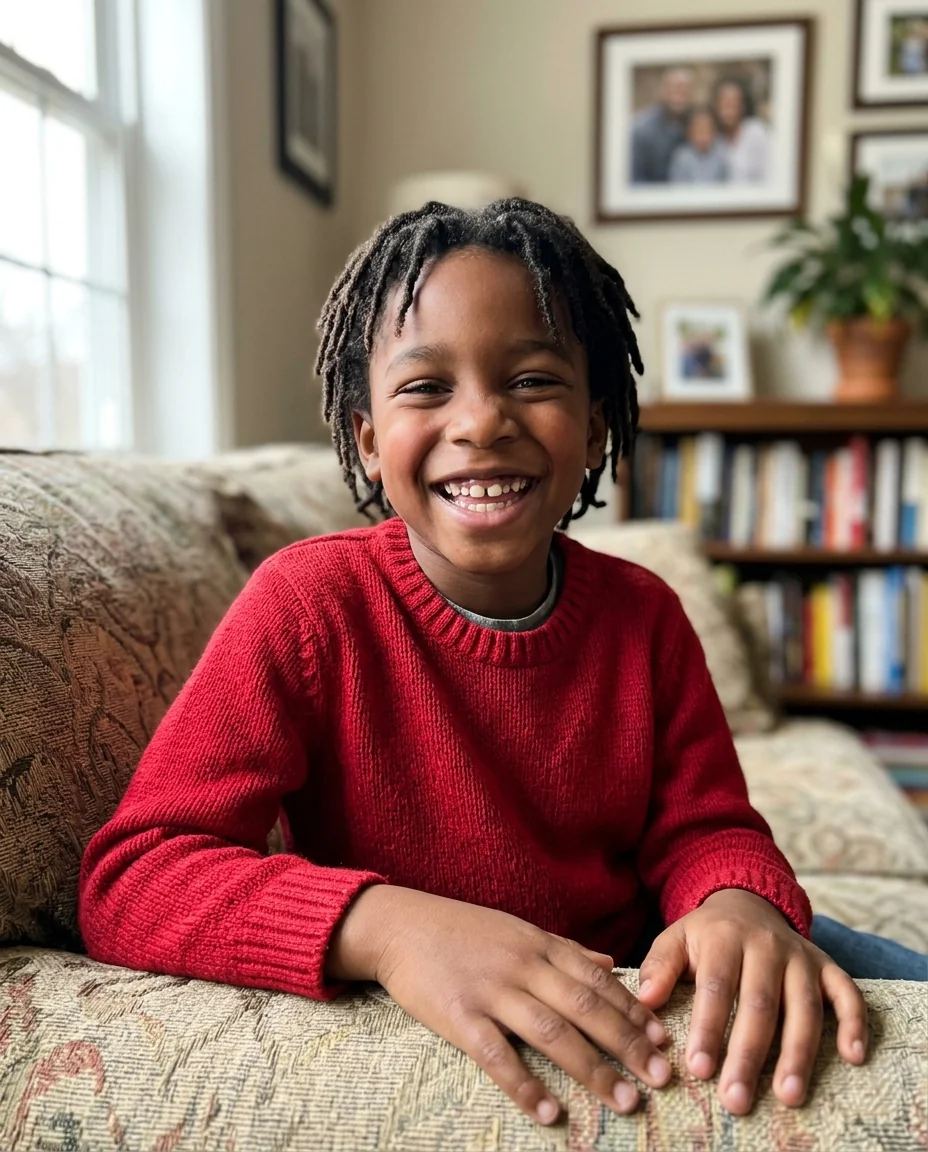
Christmas elf
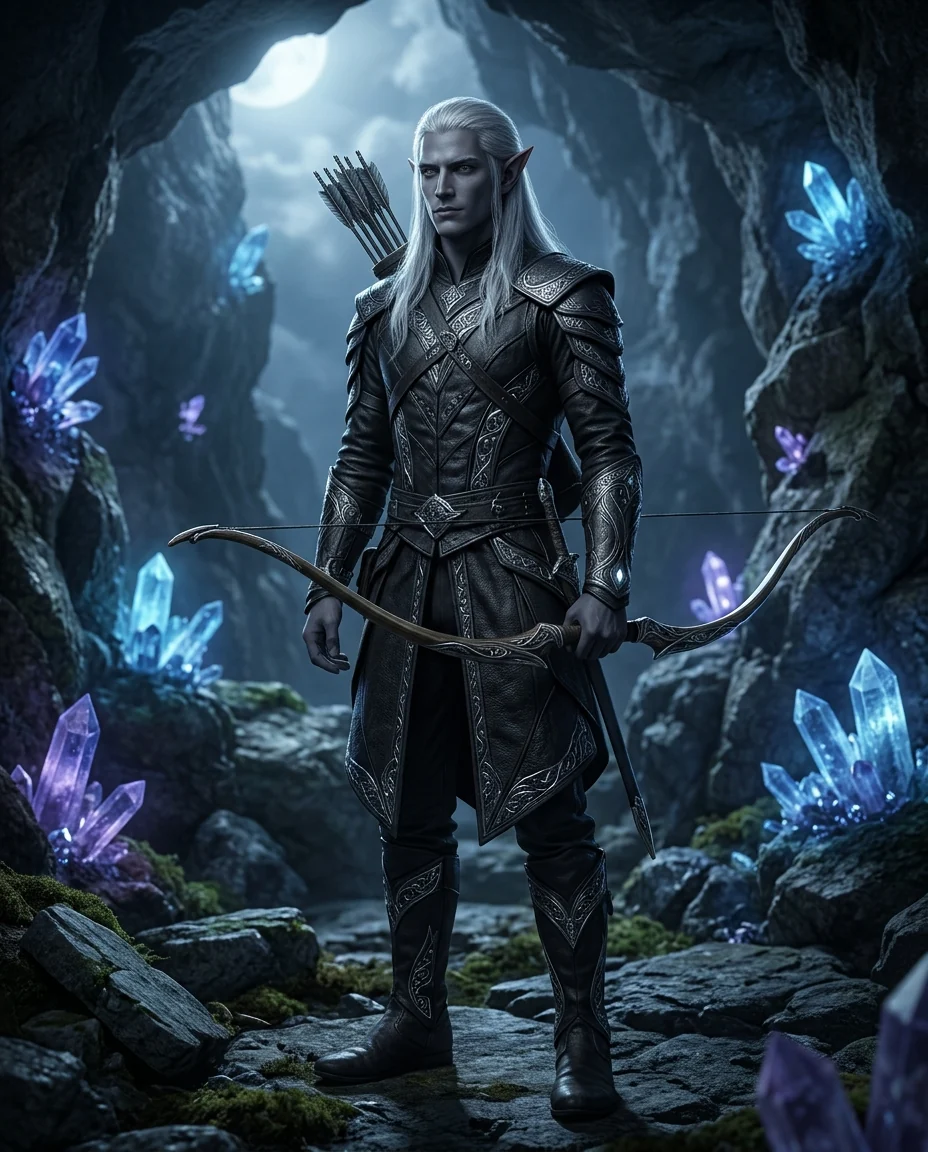
Dark elf
Elf Generator features.
Three kinds of elf
Fantasy, Christmas or dark elf.
From your photo
Your face, with pointed ears and an elf outfit.
Or from a description
Design an elf character from scratch.
Elf Generator, step by step.
01
Upload a selfie
Or describe an elf.
02
Pick an elf
Fantasy, Christmas or Dark elf.
03
Download
Use it for a card, avatar or character.
Elf Generator use cases.
- Christmas cards
- Turn the whole family into Christmas elves.
- Fantasy avatars
- An elf version of you for games and Discord.
- Characters
- Elves for stories and tabletop games.
Elf Generator: best photos and fixes.
Selfies that work
A clear, front-facing selfie with your ears and hairline visible gives the most natural elf ears. Long hair covering the ears is fine; the ears are added poking through. Even light keeps your eye color and skin tone right. Hats and hoods are usually replaced by the elf outfit, so they don't need to come off. A photo with the hair tucked behind one ear shows the ear shape and gives the cleanest result.
Choosing an elf
Fantasy elf is graceful, with long pointed ears, embroidered clothes and a forest setting. Christmas elf is cheerful, with small pointed ears, a red and green outfit and Santa's workshop. Dark elf is dramatic, with leather armor and a moonlit cave. For children and family cards, Christmas elf is a popular pick.
Describing an elf from scratch
Without a photo, describe the elf in a few words: "a tall dark elf ranger with silver hair and a longbow". A role, a weapon or tool, and one feature like hair or eye color give a clear design. Personality words such as "mischievous" or "wise" change the expression.
Family and group cards
Run each person separately with the same elf type, then put the pictures together on a card. That keeps each face large and recognizable. Kids are especially fun as Christmas elves. Pets work too: upload a pet photo and write "my dog as a Christmas elf"; results with animals vary, so check them. For a card, keep the same scene wording so the elves share a background.
Style and realism
Results are photorealistic by default, like a costume photo. For a drawn look, add it to the description: "as a painted fantasy illustration", "in anime style". The elf ears, outfit and setting stay, only the drawing style changes.
Related tools
The christmas filter adds festive looks to photos, and add santa hat to photo puts a hat on anyone. The character generator designs any fantasy character, and the avatar generator makes profile pictures in many styles. For a Christmas card layout, use the christmas card generator.
Elf Generator FAQ.
Can I use someone else's photo?
Use photos of yourself, or of people who are happy for you to edit their picture. Don't use the result to mock, embarrass or deceive anyone.
Do I need a photo?
No. Describe an elf and one is created from scratch; with a photo your face stays recognizable, with pointed ears added.
Can kids be Christmas elves?
Yes. Christmas elf is made for family photos and cards.
Can I get a drawn version?
Yes. Add "as a painted fantasy illustration" or "in anime style"; the elf ears and outfit are kept.
Is the Elf generator free?
Yes, you can try it free. New accounts get 15 free credits, and one generation here uses 13 credits. You sign in with your email; no card needed. Results have no watermark. After that, plans add credits every month and credit packs never expire.