Pregnant AI Generator
Picture your bump at different stages, on your own photo.
Drop a photo
or paste with ⌘V · JPG · PNG · WebP · up to 8 MB
No photo handy? Try one of ours.
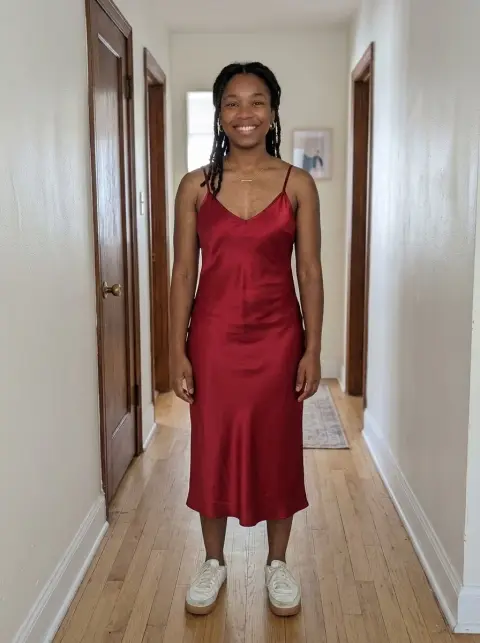
Pregnant AI Generator examples.
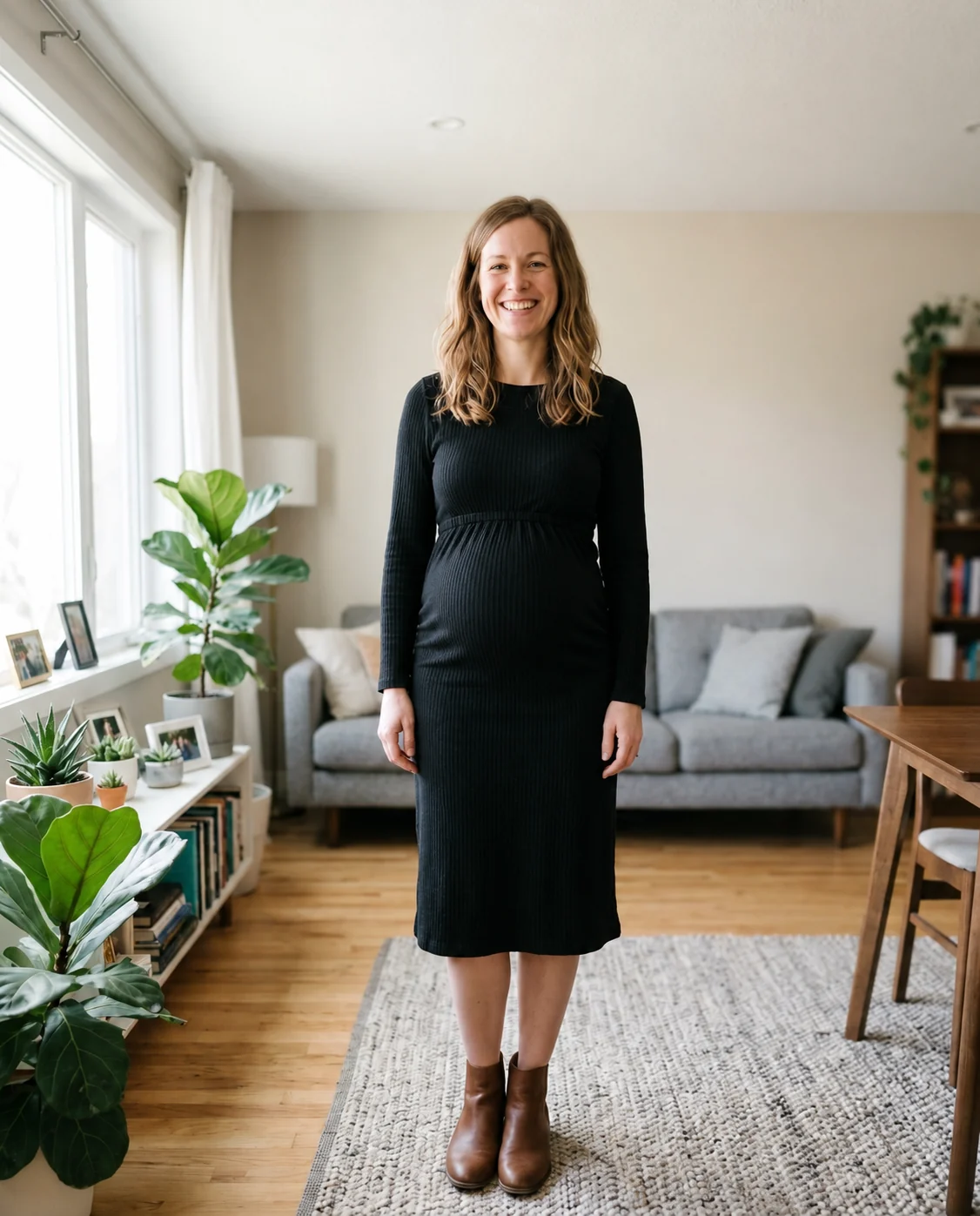
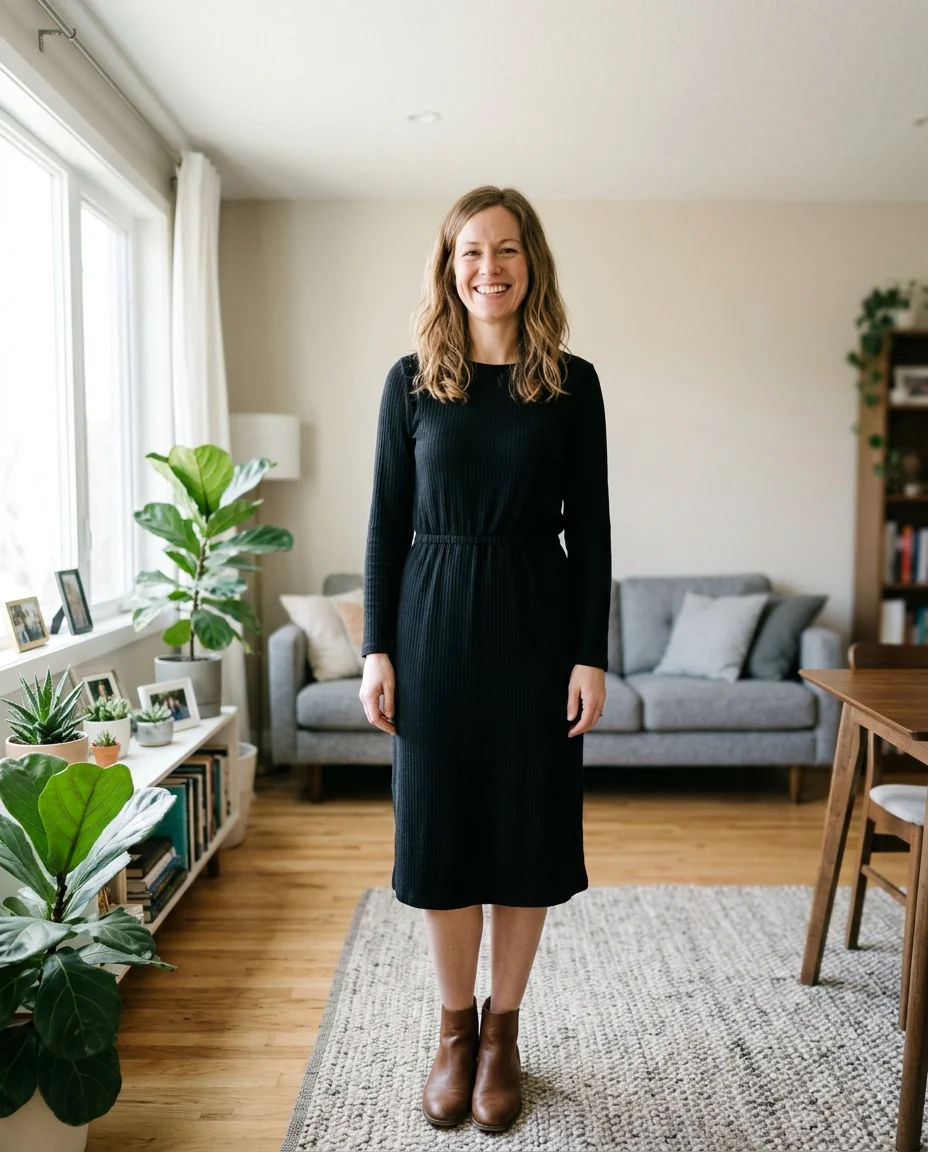
7 months
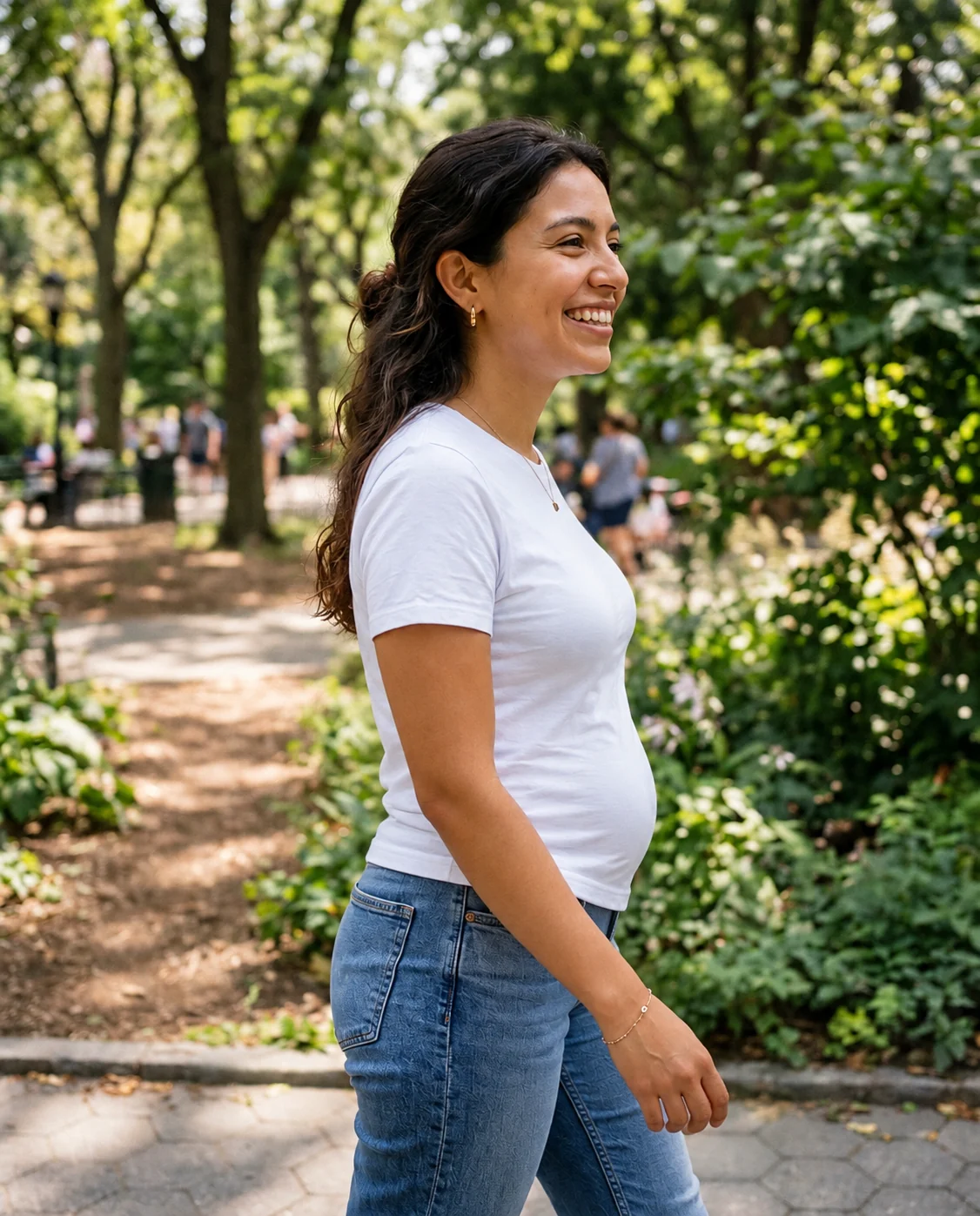
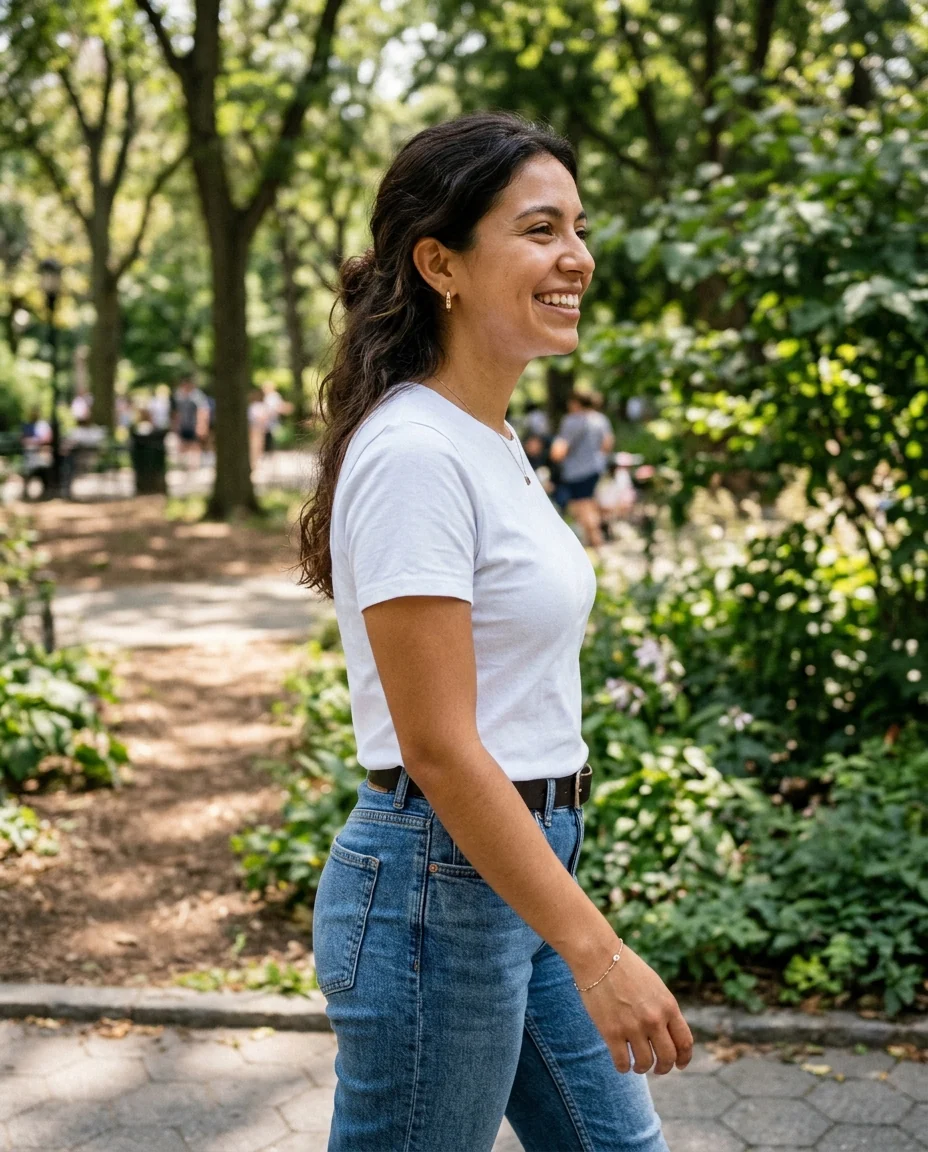
5 months
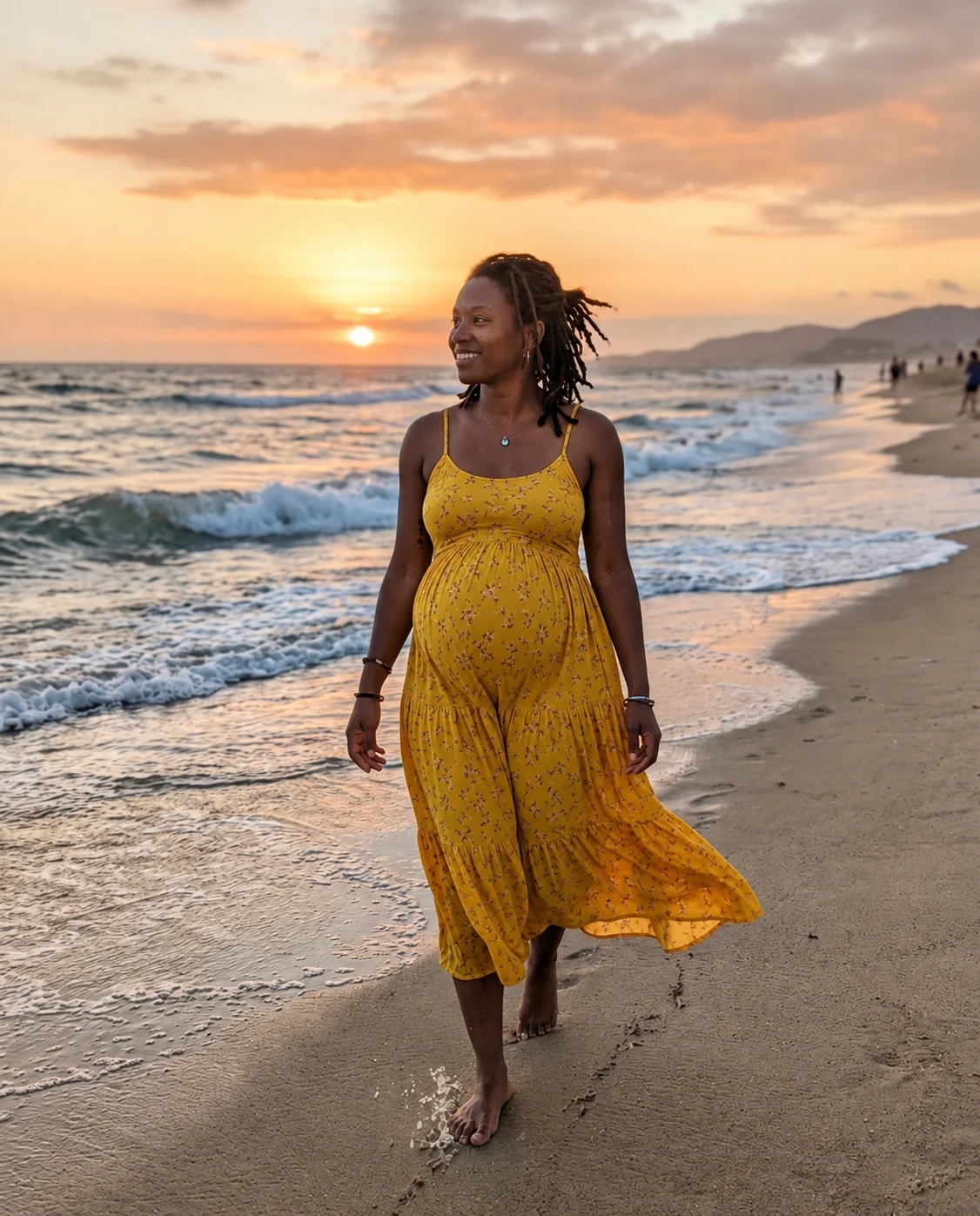
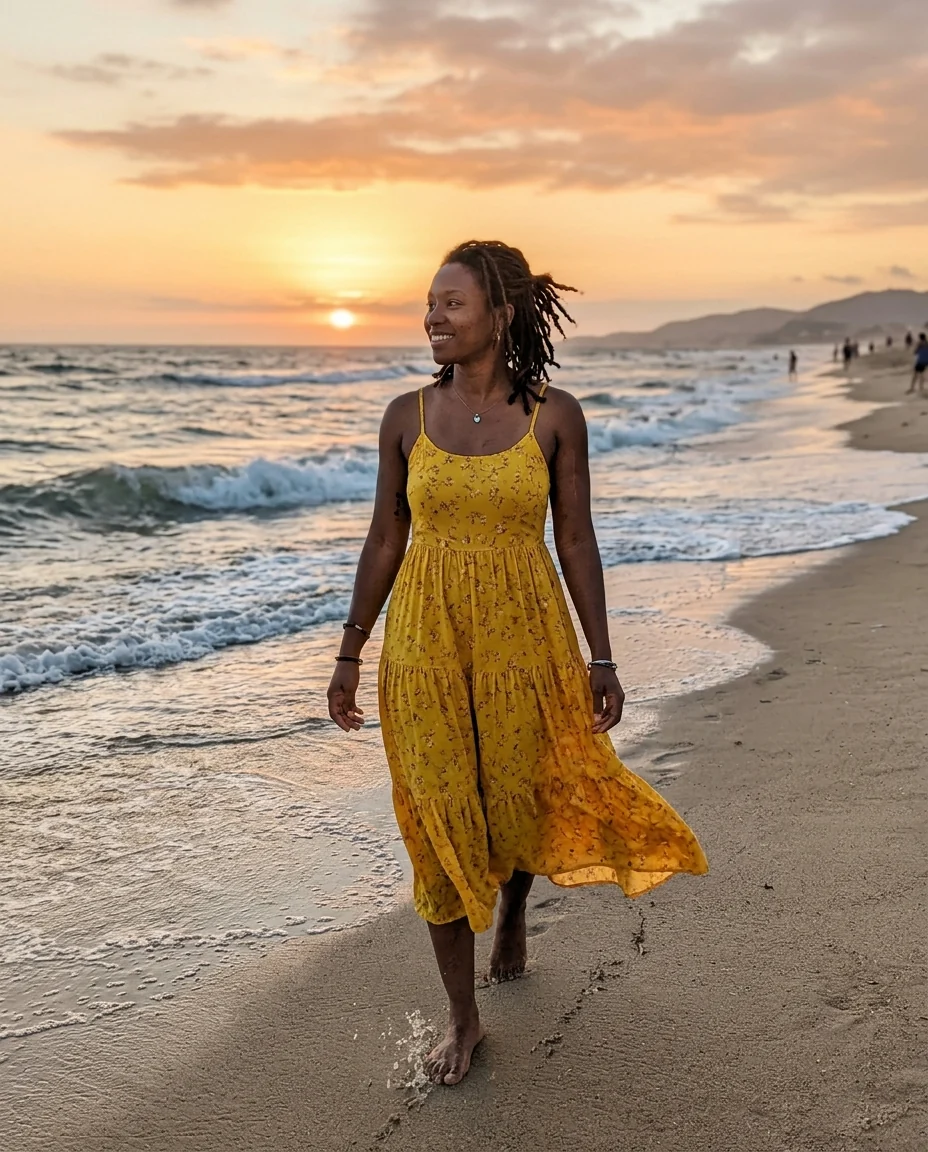
9 months
Pregnant AI Generator features.
Three stages
About 5, 7 or 9 months.
Your photo kept
Face, pose and background stay.
Natural fit
Clothes stretch and drape over the bump.
Pregnant AI Generator, step by step.
01
Upload your photo
Standing, full-length or waist-up.
02
Pick a stage
5, 7 or 9 months.
03
Download
Keep it private or share it with your partner.
Pregnant AI Generator use cases.
- Imagining the future
- Picture yourself expecting.
- Maternity shoot ideas
- Test outfits and poses before a shoot.
- Couples
- Imagine the future together.
Pregnant AI Generator: best photos and fixes.
Photos for a realistic bump
Standing photos where the belly area is visible give the most natural result: full-length or waist-up, facing the camera or turned slightly to the side. A side or three-quarter angle shows the bump's shape best. Fitted clothing shows the bump clearly; loose dresses drape over it. Seated photos and photos where the belly is hidden behind a bag or a table give the tool little to work with.
Choosing a stage
5 months is when a bump is just showing. 7 months is clearly round. 9 months is full and round, close to the due date. Every body carries differently, so the same stage can look small on a tall frame and larger on a petite one. Try two stages and compare them with the slider.
Lighting and background
The bump is lit to match the photo, so soft daylight from a window or outdoors gives the most natural shading. Harsh flash flattens the shape and makes it harder to read. Busy patterned clothing hides the curve; plain fabrics show it best. If the background is cluttered around your waist, such as a chair or a bag, the bump may be drawn smaller to fit around it, so stand clear of furniture.
Clothes and maternity looks
Clothes stretch and drape over the bump as they would in real life, so a fitted knit dress hugs it and a shirt pulls slightly at the buttons. To see a maternity outfit, write it: "in a fitted maternity dress", "hands resting on the bump". The clothes changer can then try a specific dress from a store on the result.
Planning a maternity shoot
A preview is useful to plan poses, angles and outfits before a maternity photo shoot. Try side profile, hands on the belly and a flowing dress outdoors, and compare. Light from the side shapes a bump best. When you book the shoot, show your photographer the poses you liked.
Related tools
To imagine what a baby might look like, the baby generator combines a photo of each parent. The baby filter shows you or your partner as a baby. For a full new outfit, use the clothes changer, and for a soft, glowing portrait look, run the beauty filter on the result.
Pregnant AI Generator FAQ.
Can I use photos of other people?
Only with their permission. Use your own photos or photos of people who agreed to it, and don't use results to deceive or embarrass anyone.
Will my face change?
No. Your face, expression, pose and background are kept; the belly is added and your clothes stretch over it.
Can I choose how far along?
Yes. Pick about 5, 7 or 9 months.
Is the Pregnant AI generator free?
Yes, you can try it free. New accounts get 15 free credits, and one generation here uses 9 credits. You sign in with your email; no card needed. Results have no watermark. After that, plans add credits every month and credit packs never expire.