Baby Generator
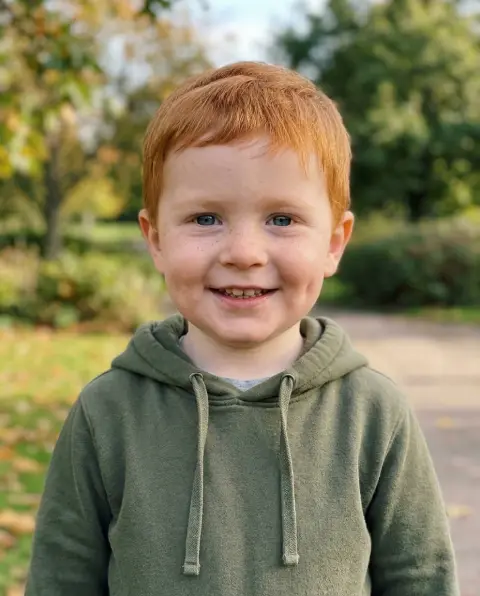
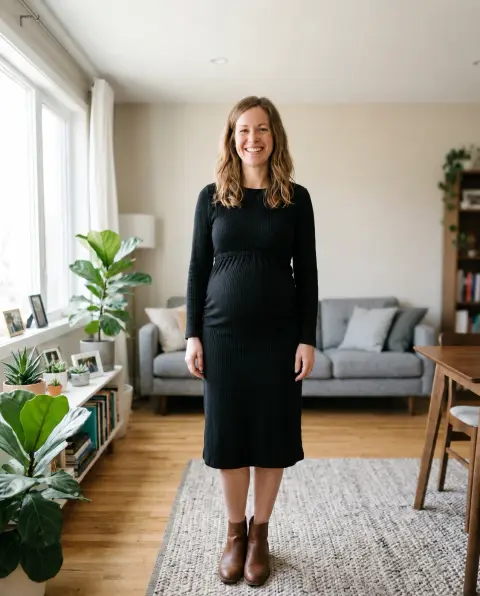
A photo of each parent in, a baby with both of you out.
Parent 1
Parent 2
or paste with ⌘V · JPG · PNG · WebP · up to 8 MB
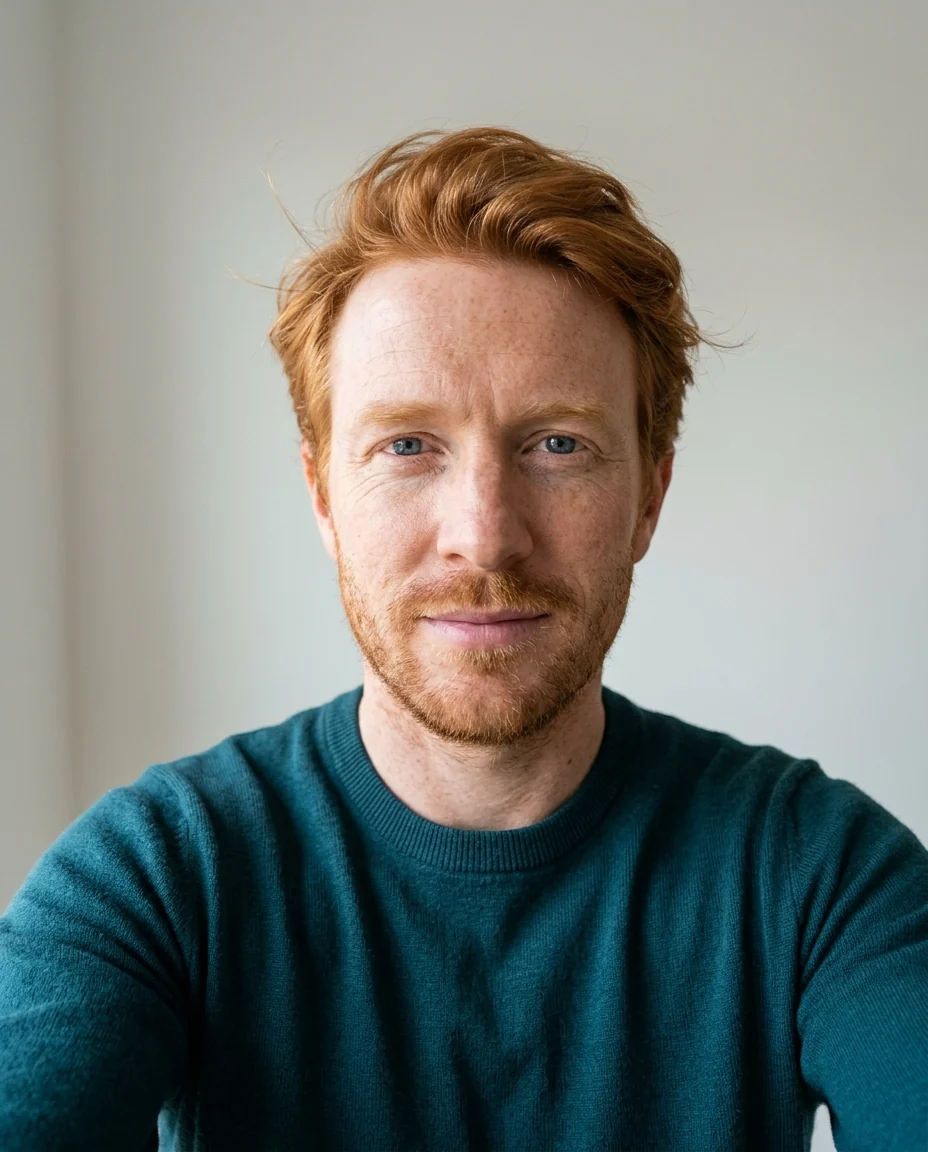
Baby Generator examples.
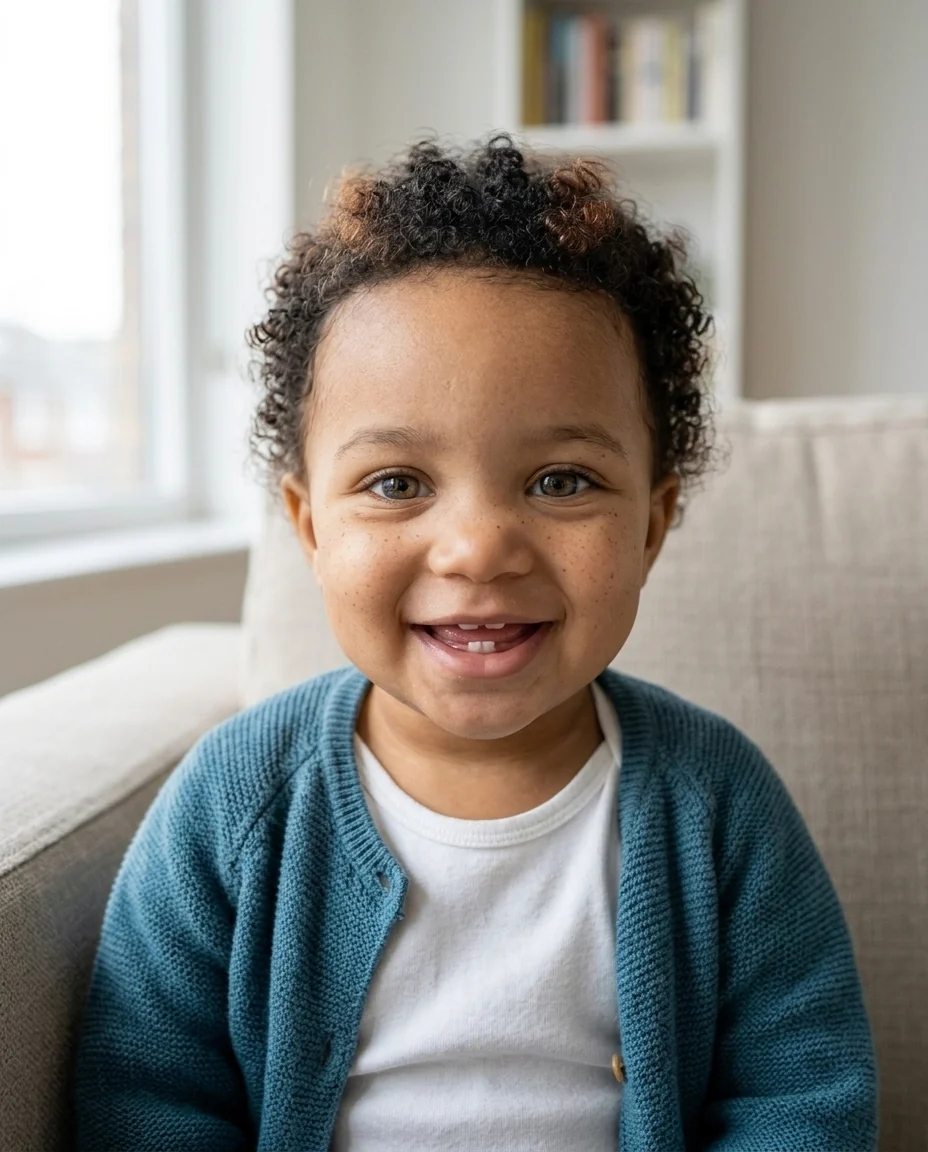
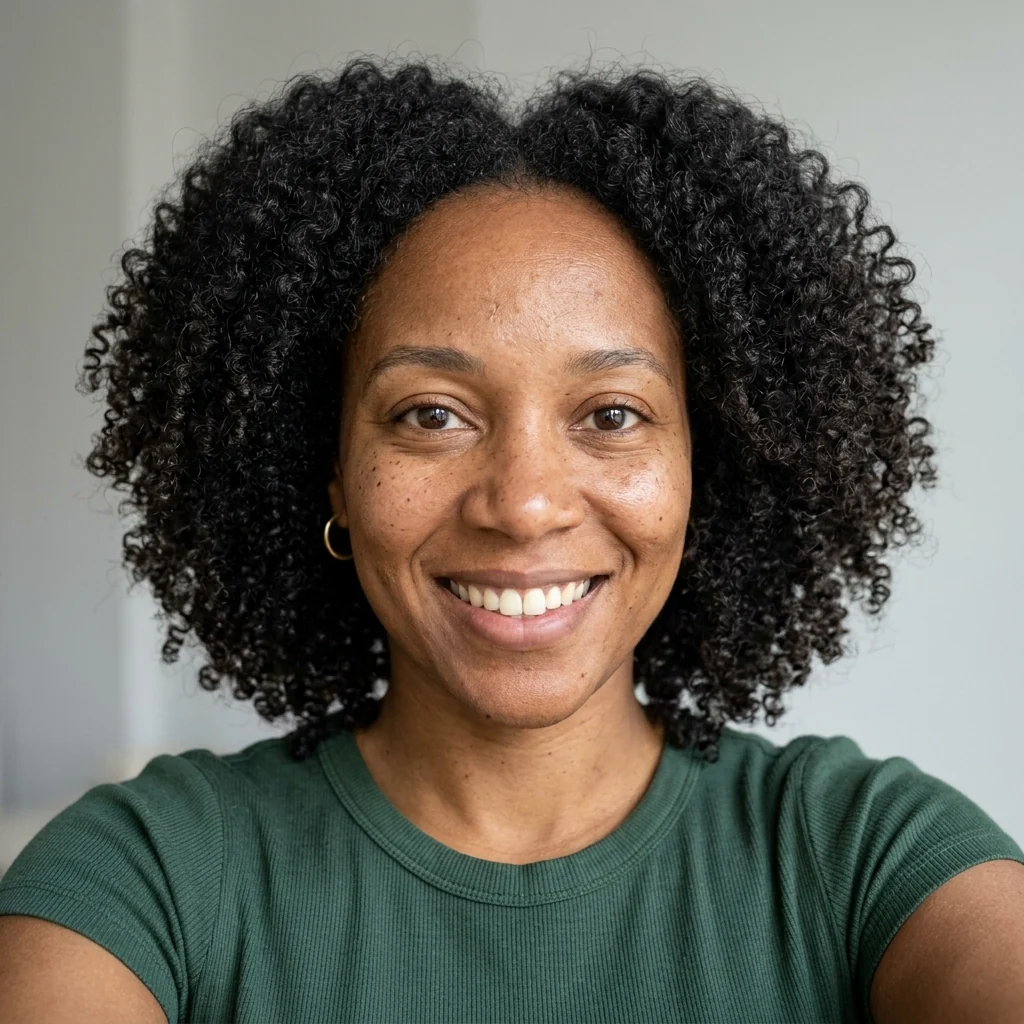
Girl
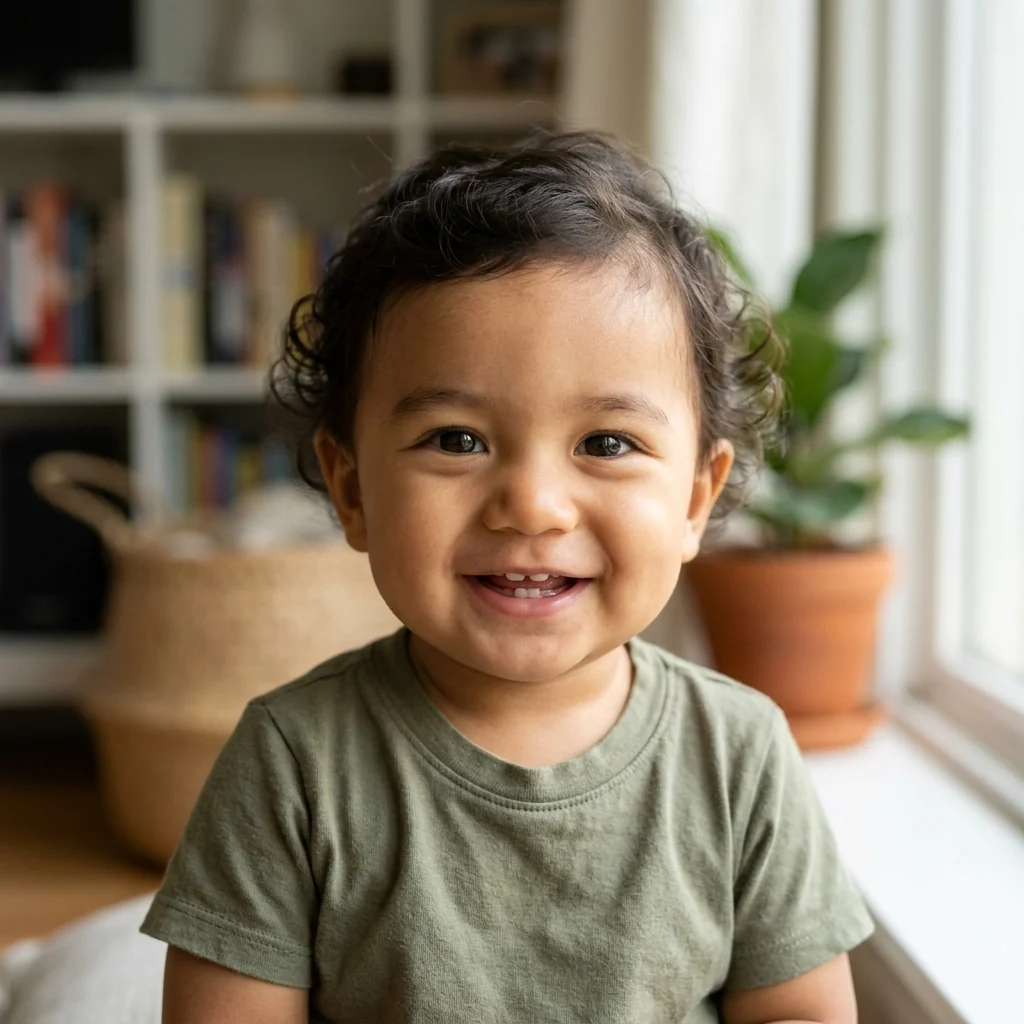
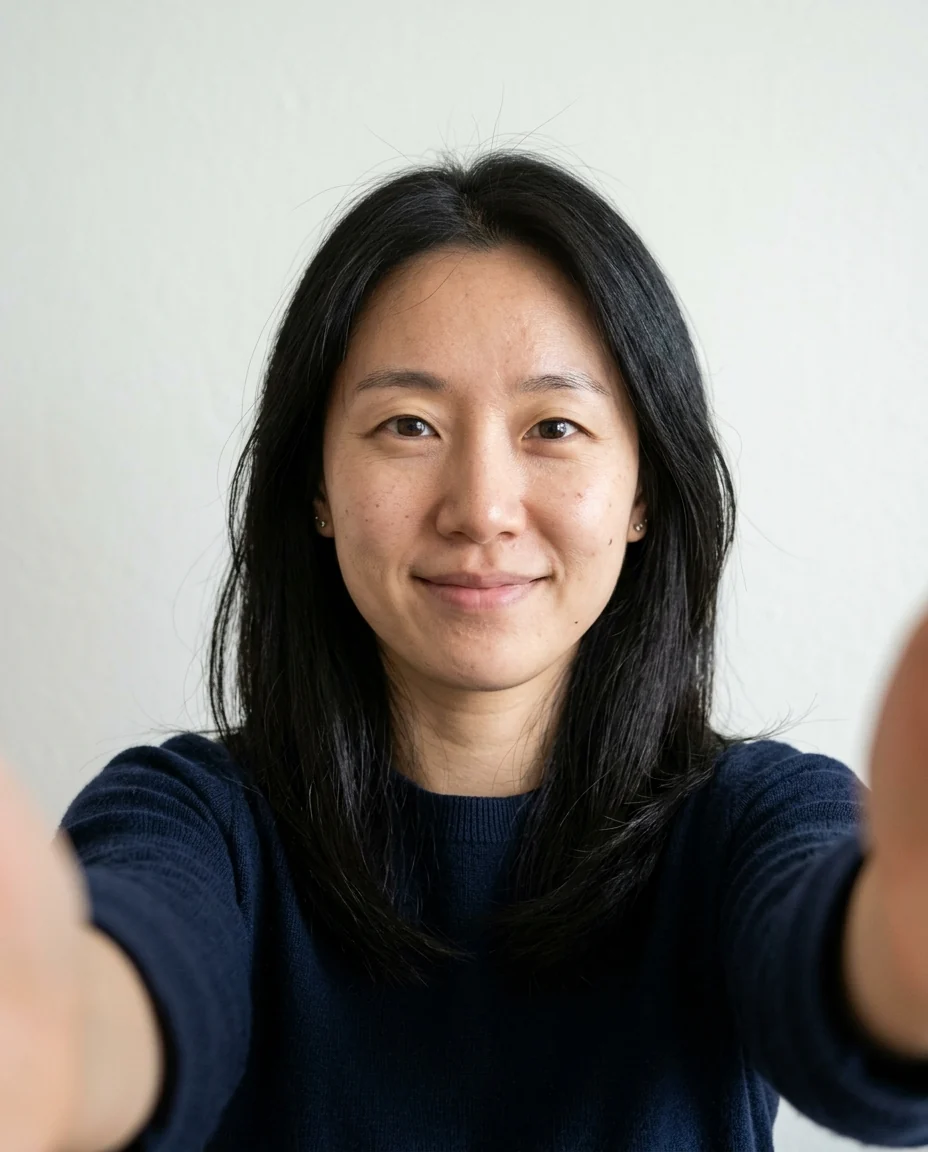

Boy
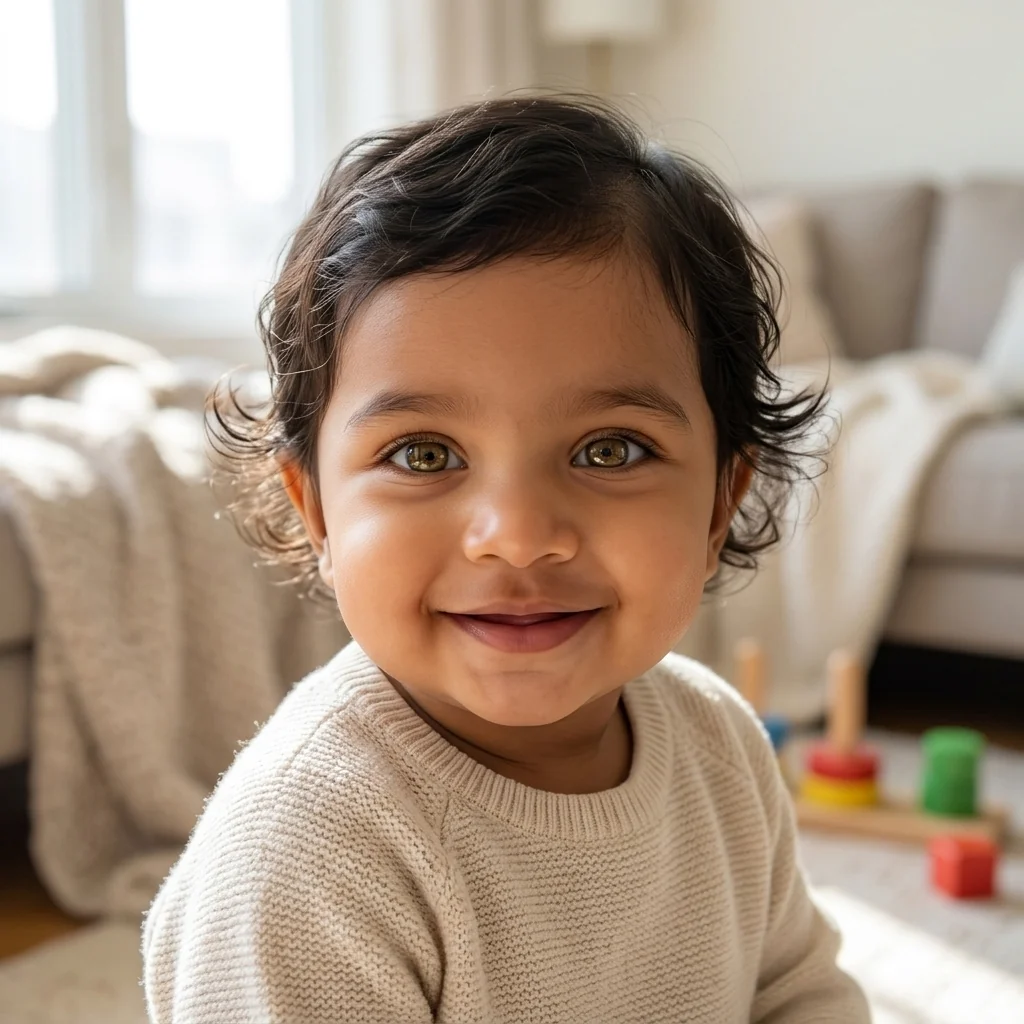


Surprise
Baby Generator features.
Both parents
Features mixed from two photos.
Girl, boy or surprise
Choose, or let it decide.
Realistic photo
A smiling one-year-old in natural light.
Baby Generator, step by step.
01
Upload both parents
One clear selfie each.
02
Pick girl, boy or surprise
Run it again for a different mix.
03
Share it
Show your partner the result.
Baby Generator use cases.
- Couples
- A fun look at a future family.
- Baby showers
- A playful picture for the guests.
- For fun
- A picture to share with your partner.
Baby Generator: best photos and fixes.
Parent photos that work best
One clear, front-facing photo of each parent, head and shoulders, in even light, gives the baby the most features from both. Eye color, hair color and texture, skin tone and face shape are the strongest clues, so avoid sunglasses, hats and heavy filters. Photos taken in similar light mix more evenly; if one parent's photo is dark and blurry, the baby tends to look more like the other parent.
Girl, boy or surprise
Choose Girl or Boy, or Surprise to let it decide. Each run mixes features a little differently, just as real siblings look different from each other. Running it again with the same photos shows the range, which is often more fun than a single result. Keep your favorites and compare which parent's eyes or smile show up most.
What it can and can't tell you
The baby is a realistic picture of a possible child, based only on what shows in two photos. Real genetics are more complex: recessive traits such as blue eyes or red hair can appear even when neither parent shows them. Treat it as a fun preview, not a prediction, and don't take it as a sign of how your baby will really look.
Sharing the result
Results are saved to My files, so you can come back to your favorites. When you post one, say it is an AI preview so nobody takes it for a real photo. Putting the parents' photos next to the baby makes the post more fun, because people can spot whose eyes and smile it got.
Older children and other ages
The default is about one year old. To see an older child, write it in the instructions: "about three years old" or "about five years old". For a baby version of an adult who already exists, the baby filter is the right tool; for an adult who looks like both parents, try the face morph.
Related tools
The face morph blends two adults into one face. The baby filter turns an adult photo into a baby version of that person. For a pregnancy photo idea, the pregnant AI generator adds a bump to a photo, and the age filter shows a face decades older or younger.
Baby Generator FAQ.
Can I use photos of other people?
Only with their permission. Use your own photos or photos of people who agreed to it, and don't use results to deceive or embarrass anyone.
Will it predict what my baby will really look like?
No. It shows one realistic possibility from two photos; real babies can look quite different.
Can I choose a girl or a boy?
Yes. Pick Girl, Boy or Surprise.
Is the Baby generator free?
Yes, you can try it free. New accounts get 15 free credits, and one generation here uses 13 credits. You sign in with your email; no card needed. Results have no watermark. After that, plans add credits every month and credit packs never expire.