Face Generator
Faces of people who don't exist.
 Example output
Face Generator examples.
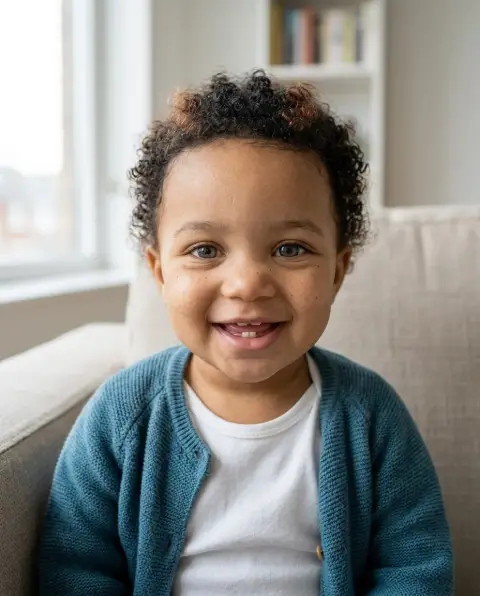
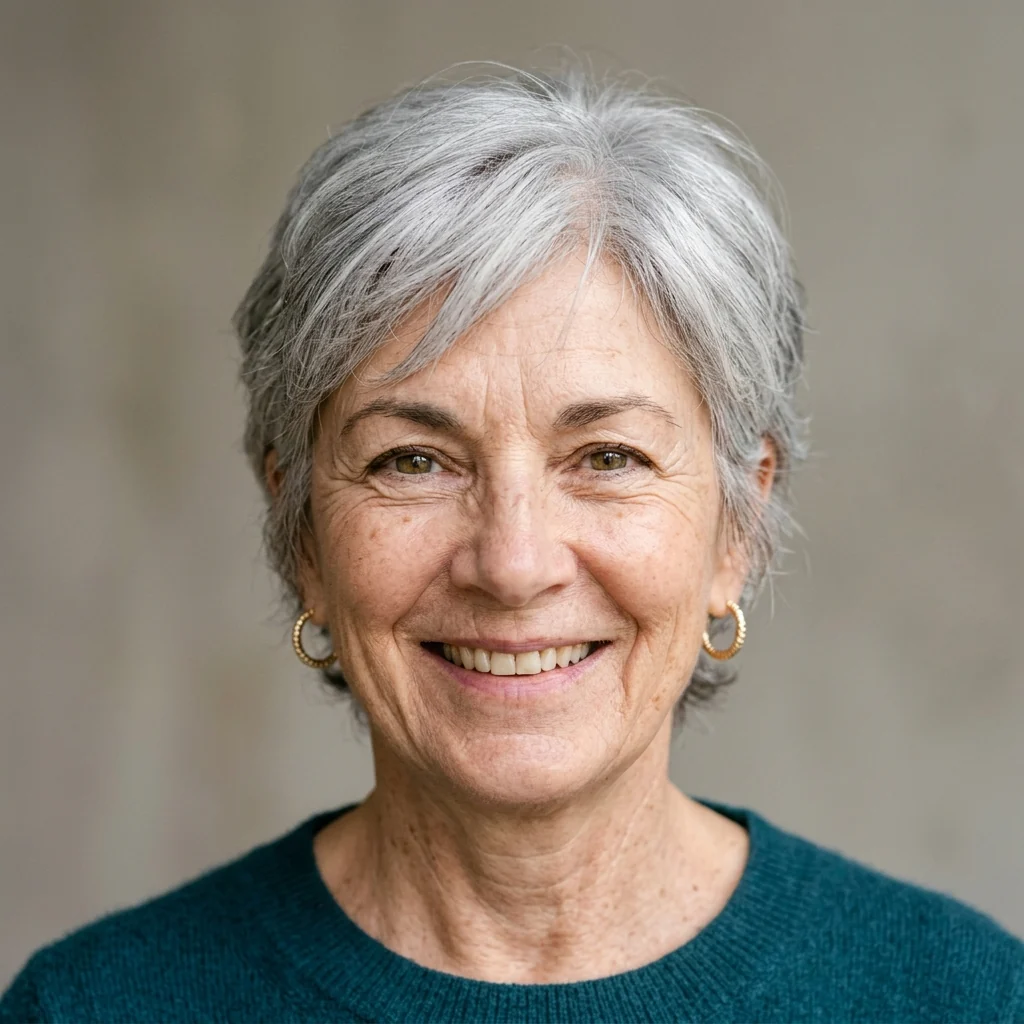
Realistic photo
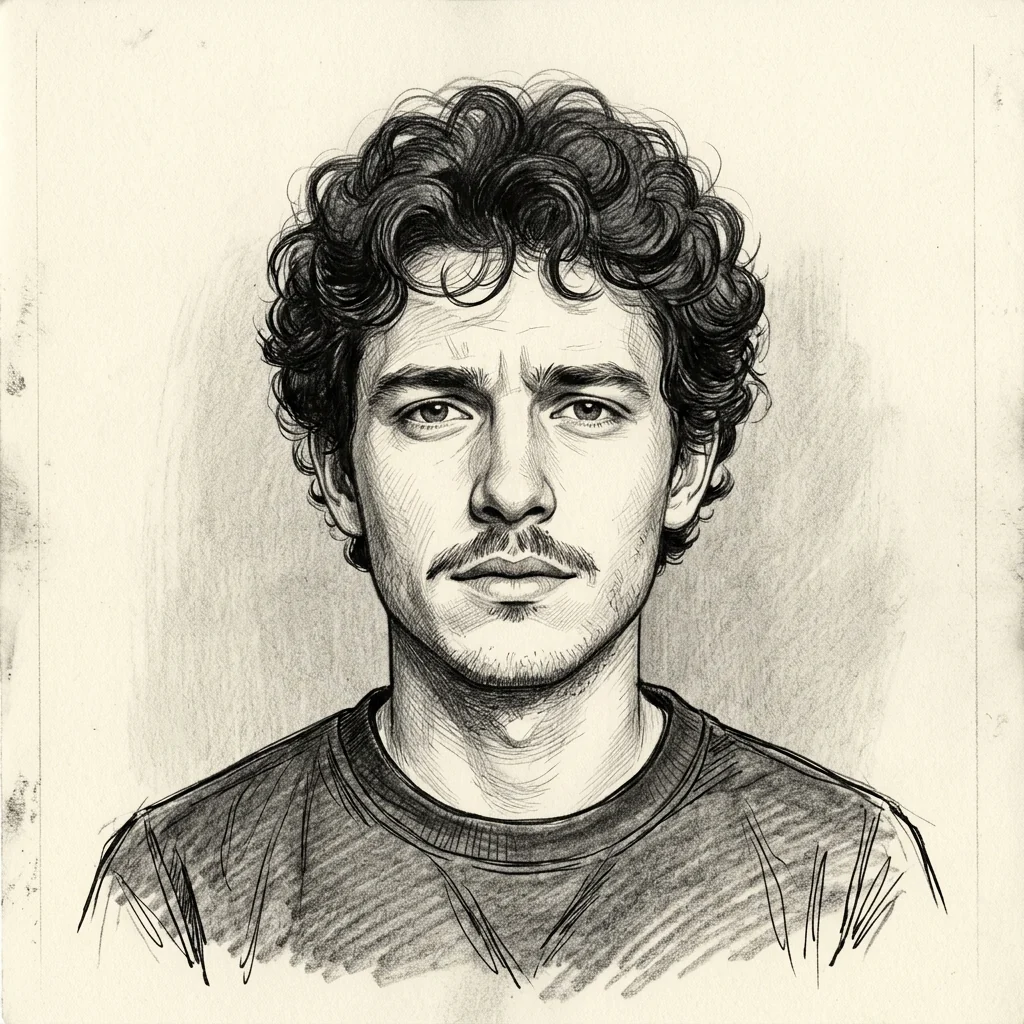
Drawing reference
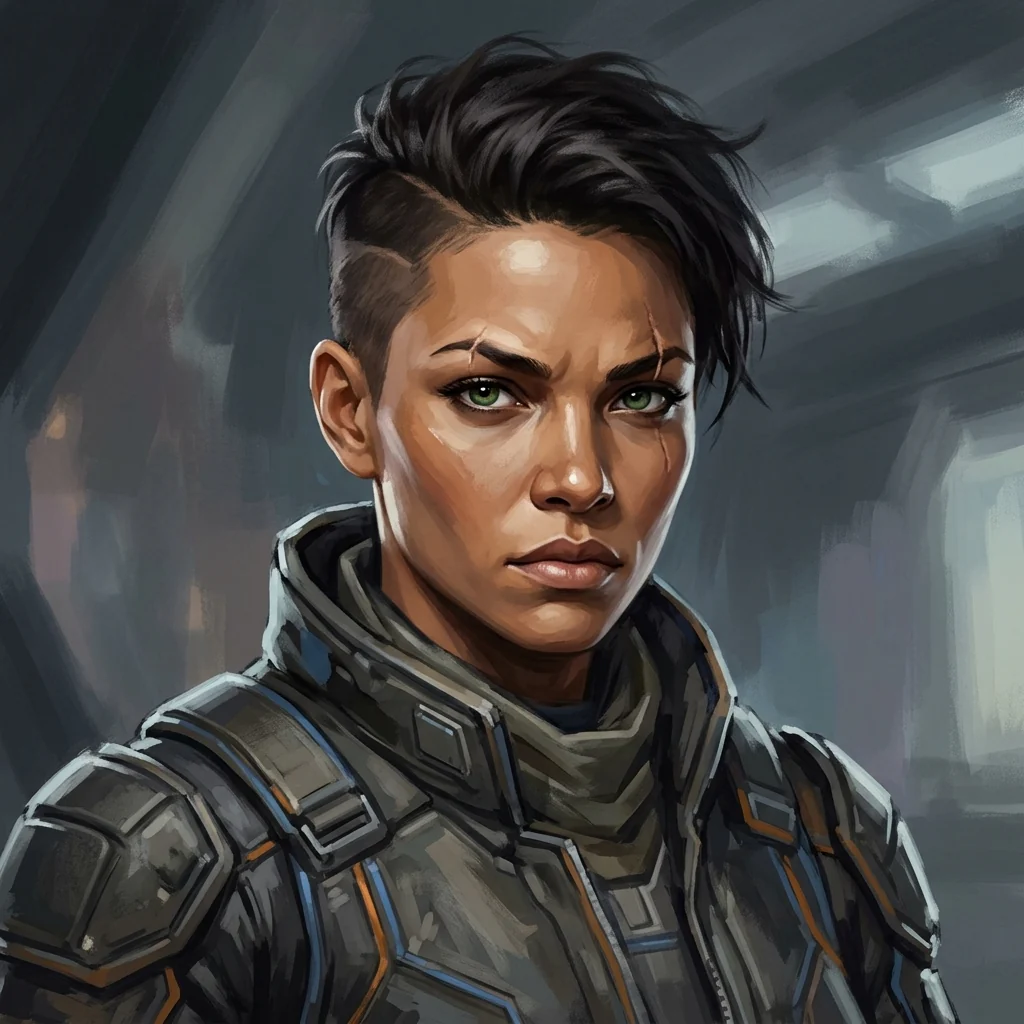
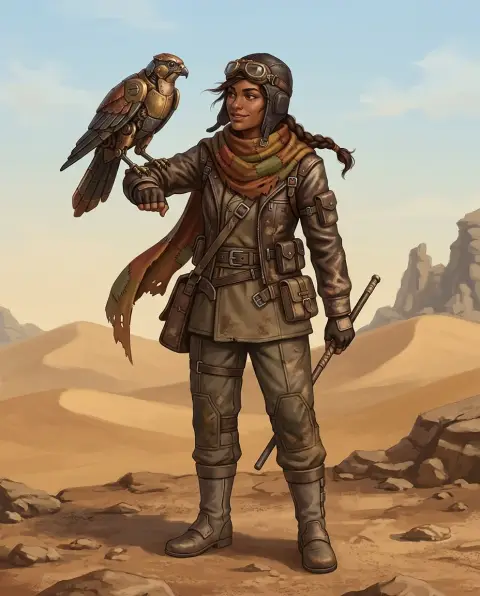
Character concept
Face Generator features.
People who don't exist
New faces, not real people.
Describe the person
Age, hair, features and expression.
Photo, drawing or painted
For mockups, references or characters.
Face Generator, step by step.
01
Describe a face
Age, look, expression and accessories.
02
Pick a look
Photo, Drawing or Painted.
03
Download
Use it in your design or story.
Face Generator use cases.
- Design mockups
- Placeholder profile photos for app and website designs.
- Writers and game makers
- A face for each character in your story.
- Artists
- Portrait references for practice.
Face Generator: best photos and fixes.
Describing a face
Start with age and one or two defining features: "a man in his 70s with a white beard and bushy eyebrows". Then add expression and one accessory, such as glasses, earrings or a hat. Short, specific descriptions give clearer faces than long lists. Leave out anything you don't care about, and it will be chosen to look natural.
Diverse and specific
Describe ethnicity, skin tone, hair texture and features when they matter for your project, such as a cast of characters or a set of user profiles. Varying age, build and style across a set makes mockups and stories feel real. Faces default to a neutral background and a front-facing pose, which works well for profile pictures and character sheets.
Photo, drawing or painted
Photo gives a realistic studio portrait, best for mockups and placeholders. Drawing gives a pencil and ink portrait, useful as an artist's reference for practicing faces. Painted gives a concept-art portrait with brushwork, good for game and story characters. Use the same description with different looks to compare.
Not real people
The faces are new and aren't meant to resemble anyone. Don't describe a real or famous person to get their face, and don't use generated faces to pretend to be someone, to create fake profiles or to deceive anyone. For design mockups, generated faces avoid the need to use real people's photos without permission.
Consistent characters
Each run gives a new face, even with the same description, so faces will vary. To use one face in several images, pick your favorite and upload it as a photo to the character generator.
Related tools
The AI headshot generator turns your own selfie into professional photos. The character generator designs full characters from a description, and the avatar generator makes profile pictures in many styles. For a baby face from two parents, the baby generator combines two photos.
Face Generator FAQ.
Are these real people?
No. Faces are generated from a description and aren't based on a real person; any resemblance is unintended.
Can I use the faces in my designs?
Yes, for mockups, stories and art. Label them as AI-made when you publish them, and don't use them for fake profiles or to pretend to be someone.
Can I make someone famous?
No. Describe a new person instead; it isn't meant to recreate real people.
Can I choose age and ethnicity?
Yes. Describe age, ethnicity, hair and features in the description.
Is the Face generator free?
Yes, you can try it free. New accounts get 15 free credits, and one generation here uses 13 credits. You sign in with your email; no card needed. Results have no watermark. After that, plans add credits every month and credit packs never expire.