Clipart Generator
Any clipart you can describe.
 Example output
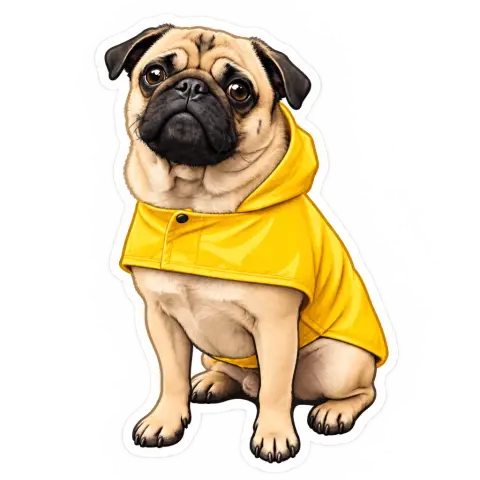
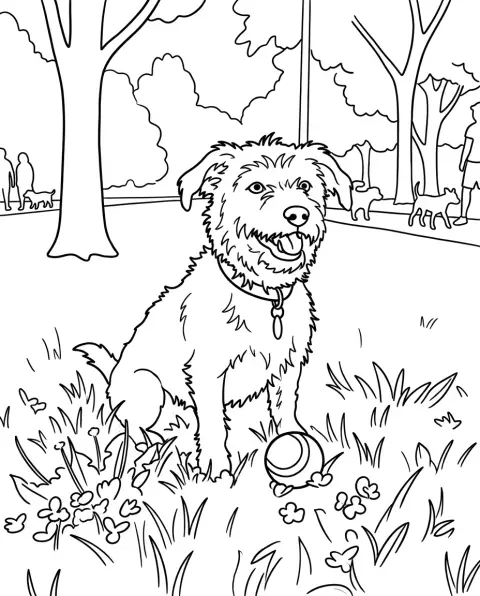
Clipart Generator examples.
School

Cute summer

Watercolor
Clipart Generator features.
Any subject
Objects, animals, food, holidays and more.
Transparent or white
Ready to place on any page.
Three styles
Flat, cute or watercolor.
Clipart Generator, step by step.
01
Describe your clipart
One subject, a few details.
02
Pick a style
Flat, Cute or Watercolor.
03
Download
Drop it into slides, docs or designs.
Clipart Generator use cases.
- Teachers
- Classroom worksheets and slides.
- Invitations and cards
- Cute art for parties and holidays.
- Small business
- Icons for menus, flyers and posts.
Clipart Generator: best photos and fixes.
Describing clipart
Clipart works best with one subject and two or three details: "a stack of books with an apple on top", "a smiling sun in sunglasses". Avoid whole scenes; clipart is meant to sit on a page next to text. Naming colors, such as "red and yellow", keeps a set consistent.
Choosing a style
Flat gives simple vector-style shapes with few colors, great for slides, worksheets and icons. Cute gives soft outlines and pastel colors, popular for kids, parties and stickers. Watercolor gives soft painted edges, lovely for wedding invitations, planners and botanical designs; White output usually looks best with it.
Transparent backgrounds
Choose Transparent for a PNG you can place on any color, or White for a plain white background. Watercolor clipart often looks best on White, because soft painted edges can look harsh when cut out.
Making a matching set
For a worksheet or invitation set, use the same style and color words for every piece: "flat, red and yellow". Generate them one at a time and download them together. Consistent descriptions give clipart that looks like it came from one pack; reuse one list of color words for the whole set.
From a photo
Upload a photo and its subject becomes clipart, such as your pet, your house or a product. One clear subject works best. This is handy for personalized invitations, like a clipart version of the family dog on a birthday card.
Related tools
The sticker generator adds a white die-cut border for stickers, and the AI emoji generator draws chat-style emojis. The logo generator designs logos, and the coloring page generator turns photos into outlines to color.
Clipart Generator FAQ.
Is the background transparent?
Yes, with Transparent selected you get a PNG. Choose White for watercolor or printing.
Can I use it for my class or business?
You can use clipart made from your own description for class or business, but don't ask for an existing character or brand.
Can I make a set that matches?
Yes. Use the same style and color words in every description.
Can I turn a photo into clipart?
Yes. Upload a photo with one clear subject and pick the style you want.
Do I need an account?
Yes. Sign in with your email: new accounts get 15 free credits to use on any tool. One generation here uses 25 credits with the default model, or 13 with a lighter one. Plans add more credits each month, and credit packs never expire.