Sticker Generator
Die-cut stickers from a photo or an idea.
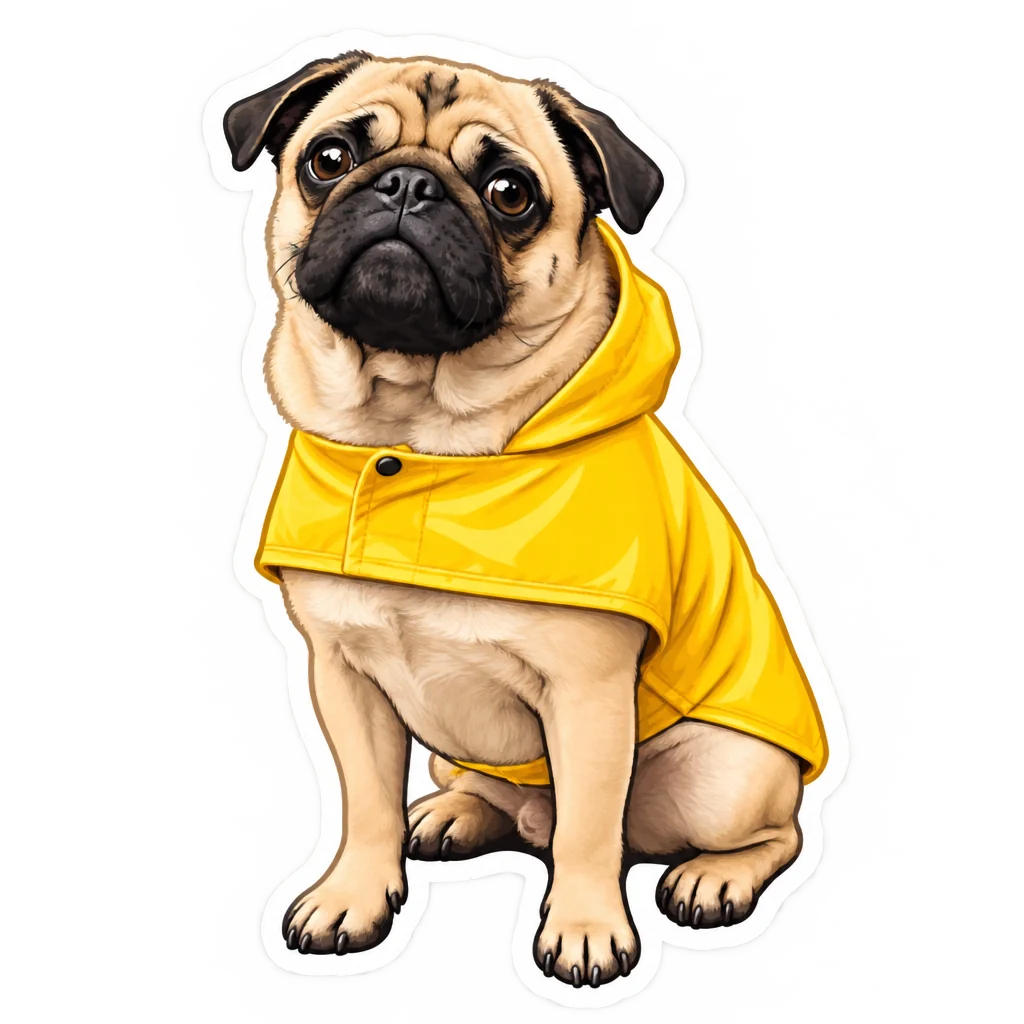 Example output
Sticker Generator examples.
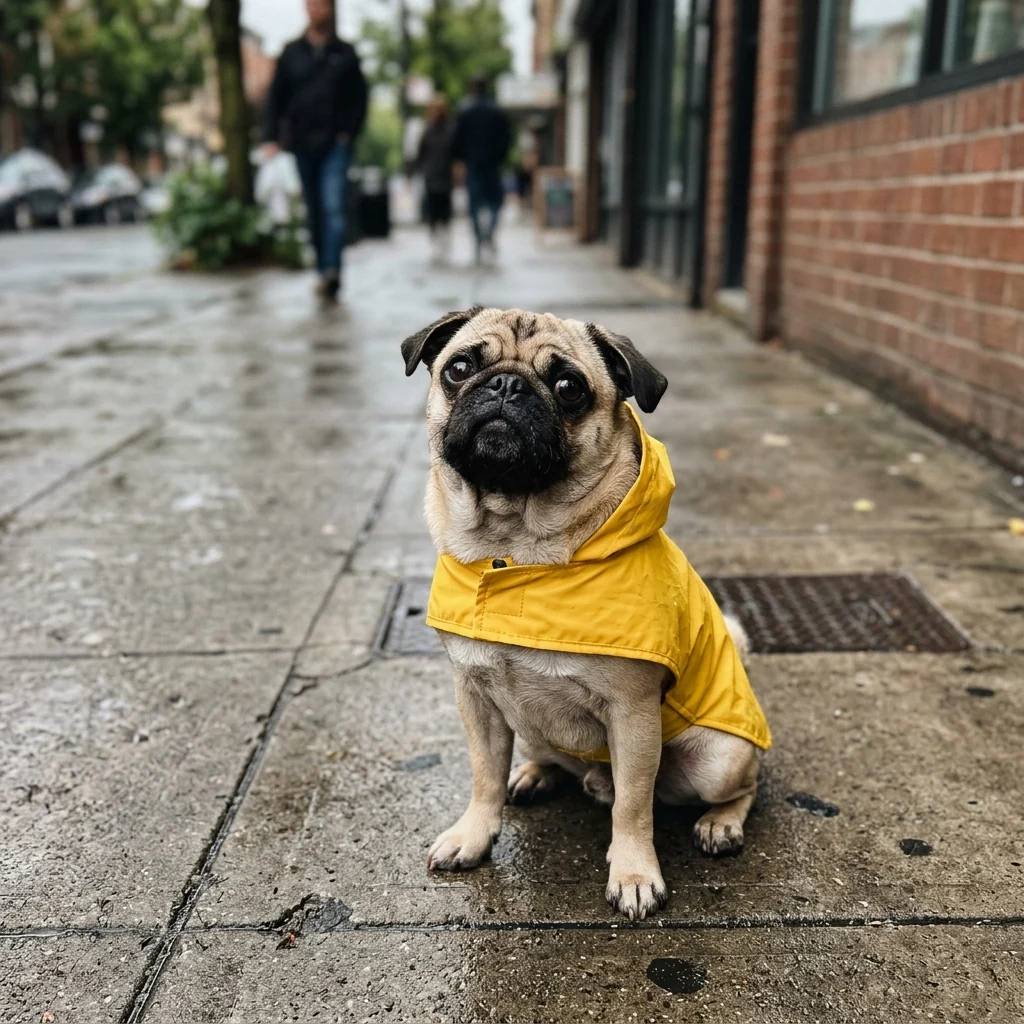
From a pet photo
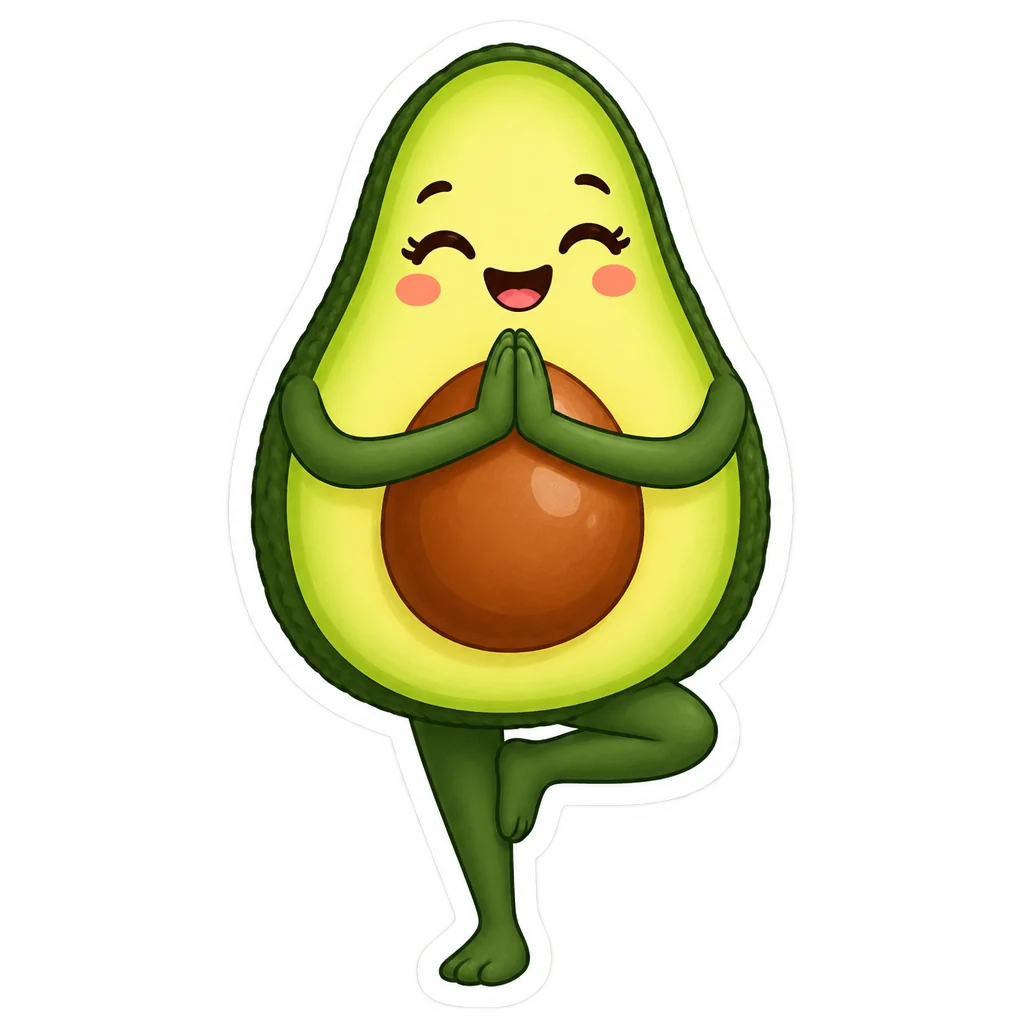
Cute idea

With a word
Sticker Generator features.
Die-cut look
A thick white border around the design.
Transparent background
Ready for chats, designs and printing.
From a photo or idea
Your pet, your face or anything you describe.
Sticker Generator, step by step.
01
Describe a sticker or upload a photo
A pet, a person, an object or an idea.
02
Choose the output
Transparent or on grey.
03
Download
Send it, print it or add it to a sheet.
Sticker Generator use cases.
- Chat stickers
- Custom stickers of your pet or friends for messaging apps.
- Laptop and bottle stickers
- Print your own designs on sticker paper.
- Small business
- Stickers to add to packages and orders.
Sticker Generator: best photos and fixes.
From a photo
Pets, people and objects all turn into stickers: upload a clear photo with the subject large and fully visible. Key features, such as a pet's markings, a hairstyle or glasses, are kept and drawn in a cute illustrated style. Busy backgrounds usually matter less, because only the subject is used. One subject per photo gives the cleanest sticker.
From a description
Describe one subject and what it is doing: "a happy avocado doing yoga", "a sleepy cat in a bread loaf". One clear idea makes a better sticker than a scene; stickers have to read at small sizes. Adding a mood or style word, such as "kawaii", "retro" or "pastel", changes the whole look.
Words on stickers
Short words and phrases work well: "MONDAY", "thank you", "best mom". Write them exactly as you want them spelled, and keep them to one to three words. Long sentences may get misspelled or cramped. For the most readable text, ask for "bold rounded letters".
Transparent or white
Transparent gives a PNG where only the sticker and its white border are visible, ready for messaging apps, designs and print shops. Choose On grey to see the sticker on light grey, which makes the white border easy to check before printing. Some messaging apps need a specific size or format; check the app's sticker rules.
Printing stickers
For printing, choose 4K in the settings so the edges are crisp. For a sticker sheet, make several stickers in the same style and arrange them in a design app before you send it to print.
Related tools
The AI emoji generator draws custom emojis in a glossy chat style. Add emoji to photo puts emojis on top of a photo, and the chibi generator turns people into cute big-headed characters, including a sticker style. The logo generator designs logos with transparent backgrounds.
Sticker Generator FAQ.
Is the background transparent?
Yes. With Transparent selected you get a PNG with only the sticker and its white border.
Can I make a sticker of my pet?
Yes. Upload a clear photo of your pet and its markings are kept in a cute sticker style.
Can stickers have words?
Yes. Short words of one to three are spelled most reliably.
Can I print them?
Yes. Choose 4K, then print on sticker paper or send the transparent PNG to a sticker printer.
Do I need an account?
Yes. Sign in with your email: new accounts get 15 free credits to use on any tool. One generation here uses 25 credits with the default model, or 13 with a lighter one. Plans add more credits each month, and credit packs never expire.