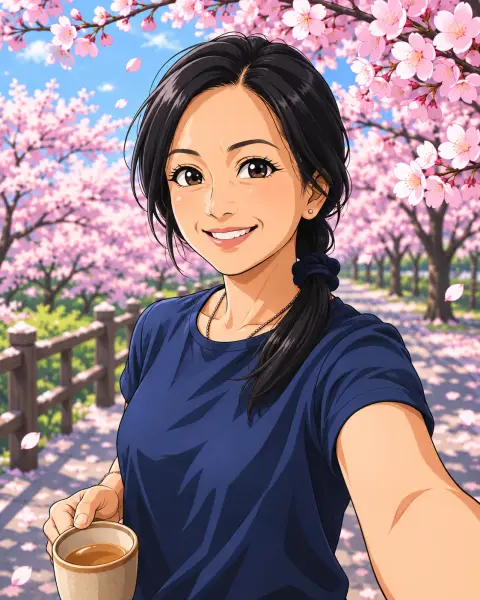
Chibi Generator
You, as a tiny big-headed chibi character.
Drop a photo
or paste with ⌘V · JPG · PNG · WebP · up to 8 MB
No photo handy? Try one of ours.
More like this.

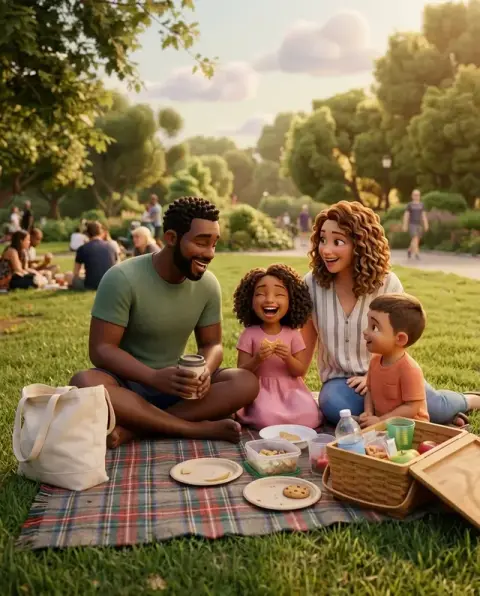
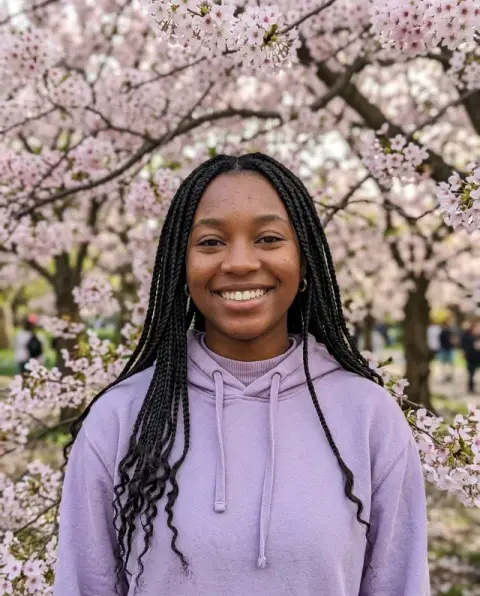
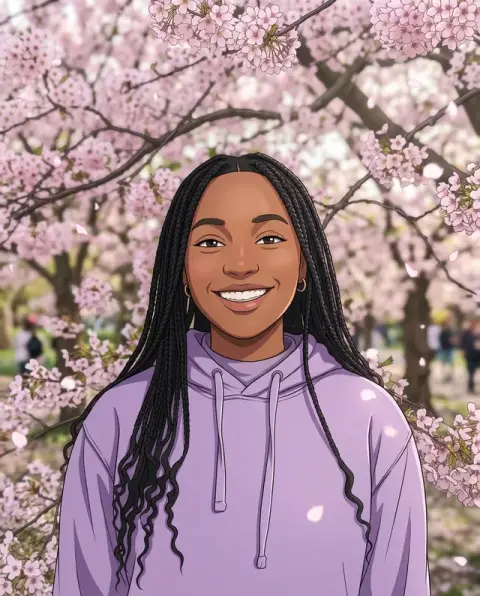
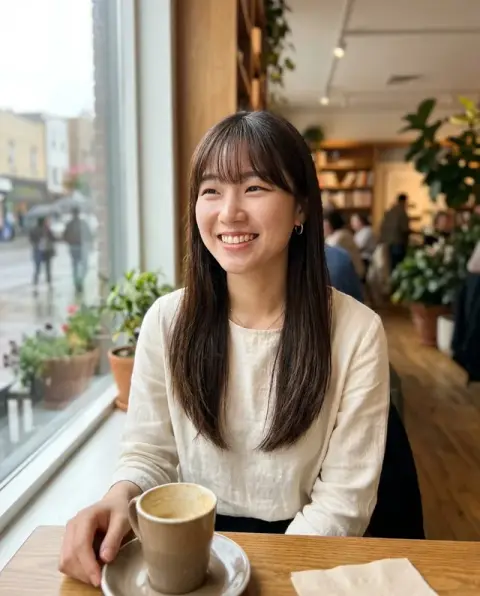
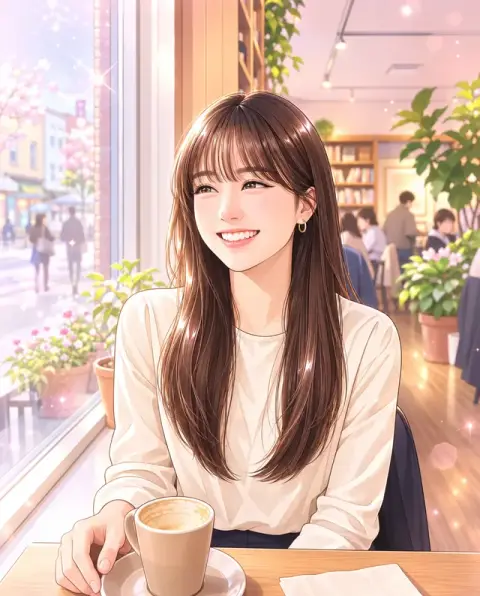
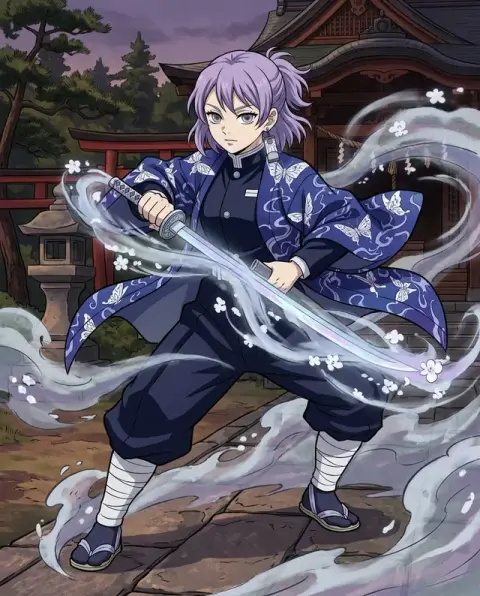
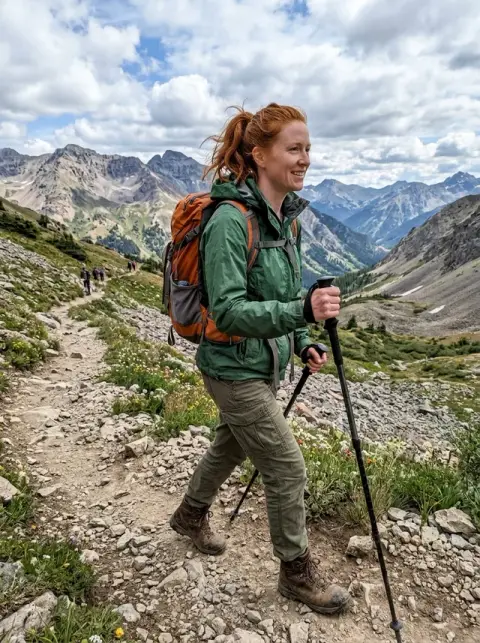
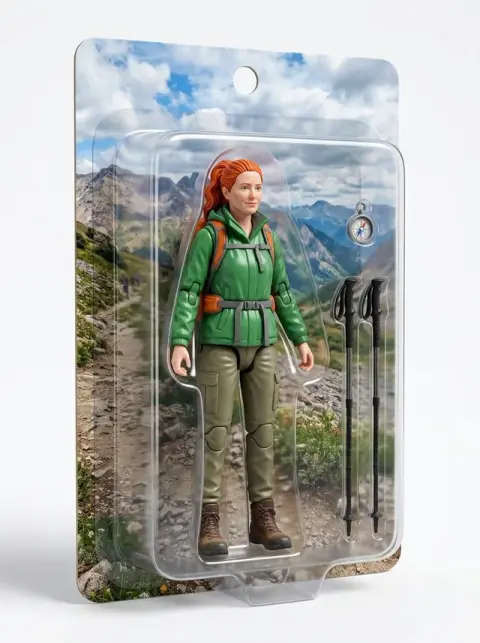

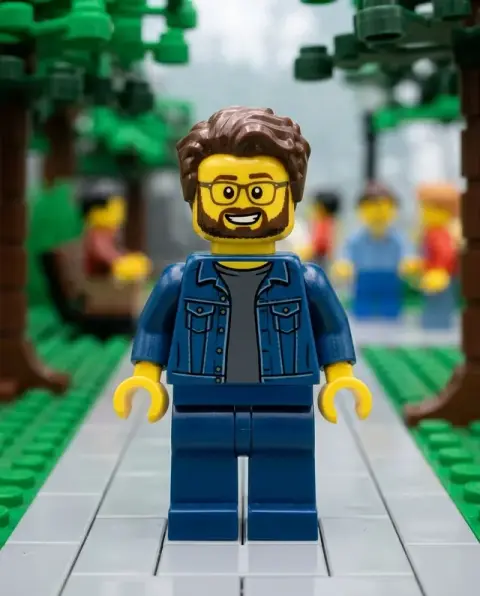
Chibi Generator examples.
Real results from this page's default settings in one click, not retouched.How examples are made
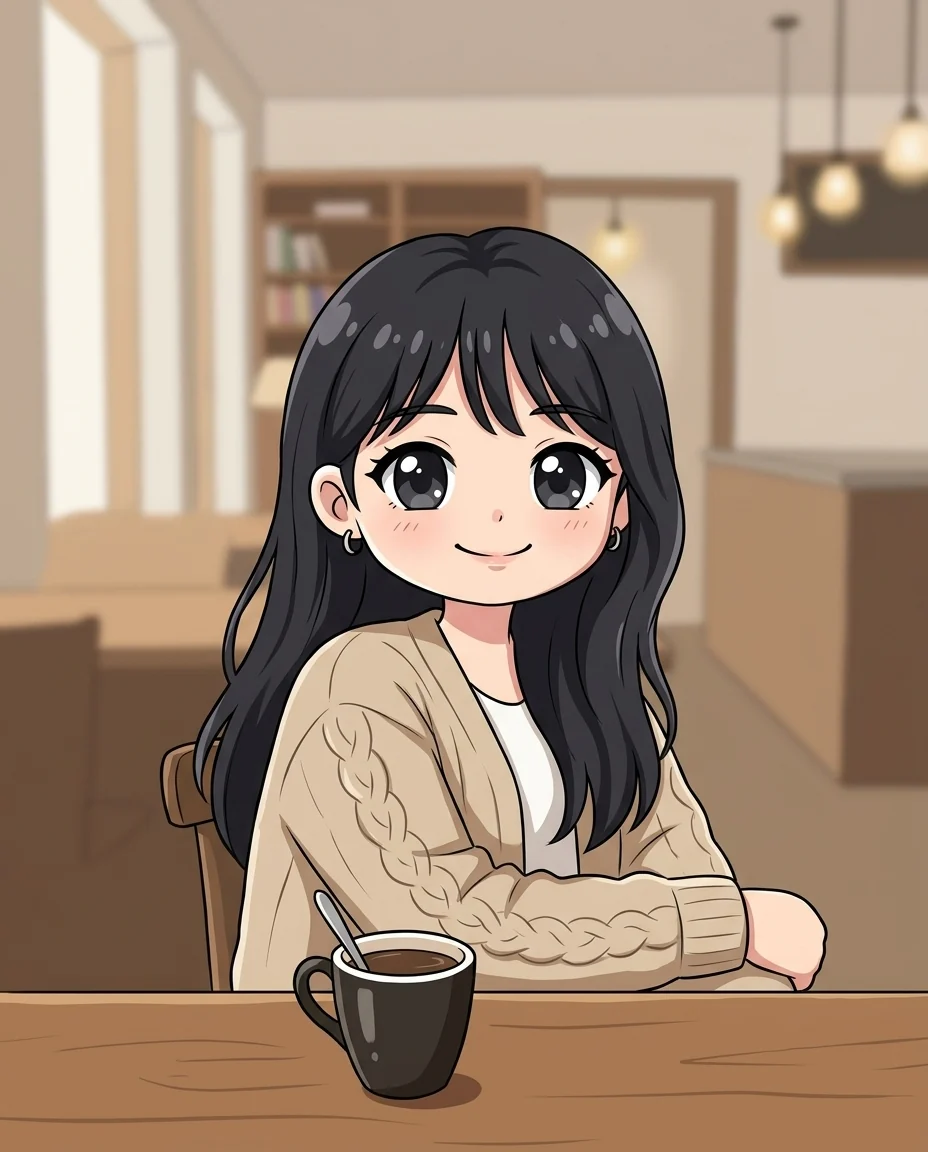
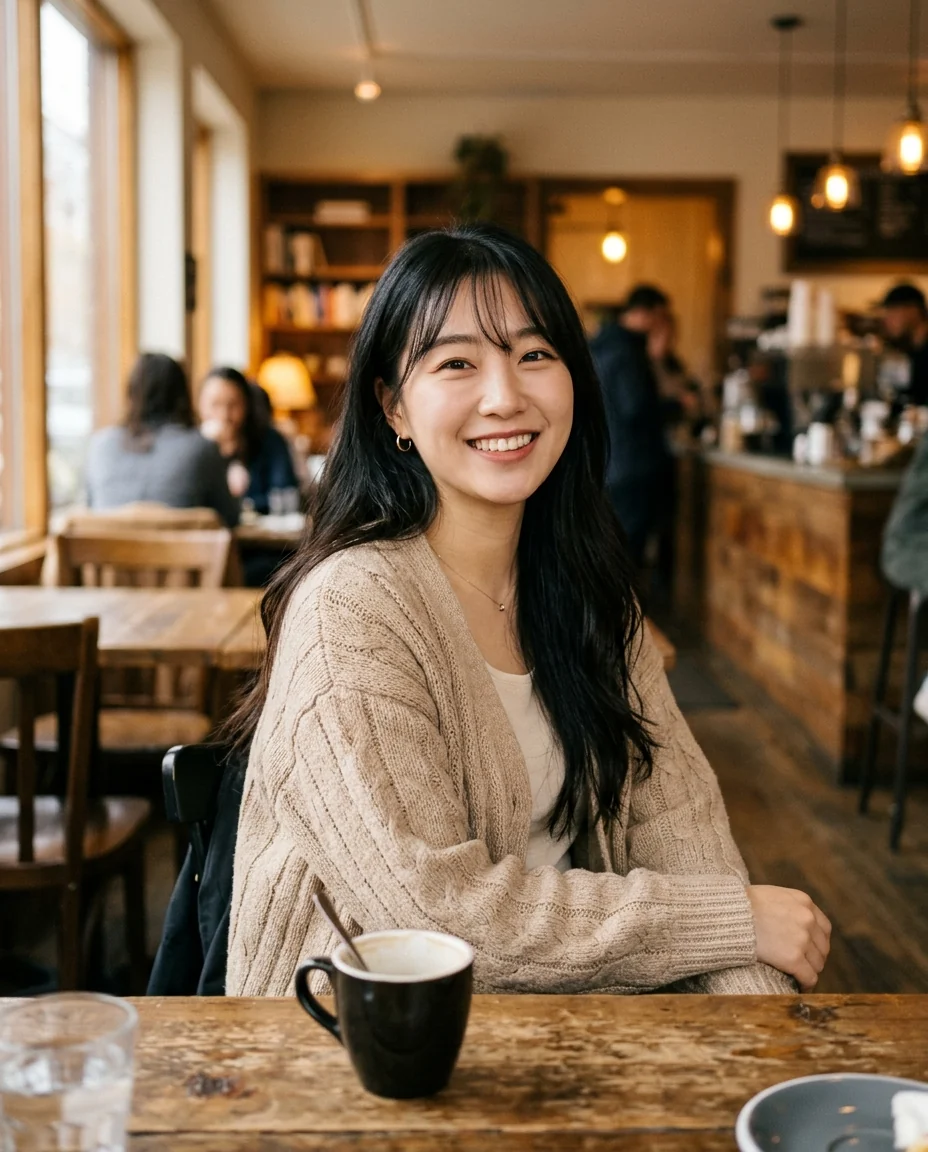
Anime chibi
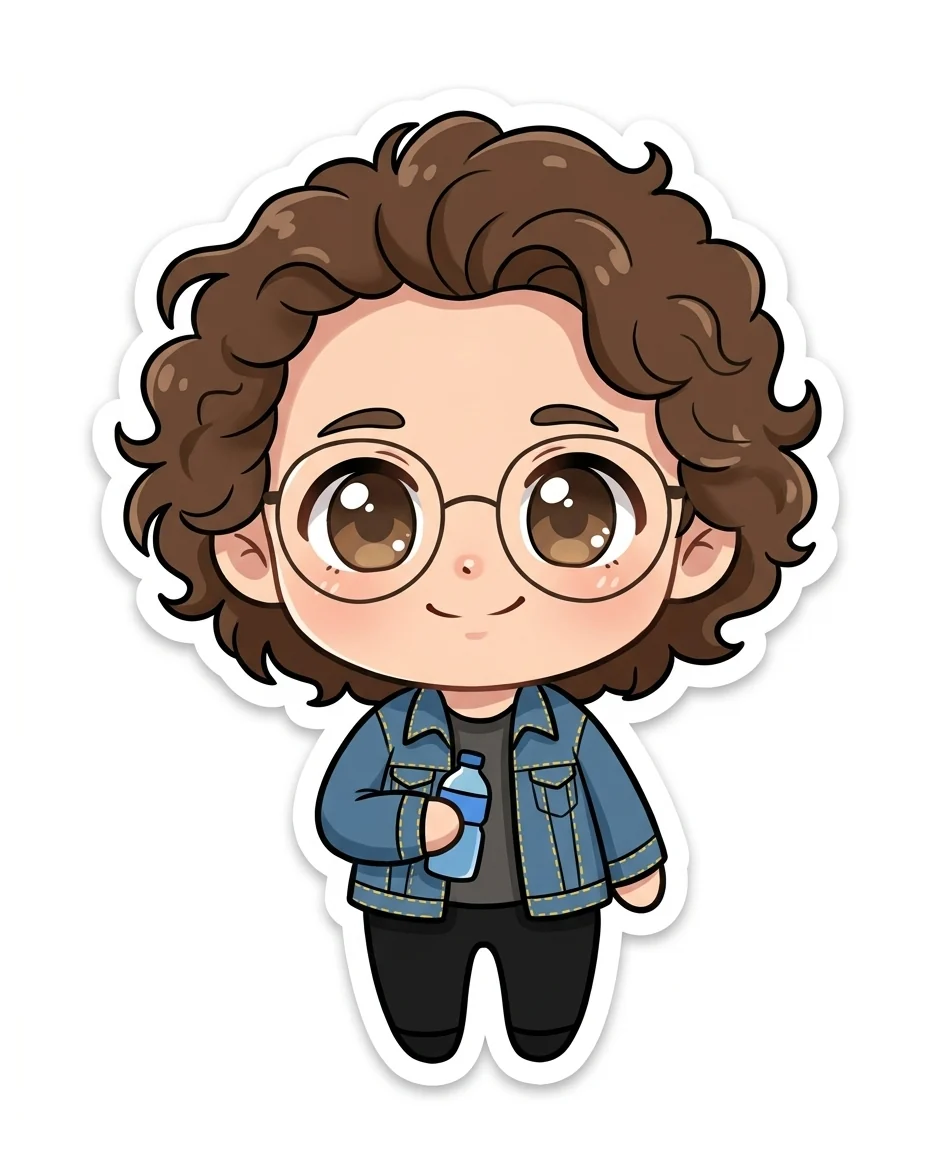

Sticker
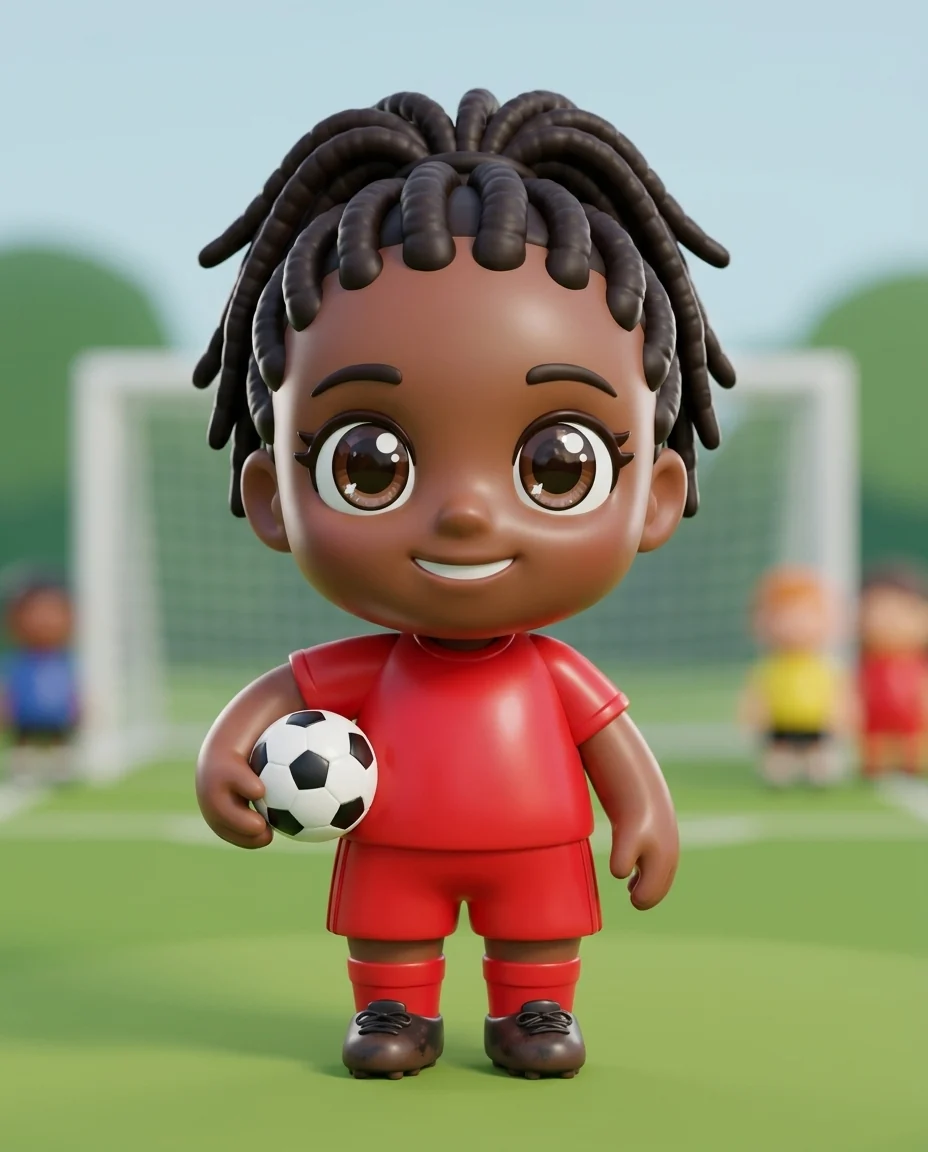
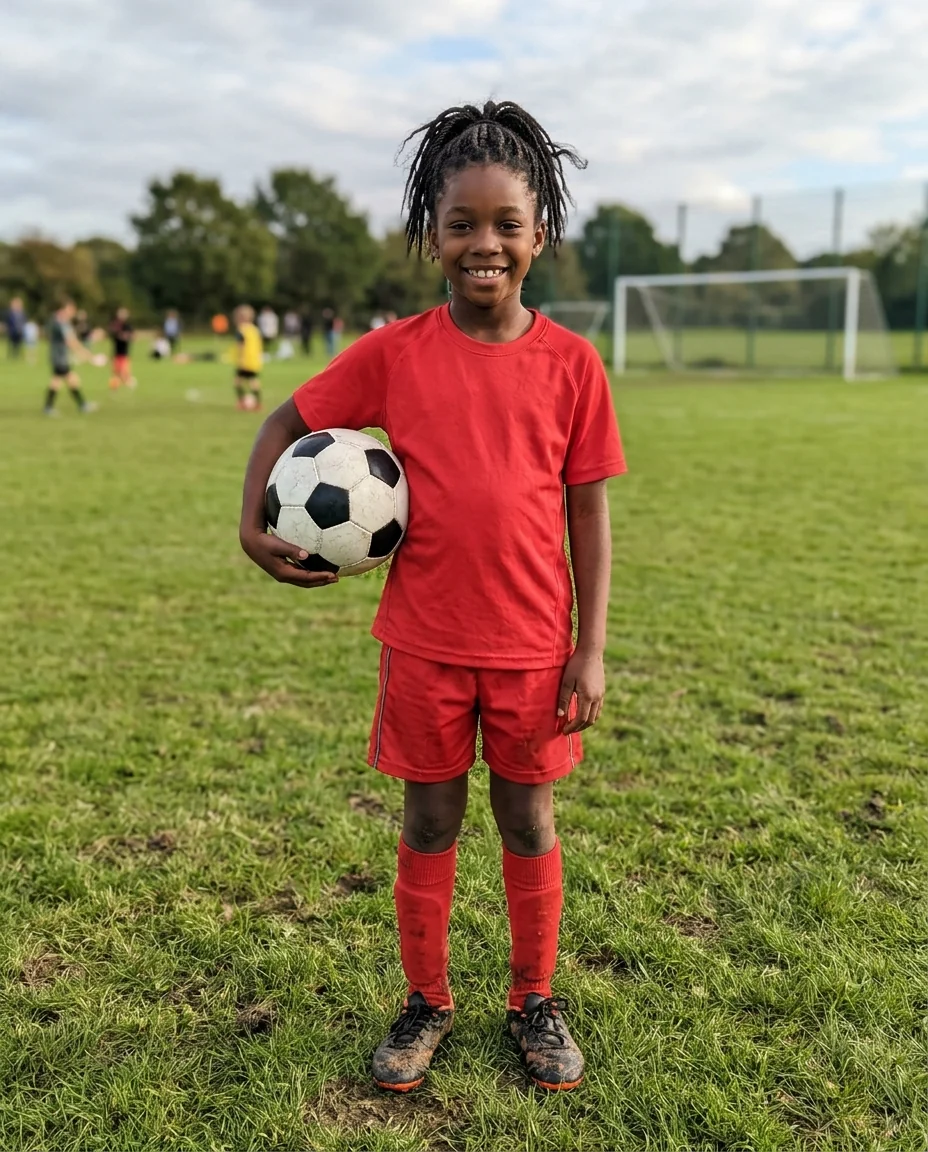
3D figure
Chibi Generator features.
Unmistakably chibi
A big head, tiny body and huge eyes.
Still you
Hair, glasses and outfit carry over.
Three looks
Anime, sticker or 3D figure.
Chibi Generator, step by step.
01
Upload a photo
Waist-up or full-length shows the outfit.
02
Pick a style
Anime, Sticker or 3D figure.
03
Download
Use it as an avatar or a sticker.
Chibi Generator use cases.
- Avatars
- A cute profile picture for games and chats.
- Stickers
- Your own sticker for messaging apps.
- Couple and friend art
- Chibi versions of your whole group.
Chibi Generator: best photos and fixes.
Photos that make good chibis
A chibi is mostly head, so the face, hair and anything on the head carry most of the likeness. A clear photo where the hairstyle and any glasses, hats or accessories are visible gives the most recognizable result. Waist-up or full-length photos add the outfit, which chibis keep in miniature. A tight face-only selfie works, but the body has to be invented, so the outfit may not match yours. Clear color contrast between your hair and background also helps the chibi art keep crisp outlines and expressive eyes.
Choosing a style
Anime is the classic flat chibi look with cel shading, and suits profile pictures and fan art. Sticker adds a thick white outline on plain white, so the image can be cut out and used in messaging apps. 3D figure turns the chibi into a glossy collectible toy with studio light, which looks great on product-style posts and gift ideas.
Distinctive details
Chibis exaggerate, so a small detail becomes a big one: freckles, a bow, a hoodie with ears or a bright pair of sneakers can become the character's signature. If something important is not in the photo, add it in the instructions: "holding a cat", "with a pink bow", "in my school uniform". Keep it to one or two additions so the character stays readable.
Groups and couples
Several people in one photo become several chibis standing together, which suits couple and friend art. Faces need to be reasonably large for each chibi to look like its person, so crop in close on bigger groups. To make only one person a chibi, name them in the instructions by position or clothing.
Pets and objects
Chibi style works on pets too: dogs and cats come out with big heads, tiny paws and huge eyes, keeping their markings. Write "chibi of the dog only" in a photo with people if you want just the pet. For a chibi of a pet together with its owner, keep both in the photo and write "both of us".
Other cartoon looks
For a full-proportion anime portrait rather than a tiny big-headed one, use photo to anime. For a 3D animated-film look with normal proportions, try photo to 3D cartoon. The cartoon generator offers several other cartoon styles, and the action figure generator turns a photo into a boxed toy figure, which pairs well with the 3D figure style here.
Chibi Generator FAQ.
Can I print it as a sticker?
Yes. Choose Sticker, download it and print it; the thick white outline is ready for cutting.
Can I get a transparent background?
The Sticker style gives a plain white background with a white outline, easy to remove with the background remover.
Will it look like me?
Your hairstyle, hair and eye color, glasses and outfit are kept, so it reads as you in chibi form.
Is the Chibi generator free?
Yes, you can try it free. New accounts get 25 free credits, and one generation here uses 9 credits. You sign in with your email; no card needed. Results have no watermark. After that, credit packs never expire, and your first one is half price.