Lego Filter
You, as a brick minifigure.
Drop a photo
or paste with ⌘V · JPG · PNG · WebP · up to 8 MB
No photo handy? Try one of ours.
Lego Filter examples.
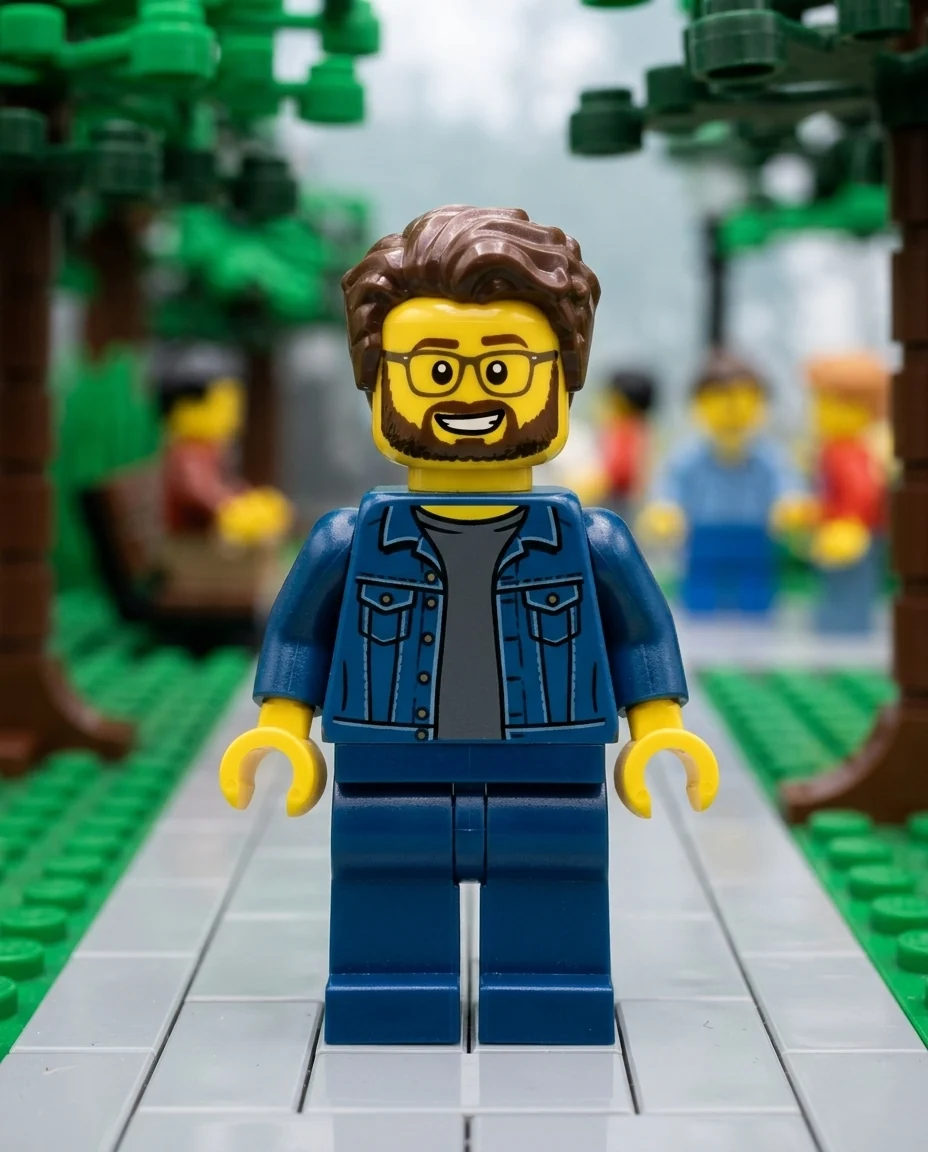

Brick scene
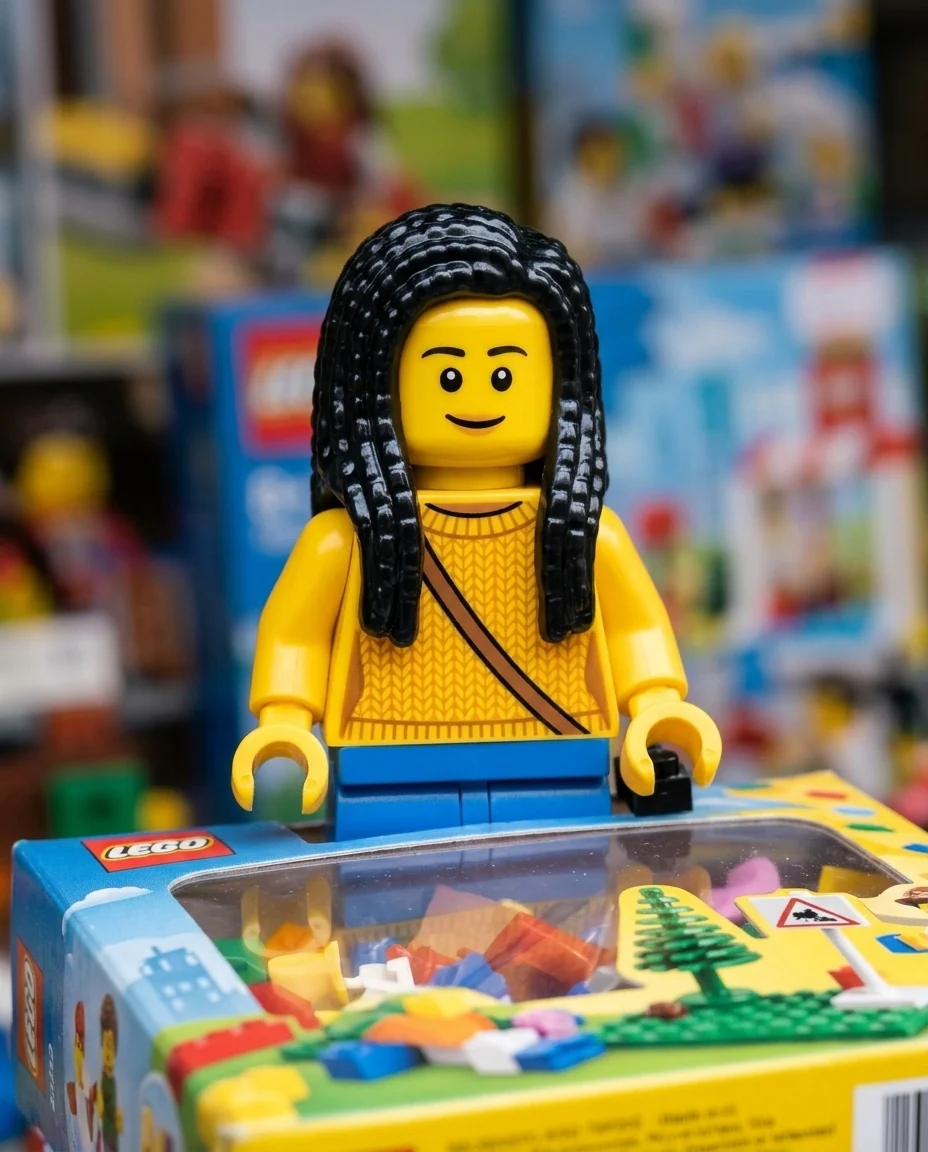

Boxed figure
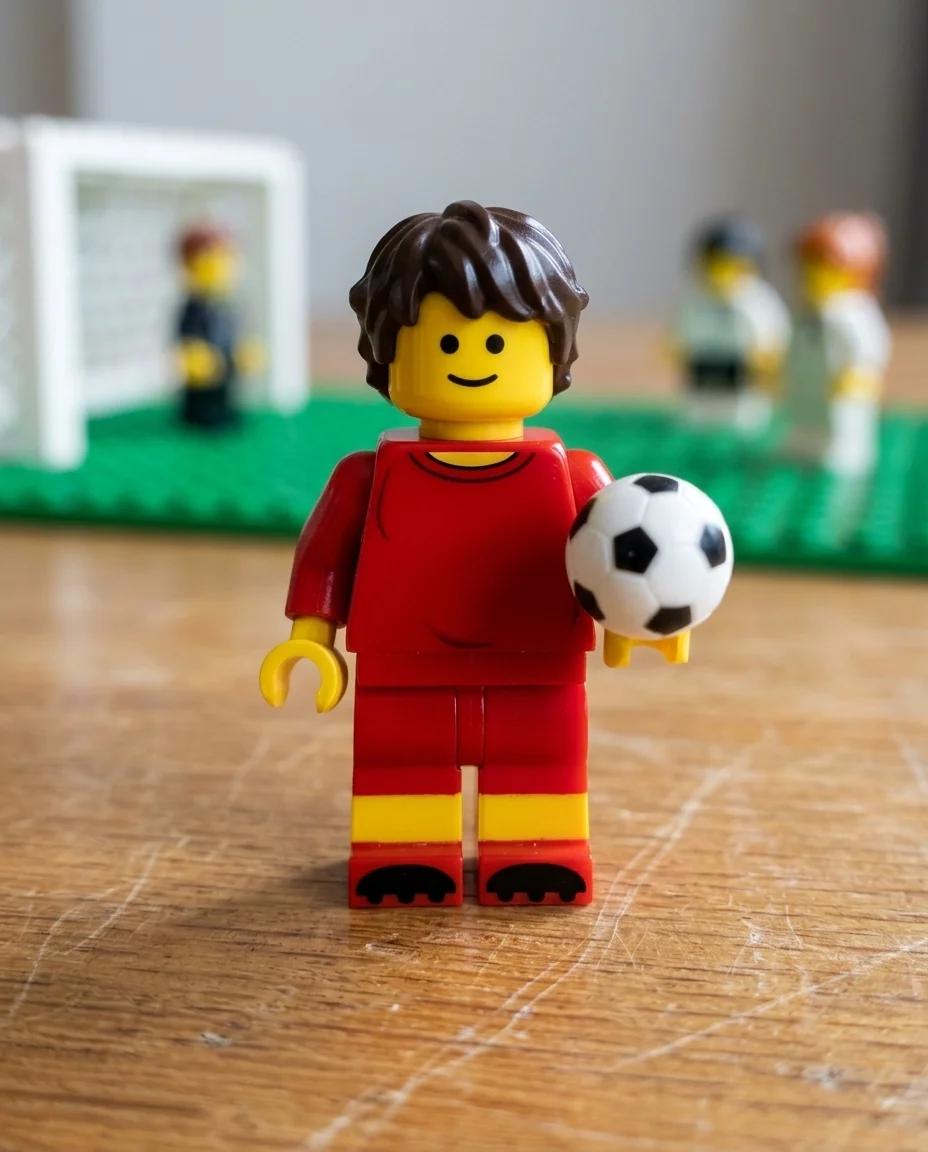

On a desk
Lego Filter features.
Classic minifigure
Plastic head, molded hair and printed outfit.
Three scenes
Brick scene, toy box or on a desk.
Still you
Hair, glasses, beard and outfit colors carry over.
Lego Filter, step by step.
01
Upload a photo
Waist-up shows the outfit.
02
Pick a scene
Brick scene, In a box or On a desk.
03
Download
Use it as an avatar or a gift.
Lego Filter use cases.
- Avatars
- A minifigure profile picture.
- Birthday gifts
- A boxed minifigure of the birthday person.
- Team and family sets
- Everyone as minifigures for a group post.
Lego Filter: best photos and fixes.
Photos that make a good minifigure
Minifigures are recognized by hair, accessories and outfit, since faces are simple printed dots and lines. Use a waist-up photo where your hairstyle, glasses, beard and clothes are clear. Bold, solid-colored outfits print best; fine patterns become simpler shapes. One person per photo gives the clearest figure, and the whole head should be in frame.
Choosing a scene
Brick scene builds your setting from bricks: a park becomes brick trees, a kitchen becomes brick cupboards. In a box puts you in a toy package with a clear window and accessories, the classic gift look. On a desk is a close-up toy photo on real wood and suits the least busy photos, because there are no other bricks to fit.
Accessories and props
Glasses, beards, hats, headphones and bags become molded or printed parts. Add a prop in the instructions: "holding a coffee cup", "with a skateboard", "with a laptop". Props from your job or hobby make the minifigure feel personal, as on a real collector figure. Color words help: "red helmet" or "yellow raincoat" print as flat colors on the torso.
Characters and themes
You can name a theme or a character: "in a space suit like the classic space theme", "as a ninja minifigure". Naming an existing character follows its design, with your photo's features mixed in where the design allows. Keep it to one idea per run so the figure stays clean.
Families and teams
For a family or team set, run each person separately with the same scene, then line them up in a design app. Using the same scene, such as On a desk, makes the set look like it was photographed together. A boxed version makes a fun birthday picture.
Related tools
The action figure generator makes a boxed action figure of you, and photo to 3D cartoon gives a smooth 3D animated look. The pixel art generator makes retro game sprites, and the chibi generator draws a cute big-headed version.
Lego Filter FAQ.
Is this an official LEGO filter?
No. It is an independent fan-art filter and is not affiliated with or endorsed by the LEGO Group. It draws in the style of the original, including existing characters when you name them.
Can I sell the results?
Keep fan art for personal use, such as avatars, posts and cards. The style and the characters belong to their owners, so don't use results on merchandise or in anything you sell.
Can I use someone else's photo?
Use photos of yourself, or of people who are happy for you to edit their picture. Don't use the result to mock, embarrass or deceive anyone.
Can I add props?
Yes. Describe the prop in the instructions; one prop works better than several.
Is the Lego filter free?
Yes, you can try it free. New accounts get 15 free credits, and one generation here uses 13 credits. You sign in with your email; no card needed. Results have no watermark. After that, plans add credits every month and credit packs never expire.