Barbie Filter
You, as a fashion doll in a pink world.
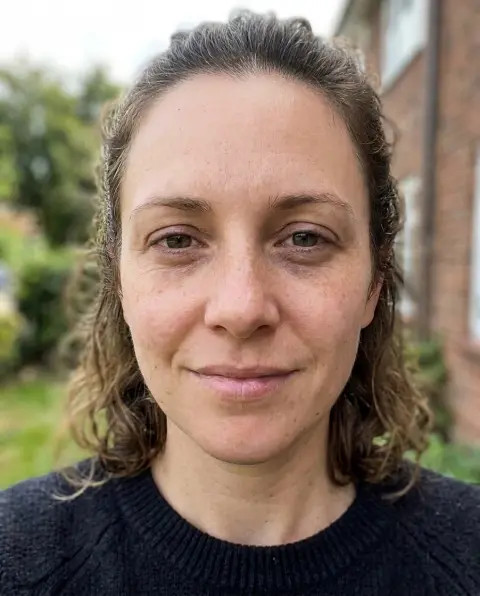
Drop a photo
or paste with ⌘V · JPG · PNG · WebP · up to 8 MB
No photo handy? Try one of ours.
Barbie Filter examples.
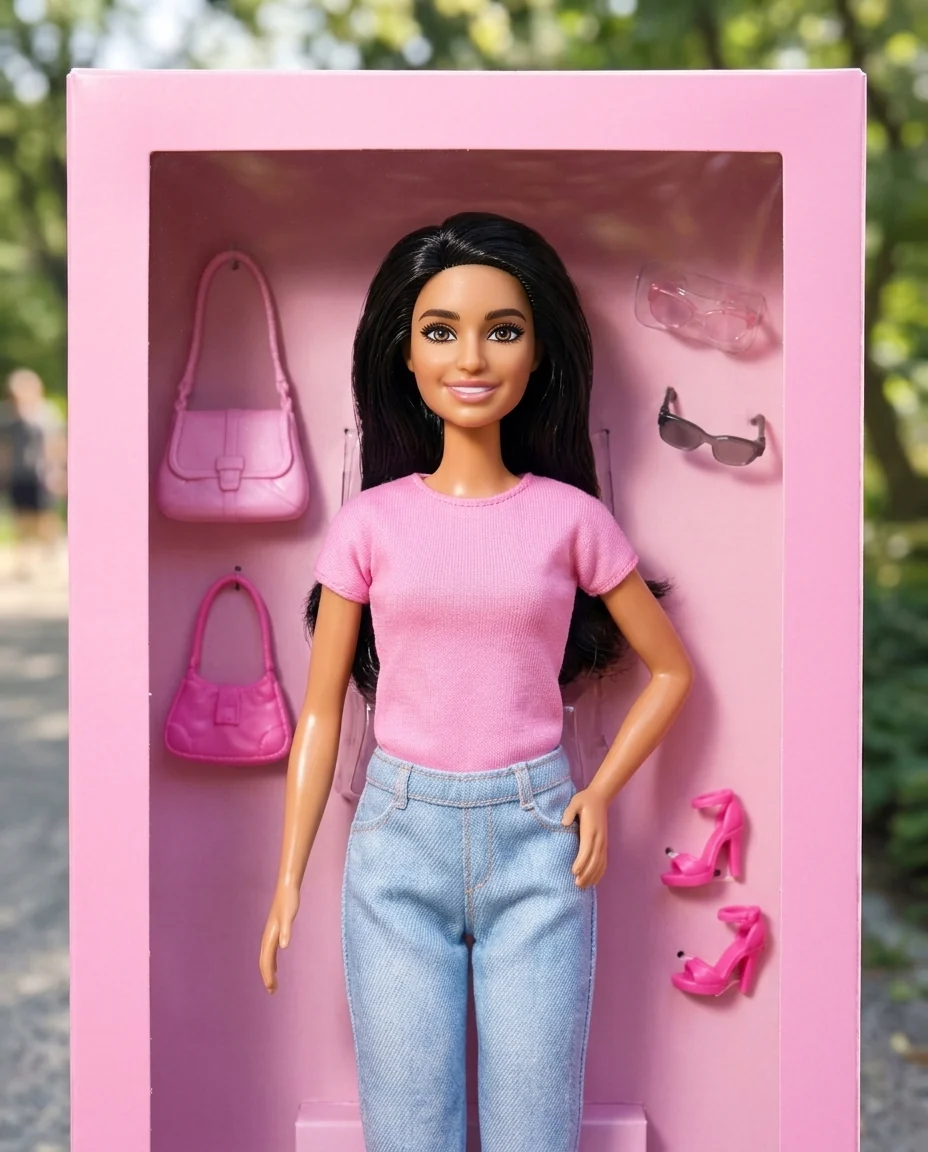

Doll box
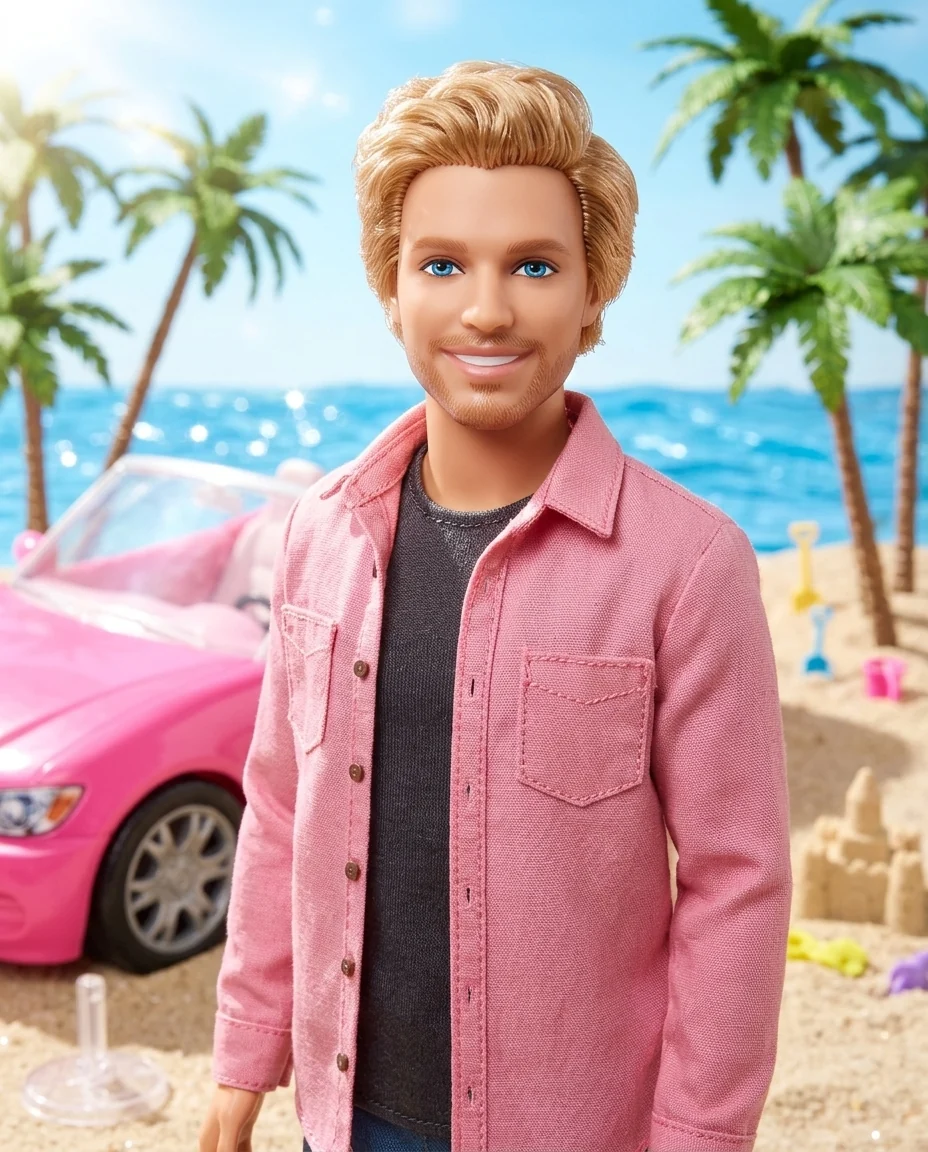

Beach doll
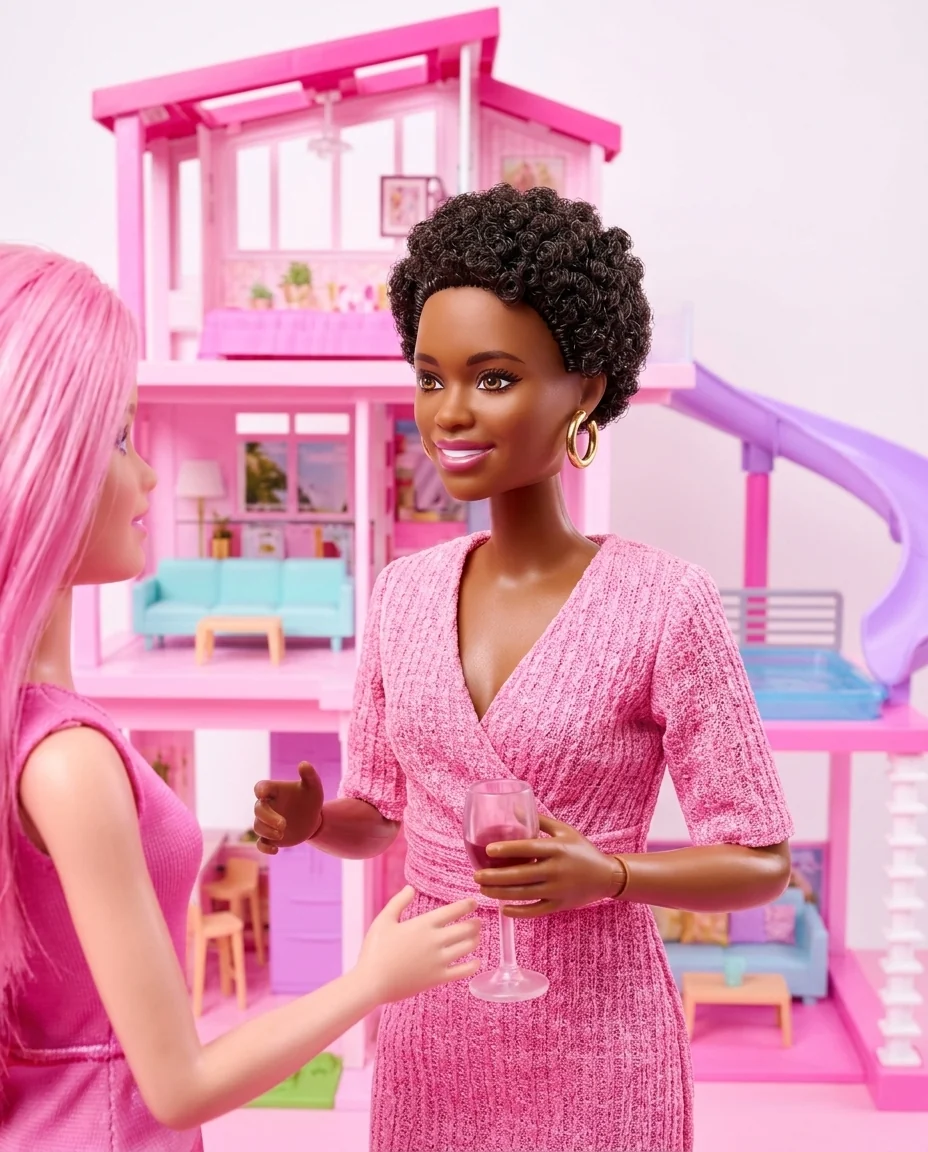

Dreamhouse
Barbie Filter features.
Fashion doll look
Glossy doll skin and styled hair.
Three scenes
Dreamhouse, doll box or beach.
Still you
Face, hair and skin tone carry over.
Barbie Filter, step by step.
01
Upload a photo
Waist-up, smiling.
02
Pick a scene
Dreamhouse, Doll box or Beach.
03
Download
Share it or print it.
Barbie Filter use cases.
- Trend posts
- Join the doll trend with your own photo.
- Birthday gifts
- A doll-box version of the birthday person.
- Couples and friends
- Matching doll versions for a group post.
Barbie Filter: best photos and fixes.
Photos that make a great doll
A smiling, front-facing waist-up photo with even light gives the most convincing doll: the face, hair and outfit all show. Hair color and style are kept but tidied to look doll-like. Bright, even light matches the shiny toy look. Glasses and earrings carry over as doll accessories.
Choosing a scene
Dreamhouse puts you in a pink plastic house with pastel furniture. Doll box shows you as a packaged doll with fashion accessories. Dreamhouse works best with a full-length photo, so the furniture sits around the doll. Beach adds a toy beach and a pink convertible. All three use bright, playful toy photography.
Outfits
Your outfit is turned into a doll-style version in pink tones. Describe a different one if you like: "a sparkly evening gown", "a pink tracksuit", "a doctor's coat". Jobs and hobbies make the doll personal, like the career dolls collectors love.
Everyone can be a doll
People of different ages, skin tones and body types can all use it. Your skin tone and features are kept; the doll look comes from glossy skin and styled hair, not from changing who you are. For a couple, run each person and put the dolls side by side.
Named looks
You can name an existing doll look or character to follow its design, such as a classic look from the films. Brand logos and text on the box are left out, so add your own name on the box in a design app.
Related tools
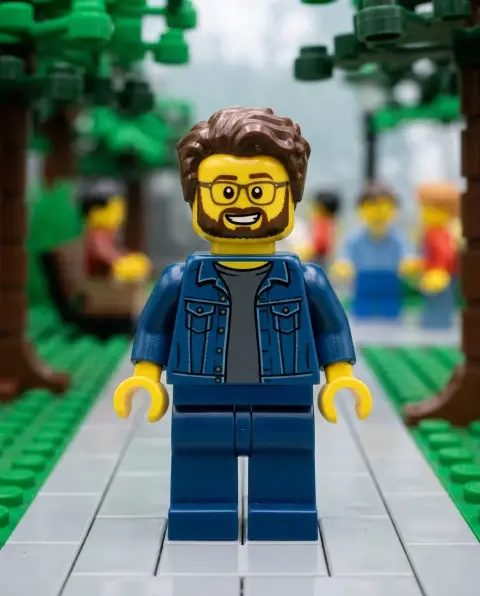
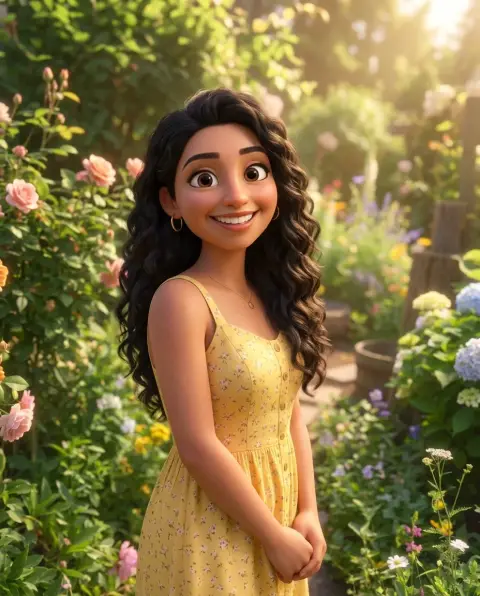
The action figure generator makes a boxed action figure, and the lego filter turns you into a brick minifigure. The beauty filter adds a polished look to a normal photo, and the disney filter draws you as an animated character.
Barbie Filter FAQ.
Is this an official Barbie filter?
No. It is an independent fan-art filter and is not affiliated with or endorsed by Mattel. It draws in the style of the original, including existing characters when you name them.
Can I sell the results?
Keep fan art for personal use, such as avatars, posts and cards. The style and the characters belong to their owners, so don't use results on merchandise or in anything you sell.
Can I use someone else's photo?
Use photos of yourself, or of people who are happy for you to edit their picture. Don't use the result to mock, embarrass or deceive anyone.
Can I choose the outfit?
Yes. Describe the outfit, a job or a hobby in the instructions; one outfit per run is cleanest.
Is the Barbie filter free?
Yes, you can try it free. New accounts get 15 free credits, and one generation here uses 13 credits. You sign in with your email; no card needed. Results have no watermark. After that, plans add credits every month and credit packs never expire.