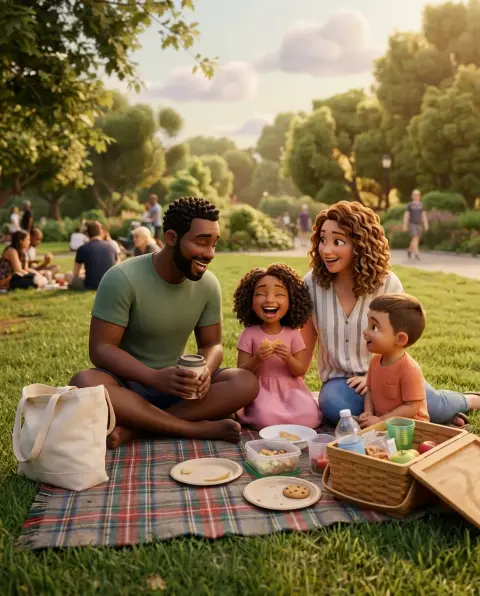
Disney Filter
You, as the star of an animated film.
Drop a photo
or paste with ⌘V · JPG · PNG · WebP · up to 8 MB
No photo handy? Try one of ours.
Disney Filter examples.
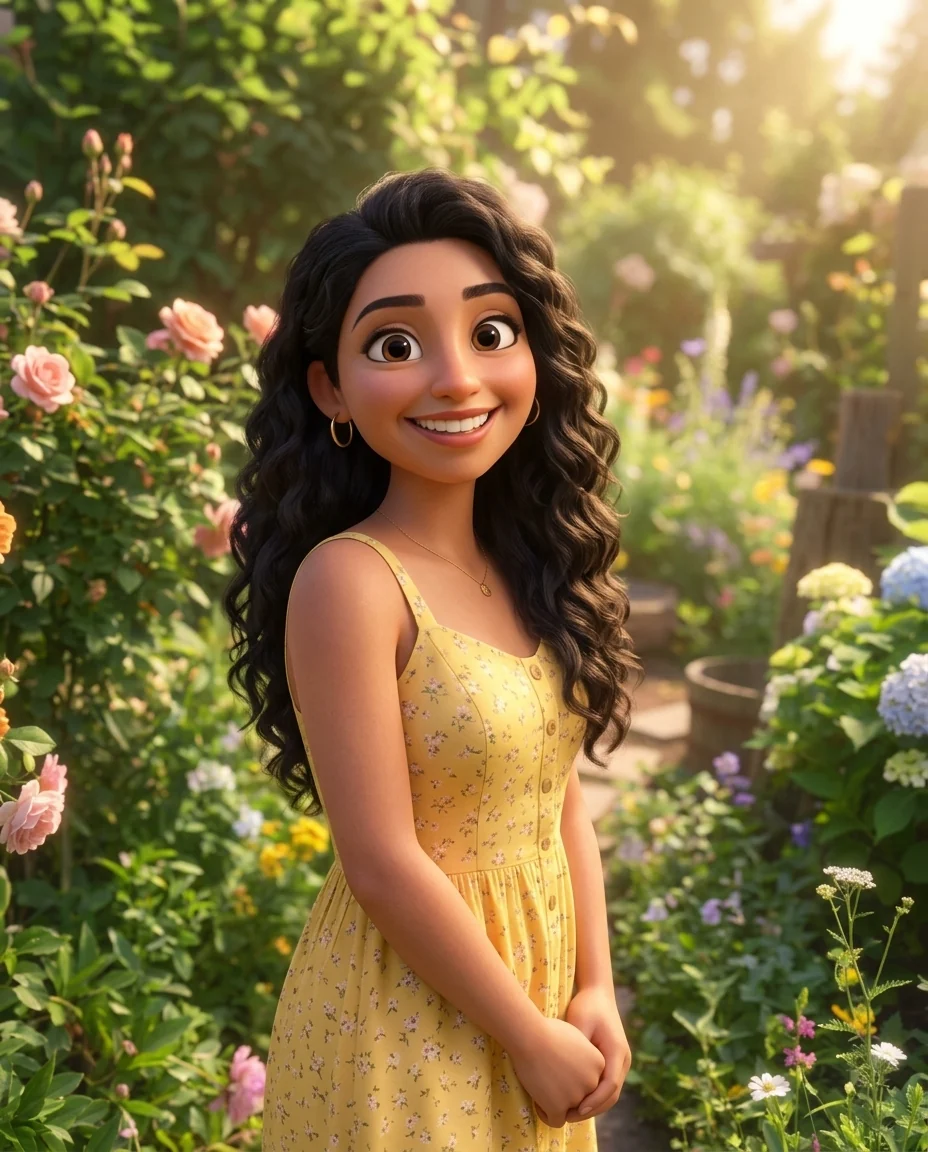
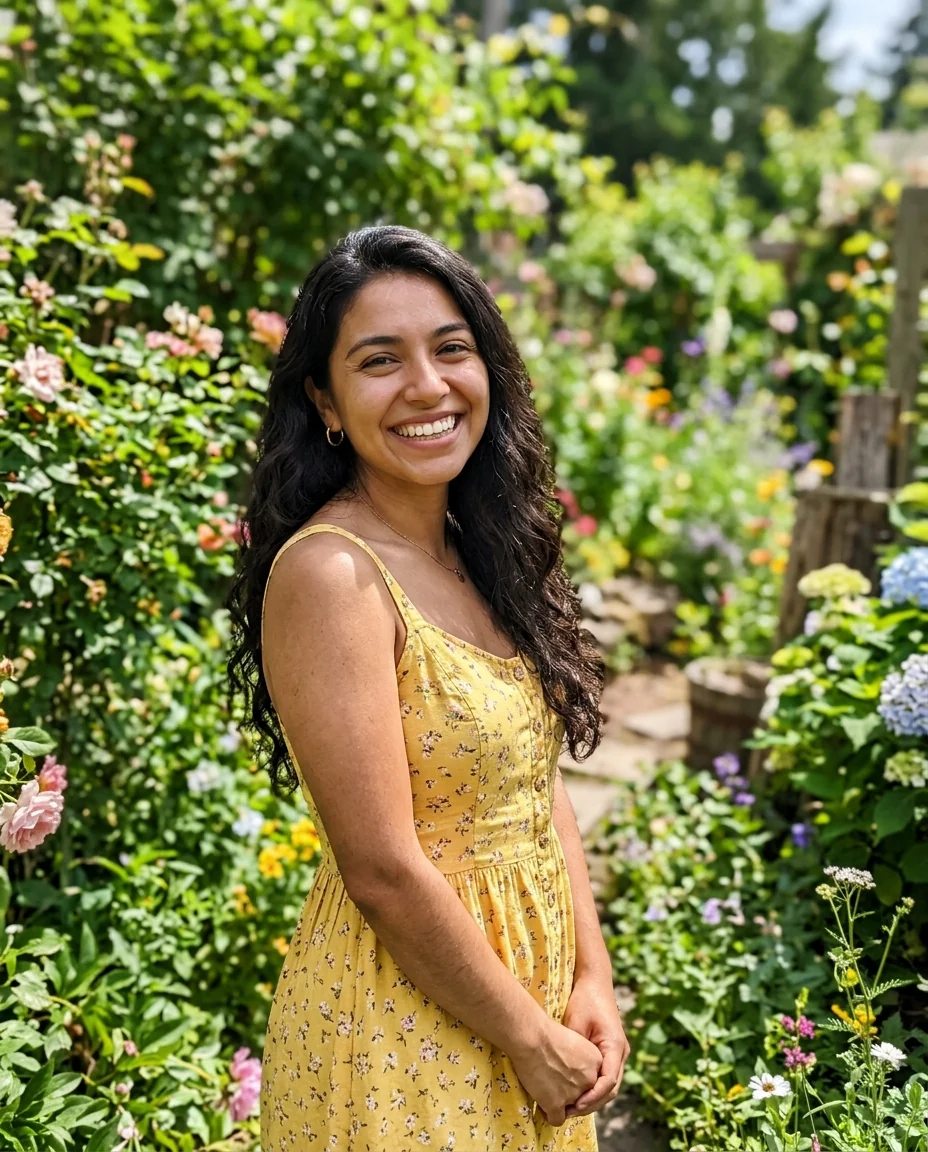
3D animated
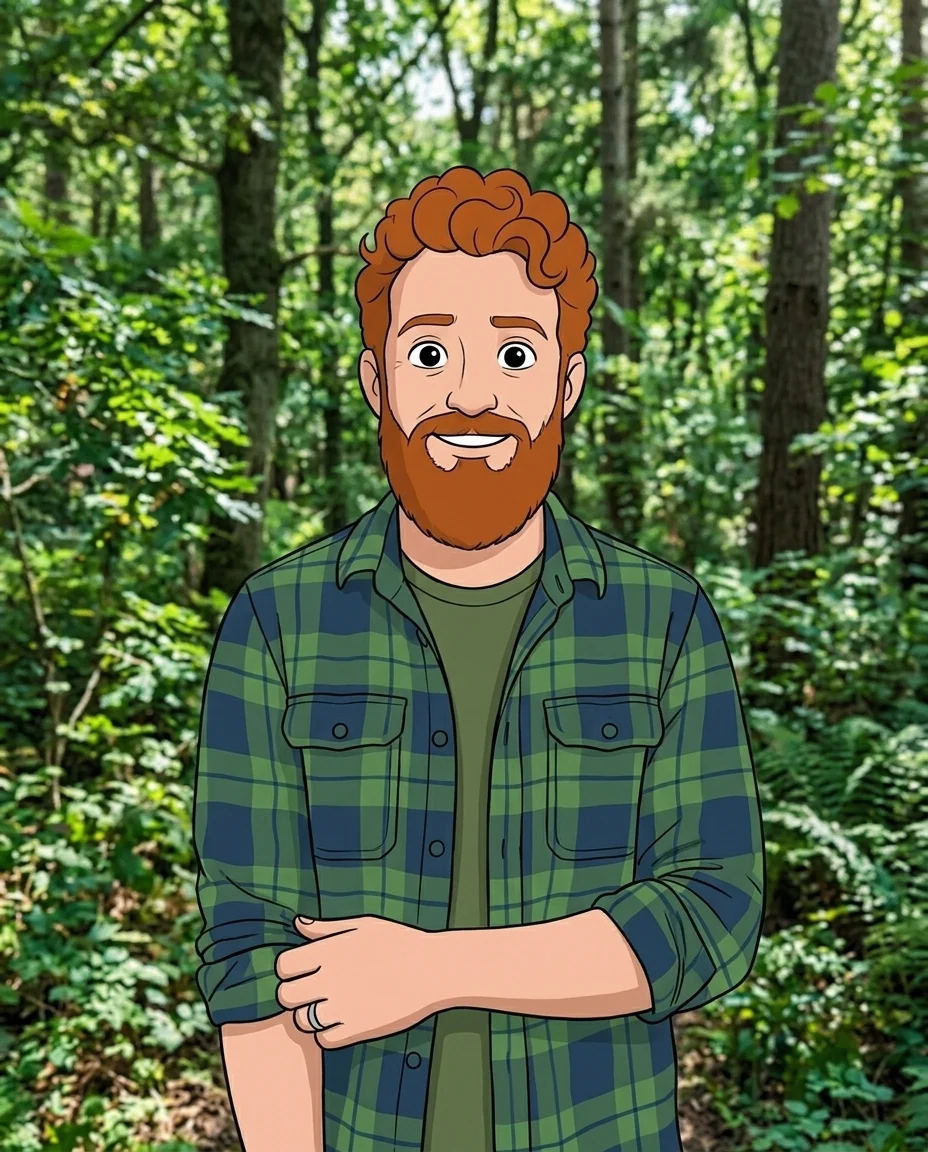
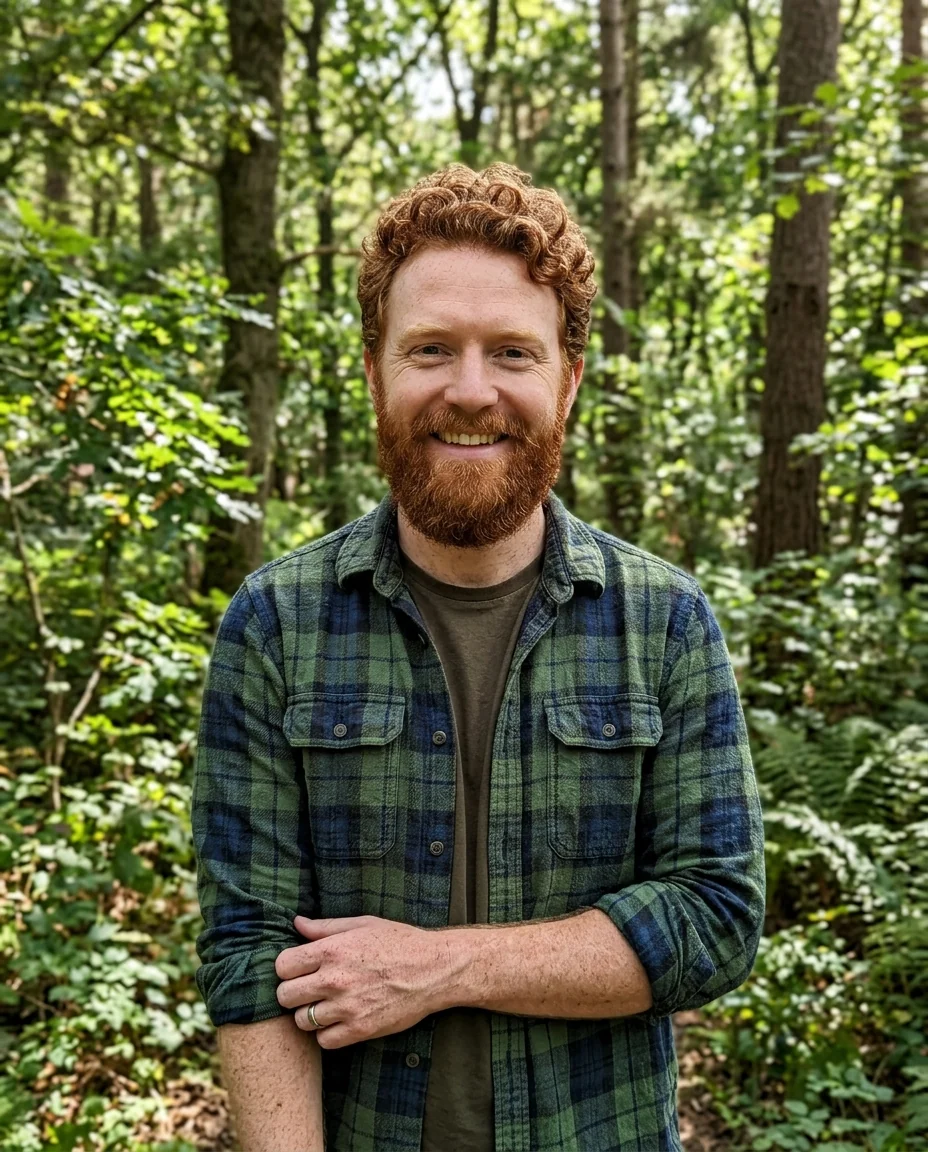
Classic 2D
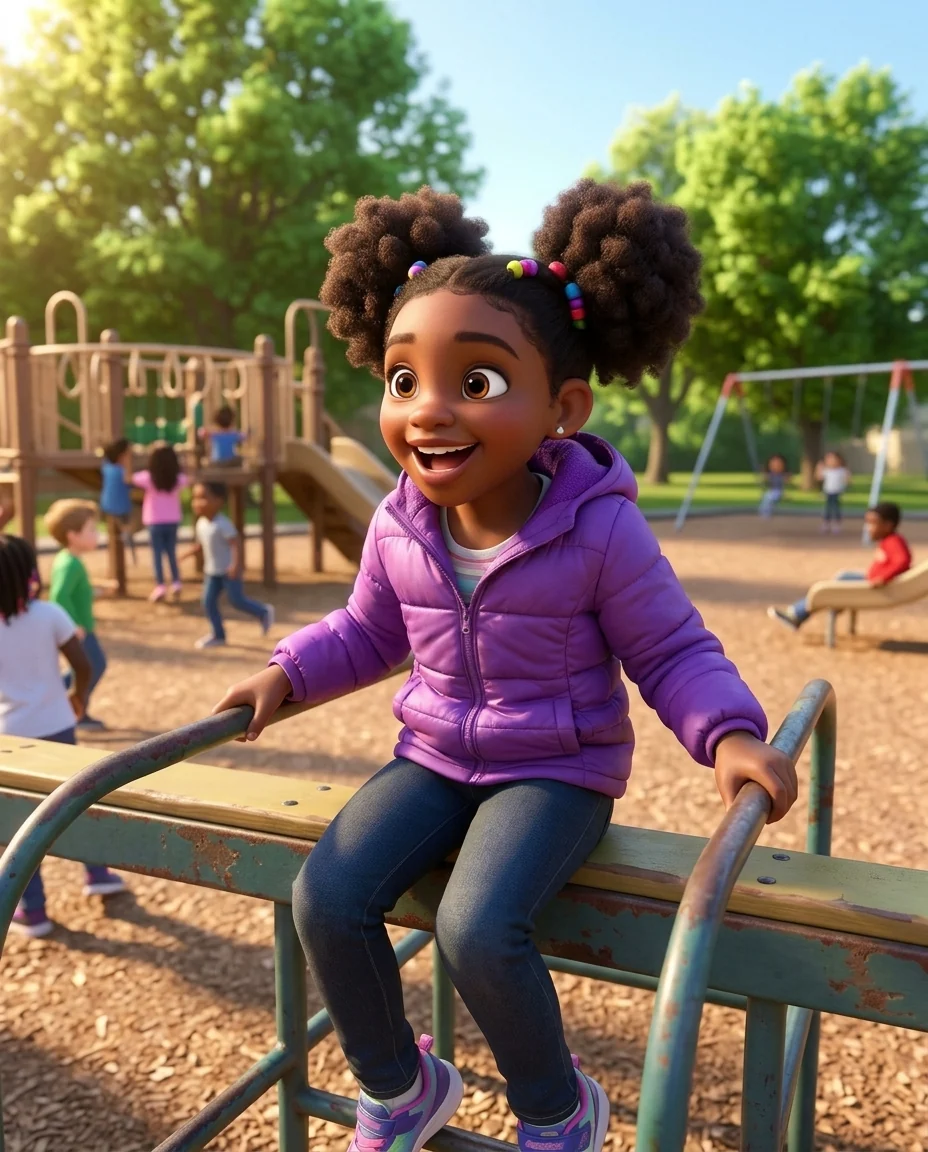
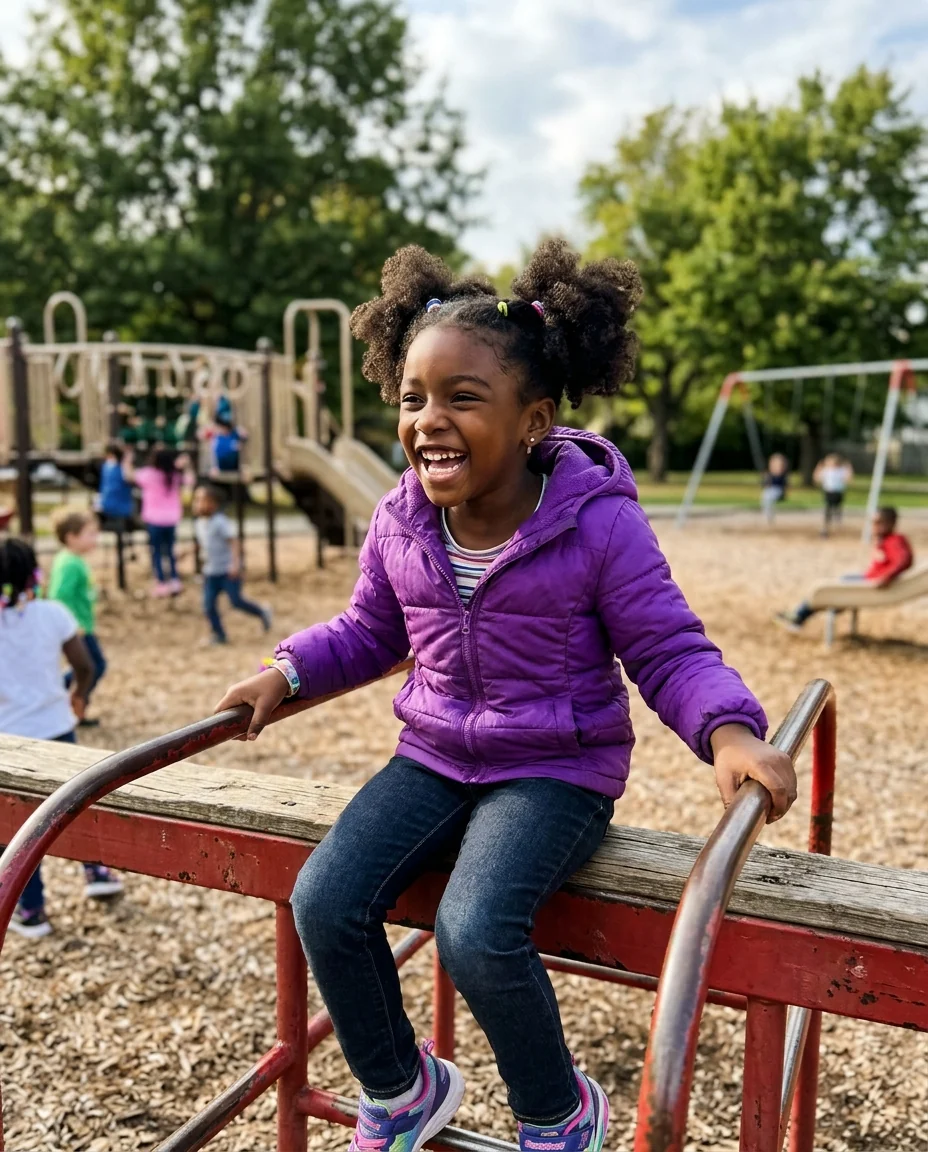
Kid hero
Disney Filter features.
Two animation looks
Modern 3D or classic hand-drawn 2D.
Still recognizable
Hair, skin tone, eyes and outfit carry over.
Or a favorite character
Name one to be drawn as them.
Disney Filter, step by step.
01
Upload a photo
One clear face, waist-up is best.
02
Pick 3D or 2D
Modern or classic animation.
03
Download
Share it or use it as an avatar.
Disney Filter use cases.
- Avatars
- An animated profile picture that still looks like you.
- Birthday surprises
- Turn a child into the hero of their own film.
- Couples and families
- Animated versions of everyone for a card.
Disney Filter: best photos and fixes.
Photos that make a great character
A waist-up photo with a clear face and a visible outfit gives the best character, because the style relies on hair, clothes and expression to keep the likeness. Bright, even light helps the eyes and smile come through. Sunglasses and hats pulled low hide the features that make you recognizable once the face is simplified.
3D or classic 2D
3D animated gives the modern feature-film look: soft skin, detailed hair and warm lighting, with big glossy eyes. Classic 2D is hand-drawn with clean ink lines and flat colors, like older animated films, and keeps a painted background. If one doesn't look like you, try the other: likeness can come through better in one style than the other.
Keeping the likeness
Hairstyle, hair color, skin tone, eye color, facial hair and glasses are carried over, and the outfit keeps its colors. The face is stylized, with larger eyes and simplified features, so expect a character that looks like you rather than a photo. A smile in the photo becomes a bigger, more animated smile, which is part of the style.
Kids, pets and groups
Children turn into charming animated characters, which makes this a favorite for birthdays. For a group, run each person separately for the best likeness, or upload the group photo for a fun scene with simpler faces.
You, or you as a favorite character
By default you become a new character in the animated film style. Name a character to be drawn as them with your face, such as "as Elsa in her ice gown" or "as Aladdin on the magic carpet". You can also describe your own costume or setting: "as a space explorer" or "as a baker in a seaside village".
Related tools
Photo to 3D cartoon makes a softer 3D cartoon without the film style, and the cartoon generator offers several 2D cartoon looks. The ghibli filter gives a hand-painted anime film look. For a profile picture in many styles, try the avatar generator, and for a tiny, big-headed version of you, the chibi generator.
Disney Filter FAQ.
Is this an official Disney tool?
No. It is an independent fan-style filter and is not affiliated with or endorsed by The Walt Disney Company. It draws you in the films' style, or as a character you name.
Can I sell the results?
Keep fan-style images for personal use, such as avatars, posts and cards. The style and the characters belong to their owners, so don't use results on merchandise or in anything you sell.
Can I use someone else's photo?
Use photos of yourself, or of people who are happy for you to edit their picture. Don't use the result to mock, embarrass or deceive anyone.
Can I become a specific character?
Yes. Name the character in the instructions, for example "as Elsa in her ice gown".
Is the Disney filter free?
Yes, you can try it free. New accounts get 15 free credits, and one generation here uses 13 credits. You sign in with your email; no card needed. Results have no watermark. After that, plans add credits every month and credit packs never expire.