Minion Filter
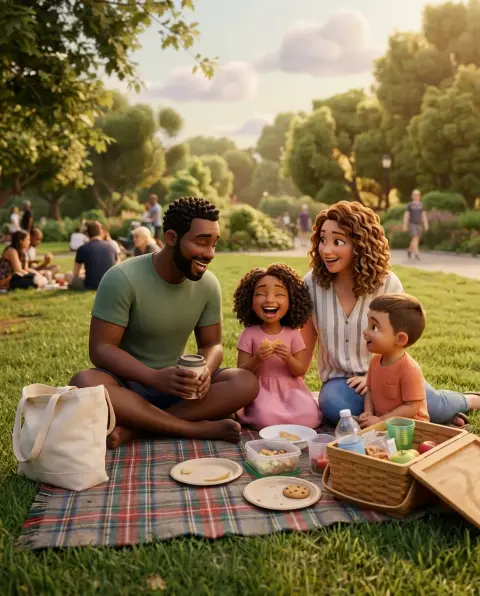
You as a cheerful yellow henchman, goggles and overalls included.
Drop a photo
or paste with ⌘V · JPG · PNG · WebP · up to 8 MB
No photo handy? Try one of ours.
More like this.
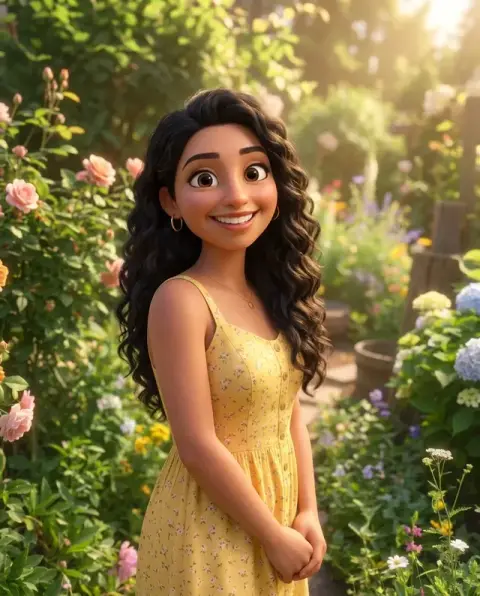
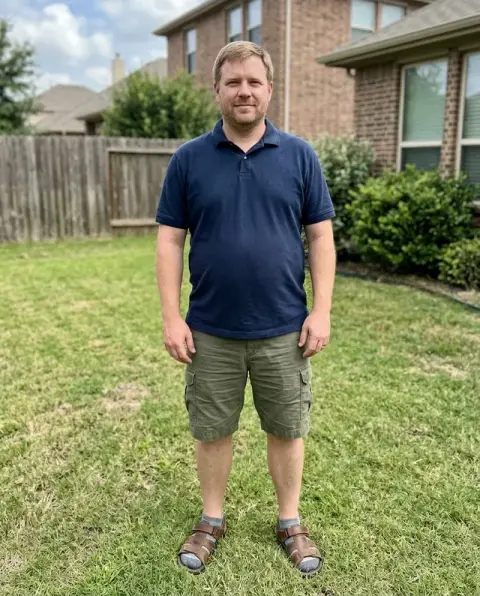
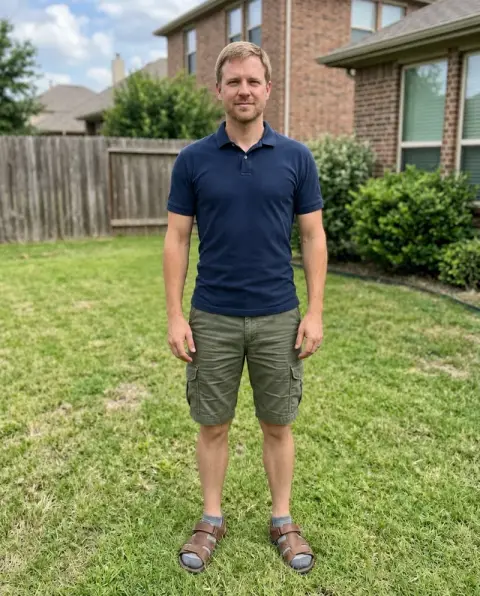
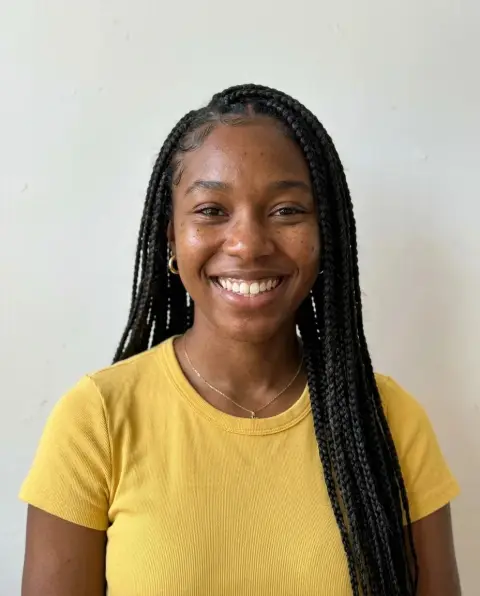
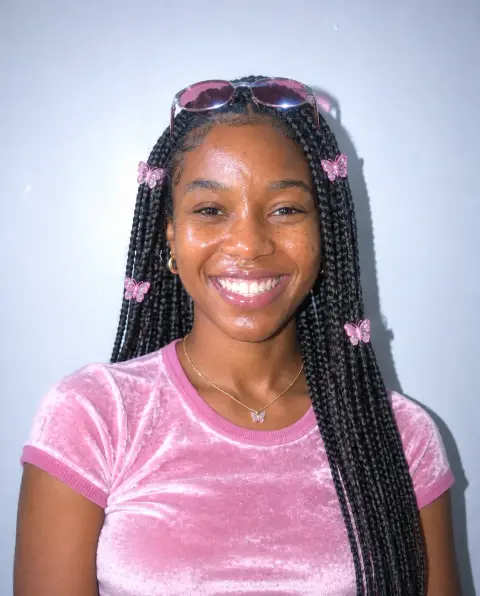
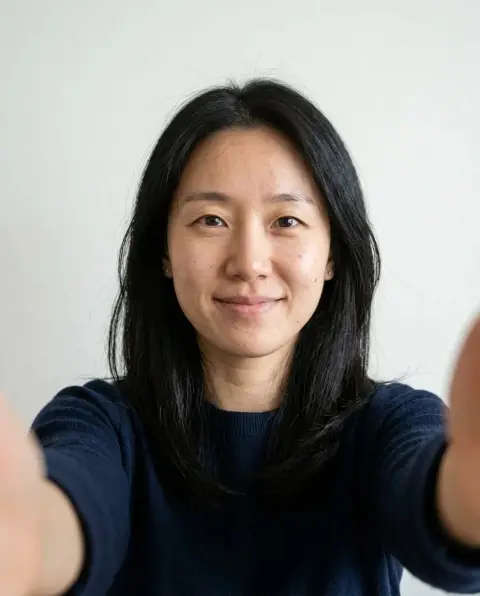
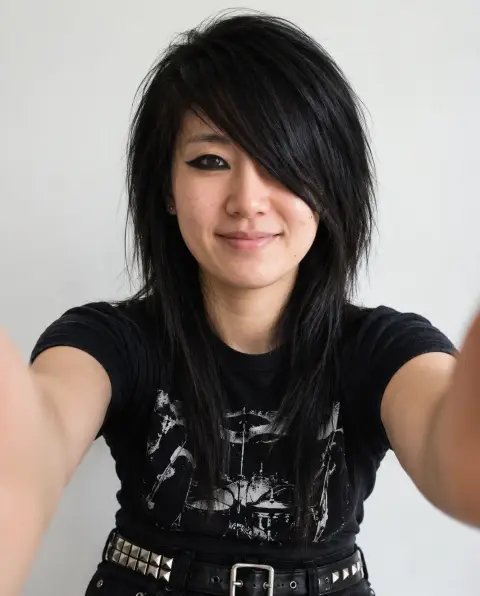
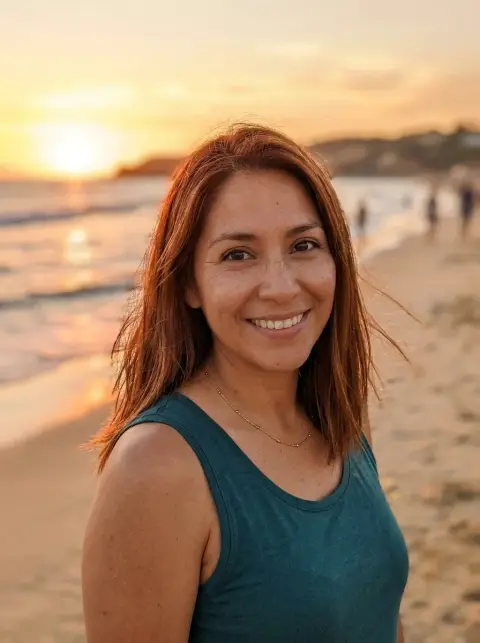
Minion Filter examples.
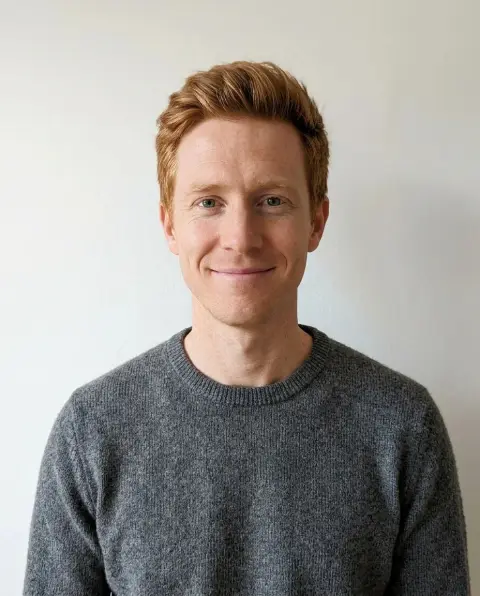
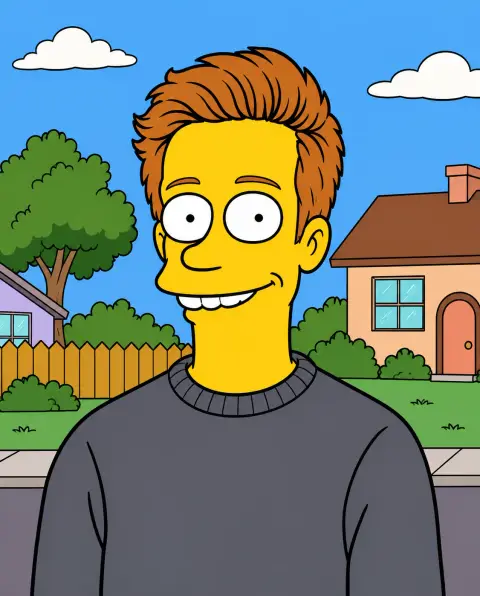
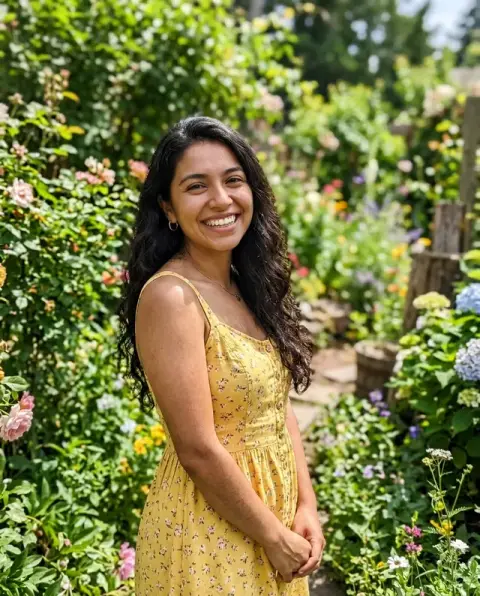
Real results from this page's default settings in one click, not retouched.How examples are made
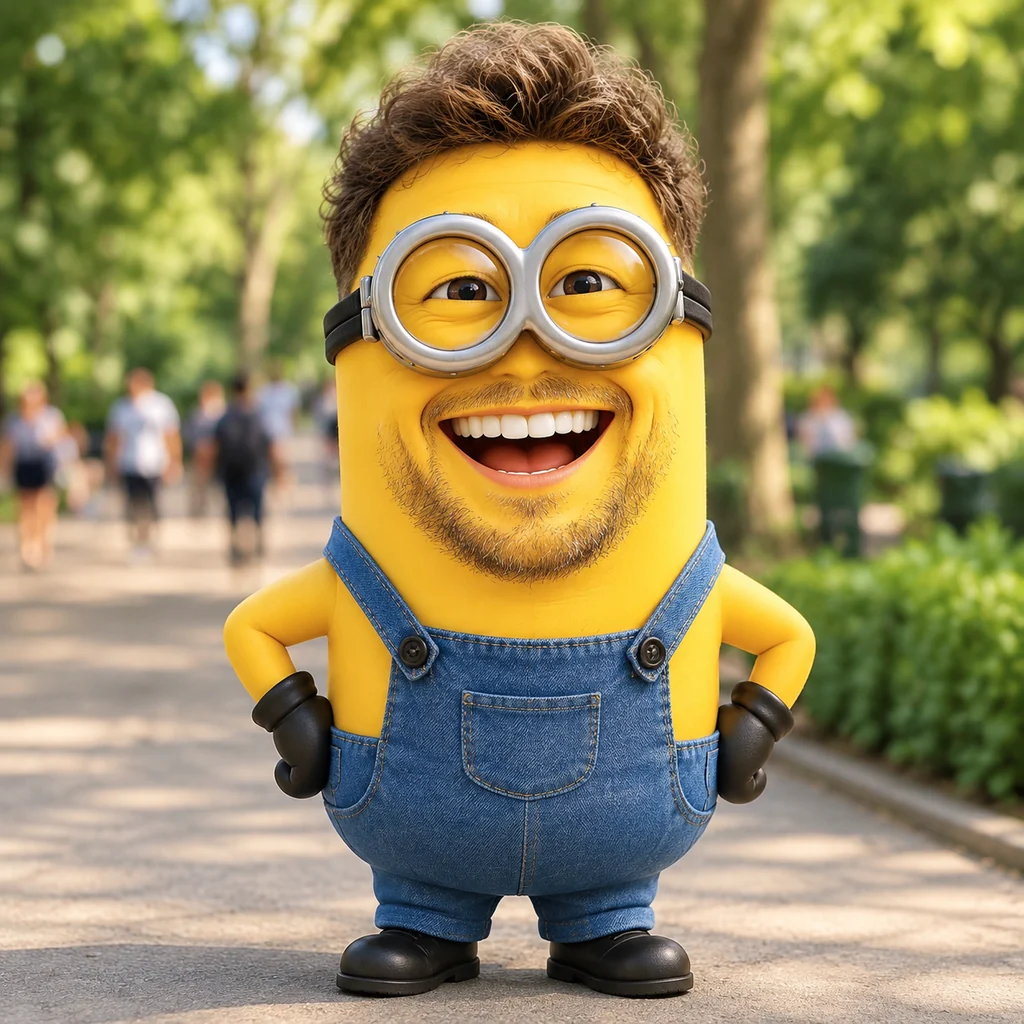
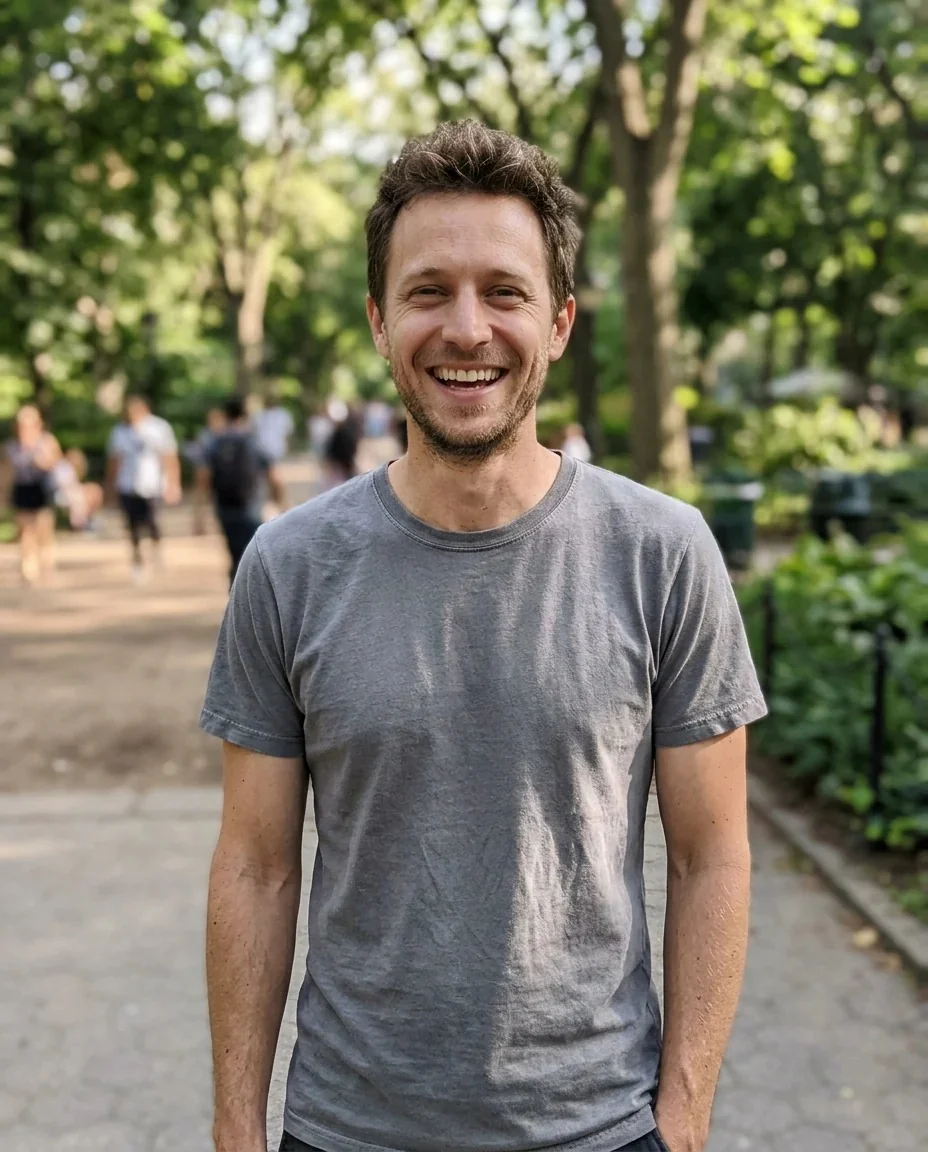
A smiling bearded man turned into a yellow goggled henchman in denim overalls in a park
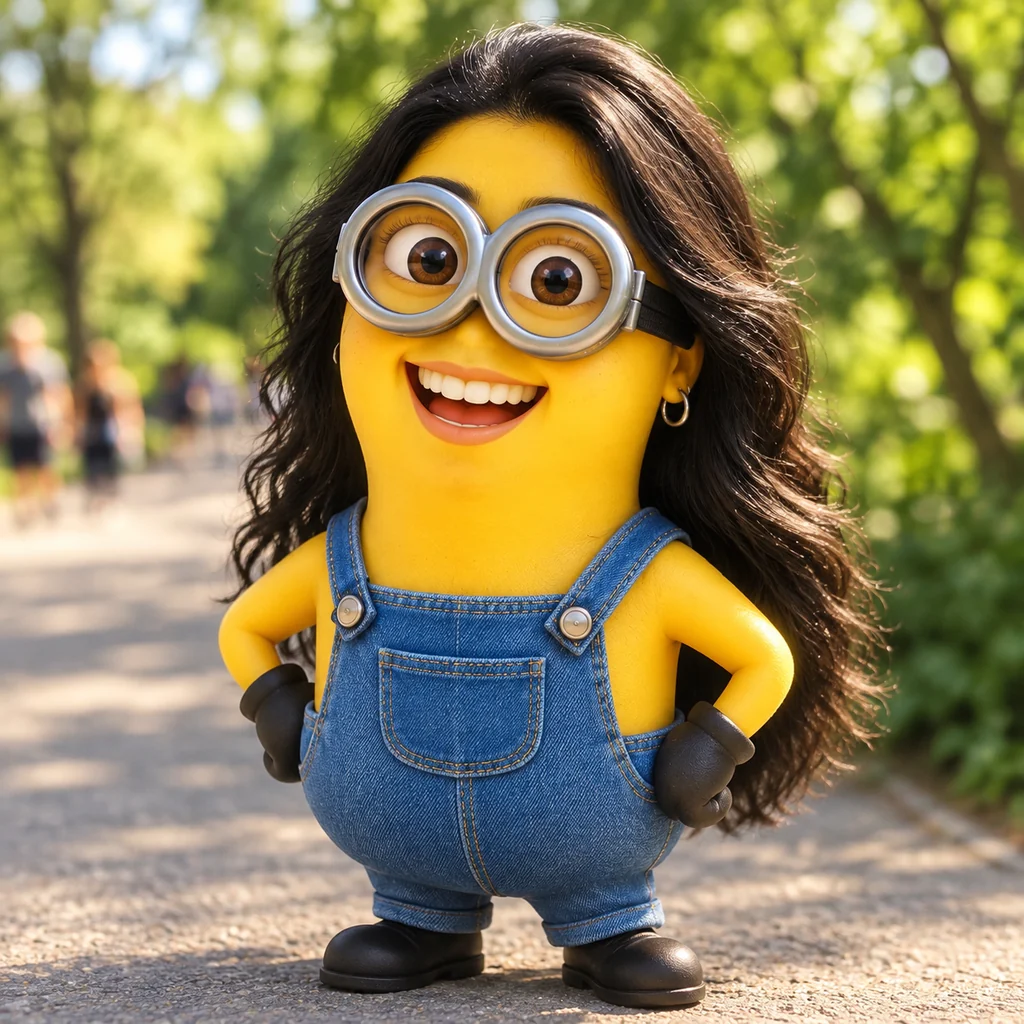
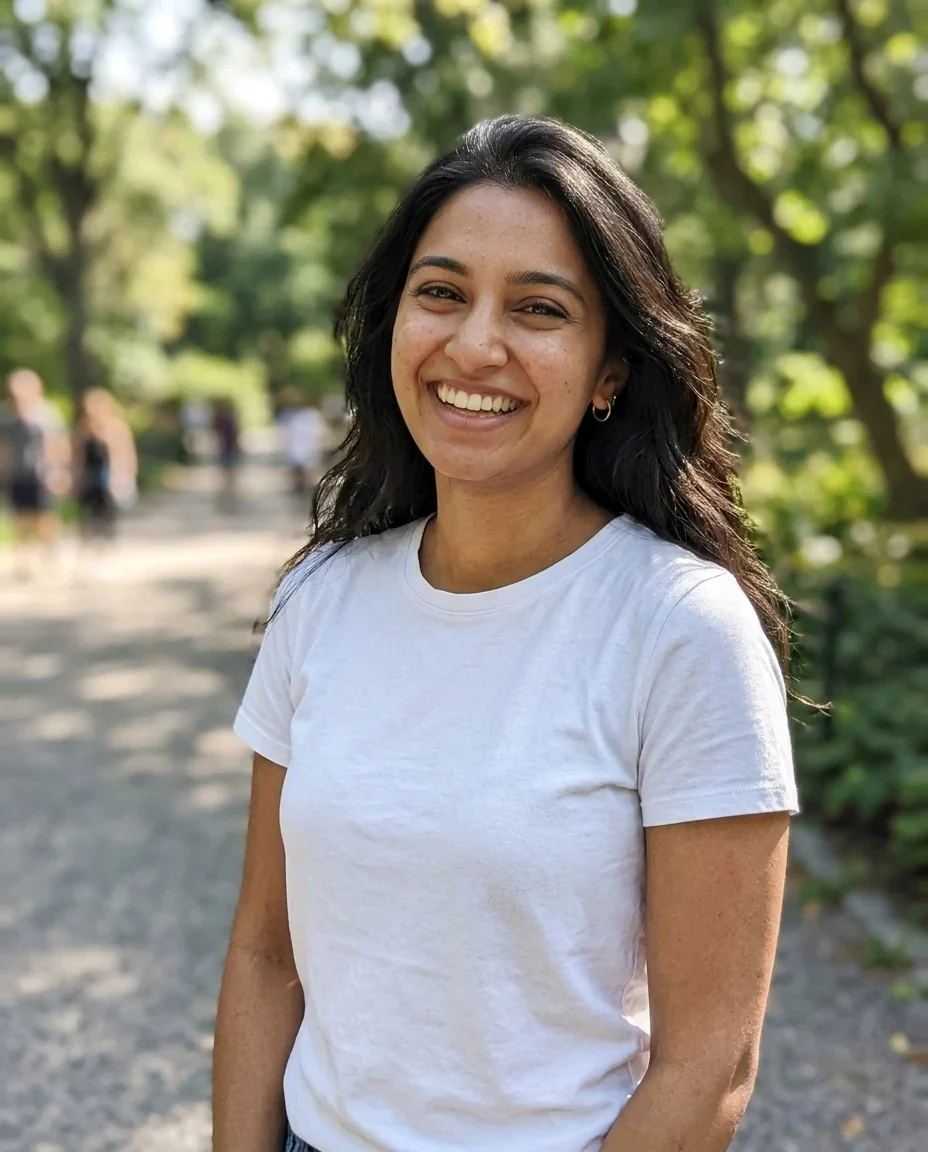
A woman with long dark hair as a yellow henchman with goggles and overalls on a path
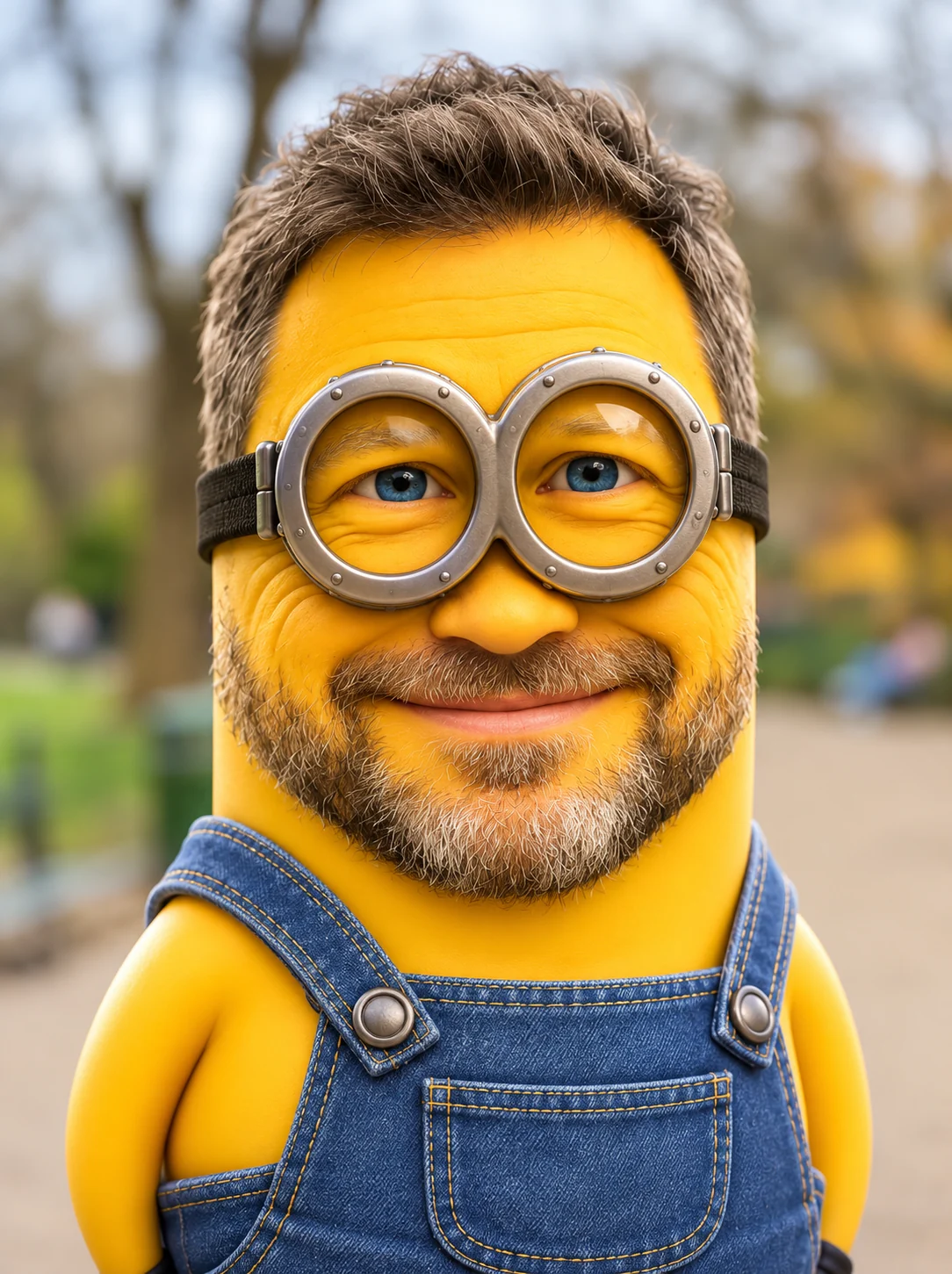
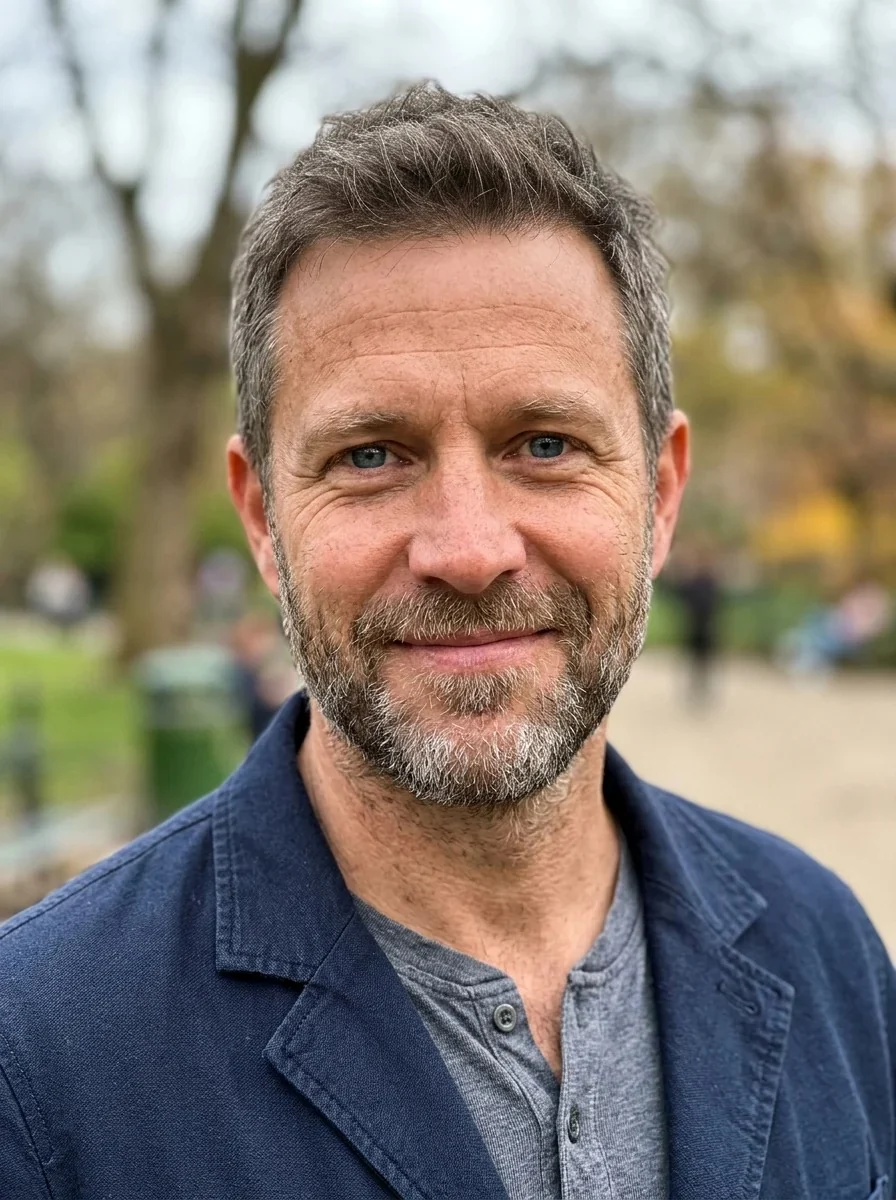
A bearded man's face on a yellow capsule character with goggles and overalls
Minion Filter features.
Yellow capsule character
Bright smooth yellow skin, round silver goggles with a black strap and blue denim overalls, rendered like a glossy 3D animated film.
Still recognizable
The prompt keeps your hairstyle, glasses and expression, so friends can tell who the henchman is.
One or two eyes
Goggles with one or two big eyes behind them, picked by the AI for each photo; ask for a number in the instructions.
Your own background
The park, street or room behind you stays, so the character looks placed into your photo.
Minion Filter, step by step.
01
Upload a photo
A clear portrait or waist-up shot works best.
02
Add an idea if you like
Describe a prop or mood, like a laughing mouth or a banana.
03
Make it and download
Save the yellow version and share it.
Minion Filter use cases.
- TikTok trend
- A web version of the yellow henchman trend that works on any photo.
- Group chat avatars
- A cartoon profile picture friends will recognize.
- Party invitations
- A yellow character for kids' birthday and costume party posts.
- Pet and family jokes
- Turn each family member into their own henchman, one photo at a time.
Minion Filter: best photos and fixes.
Photos that work
The filter works best with one person facing the camera, with the head and shoulders clearly visible. The character is built around a smooth round head and a body in overalls, so photos that show your upper body give the AI something to dress. Even, daylight lighting keeps the yellow skin clean and bright, while heavy shadows across the face can leave patches. A hat or a hand covering your face hides the features the character is built from, so take them off for the shot.
Hair, beard and glasses
The prompt keeps your hairstyle, glasses and expression. Long hair, curls and beards are usually carried over onto the yellow head, which is what makes the result look like you rather than a generic cartoon. If you wear glasses, expect them to sit with the goggles; if that looks crowded, try a photo without them.
Eyes, mouth and props
Instructions are optional and are added to the prompt. Try "two eyes instead of one", "a big laughing mouth" or "holding a banana". The look stays a glossy 3D animated render, so prompts that ask for a flat drawing or a realistic photo work against the style. Speech bubbles and captions are not added.
Groups and pets
Use one person per photo for the clearest result. To put several people in one scene, make a character for each and join them with the image combiner. Pets are not what this look is built for; try cartoonize my pet instead.
Cleaning up first
If the background is busy, the character can pick up clutter. Run the photo through the background remover first, or swap it with the background changer for a plain, bright backdrop that makes yellow stand out.
More cartoon looks
For other yellow cartoon styles see the Simpsons filter, for a polished animated-movie look the Disney filter, and for a broader choice the cartoon generator.
Minion Filter FAQ.
Is this an official Minion filter?
No. It is an unofficial, fan-made style inspired by the yellow henchmen from the animated films, and is not affiliated with the rights holder. The result is a cartoon character that looks like you, not an official Minion.
How do I get the minion filter that is trending on TikTok?
Upload a photo here and generate. This is a web version of the trend that works on any photo, not a camera effect inside an app, and you download the result as an image.
Will I still look like me?
The prompt keeps your hairstyle, glasses and expression, so the character should read as you. Face shape and age are kept as far as a capsule-shaped body allows. Results vary a little each run.
Why does my character have one eye or two?
The prompt asks for one or two big eyes behind round goggles and the AI picks per photo. Add "two eyes" or "one eye" in the instructions box to steer it, though it cannot be guaranteed.
Can I use a photo of a child?
Use photos of yourself, or of people who are happy for you to edit their picture. For a child, the parent or guardian should decide; don't use results to mock or embarrass anyone.
Can I sell results or use them on merchandise?
Keep results for personal use such as avatars, posts and party invitations. The look is inspired by characters owned by someone else, so don't use it on products or in anything you sell.
Does the minion filter cost credits?
One result uses 9 credits with the default model, GPT Image 2. New accounts get 25 free credits once, and you can pick other models from the model menu at their own prices. Results have no watermark, and a failed generation refunds its credits.
What files can I upload?
A JPG, PNG or WebP up to 8 MB. On a computer you can scan a QR code to send a photo from your phone; the link works for 10 minutes.
Are my photos used to train AI?
No. Uploads are not used for training. Results stay in My files for 48 hours, or 30 days once you've bought a credit pack, so download the ones you want to keep.