












Mermaid Filter
An iridescent tail, wet hair and pearls, on a rock or under the sea.
Drop a photo
or paste with ⌘V · JPG · PNG · WebP · up to 8 MB
No photo handy? Try one of ours.
More like this.

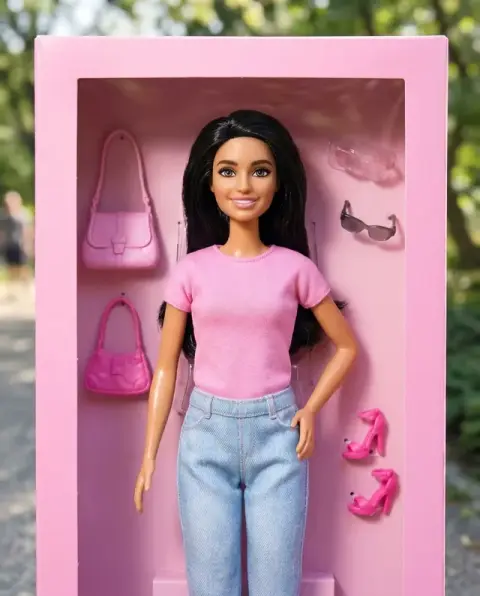










Mermaid Filter examples.
Real results from this page's default settings in one click, not retouched.How examples are made
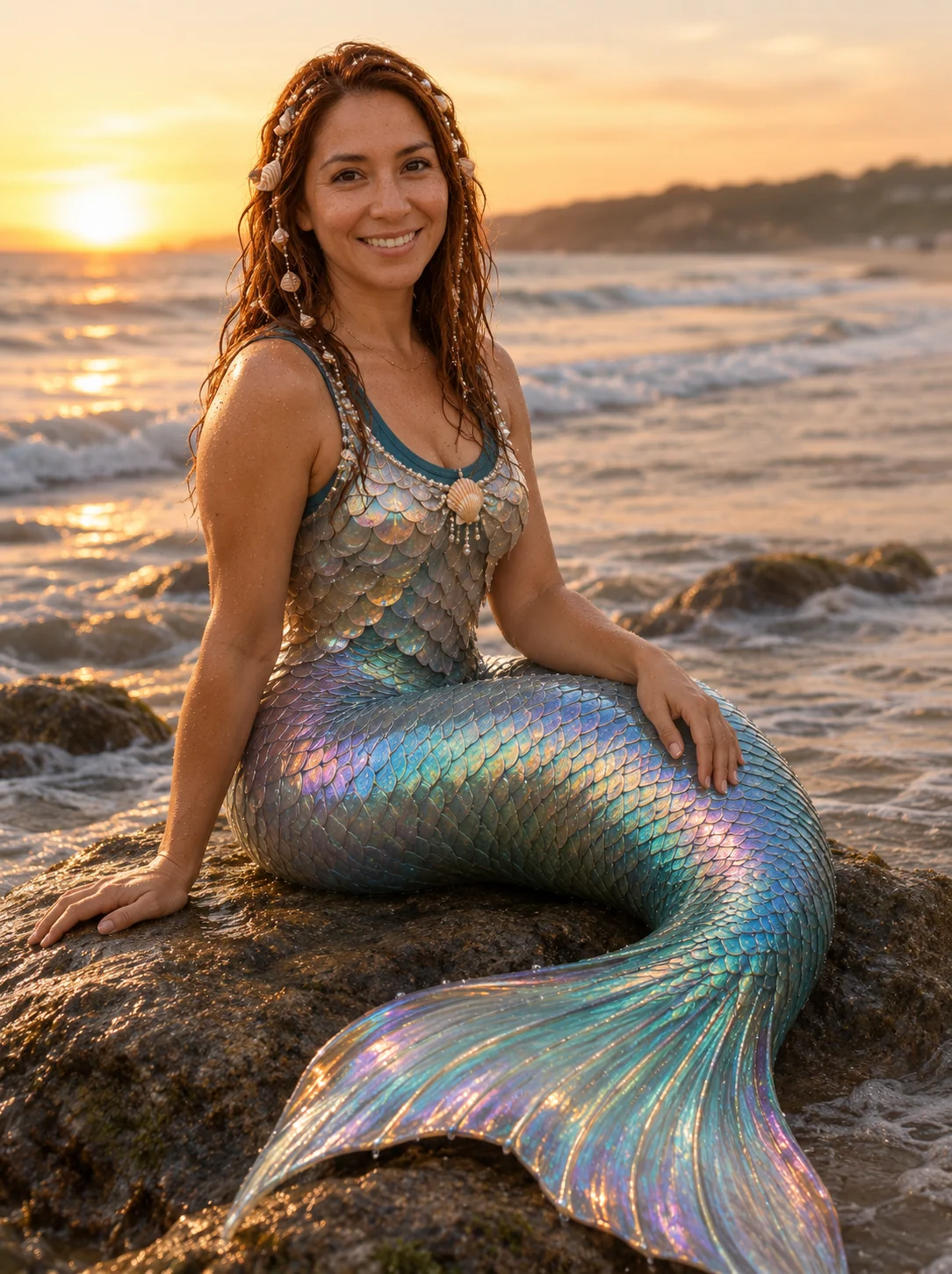

On a rock
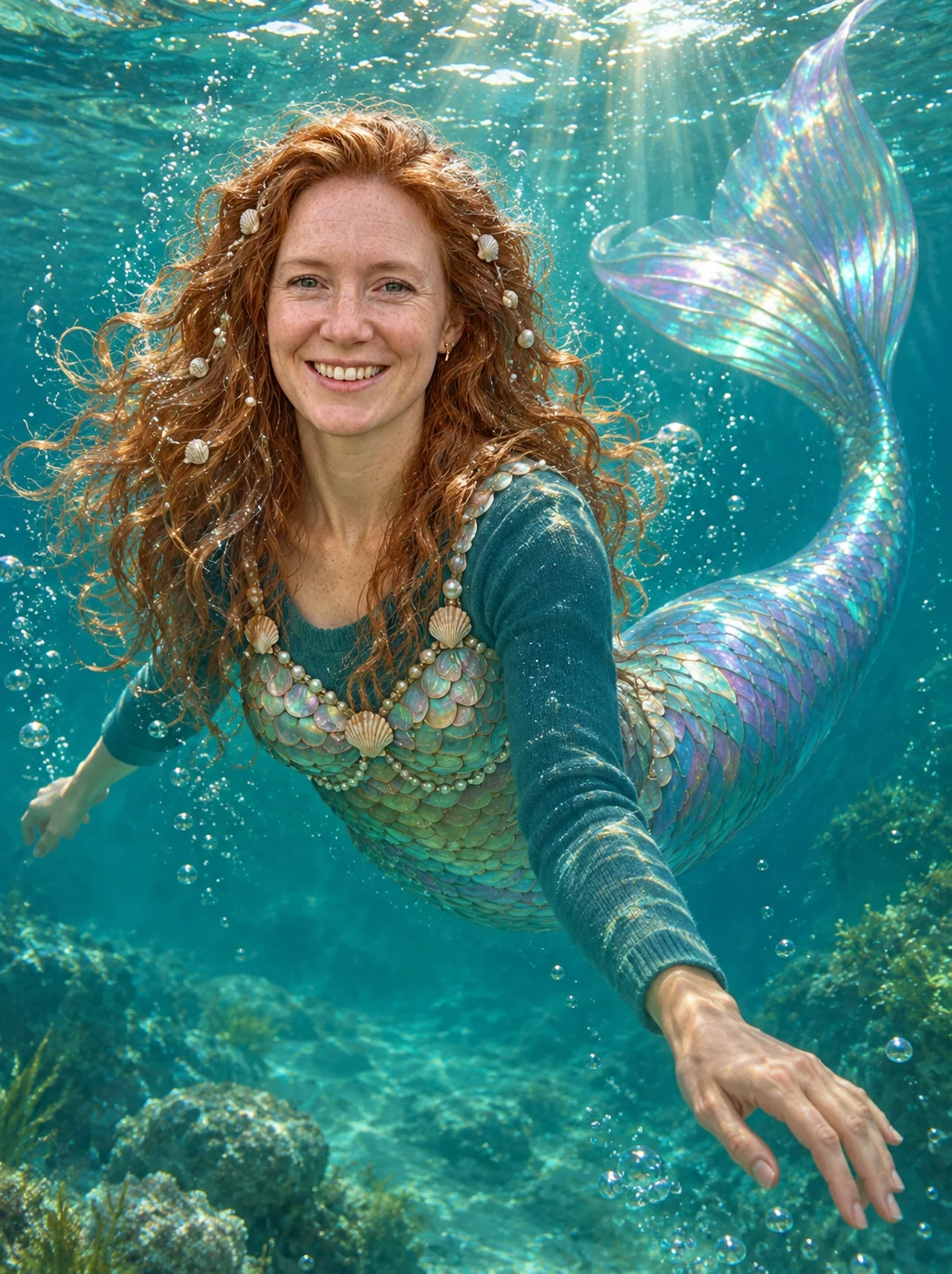

Underwater
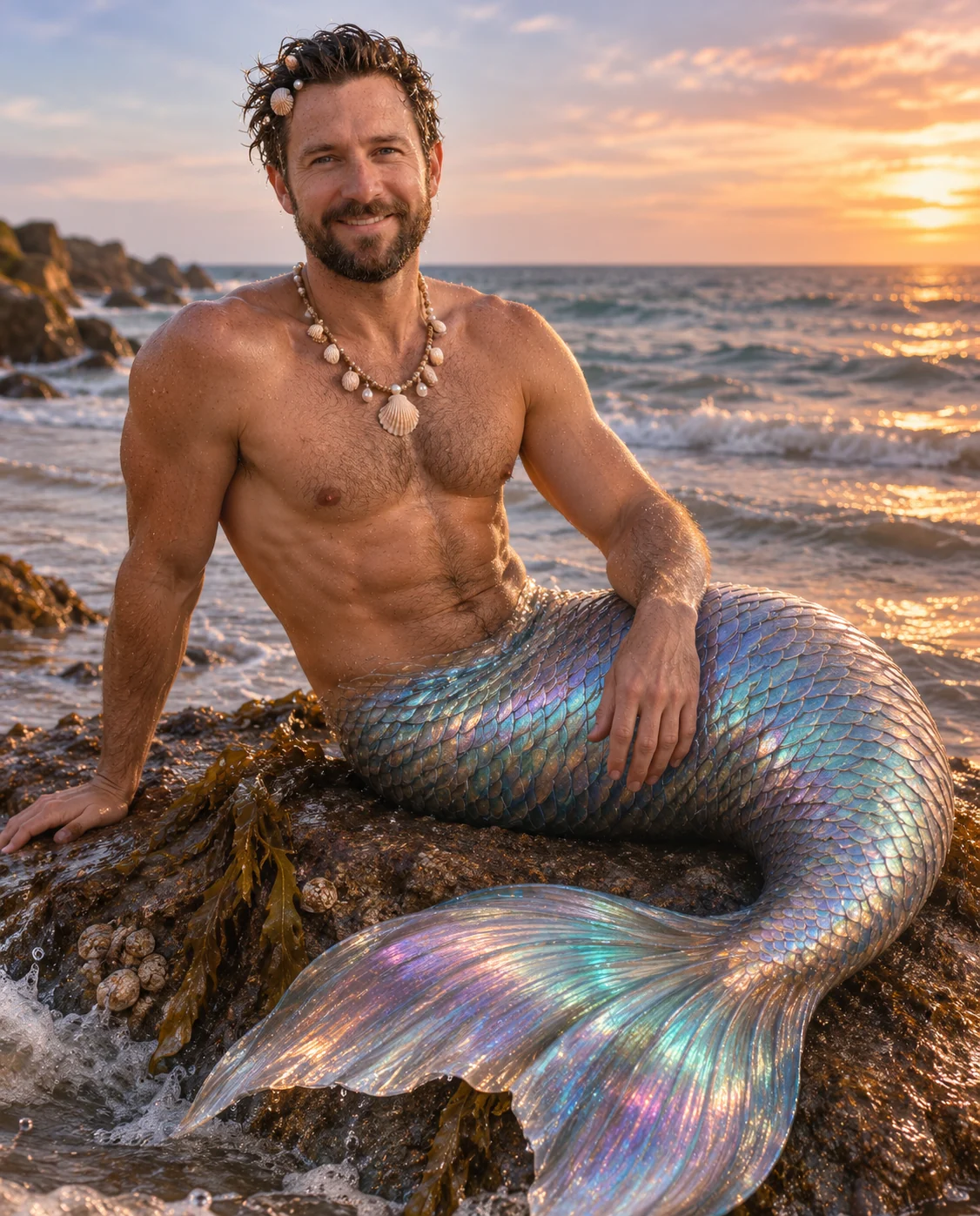

On a rock
Mermaid Filter features.
Iridescent fish tail
Your legs become a shimmering tail, in a photorealistic fantasy photo.
Mermaid or merman
Women get a tasteful seashell or scale top over the existing coverage; men are bare-chested with a shell necklace.
On a rock or underwater
Sit on a rock at the sea's edge at golden hour, or swim in clear turquoise water with light rays and bubbles.
Shells and pearls
Wet hair with small shells and pearls finish the look, and your face stays recognizable.
Mermaid Filter, step by step.
01
Upload a photo
A portrait or waist-up shot with your face clearly visible.
02
Pick the scene
On a rock or Underwater.
03
Generate and download
Save the result and share it.
Mermaid Filter use cases.
- Beach and holiday photos
- Turn a seaside snapshot into a fantasy scene.
- Costume and Halloween ideas
- A mermaid look to plan or preview.
- Profile pictures
- A magical avatar with a tail and shells.
- Birthday and theme posts
- A mermaid look for a party or event.
Mermaid Filter: best photos and fixes.
Photos that work
Use a clear photo where your face and upper body are visible, facing the camera or slightly turned. The AI draws the tail and the sea scene itself, so what it needs from you is your face, hair and skin tone. A natural, well-lit portrait gives the likeness the best chance. Heavy filters or sunglasses hide the features that keep you recognizable, and photos that show your whole body on a busy background make the pose harder to reinterpret.
On a rock or underwater
On a rock sits you at the sea's edge at golden hour, tail curled over the rock, the most photographic of the two. Underwater puts you swimming in clear turquoise water with light rays and bubbles, which suits fantasy art, avatars and profile pictures. Both start from your portrait; the scene replaces your original background.
Mermaid or merman
Women get a seashell or scale top over their existing coverage. Men are shown bare-chested with a shell necklace, as a merman. The top is not a bra or bikini top, and the result is meant to stay tasteful whoever is in the photo. If the result's top does not suit you, try again, or choose a photo with more visible clothing.
Instructions box
Optional text is added to the prompt. Try "a green and gold tail", "hair flowing in the water" or "holding a seashell". Keep it to colors and small props rather than changing the scene, because the option above sets it.
Groups and pets
One person per photo works best. Pets and several people can come out distorted, so make one portrait per person and join them in the image combiner.
Related looks
For a woodland fantasy look try the fairy filter, for wings and light the angel filter, for a glossy doll style the Barbie filter, and to change your hair first use the hair color changer.
Mermaid Filter FAQ.
What does the mermaid filter do?
It turns the person in your photo into a mermaid, or a merman for men, with an iridescent fish tail instead of legs, wet hair and small shells and pearls, in a photorealistic fantasy photo.
Does it work for men?
Yes. The prompt makes a merman: bare-chested with a shell necklace and a tail, never a bra or bikini top. Women get a tasteful seashell or scale top over the existing coverage.
What is the difference between On a rock and Underwater?
On a rock sits you at the sea's edge at golden hour with the tail curled over the rock. Underwater has you swimming in clear turquoise water with light rays and bubbles.
Will I still look like me?
The prompt keeps your identity, face shape, age, skin tone, expression and pose, with a new body, tail and scene. Results vary a little each run.
Can I change the tail color?
You can suggest one in the instructions box, like "a green and gold tail". The AI may follow it, but a color is not guaranteed.
Is this the AI mermaid trend?
It is a web version of the TikTok mermaid trend, and it works on any photo you upload instead of only inside an app.
Does the mermaid filter cost credits?
One result uses 9 credits with the default model, GPT Image 2. New accounts get 25 free credits once, and you can pick other models from the model menu at their own prices. Results have no watermark, and a failed generation refunds its credits.
What files can I upload?
A JPG, PNG or WebP up to 8 MB. On a computer you can scan a QR code to send a photo from your phone; the link works for 10 minutes.
Are my photos used to train AI?
No. Uploads are not used for training. Results stay in My files for 48 hours, or 30 days once you've bought a credit pack, so download the ones you want to keep.

