












Fairy Filter
Shimmering wings, a flower crown and a glowing forest.
Drop a photo
or paste with ⌘V · JPG · PNG · WebP · up to 8 MB
No photo handy? Try one of ours.
More like this.
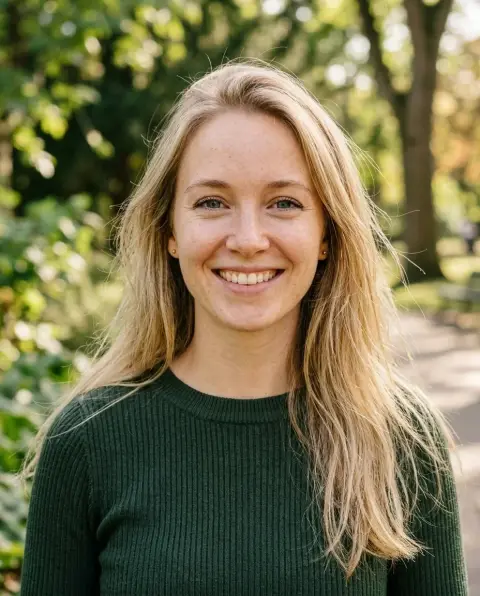
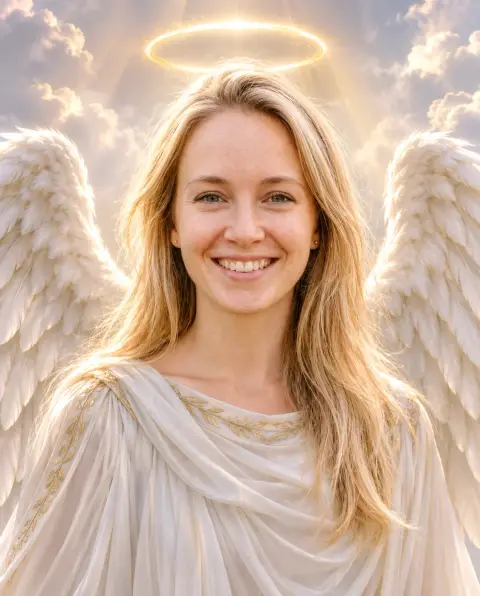
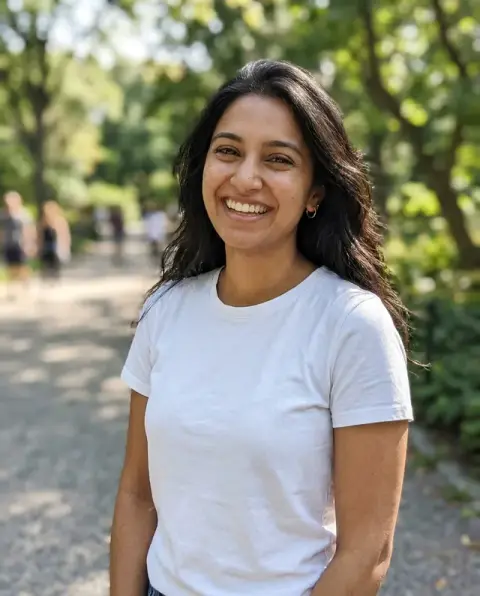
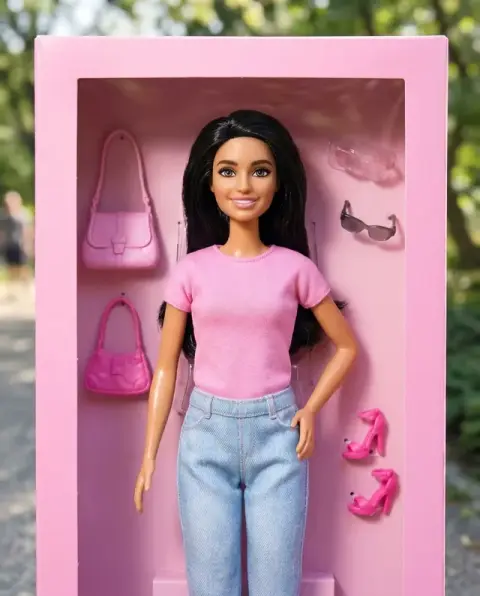
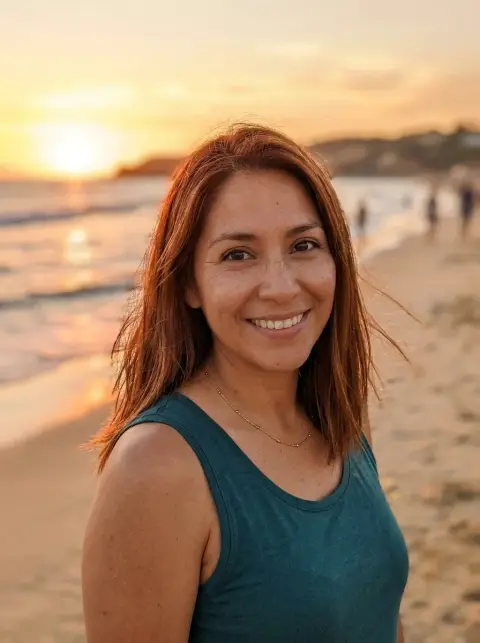
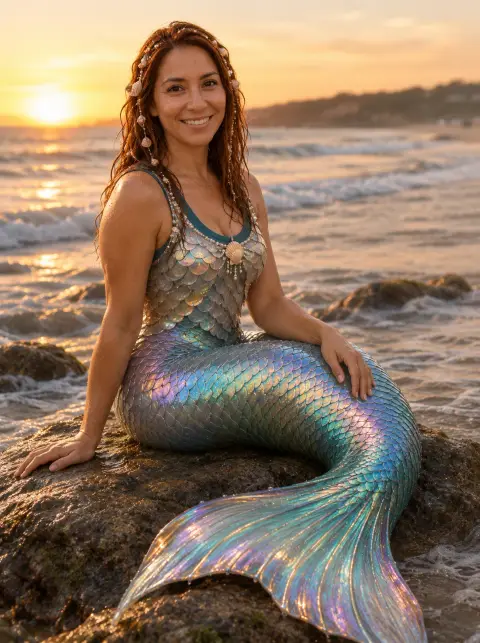
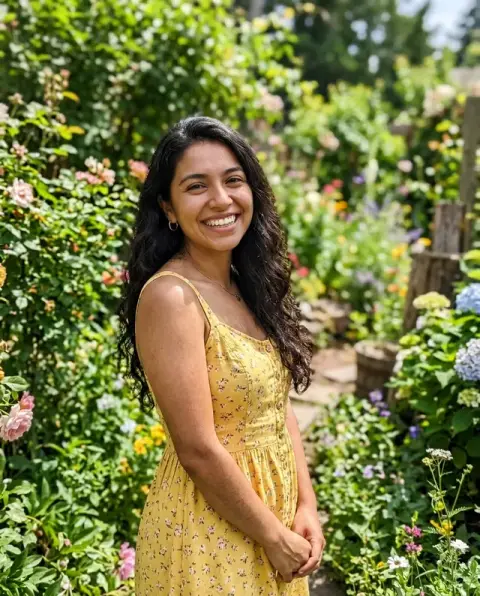
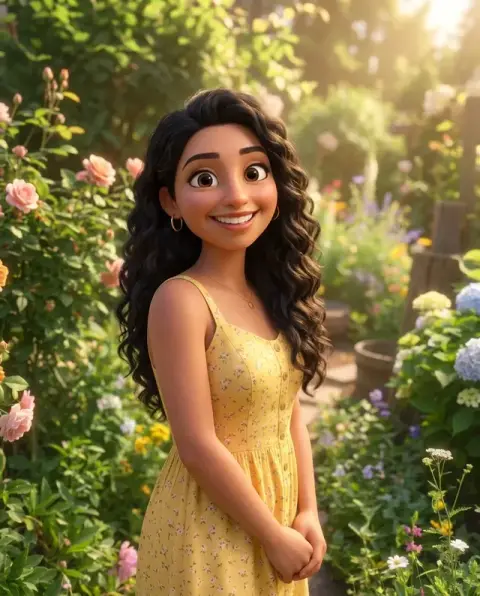
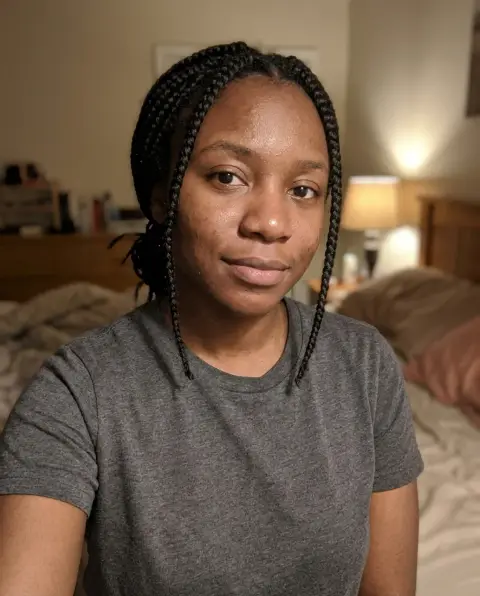
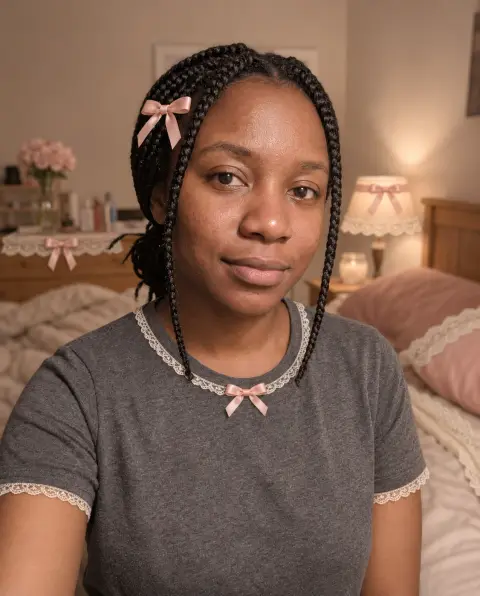

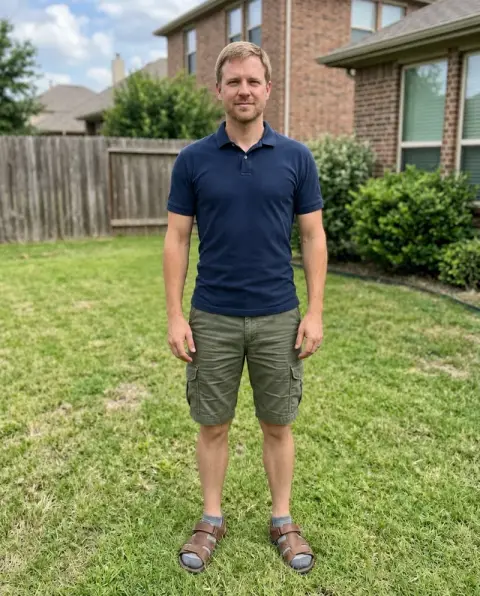
Fairy Filter examples.
Real results from this page's default settings in one click, not retouched.How examples are made
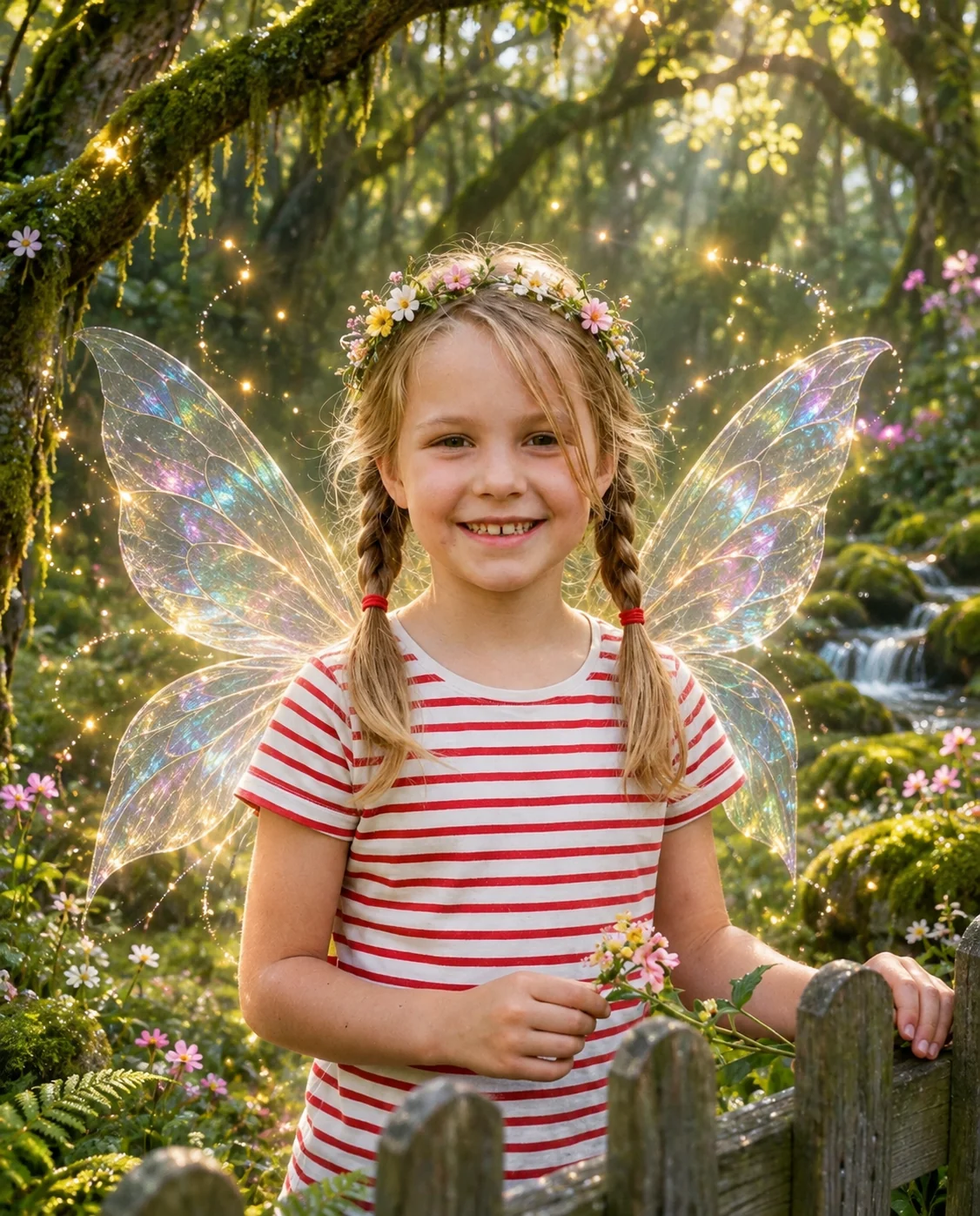
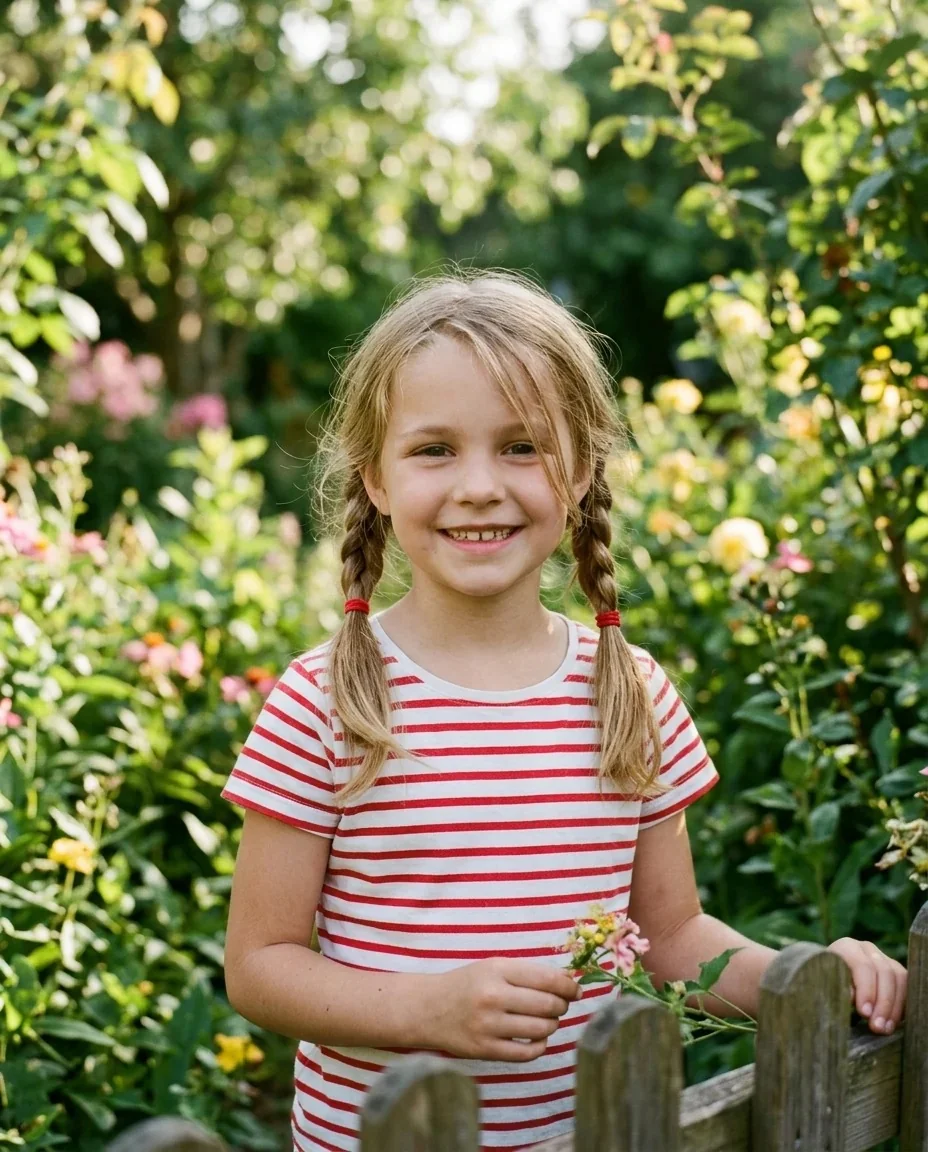
A girl with braids as a fairy with rainbow wings and a flower crown in a sparkling forest
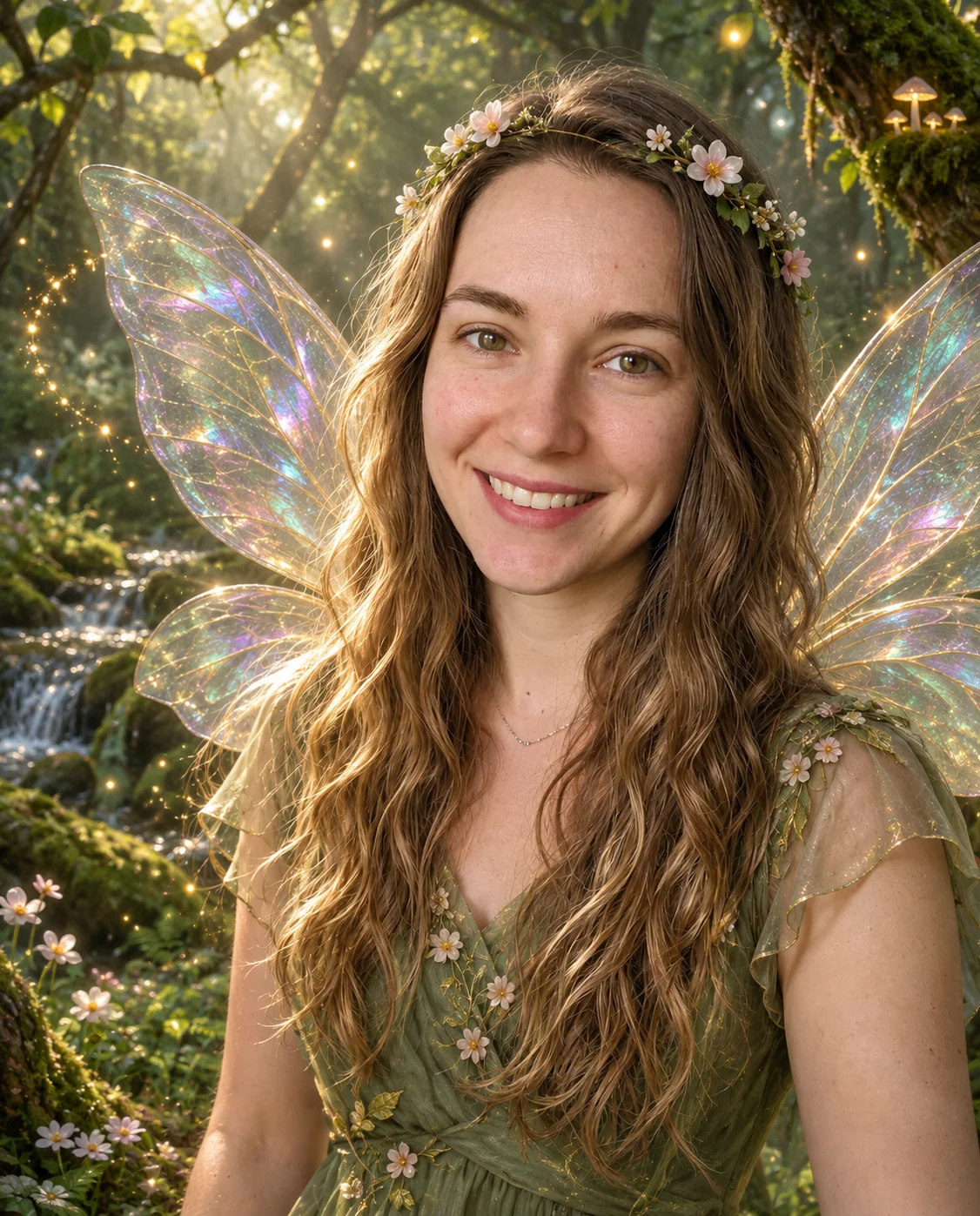
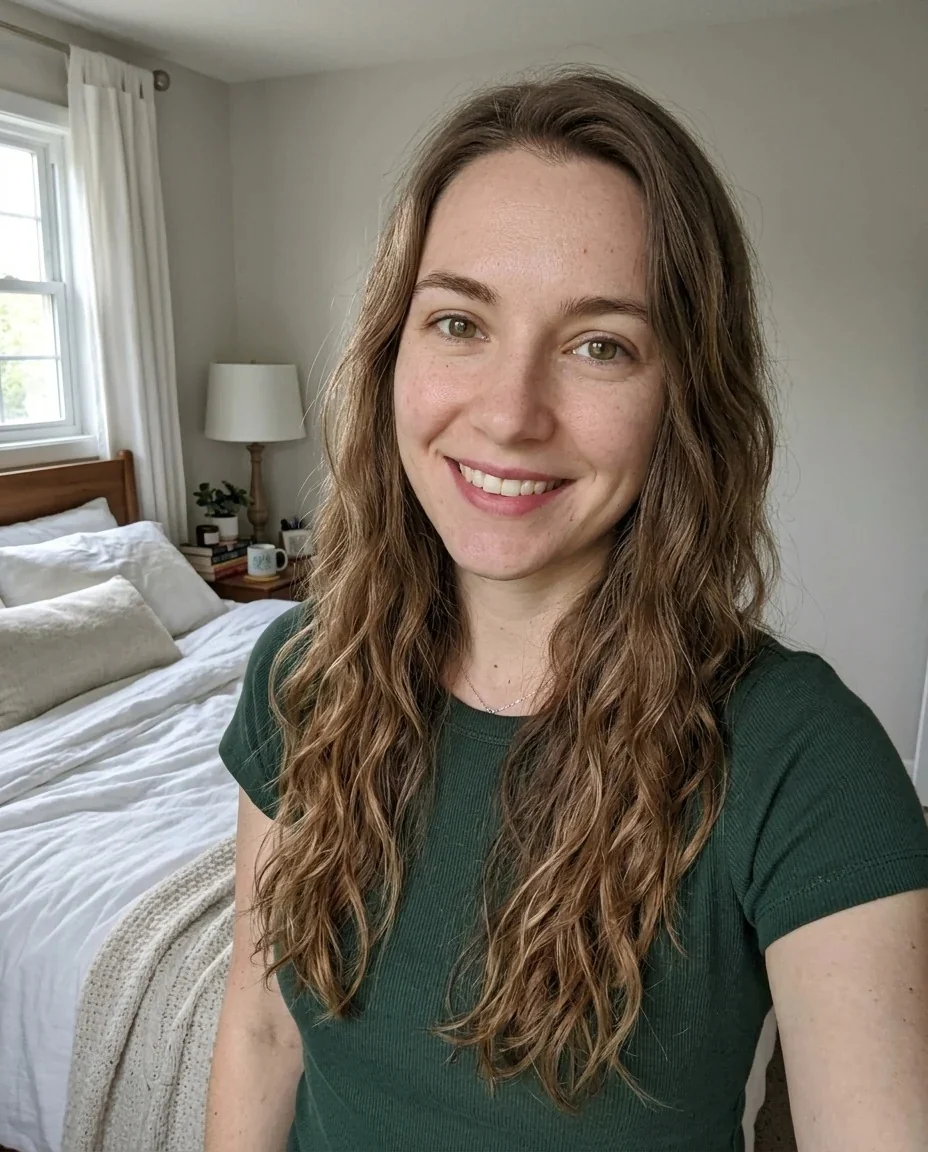
A woman with wavy brown hair as a fairy with iridescent wings and a flower crown in a mossy forest
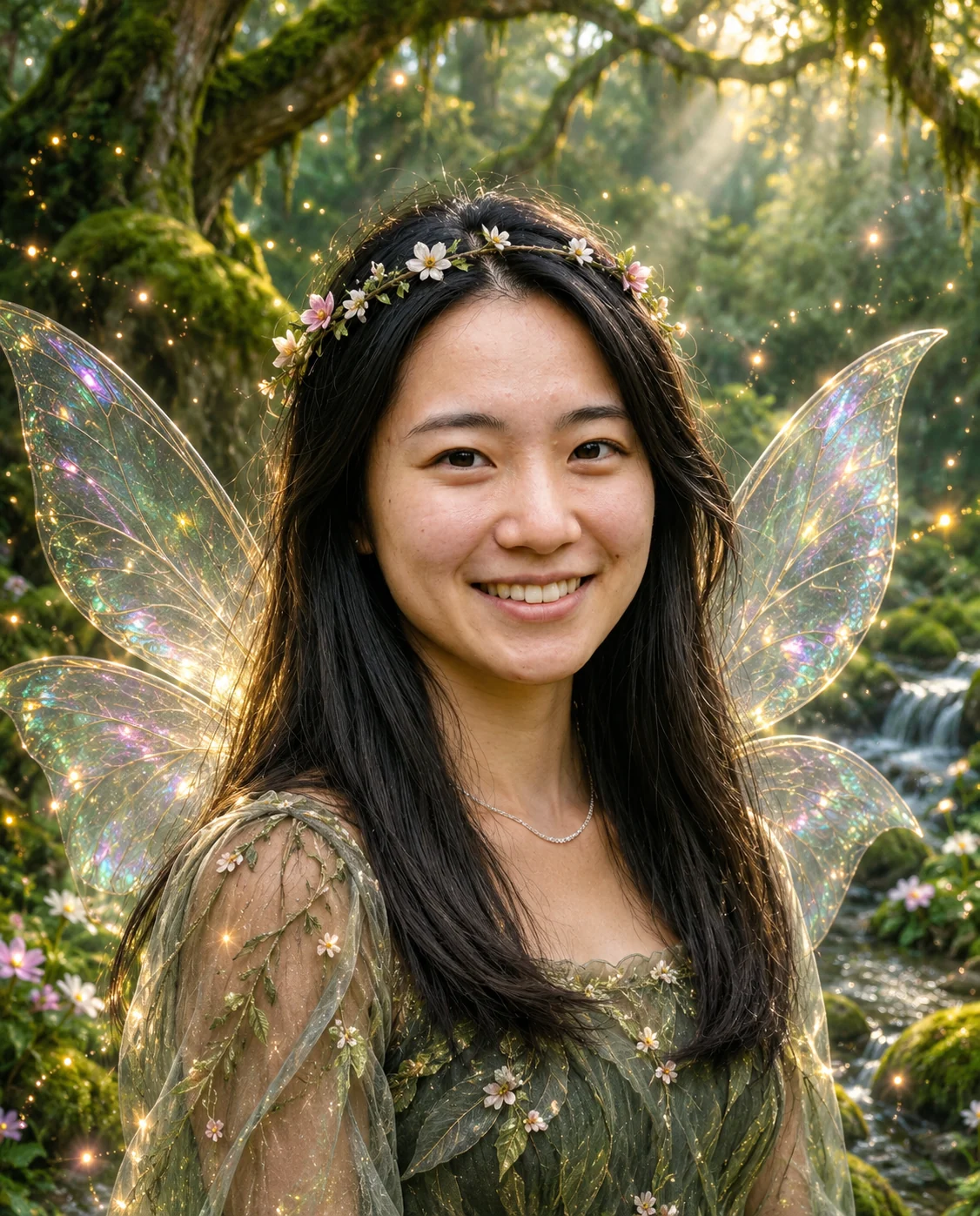
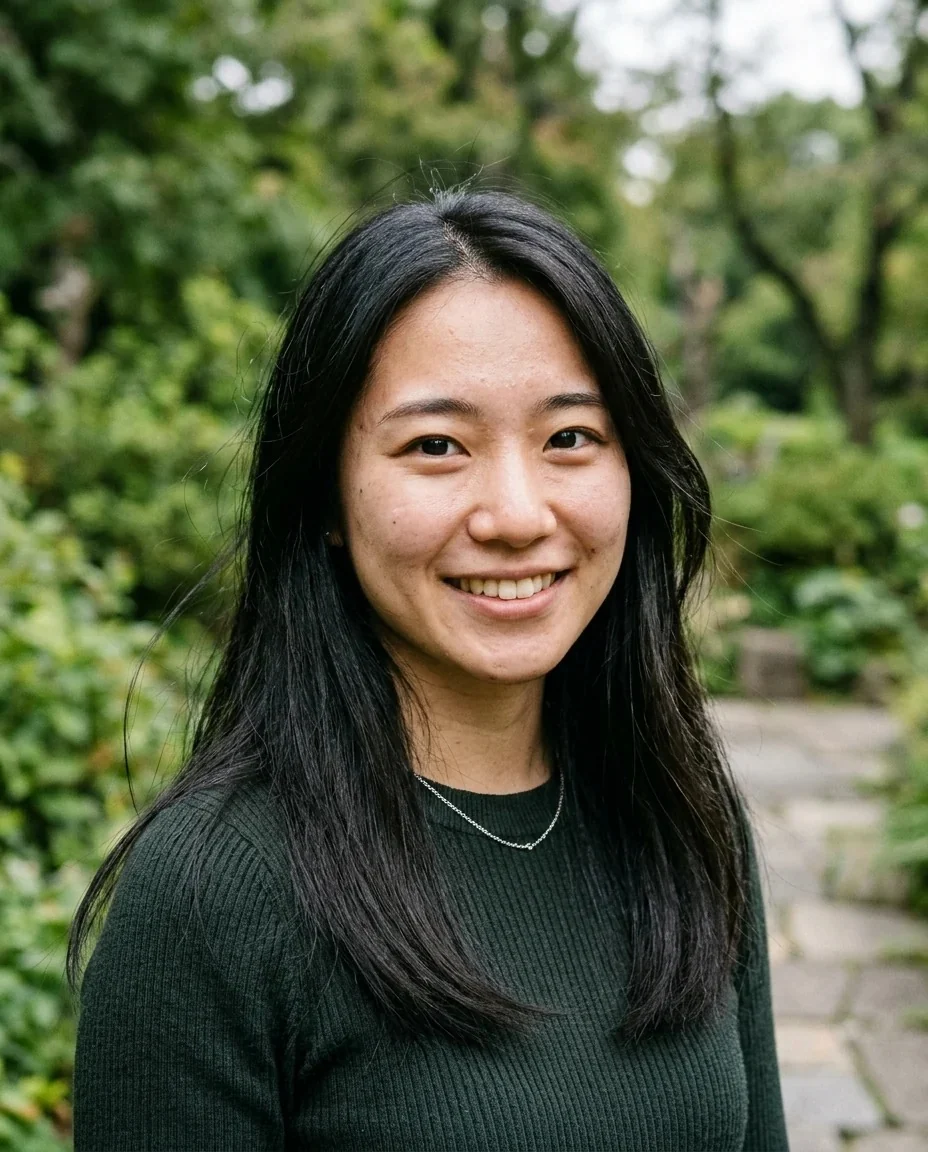
A woman with long black hair as a fairy in a leafy dress with glowing wings and a flower crown
Fairy Filter features.
Iridescent translucent wings
Delicate wings with rainbow shimmer sit behind your shoulders.
A small flower crown
A crown of little blossoms sits in your hair.
Sparkle and light particles
Glowing specks float around you.
An enchanted mossy forest
Mossy trees and soft golden light replace your original background.
Still recognizable
Face shape, age, skin tone, expression and pose stay yours, in a realistic fantasy-photo style.
Fairy Filter, step by step.
01
Upload a photo
A clear shot of one person with the shoulders in view.
02
Add details if you like
Optional: wing colors, flowers or lanterns.
03
Generate and save
Download the result and share it.
Fairy Filter use cases.
- Birthday and party themes
- Make fairy portraits for a garden party or a themed birthday invitation.
- Festival and cottagecore looks
- Preview a look for a festival or a themed shoot.
- TikTok and Reels trend videos
- Show the before and after side by side.
- Kids' storybook ideas
- Make a fairy portrait for a child's room or a story-themed card, using a photo you have the right to edit.
- Fantasy profile pictures
- Use a glowing forest portrait as a soft, dreamy avatar.
- Gifts and prints
- Print the result as a card or a framed picture for a friend.
Fairy Filter: best photos and fixes.
What the filter adds
Wings, a flower crown, sparkles and a forest backdrop. Your face and pose stay yours, and the style is a realistic fantasy photo rather than a cartoon.
Photos that give the best wings
Front-facing photos with the shoulders visible give the cleanest wing placement. Very tight face crops leave less room for them.
Using the instructions box
The prompt already includes wings, a crown and a mossy forest. Use the optional box for small touches like wing colors, a lantern or white daisies. Keep it short, and avoid asking for text.
Other fantasy and doll looks
For heavenly wings and light use the angel filter. For a glossy doll look try the Barbie filter. For a softer pastel style use the coquette filter.
Groups and pets
The look is built around one person. For several people, make one fairy per person and combine them in the image combiner.
Why the background changes
The enchanted forest is part of the scene, so your original setting is replaced.
Fairy Filter FAQ.
What does the fairy filter do?
It adds translucent iridescent wings behind your shoulders, a small flower crown, sparkle and glowing light, and an enchanted mossy forest background. It is a web version of the TikTok trend that works on any photo.
Will I still look like me?
The prompt keeps your identity, face shape, age, skin tone, expression and pose. Results vary a little each run.
Can I change the wing color?
Yes, suggest it in the optional instructions box, for example pink and purple wings.
Does it change my clothes?
The scene may add a light, leafy fairy dress, so your original top can be replaced. Results vary each run.
Is the result realistic or cartoon?
It is a realistic fantasy photo style. For a cartoon look, try [photo to 3D cartoon](/effects/photo-to-3d-cartoon).
Does it work on groups?
It works best on one person. For several people, make separate fairies and combine them afterwards.
Does the fairy filter cost credits?
One result uses 9 credits with the default model, GPT Image 2. New accounts get 25 free credits once, and you can pick other models from the model menu at their own prices. Results have no watermark, and a failed generation refunds its credits.
What files can I upload?
A JPG, PNG or WebP up to 8 MB. On a computer you can scan a QR code to send a photo from your phone; the link works for 10 minutes.
Are my photos used to train AI?
No. Uploads are not used for training. Results stay in My files for 48 hours, or 30 days once you've bought a credit pack, and you can delete them sooner.

