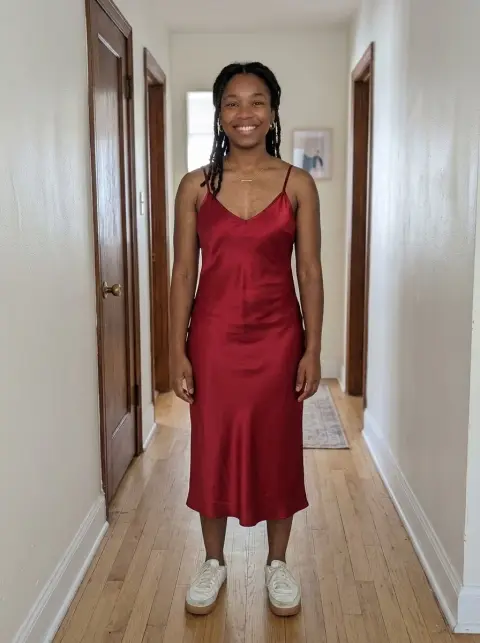
Coquette Filter
Soft light, satin bows and a coordinated romantic palette.
Drop a photo
or paste with ⌘V · JPG · PNG · WebP · up to 8 MB
No photo handy? Try one of ours.
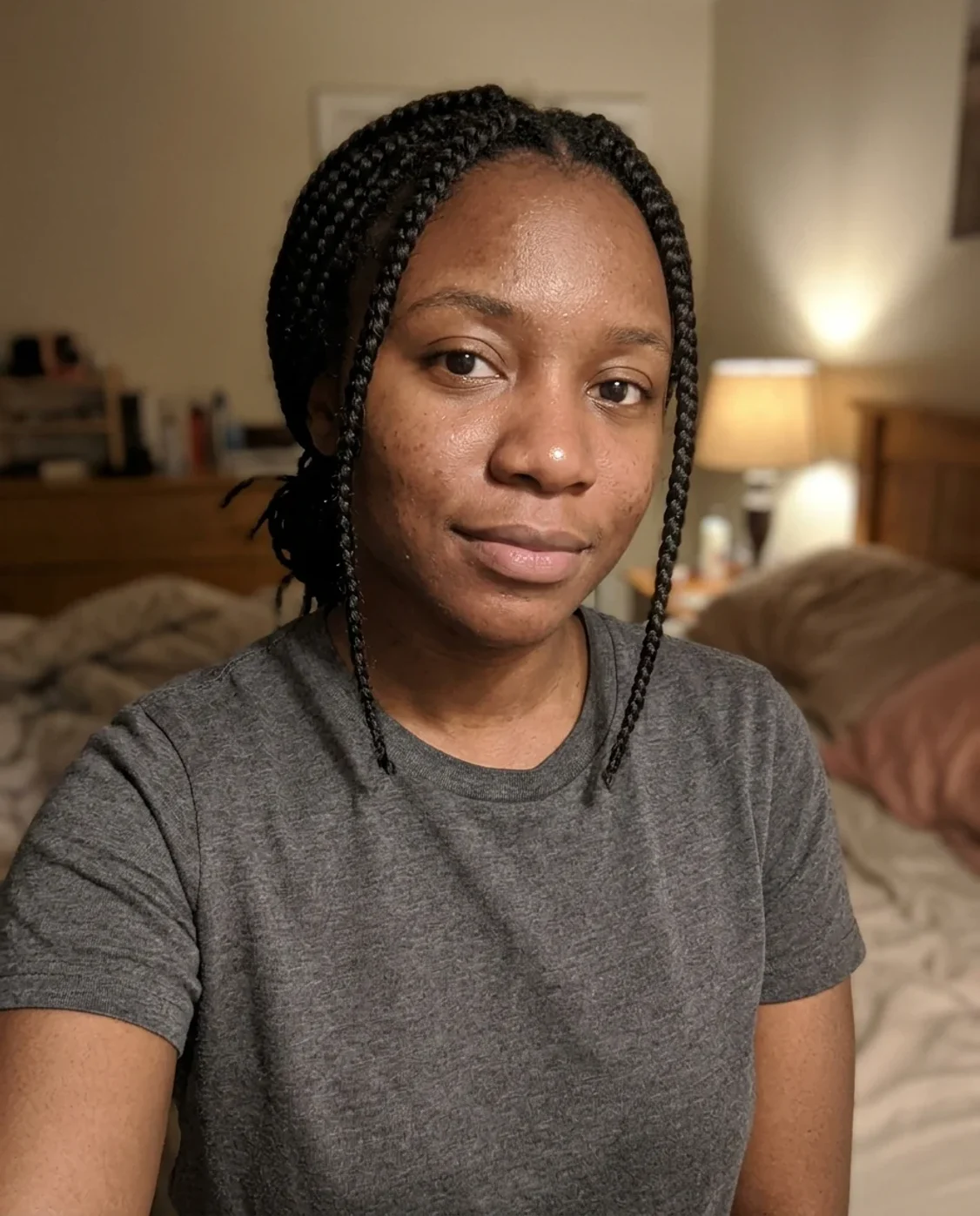
Coquette Filter examples.
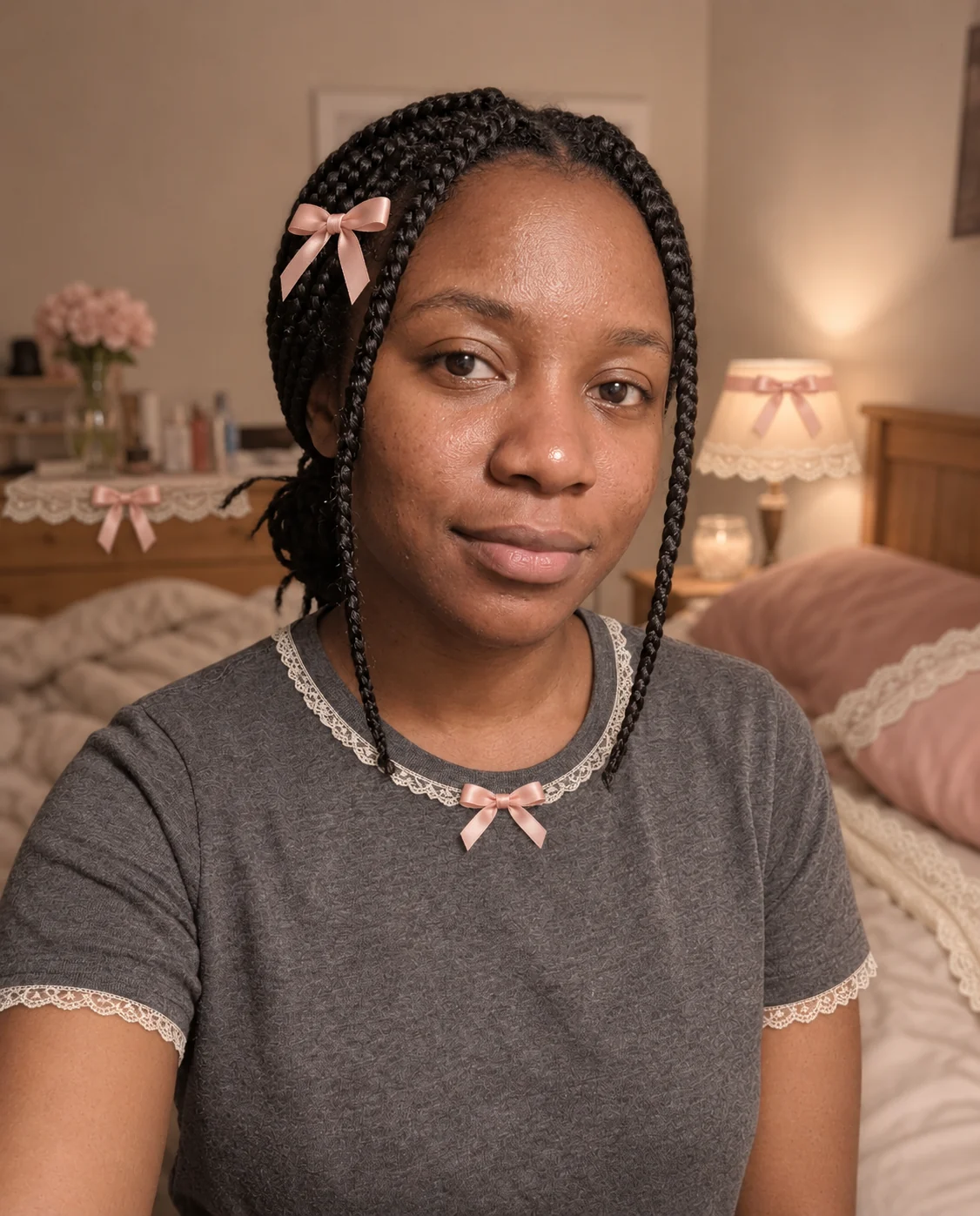
Blush pink: portrait
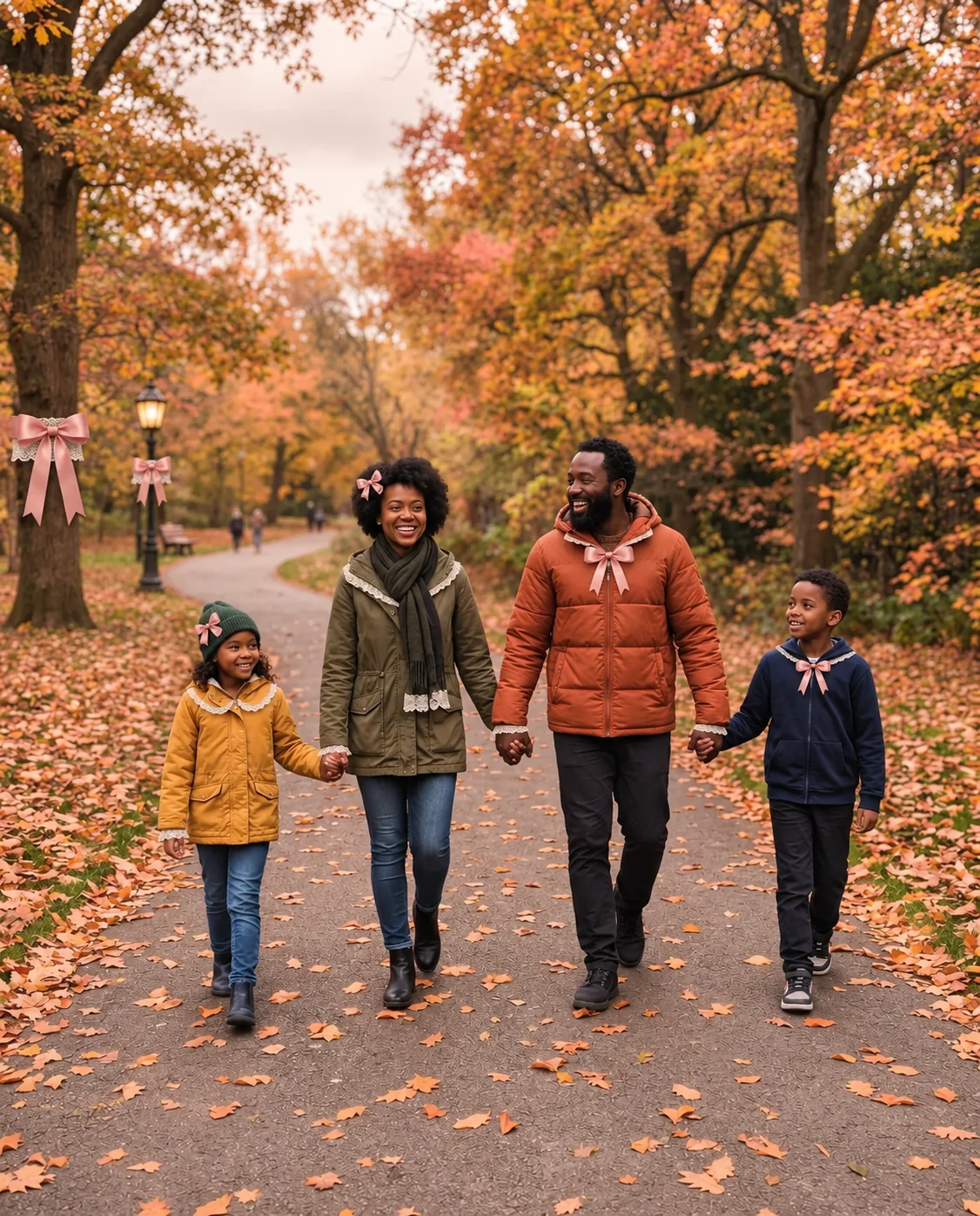

Blush pink: family
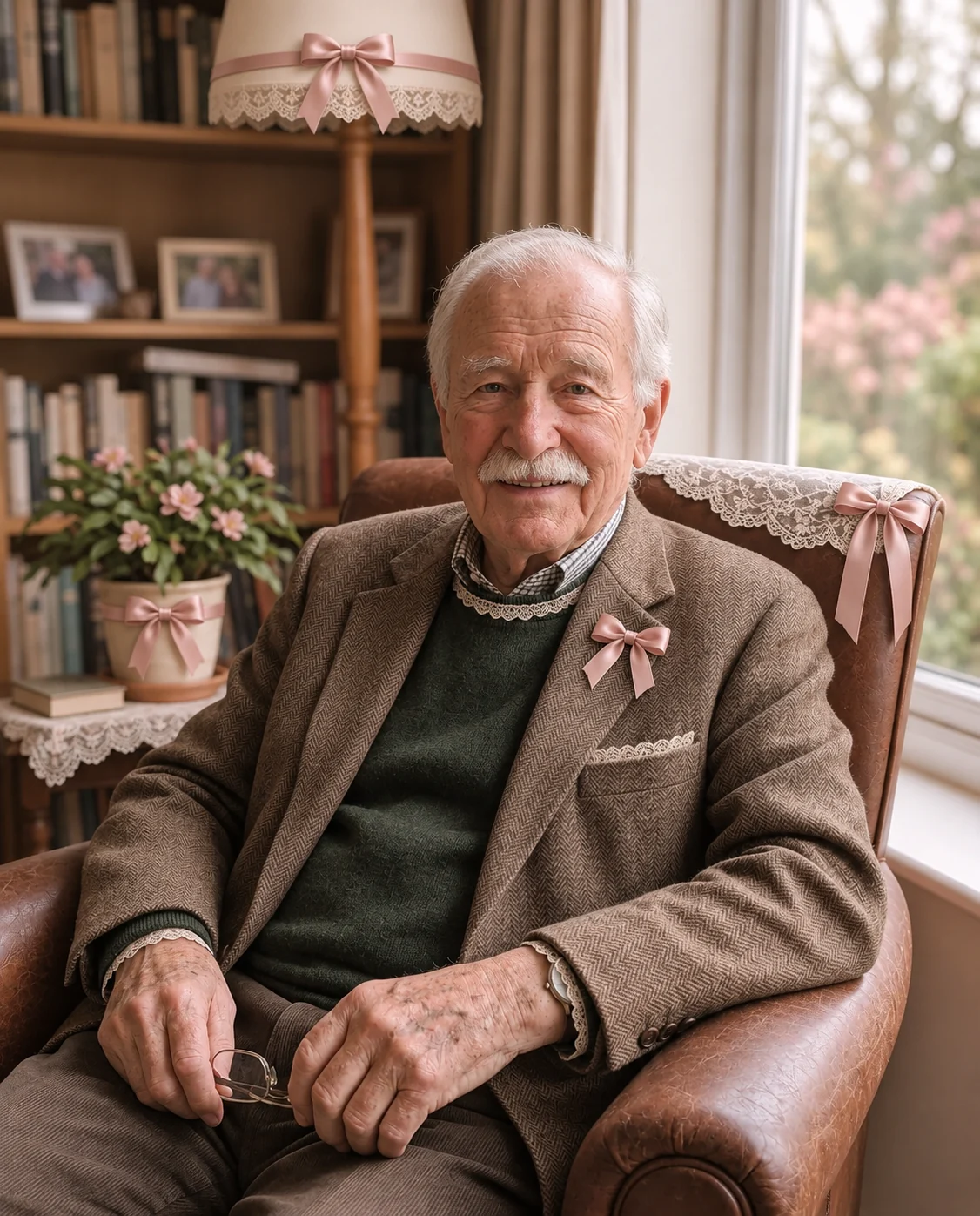
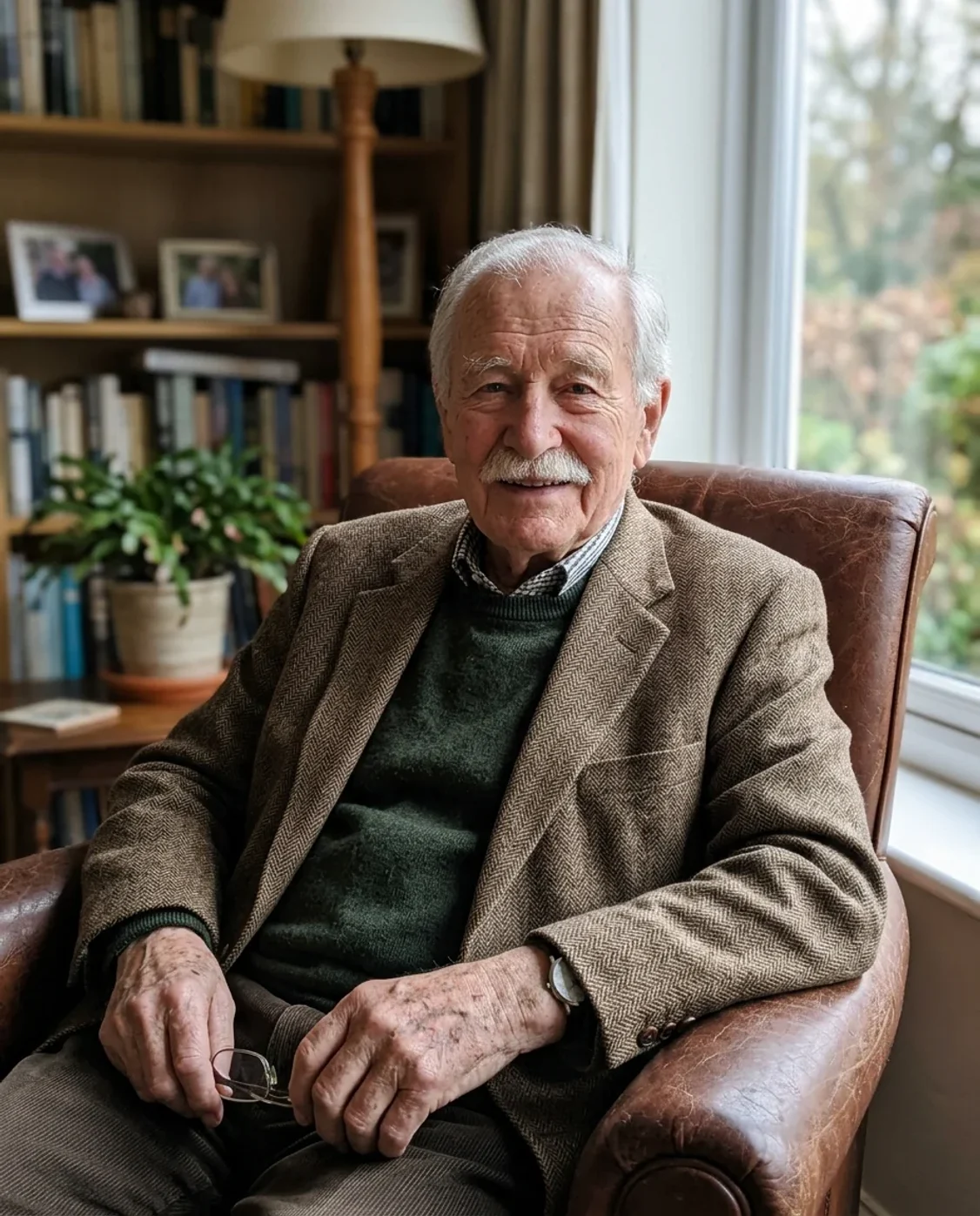
Blush pink: portrait detail
Coquette Filter features.
A coordinated aesthetic
The filter combines soft light, satin ribbons and restrained lace details rather than adding unrelated stickers. On a portrait it can introduce a small accessory and trim; on a room or still life it places decorative accents around the existing objects.
Three palettes and Custom
Blush pink is the default for a soft pink-and-ivory finish. Ivory uses cream and pale neutral accents. Cherry red adds a stronger ribbon color. Choose Custom and describe another palette when you want a different combination, such as lavender and cream.
Keep the person recognizable
The prompt preserves identity, age, skin tone, expression and body proportions. It asks for the existing outfit to stay fully covering, with restrained styling changes. Review the result for facial changes and unwanted accessory placement before you use it as a profile photo.
Coquette Filter, step by step.
01
Choose your subject
Upload a portrait, an outfit photo or a simple still life. A clear main subject with some visible space around it gives the bows and lace room to appear. The original lighting does not need to be pink or especially romantic.
02
Set the palette
Start with Blush pink, or choose Ivory or Cherry red. If you select Custom, describe the colors in the instructions field. Keep the request focused on a few details so the accessories do not overwhelm the person or objects.
03
Inspect and download
Compare the face, hands, clothing edges and added ribbon details with the original. Download the new image once the styling feels balanced. It is a photo edit rather than a reusable layer of accessories, so keep the untouched source as well.
Coquette Filter use cases.
- Portraits and outfit posts
- Make a softly styled portrait for a profile, mood board or outfit post. The effect works best when the face remains the focus and the ribbon accents support it. Use a closer crop for an avatar and a wider crop when the outfit matters.
- Still lifes and room ideas
- Try ribbon and lace accents around flowers, a desk arrangement or a few decorative objects. Treat the result as an aesthetic concept rather than an exact shopping list: generated details and materials may not correspond to products that can be purchased.
Coquette Filter: best photos and fixes.
Give the accessories some room
A portrait cropped tightly against the top of the head leaves little space for a bow. Choose a source with the full hairstyle visible and a small amount of background above it. For a still life, leave space around the main object instead of filling every edge of the frame. The preset aims for small accents, but very busy compositions can make even a modest ribbon look cluttered or disconnected from the scene.
Choose a palette that fits the source
Blush pink pairs naturally with light fabrics, flowers and neutral interiors. Ivory is useful when you want the shape and texture of the decorations to matter more than color. Cherry red can work as a small accent against a quieter background. Existing strong colors will still influence the result. If your source has a dominant green or blue wall, describe whether the new ribbons should complement it instead of asking to recolor everything.
Keep styling separate from facial changes
A coquette aesthetic does not require changing facial structure, skin tone, age or body shape. The preset asks for those features to stay recognizable and concentrates on light, color and accessories. Avoid stacking requests for a different face or exaggerated proportions when the goal is a styled version of yourself. Inspect the eyes, mouth and hairline after generation, because an AI edit may still introduce small changes even with preservation instructions.
Handle complex clothing carefully
Lace trim is easier to place on a simple collar or sleeve than on an outfit already covered in intricate embroidery. For patterned clothes, begin with restrained accessories and ask to keep the original pattern visible. Check buttons, seams and overlapping hair at full size. This tool can suggest a styled appearance, but it does not simulate the construction of a real garment or guarantee that a decorative change could be sewn exactly as shown.
Use short, specific custom requests
When you select Custom, name a palette and one or two accents, such as 'lavender satin ribbons with cream lace, keep the background simple'. Long lists of pearls, bows, flowers, jewelry and new furniture tend to compete for attention. If the first result is too busy, simplify the request instead of adding more decorations to correct it. For a group of photos, use the same palette and similar source lighting to keep the set coherent.
Coquette Filter FAQ.
Is the Coquette filter free?
You can try it with the 15 free credits included with a new account. One default GPT Image 2 generation uses 9 credits. Sign in with your email; no payment card is required for the trial. Results have no watermark. A different model or resolution may cost more, as shown on the generate button.
Does it only work on selfies?
No. You can also upload outfit photos, objects or interiors. The preset adapts ribbon and lace accents to the scene. For a product whose exact shape or printed label matters, inspect the output carefully because generative editing can alter small details.
Can I choose a color other than pink?
Yes. Ivory and Cherry red are ready-made options. Custom lets you describe another palette in the instructions field. The preset then uses your description instead of adding one of the three predefined palette instructions.
Will it replace my entire outfit?
The default prompt asks for restrained accessories and lace trim while keeping the existing clothing coverage and fit. It is not a virtual fitting room for a specific garment. Use the clothing tools if the main goal is replacing an outfit.