Hijab Photo Editor
Try hijab styles and colors on your own photo.
Drop a photo
or paste with ⌘V · JPG · PNG · WebP · up to 8 MB
No photo handy? Try one of ours.
More like this.
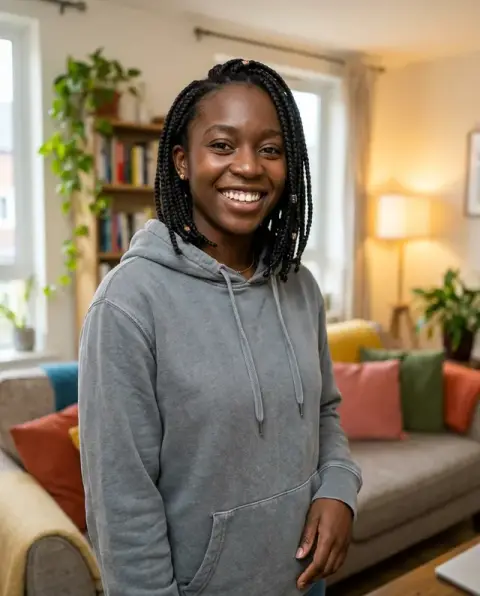
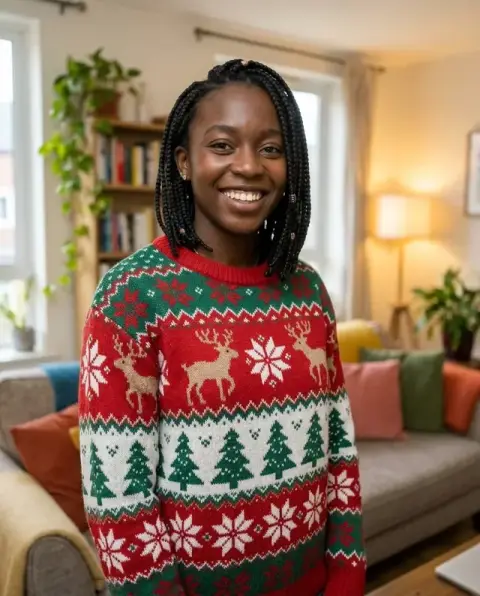
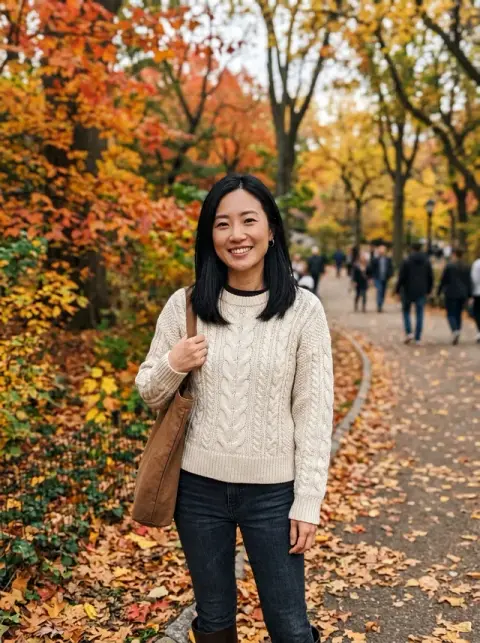
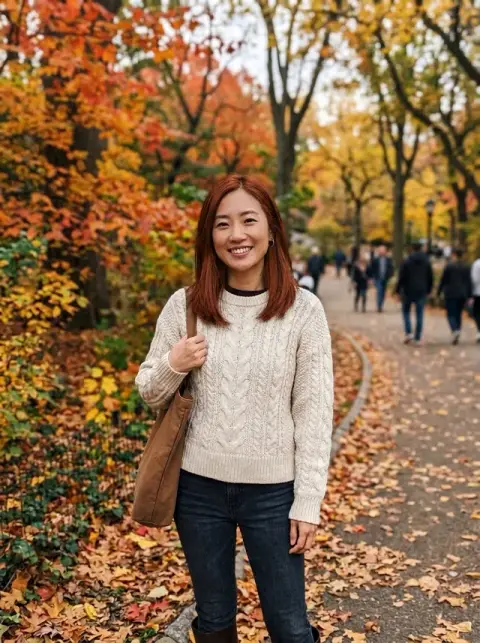


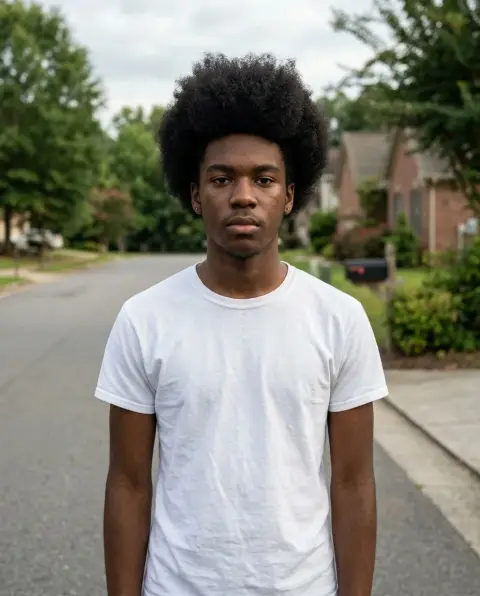
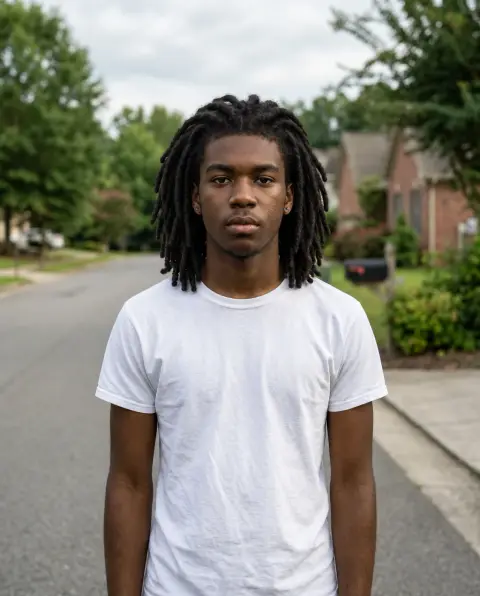
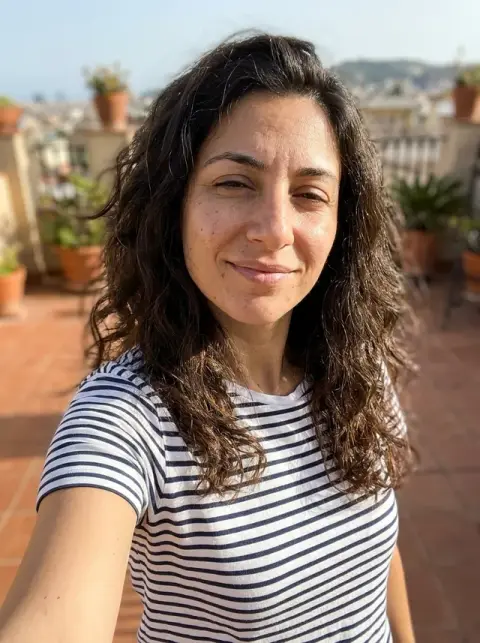
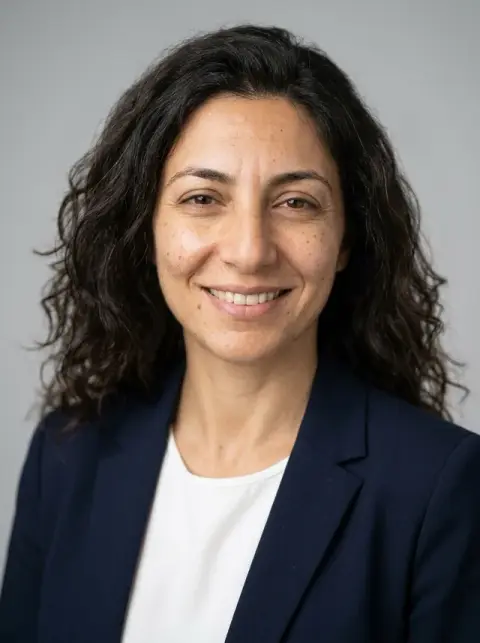


Hijab Photo Editor examples.
Real results from this page's default settings in one click, not retouched.How examples are made
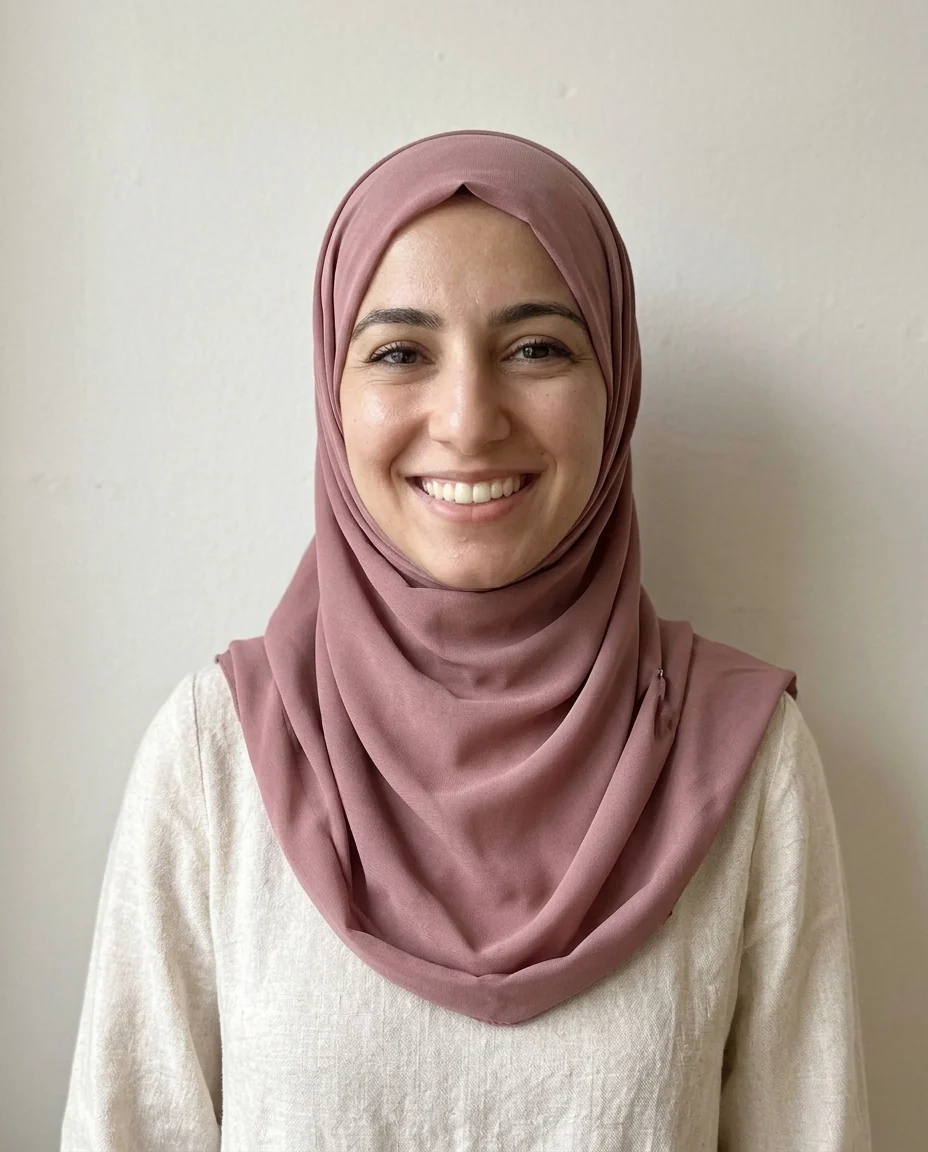
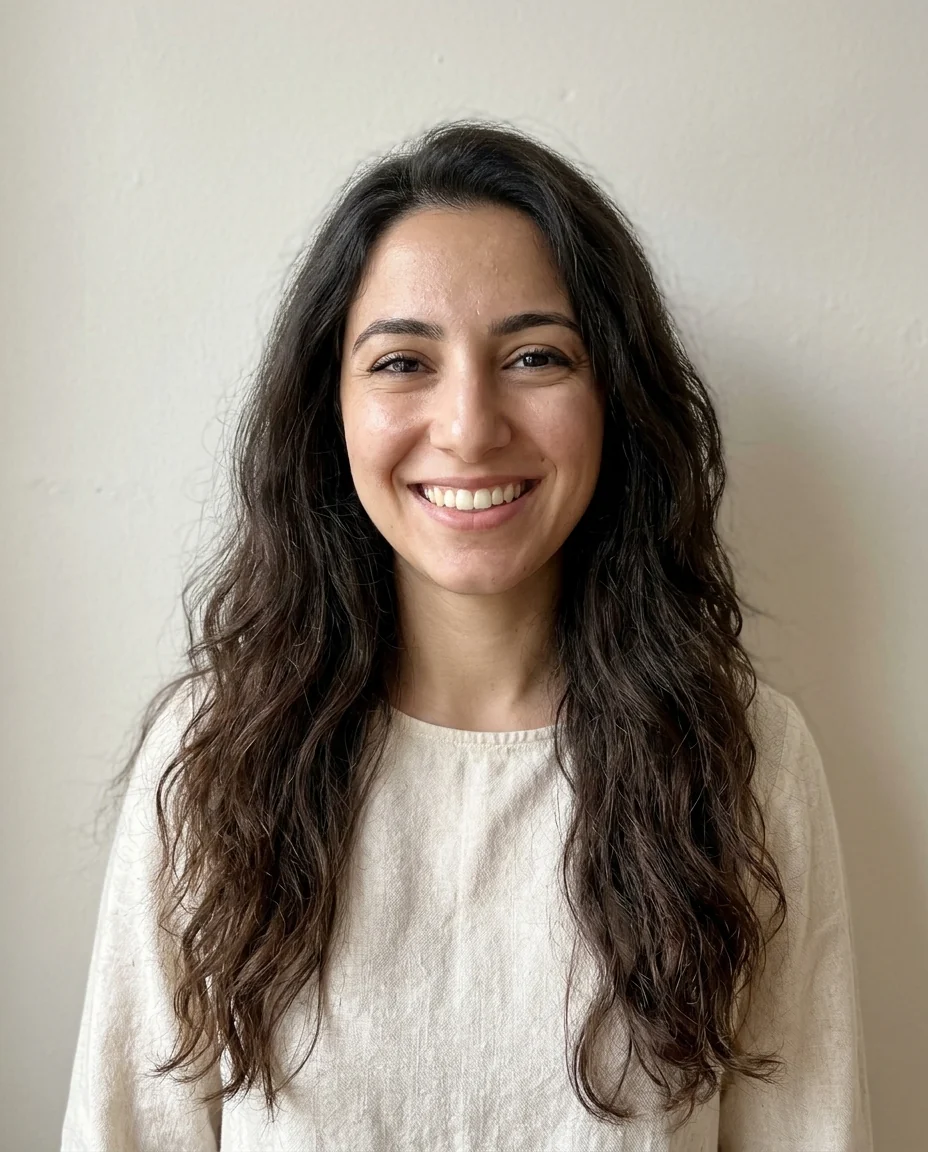
Classic wrap
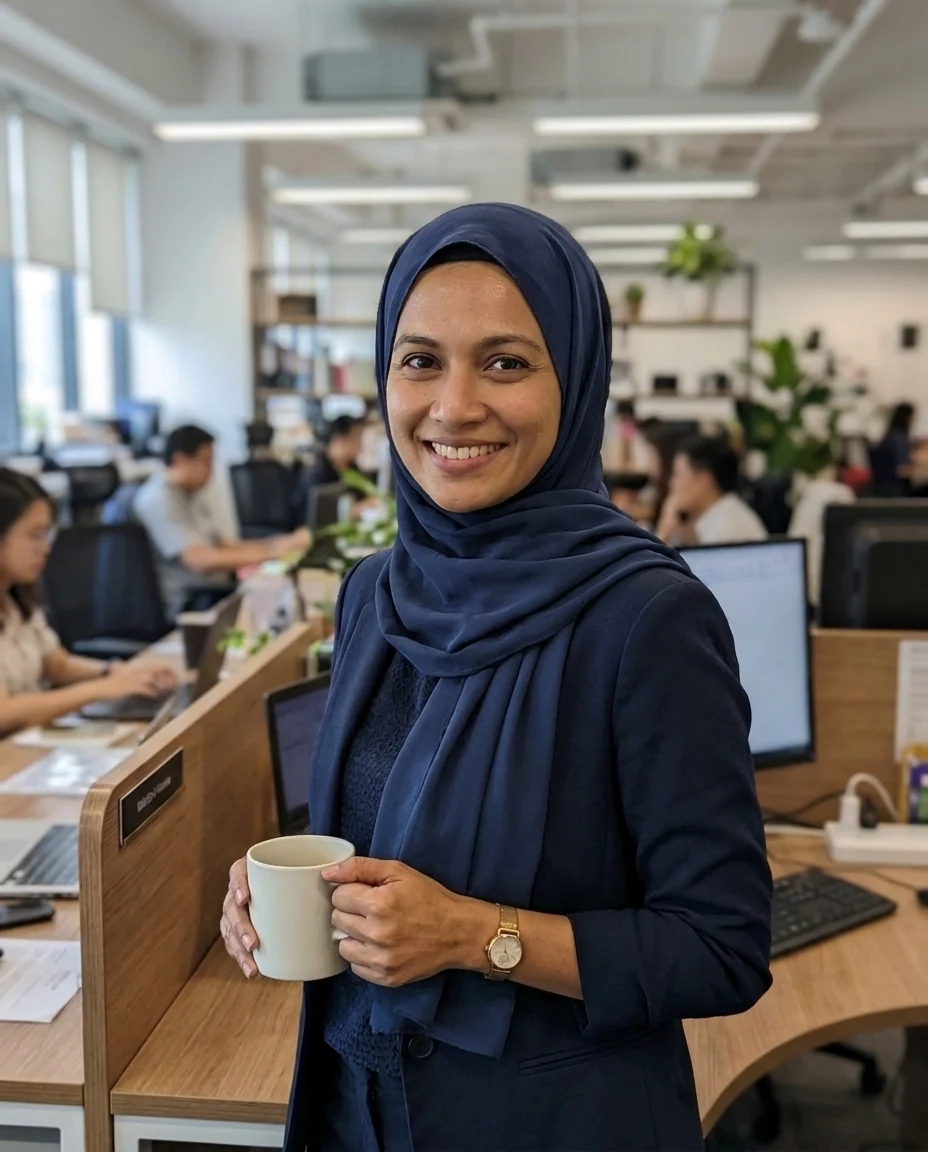

Draped pashmina
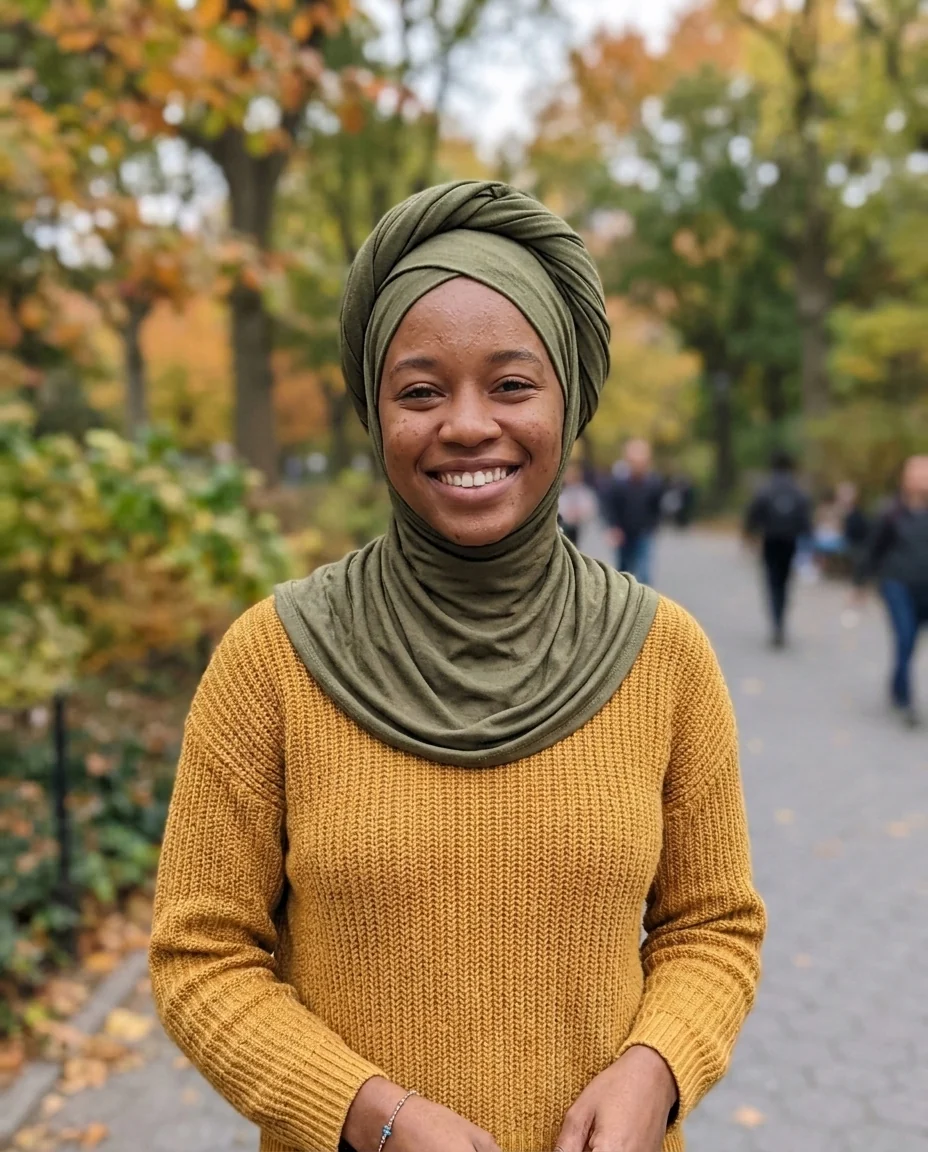
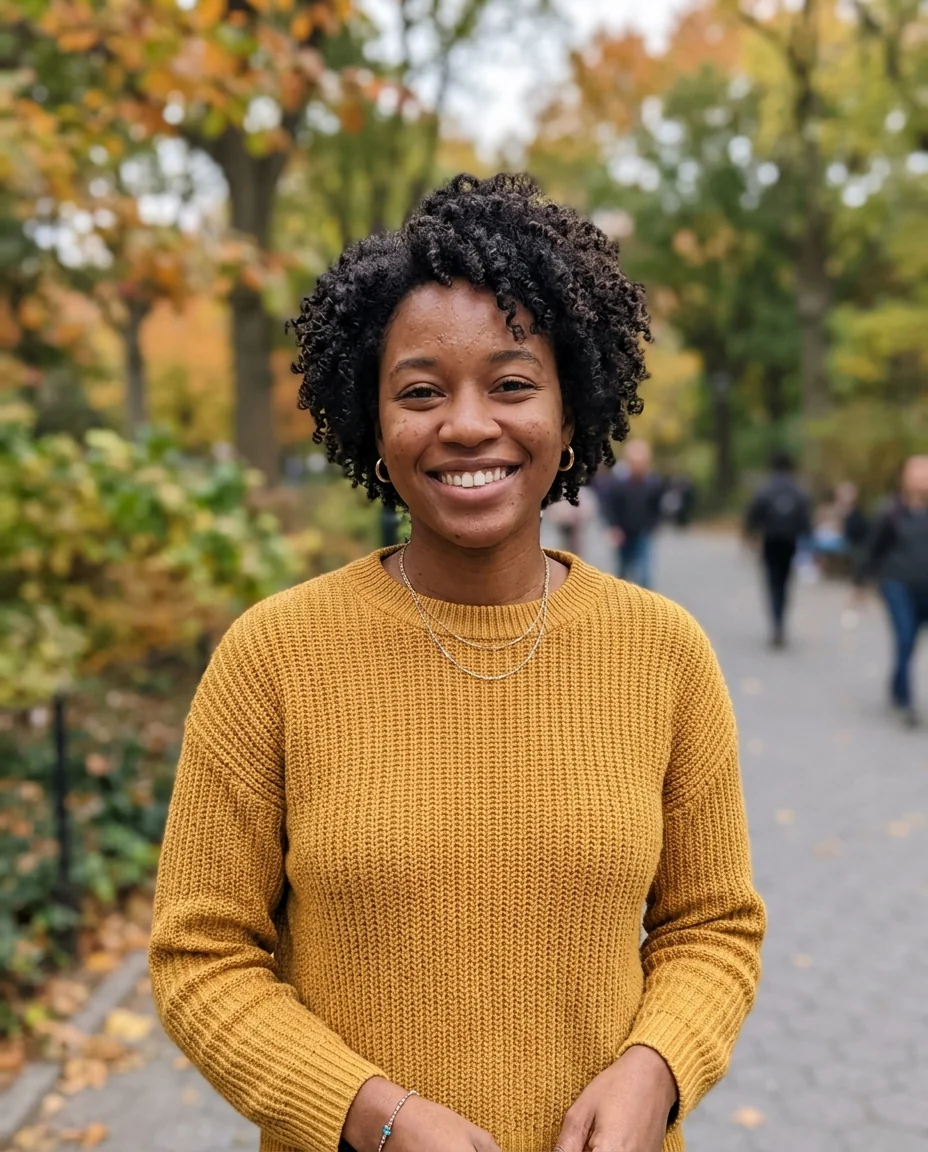
Turban style
Hijab Photo Editor features.
Three styles
Classic wrap, draped pashmina or turban style, or describe your own.
Any color or fabric
Chiffon, jersey or silk, in the color you want.
Your photo kept
Face, outfit and background stay the same.
Hijab Photo Editor, step by step.
01
Upload a photo
A clear head-and-shoulders photo works best.
02
Pick a style
Write a color or fabric in the instructions.
03
Download
Compare styles or use it as your profile picture.
Hijab Photo Editor use cases.
- Trying new styles
- See a wrap before you learn it.
- Shopping
- Pick a scarf color that suits your outfits.
- Profile pictures
- Try a style before you wear it.
Hijab Photo Editor: best photos and fixes.
Photos for a natural drape
A front-facing photo from the chest up, with your face fully in frame and good light, gives the most natural drape around the face and shoulders. Hair can be loose or tied; it is covered either way. Photos cut off at the chin leave no room for the fabric to fall, so the hijab may look short or tight at the neck.
Choosing wrap, pashmina or turban
Wrap gives a classic fitted style around the face. Pashmina shows a longer scarf draped over the shoulders, good for everyday and formal looks. Turban wraps the head and leaves the neck visible. For anything else, choose Custom and describe it, such as "Al-Amira style in soft grey" or "loose chiffon draped over one shoulder".
Colors and fabrics
Name the color and fabric together to see a full look: "navy chiffon", "dusty pink jersey", "black satin with a soft sheen", "cream crinkle cotton". Chiffon reads as light and flowing, jersey as soft and matte, satin as glossy. If you have an outfit in mind, mention it, for example "matching my green dress", so the colors are picked to go together.
Full coverage and neckline
The default covers the hair, ears and neck. If any hair still shows at the forehead or a strand at the side, write "full coverage, no hair visible" and regenerate. For a style with an underscarf, mention its color: "black underscarf with a beige wrap". Earrings may be hidden under the fabric, which is expected.
Profile and ID photos
The result works well for a profile picture or a social post. For official ID or passport photos, rules on edited images and on head coverings differ by country, and most offices require an unedited photo. Use this tool to choose a style, then wear that style for the official photo.
Occasions and events
For a wedding, Eid or a formal event, describe the occasion with the style: "elegant satin wrap with a small brooch for a wedding", "lace-trimmed hijab in ivory". Mention accessories such as pins, a headband or a crystal trim if you plan to wear them. Seeing the full look on your own face helps you choose fabric and color before shopping.
Matching an outfit in the photo
The hijab is drawn to go with what you are wearing in the photo, but you can also choose the color yourself. Write "same color as my dress" for a matching look, or "a contrasting mustard color" for a bolder one. Patterned fabrics, such as florals or stripes, look busier at small sizes; solid colors read best in profile pictures.
Hijab Photo Editor FAQ.
Will it change my face?
No. Your face, expression and skin tone stay the same; only the hijab is added.
Can it cover my hair fully?
Yes. The hair, ears and neck are covered neatly by default.
Can I choose the fabric?
Yes. Write it in the instructions, for example "silk" or "jersey".
Can I use it for an ID or passport photo?
No. It is for trying styles and colors. Official photos must be real, unedited photos of you.
Is the Hijab photo editor free?
Yes, you can try it free. New accounts get 25 free credits, and one generation here uses 9 credits. You sign in with your email; no card needed. Results have no watermark. After that, credit packs never expire, and your first one is half price.