AI Tattoo Generator
Describe it; get clean tattoo flash to show your artist.
 Example output
More like this.
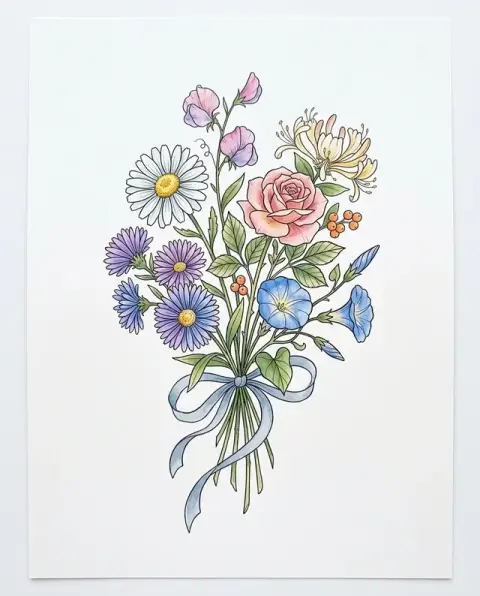
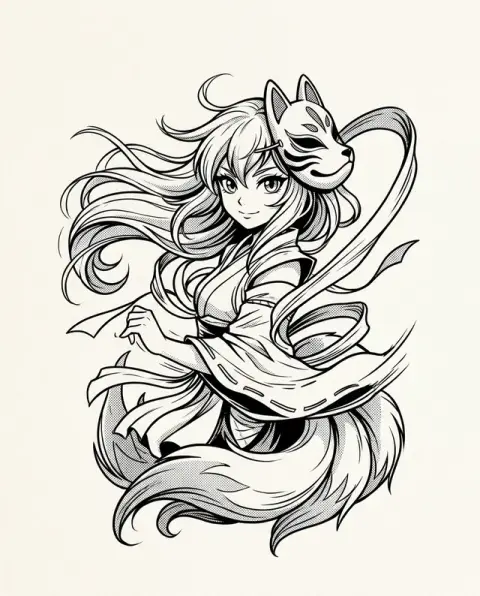
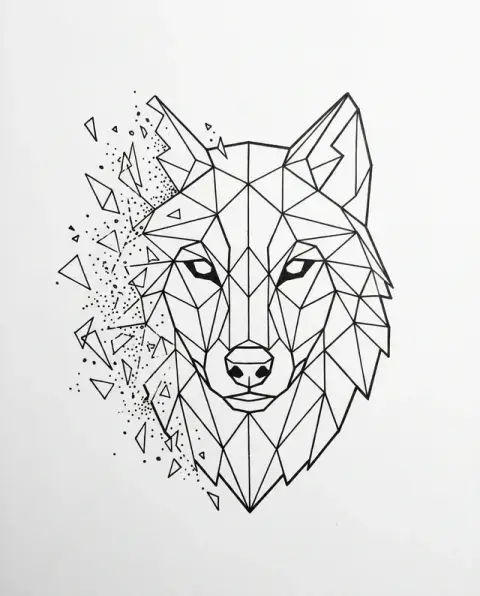
Fine-line, traditional and minimalist flash from the AI tattoo generator.
Fine-line fox and moon

Traditional rose and dagger
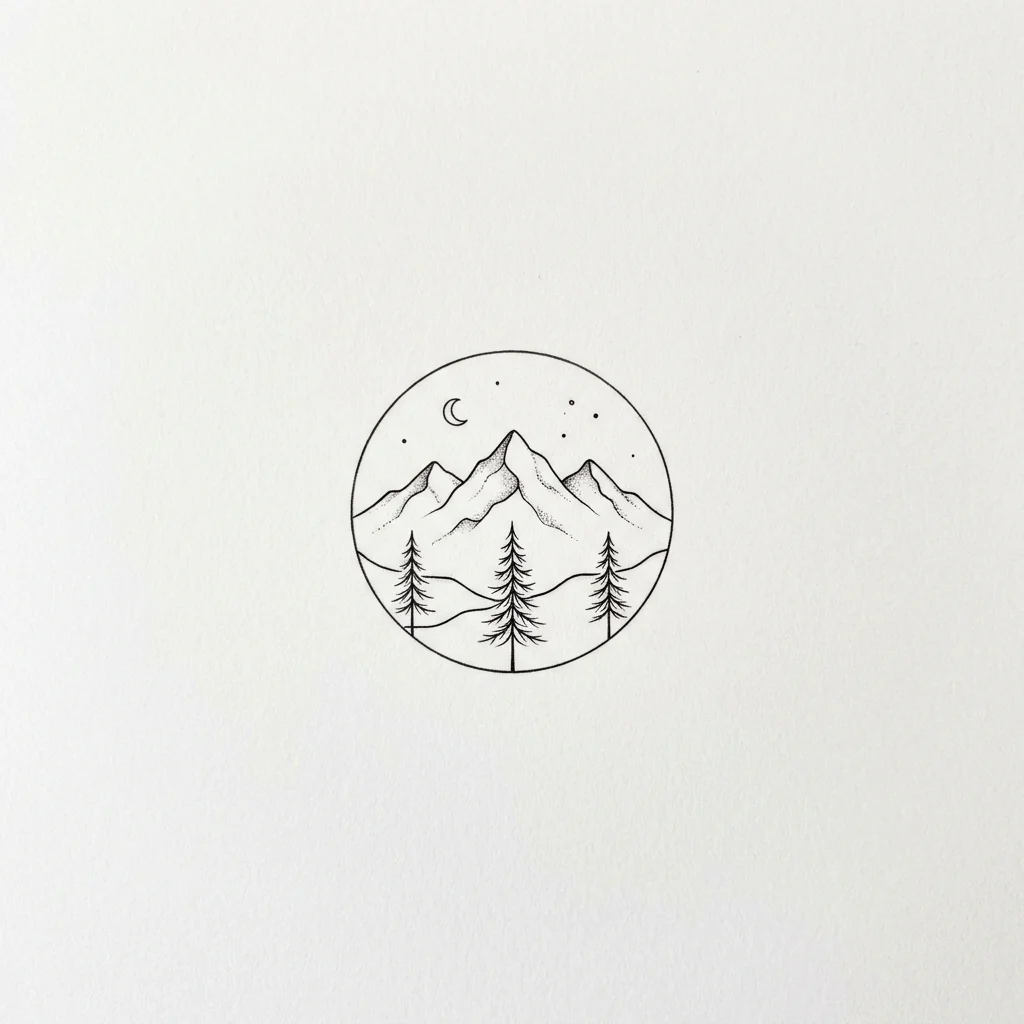
Minimalist mountain
AI Tattoo Generator features.
Clean flash
Crisp linework on white paper, ready for the studio.
Any style
Fine-line, traditional, blackwork, minimalist and more.
No stray text
Words appear only when you put them in quotes.
AI Tattoo Generator, step by step.
01
Describe the tattoo
Name the subject and the style.
02
Generate
The design is drawn as flash on white paper.
03
Download
Take it to your tattoo artist.
When a tattoo generator helps, and when to hand over to your artist.
- Turning a vague idea into a brief
- You know you want "something with the ocean" but cannot draw it. Describe the subject, style and placement, generate a few versions and bring the two closest ones to your consultation so the artist sees the direction.
- A memorial tattoo
- Many people plan a tattoo for a parent, a grandparent or a pet. Combine a symbol that meant something to them with a style you like, and check any name or date letter by letter before you show it to an artist.
- A pet portrait tattoo
- Upload a clear photo of your dog or cat with a description such as "fine-line portrait of this dog, head only". The design follows the photo, and your artist can adapt it to the size you want.
- Finding the right artist
- Artists specialise in styles. Once you have a design you like, use it to search portfolios for someone who already tattoos fine-line, blackwork or traditional work in that style.
AI Tattoo Generator: best photos and fixes.
Subject, style and placement
Name all three: "a small fine-line swallow for the inner wrist", "a traditional rose with bold outlines and red shading for the forearm", "a geometric wolf head for the shoulder blade". Placement tells the model what shape to aim for: tall for a forearm, round for a shoulder, small and simple for a finger or ankle.
Choosing a style
Fine line, American traditional, neo-traditional, blackwork, dotwork, watercolor, Japanese-inspired, geometric and minimal all work. Name one style per design; mixing several in one piece gives flash that is hard to tattoo and ages unevenly. If you are unsure, generate the same subject in two styles and compare.
Words and names
Words and names can be added in quotes, but check the spelling letter by letter, especially in script fonts, which are the most likely to come out wrong. Many tattoo artists prefer to letter names themselves in a font they know will hold up. Treat any text in the design as a placement idea.
Size and detail
Fine details that look good on screen can blur into each other in skin over the years, especially in small tattoos. If the tattoo will be smaller than a palm, ask for "simple, bold lines, few details". Larger pieces can carry more shading and texture.
Clean flash for your artist
The result is clean flash on a plain background, without stray text or watermarks, so you can show it at a consultation. Artists usually redraw a design to fit your body, their technique and how it will heal. Bring two or three versions to show the direction you like.
Exploring ideas
Combining two meaningful symbols often gives the most personal designs: "a moon and a wave", "a compass with a birth flower". Generate several versions and save the ones you keep coming back to. Waiting a few days before deciding is a good habit with tattoos.
Cover-ups and add-ons
If you want to cover or extend an existing tattoo, describe the new design and bring both the design and a photo of the old tattoo to your artist. Darker, bolder designs are usually needed for cover-ups. The artist will tell you what is possible. Say how big the old tattoo is so the new design is sized to cover it.
Matching tattoos
For couple or friendship tattoos, design two halves that complete each other, such as a sun and a moon, or a lock and a key. Generate both with the same style words. Small, simple designs age best and suit placements like wrists and ankles.
Tattoo generator questions to settle before your consultation.
Which tattoo styles can I make?
Any style you can describe: fine-line, traditional, blackwork, minimalist, watercolor and more. Name the style in your description.
Can I add words or a name to the tattoo?
Yes. Put the exact words in quotes in your description. Without them, the design has no text.
Can I take the design to a tattoo artist?
Yes. Designs come as clean flash on white paper. Your artist can adapt the size and placement for your skin.
Is the Tattoo generator free?
Yes, you can try it free. New accounts get 25 free credits, and one generation here uses 9 credits. You sign in with your email; no card needed. Results have no watermark. After that, credit packs never expire, and your first one is half price.
Can I design a tattoo from a photo?
Yes. Add a photo of a pet, a flower or a place along with your description, and the design is drawn from it as flash.
Can I see the tattoo on my arm?
No. Designs come as flash on plain white paper, not on skin, which is what your artist needs to work from.
Do I get a stencil?
Your artist makes the transfer stencil from the design. For a bold black-and-white cut-out version of an image, try the [stencil generator](/effects/stencil-generator).
Is there a generator for a specific style?
Yes. The [anime tattoo generator](/generators/anime-tattoo-generator), [geometric tattoo generator](/generators/geometric-tattoo-generator) and [birth flower tattoo generator](/generators/birth-flower-tattoo-generator) are set up for those styles.
Can I generate more versions of the same idea?
Yes. Running the same description again gives a new variation, and a run that fails is refunded automatically.
Is my design private?
Your descriptions, photos and results are not used to train AI models. Results stay in My files for 48 hours, or 30 days once you've bought a credit pack, and you can delete them sooner.