Skinny Filter
A slimmer you, in the same photo.
Drop a photo
or paste with ⌘V · JPG · PNG · WebP · up to 8 MB
No photo handy? Try one of ours.
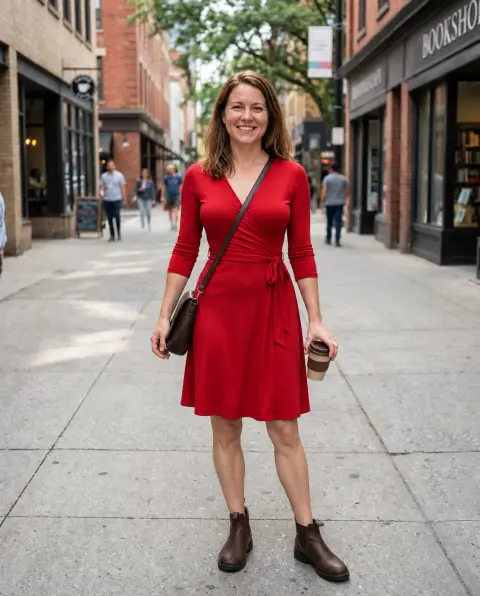
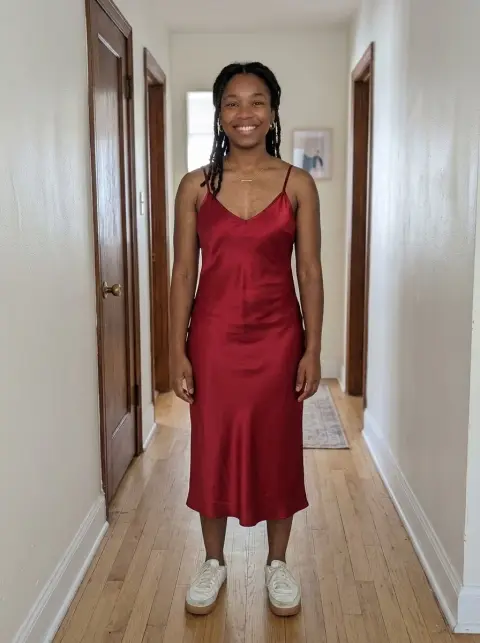
Skinny Filter examples.


A lot


A little
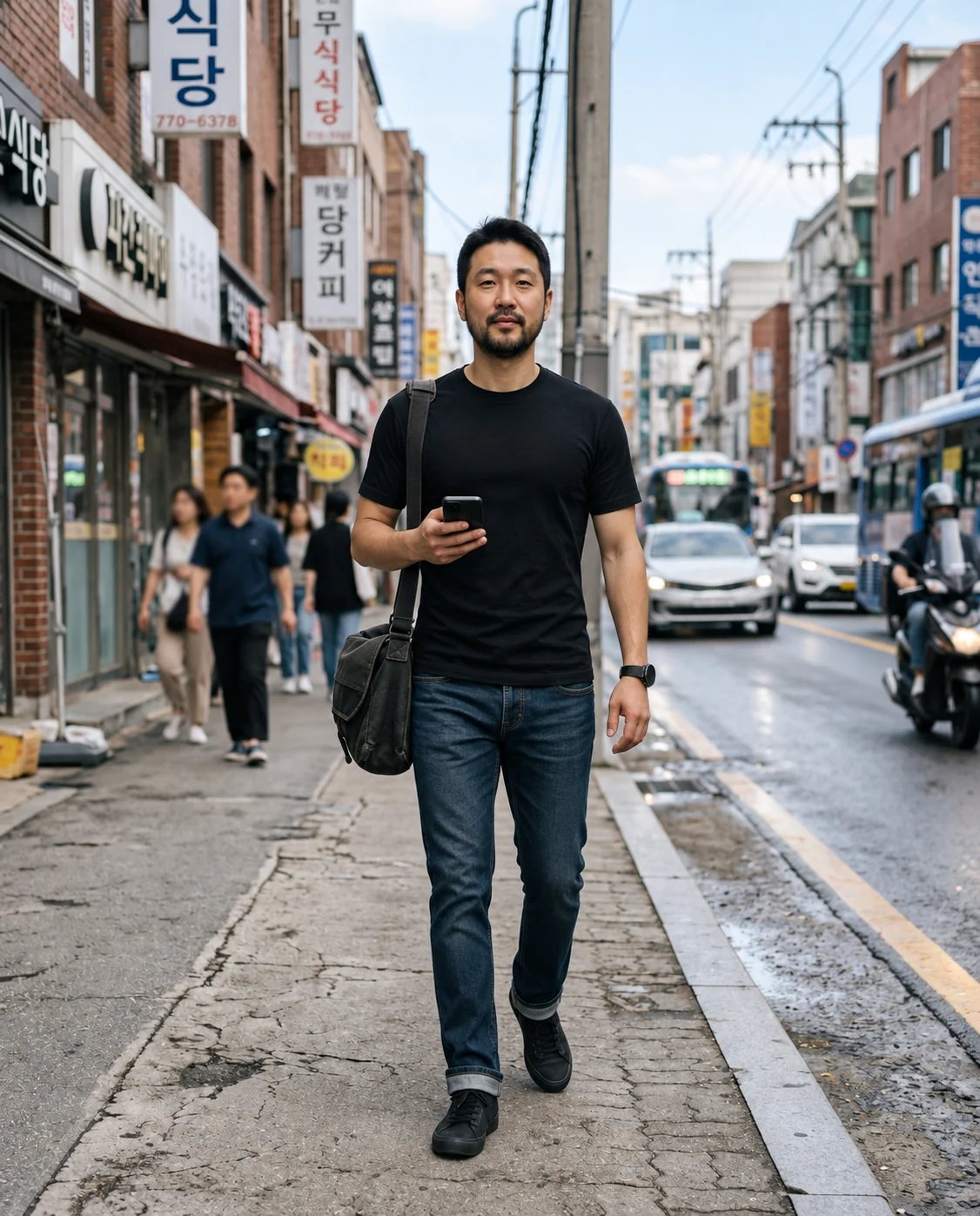
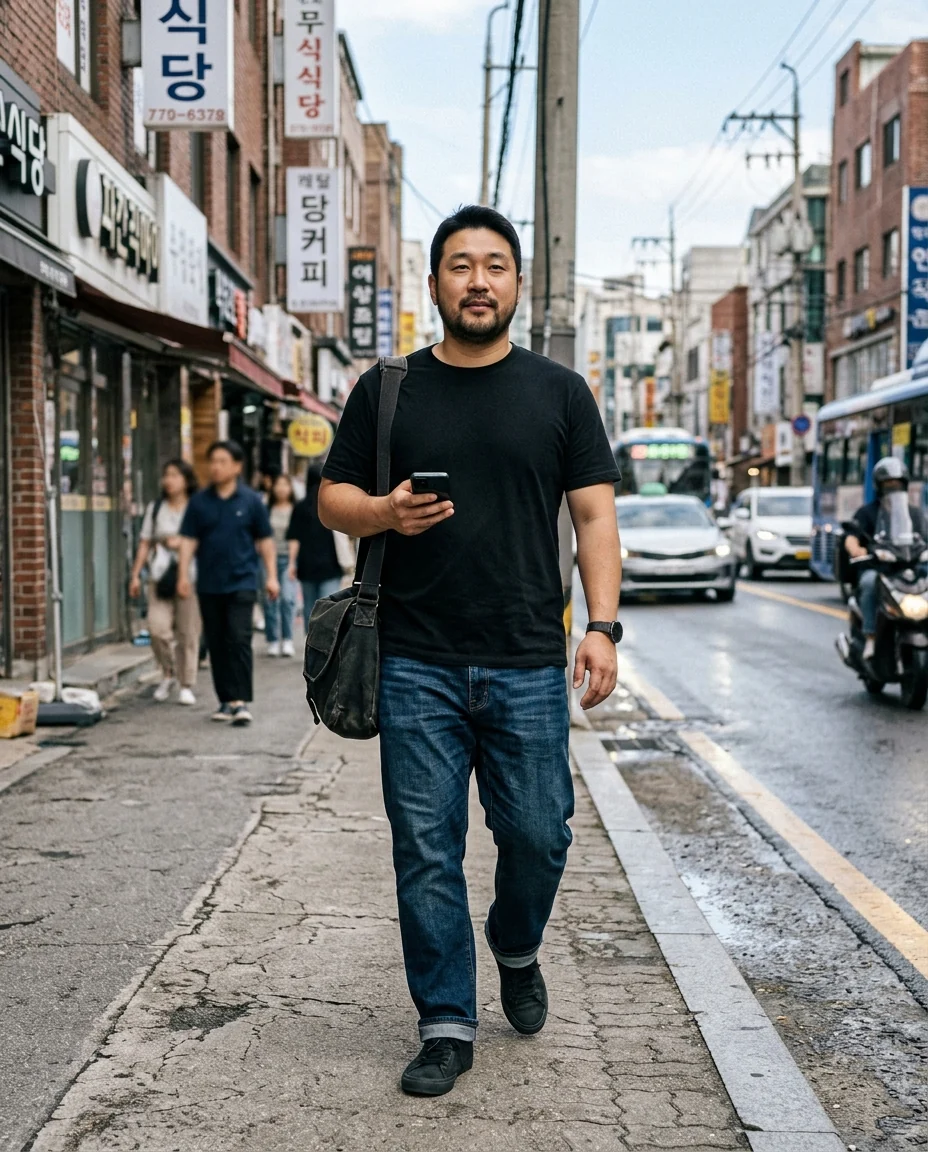
Full-length
Skinny Filter features.
Clearly slimmer
Face, waist, arms and legs all change.
A little or a lot
Two amounts to compare.
Same person
Features, skin tone, outfit and background kept.
Skinny Filter, step by step.
01
Upload a photo
Full-length shows the whole change.
02
Pick an amount
A little or a lot.
03
Download
Compare with the original.
Skinny Filter use cases.
- Just for fun
- A quick laugh at a different version of yourself.
- Outfit ideas
- See how clothes sit on a slimmer frame.
- Characters
- Try different body types for stories and cosplay.
Skinny Filter: best photos and fixes.
Photos that show the change
The skinny filter changes the face, waist, arms and legs, so a full-length or knee-up photo shows the most. Standing and facing the camera is best; sitting or twisting hides the waist. A selfie works too, but the change is limited to the face and neck, which may look like a small difference.
A little or a lot
A little gives a subtle slimming and is closest to the original photo. A lot gives a clearly slimmer body. Very large changes may be toned down so the result stays realistic; extreme thinness is not what this filter is for.
Clothes and outfit
Your outfit is kept and refitted: shirts hang looser or sit closer, trousers narrow and dresses fall differently. Fitted clothes make the change easy to see. Very loose clothes may show less change because the body is hidden underneath. Patterns and logos on clothes may shift slightly as the fabric is refitted.
Keeping it realistic
Check the background near the body after the change: door frames, railings and walls should still be straight. Hands and the line between arm and waist are where small errors appear. If something looks off, regenerate. The face gets a little slimmer but keeps its features and expression, so you still look like yourself.
What it isn't
The skinny filter is a visual effect. It isn't a prediction of what you'd look like after losing weight, and it isn't advice about diet or health. Real bodies change in different ways. Use adult photos, share results honestly, and don't use them to tease, shame or pressure anyone, including yourself.
Related tools
The fat filter does the opposite and shows a heavier version of you. The body editor offers other shape changes: curvier, more toned or a custom description. To change clothes rather than shape, use the clothes changer, and to see yourself older or younger, the age filter.
Skinny Filter FAQ.
Can I use someone else's photo?
Use photos of yourself, or of people who are happy for you to edit their picture. Don't use the result to mock, embarrass or deceive anyone.
Will my face still look like me?
Yes. The face gets a little slimmer, but your features, skin tone and expression are kept.
Does it show how I'd look after a diet?
No. It is a visual effect for fun, not a prediction of weight loss.
Can I see myself heavier instead?
Yes. Use the fat filter for a heavier version of the same photo.
Is the Skinny filter free?
Yes, you can try it free. New accounts get 15 free credits, and one generation here uses 9 credits. You sign in with your email; no card needed. Results have no watermark. After that, plans add credits every month and credit packs never expire.