Body Editor
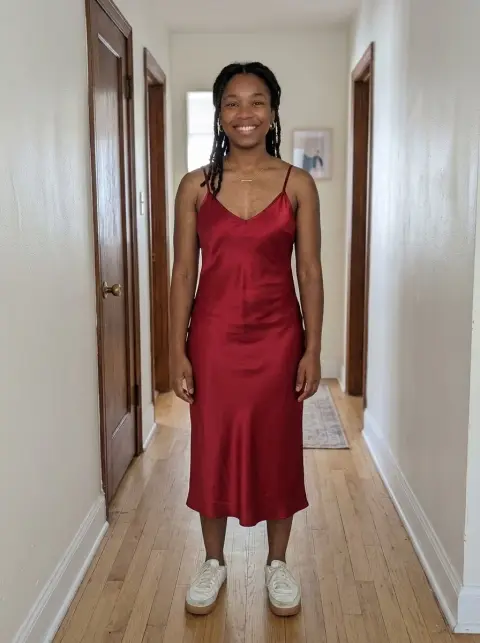
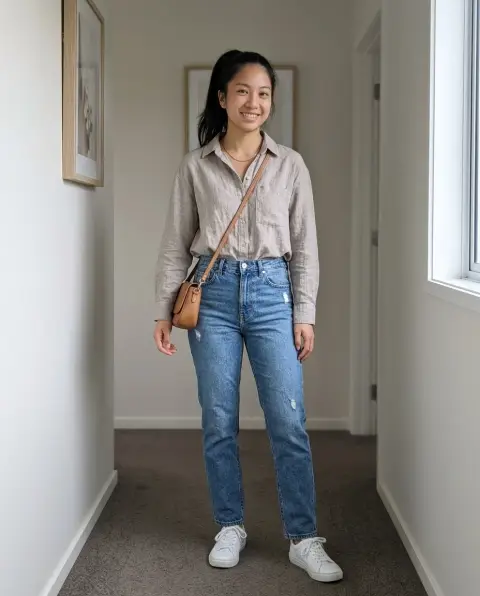
Try a different shape in the same photo.
Drop a photo
or paste with ⌘V · JPG · PNG · WebP · up to 8 MB
No photo handy? Try one of ours.
Body Editor examples.
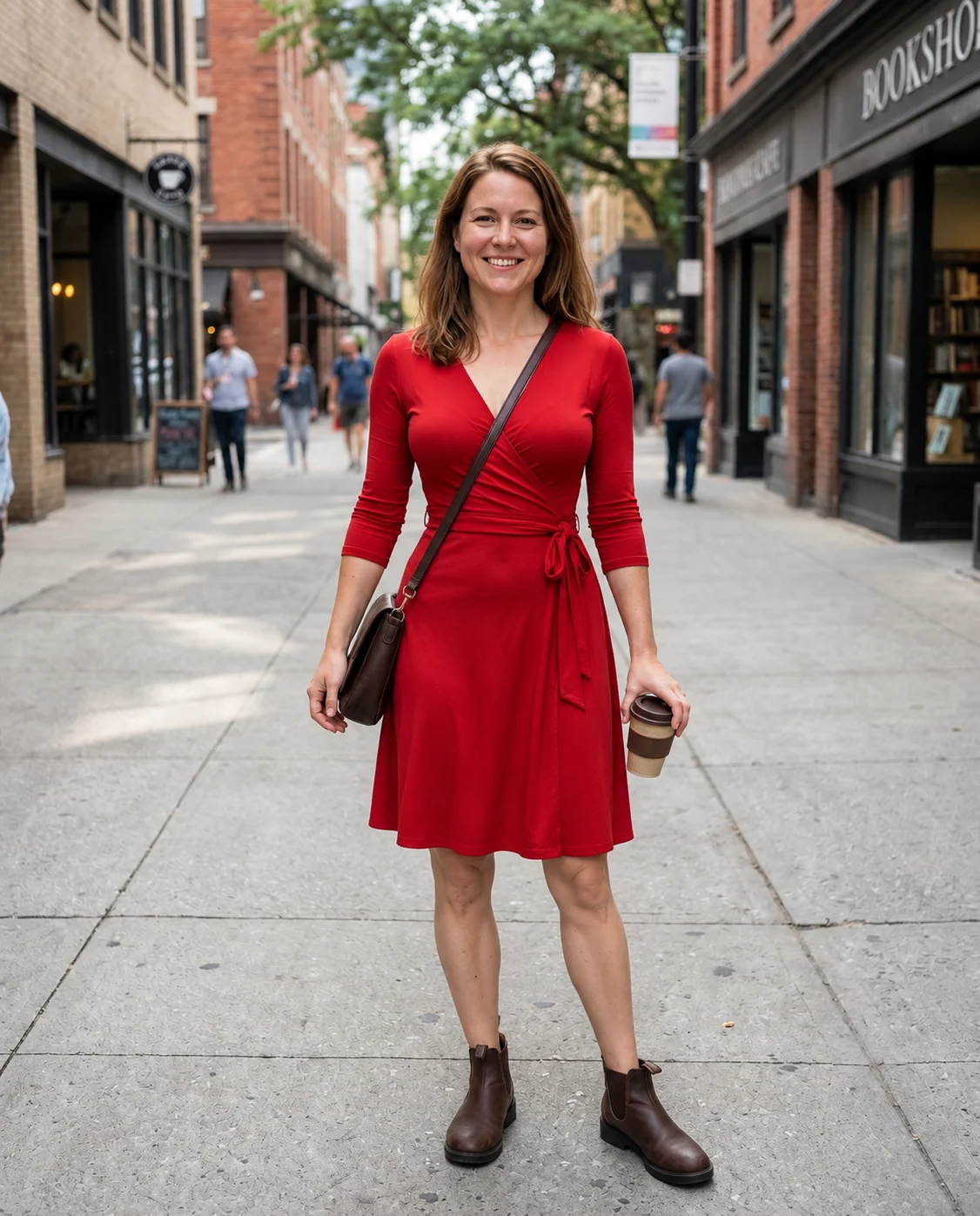
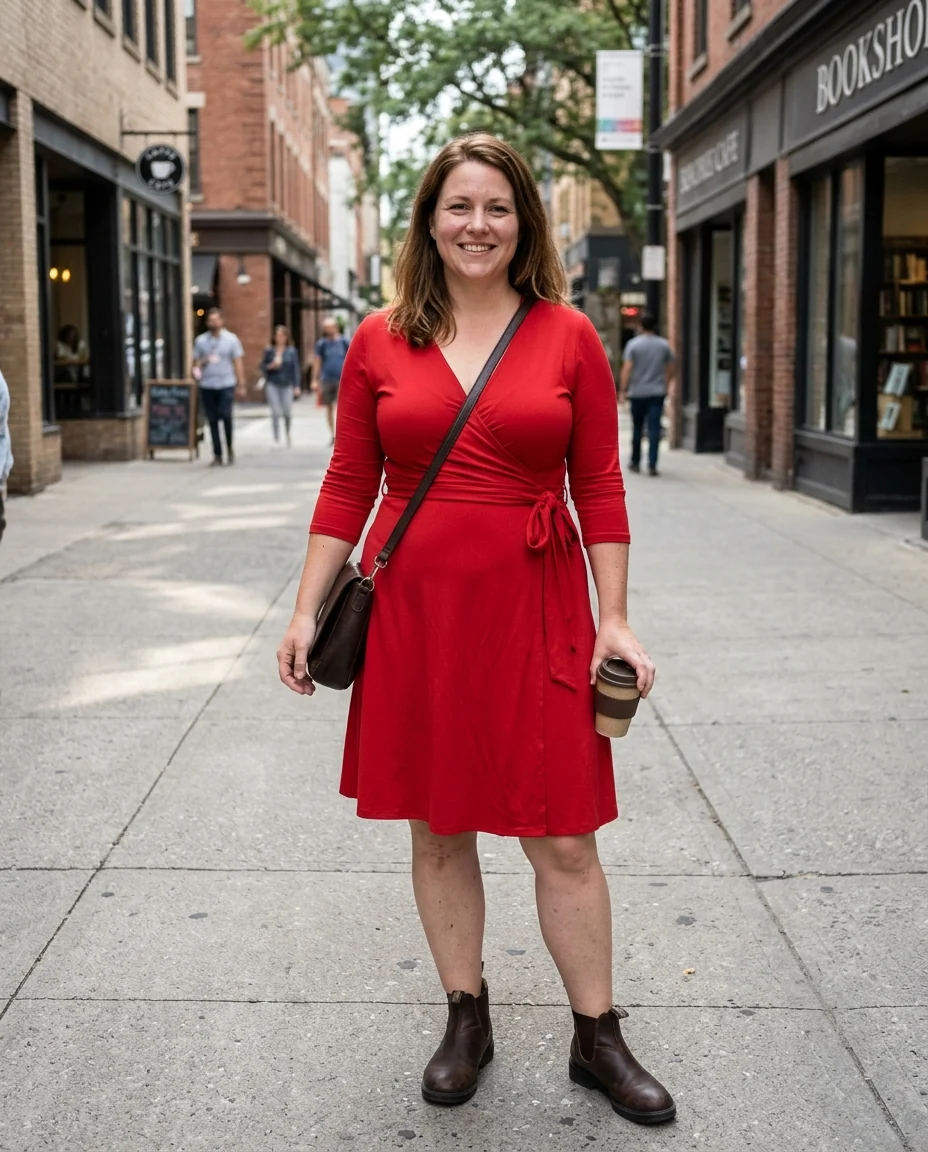
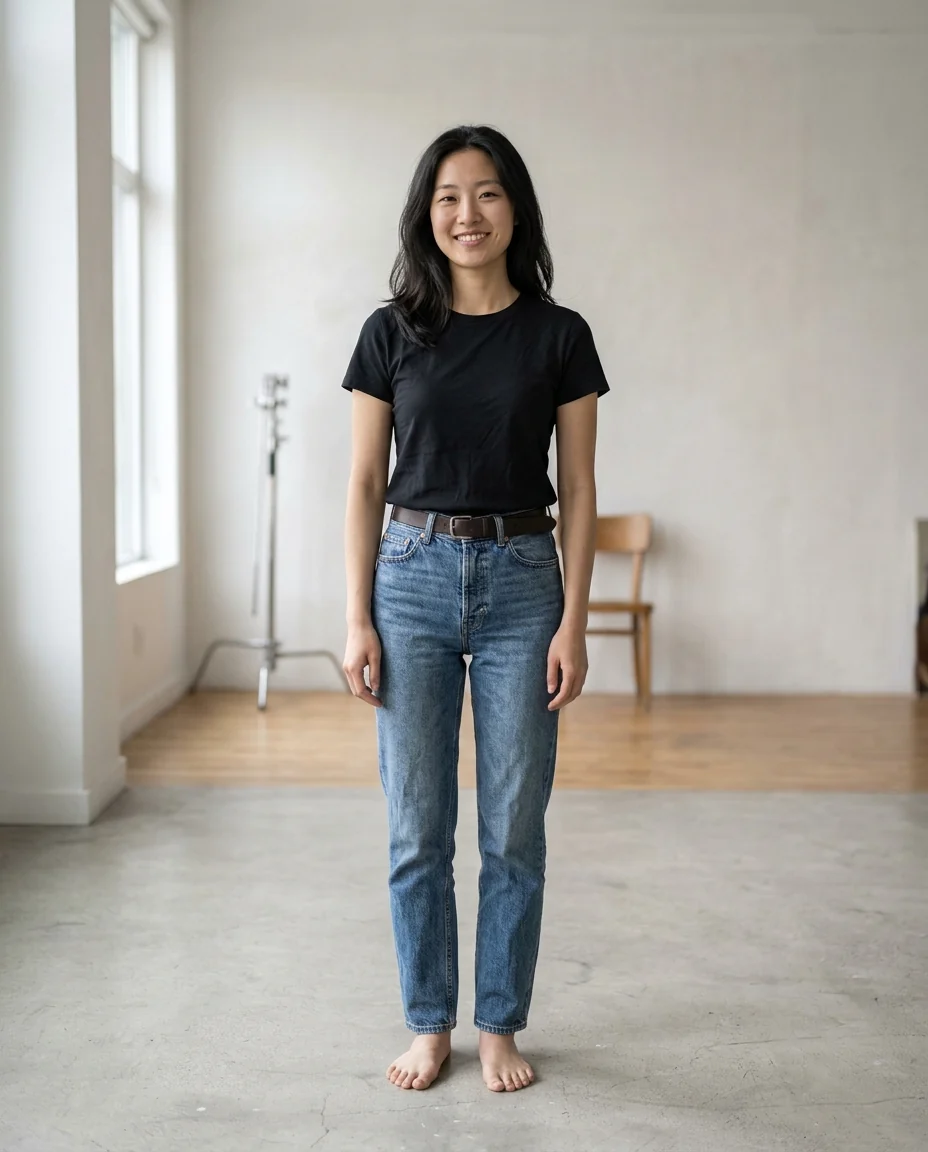
Slimmer
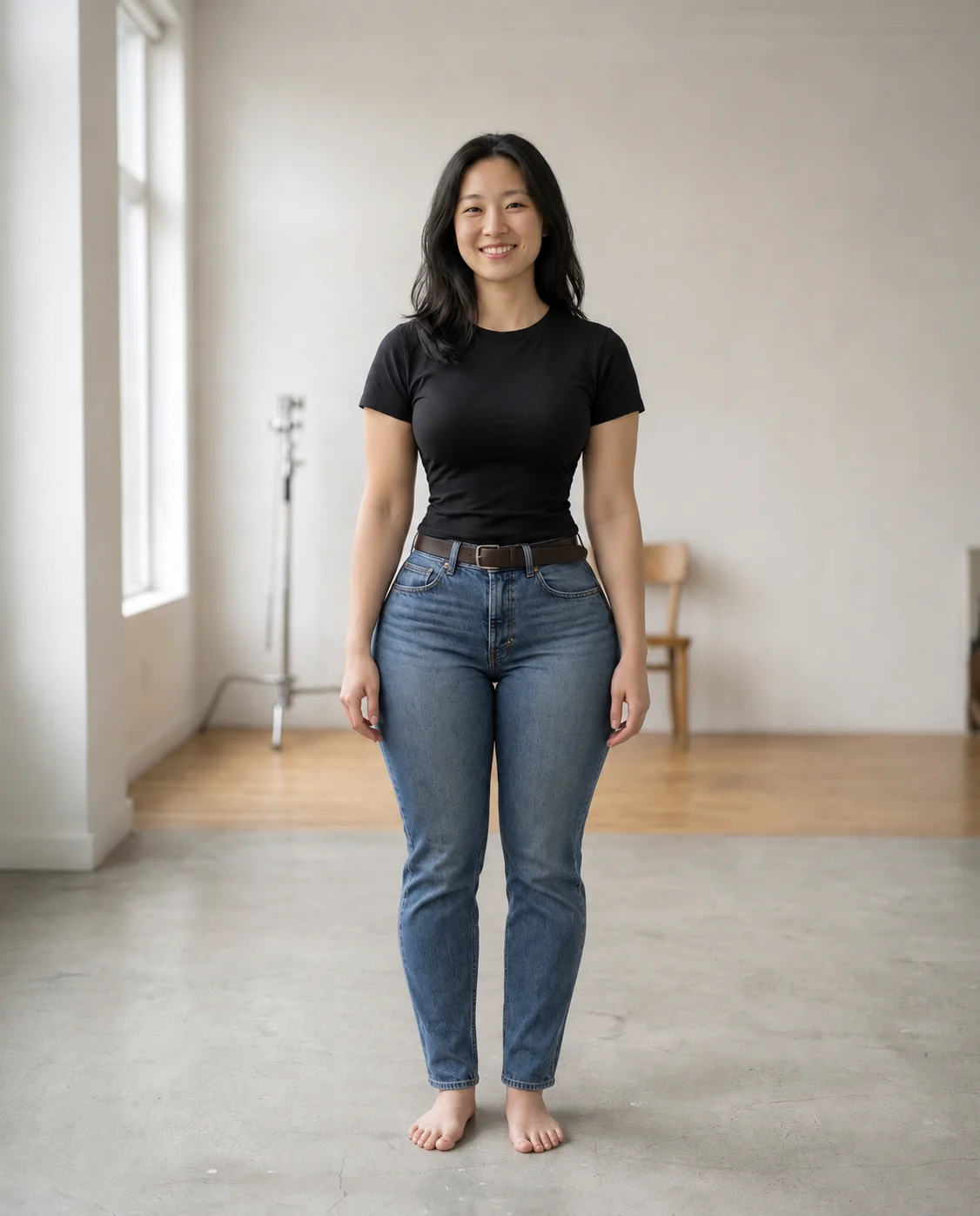
Curvier
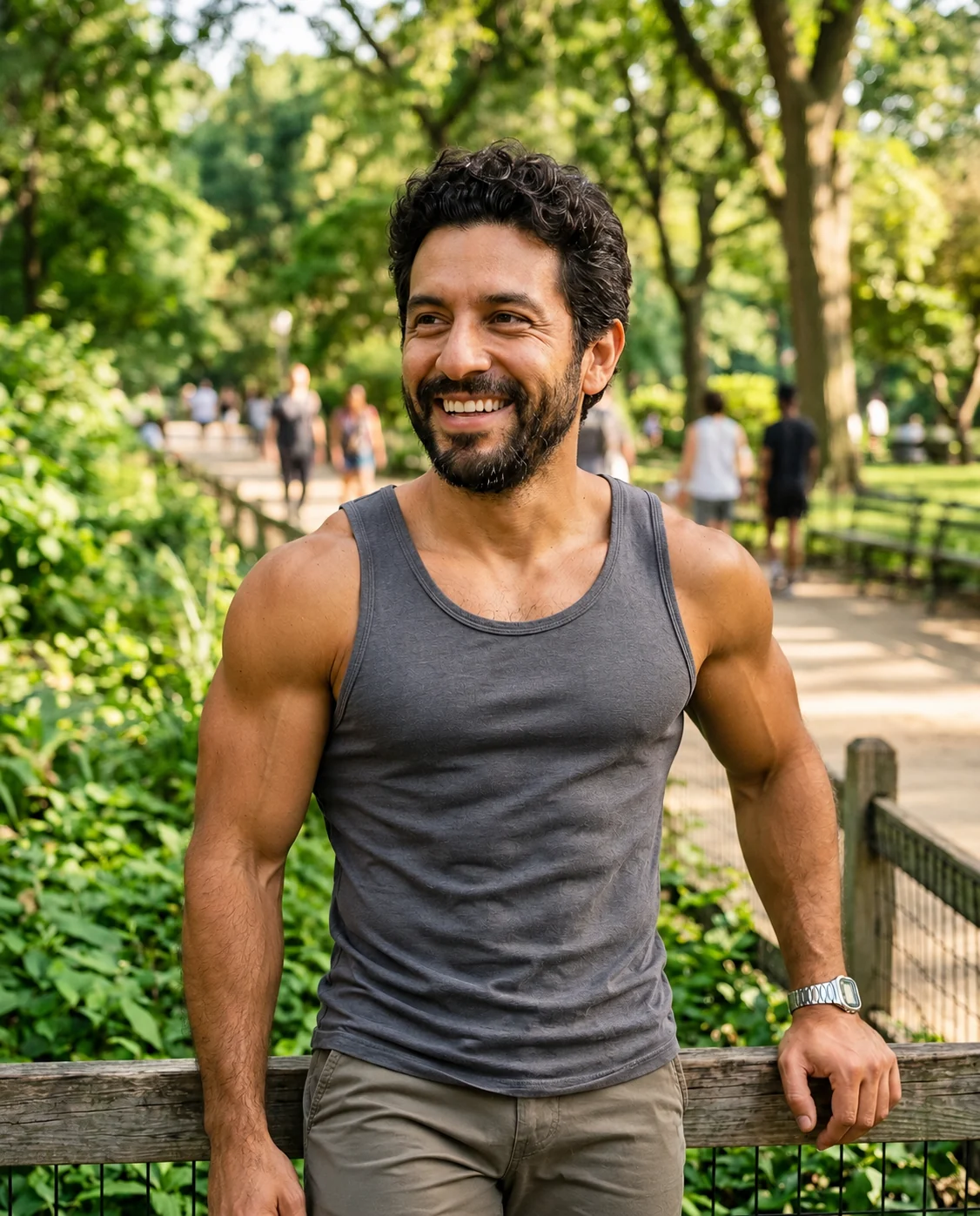
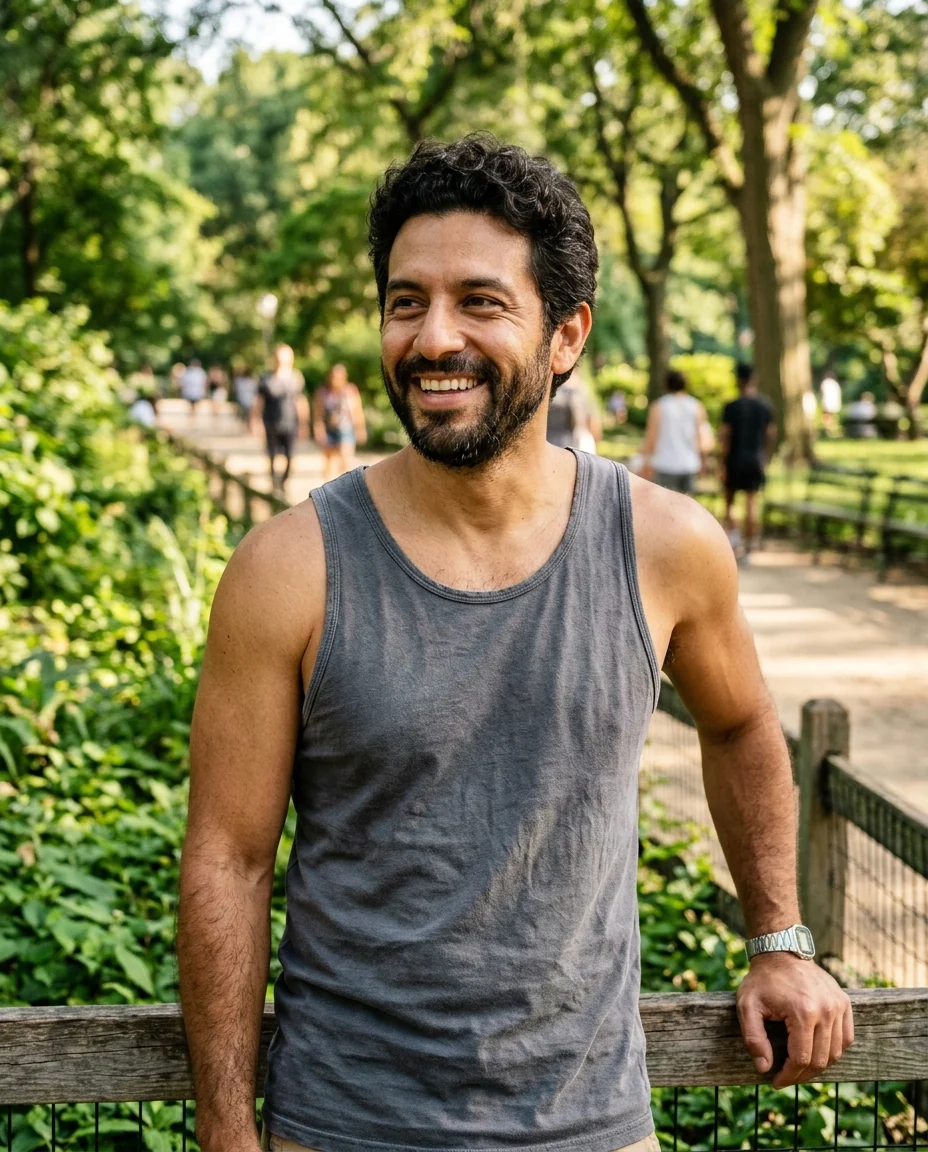
More toned
Body Editor features.
Visible change
Waist, arms and legs change, not just a hint.
Same face and outfit
Your face is kept and clothes are refitted.
Three shapes or your own
Slimmer, curvier, more toned, or Custom.
Body Editor, step by step.
01
Upload a full-length photo
The whole body in view works best.
02
Pick a shape
Or describe your own change.
03
Download
Compare with the original side by side.
Body Editor use cases.
- Style ideas
- See a different silhouette in the same photo.
- Outfit planning
- See how an outfit sits on a different shape.
- Characters and fun
- Play with looks for stories, cosplay or jokes with friends.
Body Editor: best photos and fixes.
Full-length photos work best
Body shape lives in the waist, hips, arms and legs, so a photo that shows them gives the clearest result. A full-length or knee-up photo, standing and facing the camera, is ideal. Selfies that show only the face and shoulders leave little to reshape, and seated or heavily angled poses hide the waist and hips. A plain or simple background also helps, because the area around the body is redrawn as the shape changes.
Clothes that show the shape
Fitted clothes such as t-shirts, jeans, dresses and leggings make the change easy to read. Very loose clothing such as oversized hoodies or long coats hides the body, so the result can look like the same person in a slightly different garment. The outfit is kept and refitted to the new shape: a dress hangs differently, a shirt fits tighter or looser, with natural folds.
Choosing a shape
Slimmer reduces the waist, arms and legs. Curvier adds fullness to hips and chest with a defined waist. More toned adds visible muscle definition where skin shows. For anything else, pick Custom and write it plainly: "broader shoulders", "slightly heavier", "longer-looking legs". One change per run gives the most natural body; stacking several makes anatomy errors more likely.
Keeping it realistic
The prompt asks for realistic proportions, so very extreme requests may come out milder. Check hands, the line where an arm meets the waist and the background next to the body: straight lines such as door frames and railings should still be straight. If something bends or looks off, regenerate once; the second result is often cleaner.
What this is and isn't
This shows a quick visual idea of a different shape in one photo. It is not a forecast of how your body would change with diet or training, and it isn't health advice. Bodies change in different ways for different people. Use it for fun, for outfit ideas and for creative projects, and share edited photos honestly rather than presenting them as unedited. Use adult photos, and don't use it to pressure yourself or anyone else about how a body should look.
Related tools
For a heavier look, the fat filter is tuned for that one change. To change clothes rather than shape, the clothes changer and outfit generator swap outfits while keeping your body. The face editor handles expressions and features, and the age filter shows you older or younger. For a full transformation into a character, the superhero generator adds a costume and pose.
Body Editor FAQ.
Can I edit someone else's photo?
Use photos of yourself, or of people who are happy for you to edit their picture. Don't use the result to mock, embarrass or deceive anyone.
Will my face change?
The aim is to keep your face the same; only the body shape and the fit of the clothes should change.
Can I make a smaller change?
Yes. Pick Custom and write it, for example "slightly slimmer waist" or "a little broader shoulders".
Does it work on sitting photos?
It works, but standing photos give a much clearer result, because the waist and legs are visible.
Is the Body editor free?
Yes, you can try it free. New accounts get 15 free credits, and one generation here uses 9 credits. You sign in with your email; no card needed. Results have no watermark. After that, plans add credits every month and credit packs never expire.