AI Outfit Generator
A complete look for the occasion, styled on you.
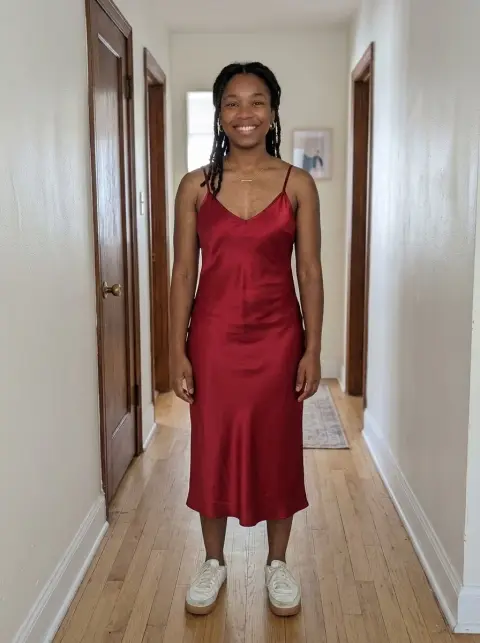
Drop a photo
or paste with ⌘V · JPG · PNG · WebP · up to 8 MB
No photo handy? Try one of ours.
More like this.
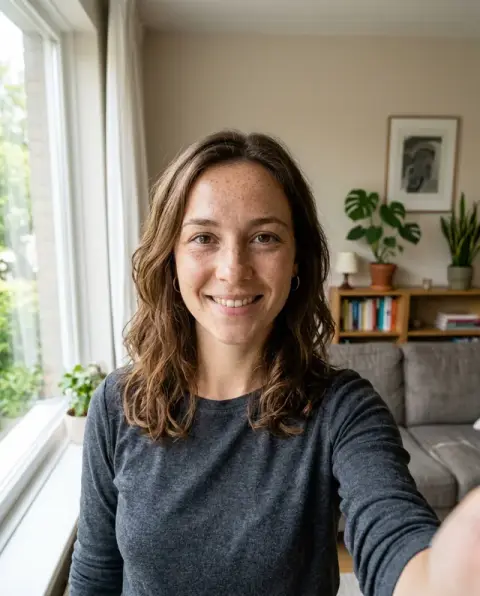



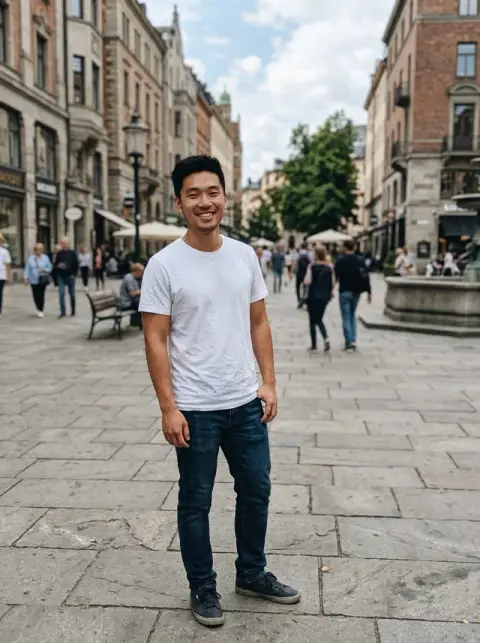
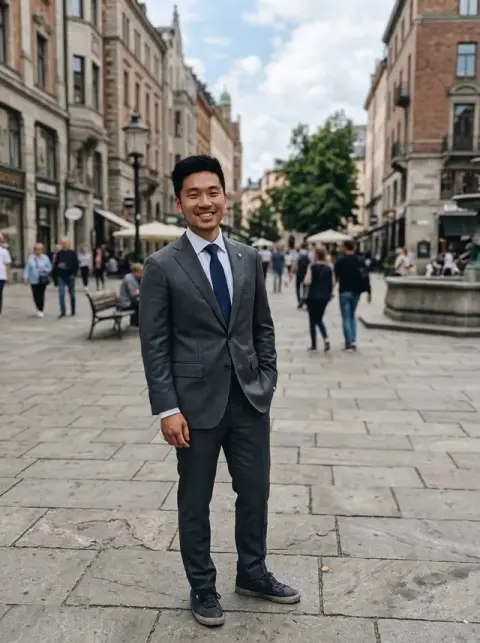
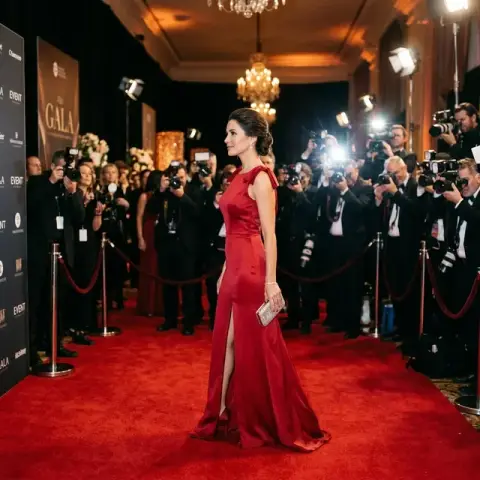
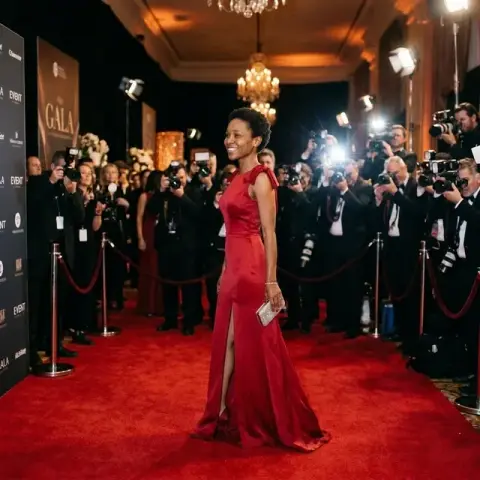
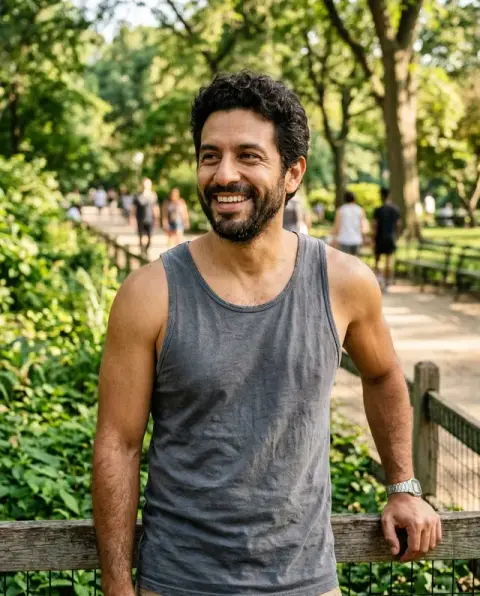
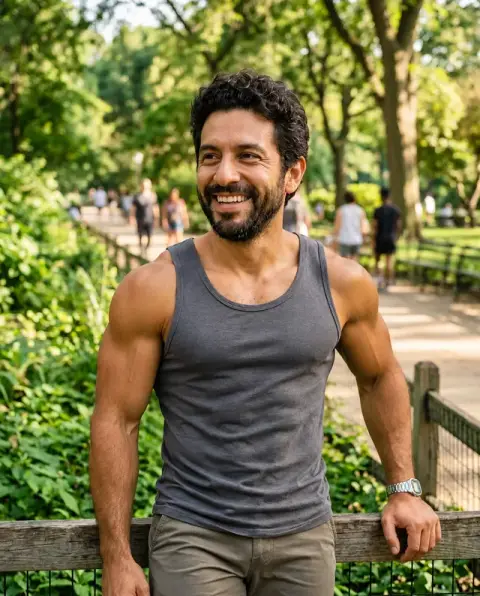
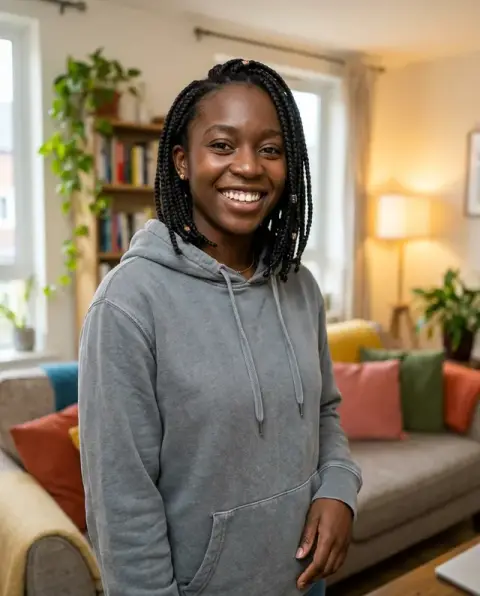
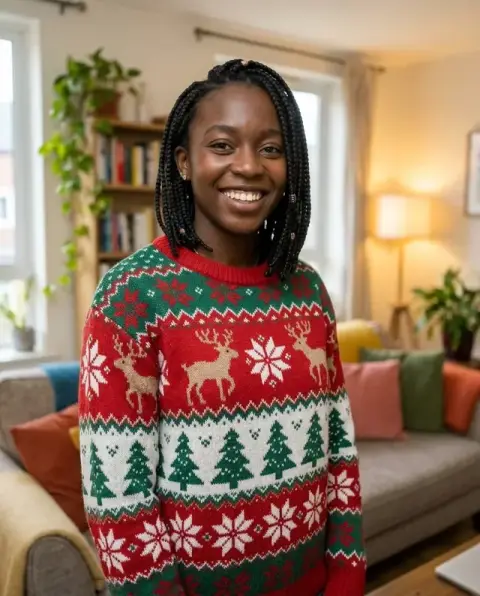
AI Outfit Generator examples.
Real results from this page's default settings in one click, not retouched.How examples are made
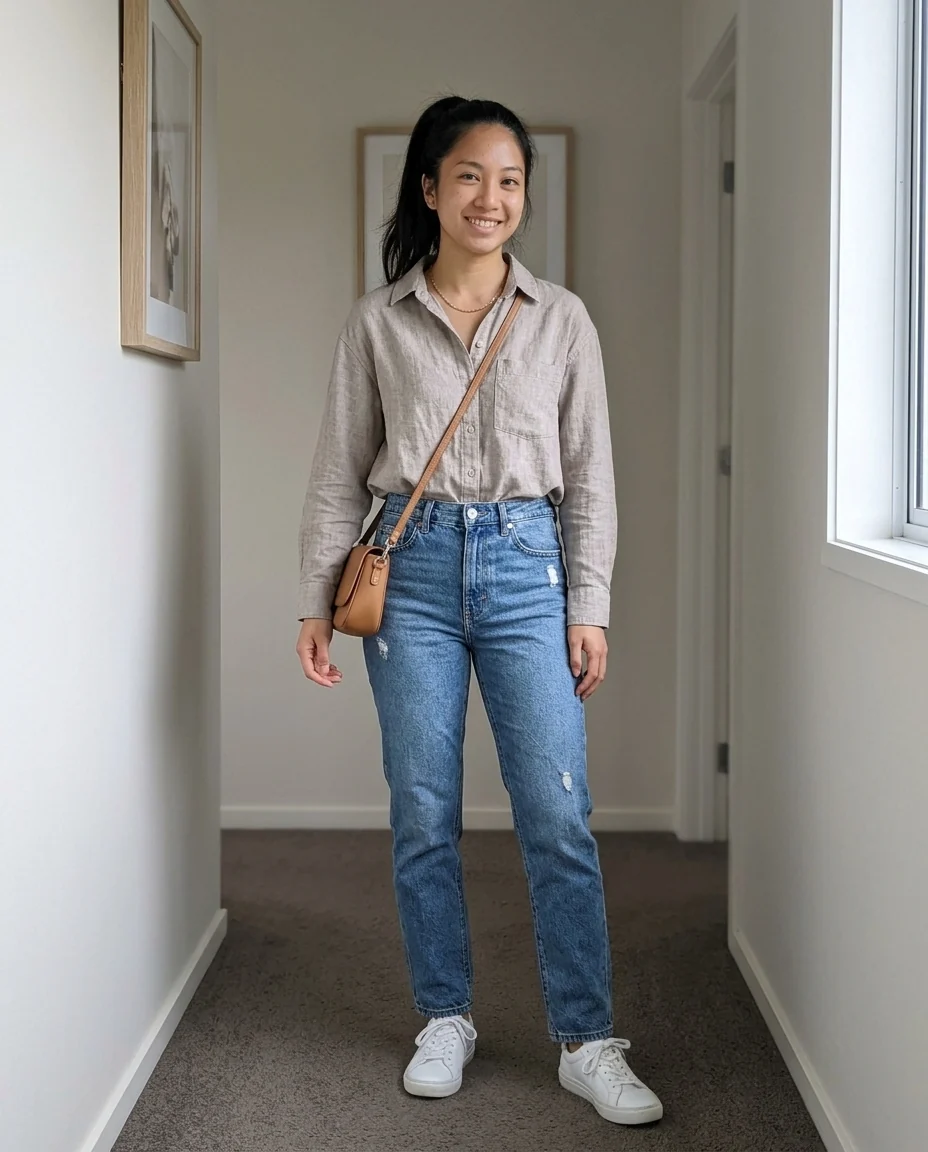
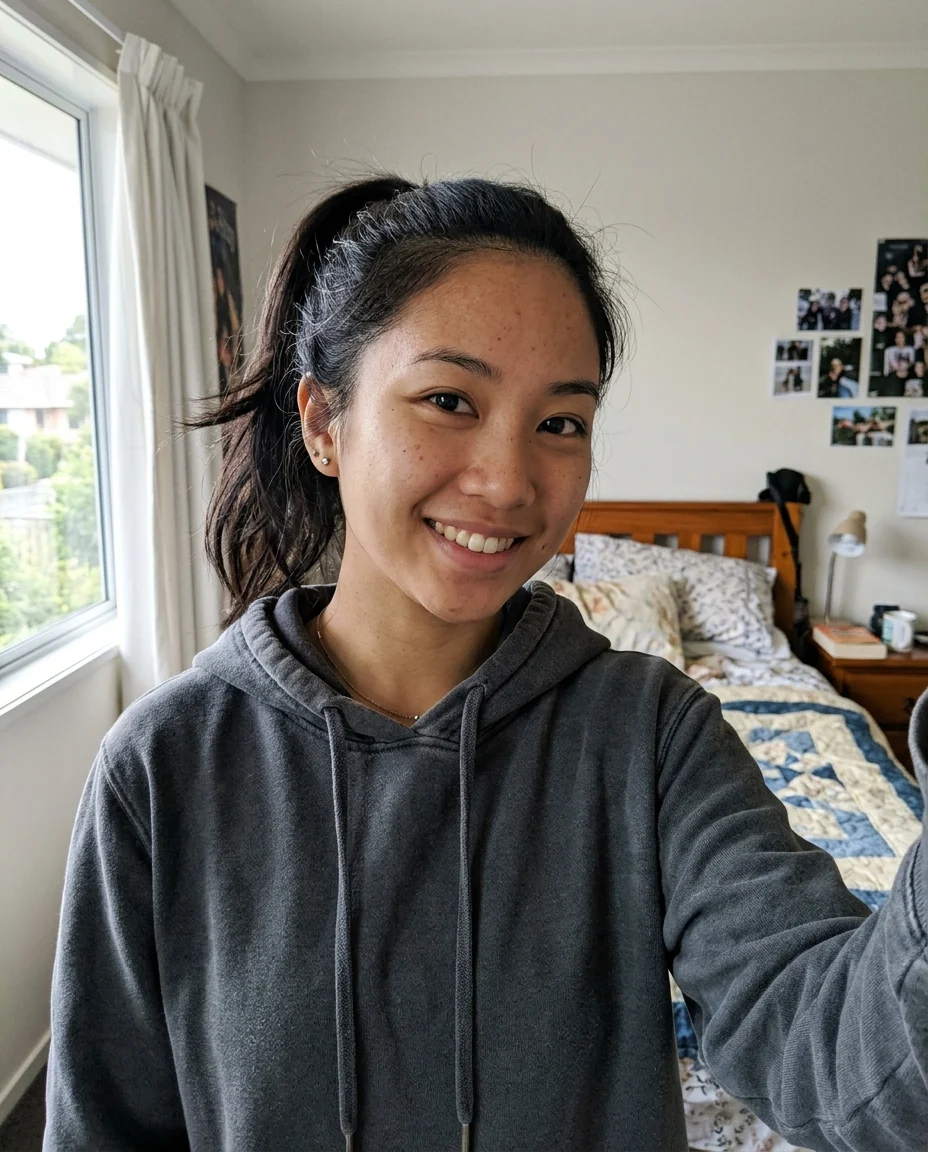
Everyday


Work
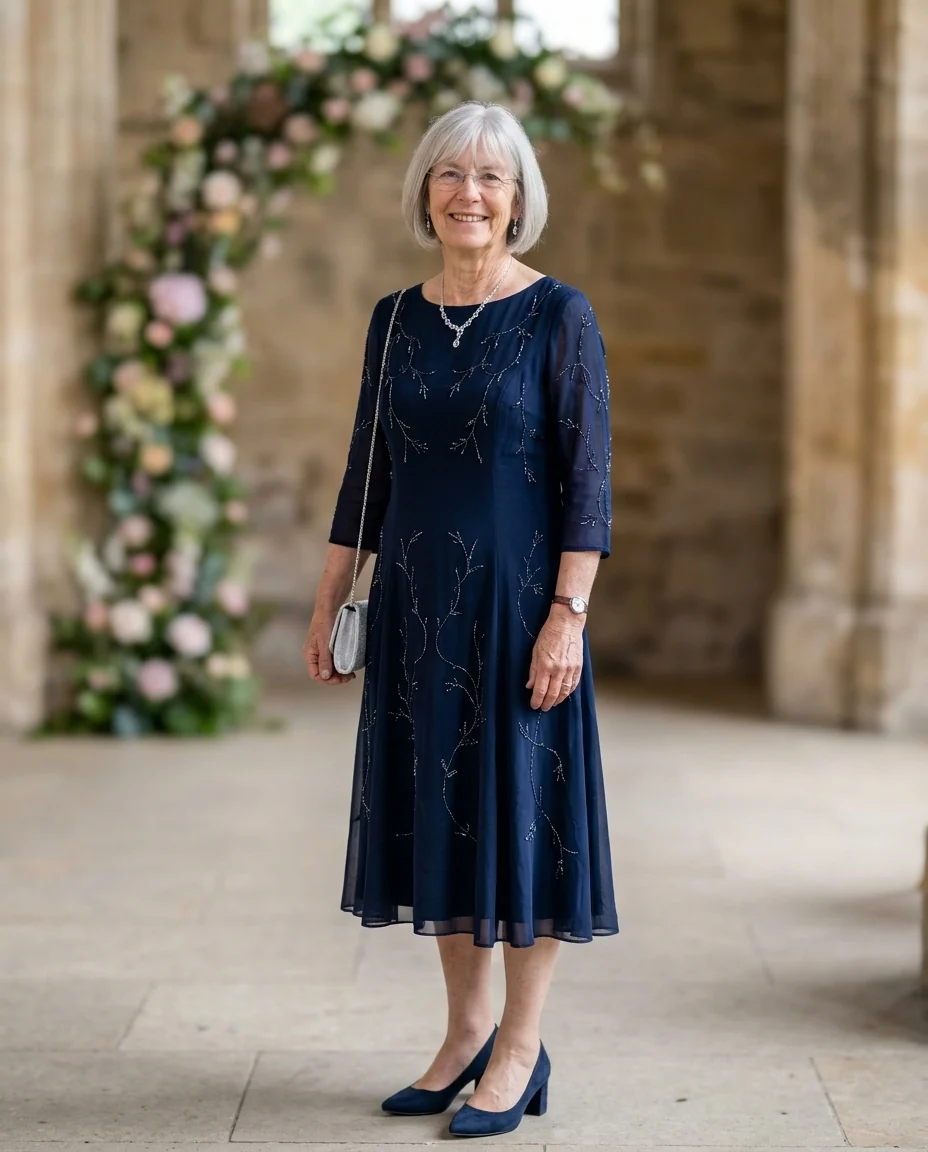

Wedding guest
AI Outfit Generator features.
A complete look
Top, bottom, shoes and accessories that go together.
Still you
Face, hair and body shape stay the same.
For the occasion
Everyday, work, night out or wedding guest.
AI Outfit Generator, step by step.
01
Upload a photo
A clear photo of you; a selfie is enough.
02
Pick an occasion
Or describe a style, season or color.
03
Download
Save looks you like, or try another.
AI Outfit Generator use cases.
- Getting dressed
- Ideas for an event when you don't know what to wear.
- Shopping
- See a style on yourself before you buy into it.
AI Outfit Generator: best photos and fixes.
A full-body photo
A full-body photo, standing and facing the camera, shows the whole outfit from head to toe, including shoes. A waist-up photo only shows the top half, so trousers, skirts and shoes are left out. Fitted clothes in the photo help the model see your shape, and a plain background keeps attention on the outfit.
Everyday, work, night out or wedding
Everyday gives relaxed, comfortable looks. Work gives smart office outfits. Night out gives evening looks for dinners, bars and parties. Wedding gives guest outfits that respect the usual dress codes. Choose Custom for any other occasion: "job interview at a tech start-up", "beach holiday dinner", "winter city break".
Season, color and fabric
Add a season, a color and a fabric: "summer, linen, earth tones", "autumn layers in burgundy and camel", "winter, wool coat, neutral colors". That narrows the look to something you would actually wear in that weather. Naming what you already own helps too: "with my white sneakers".
Your own style
Describe your style in a few words: "minimal, neutral colors", "streetwear, oversized fits", "classic preppy", "bohemian, flowing fabrics". The outfit then follows your taste instead of a generic look. Run it a few times to see different ideas within the same style.
A full outfit or one piece
This generator styles a complete look. To try one specific piece of clothing, such as a jacket you found online, use the clothes changer with a photo of that garment. For a single dress or coat type, the prom dress and winter outfit tools offer ready styles.
If you look different
Only the clothes should change. If your face, hair or body shape changes, regenerate and write "keep my face, hair and body the same". A sharp, unfiltered photo gives the most accurate result. Changing too many things at once, such as season, style and colors, increases the chance of drift.
Capsule wardrobes and travel
Planning a trip or a capsule wardrobe? Run the same photo for several days of outfits with a shared palette: "capsule wardrobe in navy, white and tan, day 1: city sightseeing", then "day 2: dinner". Seeing them together shows which pieces repeat and what you actually need to pack.
Dress codes
Invitations say "cocktail", "business casual" or "black tie optional". Write the dress code into Custom and the outfit follows it. If you are unsure what a dress code means, the result gives a quick example. Add the season or venue to the dress code for a more precise result, such as "cocktail, outdoor summer garden".
AI Outfit Generator FAQ.
How is this different from the clothes changer?
The outfit generator designs a whole new look for you. The clothes changer puts one specific piece of clothing, from a photo you add, on you.
Do I need a full-body photo?
No. A selfie works; the result shows you full-length in the new outfit.
Can I describe my own style?
Yes. Write a style, season or colors in the instructions box, such as "streetwear, all black".
Is the Outfit generator free?
Yes, you can try it free. New accounts get 25 free credits, and one generation here uses 9 credits. You sign in with your email; no card needed. Results have no watermark. After that, credit packs never expire, and your first one is half price.