AI Body Swap
Your face, another photo's body and outfit.
Your photo
Body
or paste with ⌘V · JPG · PNG · WebP · up to 8 MB
More like this.

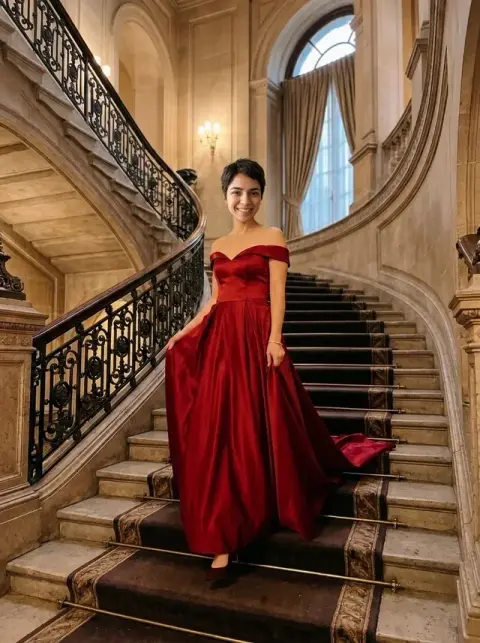




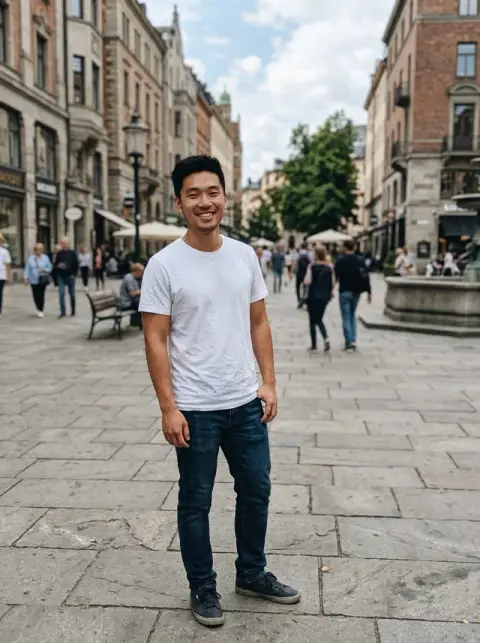
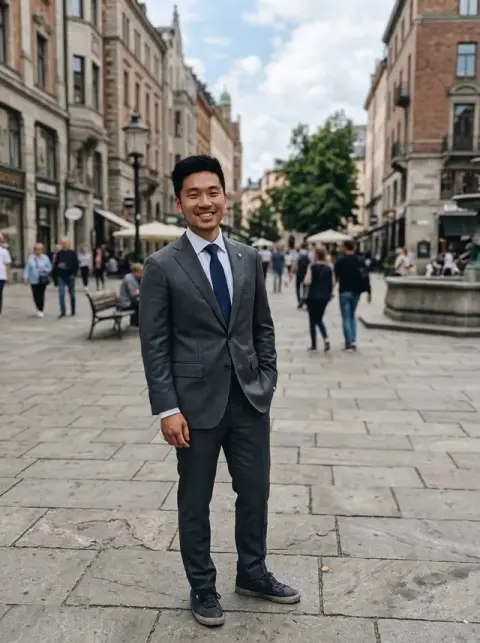


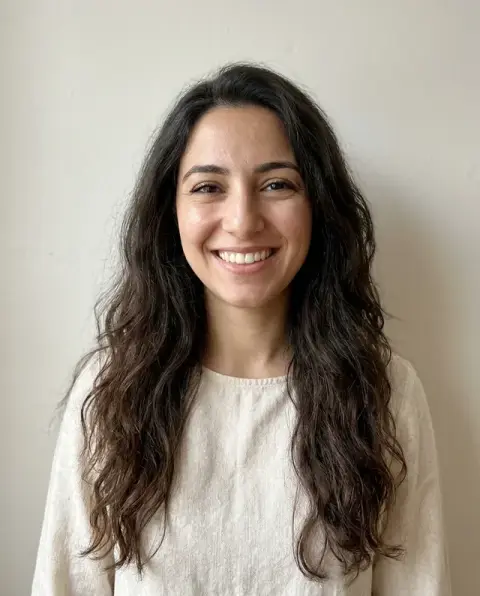

AI Body Swap examples.
Real results from this page's default settings in one click, not retouched.How examples are made
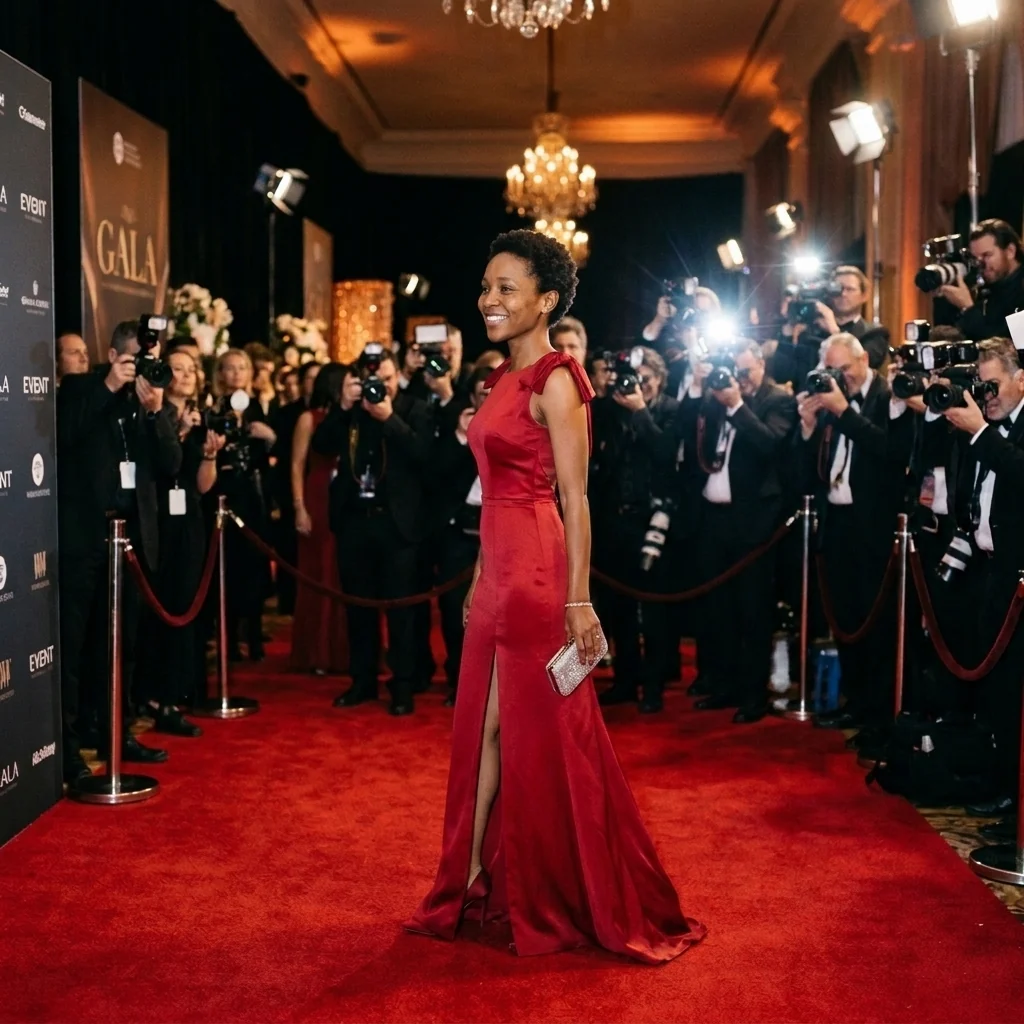
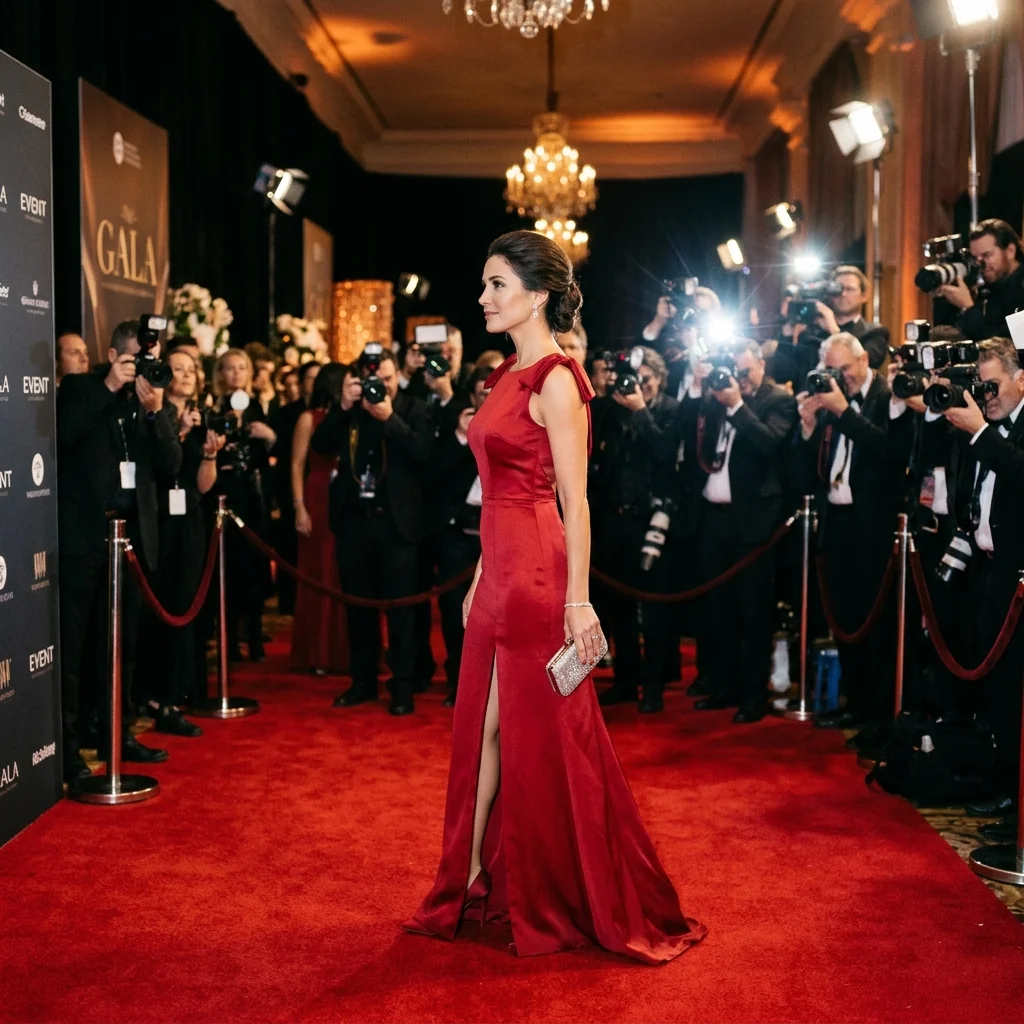
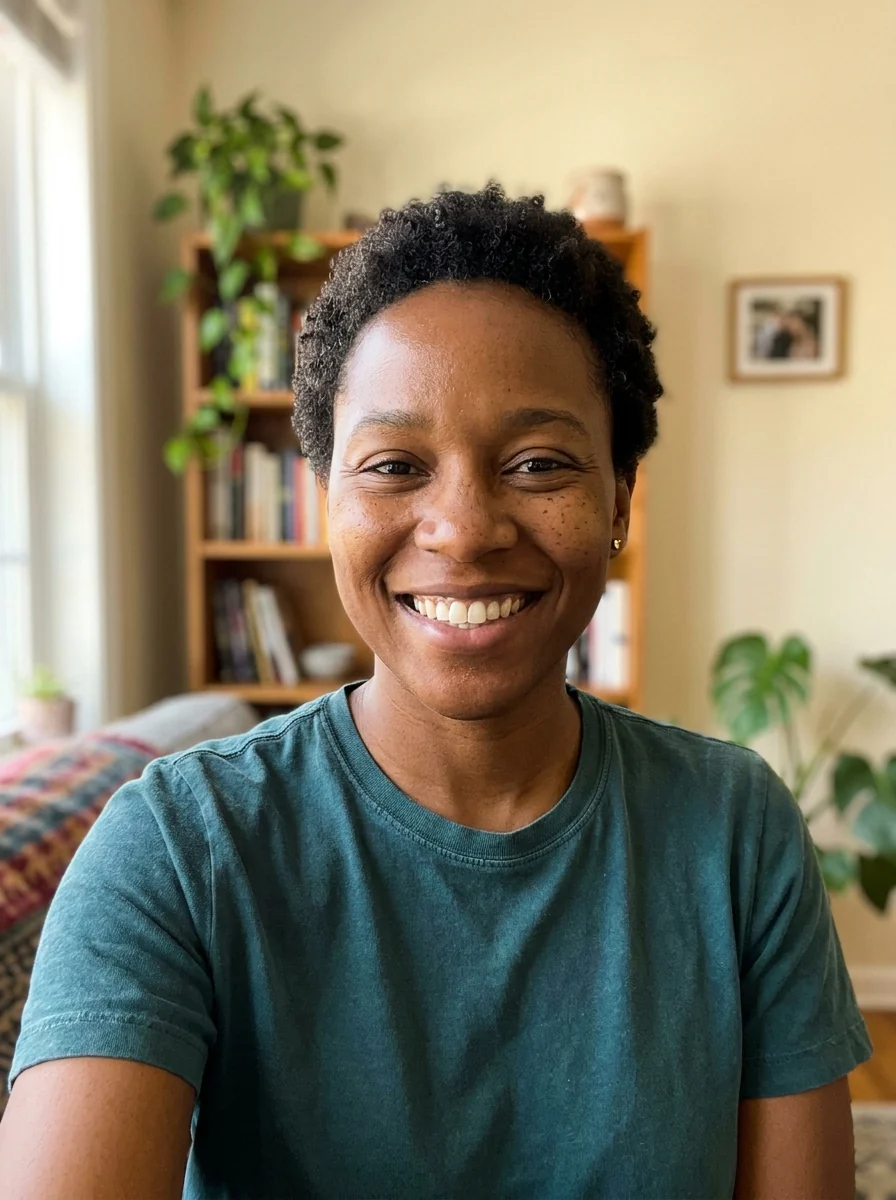
The woman in the red gown on the red carpet


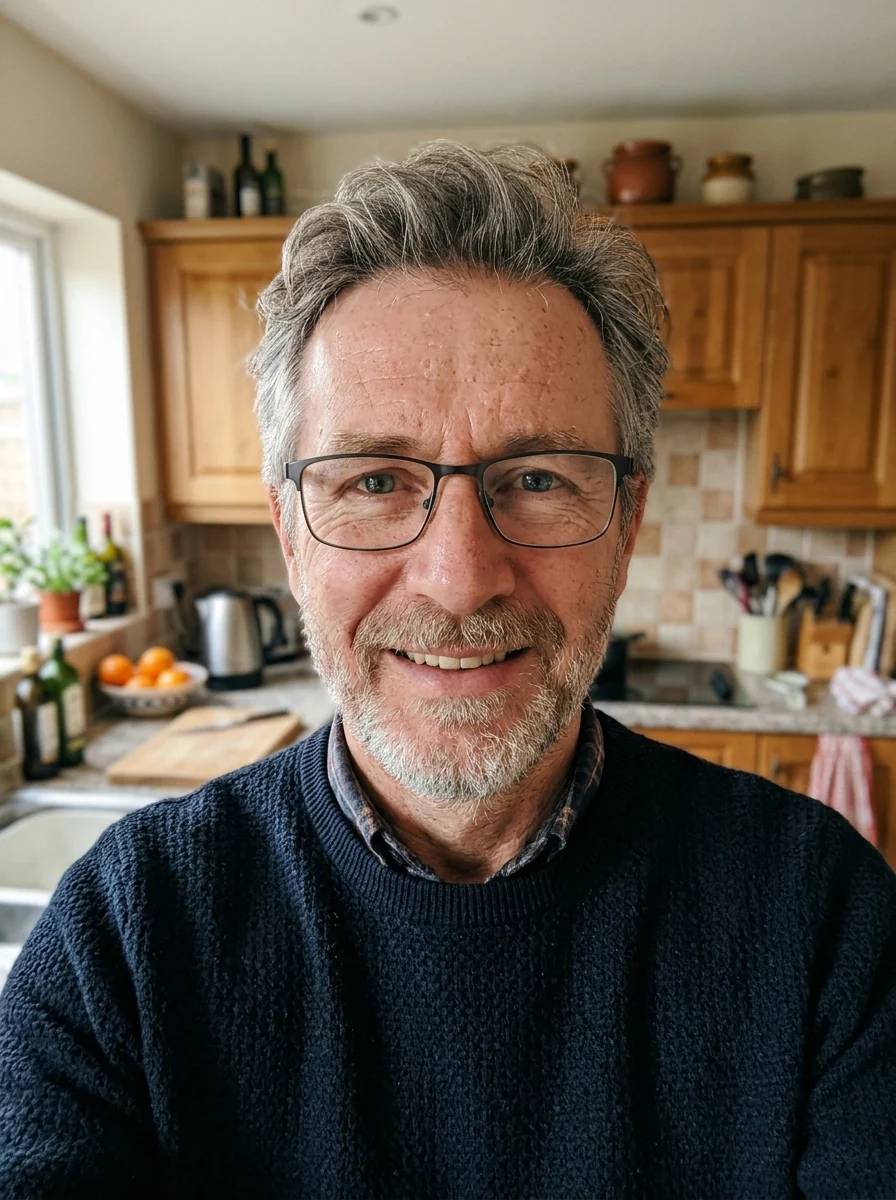
The man as the chef plating a dish in the kitchen


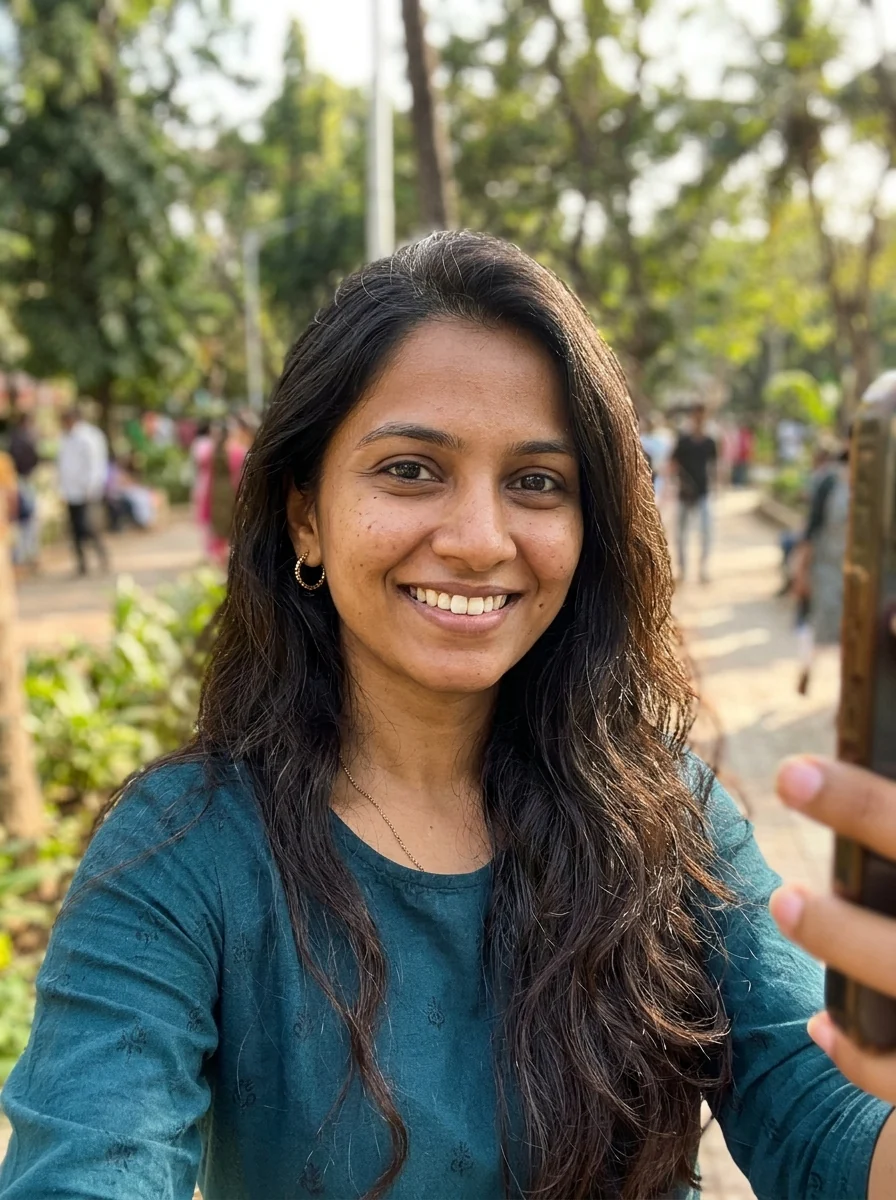
The woman in the navy suit in the glass office
AI Body Swap features.
Your face kept
Face, hair and expression from your photo.
Their outfit and pose
Clothes, pose and setting from the body photo.
Seamless match
Skin tone and light are blended.
AI Body Swap, step by step.
01
Add your photo
A clear face, looking at the camera.
02
Add a body photo
The outfit, pose and setting you want.
03
Download
See yourself in the new look.
AI Body Swap use cases.
- Try an outfit
- See yourself in a suit, gown or uniform.
- Fun edits
- Put yourself into a chef, sports or movie-style shot.
AI Body Swap: best photos and fixes.
Choosing the two photos
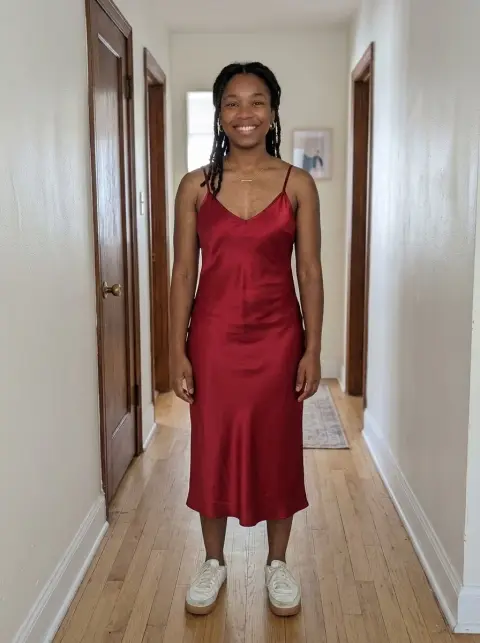
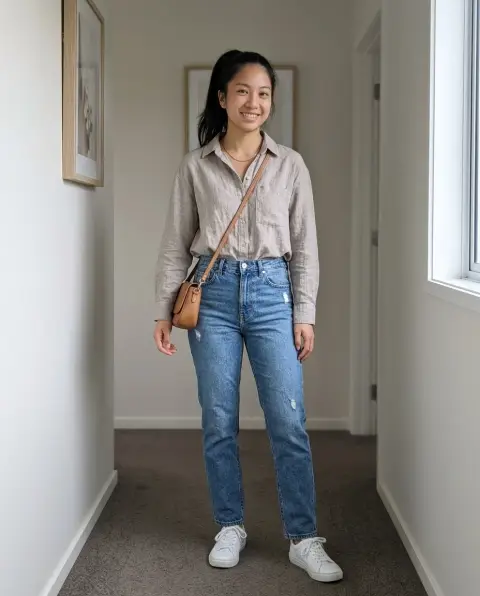
Your photo provides the face and head; the body photo provides the outfit, pose and setting. The closer the head angle and lighting are between the two, the more natural the join at the neck. A front-facing selfie pairs well with a front-facing body shot. Pairing a selfie taken from above with a full-length photo taken at eye level can make the head look too large.
Body photos that work well
Full or three-quarter length photos of one person, with the whole outfit visible, give the best result. Fashion and catalogue shots work well because the light is even. Group photos, mirror selfies with a phone covering the face, and photos where the head is turned away all make it harder to know where your head should go.
Skin tone, neck and hairline
The model adjusts the neck and hands to match your skin tone. If the body photo shows bare arms in very different light, the arms may not be fully matched; regenerate once, or write "match the skin tone of the arms and neck to my face". Long hair is kept from your photo where it fits; if it clashes with the outfit's collar, it may be shortened.
If you want only the face changed
Body swap keeps your head, including your hair, and replaces everything else. If what you actually want is to keep the other person's hair and pose and only put your face in, face swap is the better tool. For trying on one specific garment while keeping your own body and pose, use the clothes changer instead. Each tool keeps different parts, so pick by what should stay.
Outfits from shops and magazines
Body photos from online shops and lookbooks are ideal for trying an outfit: the model is shown full length, front-facing, in even light. Pick one whose build is roughly like yours for a more believable result, since the outfit keeps the original body's proportions. For a more exact try-on of one garment on your own body, the clothes changer gives a closer fit.
Costumes and themed photos
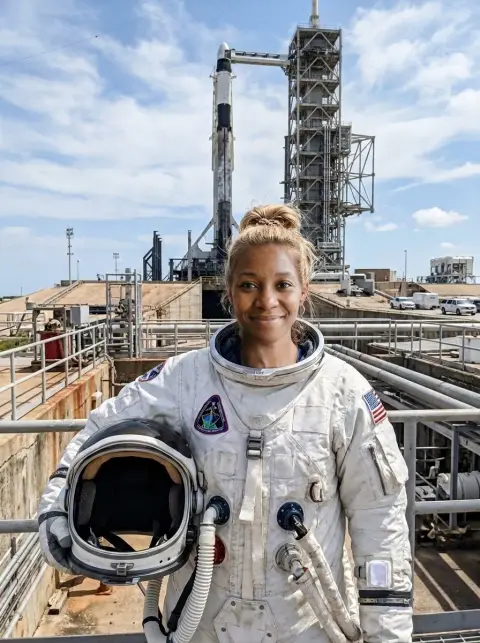
Body swap is a quick way to see yourself in a costume or uniform without wearing it: an astronaut suit, a football kit, a historical outfit from a film still. Choose a body photo where the costume is fully visible and the head is not covered by a helmet or hat, since that is where your own head goes. Full-length photos give the most convincing results.
AI Body Swap FAQ.
What's the difference from face swap?
Face swap keeps the other photo's hair and puts only your face in. Body swap keeps your whole head, including hair.
Can I use any body photo?
Use photos you have the right to use. Clothing always stays on; explicit edits are not allowed.
Will my skin tone match?
Yes. The body is adjusted to your skin tone so the result looks natural.
Is the Body swap free?
Yes, you can try it free. New accounts get 25 free credits, and one generation here uses 9 credits. You sign in with your email; no card needed. Results have no watermark. After that, credit packs never expire, and your first one is half price.