Face Morph
Two faces in, one realistic blend out.
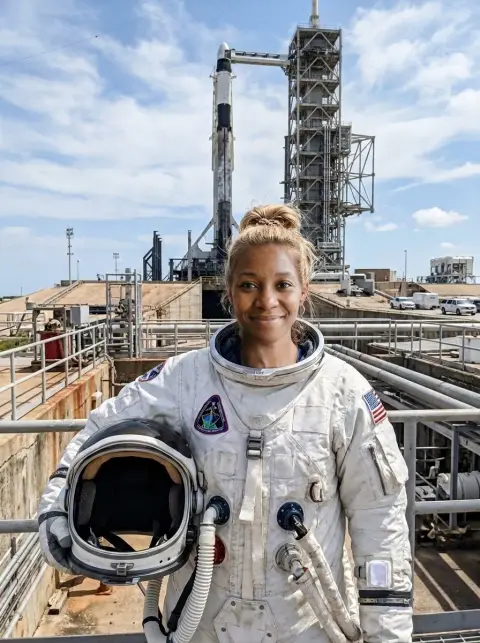
Face 1
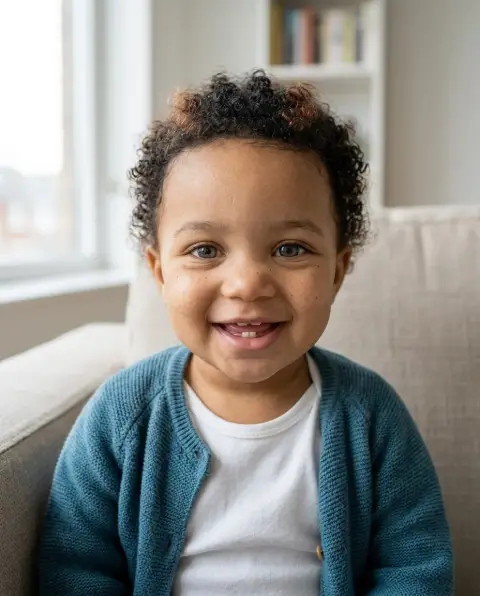
Face 2
or paste with ⌘V · JPG · PNG · WebP · up to 8 MB
Face Morph examples.
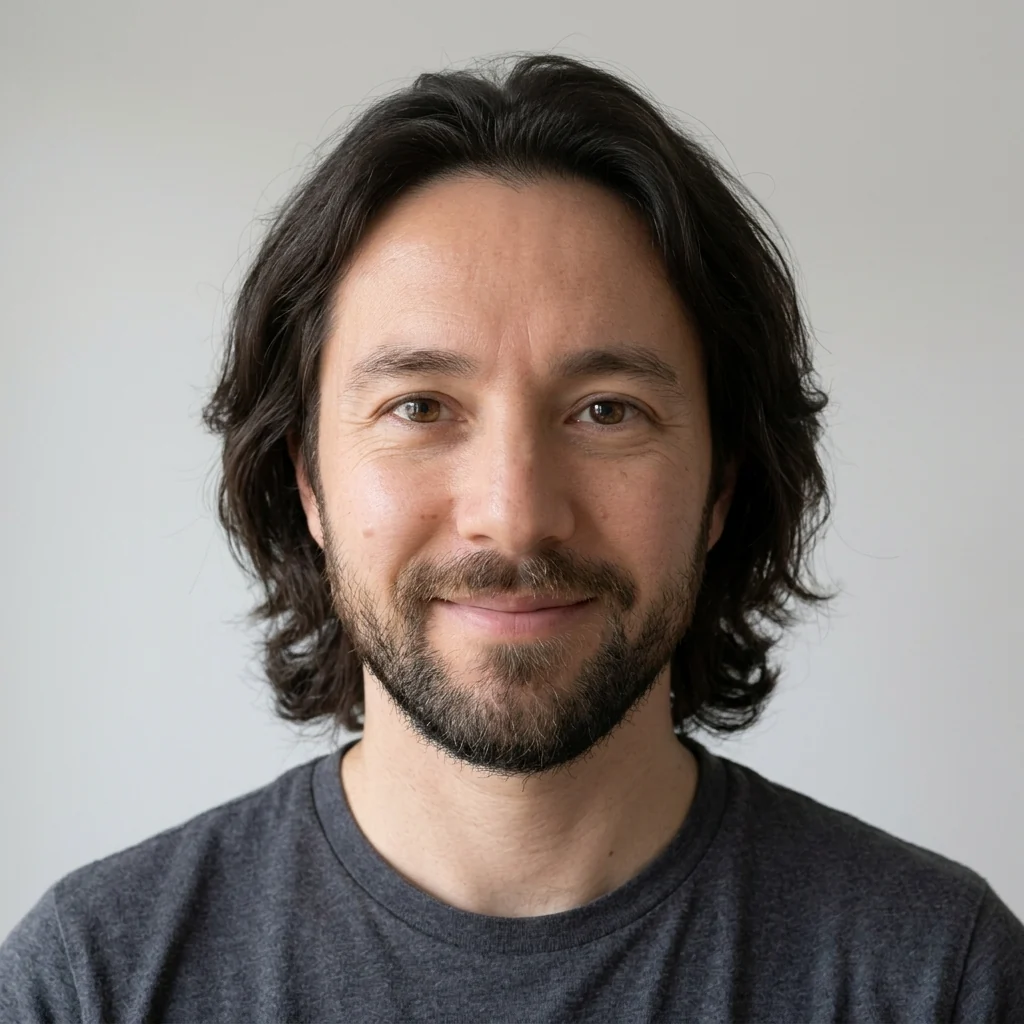
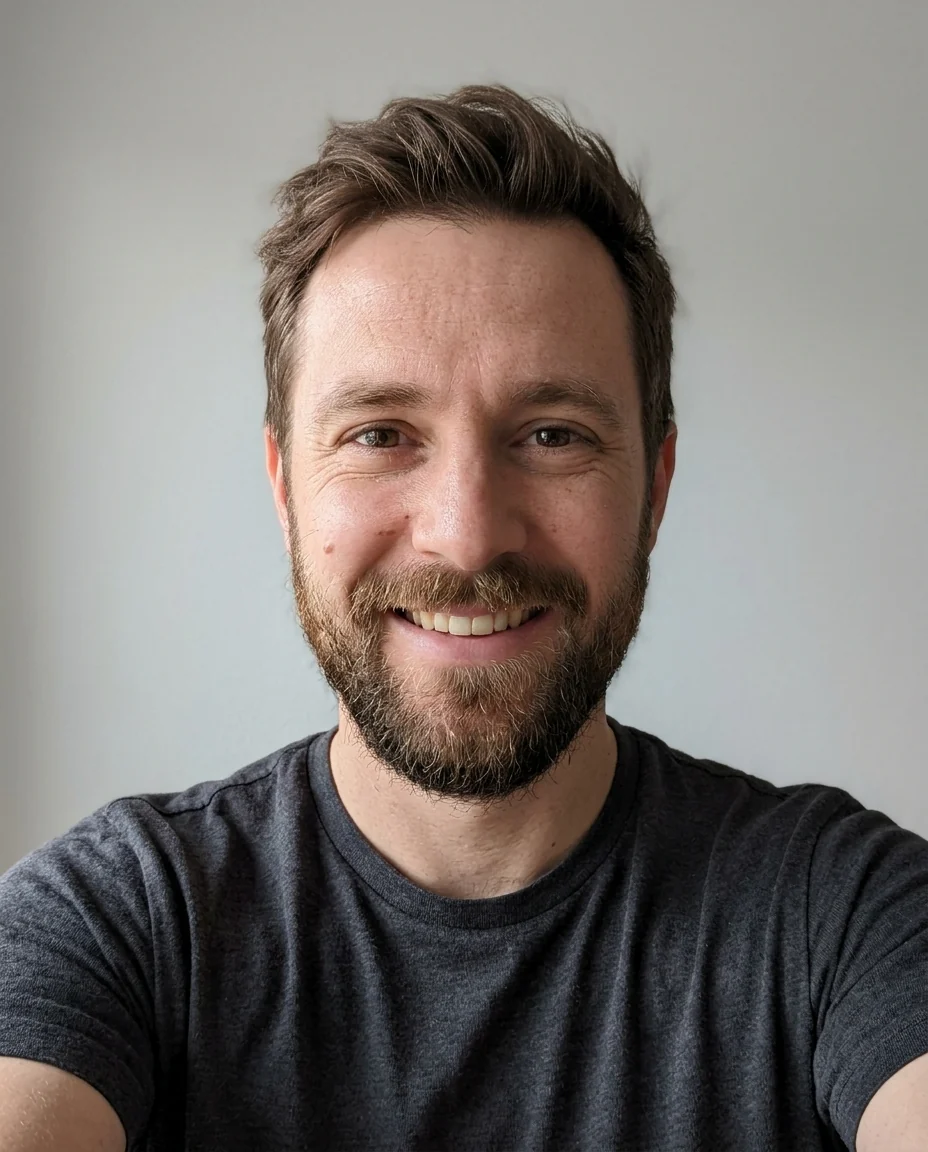
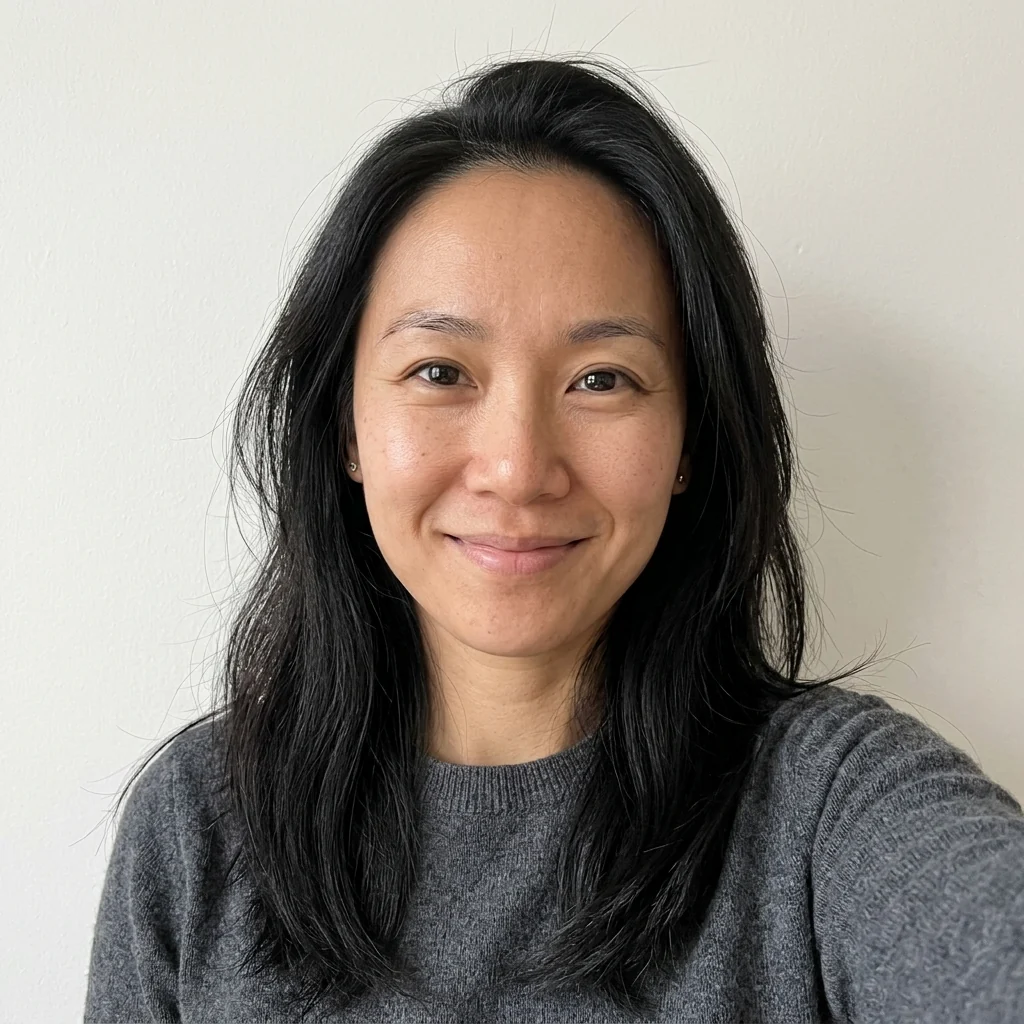
50 / 50
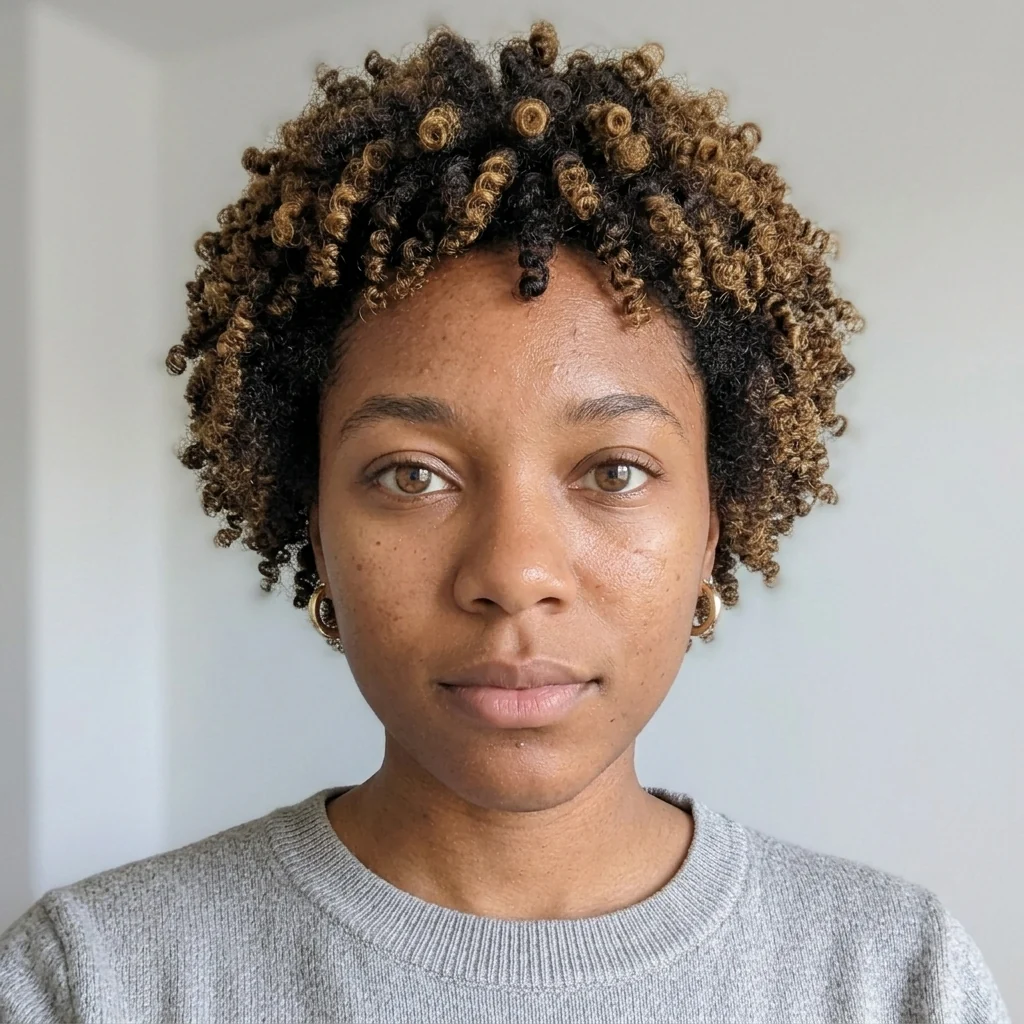
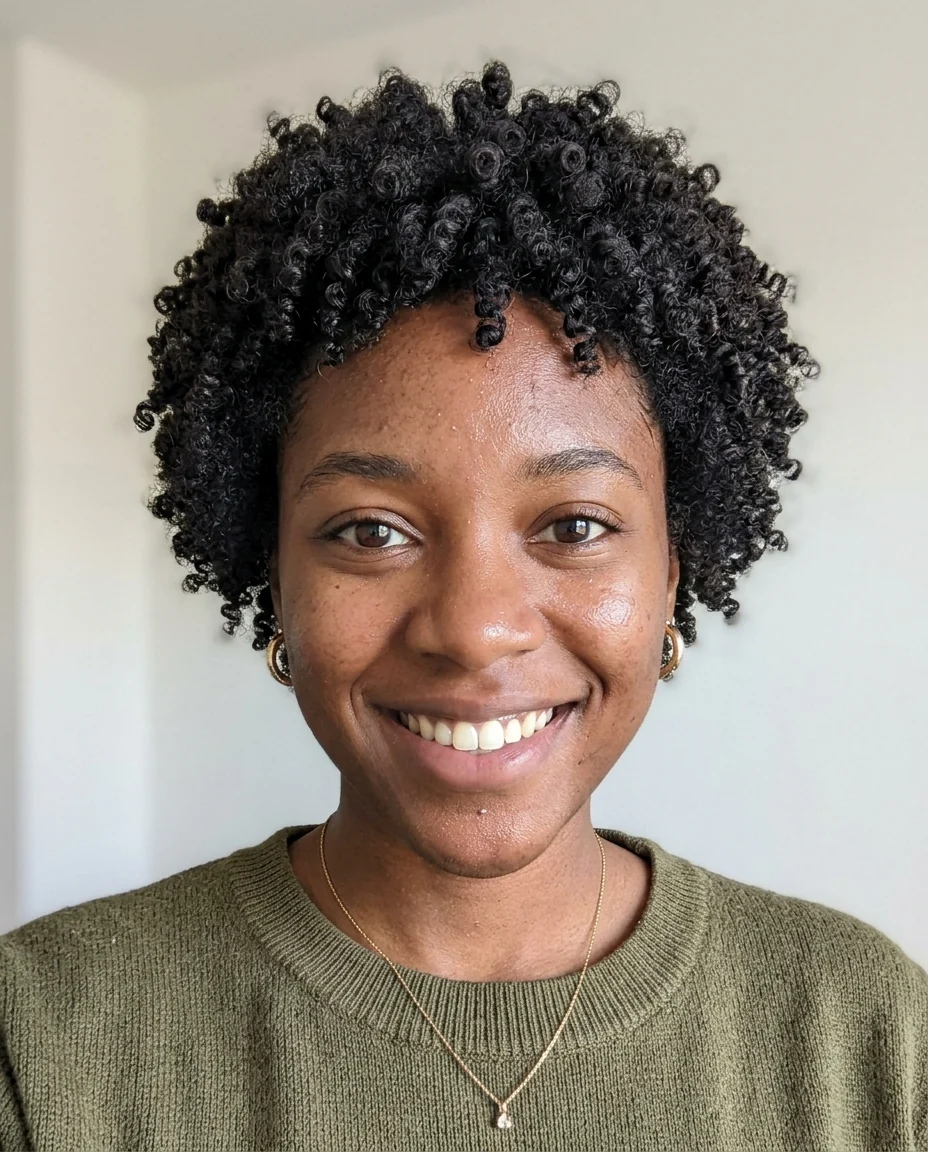
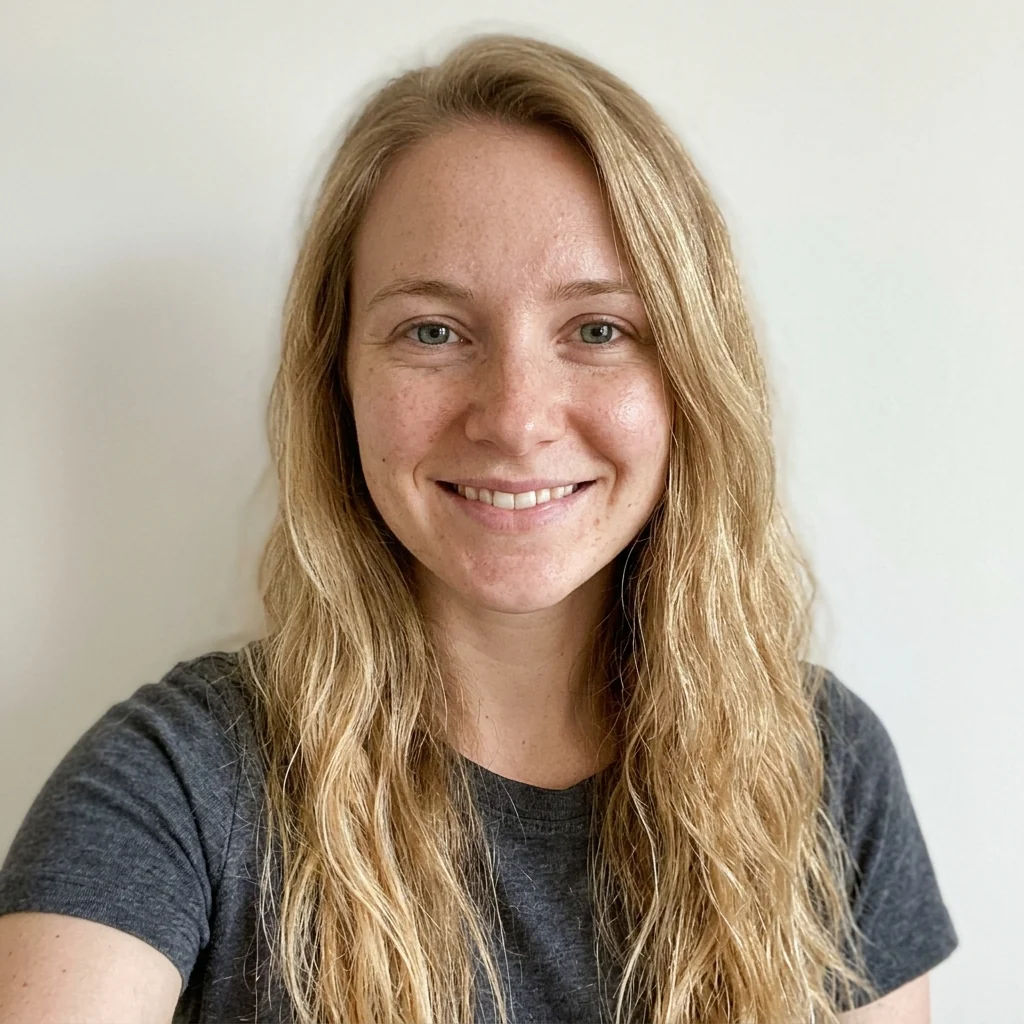
Two friends

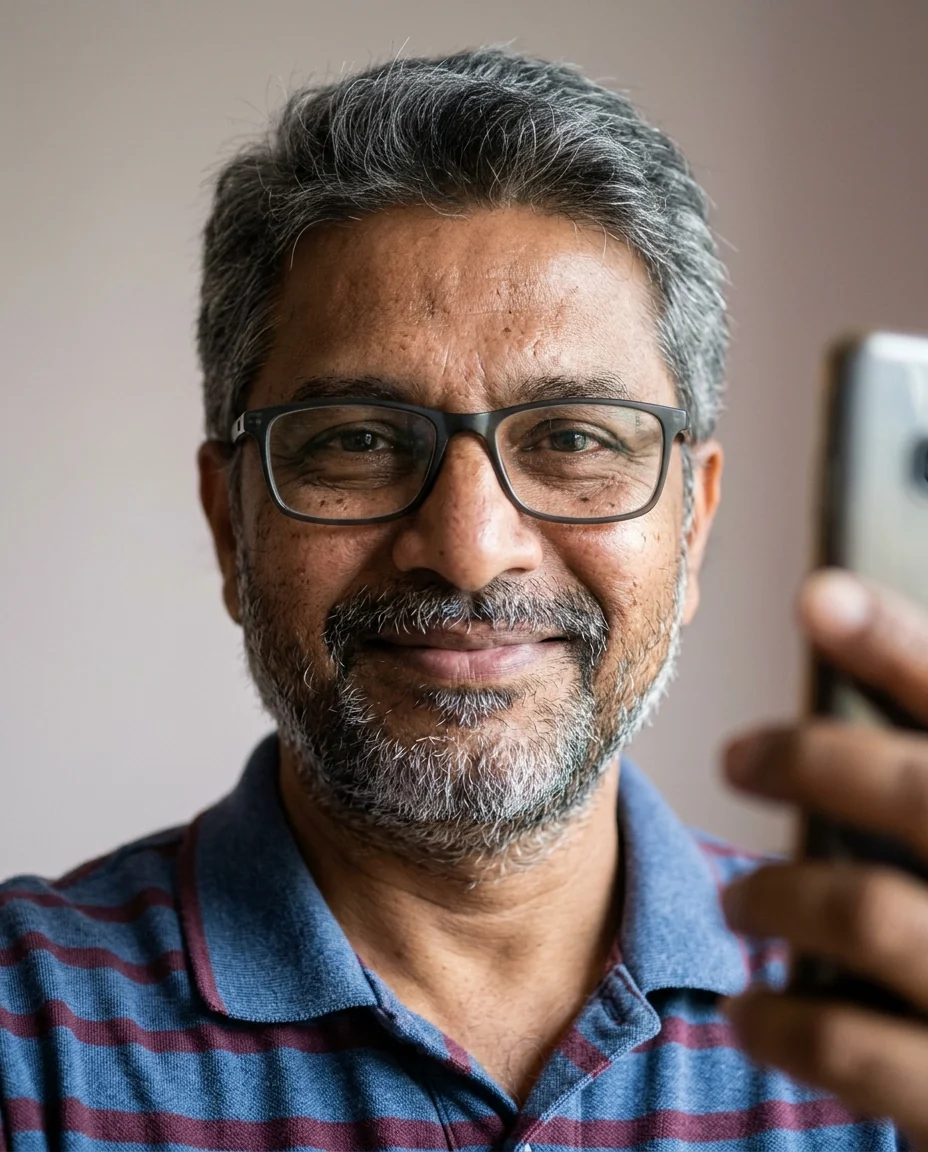

More face 1
Face Morph features.
Two faces, one result
A single realistic blended face.
Choose the mix
50 / 50, or lean toward either face.
Clean portrait
Front-facing, even light, plain background.
Face Morph, step by step.
01
Upload two faces
Clear, front-facing photos.
02
Pick a blend
50 / 50 or lean to one side.
03
Download
Compare it with both originals.
Face Morph use cases.
- Friends and couples
- See what your blended face looks like.
- Characters
- A new face for a story or game, mixed from two references.
- Family resemblance
- Blend relatives to see shared features.
Face Morph: best photos and fixes.
Photos that blend well
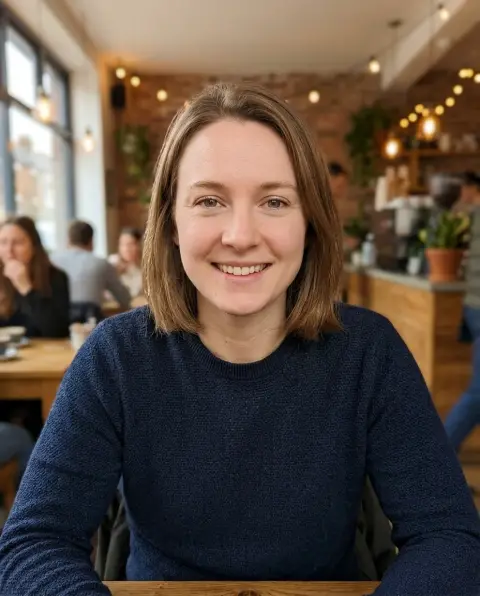
Two clear, front-facing photos with similar framing give the most convincing morph: head and shoulders, eyes open, a neutral expression and even light. The more alike the angles are, the more both faces show in the result. Profiles, sunglasses, hats and heavy shadows hide features and make the blend lean toward the clearer photo. Photos from the same kind of camera, both selfies for example, mix best.
Choosing the blend
50 / 50 mixes both faces evenly. More face 1 and More face 2 lean the result about 70% toward one person, useful when you want someone to stay recognizable while borrowing a few features from the other. Run all three on the same pair and line them up to see a morph sequence from one face to the other.
Hair, age and skin tone
Hair, skin tone and age are blended along with the features, so very different people give a result that looks like neither exactly. That is often the fun of it. If you want a specific hairstyle, write it: "short dark hair", "long wavy hair". For a deliberately older or younger blend, run the age filter on the result.
Glasses, beards and makeup
Accessories and facial hair are blended too, which can give half a beard or faint glasses. Decide what you want and write it: "no glasses", "clean-shaven", "light natural makeup". Photos where both people have a similar look, both bare-faced or both with glasses, give the most natural blend. Strong makeup on one face only tends to dominate the result, so plain photos mix more evenly.
Face morph vs face swap
A morph creates a new face that mixes two people. A face swap keeps one photo and puts the other person's face into it. If you want yourself in a scene or costume photo, the face swap tool is the right one. If you want to see what two people would look like combined, stay here.
Related tools
To imagine a child of two people rather than a blend of them, the baby generator takes a photo of each parent and creates a baby with features from both. The gender swap filter shows a person as another gender, and the age filter shows them older or younger, which combine with a morph for a family-resemblance chart.
Face Morph FAQ.
Can I use photos of other people?
Only with their permission. Use your own photos or photos of people who agreed to it, and don't use results to deceive or embarrass anyone.
Can I control how much of each face is used?
Yes. Choose 50 / 50, More face 1 or More face 2.
Can I morph more than two faces?
Not in one run. Morph two, then morph the result with a third.
Is the Face morph free?
Yes, you can try it free. New accounts get 15 free credits, and one generation here uses 13 credits. You sign in with your email; no card needed. Results have no watermark. After that, plans add credits every month and credit packs never expire.