AI Gender Swap
See yourself as the opposite gender.
Drop a photo
or paste with ⌘V · JPG · PNG · WebP · up to 8 MB
No photo handy? Try one of ours.
More like this.
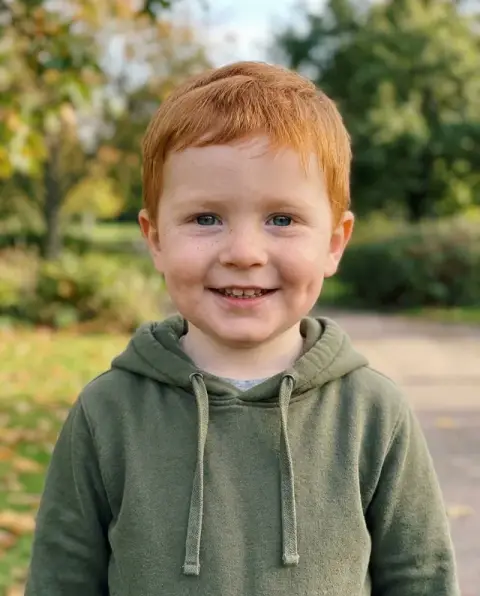




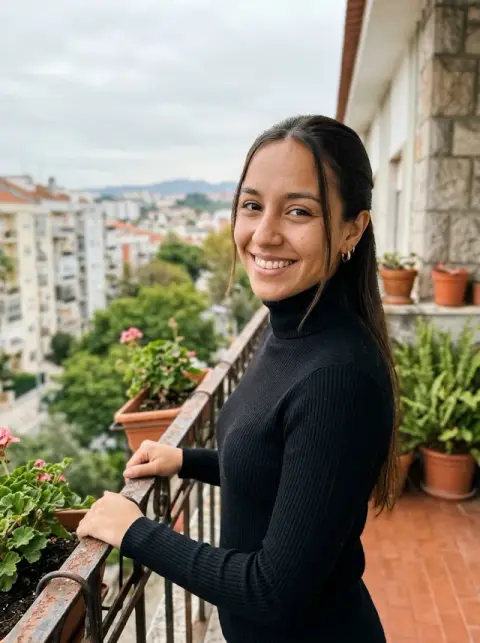
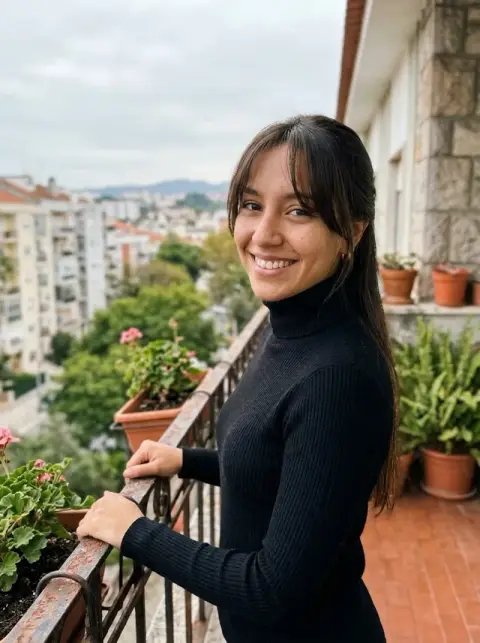
AI Gender Swap examples.
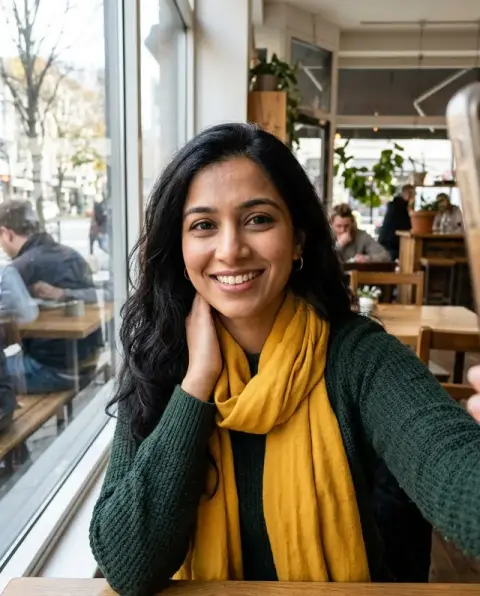
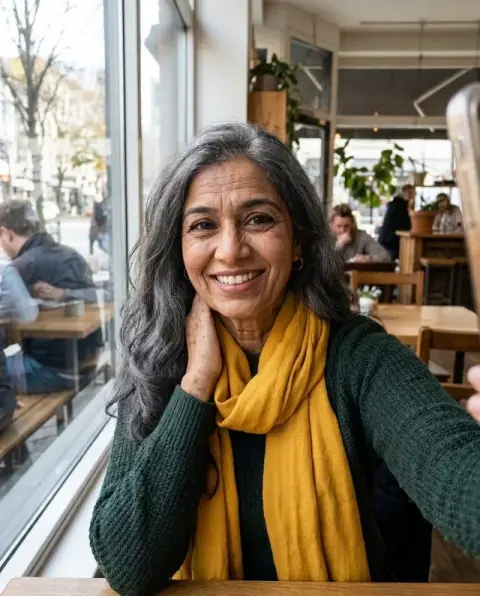
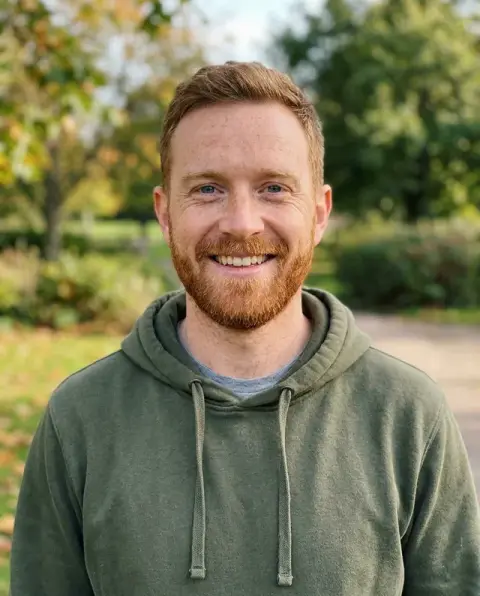
Real results from this page's default settings in one click, not retouched.How examples are made


The man shown as a woman with the same smile
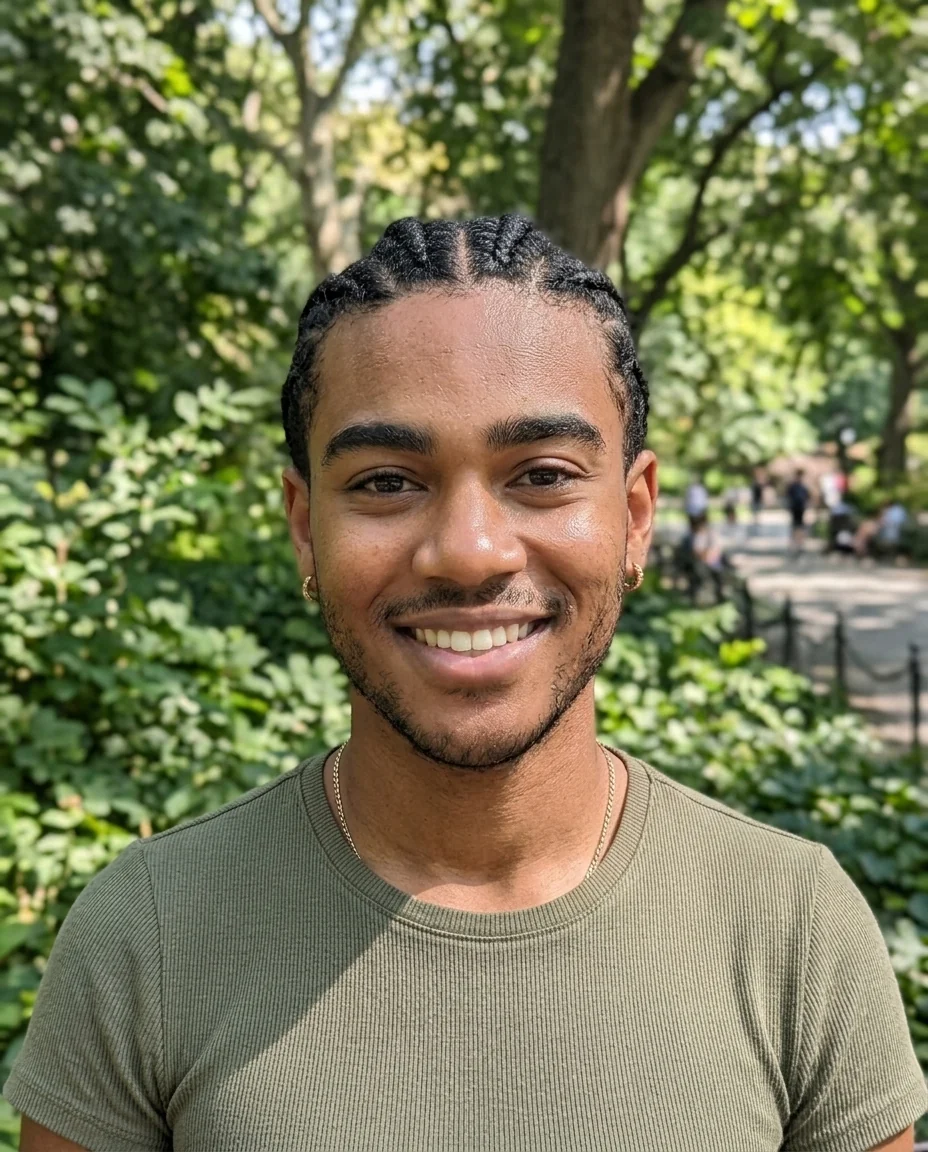
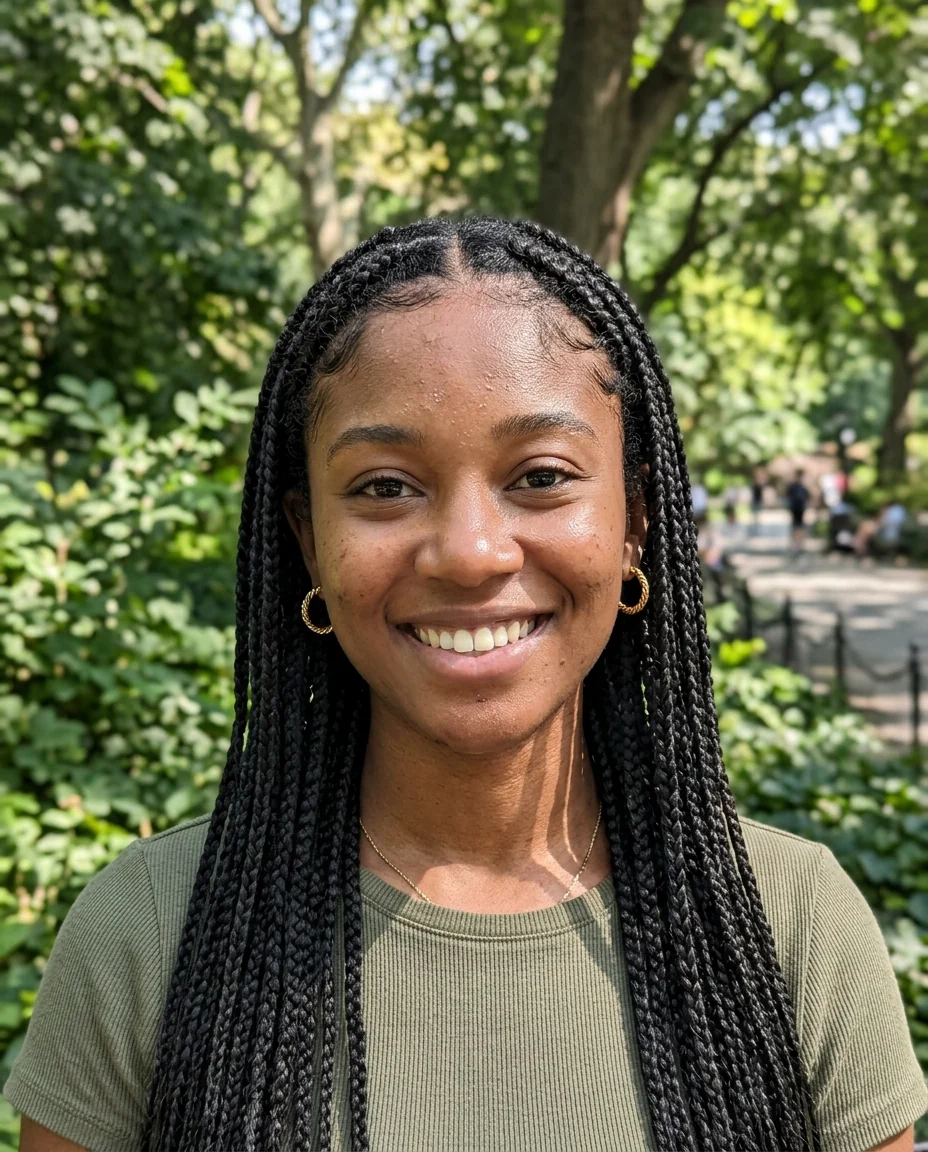
The woman shown as a man with short twists
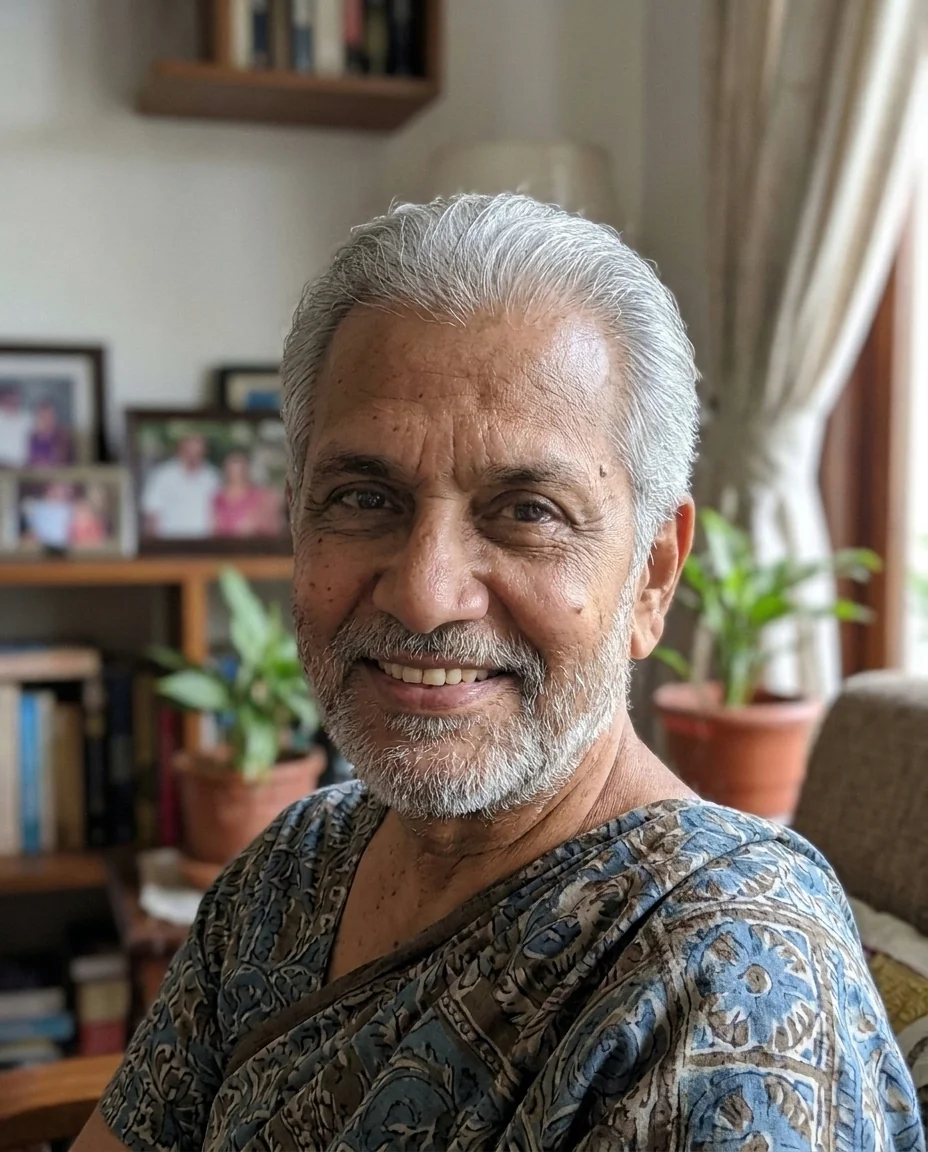

The older woman shown as an older man with glasses
AI Gender Swap features.
Realistic result
Looks like a photo, not a cartoon.
Still you
Eyes, skin tone, age and expression stay.
Hair and features
Face shape, facial hair and hairstyle adjust.
AI Gender Swap, step by step.
01
Upload a selfie
Face the camera with good light.
02
Generate
Add a hairstyle if you have one in mind.
03
Download
Share it with friends.
AI Gender Swap use cases.
- Just for fun
- The classic gender swap trend for social media.
- Friends and family
- Swap the whole group chat, one photo at a time.
AI Gender Swap: best photos and fixes.
Photos that work best
Front-facing photos without sunglasses keep the likeness best, because the model keeps your eyes, skin tone and face structure and changes the features that read as male or female. Good light and a sharp face matter more than the background. Group photos are harder; crop to one person first.
Hair and beard
Hair is changed to suit the swapped look: often longer for a female version, shorter for a male one. You can choose: "long wavy hair", "short buzz cut", "a full beard", "keep my hair as it is". Naming the hair is the easiest way to get a version you like.
Clothes
By default, clothes are kept, so a swapped face may appear above your usual outfit. That often makes the result feel more like you. To change them too, write it: "in a dress" or "in a suit and tie". Keep instructions short to avoid changing the setting.
Keeping it you
The result should look like a sibling of yours. If it looks like a stranger, regenerate, or use a sharper photo with a neutral expression. Very strong makeup or filters in the original make it harder to keep the likeness.
Using other people's photos
Only use photos of people who are in on the joke. Results are for fun among friends and family; do not use them to impersonate someone or post them about a person without asking. Children's photos should only be used by their parents or guardians.
Makeup and grooming
A female version often gets soft makeup and a male version a neater brow and some stubble. To control it, write "no makeup", "natural makeup" or "clean-shaven". Keeping grooming simple keeps the result closer to how you look day to day, which most people find more convincing.
Age and style
The result keeps your age. To see a different take, add a style: "as a 1970s rock star", "in business attire", "with a sporty look". Keep it to one style so the face stays recognisable. A style from a decade, such as the 80s or 90s, changes hair and clothes together and often gives the most fun result.
Group and couple swaps
Couples often swap together for fun. Run each person's photo separately, then place the results side by side; this keeps each face clearer than swapping a two-person photo at once. Use photos taken in similar light so the pair looks like it belongs together, and post them with the originals for the before and after.
AI Gender Swap FAQ.
Can I pick the hairstyle?
Yes. Write it in the instructions, for example "long wavy hair" or "short beard".
Does it change my clothes?
Clothes keep their style and colors; only small details may adjust.
Can I use it on someone else's photo?
Only with their permission. See our Terms for what you can upload.
Is the Gender swap free?
Yes, you can try it free. New accounts get 25 free credits, and one generation here uses 9 credits. You sign in with your email; no card needed. Results have no watermark. After that, credit packs never expire, and your first one is half price.