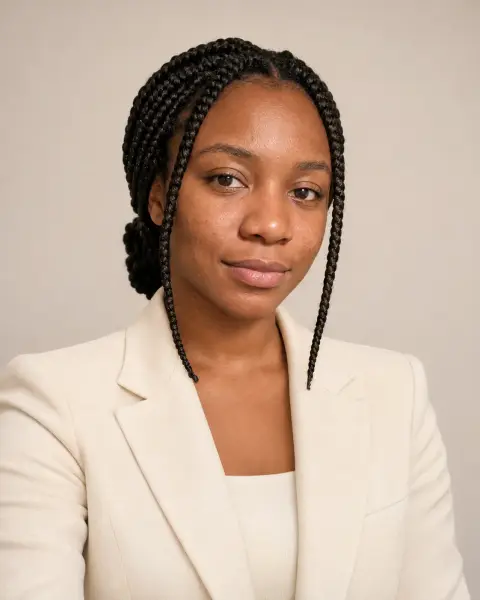
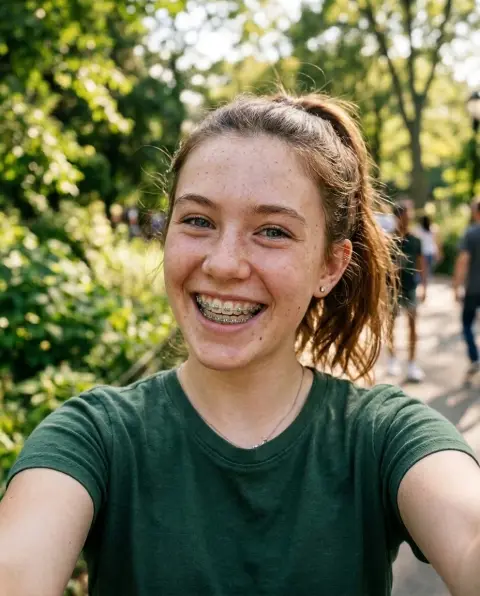
Smile Filter
A natural smile, as if the photo was taken a second later.
Drop a photo
or paste with ⌘V · JPG · PNG · WebP · up to 8 MB
No photo handy? Try one of ours.
More like this.
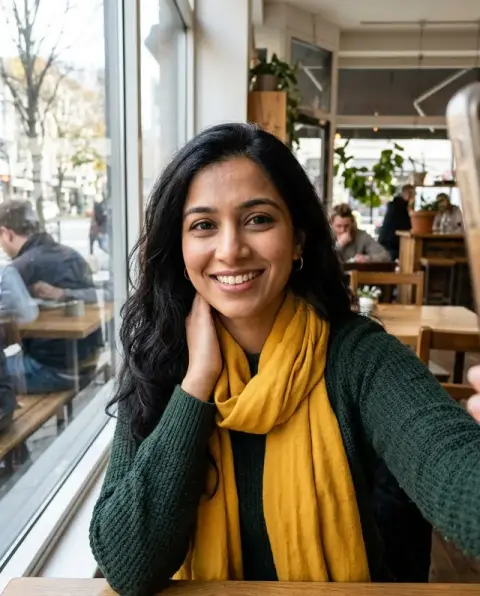
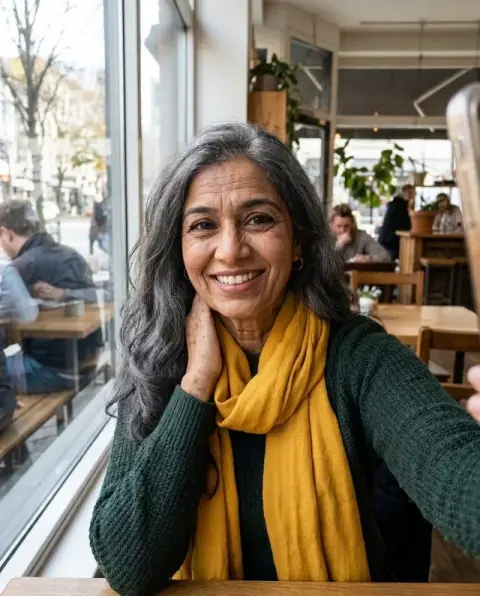
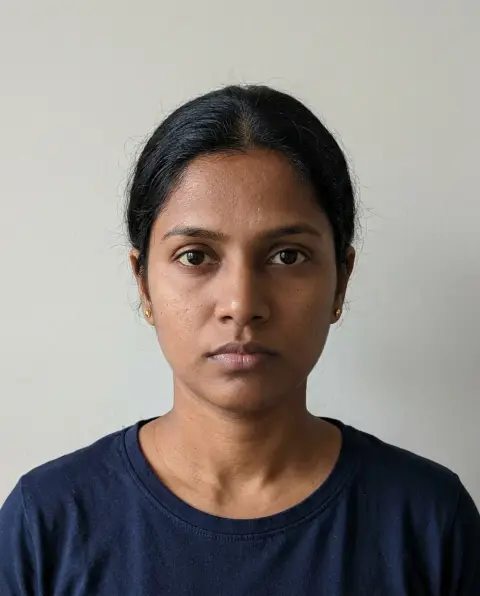
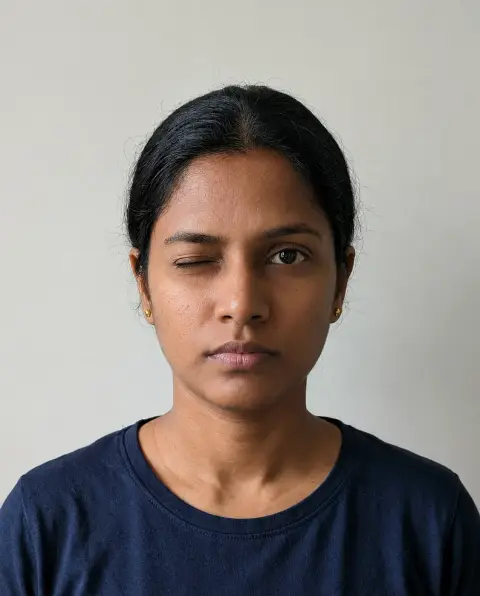
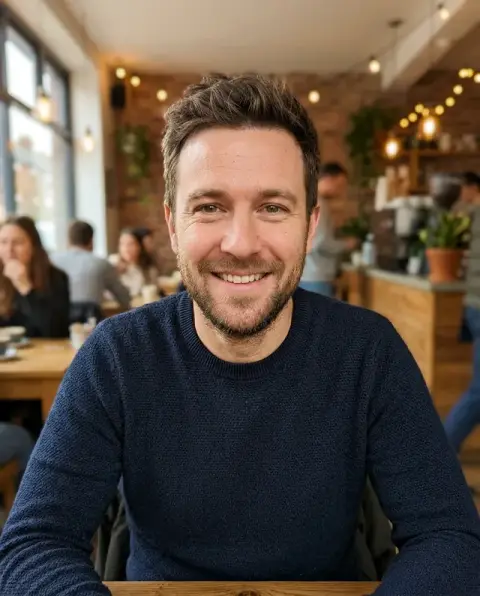
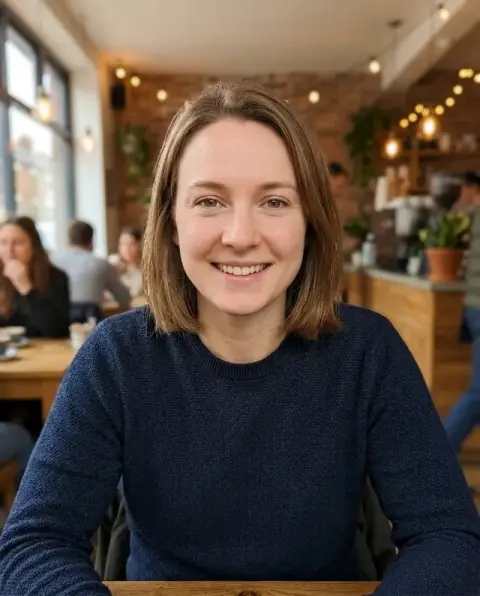
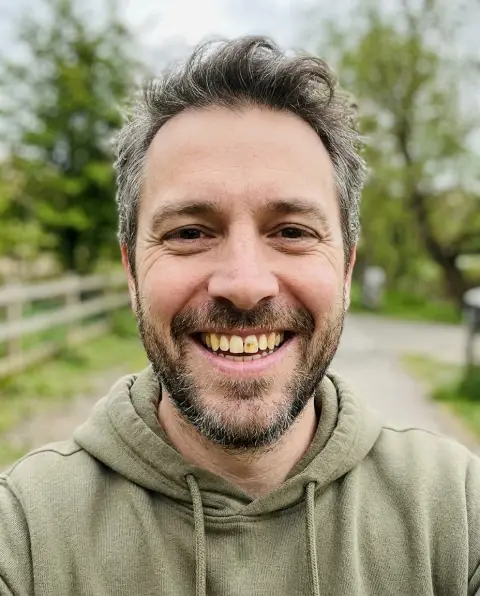
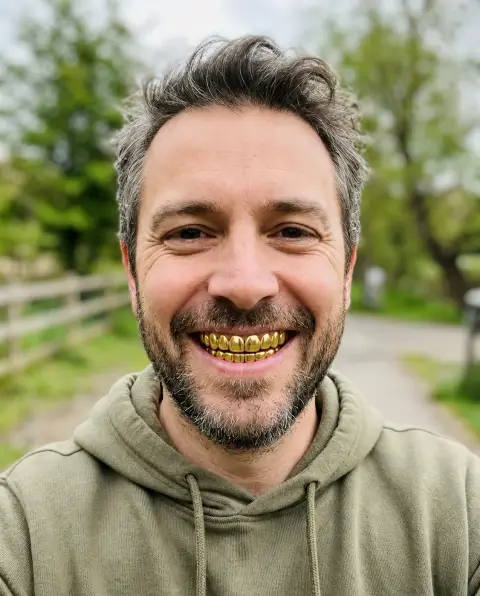
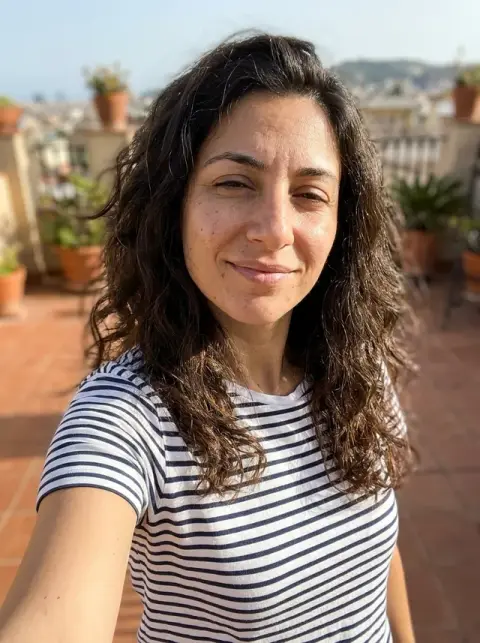
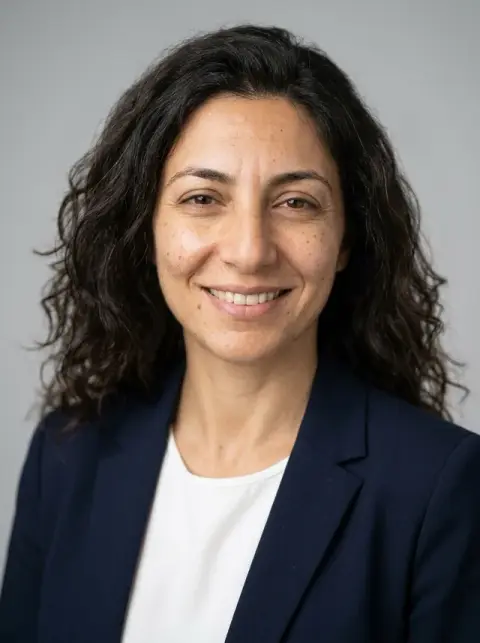
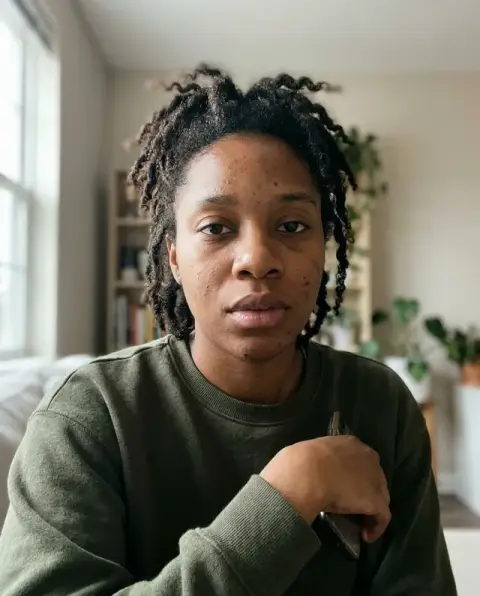
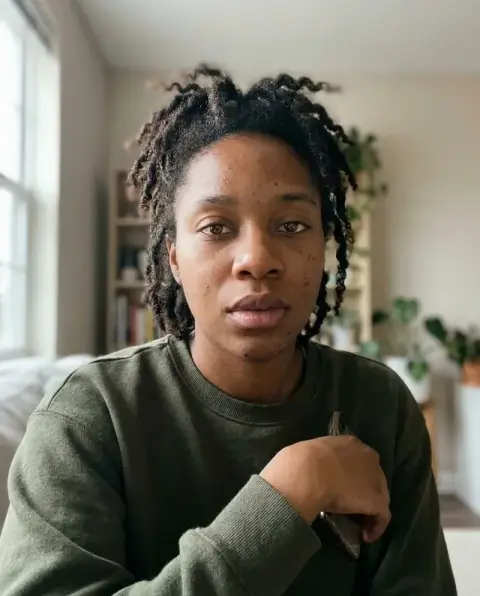
Smile Filter examples.
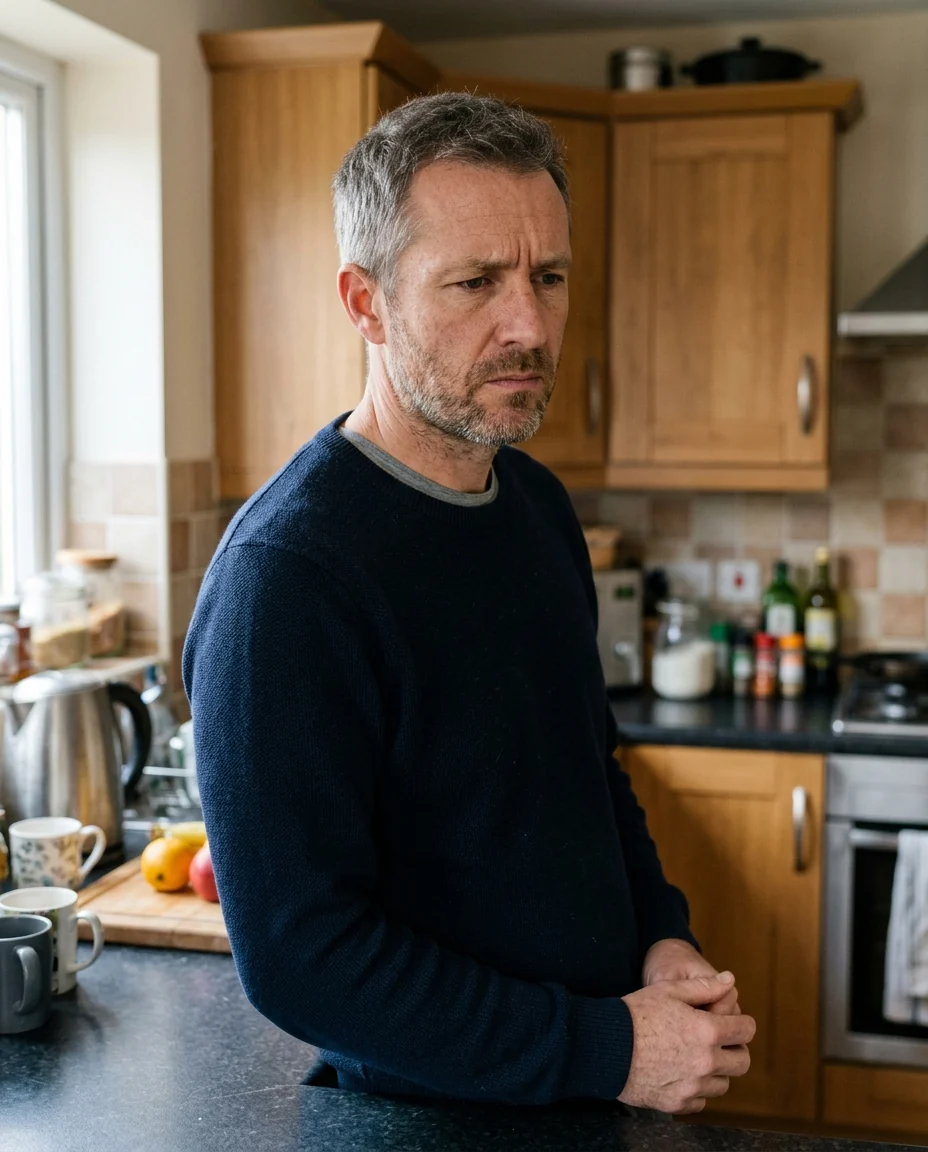
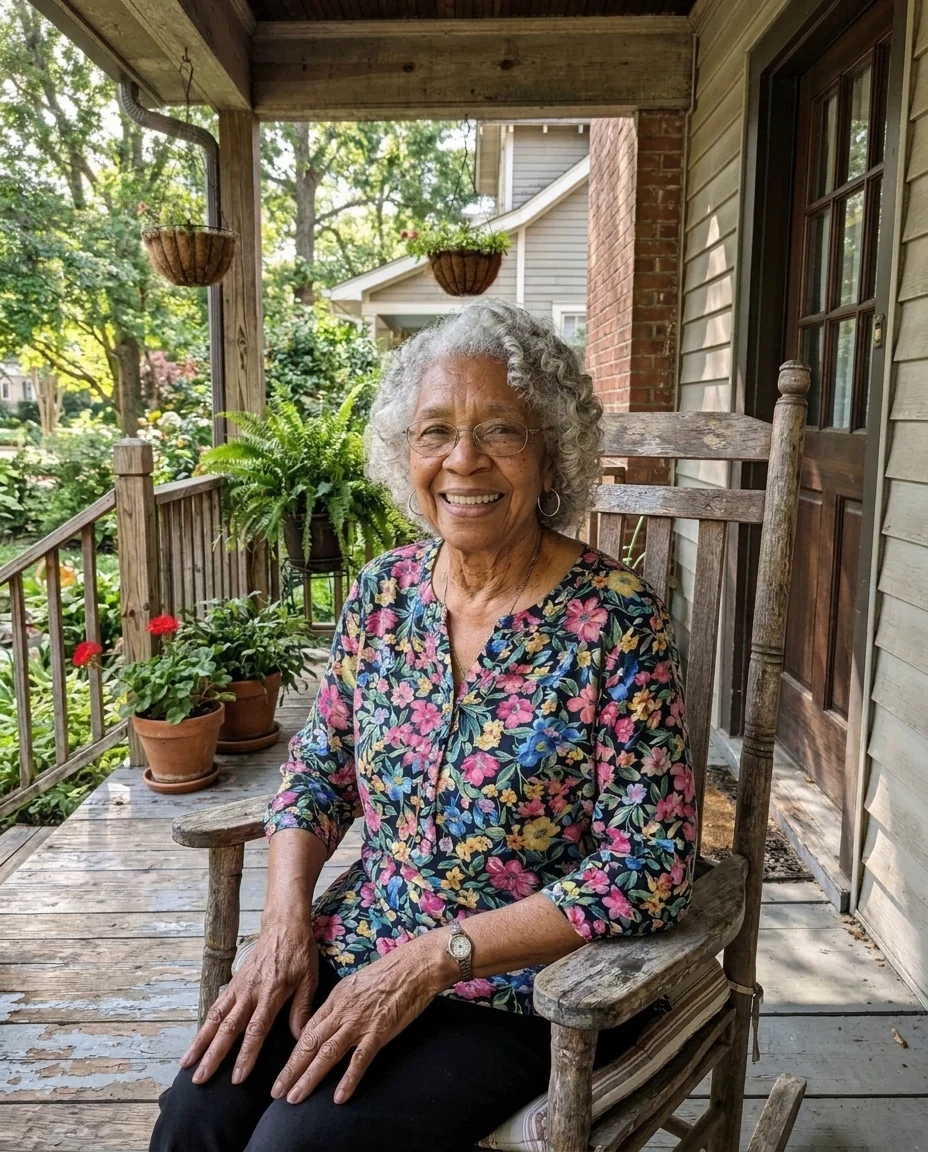
Real results from this page's default settings in one click, not retouched.How examples are made

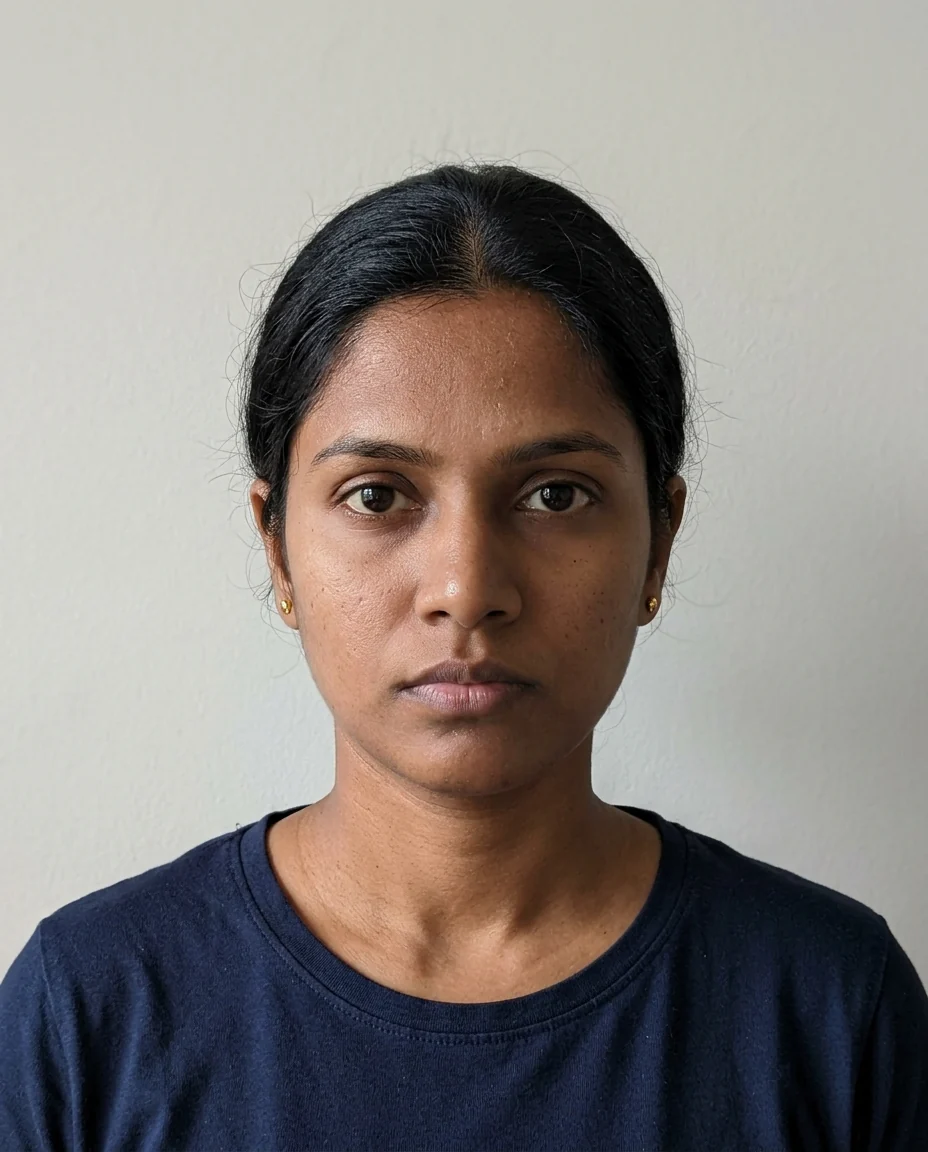
Soft
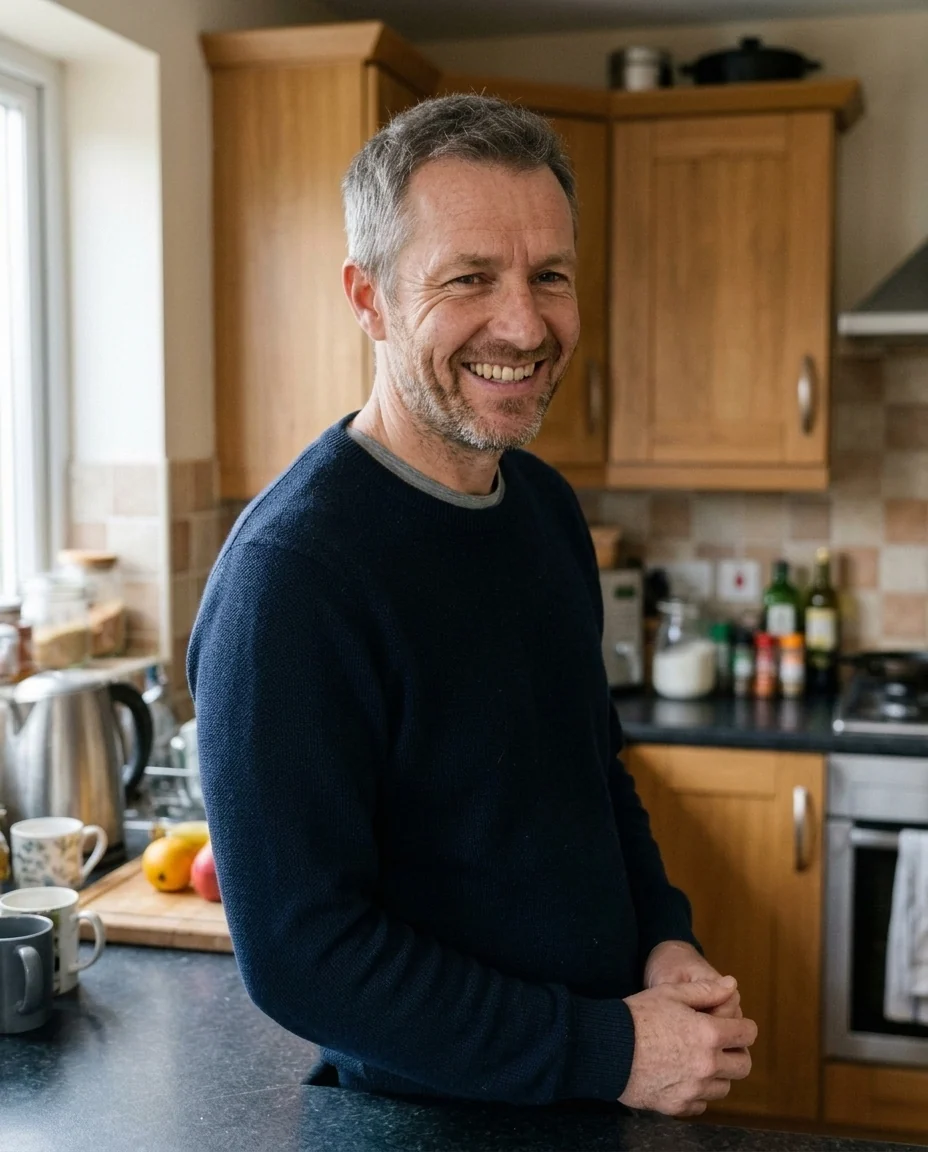
Big
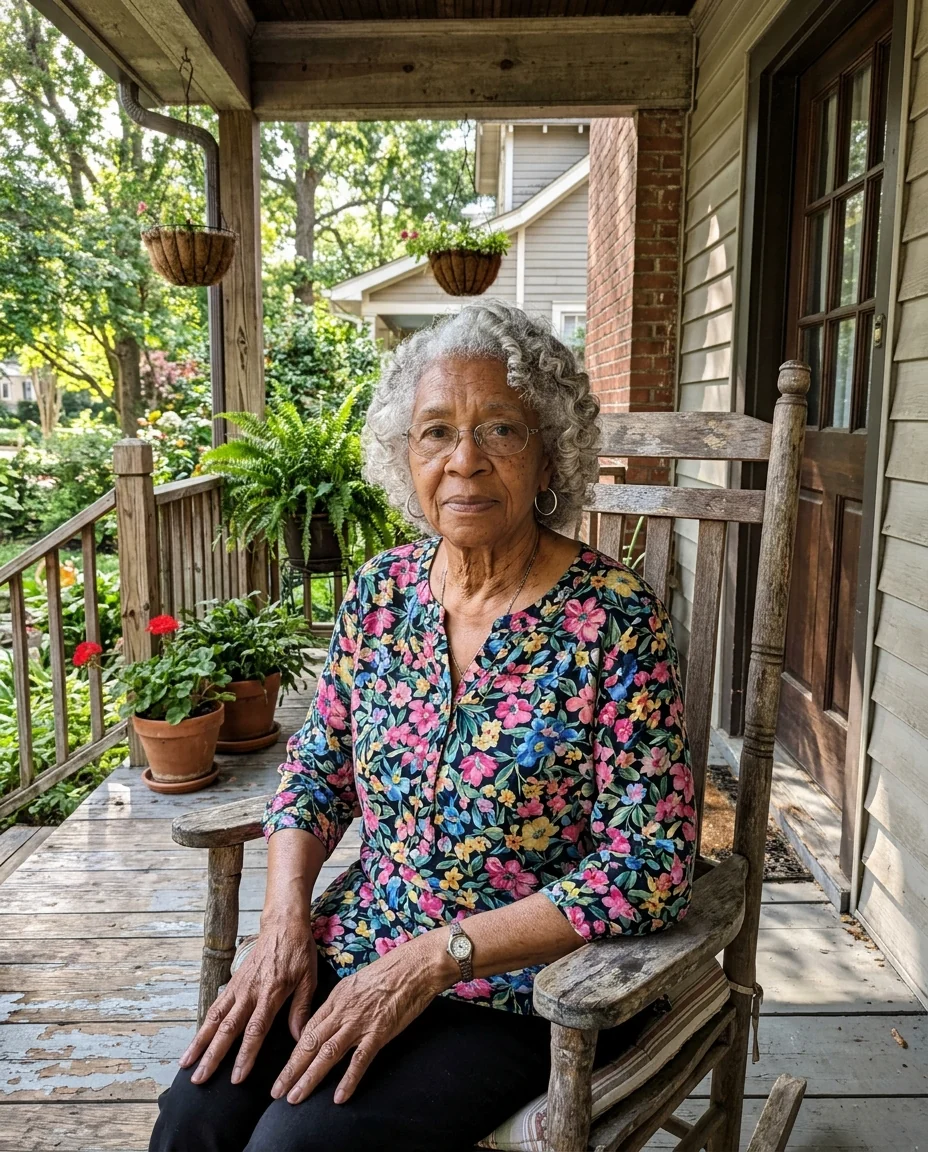
Big
Smile Filter features.
Reaches the eyes
Cheeks lift and eyes crease, like a real smile.
Same moment
Face, light and background are untouched.
Soft or big
Closed-mouth or a full, toothy smile.
Smile Filter, step by step.
01
Upload a photo
Any photo with a clear face.
02
Pick a smile
Soft or big.
03
Download
Use it wherever a better smile helps.
Smile Filter use cases.
- Group photos
- Fix the one person who wasn't smiling.
- Profile pictures
- A friendlier version of a photo you like.
Smile Filter: best photos and fixes.
Photos for a natural smile
A face looking toward the camera, with eyes open and a relaxed expression, gives the most natural smile. The smile reaches the eyes, so slightly squinted eyes and cheek lift are added too. Faces that are turned away, partly covered or very small are harder to change convincingly.
Soft or big
Soft gives a gentle, closed-mouth or slight smile, good for professional photos and profile pictures. Big gives a wide smile with teeth showing, good for family and holiday photos. Use soft when the rest of the photo is serious, so the result does not look out of place.
One person in a group
It works best on one face at a time. In a group photo, say who: "make the boy on the left smile". Others should stay as they are. If the wrong person changes, regenerate with a clearer description, such as the color of their clothes.
Keeping it you
Your teeth, eyes and face shape should stay the same. If the smile looks like someone else's, regenerate with "keep my teeth and face the same". A sharp original photo helps most. Very serious faces with a closed mouth may need a soft smile to stay natural.
ID and official photos
For ID photos, check the rules first: many require a neutral expression and an unedited photo. Use the smile filter for personal, family and profile photos. For the opposite effect, the sad face filter turns a smile into a frown. The same applies to school and work ID badges in many places.
Eyes closed or mid-blink
A smile with closed or half-closed eyes can look odd. If the person blinked, the tool may open the eyes, which changes the photo more. Use a photo where the eyes are open. In group shots, choose the frame where most people have their eyes open, then fix the one person who did not smile.
Babies and children
Babies and toddlers often look serious in photos. A soft smile keeps the result natural. Big grins on babies can look unnatural. Children's smiles often show only a few teeth; if the result shows a full adult-looking row, regenerate with "gentle child's smile". Do not edit other people's children's photos without asking their parents.
Before and after
Compare the result with the original at full size. If teeth or eyes look different, regenerate once. Small changes in the mouth can change how the whole face reads, so look at the eyes and teeth in particular. If anything looks off, try soft instead of big, which changes less of the face and usually stays closer to the person.
Smile Filter FAQ.
Will it still look like me?
Yes. Only the expression changes; your teeth, face shape and features stay yours.
Can it fix one person in a group photo?
Yes. Describe who in the instructions box, for example "the man on the left".
Can I make someone look sad instead?
Use the sad face filter for that.
Is the Smile filter free?
Yes, you can try it free. New accounts get 25 free credits, and one generation here uses 9 credits. You sign in with your email; no card needed. Results have no watermark. After that, credit packs never expire, and your first one is half price.