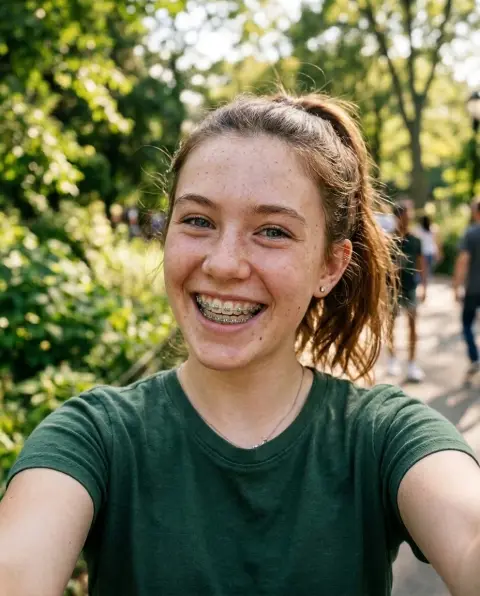
Sad Face Filter
Turn any smile into a frown, or into tears.
Drop a photo
or paste with ⌘V · JPG · PNG · WebP · up to 8 MB
No photo handy? Try one of ours.
More like this.


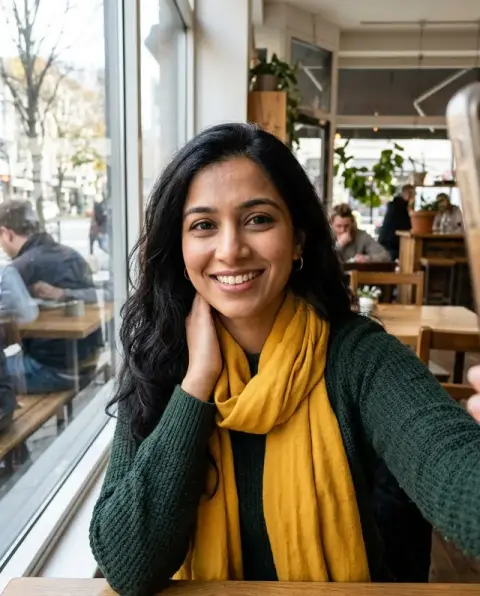
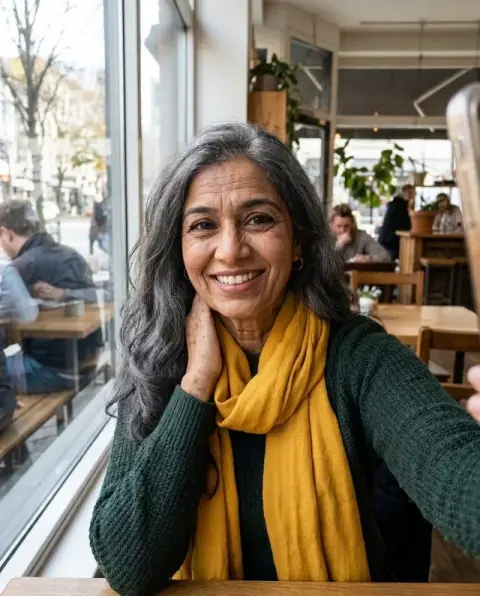

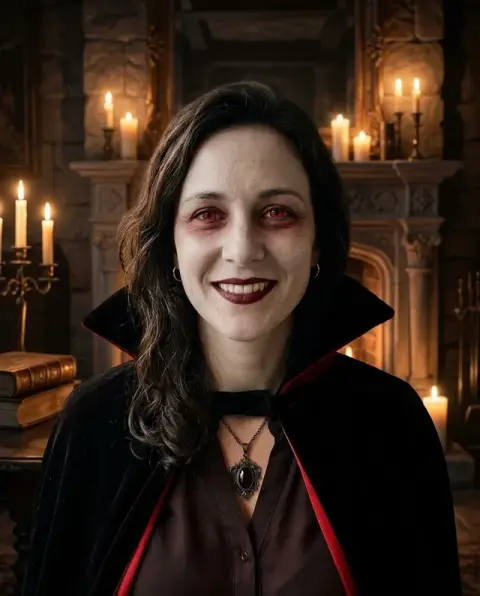
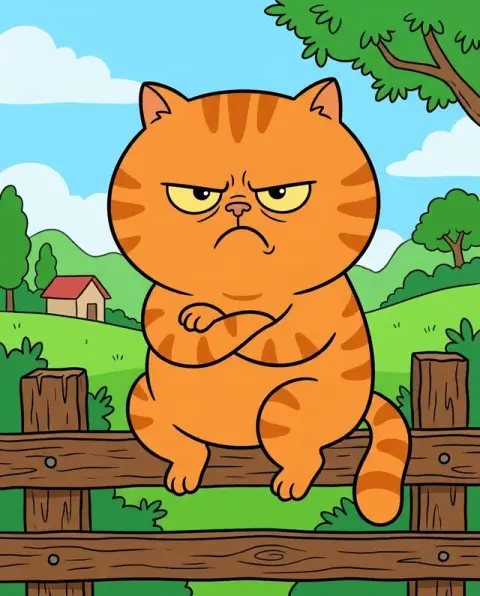
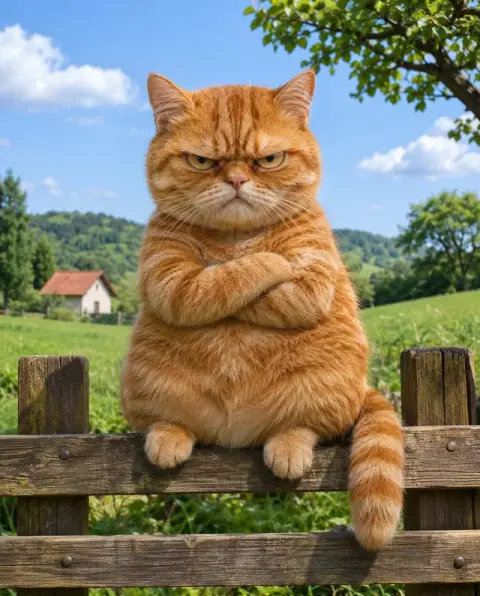
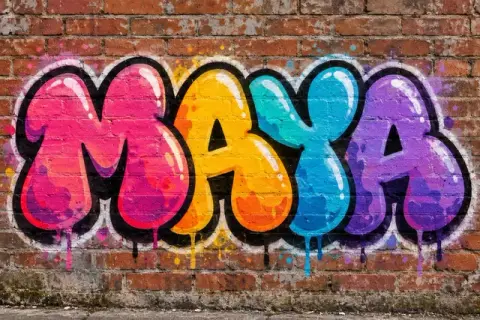
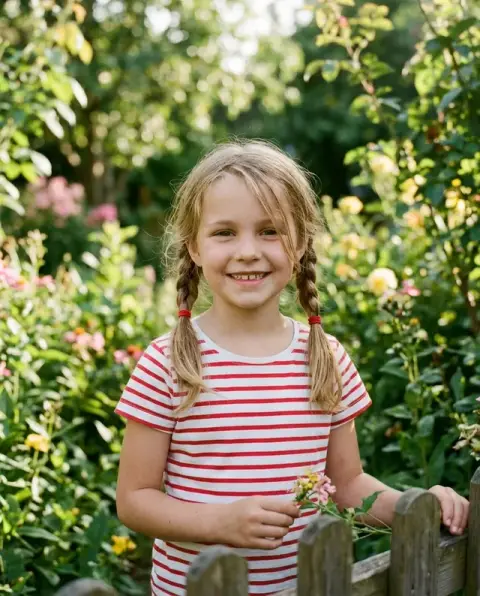
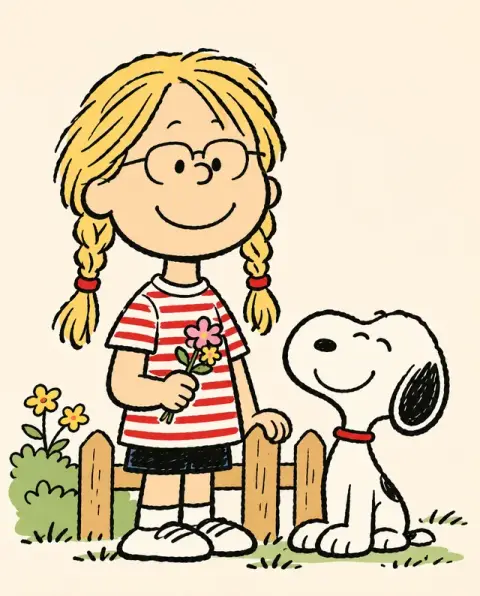
Sad Face Filter examples.
Real results from this page's default settings in one click, not retouched.How examples are made


Sad
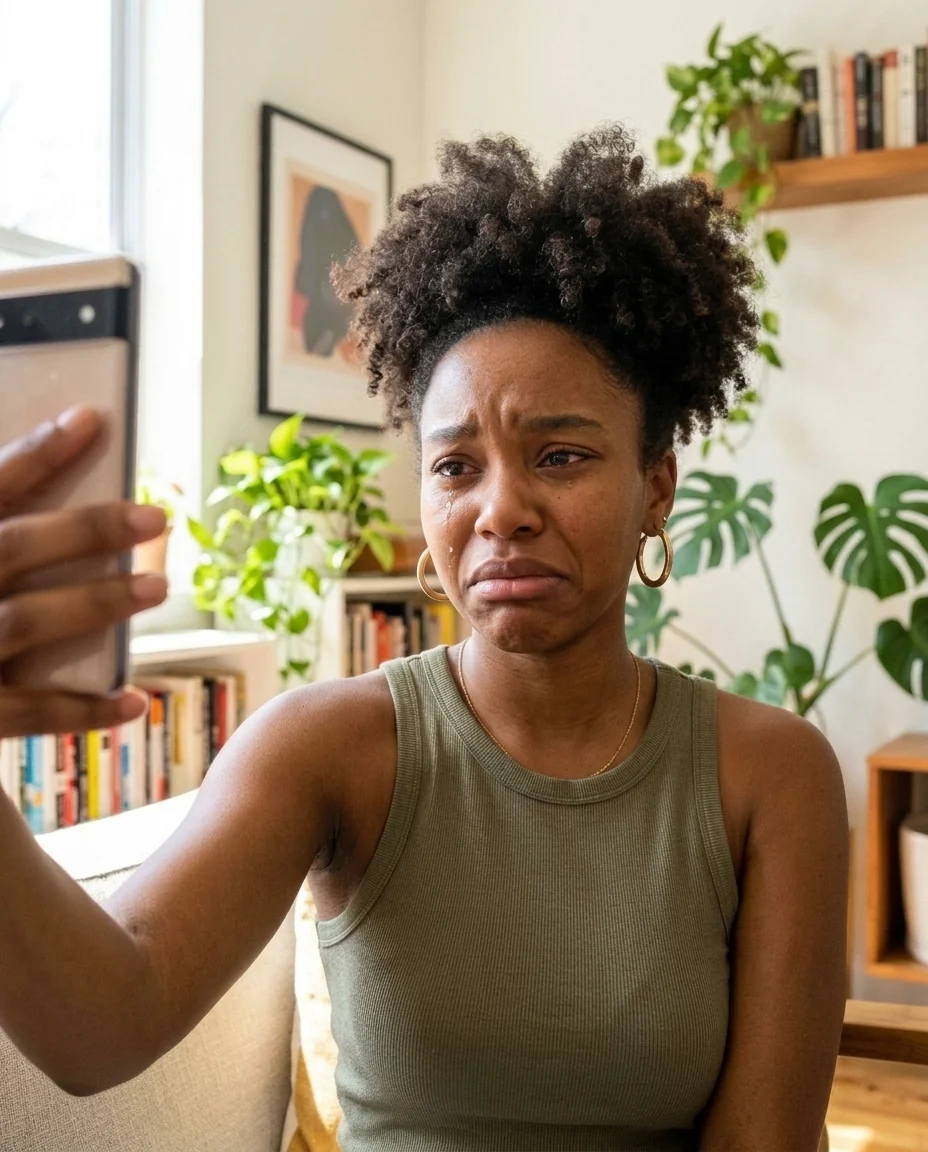
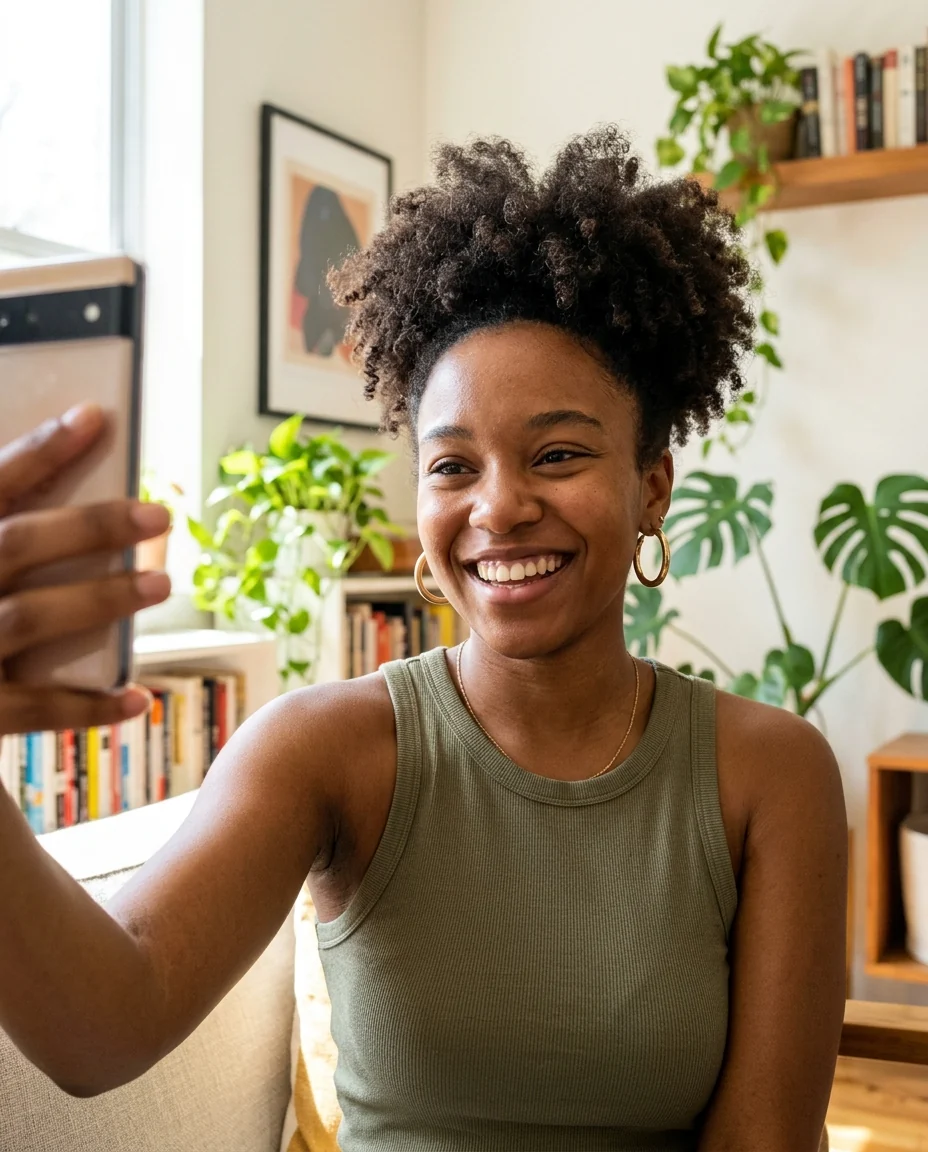
Crying
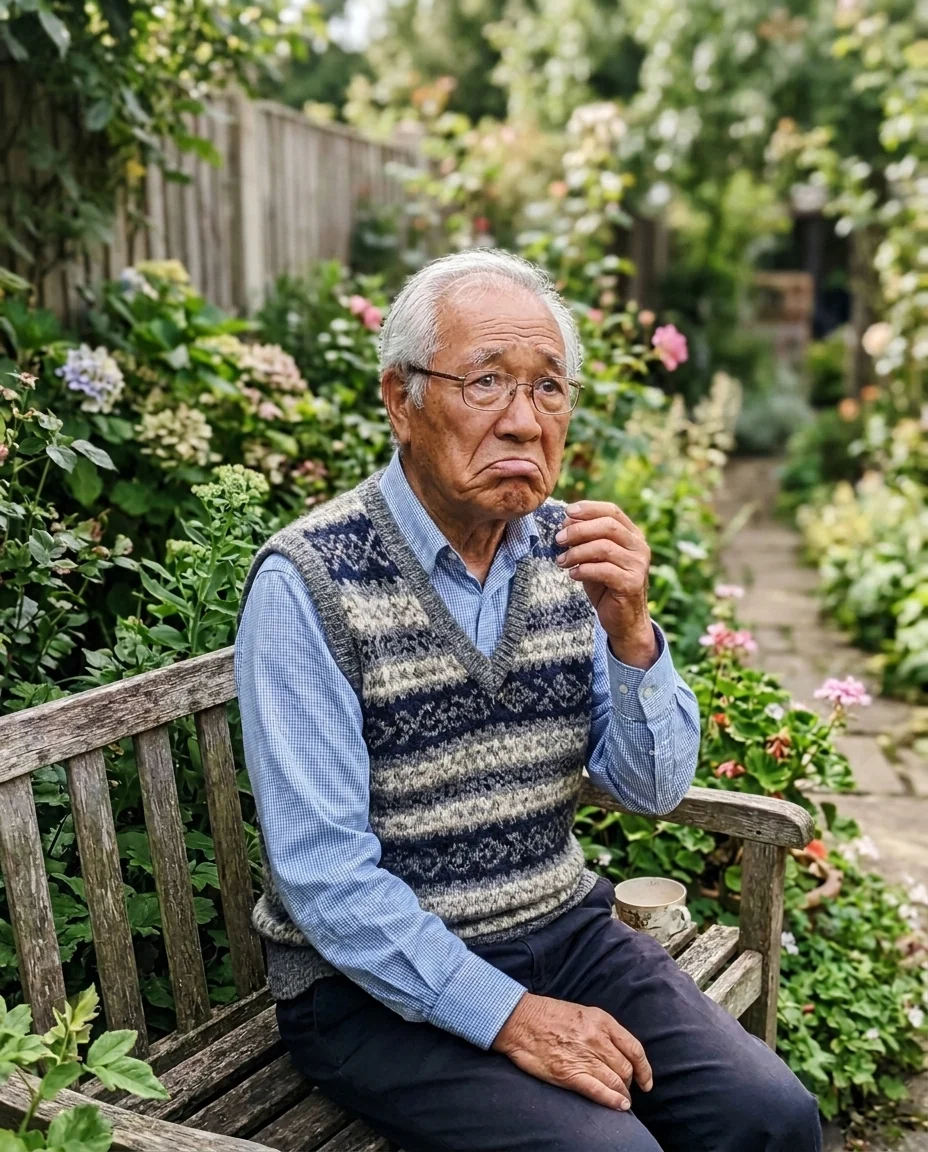
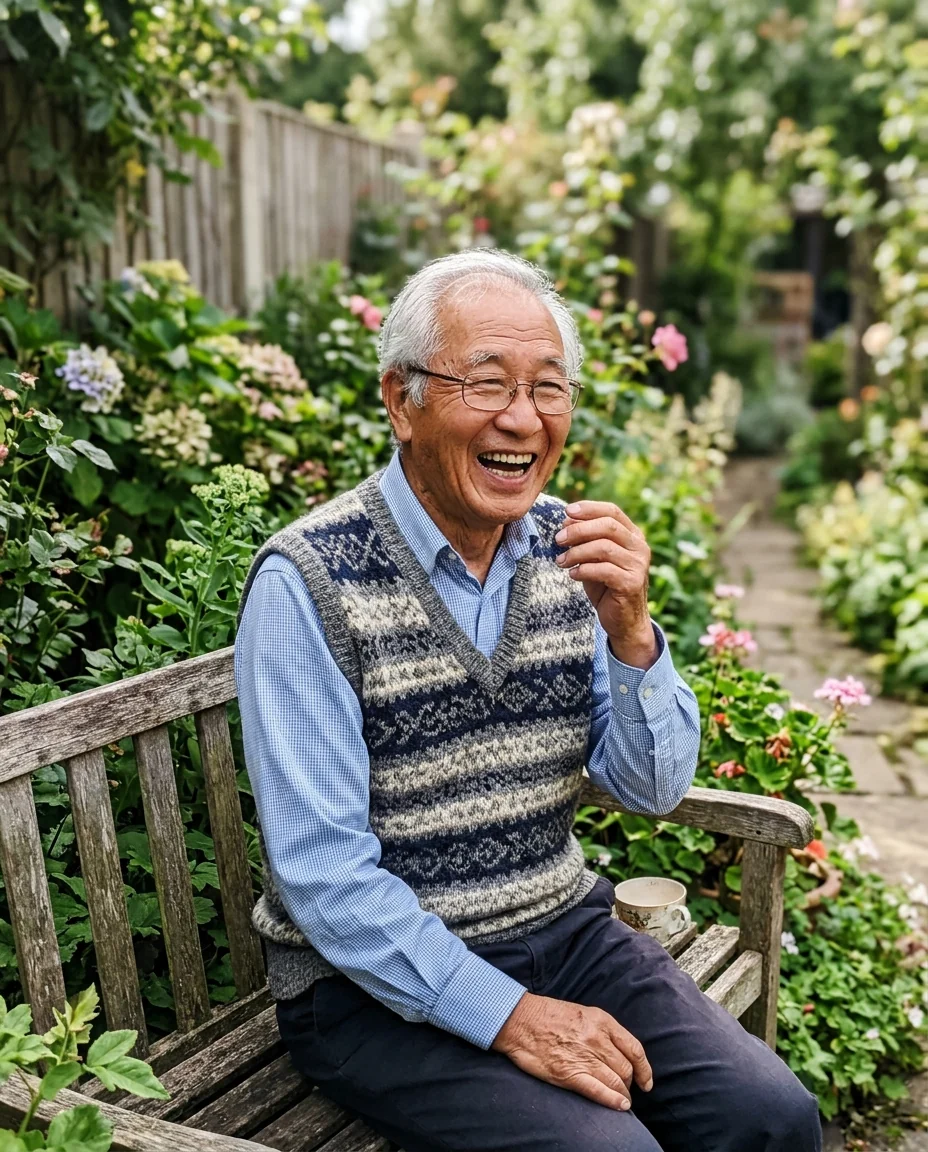
Pouting
Sad Face Filter features.
Only the expression
Same person, same photo, new mood.
Three moods
Sad, crying or pouting.
Still realistic
It looks like a real photo, not a cartoon.
Sad Face Filter, step by step.
01
Upload a photo
A face that's clearly visible.
02
Pick a mood
Sad, crying or pouting.
03
Share
Download and send it.
Sad Face Filter use cases.
- Memes and reactions
- A sad version of a happy photo for the group chat.
- Before-and-after jokes
- Monday morning versus Friday afternoon.
Sad Face Filter: best photos and fixes.
Photos for an expression change
Face-on photos with a clear expression give the most convincing change. A smiling photo works well, because the change from happy to sad is easy to see. Small faces in a group or faces turned to the side change less convincingly. Good light and a sharp face matter most.
Sad, crying or pouting
Sad gives a downturned mouth and drooping eyes. Crying adds tears and red eyes. Pouting gives a pushed-out lower lip, a playful sulk. For memes and reaction images, crying is the most dramatic; pouting suits playful posts about small disappointments.
Keeping the person the same
Only the expression is meant to change. Hair, skin, clothes and background stay. If the face looks like a different person, regenerate, or use a sharper photo. Very strong expressions change more of the face, so sad is the safest for likeness.
Before-and-after jokes
Pair the original with the sad version for jokes such as "me before and after Monday". Use the same photo for both so the only change is the expression. For a funnier result, write a reason: "sad as if their ice cream fell".
Other people's photos
Only use photos of people who are in on the joke. For the opposite, the smile filter makes a face happier. Do not use edited expressions to mislead anyone about how someone really felt. Keep jokes kind and private when the person did not choose to be in them.
Reaction images and stickers
Sad and crying faces make good reaction images for chats. Square crops work in most apps, and a plain background lets the face stand out. For a sticker, remove the background afterwards with the background remover, and make a matching happy version with the smile filter.
Pets with sad faces
Pets can get sad faces too: drooping ears and big eyes. Use a clear photo of the pet facing the camera. Dogs with big eyes give the strongest "puppy dog eyes" effect; cats usually get a grumpy, sulking look instead. Pets keep their fur and markings, only the expression changes.
Exaggerated or subtle
If the expression looks too dramatic, write "slightly sad, subtle frown". For a more comic look, write "over-the-top cartoon crying". Subtle sadness looks real and suits photo stories; exaggerated crying suits memes. Run both from the same photo and keep the one that fits where you will post it.
Sad Face Filter FAQ.
Does it change the person's face?
Only the expression changes. Identity, hair, clothes and background stay the same.
Can it add tears?
Yes. Pick Crying for tears and red eyes.
Can I make someone look happier instead?
Use the smile filter for that.
Is the Sad face filter free?
Yes, you can try it free. New accounts get 25 free credits, and one generation here uses 9 credits. You sign in with your email; no card needed. Results have no watermark. After that, credit packs never expire, and your first one is half price.