Snoopy Filter
You, drawn in the classic comic strip style.
Drop a photo
or paste with ⌘V · JPG · PNG · WebP · up to 8 MB
No photo handy? Try one of ours.
Snoopy Filter examples.
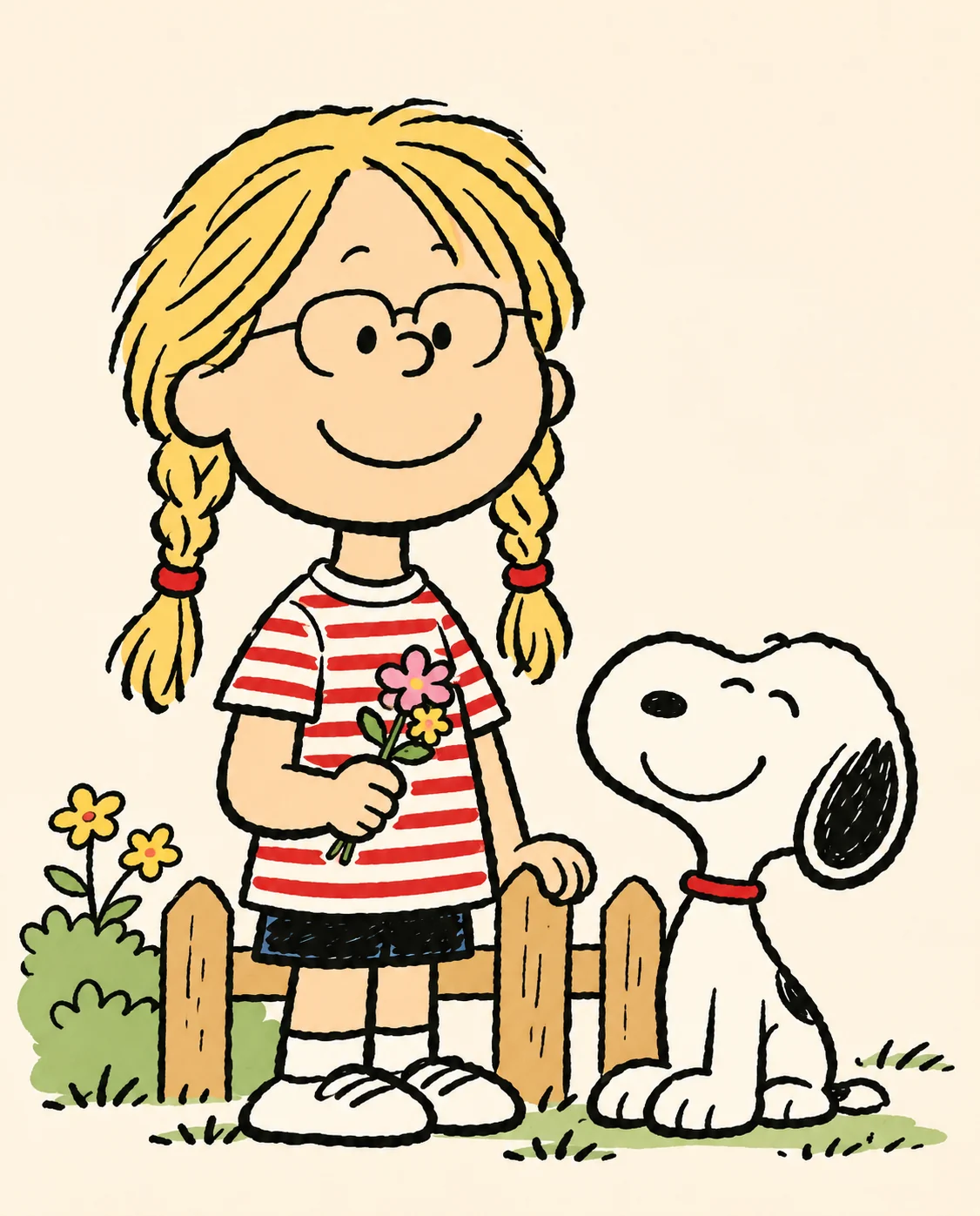
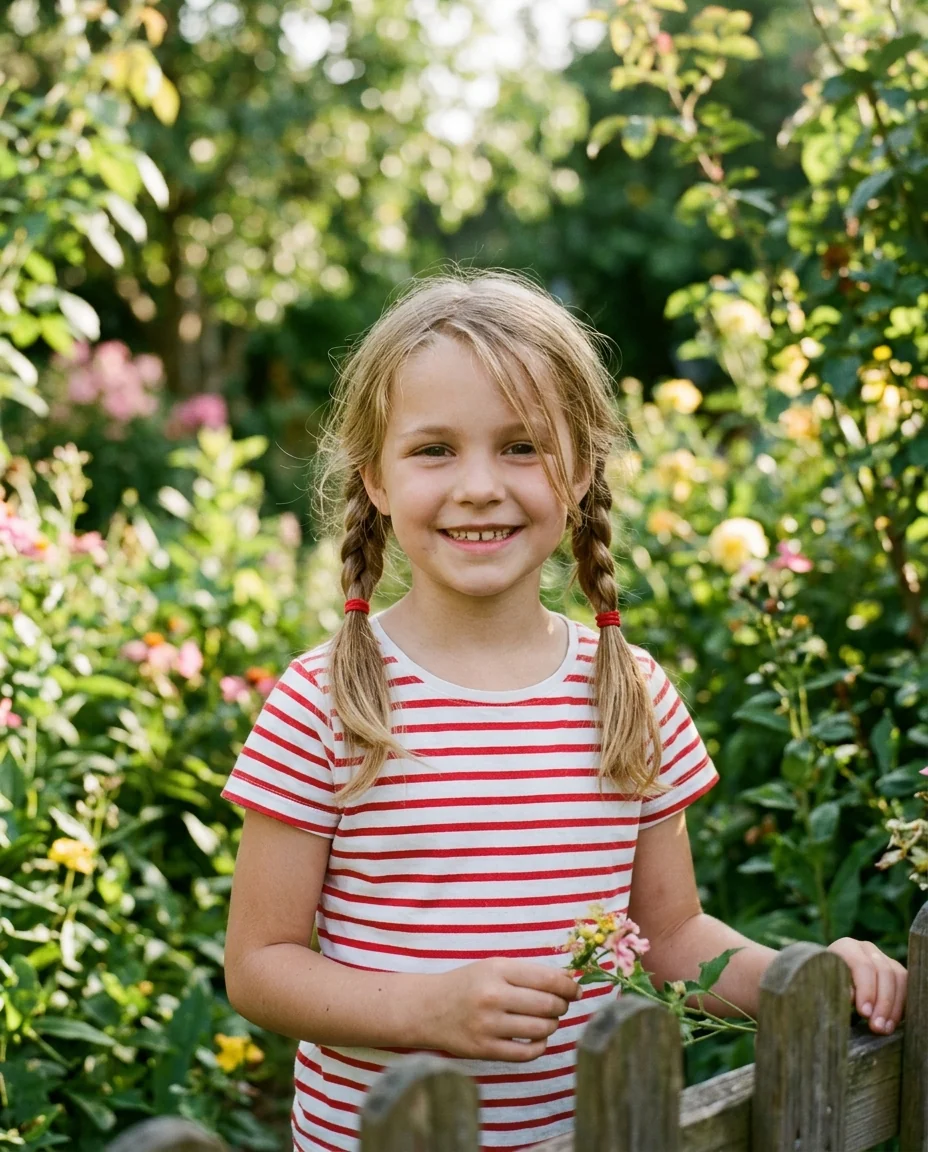
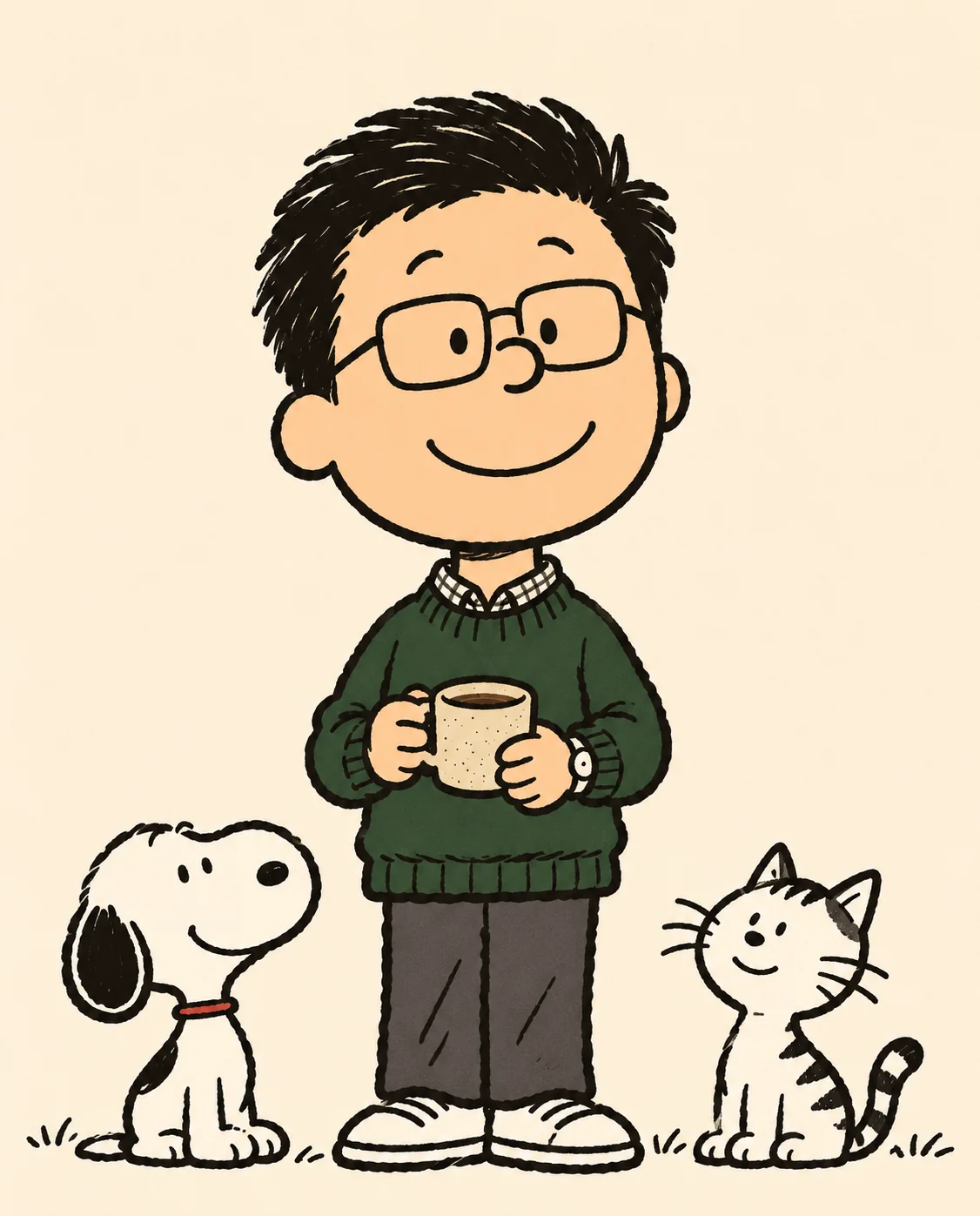
With the beagle

Just you
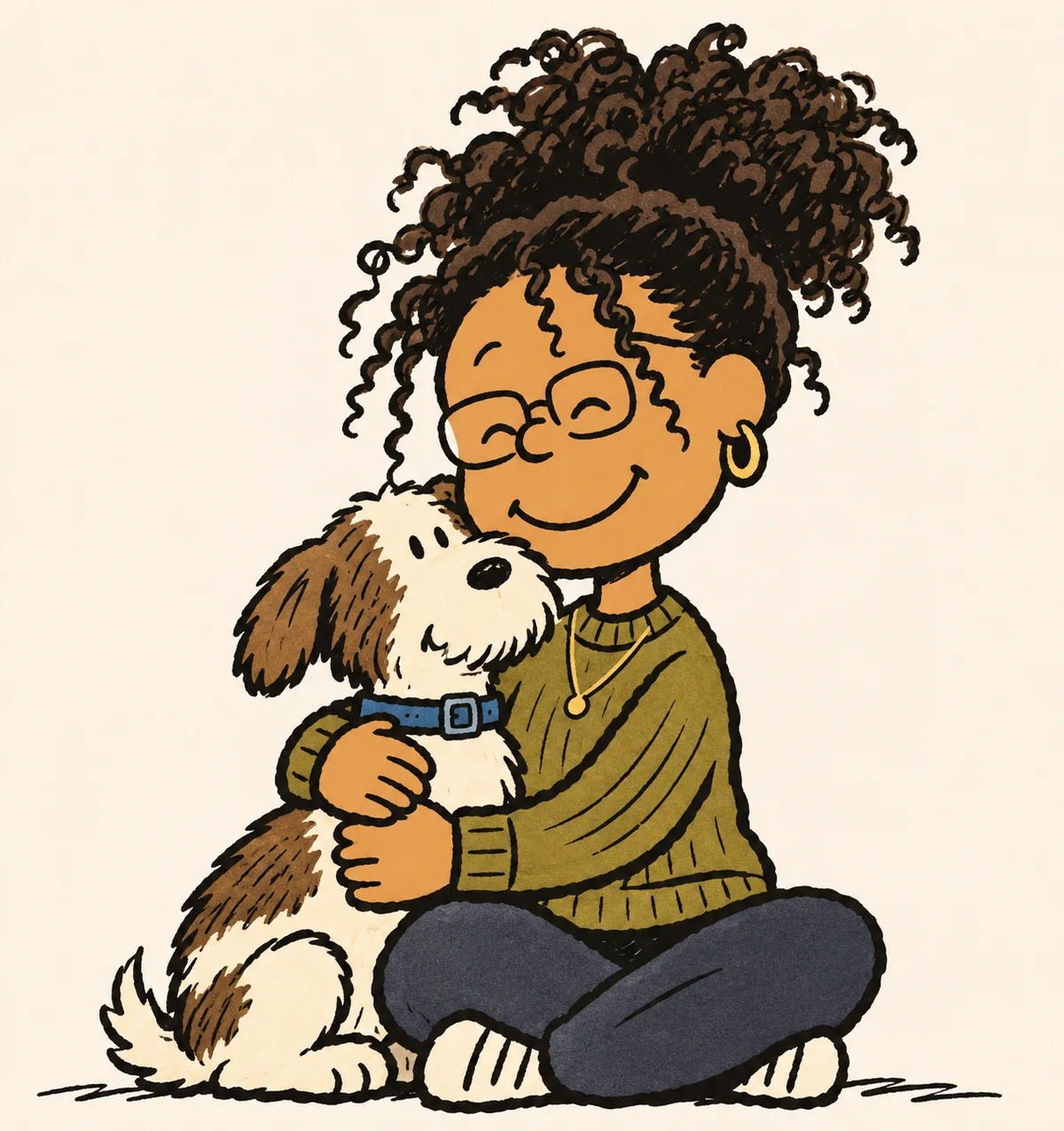
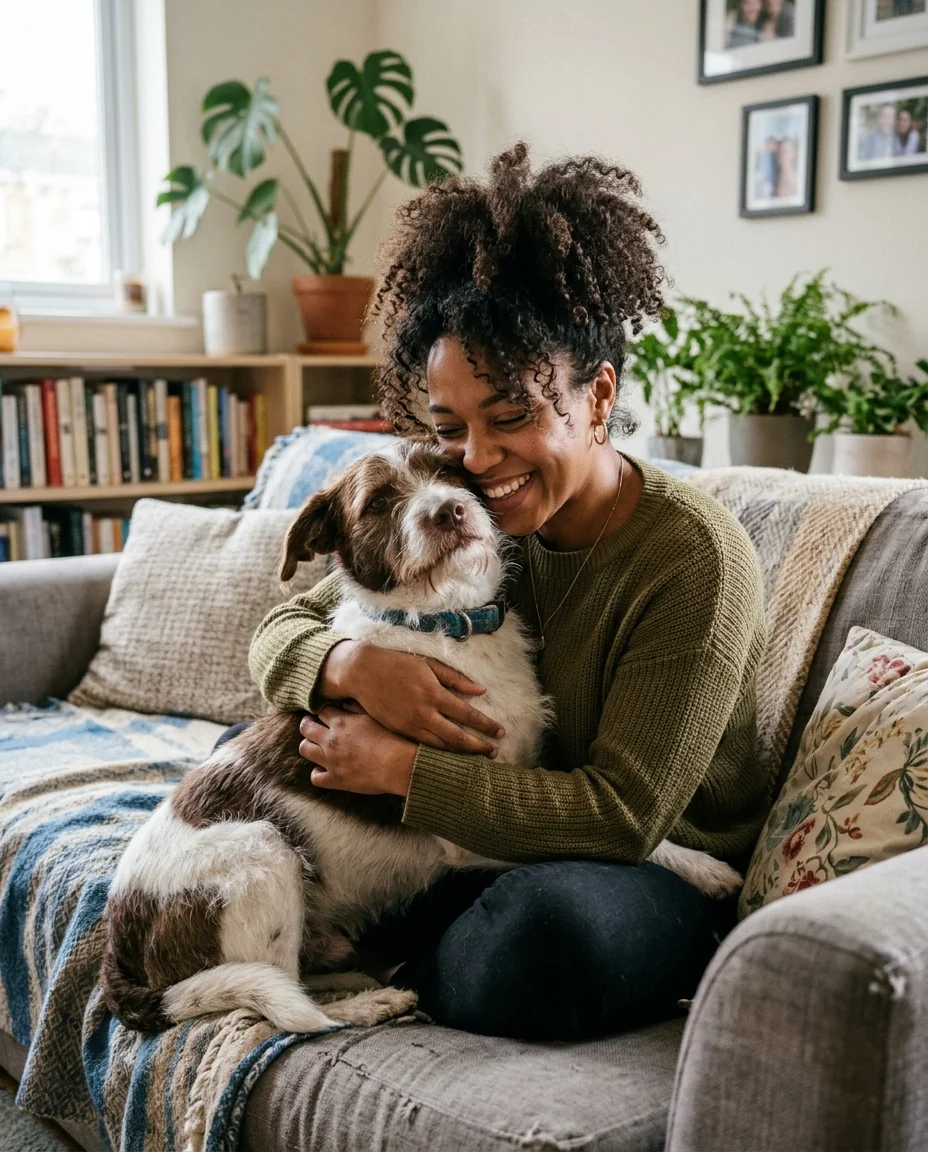
With your own dog
Snoopy Filter features.
Classic comic strip look
Round heads, dot eyes, simple lines.
Snoopy optional
Add the beagle beside you, or not.
Your pets too
Dogs and cats usually keep their markings.
Snoopy Filter, step by step.
01
Upload a photo
People, pets or both.
02
With Snoopy or just you
Add the beagle, or not.
03
Download
Use it for a card or avatar.
Snoopy Filter use cases.
- Cards
- Birthday and holiday cards in a comic style.
- Avatars
- A gentle, nostalgic profile picture.
- Pet portraits
- Your dog drawn like a comic strip pet.
Snoopy Filter: best photos and fixes.
Photos that work
The comic style is very simple, so people are recognized by hairstyle, hair color, glasses and clothes, not by facial detail. Waist-up photos with a clear outfit work best. Plain, solid-colored clothes and distinctive hair, like pigtails or curls, carry the likeness, because the style uses flat fills.
With Snoopy or just you
With Snoopy adds the beagle happily next to you in his classic design. Just you draws only the people and pets in your photo, which suits pet owners who want their own dog in the picture.
Pets
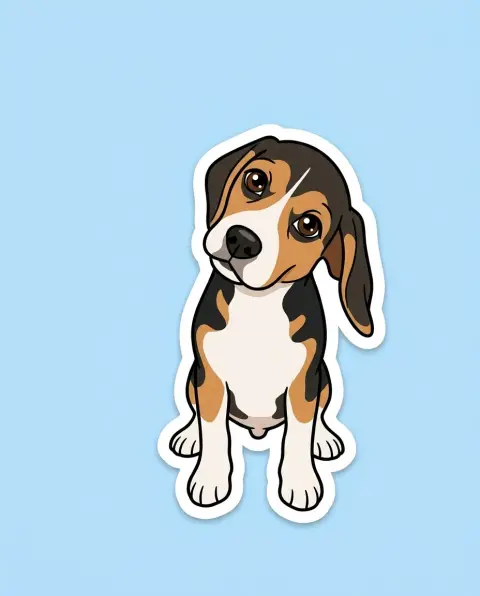
Dogs and cats are drawn in the same simple style, and usually keep their colors and markings. Pose the pet looking at the camera; side views lose the nose and eye dots.
Scenes and props
Scenes are kept minimal, as in the strips: a plain background with a hint of grass or a doghouse. Add a prop in the instructions: "holding a football", "on a red doghouse roof", "with a kite". Speech bubbles aren't added, so you can write your own words.
Families
Small groups of two to four look great in this style, like a cast of characters. For larger families, run them in two photos and place them side by side. Keep everyone facing the camera so each face gets its dots and smile.
Related tools
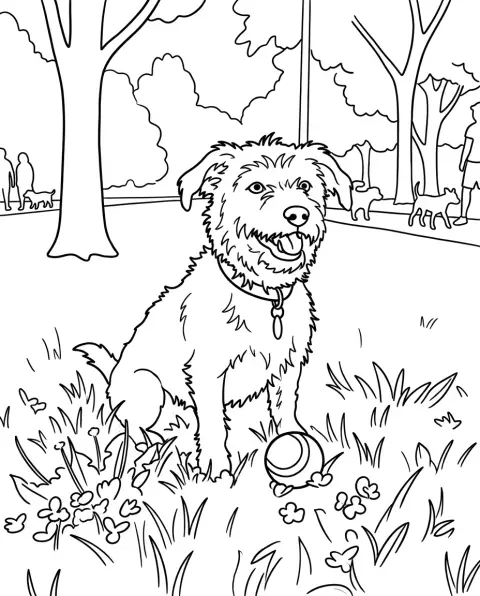
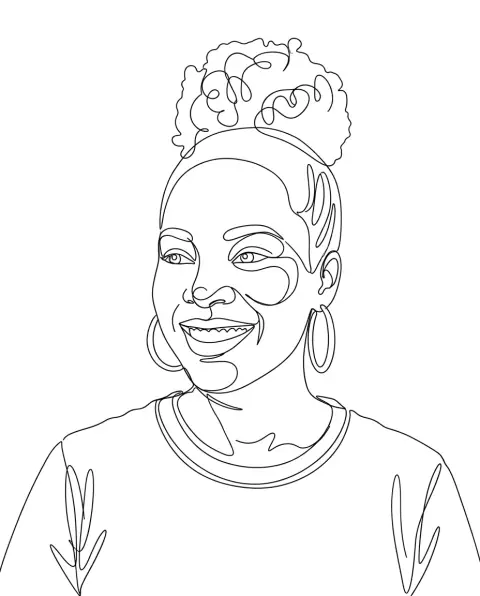
The cartoon generator offers more cartoon styles, and cartoonize my pet focuses on pets. The coloring page generator turns a photo into outlines to color, and the one line art effect makes a single-line drawing.
Snoopy Filter FAQ.
Is this an official Peanuts filter?
No. It is an independent fan-art filter and is not affiliated with or endorsed by Peanuts Worldwide or the Schulz family. It draws in the style of the original, including existing characters when you name them.
Can I sell the results?
Keep fan art for personal use, such as avatars, posts and cards. The style and the characters belong to their owners, so don't use results on merchandise or in anything you sell.
Can I use someone else's photo?
Use photos of yourself, or of people who are happy for you to edit their picture. Don't use the result to mock, embarrass or deceive anyone.
Can my own dog be in it?
Yes. Pets are drawn in the same simple style and usually keep their colors; pick Just you to leave the beagle out.
Is the Snoopy filter free?
Yes, you can try it free. New accounts get 15 free credits, and one generation here uses 9 credits. You sign in with your email; no card needed. Results have no watermark. After that, plans add credits every month and credit packs never expire.