












One Piece Filter
Be an anime pirate, or the face on a WANTED poster.
Drop a photo
or paste with ⌘V · JPG · PNG · WebP · up to 8 MB
No photo handy? Try one of ours.
More like this.
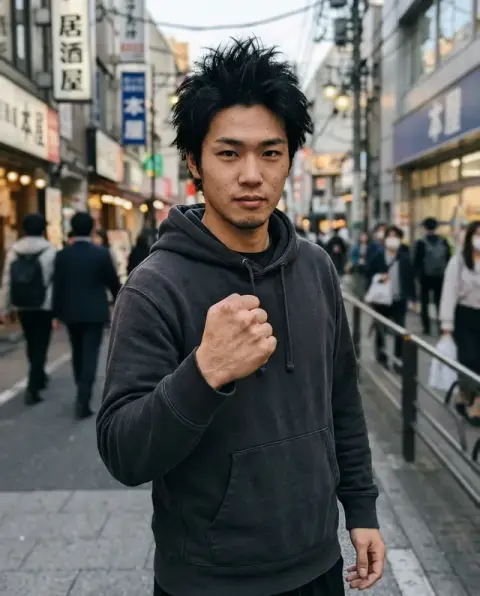
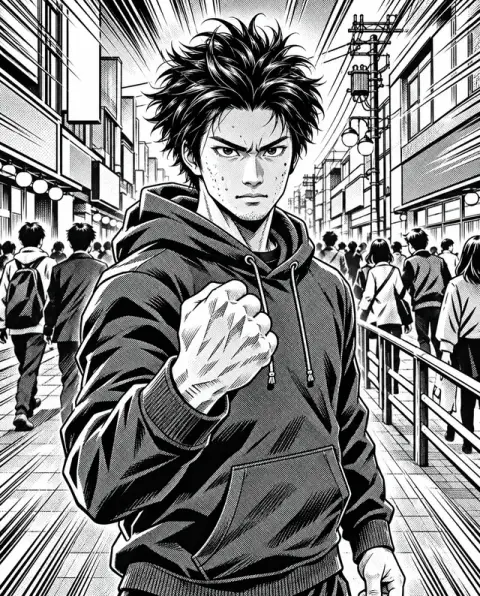
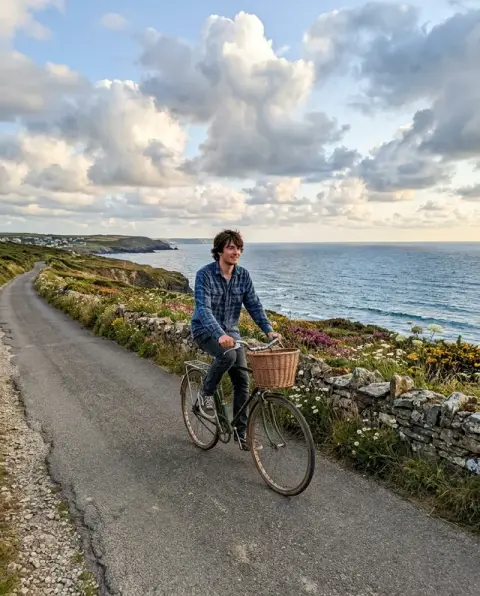
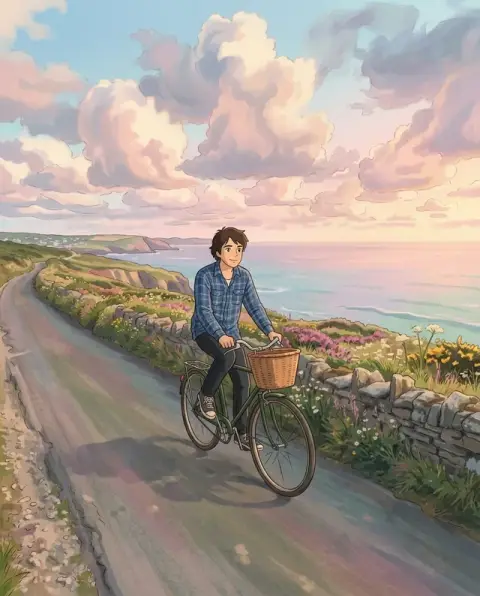
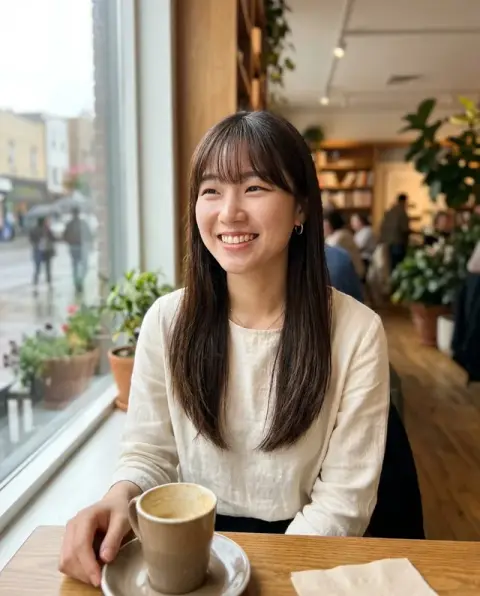

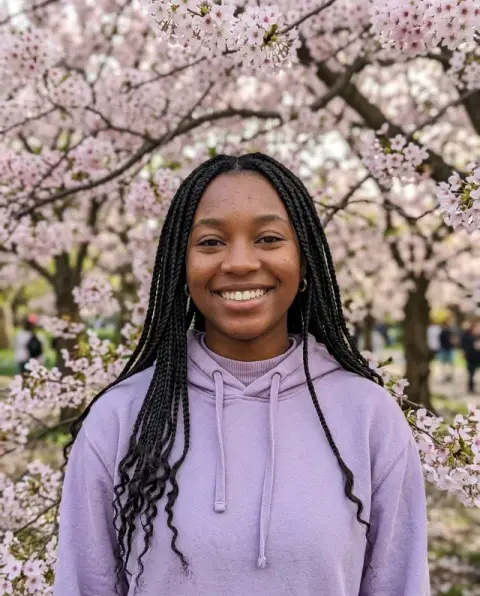
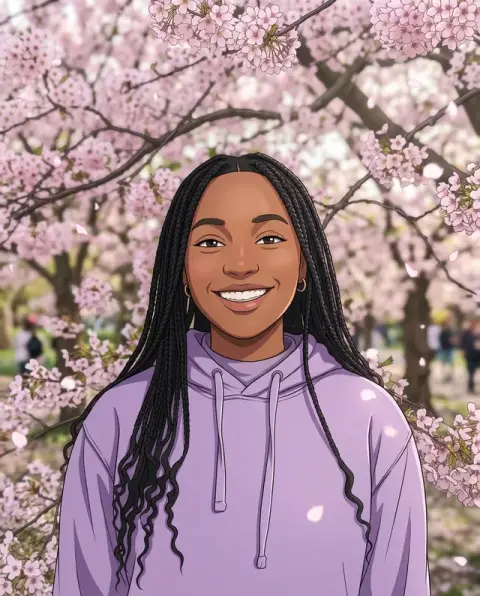
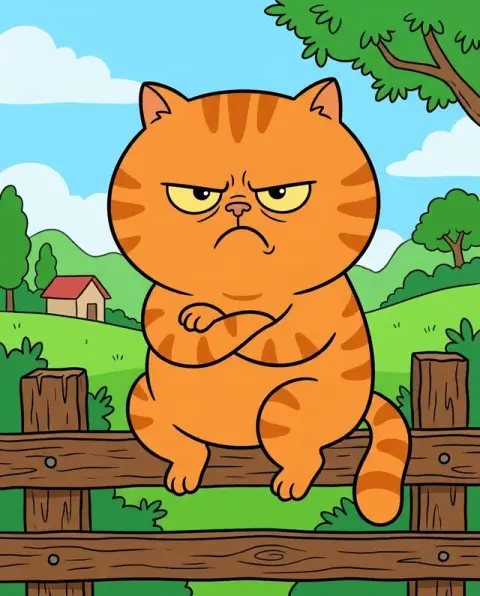
One Piece Filter examples.
Real results from this page's default settings in one click, not retouched.How examples are made
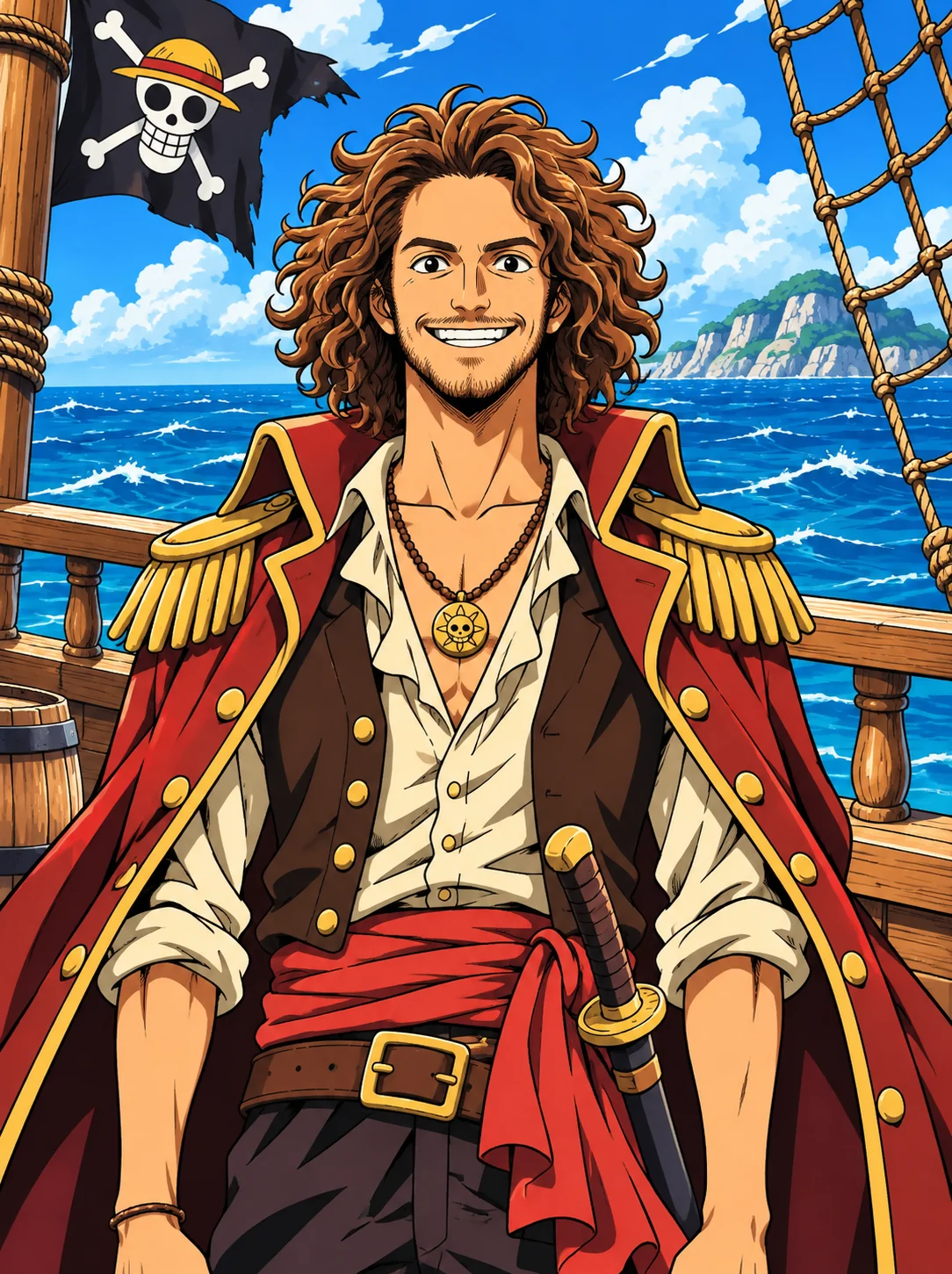
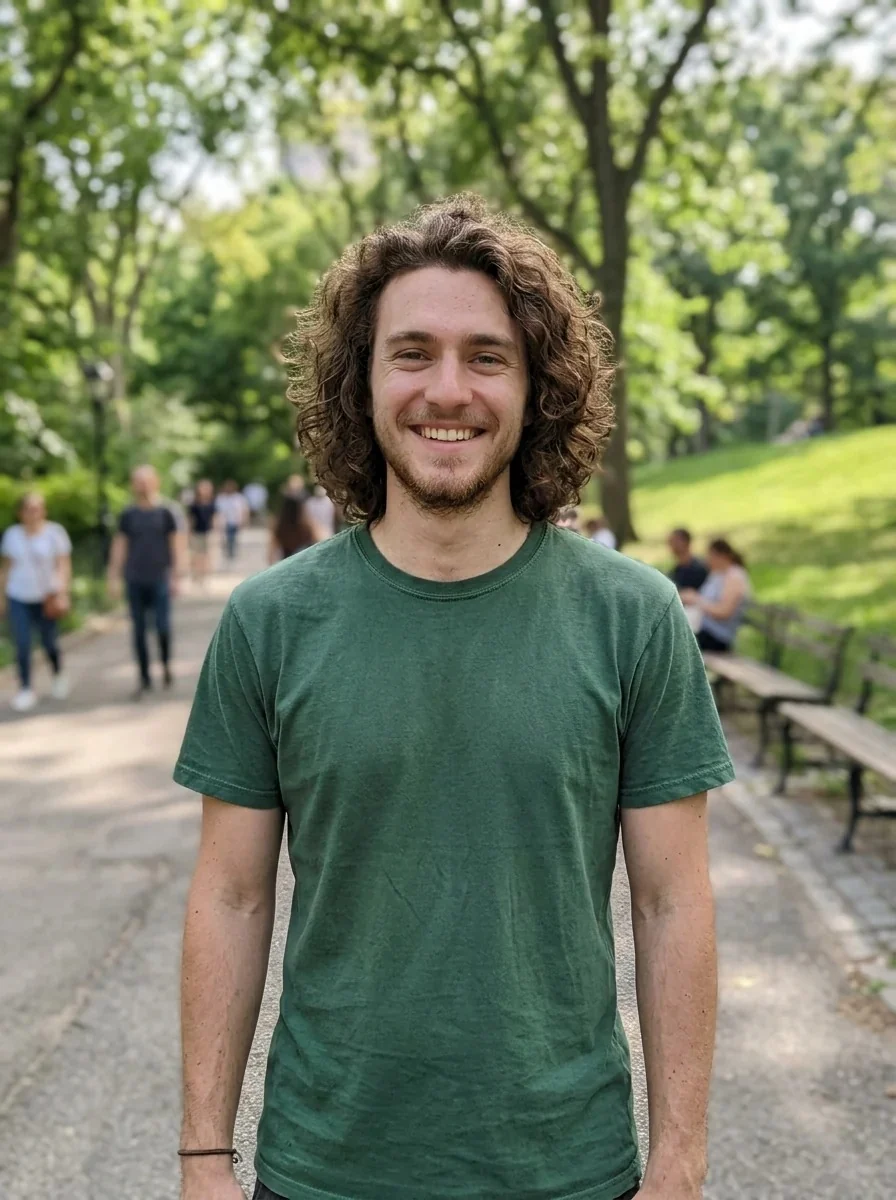
Pirate crew
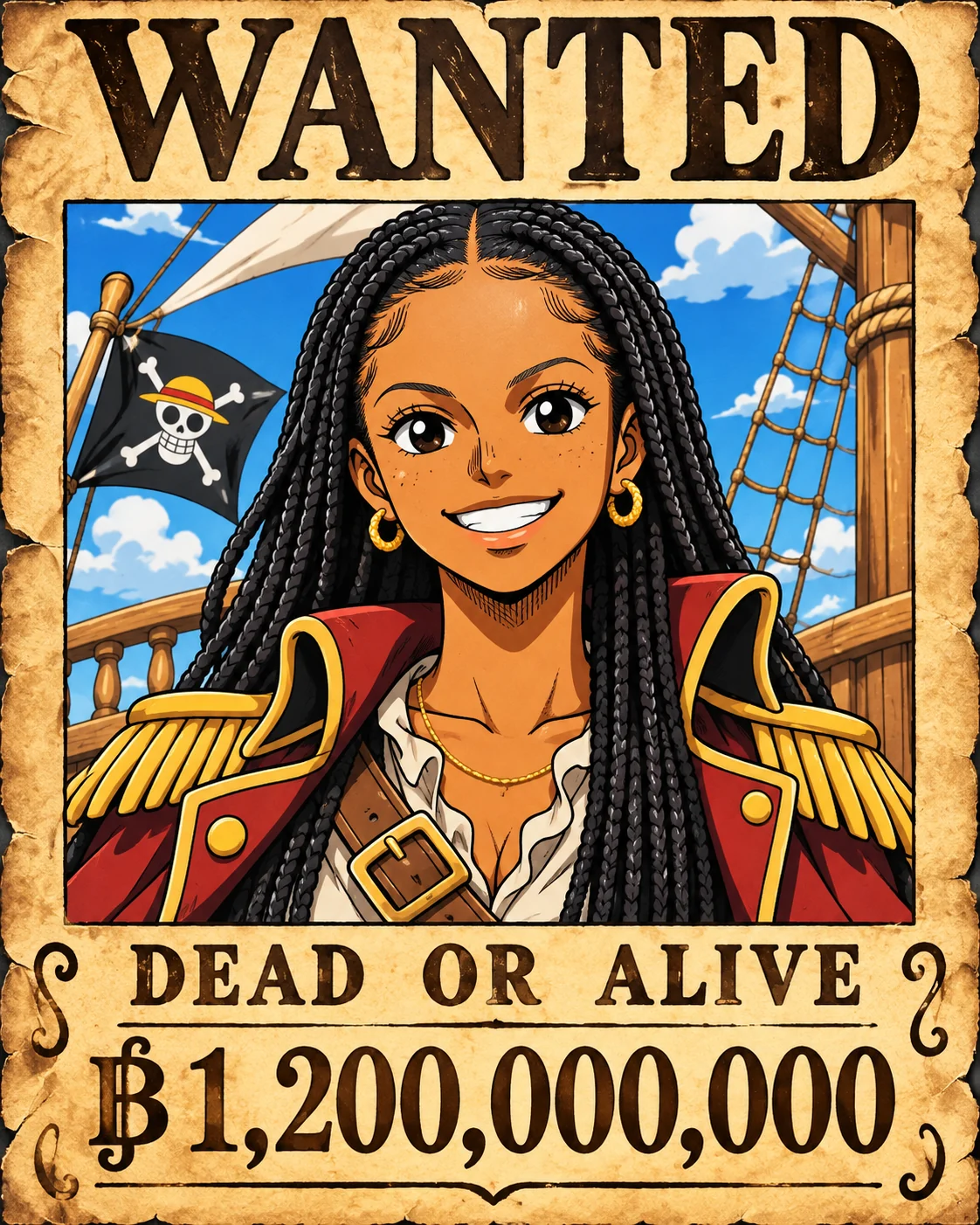
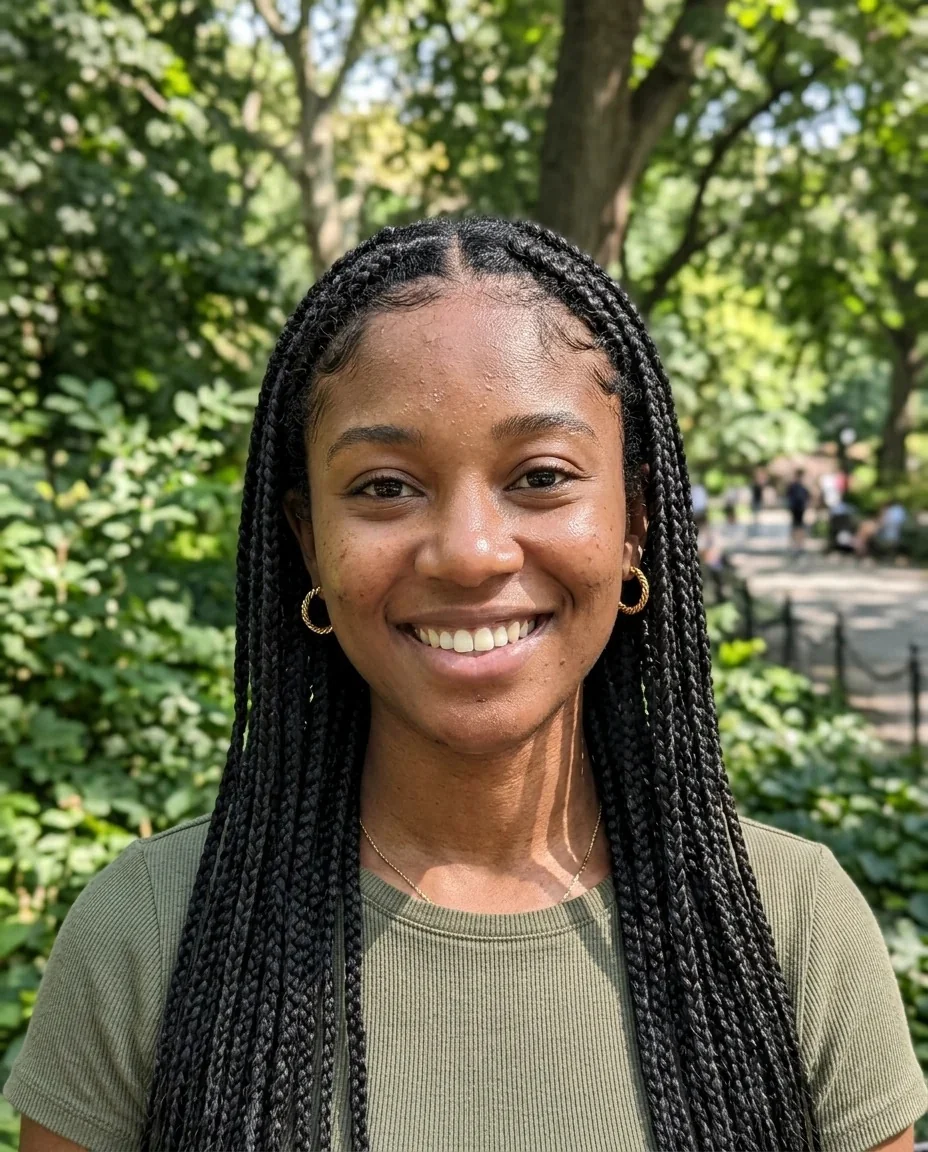
Wanted poster
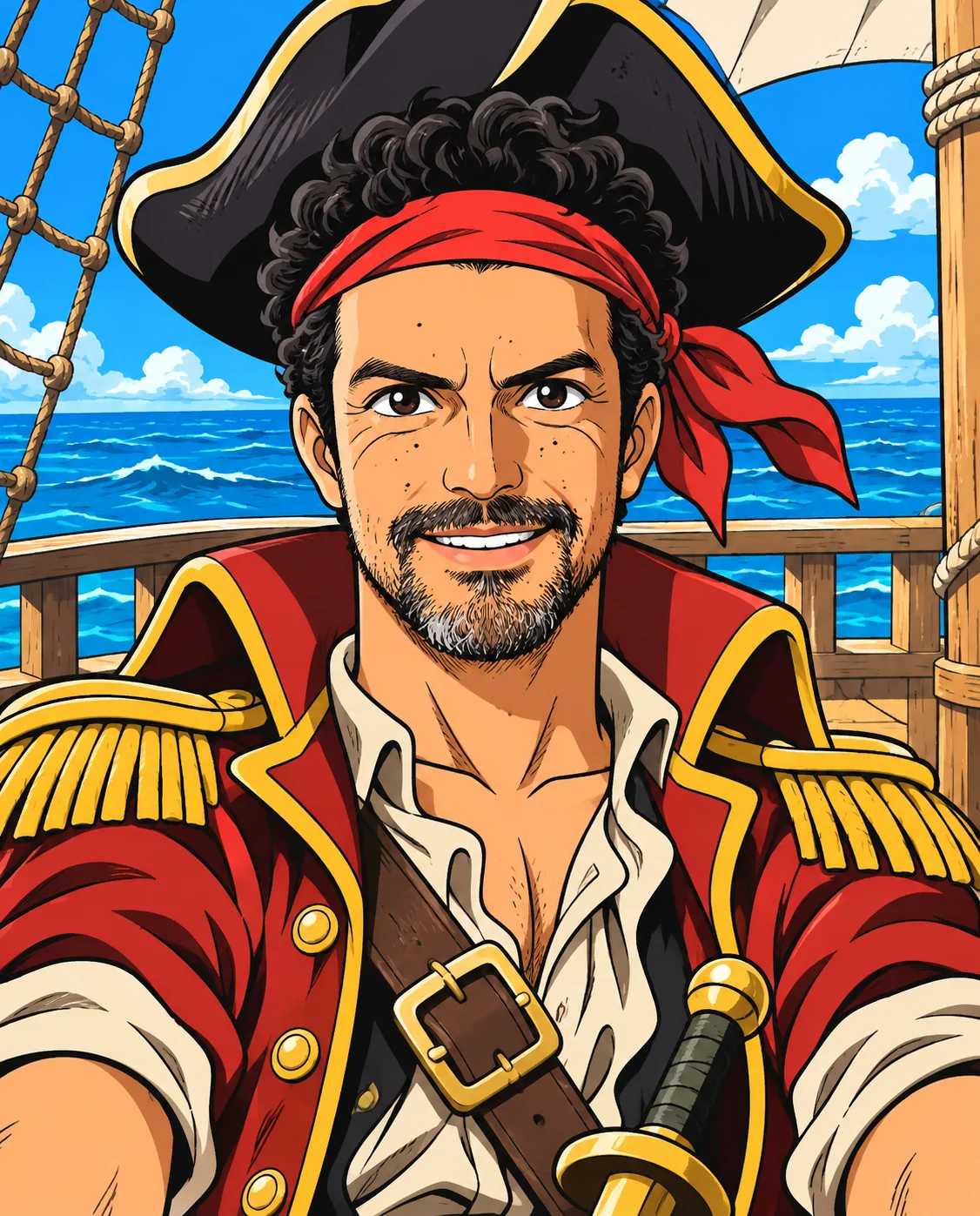
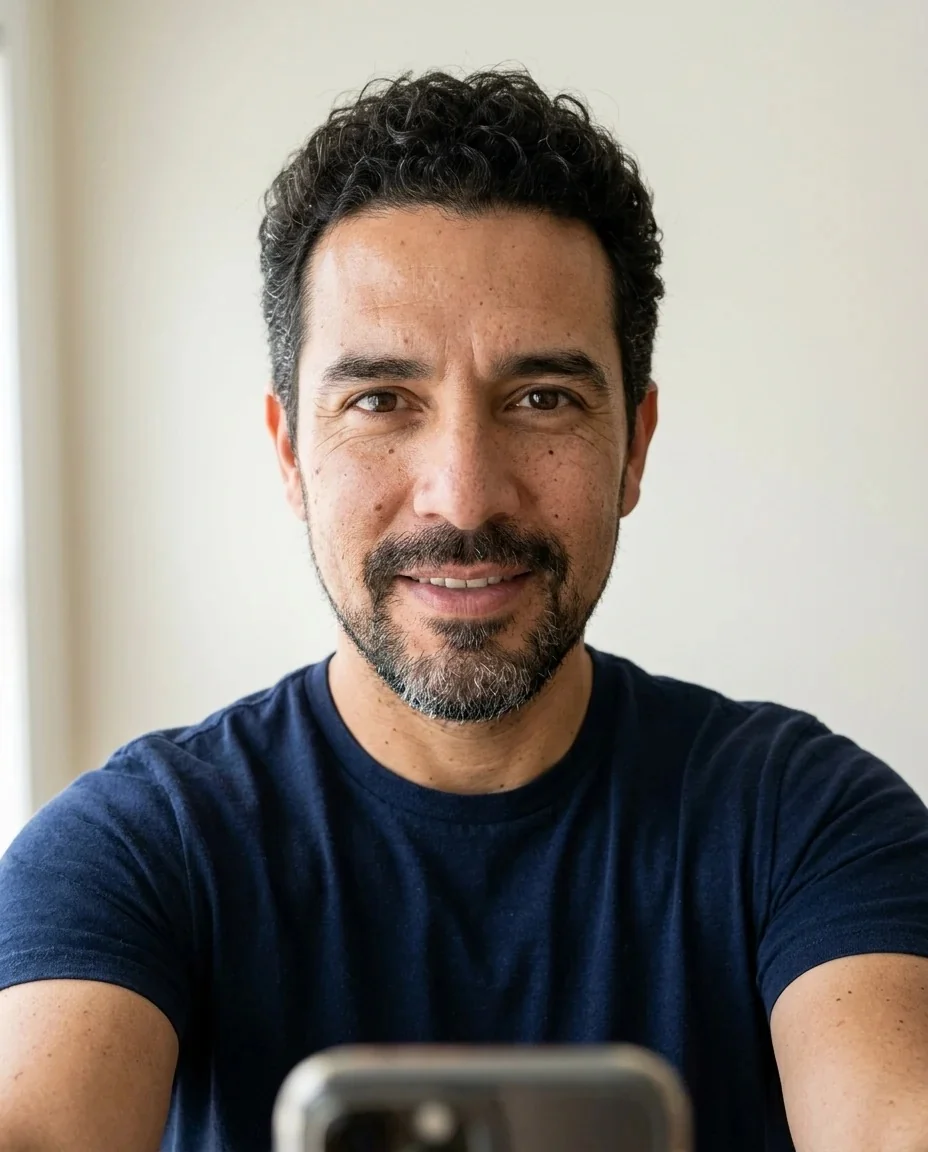
Pirate crew
One Piece Filter features.
Anime pirate portrait
Bold clean line art, bright flat colors and expressive eyes, inspired by One Piece.
Wanted poster format
An aged paper poster with the anime portrait, WANTED on top and a bounty at the bottom.
Recognizable as you
Face shape, age, skin tone, expression and pose stay the same under the anime style.
Ship deck setting
The pirate crew look puts you on a ship deck with the sea behind.
One Piece Filter, step by step.
01
Upload a clear photo
Face and shoulders visible.
02
Pick the format
Pirate crew or Wanted poster.
03
Generate and share
Download it and post the bounty.
One Piece Filter use cases.
- A bounty for your friend group
- Make a poster for each friend and give them a ridiculous reward in the group chat.
- Anime profile pictures
- Use the pirate crew portrait as an avatar for gaming and fan communities.
- Birthday and party invites
- A WANTED poster of the birthday person is an easy theme for a pirate party.
- Fan art posts
- Share before and after photos with other fans of the series.
- Gaming and Discord avatars
- The pirate portrait makes a bold, colorful avatar that stands out in a server list.
- Custom birthday gifts
- Print a WANTED poster of a friend with their face drawn in anime style as a framed gag gift.
One Piece Filter: best photos and fixes.
Pirate crew
A full-color anime portrait on a ship deck with the sea behind you, wearing a pirate outfit. Use a photo that shows your upper body, so the coat and shoulders have room.
Wanted poster
An aged paper poster with your anime portrait in the frame, the word WANTED above and DEAD OR ALIVE with a bounty below. Fun to share, since each result gets its own bounty.
Which photo suits which format
Head-and-shoulders portraits suit the poster frame, while half-body or full-body photos suit the pirate crew look.
Staying close to your face
The style simplifies skin and details like anime does, so very small features, such as freckles, may drop out. Distinct hair and eyes keep the likeness.
Other anime styles
For a general anime look, try photo to anime. For softer, painterly scenes, the Ghibli filter is a better match.
Prefer manga pages
The manga generator draws you in black and white manga style rather than color.
Lighting and color
The style uses bold outlines and bright flat colors, so strong shadows in your photo are simplified rather than copied. Even daylight gives the cleanest anime portrait.
What stays the same
The sea, deck and outfit come from the style. Your face, hair, age and expression are the parts kept from the photo, so choose a picture where your face is clear and your expression is the one you want to wear as a pirate.
One Piece Filter FAQ.
Is this an official One Piece filter?
No. It is an unofficial, fan-made style inspired by One Piece and is not affiliated with the rights holder. It works on any photo.
Can I make a One Piece wanted poster from my photo?
Yes. Choose Wanted poster to get an aged paper poster with WANTED on top, DEAD OR ALIVE and a bounty below.
Can I pick my own bounty or name?
The poster generates its own bounty text. For exact wording, add your own text afterwards in a photo editor.
Will it look like me?
The prompt keeps your identity, face shape, age, skin tone, expression and pose, drawn in anime style. Results vary between runs.
What if I want a plain anime version?
Use [photo to anime](/effects/photo-to-anime) for an anime portrait without the pirate theme.
Why does the poster have text when other filters do not?
The Wanted poster option is the one place where wording is part of the design: WANTED, DEAD OR ALIVE and a bounty. The pirate crew look has no text.
Can I get the straw hat or a specific character look?
Pick Pirate crew for a pirate outfit. You can describe an accessory or a coat in the instructions box, but the result is a new character in the style, not a copy of a named character.
Does the One Piece filter cost credits?
One result uses 9 credits with the default model, GPT Image 2. New accounts get 25 free credits once, and you can pick other models from the model menu at their own prices. Results have no watermark, and a failed generation refunds its credits.
What files can I upload?
A JPG, PNG or WebP up to 8 MB. On a computer you can scan a QR code to send a photo from your phone; the link works for 10 minutes.
Are my photos used to train AI?
No. Uploads are not used for training. Results stay in My files for 48 hours, or 30 days once you've bought a credit pack, and you can delete them sooner.


