Webtoon Filter
Be the lead of your own webcomic.
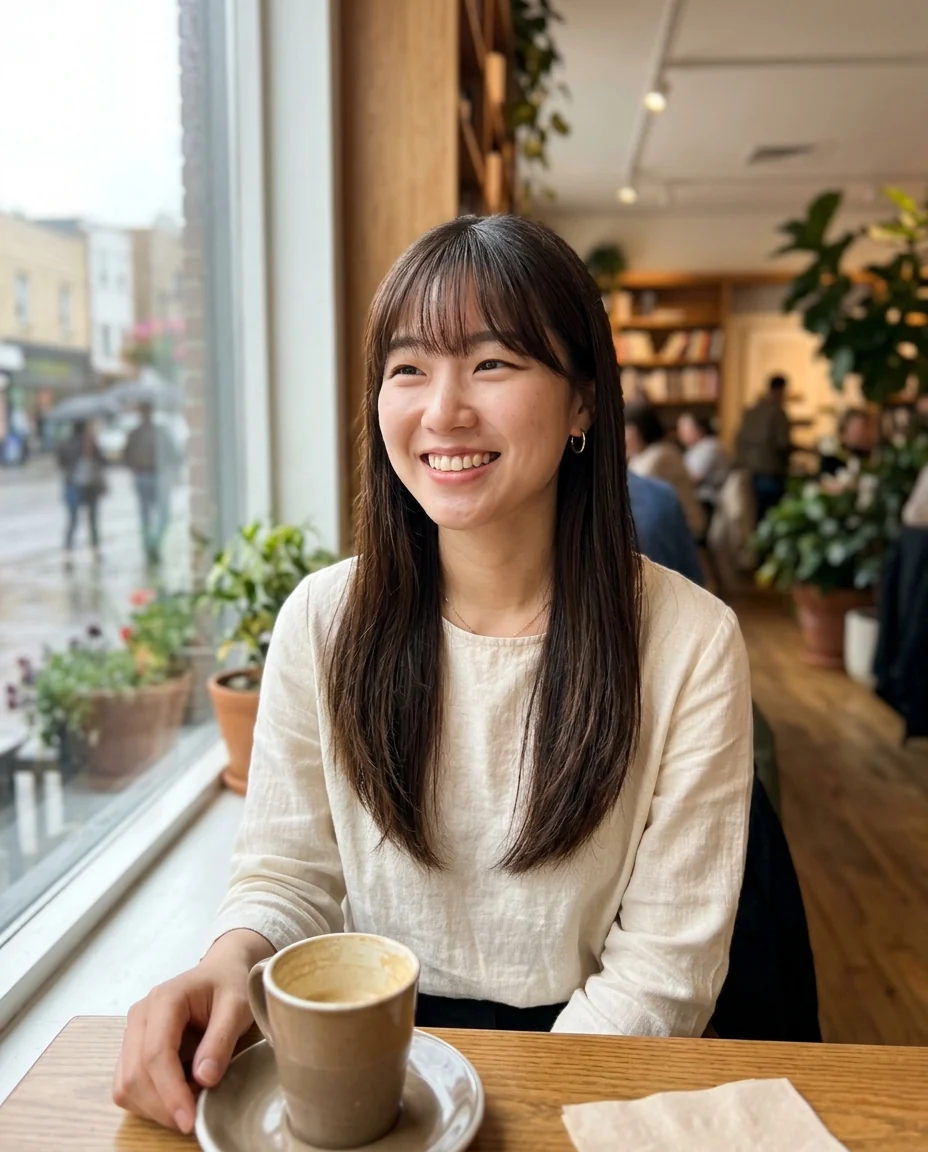
Drop a photo
or paste with ⌘V · JPG · PNG · WebP · up to 8 MB
No photo handy? Try one of ours.
Webtoon Filter examples.
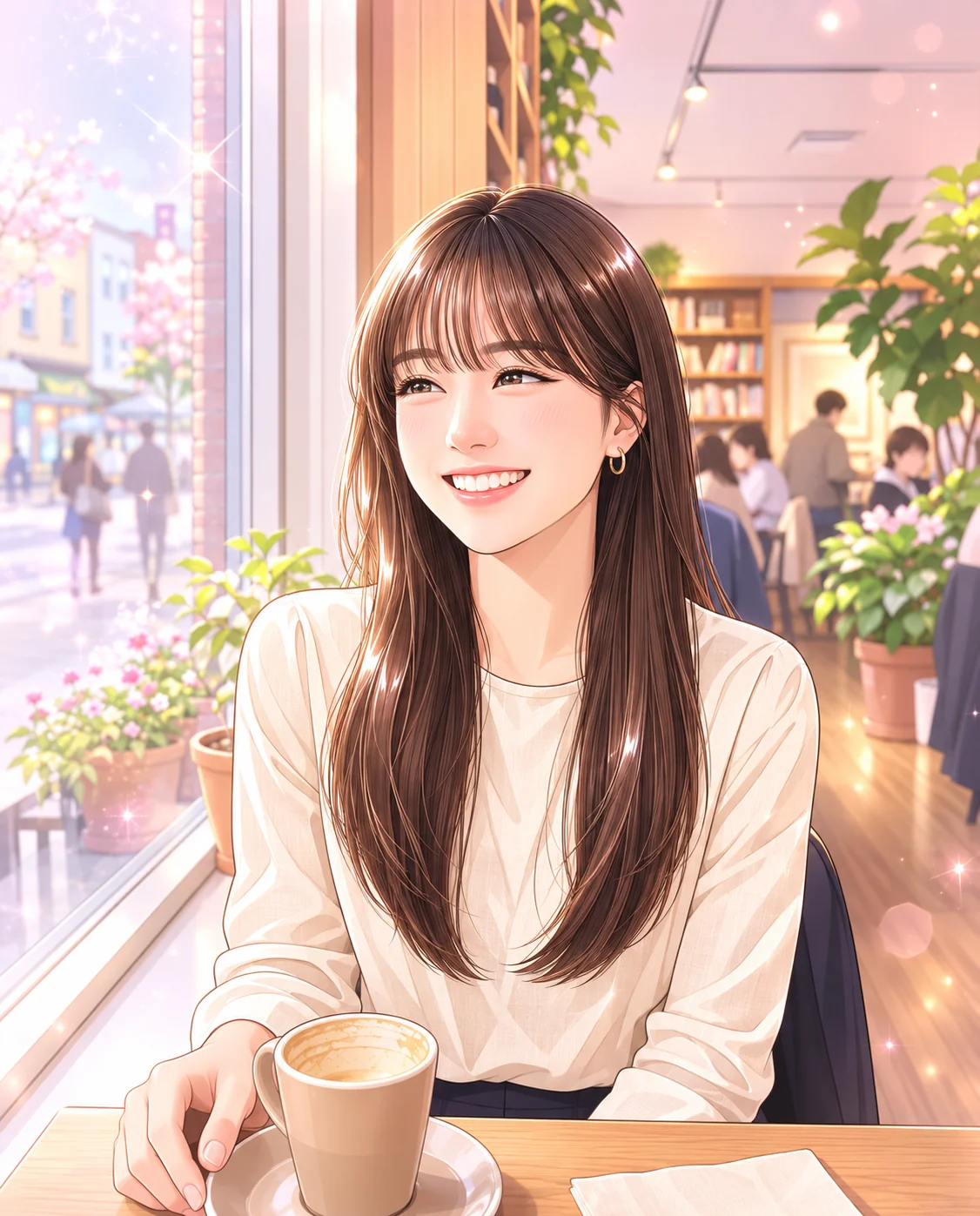
Romance
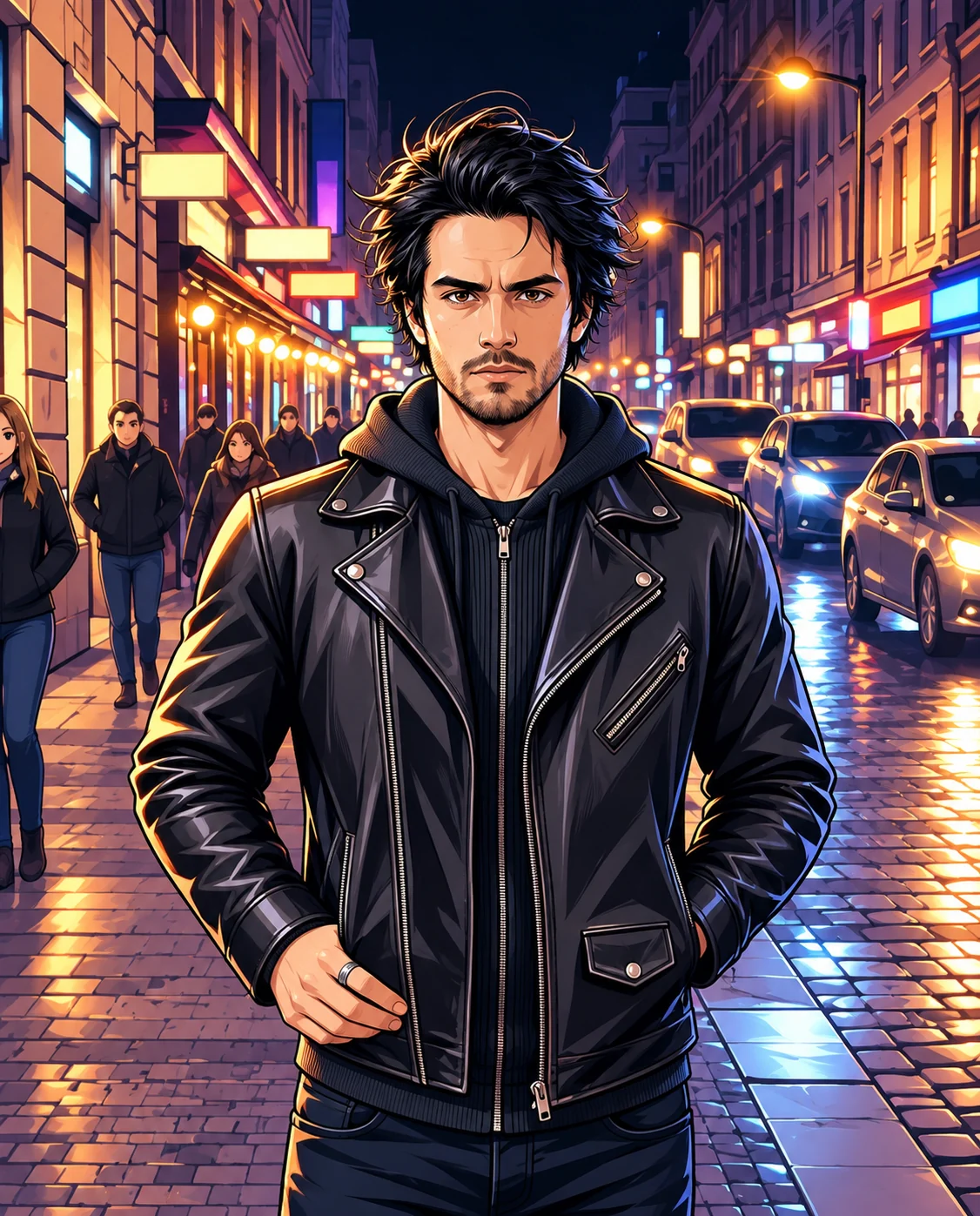

Action
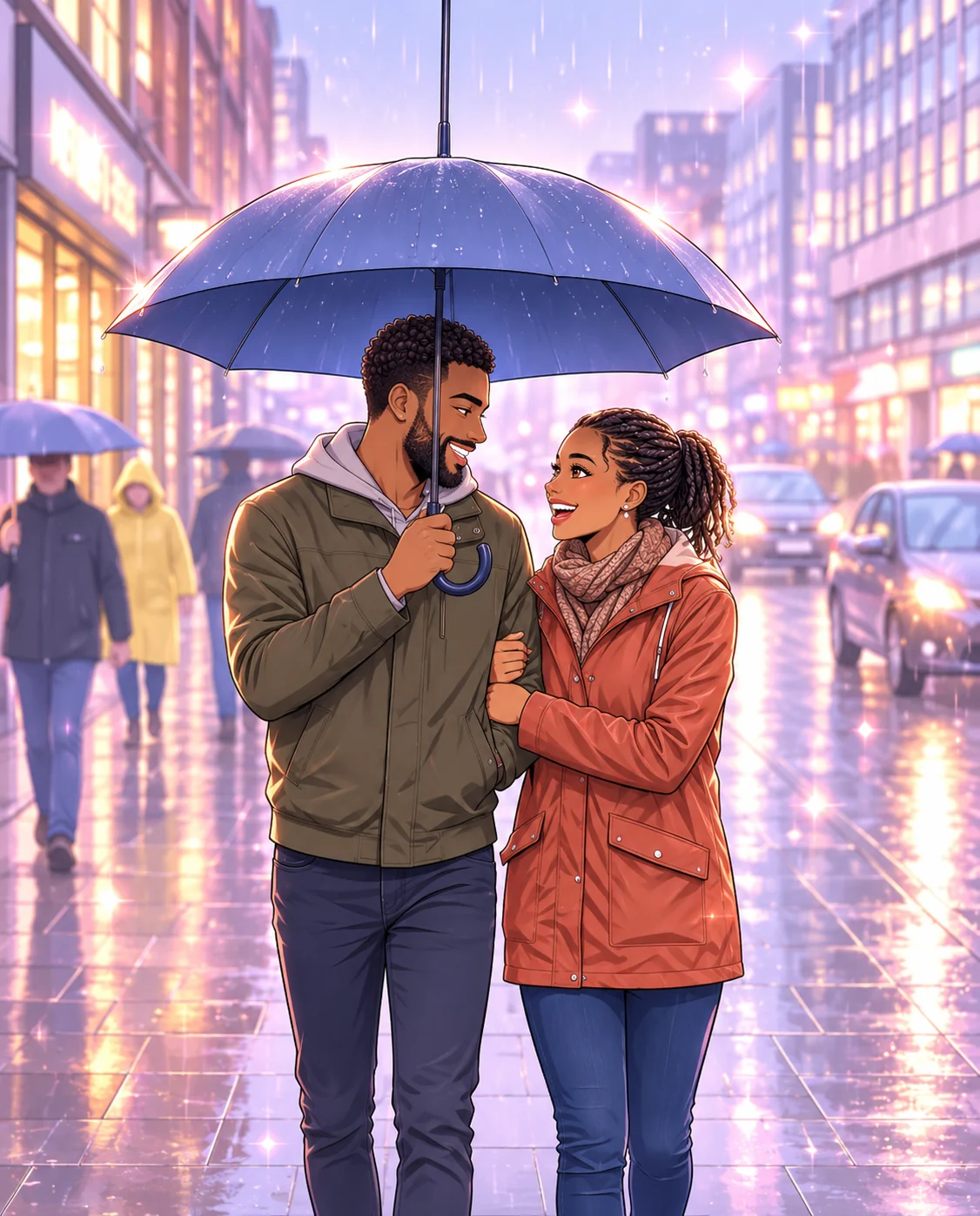
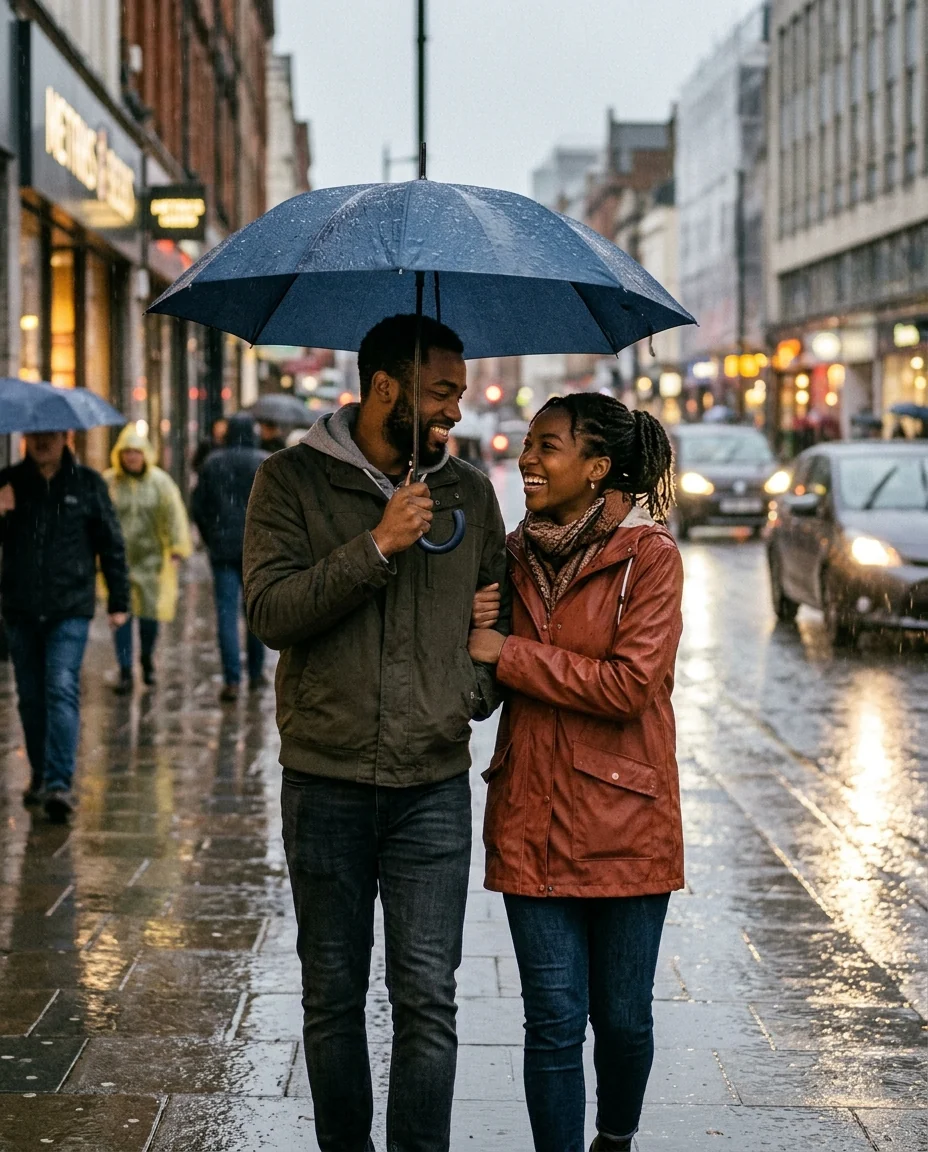
Couple
Webtoon Filter features.
Webcomic look
Thin line art, soft cel shading and glowing color.
Romance or action
Pastel and sparkly, or sharp and dramatic.
Looks like you
Hair, eyes, outfit and pose carry over.
Webtoon Filter, step by step.
01
Upload a photo
One or two people, waist-up.
02
Pick a mood
Romance or Action.
03
Download
Use it as an avatar or a comic panel.
Webtoon Filter use cases.
- Avatars
- A webcomic profile picture that looks like you.
- Couple photos
- Turn a date photo into a romance panel.
- Your own comic
- Make panels for a short story starring you.
Webtoon Filter: best photos and fixes.
Photos that look like a panel
Waist-up photos with a clear face and an interesting setting, such as a cafe, a street or a classroom, make the most convincing webtoon panels. The style is about faces, hair and mood, so even light on the face and a visible expression matter more than the background. Selfies work well for avatars; for a panel with a scene, step back a little.
Romance or action
Romance uses pastel light, sparkles and a soft glow, the look of slice-of-life and romance comics. Action uses sharp contrast, dramatic lighting and intense eyes, the look of fantasy and fighting comics. The same photo can work in both, so try each and pick the one that fits your story.
Keeping it you
Hairstyle, hair color, face shape, eye color, skin tone, glasses and outfit are kept. The face is stylized with larger eyes and glossy hair, so it is a webcomic version of you rather than a photo. If the likeness drifts, try a photo where your face is larger and facing the camera.
Making a comic
To build a short comic, take photos in sequence, run each one with the same mood, and arrange them vertically in an editing app, the way webtoons are read. Speech bubbles and text aren't added, so you can write your own dialogue with the font you like.
Couples and groups
Two people in a photo work well and suit romance stories. Larger groups are drawn too, but each face is smaller and less detailed. For a cast of characters, run each person separately with similar backgrounds so they look like they belong in the same comic.
Related tools
Photo to anime gives a broader anime illustration look, and the ghibli filter a hand-painted film style. The chibi generator makes a cute big-headed version, and the character generator designs original characters from a description. For a pencil drawing, try photo to sketch.
Webtoon Filter FAQ.
Can I use someone else's photo?
Use photos of yourself, or of people who are happy for you to edit their picture. Don't use the result to mock, embarrass or deceive anyone.
Does it add speech bubbles?
No. Bubbles and text aren't added, so you can write your own in an editing app.
Can I use it for a couple photo?
Yes. Two people work well, especially with the Romance mood.
Is it the same as photo to anime?
It is closer to Korean webcomics: thinner lines, glossy color and softer shading than classic anime.
Is the Webtoon filter free?
Yes, you can try it free. New accounts get 15 free credits, and one generation here uses 9 credits. You sign in with your email; no card needed. Results have no watermark. After that, plans add credits every month and credit packs never expire.